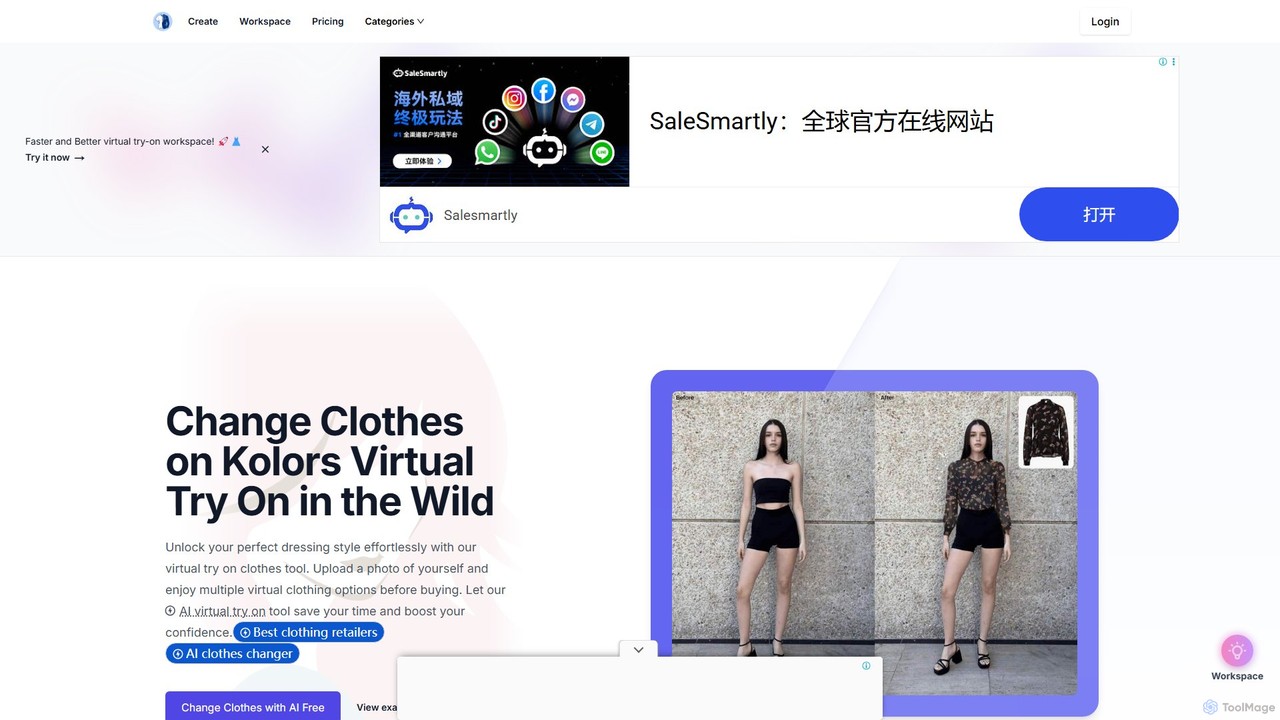
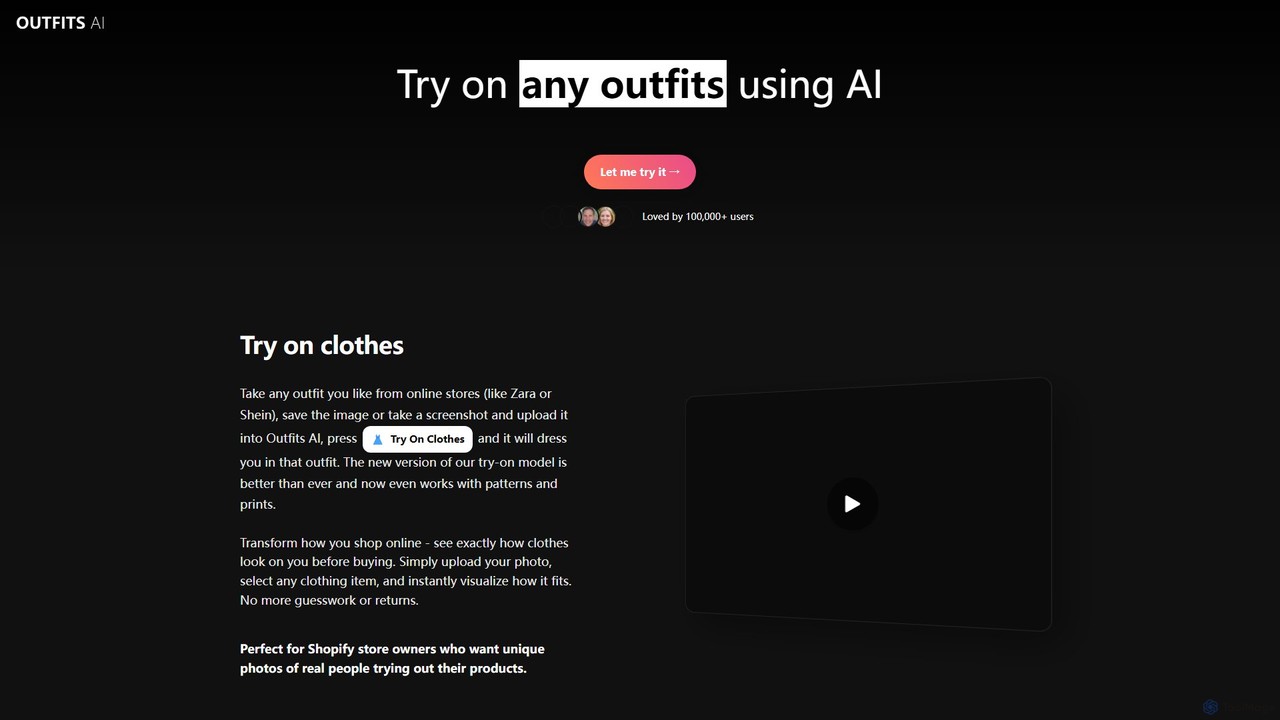
AI Product Imagery tools are a specialized category of software that uses generative AI to create professional, studio-quality product photographs without the need for physical photoshoots. These tools analyze an uploaded image of a product and can place it into countless virtual scenes, generate realistic backgrounds, or even create AI-generated models to wear it. Their primary value lies in drastically reducing the time, cost, and logistical complexity associated with traditional product photography. This enables e-commerce businesses to produce a high volume of diverse and engaging visual content quickly and affordably.
Core Features
- Virtual Photoshoots: Generate photorealistic images of your product in any imaginable setting or lifestyle scene from a single product photo.
- AI Background Manipulation: Instantly remove, replace, or generate custom backgrounds that match your brand's aesthetic.
- AI Model Generation: Showcase apparel, jewelry, or accessories on AI-generated human models, with options for various ethnicities, ages, and body types.
- Scene Composition: Automatically add realistic shadows, reflections, and lighting to ensure the product blends seamlessly into the new environment.
- Image Enhancement: Upscale resolution and automatically adjust colors and lighting to create crisp, clean, and professional-looking images.
Use Cases
These tools are ideal for e-commerce store owners, marketing teams, social media managers, and dropshippers. They are particularly valuable for businesses in fashion, furniture, cosmetics, and consumer packaged goods that require a constant stream of fresh visual content for product listings, advertisements, and social media campaigns.
How to Choose
When selecting an AI Product Imagery tool, consider the realism and quality of the generated images, as this directly impacts customer trust. Evaluate the variety and relevance of available scene templates and customization options. Also, assess the user-friendliness of the interface, the pricing model (e.g., per-image credits vs. subscription), and any available integrations with e-commerce platforms like Shopify.