
Image Editing Best in category 1 results Sticker Creation AI Tool

Popular AI tools in the Sticker Creation field of Image Editing include StickrSnap, etc., helping you quickly improve efficiency.

StickrSnap

StickrSnap

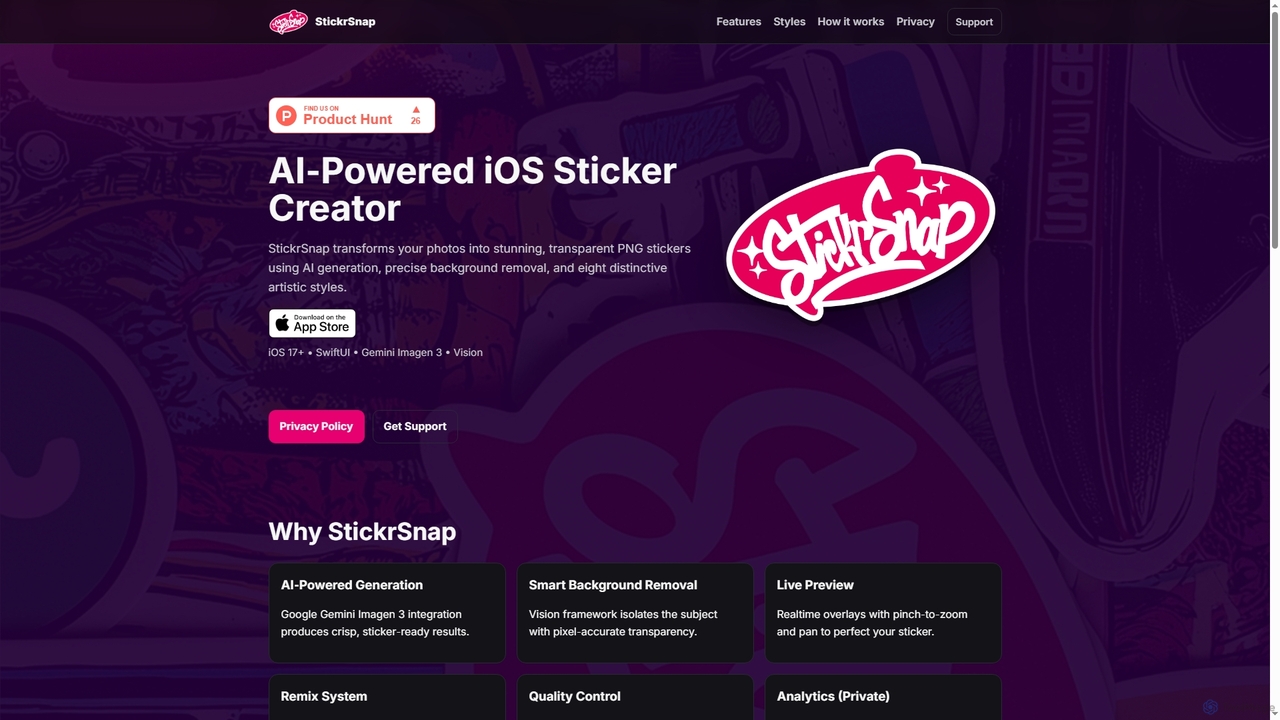
StickrSnap is an AI-powered iOS app that effortlessly transforms your photos into unique, transparent PNG stickers. Leveraging Google …

2.7K

About Sticker Creation

AI Sticker Creation tools are specialized applications that automate the design and generation of digital or printable stickers. These tools use generative AI to create unique visuals from text prompts or transform existing photos into stylized graphics with features like automatic cutouts and borders. They provide a streamlined solution for creating expressive, high-quality stickers for messaging apps, social media, and branding, eliminating the need for complex manual design skills.

Core Features

  • Text-to-Sticker Generation: Creates unique stickers from simple text descriptions using generative AI models.
  • Automatic Background Removal: Instantly isolates a subject from its background to create a clean cutout.
  • One-Click Styling: Applies classic sticker effects like white outlines, drop shadows, and cartoon or anime styles.
  • Image-to-Sticker Conversion: Transforms any photo or image into a ready-to-use sticker format.
  • Style Customization: Offers a range of artistic filters and effects to match a specific aesthetic or brand identity.

Use Cases

These tools are widely used by social media managers for creating engaging brand content, community managers for designing custom emotes for platforms like Discord and Twitch, and individual creators for personalizing their digital communications. Small e-commerce businesses also use them to design promotional stickers and product labels.

How to Choose

When selecting an AI Sticker Creation tool, consider the quality of the AI generation from text or images. Evaluate the variety of available styles and customization options. Check the supported export formats (e.g., PNG with transparency, WEBP) and resolution. Finally, assess the user interface for ease of use and the pricing model to ensure it fits your budget and needs.

Sticker CreationUse Cases

1

Creating Custom Sticker Packs for Messaging Apps

A user wants to create a personalized sticker pack for WhatsApp or Telegram featuring their pet. They upload several photos to an AI sticker creation tool. The tool automatically detects the pet in each photo, removes the background, and adds a clean white border. The user then adds humorous text captions to some stickers and applies a cartoon filter to others. Within minutes, they can export a complete, ready-to-import sticker pack, adding a unique and personal touch to their daily conversations without any design software knowledge.

2

Generating Branded Stickers for Social Media Marketing

A social media manager for a coffee brand needs engaging content for an upcoming Instagram campaign. Using a text-to-sticker tool, they input prompts like 'a cute coffee cup character giving a thumbs up, sticker style' and 'steaming latte art with a smiley face, die-cut sticker'. The AI generates dozens of variations. They select the best ones, ensure the colors align with their brand palette, and export them with transparent backgrounds. These stickers are then used in Instagram Stories, Reels, and as GIPHY stickers, increasing brand visibility and audience interaction.

3

Designing Custom Emotes for Twitch and Discord

A Twitch streamer wants to offer unique emotes to their subscribers. They use an AI sticker tool to turn a photo of themselves making a funny face into an emote. The tool removes the background and allows them to apply a slightly exaggerated, cartoonish style to make it more expressive. They also generate new emotes from text prompts based on inside jokes from their community, like 'a tactical llama wearing sunglasses'. The tool exports the images in the required sizes (28x28, 56x56, 112x112 pixels), ready for direct upload to Twitch and Discord, fostering a stronger community identity.

4

Creating Printable Stickers for E-commerce Products

An Etsy shop owner who sells handmade journals wants to include a free sticker with every order. Instead of hiring a designer, they use an AI sticker generator. They input prompts like 'watercolor stack of books sticker' and 'vintage typewriter with flowers, sticker design'. The AI produces high-resolution designs that match their shop's aesthetic. They can then arrange multiple designs on a single sheet, export a print-ready PDF, and print them on sticker paper at home or through a professional service. This allows for cost-effective and highly customized product branding.

5

Gamifying Educational Materials with Stickers

An online course instructor wants to make their digital learning materials more engaging for students. They use an AI sticker tool to create a set of 'digital reward' stickers. They generate images like 'a golden star with a smiley face', 'a cartoon brain lifting weights', and 'a lightbulb with a graduation cap'. These stickers are then used in digital worksheets, presentation slides, and feedback documents to praise student achievements and highlight key concepts. This visual feedback system helps increase student motivation and makes the learning process more enjoyable and memorable.

6

Quickly Prototyping App Icons and UI Elements

A mobile app developer is in the early stages of designing a new application and needs to quickly visualize different icon ideas. They use an AI sticker generator as a rapid prototyping tool. By entering prompts like 'a minimalist blue bird icon, sticker style' or 'a green checkmark with a subtle shadow, app icon', they can generate dozens of concepts in minutes. While not the final design, these AI-generated stickers serve as excellent visual placeholders and help the team decide on a design direction much faster than traditional sketching or manual design work, streamlining the initial UI/UX workflow.

Sticker CreationFrequently Asked Questions