ToolMage
Sign in

Best 4 Image To Video AI tools for Image

Popular Image To Video AI tools in Image include Video Studio AI, aikiss, Vidduo, and XJoy AI, helping you work more efficiently.

Vidduo
Freemium

Vidduo

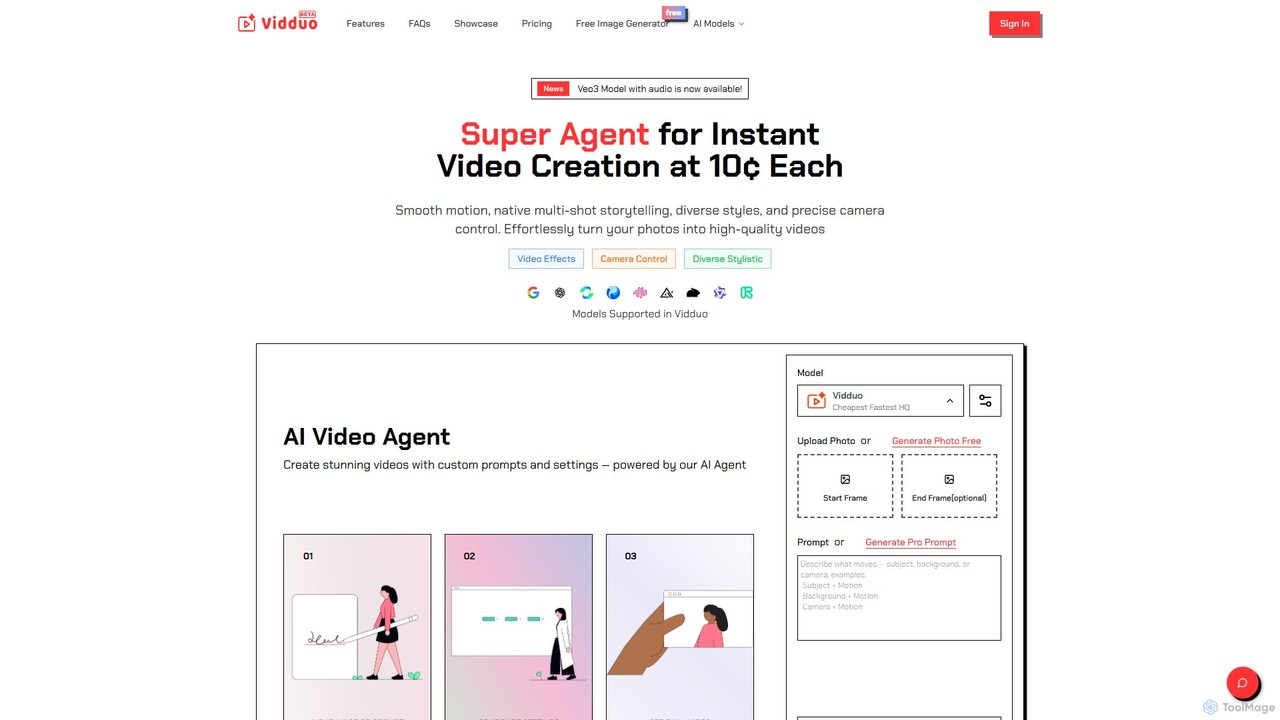
Vidduo is a powerful and low-cost AI video generator that transforms photos and text prompts into high-quality, dynamic videos. Leveraging advanced models like Google's Veo3, it offers multi-shot storytelling, extensive video effects, precise camera controls, and diverse artistic styles, making professional video creation accessible and affordable.

Social Media
Visits 8.1KFavorites 121Likes 142
aikiss
Freemium

aikiss

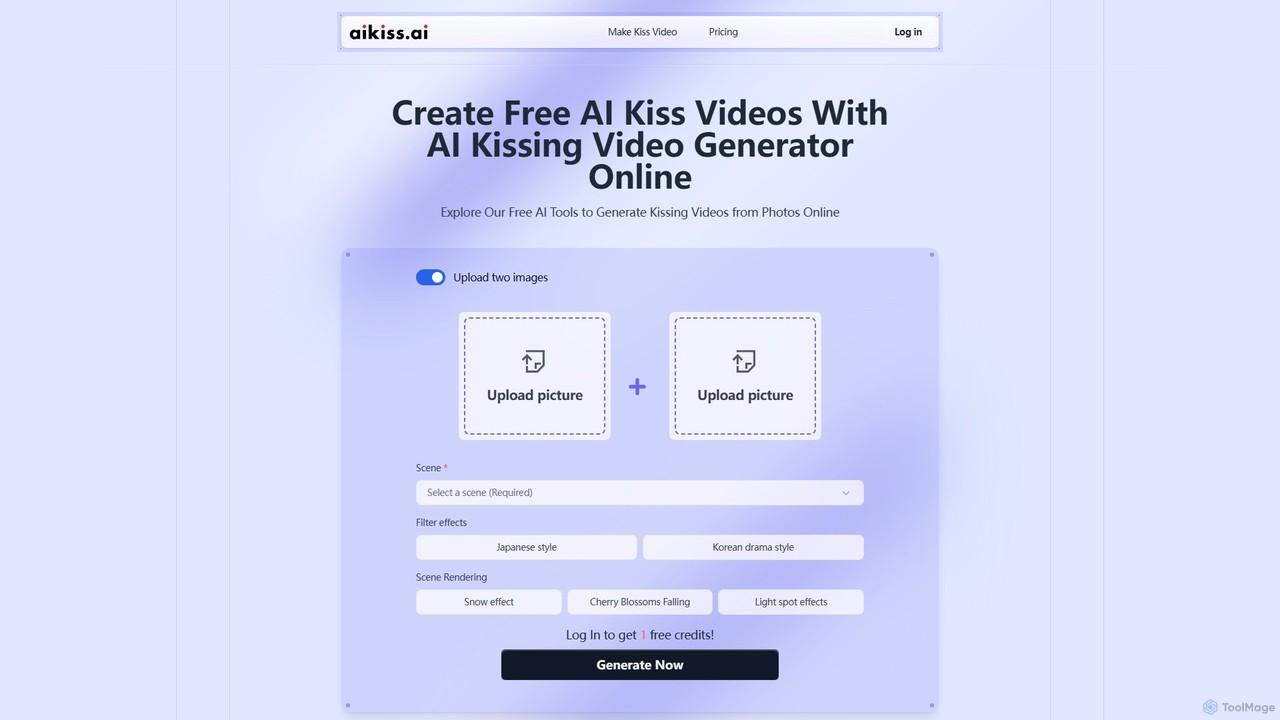
aikiss is an AI-powered video generator that creates unique, animated kissing videos from two photos. Simply upload two images, choose from various scenes and styles, and let the AI generate a short, romantic, or humorous video. It's a fun tool for creating social media content, personal gifts, or memes without any video editing skills.

Meme Generator
Visits 13.8KFavorites 135Likes 148
Video Studio AI
Freemium

Video Studio AI

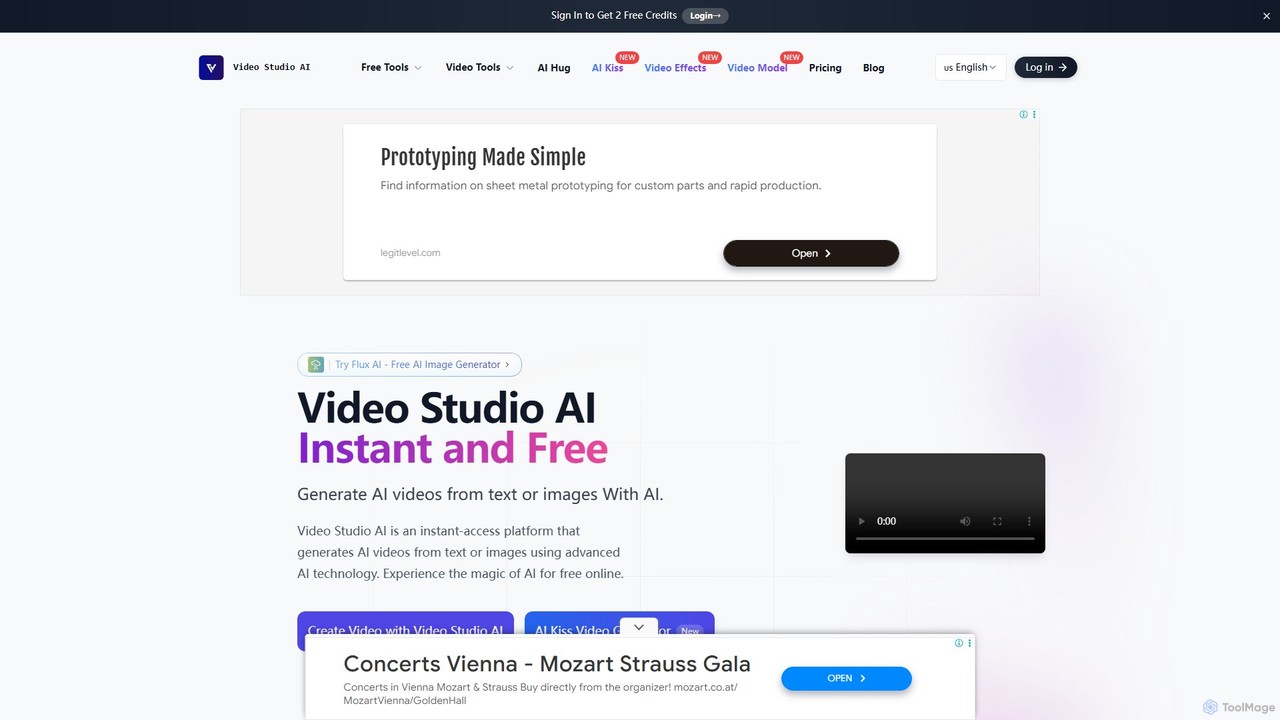
Video Studio AI is a powerful online tool that generates high-quality videos from text prompts or static images. It specializes in animating photos with realistic motion, expressions, and high character integrity, making it easy to bring your creative ideas to life in minutes.

Meme Generator
Visits 15.7KFavorites 125Likes 142
XJoy AI
Freemium

XJoy AI

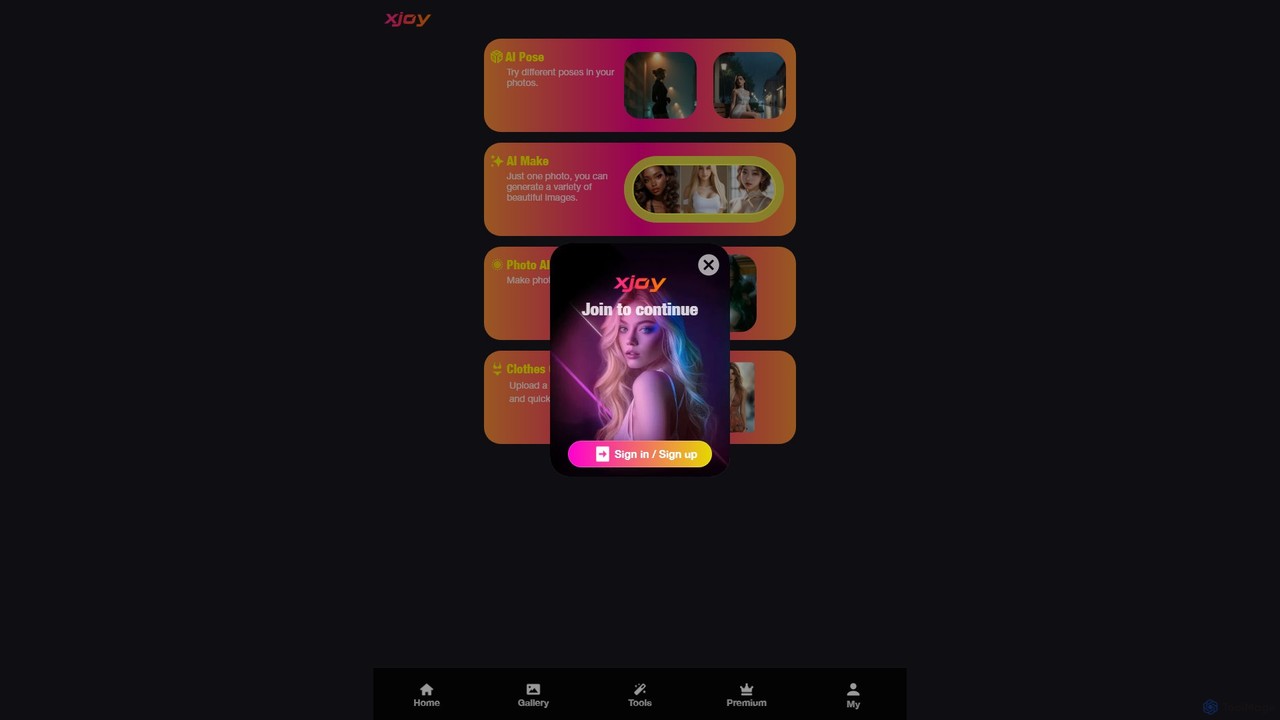
XJoy AI is a versatile AI-powered photo editing suite that allows users to transform their images. Key features include changing the pose of subjects, virtually trying on different outfits, animating static photos to make them come alive, and generating a variety of new, beautiful images from a single photo.

Image Generator
Visits 5.4KFavorites 110Likes 114

About Image To Video

Image to Video tools are a class of AI applications that transform static images into dynamic, short video clips. They utilize generative AI models to analyze an image's content and intelligently add motion, such as camera movements, parallax effects, or animating specific elements. This allows creators to bring still photos to life, creating engaging content for social media, marketing, or artistic expression without needing complex video editing software.

Core Features

  • Motion Generation: Automatically adds camera pans, zooms, and tilts to create a cinematic feel from a single image.
  • Parallax Effect (2.5D): Separates foreground and background layers to produce a sense of depth and movement.
  • Element Animation: Animates specific objects within the image, like flowing water, moving clouds, or flickering lights.
  • Facial Animation: Specializes in animating faces in portraits, making them smile, blink, or turn their head.
  • Motion Control: Provides options to control the direction, speed, and intensity of the generated animation.

Use Cases

These tools are widely used by social media managers to create eye-catching posts from static photos, digital marketers to produce dynamic ad creatives, and artists or photographers to add a new dimension to their portfolios. They are also valuable in genealogy and history for animating old photographs, bringing historical figures to life.

How to Choose

When selecting an Image to Video tool, consider the quality and realism of the generated motion. Evaluate the level of user control over animation parameters like camera path and speed. Also, check the output resolution, available export formats (e.g., MP4, GIF), and whether the tool adds watermarks on its free or lower-tier plans.

Image To Video use cases

1

Creating Dynamic Social Media Posts

A social media manager for a fashion brand needs to increase engagement on Instagram. Instead of posting a static photo of a new dress, they use an Image to Video tool. They upload the high-quality product image and apply a subtle zoom and pan effect, combined with a gentle animation of the fabric flowing. The resulting 10-second video loop is far more eye-catching in the feed, leading to higher watch times and click-through rates compared to standard image posts.

2

Animating Historical Photographs

A genealogist is creating a presentation about a client's family history. To make the story more compelling, they use an AI Image to Video tool on old, black-and-white portraits of ancestors. The tool subtly animates the faces, making them blink, smile gently, and turn their heads. This brings a surprising level of life and emotion to the static portraits, creating a powerful and memorable experience for the client and their family, connecting them more deeply with their heritage.

3

Enhancing Digital Art and NFTs

A digital artist creates intricate fantasy landscapes. To make their work stand out in a crowded online gallery or NFT marketplace, they use an Image to Video tool. They animate key elements in their static paintings: clouds drift across the sky, water ripples in a lake, and magical runes glow with a soft pulse. This transforms the artwork into a 'living painting', adding significant value and appeal, and helping it capture the attention of potential buyers and collectors.

4

Producing Dynamic Real Estate Listings

A real estate agent wants to make their property listings more appealing. For a house with a beautiful garden and pool, they take a high-resolution photo. Using an Image to Video tool, they apply a 2.5D parallax effect to create a sense of depth, making it feel like the viewer is walking towards the house. They also add subtle animations like ripples in the pool and rustling leaves on the trees. This short video clip, used as the listing's cover, grabs more attention than a static photo and can lead to more inquiries.

5

Creating Animated E-commerce Product Ads

An e-commerce store owner selling outdoor gear wants to create a compelling ad for a new waterproof jacket. They have a great photo of the jacket in a rainy mountain setting. Using an Image to Video tool, they animate the rain falling and add a slow zoom towards the jacket, highlighting its water-repellent texture. This dynamic visual is much more effective at communicating the product's key feature (waterproofing) than a static image, helping to boost ad performance and sales.

6

Visualizing Architectural Concepts

An architect has created a static 3D render of a proposed building facade. To present the concept to a client in a more engaging way, they use an Image to Video tool. They add a slow, sweeping camera pan across the facade to simulate a fly-by view. Additionally, they animate the clouds in the sky and add a subtle light flicker to the building's windows. This short animated clip helps the client better visualize the scale and atmosphere of the project, making the presentation more impactful than a simple static render.

Image To Video FAQ

What are AI Image to Video tools?

AI Image to Video tools are applications that use artificial intelligence to add motion to a single static image, transforming it into a short video clip. They work by analyzing the image's content and generating movement, such as camera pans and zooms (cinematic effect), creating a 3D-like depth effect (parallax), or animating specific elements like water, clouds, or even faces. Their primary purpose is to create engaging visual content quickly without requiring traditional video editing skills.

How to choose the right Image to Video tool?

When selecting an Image to Video tool, consider these factors:

  • Motion Quality: Look for tools that produce smooth, natural, and realistic animations rather than jerky or artificial movements.
  • Control Level: Does the tool offer manual controls for motion direction, speed, and intensity, or is it fully automated? Choose based on your need for creative control.
  • Feature Set: Check for specific features like 2.5D parallax, element animation (water, sky), or facial animation, depending on your use case.
  • Output Options: Ensure the tool exports in your desired format (e.g., MP4, GIF) and at a high enough resolution for your needs.
  • Pricing and Watermarks: Compare pricing plans and check if free or cheaper tiers include a watermark on the final video.
What's the difference between Image to Video and Text to Video tools?

The primary difference lies in their input and purpose. Image to Video tools start with an existing static image and add motion to it. Their goal is to animate and enhance a visual you already have. In contrast, Text to Video tools start with a text prompt (a description of a scene) and generate an entirely new video from scratch based on that description. Image to Video modifies existing content, while Text to Video creates original content.

Can I control the animation in Image to Video tools?

Control levels vary significantly between tools. Some simpler tools are fully automated; you upload an image, and the AI applies a pre-set animation style. More advanced tools offer greater creative control, allowing you to:

  • Define a custom camera path (e.g., zoom in on a specific object).
  • Adjust the speed and intensity of the motion.
  • Select specific areas or elements of the image to animate (e.g., only the sky).
  • Choose from different animation styles (e.g., smooth pan, dramatic zoom, subtle drift).

If creative control is important, look for tools that explicitly mention features like 'motion control', 'camera path', or 'animation masks'.

What types of images work best for Image to Video conversion?

Images with clear subjects and distinct layers (foreground, midground, background) often produce the best results, especially for parallax effects. High-resolution images are also preferable as they prevent pixelation when the tool zooms or pans. For specific animations, consider the content:

  • Landscapes: Great for animating skies, water, and creating sweeping camera movements.
  • Portraits: Ideal for tools with facial animation features to make subjects blink or smile.
  • Action Shots: While the tool can't animate a person running, it can add dynamic camera motion to enhance the sense of action.
  • Architectural Renders: Effective for creating fly-throughs and adding atmospheric effects like moving clouds.