
ToolMage
Sign in

Best 1 Personalized AI tools for Image

Popular Personalized AI tools in Image include AI Hug, helping you work more efficiently.

AI Hug
Freemium

AI Hug

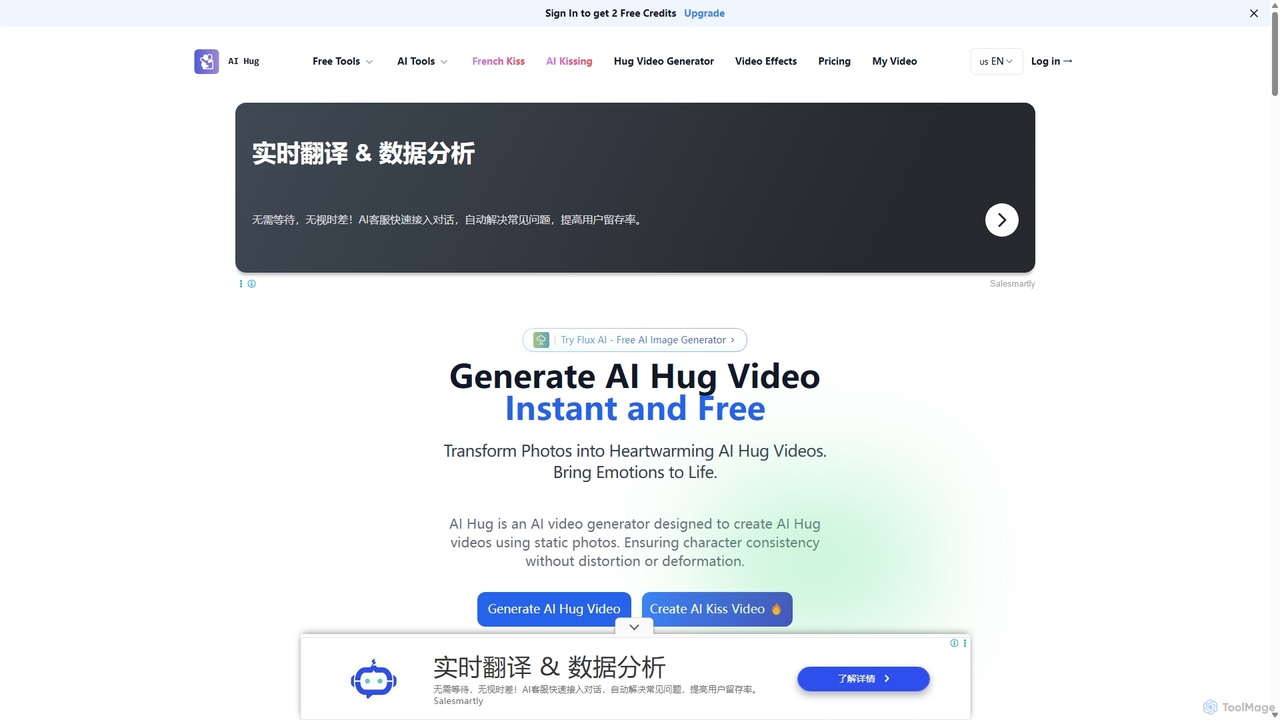
AI Hug is an innovative AI video generator that transforms static photos into heartwarming animated videos of people hugging and kissing. With advanced AI, it ensures character consistency and creates lifelike motions and expressions, bringing your cherished memories to life in minutes. It's perfect for creating unique social media content, digital greetings, and personal keepsakes.

Social Media
Visits 10KFavorites 129Likes 134

About Personalized

Personalized AI Image tools are a specialized category of image generators that create visuals featuring specific, user-provided subjects like faces, pets, or objects. These tools typically use model fine-tuning techniques, allowing the AI to learn a subject's unique features from a small set of uploaded photos. This enables the creation of consistent characters, custom avatars, professional headshots, or placing a specific person into various imaginative scenes. Unlike general image generators, they offer deep customization, ensuring the output is uniquely tied to the user's identity or brand.

Core Features

  • Subject Training: Upload a series of photos to train a custom AI model of a specific person, pet, or object.
  • Consistent Character Generation: Produce images of the same trained subject in different styles, poses, and environments.
  • Style Application: Apply various artistic styles, such as photorealistic, anime, or fantasy, to the personalized subject.
  • Template-Based Creation: Place the trained subject into pre-designed scenes or templates for specific uses like headshots or avatars.

Use Cases

These tools are widely used by individuals for creating unique social media avatars and profile pictures. Content creators and storytellers use them to generate consistent characters for their narratives. Businesses leverage them for personalized marketing campaigns and to produce professional-grade headshots for teams without a physical photoshoot.

How to Choose

When selecting a Personalized AI Image tool, evaluate the quality and accuracy of the subject's likeness in the final output. Consider the variety of styles and templates offered. Assess the ease of use, including the number of photos required for training and the interface's simplicity. Crucially, review the platform's privacy policy regarding the use and storage of your uploaded images.

Featured tool rankings

Personalized use cases

1

Generate Professional AI Headshots

A professional seeking to update their LinkedIn profile or company website can use a personalized AI tool to generate high-quality headshots. By uploading 10-20 casual photos of themselves, the AI trains a model of their face. They can then select from various professional templates, such as 'corporate office' or 'studio lighting', and generate dozens of headshots in different outfits and poses. This process eliminates the need for an expensive and time-consuming photoshoot, providing a wide range of options in minutes.

2

Create Unique Social Media Avatars

A social media user or gamer wants a unique profile picture that stands out. They can upload their photos to a personalized AI tool and choose from a wide array of artistic styles like 'anime', 'fantasy warrior', or 'cyberpunk'. The AI then generates multiple avatars that combine their facial features with the chosen style. This allows for a high degree of self-expression and creativity, resulting in a truly one-of-a-kind digital identity that would be difficult to create with standard photo editors.

3

Design Consistent Characters for Storytelling

A comic artist or writer needs to visualize a character consistently across different scenes and emotional states. They can use a personalized AI tool by training it on initial character sketches or reference images. Once the model is trained, they can generate the character with prompts like 'character smiling in a cafe' or 'character looking worried in the rain'. This ensures visual continuity throughout their project, saving significant time compared to manually drawing or sourcing images for every single panel or illustration.

4

Create Personalized Pet Portraits

A pet owner wants to create unique artwork of their dog or cat. They can upload a selection of photos of their pet to a personalized AI tool. After the AI learns the pet's appearance, the owner can generate images of their furry friend in various fun scenarios and styles, such as 'a cat as an astronaut', 'a dog in a Renaissance painting style', or 'a puppy as a cartoon character'. This offers a creative and heartfelt way to celebrate a beloved pet, creating custom art that can be shared online or printed as a keepsake.

5

Personalized Marketing and Ad Creatives

A marketing team for an e-commerce brand wants to create engaging ad visuals. They can train an AI model on their product or a brand mascot. Subsequently, they can generate a vast number of ad creatives showing the product or mascot in different settings, seasonal themes, or targeting various demographics, such as 'product on a beach for a summer sale' or 'mascot wearing a Santa hat for Christmas'. This allows for rapid A/B testing and campaign personalization at a scale that would be impractical with traditional photography.

6

Virtual Try-On for Fashion E-commerce

An online clothing retailer can integrate a personalized AI tool to offer a virtual try-on feature. Customers upload a few full-body photos of themselves. The AI then creates a personalized model and overlays the store's clothing items onto it, showing how different sizes and styles would fit their specific body type. This provides a highly personalized and interactive shopping experience, helping customers make more confident purchasing decisions and potentially reducing return rates for the business.

Personalized FAQ

What are Personalized AI Image tools?

Personalized AI Image tools are applications that generate images featuring a specific, consistent subject provided by the user. Unlike general text-to-image generators, these tools are trained on a user's photos (of a person, pet, or object) to learn their unique features. This allows the user to create custom avatars, professional headshots, or place their subject into countless new scenes and styles while maintaining a recognizable likeness.

Personalized vs. General AI Image Generators: What's the difference?

The key difference is subject consistency. A general AI image generator creates images from text prompts but cannot reliably reproduce the same face or object across different images. A personalized tool is first trained on a specific subject using multiple photos. After training, it can consistently generate that exact subject in any scenario you describe, making it ideal for creating avatars, consistent characters, or professional headshots where likeness is crucial.

How many photos are needed to train a personalized AI model?

The number of photos required varies by tool, but most platforms recommend uploading between 10 to 20 high-quality, well-lit photos. For best results, these photos should show the subject from various angles, with different facial expressions, and in diverse lighting conditions and backgrounds. This variety helps the AI build a more accurate and versatile model of the subject.

Are my uploaded photos safe when using these tools?

Safety and privacy are critical considerations. Reputable personalized AI tools have clear privacy policies that explain how your data is used, stored, and protected. Before using a service, you should always check its policy to understand if your images will be used for further training of the general AI model and what options you have for deleting your data. Choose services that prioritize user privacy and offer transparent data handling practices.

How to choose the right Personalized AI Image tool?

When selecting a tool, consider the following factors:

  • Quality of Likeness: Check user reviews or examples to see how accurately the tool reproduces the subject's features.
  • Style Variety: Ensure the tool offers a wide range of artistic styles and templates that match your creative needs.
  • Ease of Use: Look for a simple interface, clear instructions for photo uploads, and fast processing times.
  • Privacy Policy: Carefully read how the service handles your personal data and uploaded images.
  • Pricing: Compare pricing models, whether it's a subscription, a one-time fee, or a credit-based system, to find what best suits your budget.