
Image Best in category 1 results Photography AI Tool

Popular AI tools in the Photography field of Image include Snappr, etc., helping you quickly improve efficiency.

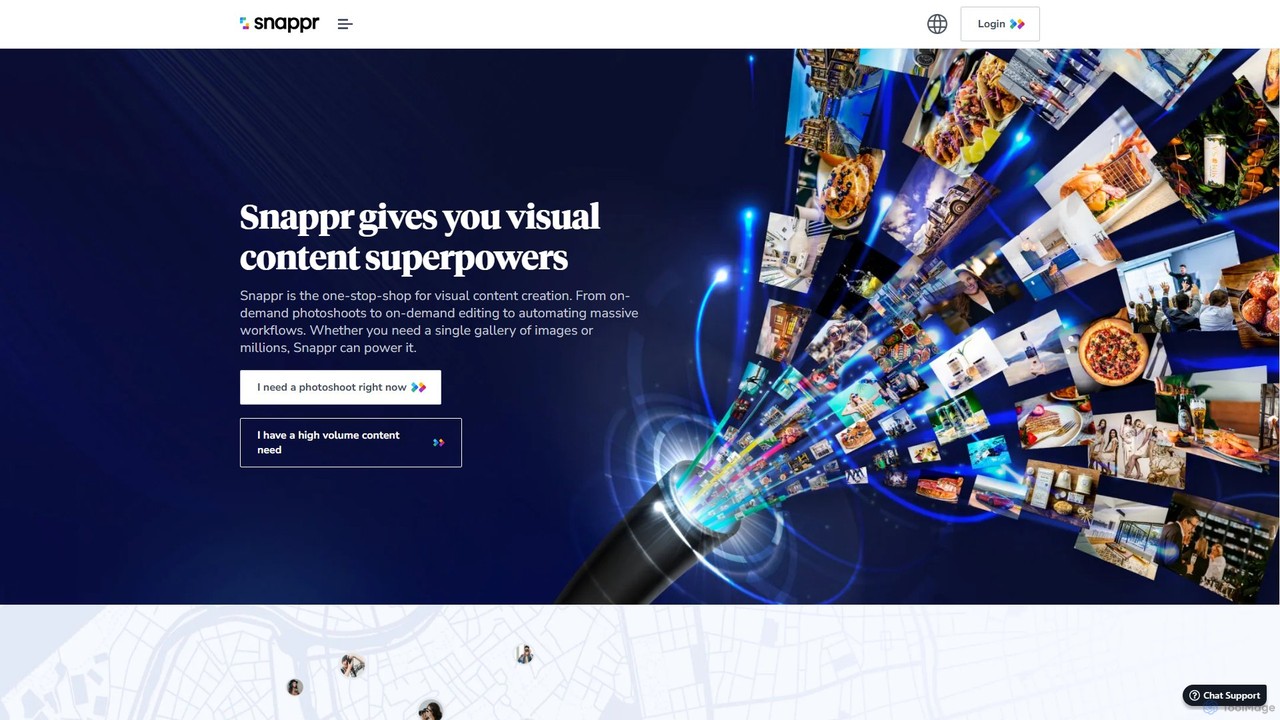
Snappr

Snappr

Snappr is the world's largest on-demand photography and videography marketplace, connecting you with pre-vetted professional creators in just …

225.0K

About Photography

AI Photography tools are a class of software that leverage artificial intelligence to automatically enhance, edit, and manage photographic images. They utilize deep learning models to analyze photo content, enabling complex adjustments like noise reduction, resolution upscaling, and intelligent color correction with minimal user input. These tools empower both professional photographers and hobbyists to achieve high-quality results quickly, automating tedious post-processing tasks and unlocking new creative possibilities.

Core Features

  • AI Image Enhancement: Automatically adjusts exposure, contrast, color balance, and sharpness for optimal visual appeal.
  • Noise Reduction & Sharpening: Intelligently removes digital noise and grain from low-light or high-ISO photos while preserving critical details.
  • Intelligent Object Removal: Seamlessly erases unwanted people, objects, or blemishes from an image, filling the background contextually.
  • Background Manipulation: Precisely isolates subjects to blur, remove, or replace the background, creating professional portraits or product shots.
  • Resolution Upscaling: Increases the pixel dimensions of a photo without the typical blurriness, ideal for printing or cropping.

Use Cases

These tools are widely used by professional photographers to speed up their editing workflow, e-commerce businesses for creating clean product images, and real estate agents for enhancing property photos. Hobbyists also use them to restore old family pictures or improve shots from mobile devices.

How to Choose

When selecting an AI Photography tool, consider its specific strengths, such as portrait retouching or noise reduction. Evaluate its support for RAW file formats, batch processing capabilities for efficiency, and whether it integrates as a plugin with your existing software like Adobe Lightroom or Photoshop.

PhotographyUse Cases

1

Restoring Old Family Photographs

A family historian or hobbyist can use AI photography tools to bring old, damaged photos back to life. By scanning a faded or scratched print, the user can apply AI-powered features to automatically repair cracks, remove dust spots, and correct color fading. The resolution upscaling function can then enlarge the small, low-resolution original into a high-quality image suitable for printing and sharing, preserving precious memories for future generations.

2

Enhancing E-commerce Product Photos

An e-commerce store owner needs to process hundreds of product photos for their website. Using an AI photography tool, they can batch-process the entire set of images. The tool automatically removes the background from each photo, replaces it with a pure white one for consistency, and applies intelligent enhancements to correct colors and improve sharpness. This saves countless hours of manual editing and ensures a professional, uniform look across the entire product catalog.

3

Retouching Real Estate Photography

A real estate photographer can significantly speed up their workflow using AI. After a property shoot, they can use an AI tool to automatically correct lens distortion, brighten interior shots, and enhance colors to make rooms look more appealing. A key feature is sky replacement, which can instantly turn a dull, overcast sky into a bright, sunny one, dramatically improving the curb appeal of exterior photos and attracting more potential buyers.

4

Streamlining Portrait and Wedding Photography

A portrait or wedding photographer deals with large volumes of photos that require individual attention. AI tools can automate the initial retouching process. They can apply intelligent skin smoothing that preserves texture, enhance eyes by making them sharper and brighter, and remove minor blemishes, all in a batch process. This allows the photographer to focus their manual editing time on creative adjustments and stylistic choices, rather than on repetitive, time-consuming corrections for every single photo.

5

Rescuing Low-Light Wildlife Photos

A nature photographer often shoots in challenging, low-light conditions, resulting in photos with high levels of digital noise. Traditional noise reduction can soften the image and destroy fine details like fur or feathers. An AI-powered de-noising tool can intelligently differentiate between noise and detail, effectively removing the grain while sharpening the subject. This can salvage shots that would otherwise be unusable, preserving a rare or perfectly timed moment.

6

Upscaling Mobile Photos for Professional Use

A social media manager or content creator often relies on photos taken with a smartphone. While convenient, these images may lack the resolution needed for high-quality prints or large digital displays. Using an AI upscaling tool, they can increase the photo's resolution by 2x, 4x, or even more, without the typical pixelation. The AI adds realistic detail, making the mobile photo look as if it were taken with a high-end camera, ready for professional use in marketing materials or on a website.

PhotographyFrequently Asked Questions