Image Best in category 1 results Prompt AI Tool

Popular AI tools in the Prompt field of Image include MusesAI, etc., helping you quickly improve efficiency.

Free
MusesAI

MusesAI

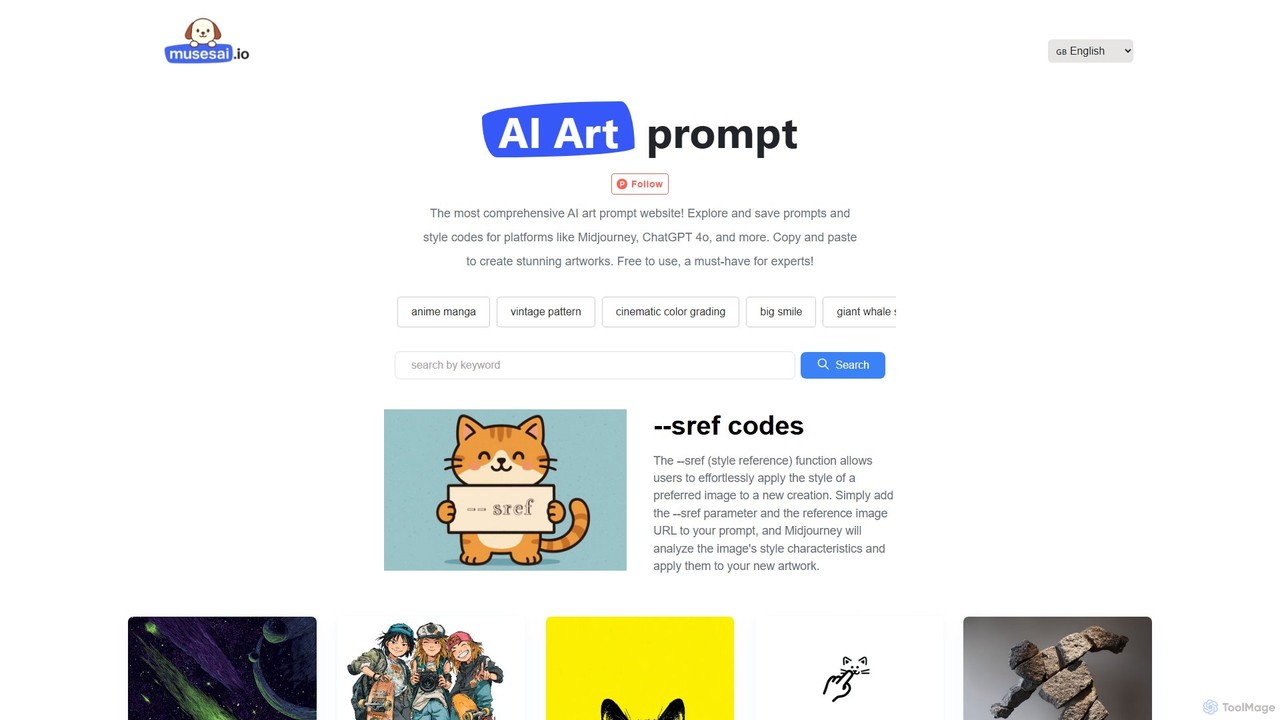
MusesAI is a comprehensive, free-to-use website dedicated to AI art prompts. It offers a vast library of high-quality …

1.8K

About Prompt

Prompt tools for images are specialized utilities designed to help users construct, refine, and manage text descriptions for AI image generators. They act as intelligent assistants, translating simple ideas into the complex, detailed language that AI models require to produce accurate and high-quality visuals. By offering features like keyword suggestions, style combination, and syntax correction, these tools empower users to achieve their desired artistic results more efficiently, without needing to master the deep complexities of prompt engineering.

Core Features

  • Prompt Builder: Systematically constructs detailed prompts by letting users select and combine elements like subject, style, lighting, and composition.
  • Prompt Optimizer: Analyzes a basic prompt and enhances it by adding descriptive adjectives, artistic terms, and technical parameters.
  • Prompt Library: Provides a searchable database of pre-written, effective prompts that can be used for inspiration or adapted for new creations.
  • Negative Prompt Assistance: Helps generate or suggest terms to exclude from an image, preventing common AI errors like distorted hands or unwanted objects.
  • Model-Specific Syntax: Automatically formats prompts with the correct syntax and parameters for specific AI generators like Midjourney or Stable Diffusion.

Use Cases

These tools are widely used by digital artists, graphic designers, and marketers who need to create specific visual styles with consistency. They are also invaluable for beginners in the AI art space who want to learn effective prompt crafting, as well as for content creators who need to generate a high volume of diverse images quickly.

How to Choose

When selecting a Prompt tool, first consider its compatibility with your primary AI image generator. Evaluate its feature set—whether you need a simple builder, an advanced optimizer, or a vast prompt library. Also, assess the user interface for ease of use and check for community features that allow sharing and discovering new prompts.

PromptUse Cases

1

Crafting Complex Artistic Visuals

A digital artist wants to create an image combining the styles of 'steampunk' and 'Art Nouveau' for a concept piece. Instead of guessing keywords, they use a prompt builder. They select 'female portrait' as the subject, then add 'steampunk gears' and 'Art Nouveau floral patterns' as style modifiers. The tool suggests adding terms like 'intricate details,' 'glowing filigree,' and 'muted color palette' to enhance the prompt. The final, optimized prompt generates a highly detailed and stylistically coherent image in the AI generator, saving hours of trial and error.

2

Ensuring Character Consistency in Storytelling

A comic book author needs to generate multiple panels featuring the same character in different poses and settings. To maintain consistency, they use a prompt tool to create a detailed base prompt for their character: 'A young male detective, sharp jawline, wearing a brown trench coat, messy black hair, determined expression.' The tool helps save this as a template. For each new panel, they load the template and simply add situational details like 'standing in a rainy alley' or 'examining clues in a dusty office.' This ensures the character's core features remain identical across all images.

3

Achieving Photorealistic Product Imagery

An e-commerce manager needs to create lifestyle photos for a new wristwatch. Using a prompt optimizer, they start with 'wristwatch on a wooden table.' The tool suggests adding technical camera terms to increase realism, such as 'shot on a Sony A7III, 85mm lens, f/1.8 aperture, soft natural lighting, bokeh background.' It also recommends adding descriptive words like 'luxury,' 'polished steel,' and 'detailed watch face.' The resulting prompt generates a professional, photorealistic image suitable for marketing campaigns, without the cost of a physical photoshoot.

4

Exploring Creative Concepts for Beginners

A hobbyist new to AI art wants to create a fantasy landscape but doesn't know where to start. They access a prompt library within a tool and search for 'fantasy landscape.' They find a prompt: 'Bioluminescent forest at night, giant glowing mushrooms, mystical river, cinematic lighting, fantasy, detailed.' They can use this prompt directly to generate a stunning image. The library also shows variations, inspiring them to try changing 'forest' to 'cave' or 'city,' helping them learn the structure of effective prompts through exploration and example.

5

Translating Vague Ideas into Specific Prompts

A marketing manager has a vision for an ad: 'something futuristic and hopeful.' This is too vague for an AI. Using a prompt builder, they input 'futuristic city.' The tool prompts them for more detail: What time of day? (They choose 'dawn'). What is the mood? ('Optimistic'). What are the key elements? ('Flying vehicles,' 'sleek architecture,' 'lush green spaces'). The tool assembles these into a coherent prompt: 'An optimistic vision of a futuristic city at dawn, sleek architecture integrated with lush green spaces, clean energy flying vehicles, hopeful atmosphere.' This translates the abstract idea into a concrete, usable prompt.

6

Refining Prompts with Negative Keywords

A user is trying to generate a serene portrait but the AI keeps adding distracting elements like text or extra limbs. They use a prompt tool's negative prompt feature. They input their positive prompt ('serene portrait of a woman, soft lighting'). The tool then suggests common negative keywords to add, such as 'text, watermark, ugly, deformed, extra limbs, blurry, bad anatomy.' By adding these to the negative prompt field in their AI generator, the user gets a clean, high-quality portrait that matches their original vision without the common AI-generated artifacts.

PromptFrequently Asked Questions