ToolMage
Sign in

Best 1 Texture Generation AI tools for Image

Popular Texture Generation AI tools in Image include Pixela.ai, helping you work more efficiently.

Pixela.ai
Free

Pixela.ai

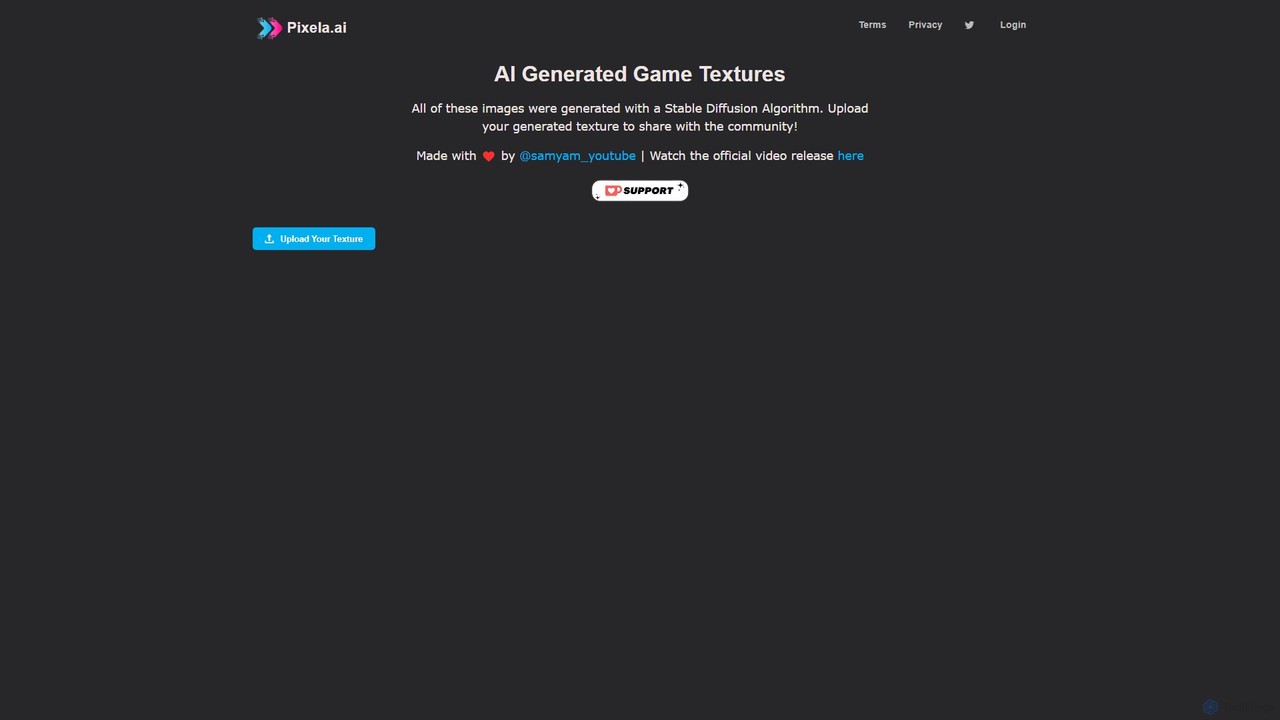
Pixela.ai is an AI-powered platform specializing in generating high-quality, seamless game textures using a Stable Diffusion algorithm. It offers a vast library of community-generated textures and allows users to create their own unique assets from text prompts. Ideal for game developers, 3D artists, and designers looking to accelerate their workflow.

3D
Visits 10KFavorites 104Likes 108

About Texture Generation

AI Texture Generation tools are specialized applications that use artificial intelligence to create detailed digital surface patterns and materials. These tools leverage generative models, such as GANs or diffusion, to produce textures from text prompts, images, or procedural parameters. They excel at creating seamless, tileable patterns and complete Physically Based Rendering (PBR) material sets, which are essential for realistic 3D rendering. This technology significantly accelerates the workflow for creating unique, high-quality materials for games, films, and architectural visualization.

Core Features

  • Text-to-Texture Generation: Creates complex textures and PBR maps from simple text descriptions like "mossy stone wall" or "scratched metal panel".
  • Seamless Tiling: Automatically generates textures that can be repeated across a surface without visible seams, crucial for large areas like floors or walls.
  • PBR Material Creation: Produces a full set of maps (Albedo, Normal, Roughness, Metallic, etc.) that realistically simulate how light interacts with a surface.
  • Image-to-Material: Analyzes a single photograph and generates a complete, tileable PBR material from it.
  • Style and Parameter Control: Allows users to fine-tune aspects like wear, aging, color variations, and pattern intensity for customized results.

Use Cases

AI Texture Generation is primarily used by professionals in 3D-heavy industries. Game developers and 3D artists use these tools to rapidly create vast libraries of unique materials for characters, environments, and props. Architects and interior designers utilize them for realistic visualizations of building materials. VFX artists in film and animation apply them to create detailed surfaces for digital assets and environments.

How to Choose

When selecting an AI Texture Generation tool, consider its ability to generate complete PBR maps, as this is critical for modern 3D workflows. Evaluate the quality of its seamless tiling feature and the maximum output resolution. Also, check for integrations or plugins for your primary 3D software (e.g., Blender, Unreal Engine, Unity). Finally, assess the level of creative control and parameter tuning available to ensure it meets your project's specific needs.

Featured tool rankings

Texture Generation use cases

1

Creating 3D Assets for Game Development

A 3D artist working on a new video game needs to texture a series of environmental assets, such as castle walls and wooden floors. Instead of searching for pre-made textures or creating them manually, they use an AI texture generator. By inputting prompts like "ancient cobblestone floor, wet with moss between the cracks" and "rough medieval stone wall with ivy," the artist can generate multiple high-resolution, seamless PBR material sets in minutes. This allows for rapid iteration and ensures every asset has a unique, high-quality surface, significantly reducing production time while increasing visual diversity in the game world.

2

Rapid Prototyping for Architectural Visualization

An architect is preparing a presentation for a client and needs to showcase different material options for a building's facade and interior. Using an AI texture tool, they can quickly generate realistic, high-resolution textures for materials like "polished concrete panels," "dark walnut wood siding," and "Calacatta marble flooring." These textures can be immediately applied to the 3D model in software like Revit or 3ds Max. This process allows the architect to present dozens of photorealistic variations to the client in a single meeting, facilitating faster decision-making and providing a much clearer vision of the final project.

3

Creating Detailed Surfaces for VFX in Film

A VFX artist is tasked with creating a photorealistic alien creature for a sci-fi movie. The creature's skin needs a complex, non-repeating texture. The artist starts with a reference image of reptile skin and uses an image-to-material AI tool. The tool analyzes the photo and generates a full PBR material, including albedo, normal, and roughness maps, that captures the intricate details. The artist can then further refine the material by adding procedural elements like glowing veins or metallic scales, achieving a highly detailed and believable result that would have taken days to create traditionally.

4

Designing Custom Surfaces for Product Design

A product designer is developing a new line of high-end headphones. To stand out, they want to offer unique finishes. Using an AI texture generator, the designer experiments with various surface concepts by typing prompts like "brushed titanium with a subtle rainbow sheen," "soft-touch matte black plastic," and "natural oak wood grain." The tool generates photorealistic textures that can be applied to the 3D model of the headphones for immediate visualization. This enables the design team to review dozens of material combinations quickly, helping them select the most appealing finishes for manufacturing without needing physical samples for each iteration.

5

Building Immersive VR/AR Environments

A developer creating a VR training simulation needs to build a large, realistic factory environment. To avoid repetitive-looking surfaces, they require a vast library of unique, seamless textures for concrete floors, metal machinery, and brick walls. An AI texture generator is used to produce hundreds of variations of these materials. For example, they can generate 'clean concrete', 'cracked concrete with oil stains', and 'worn concrete with tire marks' from a single base prompt. This populates the virtual world with diverse and believable surfaces, enhancing immersion for the user without the massive time investment of manual texture creation.

6

Enhancing Digital Art and Graphic Design

A graphic designer is creating a series of promotional materials for a luxury brand and wants to use a unique background texture. Instead of using generic stock photos, they use an AI tool to generate a specific texture with the prompt "abstract black marble with thin gold veins, high contrast." The tool provides several variations, allowing the designer to choose the perfect one that fits the brand's aesthetic. This custom-generated texture adds a layer of sophistication and uniqueness to the final design, helping the marketing materials stand out from competitors who rely on common visual assets.

Texture Generation FAQ

What is AI Texture Generation?

AI Texture Generation is the process of using artificial intelligence algorithms to create digital surface patterns, known as textures. Unlike general image generators, these tools specialize in producing seamless, tileable images and complete PBR (Physically Based Rendering) material sets. These materials, which include maps like albedo, normal, and roughness, are crucial for creating realistic surfaces in 3D applications such as video games, architectural visualization, and visual effects.

How does AI Texture Generation differ from general AI Image Generation?

The main difference lies in their purpose and output format. General AI image generators create complete, standalone pictures (e.g., a landscape, a portrait). AI texture generators focus on creating surface patterns that are often technically specific. Key differences include:

  • Seamless Tiling: Texture tools are designed to create images that can be repeated without visible seams.
  • PBR Maps: They generate multiple specialized images (normal, roughness, metallic maps) that work together to define a material's properties in a 3D engine, not just its color.
  • Application: Textures are not final images but components applied to 3D models, whereas generated images are often the final product.
What are PBR materials in AI texture generation?

PBR stands for Physically Based Rendering. In AI texture generation, creating a PBR material means generating a set of texture maps that describe how a surface interacts with light in a physically plausible way. Instead of just a single color image (Albedo), a PBR material typically includes:

  • Normal Map: Adds fine surface detail and bumps without adding more polygons.
  • Roughness Map: Controls how rough or smooth a surface is, affecting reflections.
  • Metallic Map: Defines which parts of the material are metallic and which are not.
  • Ambient Occlusion (AO) Map: Simulates soft shadows in crevices, adding depth.

AI tools that generate these maps allow 3D artists to create highly realistic materials quickly.

How to choose the right AI Texture Generation tool?

When selecting an AI texture tool, focus on features that match your workflow. Key factors to consider include:

  • PBR Workflow Support: Ensure the tool can generate all the necessary maps for your target engine (e.g., Albedo, Normal, Roughness).
  • Seamless Tiling Quality: Check how effectively the tool creates tileable textures, as this is a core requirement for many applications.
  • Resolution Output: Verify the maximum resolution the tool can generate (e.g., 2K, 4K, 8K) to ensure it meets your project's quality standards.
  • Integration: Look for plugins or direct integration with your primary 3D software (like Blender, Unity, or Unreal Engine) to streamline your process.
  • Control and Customization: Evaluate the level of control you have over the generation process, such as adjusting parameters for aging, patterns, or colors.
Who can benefit from using AI Texture Generation tools?

A wide range of digital creators can benefit from these tools, primarily those working with 3D models and environments. Key users include:

  • Game Developers and 3D Artists: For rapidly creating diverse and unique materials for game assets and environments.
  • Architects and Interior Designers: To generate realistic material samples for architectural visualizations and client presentations.
  • VFX Artists: For texturing digital assets, characters, and environments in film and animation.
  • Product Designers: To prototype and visualize different surface finishes on 3D product models.
  • Hobbyists and Indie Developers: To access high-quality material creation capabilities without the steep learning curve of traditional texturing software.