ToolMage
Sign in

Best 49 Knowledge Management AI tools

Popular Knowledge Management AI tools include Lilys AI, Scribe, Saner.AI, Reflect, TheBrain, Curiosity, Flot.ai, Dokkio, Workorb, and Ubblu, helping you work more efficiently.

Kalycs
Paid

Kalycs

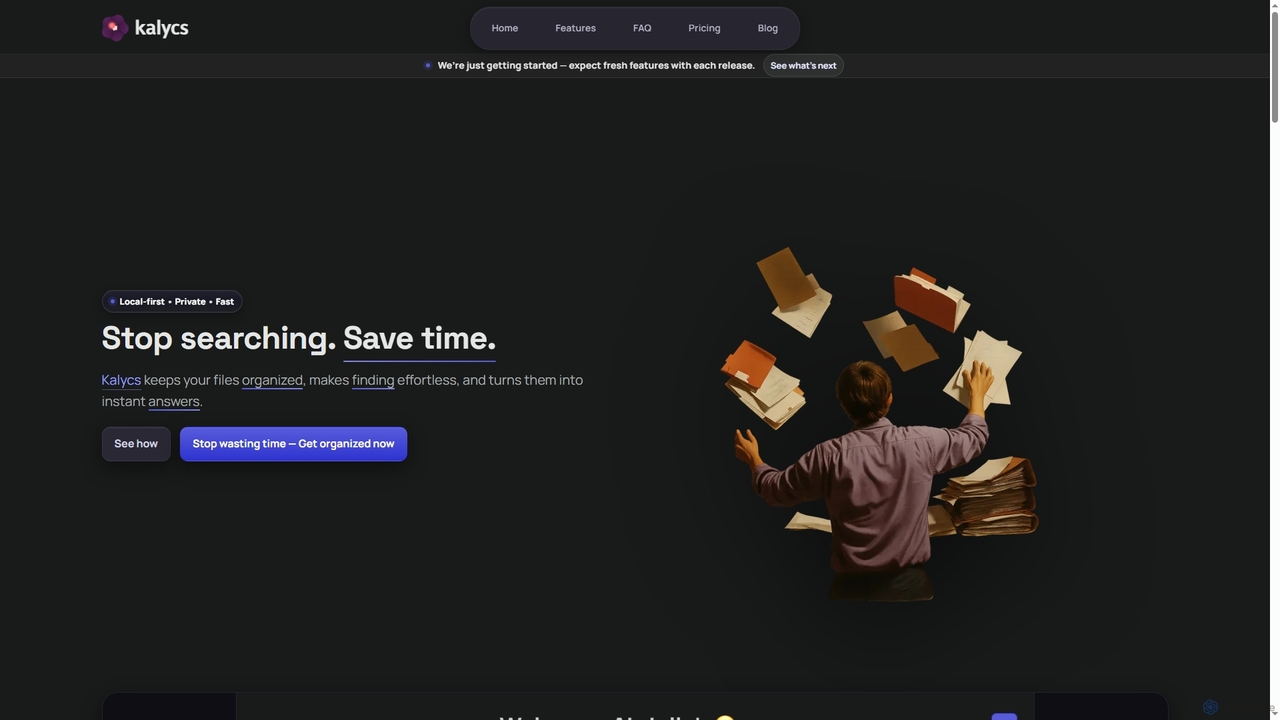
Kalycs is a local-first AI-powered file search and organization tool exclusively for Mac. It helps users quickly find information within their documents, auto-organize downloads, and get instant answers using natural language queries, ensuring privacy by keeping files on-device and leveraging the user's own OpenAI API key for AI features.

Personal Knowledge Base
Visits 4.1KFavorites 71Likes 88
Tweeties
Freemium

Tweeties

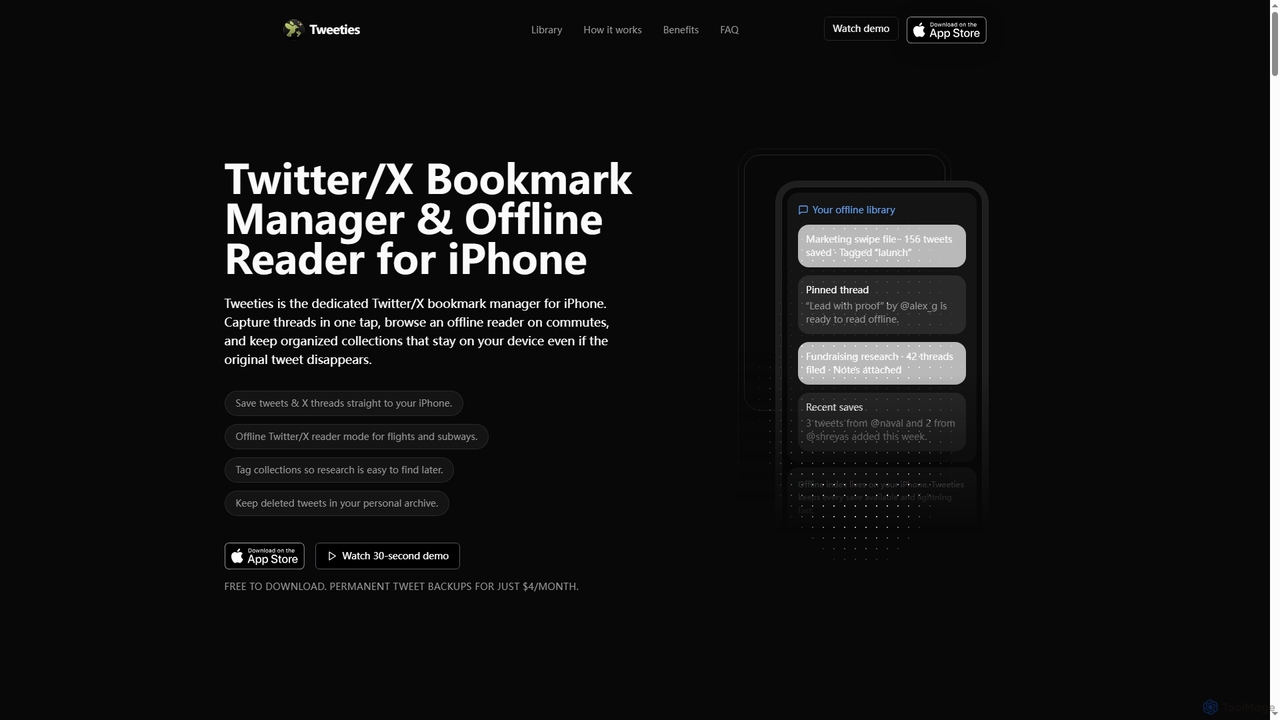
Tweeties is an iOS app designed to be your ultimate Twitter/X bookmark manager and offline reader. It allows iPhone users to save tweets and entire threads, organize them into custom collections with tags and notes, and access them offline. Crucially, it preserves content even if the original tweet is deleted, making it a reliable archive for valuable information.

Offline Reading
Visits 4.2KFavorites 119Likes 111
Hyperlink
Freemium

Hyperlink

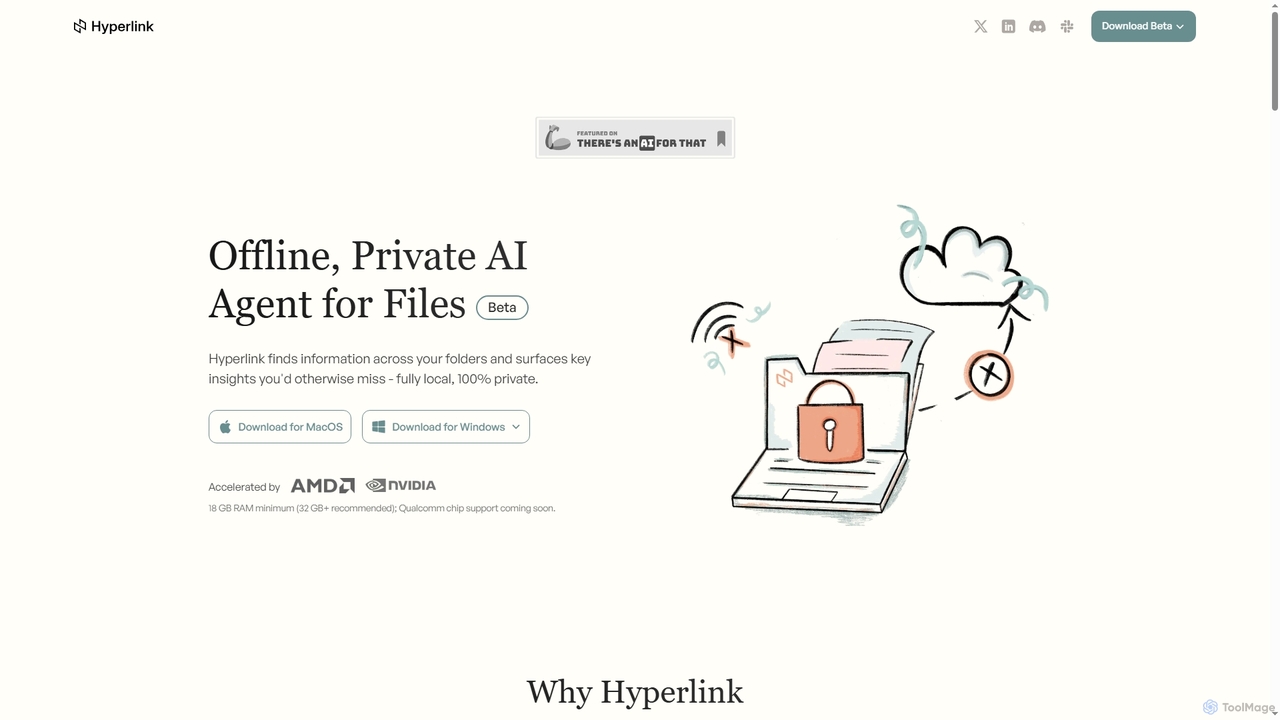
Hyperlink is a fully on-device, private AI agent designed for document search and understanding. It allows knowledge workers to instantly find, analyze, and summarize information from their local files, notes, and documents without compromising privacy. With features like real-time file indexing, in-text citations, and image text search, Hyperlink transforms your personal data into an intelligent, searchable knowledge base, all processed offline on your device.

Offline Agent
Visits 4.3KFavorites 117Likes 115
Flot.ai
Freemium

Flot.ai

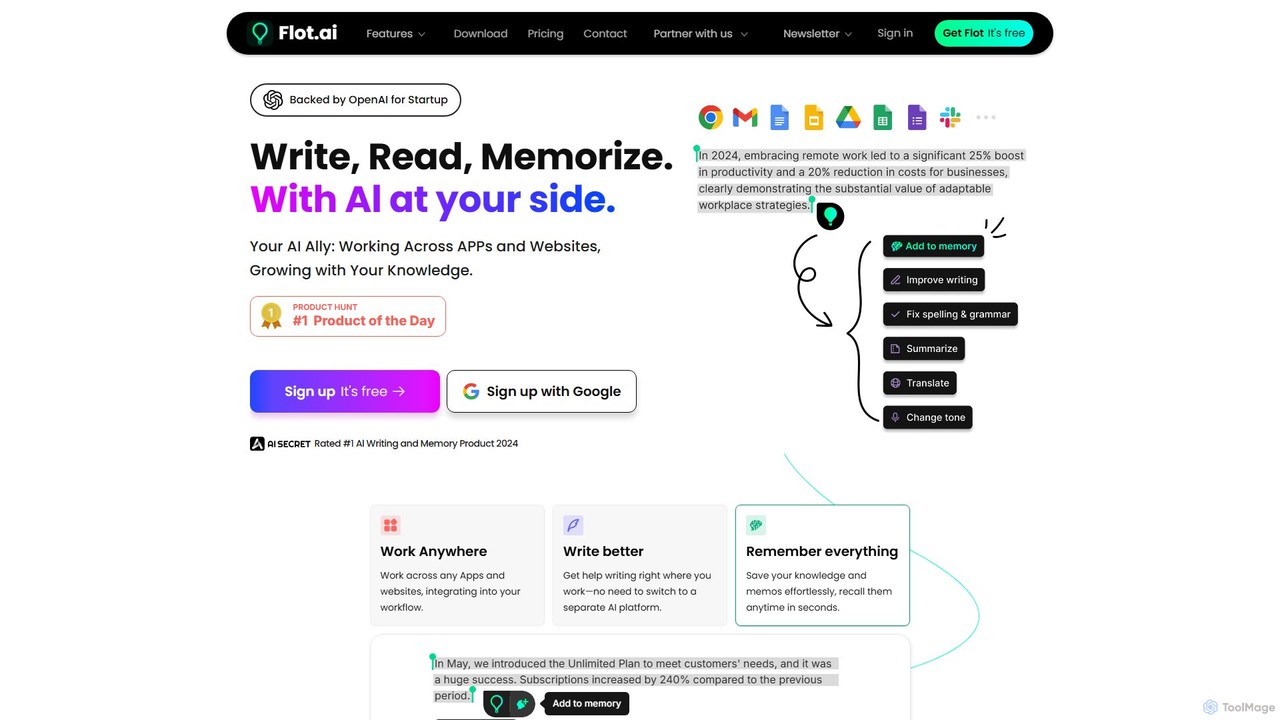
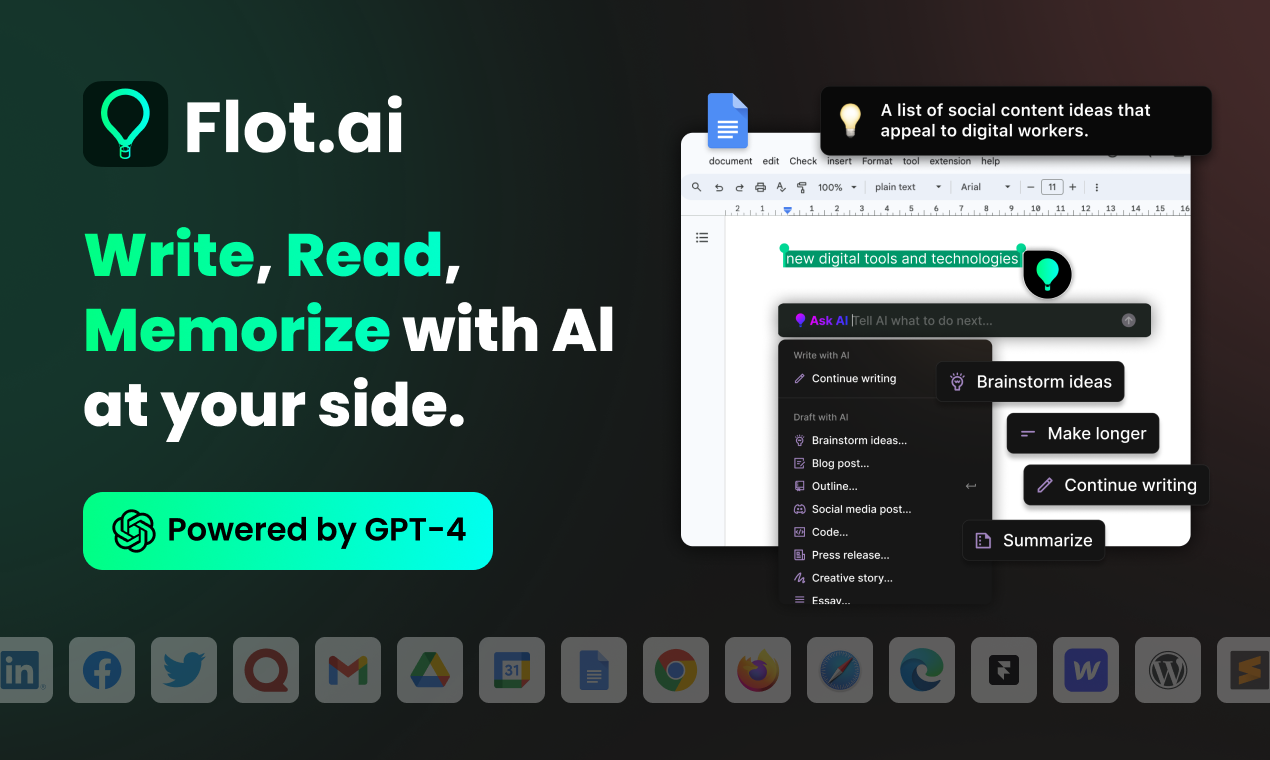
Flot.ai is a versatile AI copilot designed to enhance your productivity across all applications and websites. It acts as your personal assistant for writing, reading, and memorization. Improve your text, get summaries, translate languages, and build a searchable personal knowledge base ("AI Memory") without ever leaving your current workflow.

Text Editor
Visits 18.2KFavorites 97Likes 104
Curiosity
Freemium

Curiosity

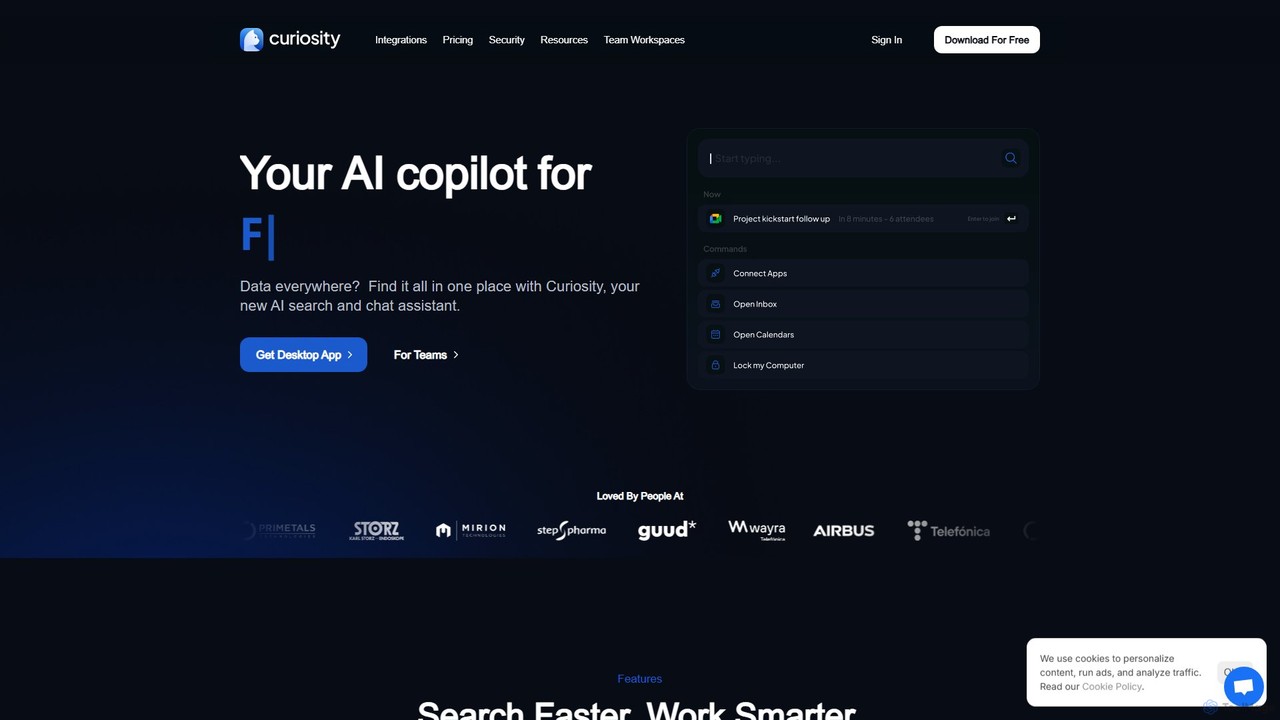
Curiosity is an AI-powered search app that unifies all your local files and cloud apps into one searchable interface. It acts as a smart command bar, allowing you to instantly find documents, chat with your files using AI, launch applications, and manage emails and calendars, all with a simple keyboard shortcut. It prioritizes privacy by processing your data locally.

Launcher
Visits 26.9KFavorites 132Likes 129
TheBrain
Freemium

TheBrain

TheBrain is an ultimate digital memory and mind mapping software that uses AI to help you organize your thoughts, projects, and digital life. It moves beyond traditional folders and lists, allowing you to create a dynamic, interconnected network of information that mirrors how you think. Link any file, webpage, or note to create a visual context for all your knowledge.

Second Brain
Visits 121.5KFavorites 121Likes 125
reconfigured
Paid

reconfigured

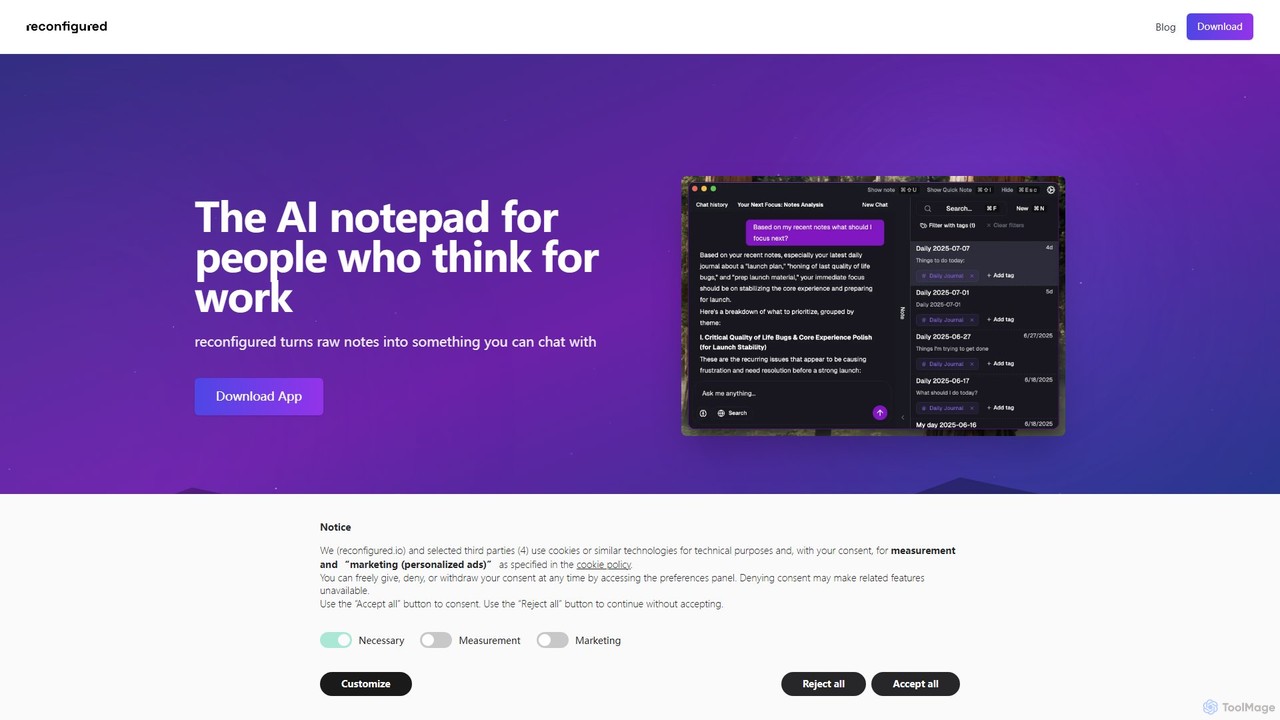
reconfigured is an AI-powered notebook designed for knowledge workers. It transforms scattered, raw notes into an interactive, searchable knowledge base. Capture ideas instantly with a hotkey, and let the AI automatically organize, tag, and connect your thoughts for effortless retrieval and insight discovery.

Documentation
Visits 4.2KFavorites 123Likes 111

About Knowledge Management

Knowledge Management tools are AI-powered platforms designed to capture, organize, share, and retrieve information efficiently within an organization. These tools leverage advanced AI capabilities like natural language processing and machine learning to transform raw data into actionable insights. They significantly enhance decision-making, foster collaboration, and preserve institutional memory by making critical information readily accessible. Ultimately, they empower teams to work smarter and reduce redundant efforts.

Core Features

  • Intelligent Search & Retrieval: AI-driven search engines understand context and intent, delivering highly relevant information from vast data repositories.
  • Automated Content Tagging: Machine learning algorithms automatically categorize and tag documents, making content easier to organize and discover.
  • Knowledge Graph Creation: AI builds semantic networks of information, illustrating relationships between concepts, people, and data for deeper insights.
  • Personalized Recommendations: Tools suggest relevant documents, experts, or learning paths based on user roles, projects, and past interactions.
  • Version Control & Collaboration: Ensures that users always access the latest information while facilitating real-time co-editing and feedback.

Use Cases

Organizations across various sectors, from large enterprises to small businesses, utilize Knowledge Management tools to centralize their intellectual assets. They are crucial for customer support teams needing quick access to product information, R&D departments managing research data, and HR teams streamlining onboarding processes. These tools ensure that valuable insights are not lost and are consistently applied.

How to Choose

When selecting a Knowledge Management solution, consider its integration capabilities with existing systems like CRM or project management tools to ensure seamless data flow. Evaluate the AI's sophistication in search, tagging, and recommendation features, as this directly impacts usability and effectiveness. Assess scalability to accommodate future growth and the level of security offered for sensitive information. Finally, review user-friendliness and the availability of training resources to ensure high adoption rates.

Featured tool rankings

Knowledge Management use cases

1

Enhancing Customer Support Efficiency

Customer service teams leverage Knowledge Management tools to quickly access comprehensive product FAQs, troubleshooting guides, and customer interaction histories. This enables agents to provide accurate and consistent answers, reducing resolution times and improving customer satisfaction without extensive manual searching.

2

Streamlining Employee Onboarding & Training

HR departments and team leads use these platforms to centralize all onboarding materials, training modules, and company policies. New hires can independently find necessary information, accelerating their ramp-up time and ensuring they quickly become productive members of the team.

3

Facilitating Research & Development Collaboration

R&D teams utilize Knowledge Management systems to store, share, and track research papers, experimental data, and project documentation. This fosters cross-functional collaboration, prevents duplication of efforts, and ensures that all team members have access to the latest scientific findings and project progress.

4

Preserving Institutional Knowledge

Organizations implement Knowledge Management tools to capture and document the expertise of departing employees or long-term projects. This ensures that critical operational procedures, historical context, and best practices are retained within the company, preventing knowledge loss and maintaining business continuity.

5

Optimizing Sales & Marketing Content Access

Sales and marketing teams use these tools to organize and quickly retrieve up-to-date sales collateral, marketing assets, and competitive intelligence. This empowers them to deliver consistent messaging, personalize pitches, and respond to client inquiries with accurate information, ultimately accelerating the sales cycle.

6

Improving Project Management & Documentation

Project managers and teams rely on Knowledge Management platforms to centralize project plans, meeting notes, design specifications, and decision logs. This ensures all stakeholders have a single source of truth, facilitating better communication, reducing misunderstandings, and improving project delivery outcomes.

Knowledge Management FAQ

What are AI-powered Knowledge Management tools?

AI-powered Knowledge Management tools are software solutions that use artificial intelligence to automate the process of collecting, organizing, sharing, and retrieving information within an organization. They leverage technologies like NLP, machine learning, and knowledge graphs to make data more accessible, searchable, and actionable, transforming raw information into valuable insights.

How do AI features enhance traditional Knowledge Management?

AI significantly enhances traditional Knowledge Management by automating tasks such as content tagging, categorization, and summarization, which were previously manual and time-consuming. AI-driven search engines provide more accurate and context-aware results, while personalized recommendations help users discover relevant information they might not have known to look for, boosting efficiency and knowledge discovery.

What are the key benefits of implementing Knowledge Management tools?

Implementing Knowledge Management tools offers several key benefits, including improved decision-making through better access to information, enhanced collaboration among teams, and reduced time spent searching for data. They also help preserve institutional memory, accelerate employee onboarding, and ensure consistency in customer service, ultimately leading to increased productivity and innovation.

Who typically uses Knowledge Management tools?

Knowledge Management tools are used by a wide range of professionals and teams across various industries. This includes customer support agents, HR professionals, R&D teams, sales and marketing departments, project managers, and individual employees seeking to access company information. Essentially, any role that benefits from efficient information access and sharing can utilize these tools.

How do I choose the right Knowledge Management tool for my business?

To choose the right Knowledge Management tool, consider your organization's specific needs, such as the volume and type of data you manage, and the primary use cases (e.g., customer support, internal collaboration). Evaluate the AI capabilities, integration options with existing systems, security features, scalability, and user-friendliness. Request demos and compare pricing models to find a solution that aligns with your budget and technical requirements.