Mobile Apps Best in category 2 results Personal Assistant AI Tool

Popular AI tools in the Personal Assistant field of Mobile Apps include Mindwell AI、FitMate AI, etc., helping you quickly improve efficiency.

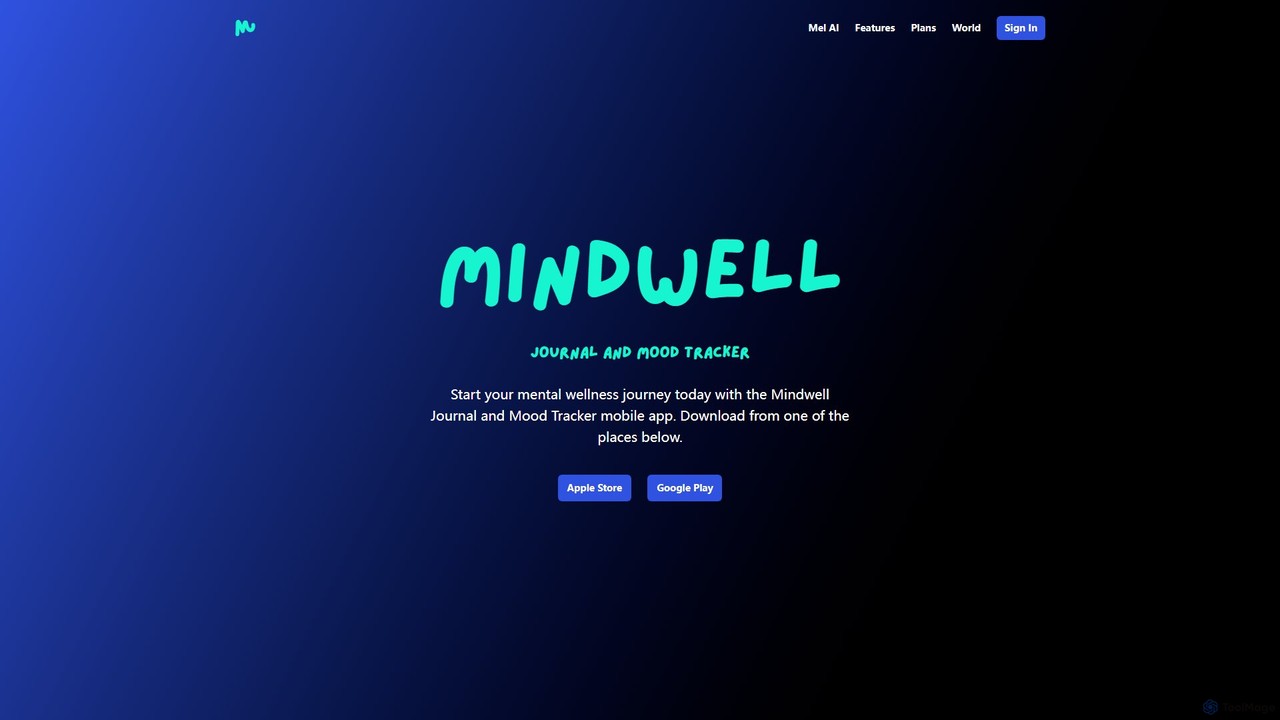
Mindwell AI

Mindwell AI

Mindwell AI is a mental wellness mobile app featuring a guided journal and mood tracker. It's designed to …

4.1K
Free
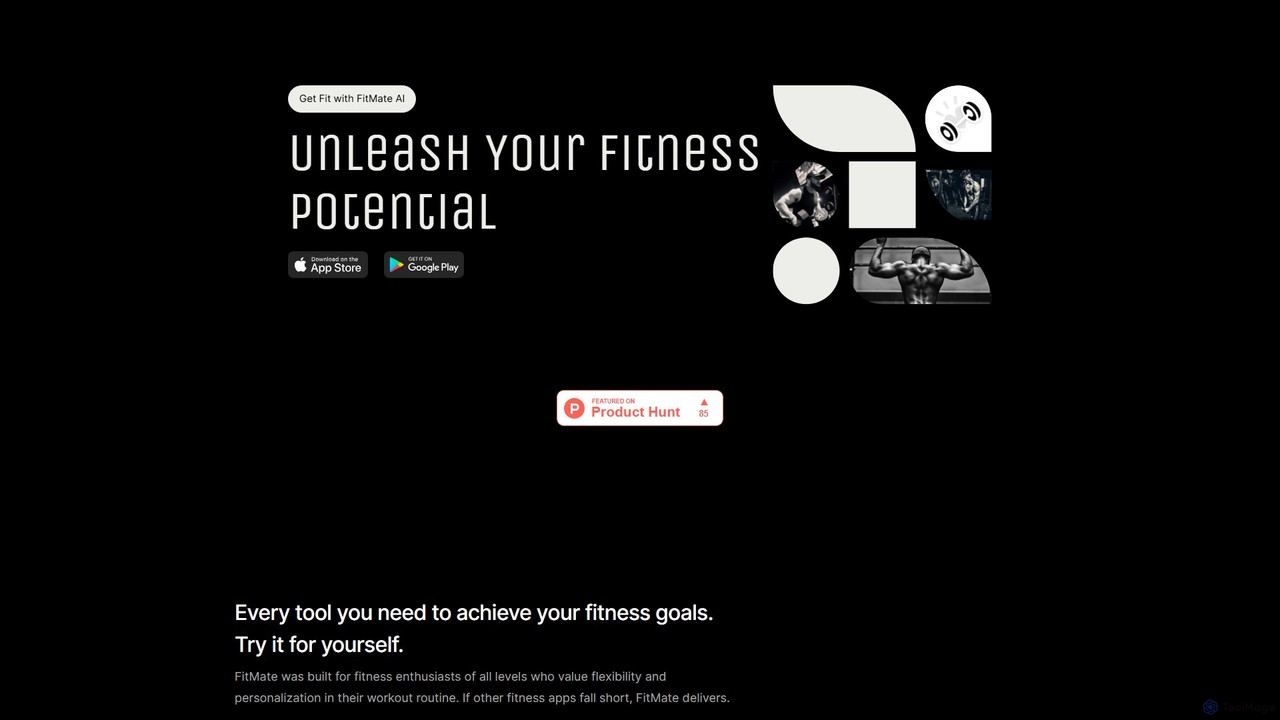
FitMate AI

FitMate AI

FitMate AI is a free, privacy-focused fitness application that uses artificial intelligence to generate personalized workout routines. It …

3.2K

About Personal Assistant

AI Personal Assistant apps are intelligent mobile applications designed to proactively manage your daily tasks, schedules, and communications. They leverage machine learning and natural language processing to understand your habits, anticipate your needs, and automate complex workflows. This allows them to go beyond simple reminders, acting as a central hub for organizing your professional and personal life. Unlike standard task managers, these assistants can interpret unstructured data from emails and messages to take action automatically.

Core Features

  • Proactive Task Management: Automatically identifies action items from emails and messages, suggesting tasks or calendar events.
  • Intelligent Scheduling: Coordinates with multiple participants' calendars to find optimal meeting times without back-and-forth emails.
  • Natural Language Understanding: Processes complex, conversational commands to perform multi-step actions.
  • Information Synthesis: Provides daily briefings by summarizing key appointments, urgent emails, and important tasks.
  • Cross-Platform Integration: Connects seamlessly with your existing tools like email, calendars, and messaging apps to centralize control.

Use Cases

These tools are ideal for busy professionals, executives, and sales teams who need to manage complex schedules and a high volume of communication. They are also valuable for frequent travelers coordinating flights and accommodations, and for anyone looking to reclaim time spent on administrative tasks.

How to Choose

When selecting an AI Personal Assistant, consider its integration capabilities with your primary ecosystem (e.g., Google Workspace, Microsoft 365). Evaluate its level of proactivity and learning ability. Also, assess the user interface for ease of use and review the privacy policy to understand how your data is handled.

Personal AssistantUse Cases

1

Automate Meeting Scheduling for Sales Teams

A sales manager needs to schedule discovery calls with multiple prospects each week, a process that involves significant back-and-forth emailing. By using an AI Personal Assistant, they simply forward the initial email thread to the assistant's dedicated address. The AI then takes over, communicating directly with the prospect to find a mutually available time based on the manager's calendar, and automatically sends a calendar invite with a video conference link once confirmed. This reduces scheduling time by over 80% and allows the manager to focus on preparation rather than administration.

2

Manage Complex Travel Itineraries

A management consultant who travels frequently for client meetings connects their email account to their AI Personal Assistant. When a flight confirmation or hotel booking email arrives, the assistant automatically parses the information. It extracts details like flight numbers, departure times, and hotel addresses, then organizes them into a coherent, chronological itinerary. The assistant also proactively adds travel time to the calendar, sends reminders for check-in, and provides gate change notifications, creating a single source of truth for all travel logistics without any manual data entry.

3

Prepare Daily Briefings for Executives

An executive assistant uses an AI Personal Assistant to prepare the CEO's daily briefing. The AI scans the CEO's calendar for the day, reviews incoming emails from high-priority contacts, and checks the status of key tasks in their project management tool. It then synthesizes this information into a concise, digestible summary delivered every morning. The briefing includes the day's schedule with relevant meeting documents attached, a list of urgent emails requiring a response, and a reminder of upcoming deadlines. This saves the executive assistant an hour of manual compilation work each day.

4

Triage and Prioritize Incoming Emails

A project manager receives over a hundred emails daily, making it difficult to focus on critical communications. They set up rules in their AI Personal Assistant to prioritize emails based on sender, keywords, and project name. The assistant automatically sorts the inbox, highlighting messages from key stakeholders and those containing urgent terms like 'deadline' or 'issue'. It also generates one-sentence summaries for long email threads, allowing the manager to quickly grasp the context and decide on the next action without reading through every single reply. This helps them stay on top of communication and respond to critical issues faster.

5

Capture and Organize Action Items from Meetings

During a team meeting, a product manager uses their AI Personal Assistant's voice capture feature on their phone. After the meeting, the AI processes the audio, identifies key decisions, and extracts action items assigned to different team members. It then presents a draft of the meeting summary with a checklist of tasks. The manager can quickly review, edit, and share this summary with the team. The assistant can also automatically create tasks in the team's shared project management tool, ensuring that decisions made in the meeting are immediately translated into trackable work items.

6

Set Context-Aware and Location-Based Reminders

A freelance designer uses their AI Personal Assistant to manage a dynamic workload. Instead of simple time-based reminders, they set contextual ones. For example, they can say, "Remind me to follow up with Client X when I open my email tomorrow morning," or "Remind me to buy printer ink when I'm near the office supply store." The assistant, connected to their location services and app usage, triggers these reminders at the most relevant moment. This system is more effective than a standard to-do list as it delivers prompts based on real-world context, reducing the mental load of remembering tasks.

Personal AssistantFrequently Asked Questions