ToolMage
Sign in

Best 2 Ios & Android AI tools for Mobile

Popular Ios & Android AI tools in Mobile include aesty and Dress Up, helping you work more efficiently.

Freemium

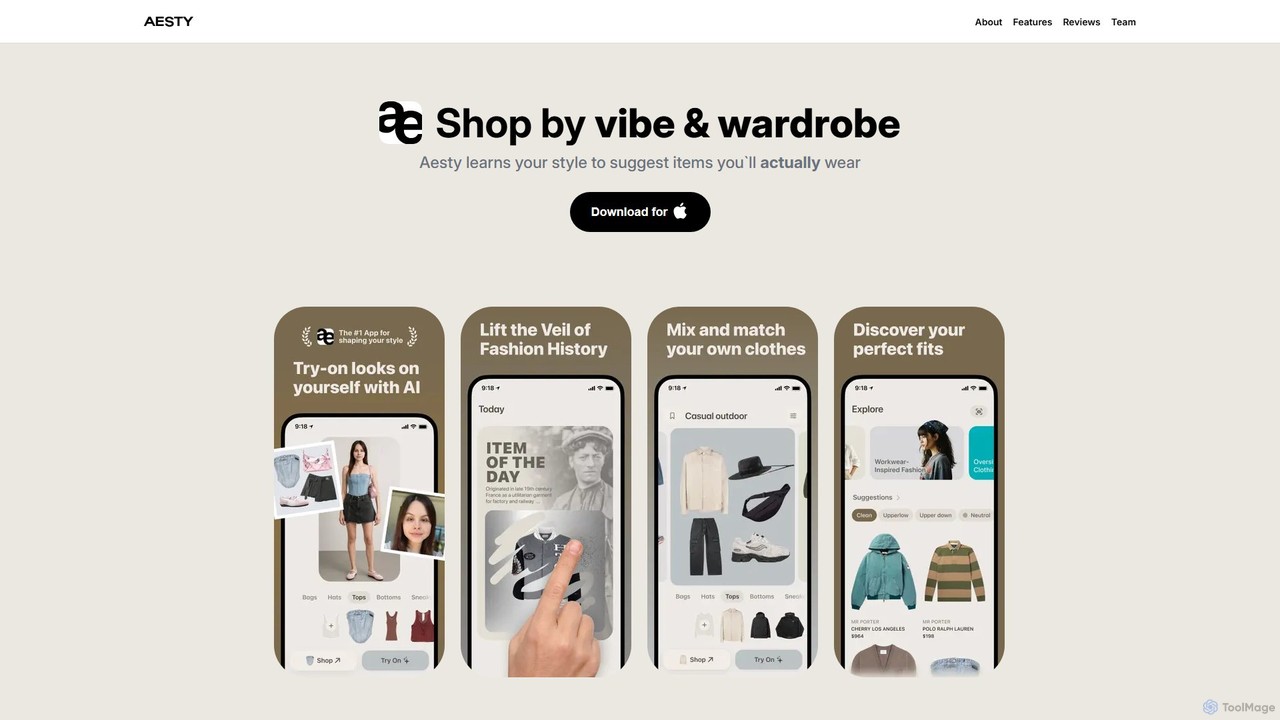
aesty

aesty is an AI-powered personal stylist and wardrobe assistant that helps you discover your style and create outfits from your own clothes. By digitizing your wardrobe, the app learns your preferences to provide daily outfit suggestions, personalized shopping recommendations, and styling advice, making fashion effortless and sustainable.

Fashion
Visits 23KFavorites 129Likes 112
Freemium

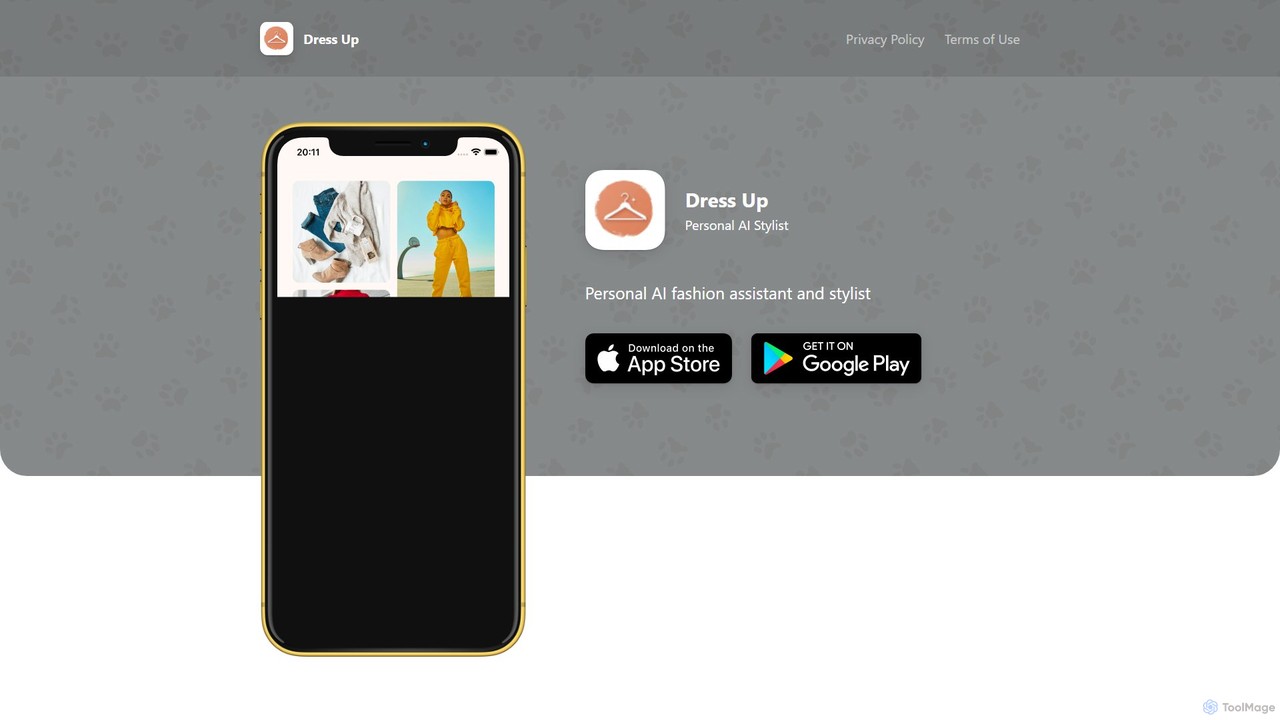
Dress Up

Dress Up is your personal AI fashion stylist and wardrobe assistant. It helps you discover new outfit combinations from your own closet, provides personalized style advice for any occasion, and helps you organize your wardrobe digitally. Save time, boost your confidence, and dress smarter every day.

Fashion
Visits 3.4KFavorites 113Likes 119

About Ios & Android

AI tools for iOS & Android are native applications that embed artificial intelligence capabilities directly onto smartphones and tablets. These tools leverage on-device hardware like NPUs and GPUs for efficient, low-latency processing without constant cloud dependency. They provide users with powerful features such as real-time image analysis, voice recognition, and personalized experiences, making advanced AI accessible anywhere. This direct integration with the mobile operating system allows for seamless interaction with cameras, sensors, and other system-level functions.

Core Features

  • On-Device Processing: Executes AI models directly on the device, enhancing privacy and enabling offline functionality.
  • Hardware Acceleration: Utilizes specialized chips like Apple's Neural Engine or Google's Tensor for faster AI computations.
  • OS Integration: Seamlessly connects with system features like Siri, Google Assistant, Photos, and the camera for a native experience.
  • Sensor Data Fusion: Combines inputs from GPS, accelerometers, and microphones to create context-aware and responsive applications.
  • Real-time Performance: Delivers immediate results for tasks like live translation, AR overlays, and video effects due to minimal network latency.

Use Cases

These tools are widely used by content creators for on-the-go video and photo editing, professionals for productivity tasks like voice transcription and meeting summaries, and general users for applications in health, fitness, navigation, and augmented reality. For instance, a fitness app can use AI to analyze workout form through the phone's camera, while a travel app can provide real-time translation of street signs.

How to Choose

When selecting an AI tool for iOS or Android, consider its specific function and your needs. Evaluate its privacy policy, especially for apps using on-device processing. Check compatibility with your device's OS version and hardware capabilities. Also, consider the business model—whether it's a one-time purchase, subscription-based, or ad-supported—and read user reviews to gauge performance and reliability.

Featured tool rankings

Ios & Android use cases

1

AI-Powered Photo & Video Editing On-the-Go

A social media content creator uses an iOS app to enhance their travel videos. The app's AI automatically stabilizes shaky footage, suggests optimal color grading based on the scene, and can even remove unwanted objects or people from the background in seconds. This allows the creator to produce professional-quality content directly on their phone without needing a powerful computer, significantly speeding up their workflow from shooting to posting.

2

Real-time Language Translation with Camera

A tourist traveling in a foreign country uses an Android app to navigate and communicate. By pointing their phone's camera at a restaurant menu, street sign, or public transport schedule, the app's AI performs on-device Optical Character Recognition (OCR) and translation. It overlays the translated text directly onto the camera view in real-time, breaking down language barriers instantly without requiring an internet connection, which is crucial in areas with poor connectivity.

3

Personalized AI Fitness & Health Coaching

A fitness enthusiast uses an app connected to their smartwatch to monitor their health. The app's AI analyzes patterns in their heart rate, sleep quality, and daily activity levels. Based on this on-device data, it provides personalized recommendations, such as suggesting a rest day after a strenuous workout or adjusting daily calorie goals. It can also use the phone's camera to analyze exercise form in real-time, providing corrective feedback to prevent injuries and maximize effectiveness.

4

Augmented Reality (AR) Interior Design Visualization

A homeowner planning to redecorate uses an AR app on their tablet. They point the camera at their living room, and the app's AI scans the space to create a 3D model. The user can then browse a catalog of furniture and virtually place items in the room. The AI ensures realistic scaling, lighting, and even suggests complementary color palettes. This allows for confident purchasing decisions by visualizing a complete room makeover before buying a single item.

5

Intelligent Voice Memo Transcription and Summarization

A journalist uses a voice recording app on their phone to capture interviews. After recording, the app's on-device AI transcribes the entire conversation into text with high accuracy, distinguishing between different speakers. It then automatically generates a concise summary highlighting key points, quotes, and action items. This saves hours of manual transcription work and allows the journalist to quickly find important information and draft articles directly from their mobile device.

6

On-Device Document Scanning and Organization

A student uses an app on their phone to digitize lecture notes and textbook pages. The app's AI camera automatically detects document edges, corrects perspective, and enhances readability. The on-device OCR converts the scanned images into searchable PDF or text files. Furthermore, the AI can automatically tag and categorize documents based on their content (e.g., 'Physics Notes', 'History Exam'), creating an organized digital library that is easily accessible and searchable on their phone for quick revision.

Ios & Android FAQ

What are AI tools for iOS & Android?

AI tools for iOS and Android are native mobile applications designed with built-in artificial intelligence features. Unlike web-based tools, they run directly on the device, leveraging its processor, camera, and sensors. This enables powerful functionalities like real-time object recognition, on-device voice transcription, and personalized user experiences without constant internet access. They are optimized for the mobile environment, offering speed, privacy, and deep integration with the operating system.

How to choose the right AI app for my phone?

To choose the right AI app, consider these factors:

  • Functionality: Does the app perform the specific AI task you need, such as photo enhancement, translation, or transcription?
  • On-Device vs. Cloud: Check if the app processes data on your device (better for privacy and offline use) or in the cloud (may offer more powerful features but requires internet).
  • User Reviews: Read reviews on the App Store or Google Play to assess its performance, reliability, and ease of use.
  • Privacy Policy: Understand how the app handles your data, especially if it involves personal information like photos or voice recordings.
  • Cost: Determine if the app is a one-time purchase, subscription-based, or free with ads, and choose what fits your budget.
What's the difference between a native AI app and a web-based AI tool on mobile?

The main difference lies in where the tool runs. A native AI app is installed directly on your iOS or Android device and is optimized to use its hardware (like the camera and NPU). This results in better performance, offline capabilities, and deeper integration with the OS. A web-based AI tool runs in your mobile browser and relies on a remote server for processing. While more accessible across platforms, web tools are dependent on an internet connection and typically have higher latency and less access to device-specific features.

What are the advantages of on-device AI processing?

On-device AI processing offers several key advantages. Firstly, it enhances privacy because your personal data (like photos or voice recordings) is processed locally and doesn't need to be sent to the cloud. Secondly, it provides low latency, meaning results are almost instantaneous, which is crucial for real-time applications like AR filters or live translation. Lastly, it enables offline functionality, allowing the AI features to work even without an internet connection, making apps more reliable and accessible anywhere.

What kind of tasks can AI apps on iOS and Android perform?

AI apps on iOS and Android can perform a wide variety of tasks by leveraging the device's hardware. Common examples include:

  • Computer Vision: Real-time object recognition, text scanning (OCR), face detection for filters, and AR overlays.
  • Natural Language Processing: Voice-to-text transcription, real-time translation, and intelligent chatbot interactions.
  • Audio Processing: Identifying songs, noise cancellation during calls, and voice command recognition.
  • Personalization: Recommending content, predicting user behavior, and creating personalized fitness plans based on sensor data.