ToolMage
Sign in

Best 2 Vocal Generation AI tools for Music

Popular Vocal Generation AI tools in Music include Vocs AI and Respeecher Voice Marketplace, helping you work more efficiently.

Vocs AI
Freemium

Vocs AI

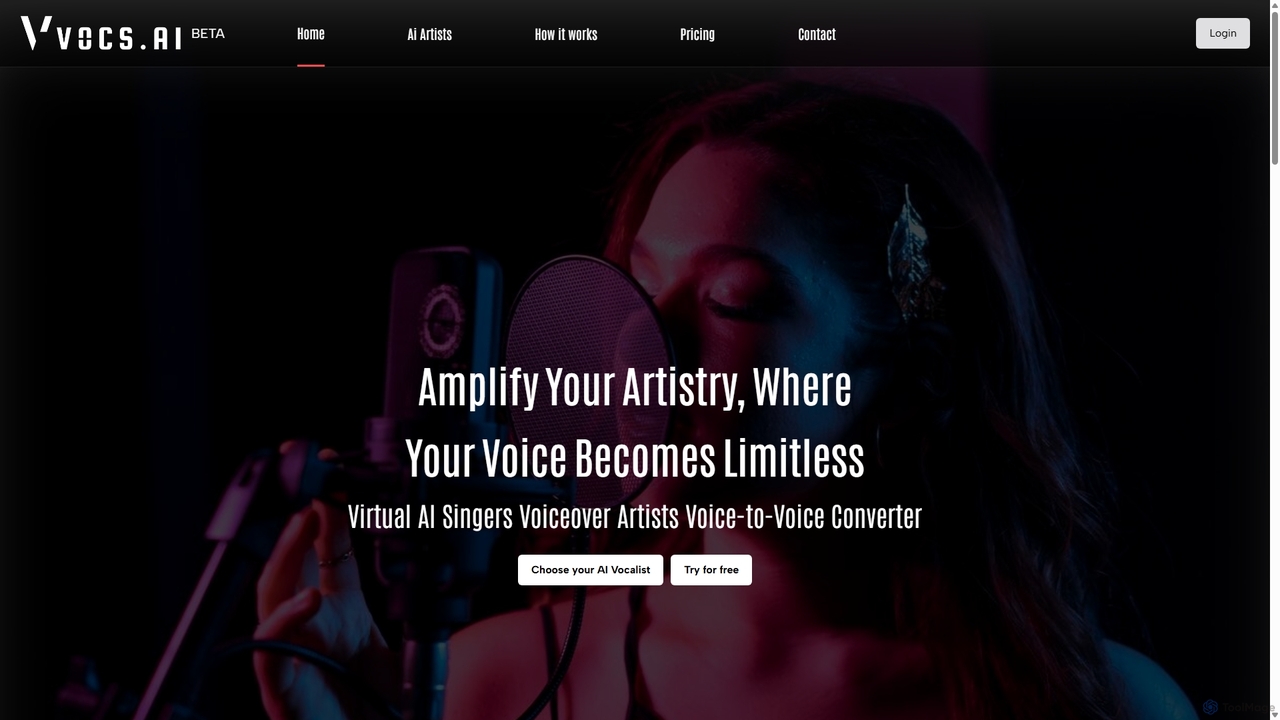
Vocs AI is a powerful AI voice converter that transforms your vocal recordings into the voices of unique AI singers, rappers, and voiceover artists. Unlike text-to-speech, it preserves the emotion, pitch, and tone of your original performance, ensuring an authentic and human-like result. It offers a diverse library of royalty-free AI artists for various genres and applications, making it ideal for music producers, content creators, and podcasters.

Voice Synthesis
Visits 7.7KFavorites 101Likes 93
Respeecher Voice Marketplace
Freemium

Respeecher Voice Marketplace

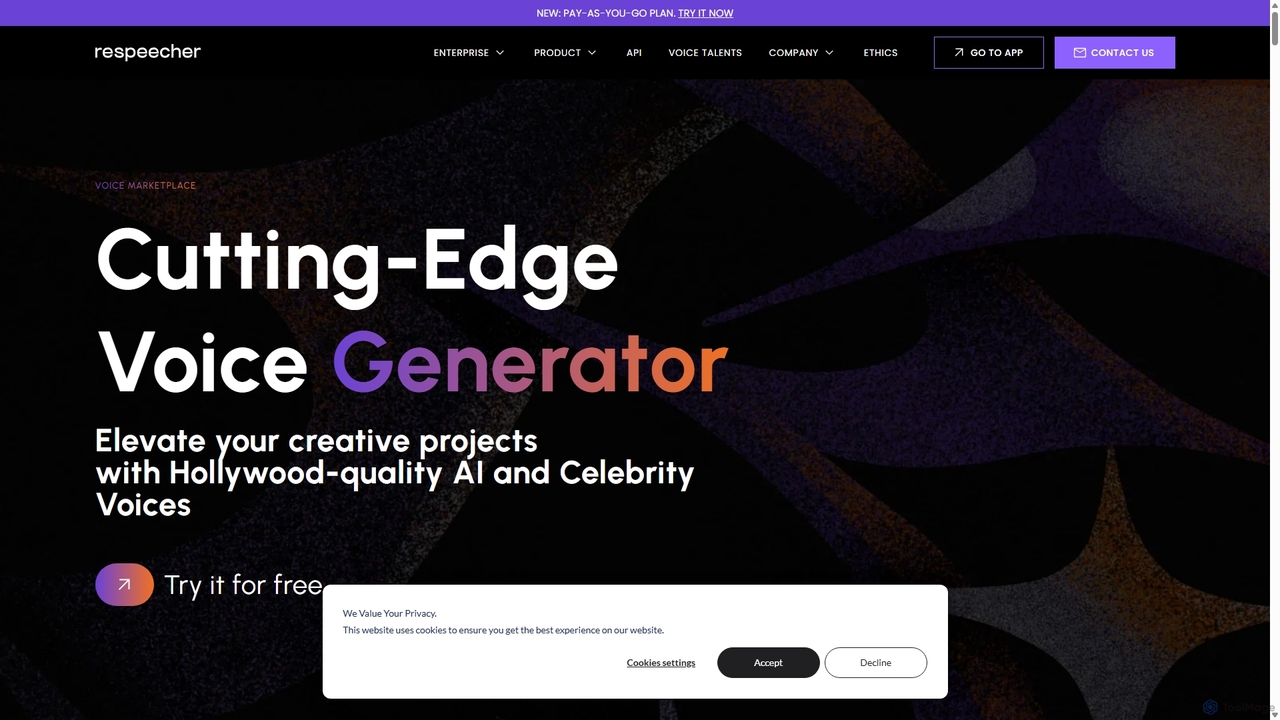
Respeecher Voice Marketplace is a cutting-edge AI voice generator offering Hollywood-quality voice synthesis. It provides both Speech-to-Speech (STS) and Text-to-Speech (TTS) technologies, featuring a vast library of voices, including ethically sourced celebrity voices. Trusted by top creators in film, gaming, and music, Respeecher allows users to create incredibly realistic and emotive voiceovers, de-age voices, or generate entirely new vocal performances for any creative project.

Voice Synthesis
Visits 7.3KFavorites 138Likes 134

About Vocal Generation

Vocal Generation tools are a specialized class of AI that create realistic human singing or speaking voices. These tools utilize advanced deep learning models, such as Generative Adversarial Networks (GANs) or diffusion models, to synthesize nuanced vocal performances from inputs like text, MIDI melodies, or existing audio recordings. They empower creators to produce high-quality vocal tracks for music, narration, and character voicing without needing a human vocalist. This technology is distinct within the music AI landscape for its exclusive focus on replicating the complexity and emotion of the human voice.

Core Features

  • Text-to-Singing (TTSing): Generates a singing voice from lyrics and melodic information (like MIDI or pitch notation).
  • Voice Cloning & Conversion: Replicates a specific person's vocal timbre or transforms one voice into another while preserving the original performance's melody and rhythm.
  • Vocal Parameter Control: Allows fine-tuning of vocal characteristics such as pitch, vibrato, breathiness, and emotional expression.
  • Harmony Generation: Automatically creates backing vocals and harmonies based on a primary vocal line.
  • Multi-language Support: Produces vocals in various languages, often with options for different accents and dialects.

Use Cases

Vocal Generation tools are widely used in music production for creating demo vocals, placeholders, or unique synthetic textures. They are also valuable in game development and animation for voicing characters, and in content creation for producing custom jingles, podcast intros, or voiceovers with a unique, AI-generated identity.

How to Choose

When selecting a Vocal Generation tool, evaluate the naturalness and quality of the synthesized voice. Consider the level of control offered over vocal parameters and the accuracy of voice cloning features. It's also crucial to review the tool's licensing terms to understand the usage rights for commercial projects, especially when using cloned voices. Finally, assess its integration capabilities, such as availability as a VST plugin for digital audio workstations (DAWs).

Vocal Generation use cases

1

Creating Demo Vocals for Songwriting

A music producer has composed a new instrumental track and written lyrics but doesn't have a session singer immediately available. Instead of waiting, they use a Vocal Generation tool. They input the lyrics and a MIDI file of the melody into the AI. The tool generates a high-quality, natural-sounding singing voice that follows the melody precisely. This allows the producer to create a complete demo song to pitch to artists or labels, test different vocal arrangements, and move forward with production without delays caused by scheduling conflicts.

2

Generating Unique Character Voices for Games

An indie game developer needs distinct voices for dozens of non-player characters (NPCs) but has a limited budget for voice actors. Using a Vocal Generation tool with voice cloning capabilities, they can record a few lines from one actor and then generate a wide variety of unique voices. By adjusting parameters like pitch, speed, and tone, they can create a diverse cast of characters from a small set of source audio. This approach significantly reduces costs and production time compared to hiring and recording numerous actors, while maintaining a consistent level of audio quality.

3

Creating AI Singer Covers of Popular Songs

A content creator on YouTube wants to produce a viral video featuring a famous pop song sung in the voice of a classic rock legend. They use a voice conversion tool, a type of Vocal Generation AI. First, they record their own performance of the pop song, focusing on getting the timing and pitch right. Then, they process their vocal recording through the AI model trained on the rock legend's voice. The output is a new audio file where the melody and rhythm of their performance are preserved, but the vocal timbre is transformed into that of the target singer, creating a unique and engaging piece of content.

4

Automating Backing Vocal and Harmony Creation

A solo artist is producing their own album and needs rich, multi-layered harmonies for a chorus, but finds it time-consuming to record multiple takes of their own voice. They use a Vocal Generation tool's harmony feature. After recording the main vocal line, they input it into the tool. The AI analyzes the melody and chord progression of the song and automatically generates musically correct harmony parts, such as a third above or a fifth below. The artist can then render these harmonies as separate audio tracks, adjust their volume and effects, and quickly build a full, professional-sounding vocal arrangement.

5

Producing Multilingual Voiceovers for Videos

A marketing agency is creating an animated explainer video for a global client and needs versions in five different languages. Instead of hiring five separate voice-over artists, which can be costly and lead to inconsistent performances, they use a multi-language Vocal Generation tool. They input the translated scripts for each language. The AI generates a consistent, clear, and professional-sounding narration for each version. This ensures brand voice consistency across all markets, streamlines the localization process, and significantly reduces the budget and coordination effort required for the project.

6

Creating Custom Jingles for Podcasts and Brands

A podcaster wants a unique, catchy jingle with singing for their show's intro but lacks musical skills and the budget to hire a composer and singer. They use a Text-to-Singing tool. They write simple, memorable lyrics and create a basic melody using a simple online MIDI editor. By uploading the lyrics and MIDI file to the AI tool, they can experiment with different AI voice models (e.g., male, female, pop, jazz). Within minutes, they generate a complete, royalty-free vocal jingle that gives their podcast a professional and distinct identity, without any prior musical experience.

Vocal Generation FAQ

What is AI Vocal Generation?

AI Vocal Generation refers to technology that uses artificial intelligence to create or modify human-like singing or speaking voices. Unlike general music generation which might create melodies or instrumentals, these tools focus specifically on the vocal element. They can generate singing from text and a melody (Text-to-Singing), clone an existing person's voice, or convert one vocal performance into the style of another singer. This technology is powered by complex deep learning models trained on vast amounts of vocal data.

How to choose the right AI Vocal Generation tool?

Choosing the right tool depends on your specific needs. Consider the following factors:

  • Vocal Quality: Listen to demos. How realistic and natural does the voice sound? Does it have artifacts or a robotic tone?
  • Features: Do you need Text-to-Singing, voice cloning, or voice conversion? Check if the tool offers the specific functionality you require.
  • Customization: How much control do you have over the voice? Look for options to adjust pitch, timing, vibrato, and emotional expression.
  • Usage Rights: Carefully read the terms of service. Understand if you can use the generated vocals in commercial projects and what the rules are regarding voice cloning to avoid legal issues.
  • Ease of Use: Is it a user-friendly web interface or a professional VST plugin that integrates with your Digital Audio Workstation (DAW)? Choose what fits your workflow.
What's the difference between Vocal Generation and Text-to-Speech (TTS)?

While both technologies generate human-like voices, their primary focus and complexity differ significantly. Text-to-Speech (TTS) is designed to convert written text into clear, natural-sounding spoken words, prioritizing intelligibility for applications like audiobooks and navigation systems. Vocal Generation, especially in a music context, is far more complex. It must not only pronounce words but also interpret melodic and rhythmic information to produce singing. This involves controlling pitch, duration, vibrato, and emotional dynamics, making it a much more artistically nuanced and technically challenging task.

Is it legal to use AI-generated vocals in commercial music?

The legality depends heavily on the tool's terms of service and how the voice was created. If you use a tool's generic, pre-made AI voices to create a melody, it is often permissible for commercial use, but you should always check the license. The situation becomes much more complex with voice cloning. Using a cloned voice of a famous artist without permission can lead to serious legal issues related to publicity rights, copyright, and trademark. Similarly, cloning a private individual's voice without their explicit consent is an ethical and legal gray area. Always prioritize using royalty-free synthetic voices or ensure you have explicit permission and a proper license before using a cloned voice commercially.

Who can benefit from using AI Vocal Generation tools?

A wide range of creators and professionals can benefit from these tools. Key users include:

  • Music Producers & Songwriters: For quickly creating demo vocals, experimenting with melodies, and generating harmonies without needing a session singer.
  • Indie Game Developers: To affordably voice numerous characters, creating unique and diverse vocal performances on a budget.
  • Content Creators (YouTubers, Podcasters): For producing custom intro jingles, unique voiceovers, and engaging audio content.
  • Animators & Filmmakers: For creating placeholder dialogue, character voices, or narration during early production stages.
  • Hobbyists & Aspiring Musicians: To bring their musical ideas to life without being limited by their own singing ability.