ToolMage
Sign in

Best 3 App Builder AI tools for No Code & Low Code

Popular App Builder AI tools in No Code & Low Code include easysite, Wemob, and Appomate, helping you work more efficiently.

Wemob
Paid

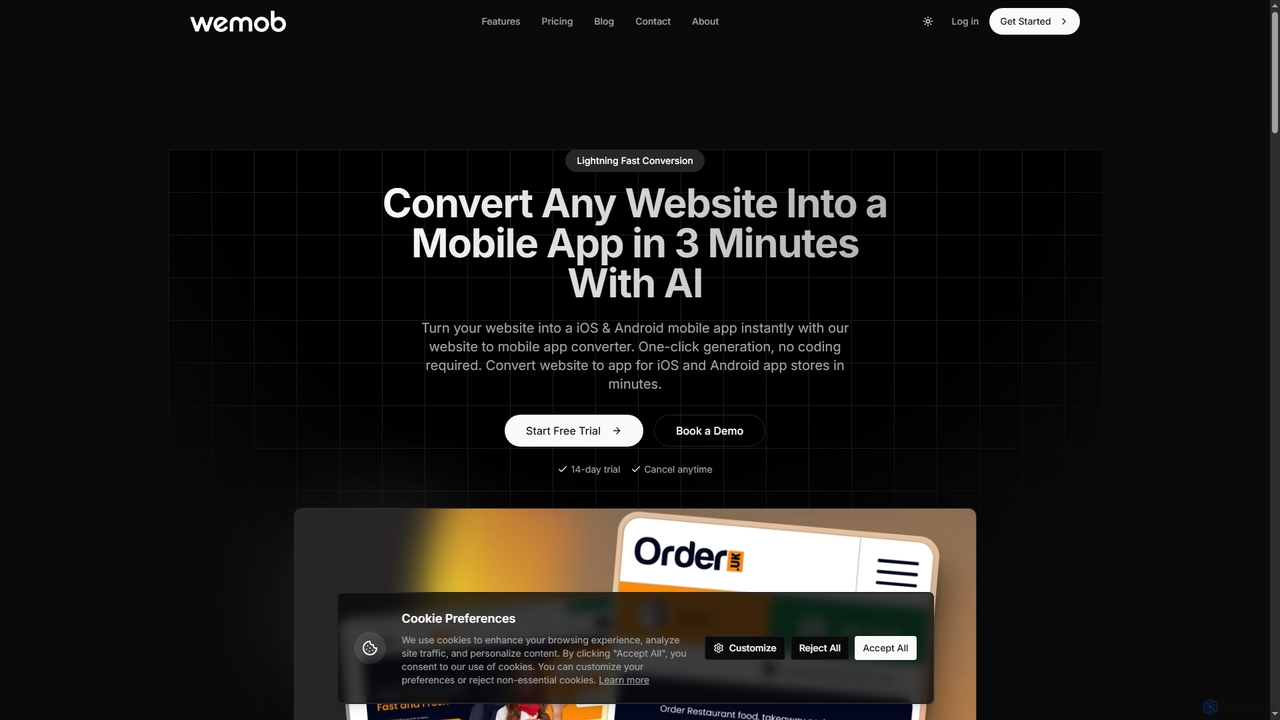
Wemob

Wemob is an AI-powered platform that converts any website into a native iOS and Android mobile app in just 3 minutes, no coding required. It features push notifications, custom branding, real-time updates, and automated app store deployment.

Mobile Development
Visits 4.3KFavorites 136Likes 145
easysite
Freemium

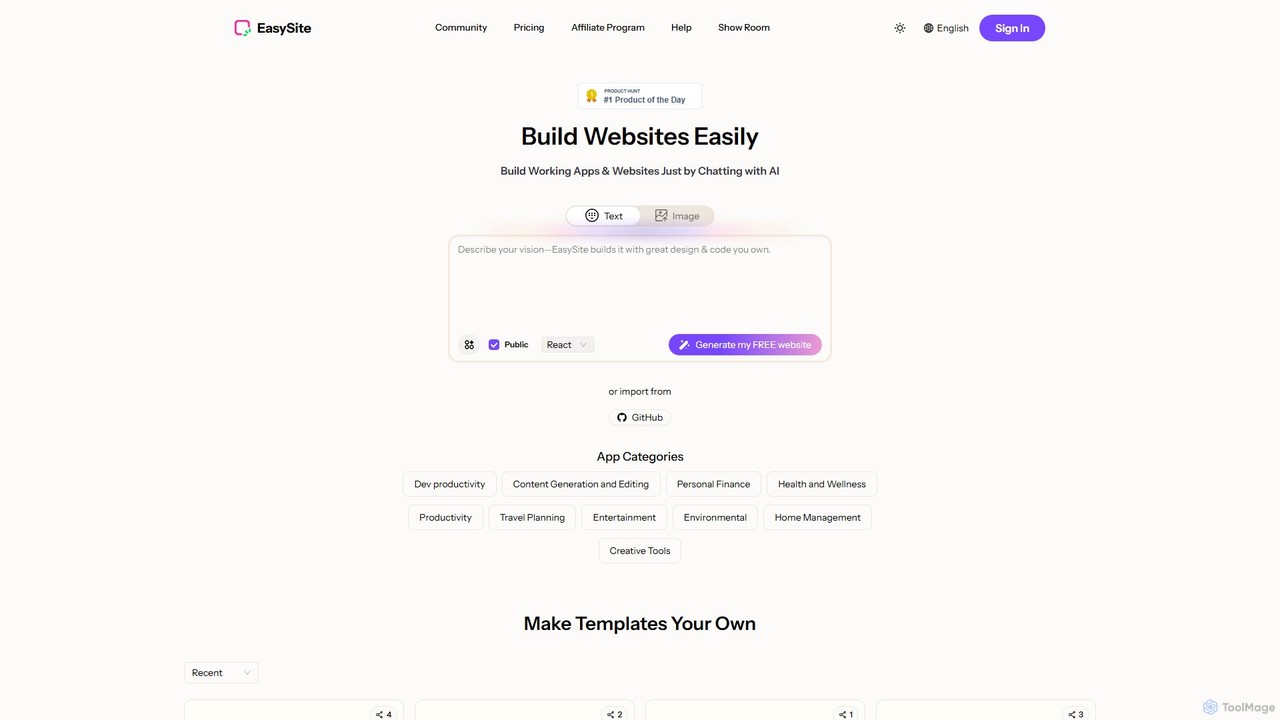
easysite

easysite is an AI-powered platform that enables users to build fully functional websites, web applications, and native mobile apps simply by chatting. It features an integrated database (Mini CRM), one-click mobile app conversion, and robust tools for creating SEO-friendly, high-converting digital experiences without writing any code.

Landing Page Builder
Visits 10.9KFavorites 129Likes 119
Appomate
Freemium

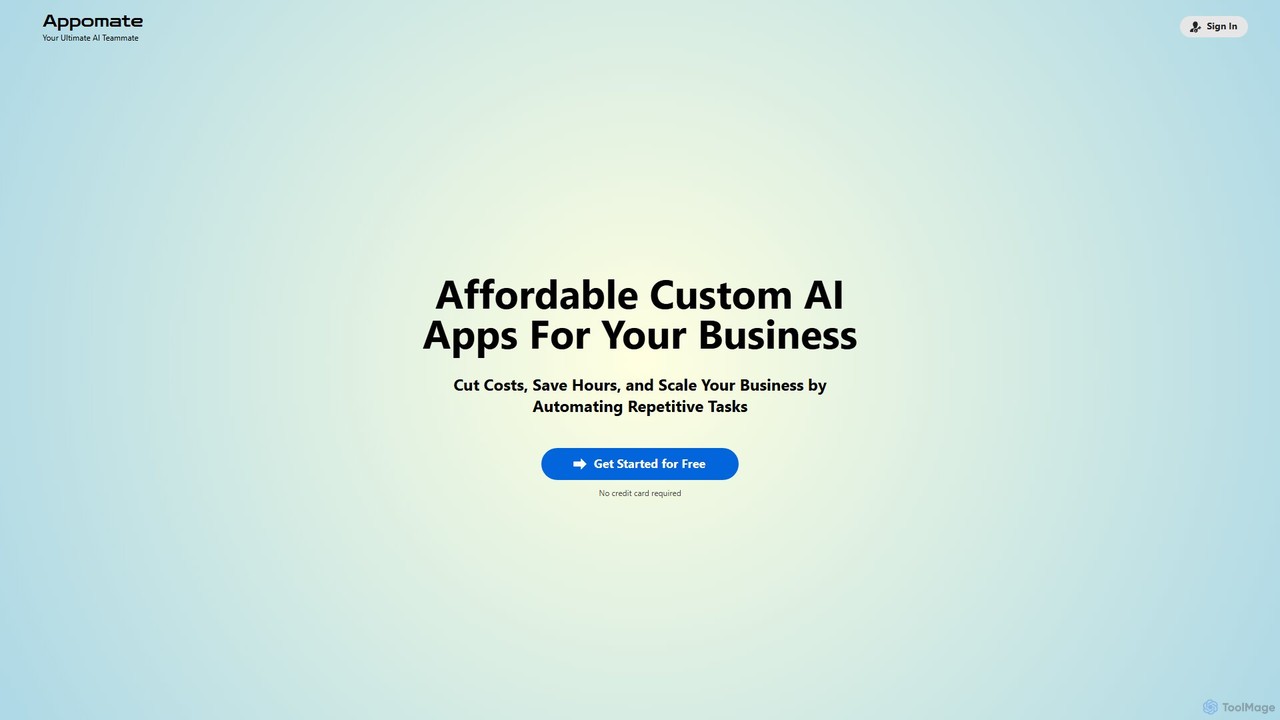
Appomate

Appomate is your ultimate AI teammate, offering affordable, custom AI applications for businesses. It helps cut costs, save hours, and scale operations by automating repetitive tasks and providing data-driven insights.

Customer Relationship Management
Visits 4.1KFavorites 105Likes 117

About App Builder

AI App Builders are tools that enable users to create functional web and mobile applications, often without writing any code. They utilize visual drag-and-drop interfaces, pre-built components, and AI-powered logic to assemble user interfaces, manage data, and define complex workflows. This approach significantly accelerates the development process, making it accessible for entrepreneurs, business analysts, and designers to build prototypes, internal tools, or customer-facing portals. As a specialized subset of no-code platforms, App Builders focus specifically on creating interactive, data-driven applications, distinct from simpler website or form builders.

Core Features

  • Visual Interface Builder: Construct user interfaces by dragging and dropping pre-made elements like buttons, forms, and lists.
  • Database and Data Management: Visually create and manage data structures to store, retrieve, and display application information.
  • Workflow Automation: Define application logic and user actions through visual flowcharts or rule-based triggers without coding.
  • AI-Powered Generation: Use AI to generate app components, suggest database schemas, or create entire screens from text prompts.
  • One-Click Deployment: Publish the finished web or mobile application to the cloud with minimal configuration.

Use Cases

These tools are ideal for creating minimum viable products (MVPs) for startups, building custom internal business tools like dashboards or CRMs, developing customer portals for service businesses, and prototyping high-fidelity applications for user testing and client presentations.

How to Choose

When selecting an App Builder, consider the target platform (web, iOS, Android), the complexity of the required database and logic, integration capabilities with other services (e.g., Stripe, Google Maps), scalability options for future growth, and the platform's pricing model.

Featured tool rankings

App Builder use cases

1

Build a Minimum Viable Product (MVP) for a Startup

A non-technical founder needs to validate a business idea quickly without the high cost of hiring a development team. Using an AI App Builder, they can visually design the user interface, set up a database for user accounts and product listings, and integrate a payment gateway. This allows them to launch a functional prototype in weeks, not months, enabling early user feedback and investor pitches at a fraction of the traditional cost.

2

Create an Internal Tool for Operations Management

An operations manager in a medium-sized company is struggling with inefficient processes managed through spreadsheets. They use an App Builder to create a centralized web app for inventory tracking, order management, and customer data. The app includes forms for data entry, a real-time dashboard for reporting, and automated email notifications. This consolidates data into a single source of truth, reduces manual errors, and provides clear visibility into business operations for decision-makers.

3

Develop a Customer Portal for a Service Business

A consulting firm wants to provide clients with 24/7 access to project updates and documents, reducing administrative overhead. Using an App Builder, they create a secure, login-protected portal. Clients can log in to view project timelines, download shared files, and submit support tickets. The portal integrates with their existing project management tools, ensuring data is always up-to-date. This improves the client experience and frees up the team's time from handling routine status requests.

4

Prototype a High-Fidelity Mobile App

A UX/UI designer needs to create a fully interactive prototype to present to a client before development begins. Instead of static mockups, they use an App Builder to quickly assemble the app's screens, connect them with navigation logic, and populate them with sample data. The result is a high-fidelity prototype that looks and feels like a real app. This allows for effective user testing and helps secure client sign-off much faster by clearly demonstrating the intended user experience.

5

Launch a Niche Marketplace Platform

An entrepreneur wants to create a two-sided marketplace connecting local artisans with buyers. Building such a platform from scratch is complex and expensive. Using an App Builder, they can create distinct user profiles for sellers and buyers, a system for listing products, a secure messaging feature for communication, and a review system. This allows them to launch their niche marketplace quickly, focusing their efforts on building a community of users rather than on complex backend development.

6

Automate Data Collection and Reporting

A marketing analyst spends hours each week manually collecting data from various sources (forms, APIs, spreadsheets) to compile reports. They build an application using an App Builder that connects to these data sources via APIs. The app automatically ingests the data into a central database and displays it on a dynamic dashboard with charts and graphs. This automates the entire reporting workflow, providing stakeholders with instant access to up-to-date insights and saving the analyst significant time each week.

App Builder FAQ

What is an AI App Builder?

An AI App Builder is a no-code or low-code platform for creating web and mobile applications using a visual interface. The 'AI' component enhances this process by automating tasks like generating app layouts from text descriptions, suggesting database structures, or creating complex workflows. This empowers users without programming skills to build sophisticated, data-driven applications much faster than traditional development methods.

How to choose the right App Builder?

To choose the right App Builder, evaluate these key factors:

  • Platform Target: Do you need a responsive web app, a native mobile app for iOS/Android, or both?
  • Complexity & Scalability: Can it handle your required database complexity, business logic, and scale with your user base?
  • Integrations: Does it connect easily with essential third-party services like payment gateways, CRMs, or analytics tools?
  • Customization & Control: How much control do you have over the design and functionality? Can you export the code if needed?
  • Pricing Model: Understand the costs associated with users, data storage, features, and deployment.
What's the difference between an App Builder and a Website Builder?

The main difference is purpose and functionality. A Website Builder (like Wix or Squarespace) is for creating content-focused sites like blogs, portfolios, and marketing pages. They excel at presentation and information display. An App Builder is for creating interactive, data-driven applications with user accounts, databases, and complex workflows (e.g., internal tools, marketplaces, customer portals). They focus on logic, data management, and user interaction, which goes far beyond what a typical website builder can do.

Can I build complex applications with an App Builder?

Yes, modern App Builders are capable of creating highly complex applications. They can handle custom databases, sophisticated business logic, API integrations with other software, user authentication, and payment processing. While there might be limitations for extremely performance-intensive tasks like high-frequency trading or advanced 3D gaming, they are more than capable of building the vast majority of business applications, SaaS products, and internal tools that would traditionally require a dedicated development team.

Who are App Builders for?

App Builders are for a diverse range of users, not just developers. Key users include:

  • Entrepreneurs & Startups: To quickly build and test Minimum Viable Products (MVPs) without large initial investments.
  • Business Owners & Managers: To create custom internal tools (e.g., CRMs, dashboards) to solve specific operational problems.
  • Product Managers & Designers: To create high-fidelity, interactive prototypes for user testing and stakeholder presentations.
  • 'Citizen Developers': Employees within large organizations who build applications for their departments, accelerating innovation without relying on IT backlogs.