
ToolMage
Sign in

Best 1 Integration Platform for No Code & Low Code

Popular Integration Platform in No Code & Low Code include Superface, helping you work more efficiently.

Superface
Freemium

Superface

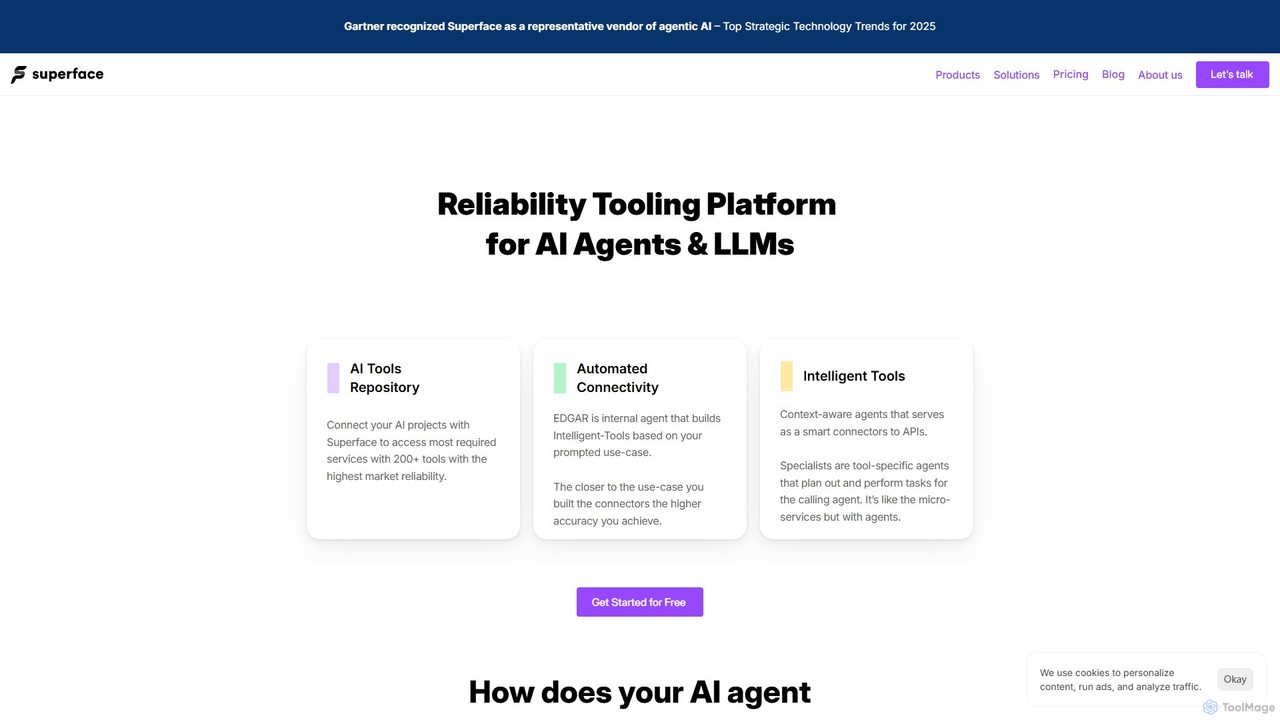
Superface is a tooling and reliability platform for AI agents, enabling them to connect to and interact with external APIs and enterprise systems with human-level accuracy. It provides a library of pre-built, reliable tools and automated builders to significantly improve task completion rates and reduce development time.

Api Management
Visits 8.8KFavorites 155Likes 164

About Integration Platform

Integration Platforms are AI-powered tools that automate workflows by connecting disparate applications and services. As a key component of the No Code & Low Code ecosystem, they enable users to build complex integrations without extensive coding, streamlining data flow and operational processes. These platforms leverage AI to suggest mappings, handle data transformations, and monitor integration health, significantly enhancing efficiency and reducing manual effort.

Core Features

  • Visual Workflow Builder: Drag-and-drop interface for designing integration logic and data flows.
  • Pre-built Connectors: Ready-to-use connections for popular business applications and APIs.
  • Data Transformation & Mapping: Tools for converting, enriching, and mapping data between different system formats.
  • AI-driven Suggestions: Intelligent recommendations for data mapping, workflow optimization, and error resolution.
  • Error Handling & Monitoring: Automated alerts, logging, and dashboards to track integration performance and issues.

Use Cases

Businesses across various sectors utilize integration platforms to automate repetitive tasks, synchronize customer data, and create unified operational views. For instance, marketing teams can automatically sync lead data from ad platforms to CRM, while HR departments can connect applicant tracking systems with payroll for seamless onboarding.

How to Choose

When selecting an Integration Platform, consider the breadth of pre-built connectors for your existing tech stack, the flexibility of its data transformation capabilities, the scalability to handle growing data volumes, and the ease of use for non-technical team members. Evaluate pricing models based on usage or number of integrations and ensure robust security features.

Integration Platform use cases

1

Automate Lead Nurturing Workflows

Marketing teams can use an Integration Platform to connect their CRM, email marketing software, and social media tools. When a new lead is captured from a website form (CRM), the platform automatically adds them to a specific email sequence (email marketing) and triggers a personalized welcome message on social media, ensuring timely and consistent engagement without manual intervention.

2

Synchronize Customer Data Across Systems

E-commerce businesses often struggle with fragmented customer data spread across their online store, customer support platform, and accounting software. An Integration Platform can synchronize customer profiles, purchase history, and support tickets in real-time, providing a unified view for sales and support teams, improving customer experience and reducing data discrepancies.

3

Streamline HR Onboarding Processes

HR departments can leverage Integration Platforms to automate the new employee onboarding journey. When a candidate accepts an offer in the Applicant Tracking System (ATS), the platform automatically creates an employee record in the HRIS, triggers IT provisioning requests, and sends welcome emails with necessary forms, significantly reducing administrative overhead and ensuring a smooth start for new hires.

4

Automate Financial Reporting & Data Aggregation

Finance teams can connect various financial systems, such as accounting software, expense management tools, and banking platforms, using an Integration Platform. This allows for automated aggregation of financial data, generation of custom reports, and real-time dashboards, eliminating manual data entry and reconciliation, leading to faster and more accurate financial insights.

5

Integrate IoT Device Data with Business Applications

Manufacturing or logistics companies can use Integration Platforms to connect data streams from IoT sensors on machinery or vehicles with their ERP or asset management systems. This enables real-time monitoring of equipment performance, predictive maintenance alerts, and automated inventory adjustments based on usage, optimizing operations and minimizing downtime.

6

Build Custom Customer Self-Service Portals

Businesses can create enhanced customer self-service experiences by integrating their knowledge base, CRM, and ticketing system. An Integration Platform allows customers to access relevant articles, view their order status, or submit support tickets directly from a unified portal, with all interactions automatically logged and routed to the appropriate internal teams, improving resolution times.

Integration Platform FAQ

What are Integration Platforms?

Integration Platforms are software solutions designed to connect different applications, systems, and data sources, enabling them to communicate and exchange information seamlessly. They are crucial for automating workflows and streamlining operations, especially within the No Code & Low Code paradigm, by providing visual interfaces and pre-built connectors to build complex data flows without writing extensive code.

How do Integration Platforms differ from custom coding for integrations?

Integration Platforms offer a visual, often drag-and-drop, interface and pre-built connectors, allowing users to create integrations quickly without deep programming knowledge. Custom coding, conversely, involves writing unique code for each connection, offering maximum flexibility but requiring significant development time, expertise, and ongoing maintenance. Platforms are faster and more accessible for non-developers, while custom coding suits highly unique or niche requirements.

What are the key benefits of using an Integration Platform?

The primary benefits include increased operational efficiency through automation, improved data accuracy by eliminating manual entry, enhanced decision-making with unified data views, and reduced IT overhead by empowering business users to build integrations. They also accelerate digital transformation initiatives by quickly connecting new applications and fostering agility across the organization.

What should I look for when choosing an Integration Platform?

When choosing an Integration Platform, prioritize the breadth of its pre-built connectors for your existing software, its data transformation capabilities, scalability for future growth, ease of use for your team, and robust error handling and monitoring features. Also, consider the pricing model, the level of support offered, and its security compliance to ensure it meets your organizational needs.

Can Integration Platforms handle complex data transformations?

Yes, modern Integration Platforms are equipped to handle complex data transformations. They offer features like data mapping, field-level transformations, conditional logic, and data enrichment capabilities. This allows users to convert data formats, combine information from multiple sources, and apply business rules to ensure data consistency and integrity across connected systems, making them highly versatile for diverse business needs.