ToolMage
Sign in

Best 2 Website Builder AI tools for No Code & Low Code

Popular Website Builder AI tools in No Code & Low Code include GPTConsole and CodeWP, helping you work more efficiently.

GPTConsole
Freemium

GPTConsole

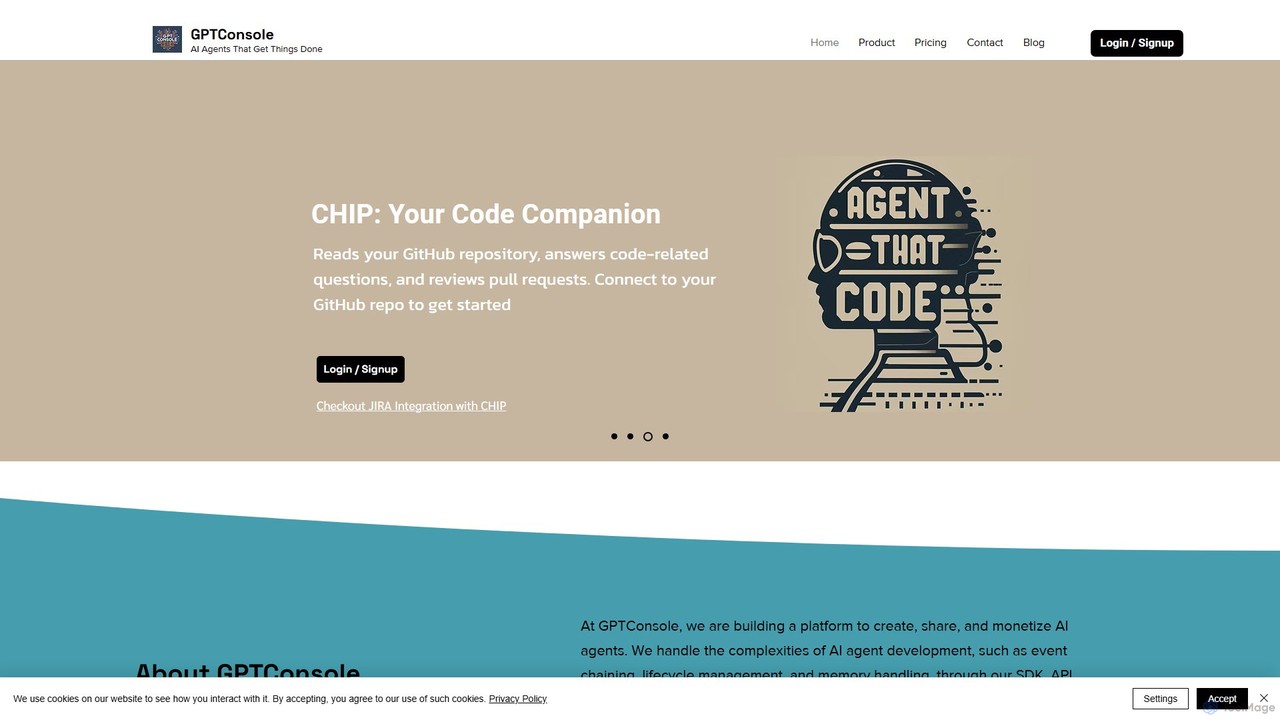
GPTConsole is a developer-centric platform for creating, using, and monetizing AI agents. It features specialized agents like Pixie for autonomous web development, Chip for codebase analysis, and Doodle for animated doodle generation. It simplifies agent creation with its SDK, API, and CLI, allowing developers to accelerate their workflow significantly.

Image Generator
Visits 7.2KFavorites 132Likes 136
CodeWP
Freemium

CodeWP

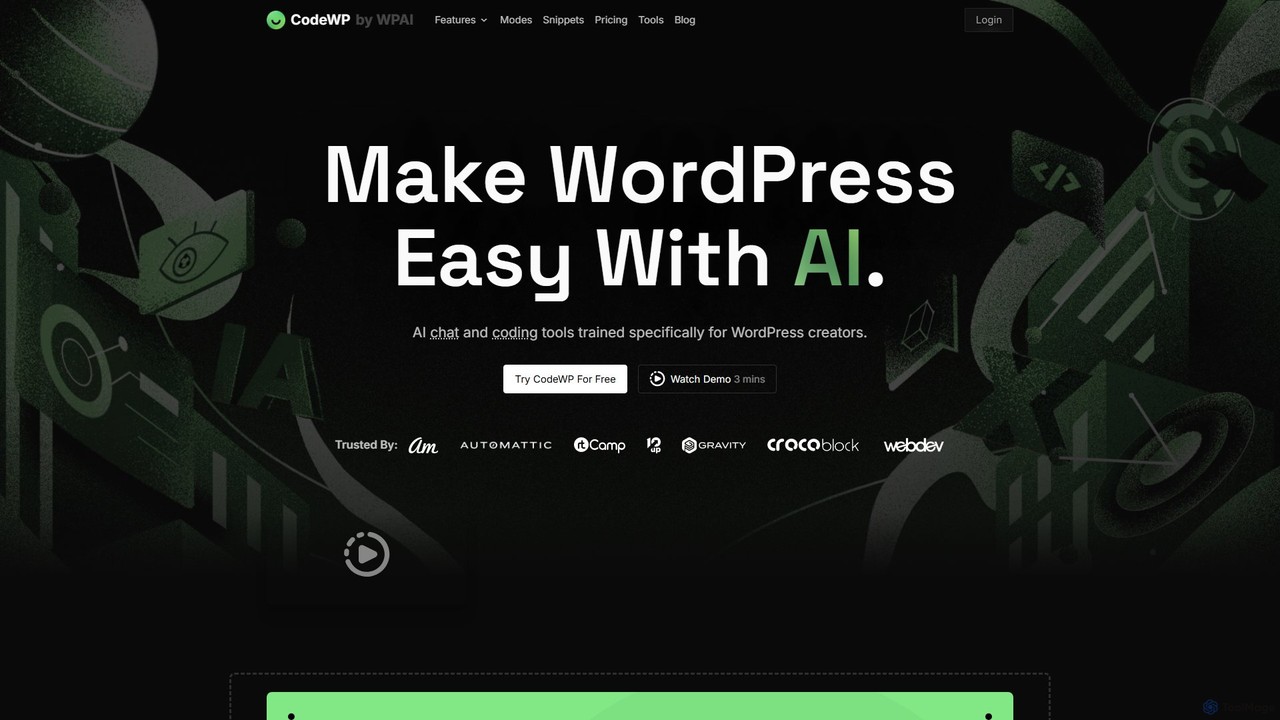
CodeWP is a specialized AI platform for WordPress creators. It offers AI-powered code generation (PHP, JS, CSS), an expert chat assistant, and troubleshooting tools. Trained specifically on WordPress, it produces accurate, secure, and up-to-date code snippets and plugins, streamlining workflows for developers and empowering non-technical users to build and manage their sites more efficiently.

Code Assistant
Visits 6.5KFavorites 111Likes 104

About Website Builder

AI Website Builders are tools that use artificial intelligence to automate and simplify the creation of fully functional websites. They interpret simple text prompts to generate unique layouts, write relevant copy, and select appropriate imagery, removing the need for coding or design expertise. This technology enables entrepreneurs, freelancers, and small businesses to launch professional online presences, from portfolios to e-commerce stores, in a fraction of the time required by traditional methods. Unlike standard no-code builders, AI-powered platforms can generate an entire initial website structure and content from a single description, drastically accelerating the development process.

Core Features

  • AI-Powered Generation: Creates entire website layouts, color schemes, and font pairings based on a user's description of their business or project.
  • Automated Content Creation: Generates SEO-friendly headlines, service descriptions, and other written content tailored to the site's purpose.
  • Intelligent Image Sourcing: Automatically suggests and integrates high-quality, royalty-free images relevant to the website's industry and content.
  • Adaptive Design Optimization: Ensures the generated website is automatically responsive and optimized for viewing on desktops, tablets, and mobile devices.

Use Cases

AI Website Builders are ideal for users who need to launch a website quickly without technical skills. This includes small business owners establishing an online presence, freelancers creating digital portfolios, marketers building campaign-specific landing pages, and entrepreneurs prototyping a web-based idea. They are particularly effective for creating informational sites, service-based business pages, and small online stores.

How to Choose

When selecting an AI Website Builder, consider the quality and relevance of its AI-generated designs and content. Evaluate the level of post-generation customization available to ensure you can fine-tune the results. Check for essential integrated features like SEO tools, e-commerce capabilities, and analytics. Finally, assess the platform's hosting services, custom domain support, and pricing plans to ensure they align with your long-term needs and budget.

Website Builder use cases

1

Rapid Landing Page Creation for Marketing Campaigns

A marketing manager needs to launch a new landing page for a product promotion under a tight deadline. Instead of a lengthy design and development cycle, they use an AI website builder. By inputting a prompt like, 'Create a high-converting landing page for a new vegan protein powder,' the AI instantly generates a complete page with a compelling layout, persuasive copy, relevant stock images, and a clear call-to-action button. The manager can then make minor tweaks and publish the page in under an hour, allowing the campaign to go live on schedule.

2

Building a Professional Portfolio for Freelancers

A freelance photographer needs an online portfolio to showcase their work to potential clients but lacks web design skills. Using an AI website builder, they simply describe their specialty: 'Create a minimalist portfolio website for a portrait photographer.' The AI generates a visually focused site with a gallery, an 'About Me' section, and a contact form. It even suggests layouts that best highlight high-resolution images. The photographer can upload their work and have a professional, mobile-responsive portfolio live in an afternoon.

3

Launching an Online Store for a Small Business

An artisan who makes handmade jewelry wants to start selling online but is intimidated by complex e-commerce platforms. They choose an AI website builder with integrated e-commerce features. By describing their business as 'an online store for unique, handcrafted silver jewelry,' the AI generates a clean storefront layout, product page templates, and even drafts compelling product descriptions. The platform guides them through setting up payments and shipping, enabling the artisan to launch a fully functional online store over a weekend without hiring a developer.

4

Creating a Website for a Local Service Business

A local plumber needs a simple, professional website to attract local customers and provide contact information. They have no time to learn web development. Using an AI builder, they input 'website for a reliable plumbing service in Brooklyn, NY.' The AI generates a site with a clear services page, a prominent phone number, a contact form for quote requests, and an embedded map of their service area. The AI-written content is optimized for local search terms like 'emergency plumber Brooklyn,' helping the business get found by customers in need.

5

Prototyping Website Designs for Agencies

A design agency needs to quickly present multiple website concepts to a new client. Instead of spending days creating mockups in design software, a designer uses an AI website builder. They input the client's brief and brand guidelines into the tool multiple times with slight variations. The AI generates several distinct, fully functional website prototypes in minutes. This allows the agency to present a range of interactive options to the client early in the process, facilitating faster feedback and decision-making, and significantly reducing initial design hours.

6

Setting Up a Website for an Event or Conference

An event organizer needs a dedicated website for an upcoming conference to share information and sell tickets. With limited time and budget, they use an AI website builder. They provide key details like the event name, date, location, and a list of speakers. The AI generates a multi-page site including a homepage with a countdown timer, a detailed schedule page, speaker bio pages, and a registration section integrated with a ticketing platform. This allows for a professional event hub to be created and launched in hours, not weeks.

Website Builder FAQ

What is an AI Website Builder?

An AI Website Builder is a tool that uses artificial intelligence to generate a complete website from a user's text description. Unlike traditional drag-and-drop builders where you manually assemble components, an AI builder automates the initial design, content writing, and image selection process. Users simply describe their business or goal, and the AI creates a functional, aesthetically pleasing website draft in minutes, which can then be customized further.

How to choose the right AI Website Builder?

To choose the right AI Website Builder, consider these factors:

  • Generation Quality: Evaluate how well the AI interprets your prompts and the quality of the initial design, layout, and copy it produces.
  • Customization Flexibility: Check how much control you have to edit and refine the website after the AI has generated it. The best tools offer a balance between automation and manual control.
  • Feature Set: Ensure it includes necessary features like SEO tools, e-commerce functionality, blogging capabilities, and integrations with other services.
  • Pricing and Scalability: Compare subscription plans. Look for a plan that fits your current budget and can scale as your website's needs grow.
What's the difference between an AI Website Builder and a CMS like WordPress?

The main difference lies in simplicity versus flexibility. An AI Website Builder is designed for speed and ease of use, generating a nearly complete site from a prompt, which is ideal for users without technical skills. A Content Management System (CMS) like WordPress offers immense flexibility and control but requires a steeper learning curve. With WordPress, you are responsible for choosing themes, plugins, hosting, and security, offering near-limitless customization at the cost of more time and technical knowledge.

Can I use my own domain with an AI Website Builder?

Yes, almost all professional AI website builders allow you to connect a custom domain that you already own. Most platforms also offer the option to purchase a new domain directly through their service, which is often included as part of their premium subscription plans. Using a custom domain (e.g., www.yourbusiness.com) instead of a branded subdomain is essential for establishing a professional and credible online presence.

Who are AI Website Builders best for?

AI Website Builders are best for individuals and small businesses who prioritize speed, simplicity, and cost-effectiveness over deep technical customization. This includes:

  • Small Business Owners: For creating a professional online presence quickly.
  • Freelancers and Creatives: For building portfolios to showcase their work.
  • Marketers: For rapidly deploying landing pages for specific campaigns.
  • Entrepreneurs: For prototyping new ideas and creating a minimum viable product (MVP) website.

They are an excellent choice for anyone who needs a great-looking, functional website without wanting to learn code or complex design software.