ToolMage
Sign in

Best 1 Website Builders AI tools for No Code

Popular Website Builders AI tools in No Code include Tally, helping you work more efficiently.

Tally
Freemium

Tally

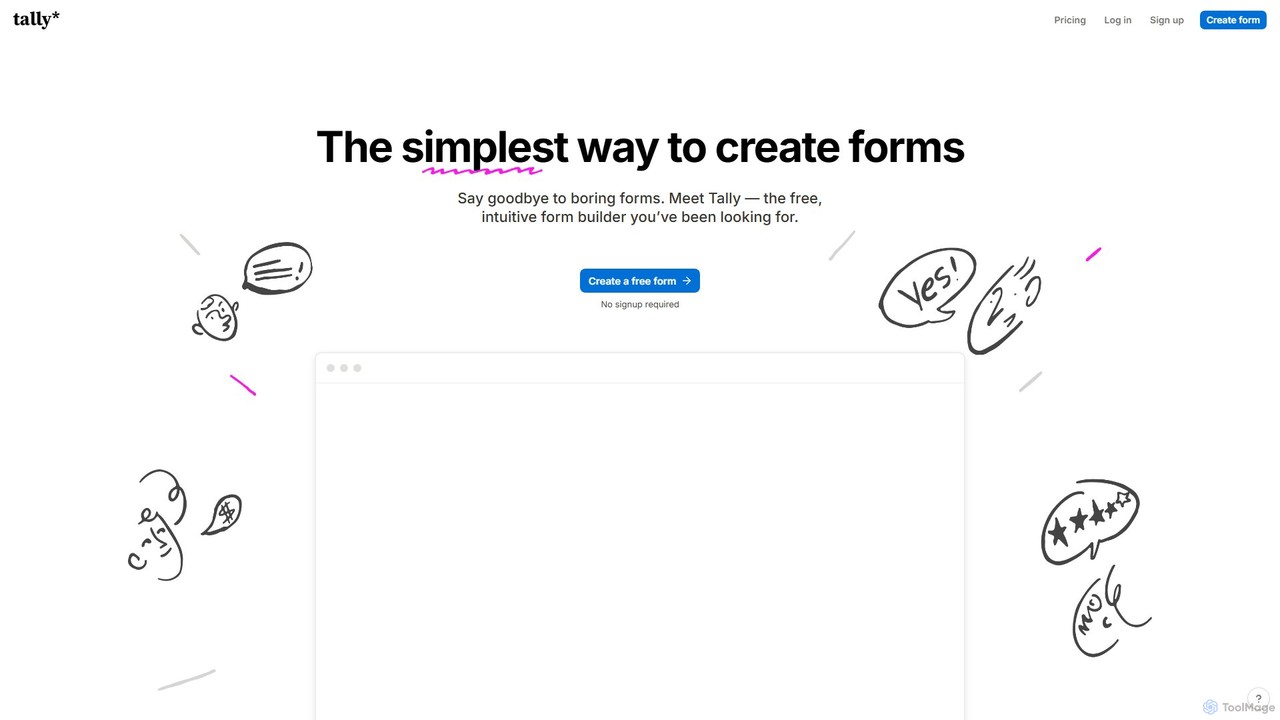
Tally is an intuitive and powerful online form builder that works like a text document. It offers unlimited forms and submissions for free, making it easy to create everything from simple surveys to complex checkout forms without any coding knowledge. It's a privacy-focused, user-friendly alternative to traditional form builders.

Data Collection
Visits 12.1MFavorites 173Likes 178

About Website Builders

Website Builders are a category of no-code tools designed to empower individuals and businesses to create professional websites without writing any code. These platforms typically feature intuitive drag-and-drop interfaces, extensive template libraries, and integrated hosting solutions. They enable users to quickly launch an online presence, showcase portfolios, or establish e-commerce stores, making web development accessible to everyone regardless of technical skill.

Core Features

  • Drag-and-Drop Editor: Visually arrange elements on a page with ease, no coding required.
  • Pre-designed Templates: Choose from a wide array of professional, customizable designs for various industries.
  • Integrated Hosting & Domain: Often include web hosting and domain registration services for a seamless setup.
  • SEO Tools: Built-in features to optimize website content for search engines and improve visibility.
  • E-commerce Functionality: Tools for setting up online stores, managing products, payments, and shipping.

Use Cases

Website Builders are ideal for small business owners needing a quick online presence, freelancers showcasing their work, or bloggers launching content platforms. They simplify the process of establishing a digital footprint, allowing users to focus on their content and business rather than complex web development.

How to Choose

When selecting a Website Builder, consider its ease of use, the extent of customization options available, and its scalability for future growth, especially if e-commerce or advanced features are needed. Evaluate pricing plans, customer support, and the availability of essential integrations to ensure it meets your specific requirements.

Website Builders use cases

1

Establish Small Business Online Presence

Small business owners, like local restaurant or boutique shop owners, can quickly create a professional website to display menus, services, contact information, and operating hours. This allows them to establish credibility, reach a wider local audience, and provide essential information to potential customers without hiring a web developer, saving significant time and cost.

2

Showcase Freelancer Portfolio

Creative professionals such as graphic designers, photographers, or writers can build visually stunning online portfolios to exhibit their best work. Using customizable templates, they can easily upload projects, add descriptions, and organize their content, effectively attracting new clients and demonstrating their skills in a professional and accessible manner.

3

Launch Blogger & Content Creator Platform

Individuals passionate about sharing knowledge or stories can launch and manage their own blogs or content platforms. Website builders provide intuitive interfaces for publishing articles, embedding media, and organizing categories, enabling creators to focus on producing high-quality content and engaging with their audience without technical hurdles.

4

Rapid E-commerce Store Launch

Aspiring entrepreneurs and small retailers can rapidly set up fully functional online stores to sell products. These tools offer features for product listings, inventory management, secure payment gateways, and shipping options, empowering users to start selling online quickly and efficiently, expanding their market reach beyond physical locations.

5

Create Event & Landing Pages

Event organizers, marketers, or educators can design dedicated landing pages for specific events, webinars, or promotional campaigns. They can easily integrate registration forms, countdown timers, and detailed event information, streamlining the sign-up process and effectively capturing leads or attendees for their initiatives.

6

Develop Community & Membership Sites

Individuals or organizations looking to build exclusive online communities or membership platforms can utilize website builders. They can create password-protected areas, manage member access, host forums, and offer premium content, fostering engagement and providing value to a dedicated subscriber base without complex backend development.

Website Builders FAQ

What are Website Builders?

Website Builders are intuitive no-code platforms that allow users to create and manage websites without any programming knowledge. They typically provide a visual drag-and-drop interface, pre-designed templates, and integrated tools for content management, design customization, and publishing. Their primary goal is to democratize web development, making it accessible for individuals and small businesses to establish an online presence quickly and affordably.

How to choose the right Website Builder?

Choosing the right Website Builder involves evaluating several factors. First, consider your specific needs: do you require e-commerce, a blog, or just a simple portfolio? Look at the ease of use and the learning curve of its interface. Assess the customization options, template variety, and mobile responsiveness. Finally, compare pricing plans, customer support quality, and the availability of essential integrations (like email marketing or analytics) to ensure it aligns with your budget and future growth plans.

What's the difference between Website Builders and custom coding?

The main difference lies in control, speed, and technical skill. Website Builders offer speed and ease of use, allowing non-technical users to launch sites quickly with pre-built components and templates. However, they might have limitations in terms of deep customization and unique functionalities. Custom coding, on the other hand, provides ultimate flexibility and control over every aspect of the website, but requires significant technical expertise, more time, and often a higher budget. Website Builders are ideal for rapid deployment and standard needs, while custom coding suits highly unique or complex projects.

What key features should I look for in a Website Builder?

When evaluating Website Builders, prioritize features that align with your goals. Essential features include a user-friendly drag-and-drop editor, a diverse library of responsive and professional templates, and robust SEO tools for search engine visibility. For businesses, integrated e-commerce capabilities (product management, payment gateways) are crucial. Other important considerations are reliable hosting, custom domain support, analytics integration, and responsive customer support to assist with any issues.

Who benefits most from using Website Builders?

Website Builders primarily benefit individuals and small to medium-sized businesses that need a professional online presence without the time, budget, or technical skills required for custom development. This includes entrepreneurs launching startups, freelancers showcasing portfolios, local businesses establishing an online storefront, bloggers sharing content, and event organizers creating landing pages. They are perfect for those who prioritize speed, affordability, and ease of management.