ToolMage
Sign in

Best 3 Photo Editing AI tools for Photography

Popular Photo Editing AI tools in Photography include AI Image Edit, Portrifi, and AI Revive, helping you work more efficiently.

AI Revive
Freemium

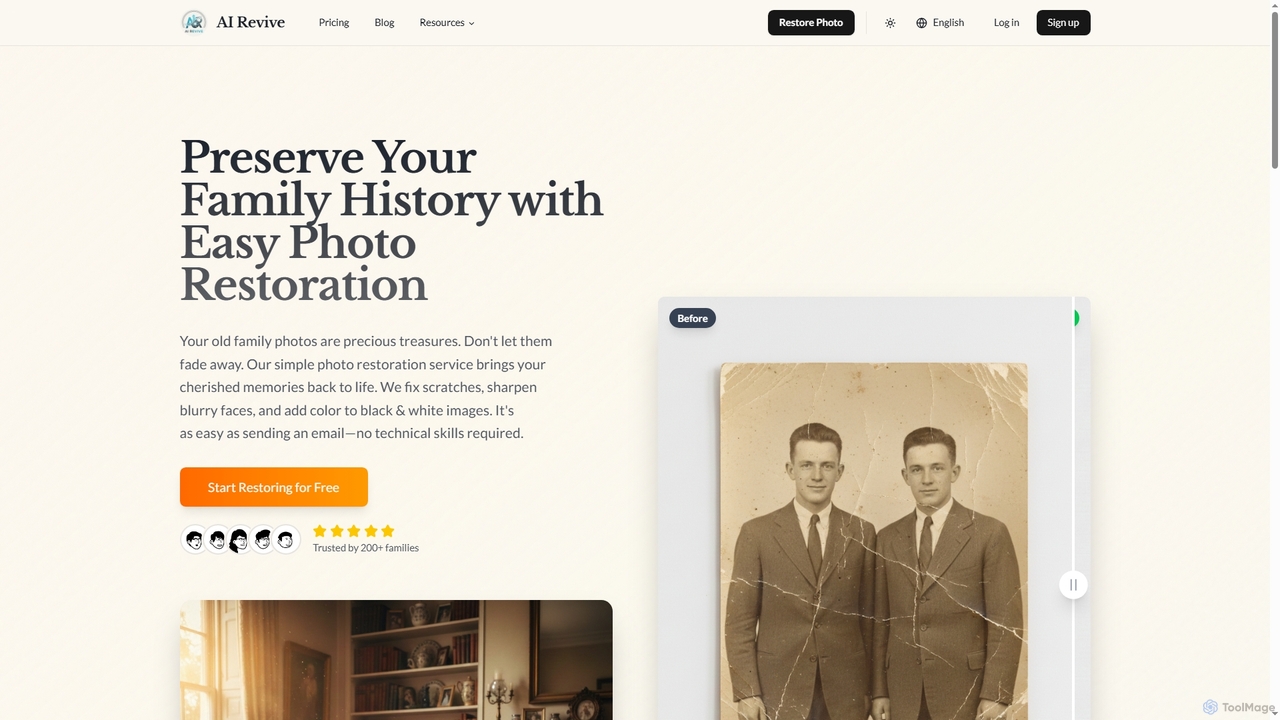
AI Revive

AI Revive is an intuitive online tool designed for easy photo restoration. It helps users bring old, damaged family photos back to life by fixing scratches, sharpening blurry faces, and adding color to black and white images, all without requiring technical expertise.

Restoration
Visits 5.8KFavorites 38Likes 36
Portrifi
Paid

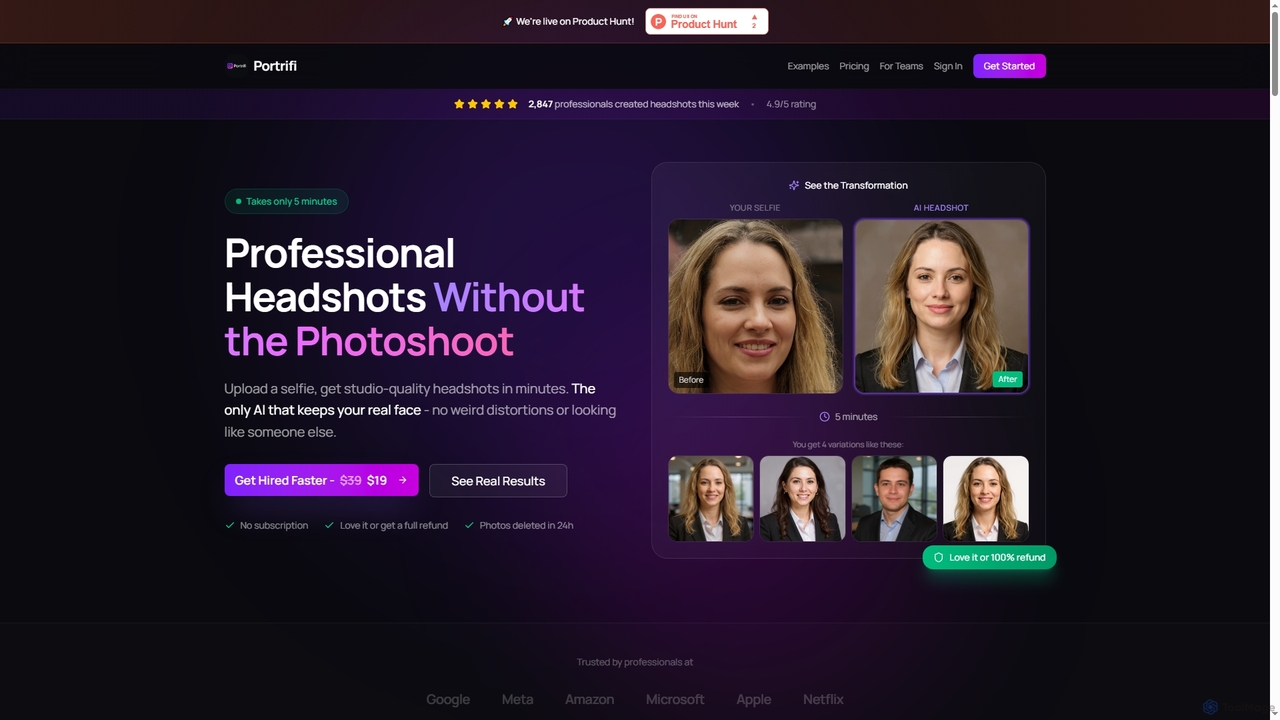
Portrifi

Portrifi is an AI-powered tool that generates professional, studio-quality headshots from your selfies in minutes. It utilizes unique face-preserving technology to ensure your generated headshots maintain your authentic features, avoiding common distortions seen in other AI tools. Ideal for LinkedIn, corporate profiles, and job applications, Portrifi offers a fast, affordable, and private solution for enhancing your professional image.

Headshot Creation
Visits 5.8KFavorites 66Likes 61
AI Image Edit
Freemium

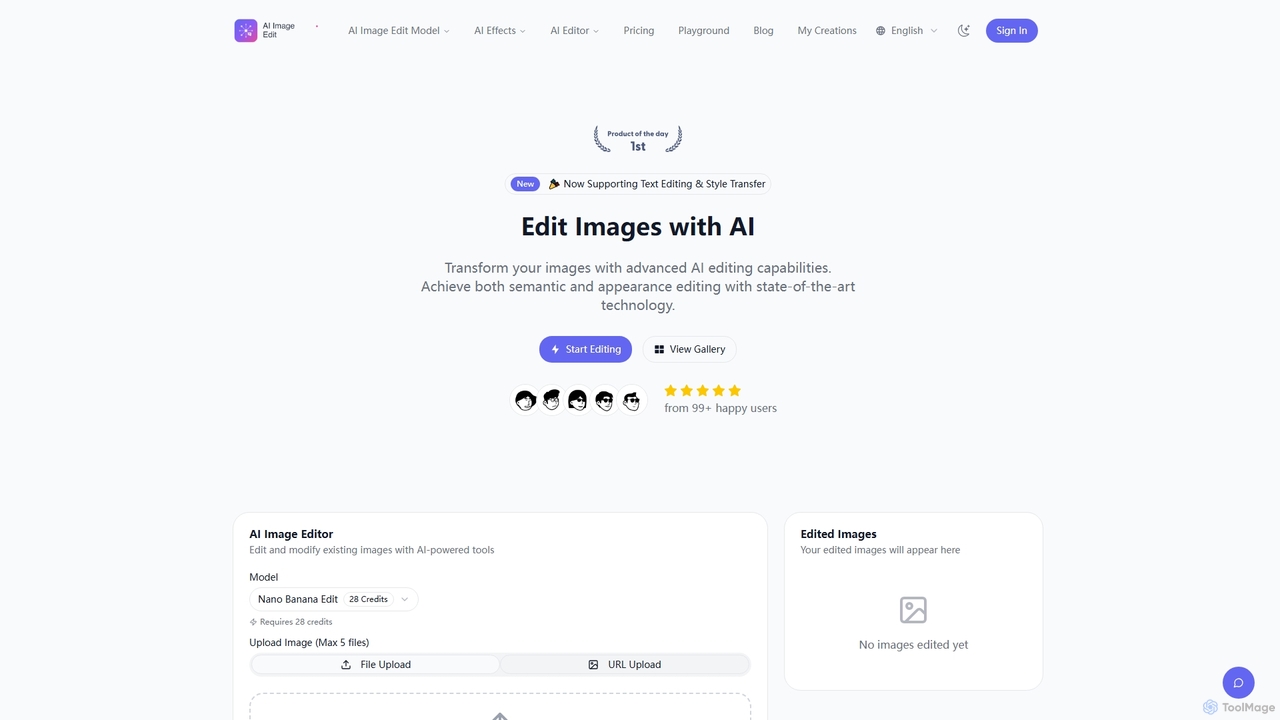
AI Image Edit

AI Image Edit is a professional AI-powered tool that transforms images with advanced editing capabilities. It offers precise semantic and appearance control, text editing, and style transfer, enabling users to modify content while preserving visual integrity and consistency.

Graphic Design
Visits 23.6KFavorites 119Likes 136

About Photo Editing

AI Photo Editing tools are applications that use artificial intelligence to automate and enhance the process of modifying digital images. These tools leverage deep learning models to understand the content and context of a photo, enabling complex edits like object removal, background replacement, and smart enhancements with just a few clicks. They serve as a powerful subset of photography tools, designed to dramatically reduce manual effort and make professional-grade results accessible to everyone. The primary value lies in saving time on repetitive tasks and unlocking creative possibilities previously requiring expert skills.

Core Features

  • Generative Fill & Object Removal: Intelligently removes unwanted people, objects, or text from photos and seamlessly reconstructs the background.
  • AI Sky Replacement: Automatically detects the sky in an image and replaces it with a different one, adjusting lighting and color to match.
  • Smart Portrait Retouching: Enhances portraits by automatically smoothing skin, removing blemishes, and whitening teeth without losing natural texture.
  • One-Click Background Removal: Precisely isolates the main subject from its background, ideal for creating transparent PNGs for e-commerce or design.
  • AI Upscaling & Denoising: Increases image resolution and clarity while reducing digital noise and grain, perfect for restoring low-quality photos.

Use Cases

These tools are widely used by e-commerce businesses for creating clean product listings, social media managers for crafting engaging visual content, and professional photographers for speeding up their retouching workflow. They are also valuable for real estate agents enhancing property photos and casual users looking to restore old family pictures or perfect their personal snapshots.

How to Choose

When selecting an AI Photo Editing tool, consider the specific features you need most, such as background removal versus creative generative edits. Evaluate its batch processing capabilities if you handle large volumes of images. Assess the user interface for ease of use, and compare pricing models—some charge per image via credits, while others offer monthly subscriptions for unlimited use.

Photo Editing use cases

1

E-commerce Product Image Optimization

An e-commerce store manager needs to prepare hundreds of new product photos for their website. Manually removing backgrounds is time-consuming and costly. Using an AI Photo Editing tool, they can upload all images at once and apply the batch background removal feature. The AI accurately detects the product edges and creates clean, transparent PNGs in minutes. This ensures a consistent, professional look across the entire online store, improves page loading times with optimized images, and reduces graphic design costs by over 80%.

2

Enhancing Real Estate Photography

A real estate agent has photos of a property taken on an overcast day, making the listing look dull and uninviting. Instead of scheduling a costly reshoot, the agent uses an AI Photo Editor. With the AI Sky Replacement feature, they instantly transform the gloomy, grey skies into bright, sunny ones. They also use the smart enhancement tool to adjust brightness and color saturation, making the property's exterior and interior pop. The final images are vibrant and appealing, leading to a 50% increase in online viewing inquiries for the listing.

3

Creative Social Media Content Creation

A social media influencer wants to post a unique travel photo, but an unsightly trash can ruins the perfect shot. Using an AI Photo Editor's Generative Fill feature, they simply highlight the trash can. The AI analyzes the surrounding area—sand, waves, and sky—and seamlessly replaces the object with a natural-looking extension of the beach. The entire process takes less than a minute, saving a photo that would have otherwise been unusable. This allows the influencer to maintain a high-quality, aesthetically pleasing feed and increase audience engagement.

4

Restoring and Colorizing Old Family Photos

A user finds a collection of faded, scratched black-and-white photos of their grandparents. They want to preserve these memories for their family. Using an AI Photo Editor, they first apply the AI Denoising and Scratch Removal feature to clean up the digital scans. The tool intelligently removes imperfections without blurring important details. Next, they use the one-click AI Colorization function. The AI analyzes the objects and context in the photos to apply realistic colors, bringing the historical moments to life. The result is a set of beautifully restored, vibrant photos ready to be shared and cherished.

5

Accelerating a Professional Photographer's Workflow

A portrait photographer has just finished a shoot with 500 photos. The initial culling is done, but now they face hours of retouching work. They integrate an AI Photo Editing tool into their workflow. For each selected photo, they use the AI Portrait Retouching feature as a first pass to automatically smooth skin, reduce wrinkles, and whiten teeth. This handles about 80% of the basic retouching instantly. The photographer can then focus their time on more nuanced, creative adjustments in traditional software. This hybrid approach cuts their total editing time in half, allowing them to take on more clients.

6

Creating Mockups for Digital Marketing

A marketing team for a new mobile app needs to create promotional images for social media. They don't have the budget for a professional photoshoot. Using an AI Photo Editor, they take a high-quality stock photo of a person holding a generic smartphone. They then use the background removal tool to isolate the phone's screen. Next, they overlay a screenshot of their app onto the blank screen. The AI tool helps adjust the perspective and lighting of the screenshot to match the photo perfectly. In under an hour, they create a dozen realistic lifestyle mockups, ready for their ad campaign.

Photo Editing FAQ

What are AI Photo Editing tools?

AI Photo Editing tools are software applications that use artificial intelligence, particularly deep learning, to perform complex image manipulations automatically. Unlike traditional editors that require manual selections and adjustments, these tools can understand the content of an image. This allows them to execute tasks like removing a person from a crowd, changing the sky, or enhancing a portrait with a single click. They are designed to simplify advanced editing techniques, making them accessible to users of all skill levels and significantly speeding up professional workflows.

How do AI Photo Editors differ from traditional software like Photoshop?

The main difference lies in automation versus manual control. Traditional software like Adobe Photoshop provides a comprehensive toolkit for precise, layer-based manual editing, offering ultimate control to the user. AI Photo Editors, on the other hand, prioritize speed and simplicity by automating complex tasks. For example, selecting a subject to remove its background might take several minutes of careful pathing in Photoshop, whereas an AI tool often does it in seconds with one click. Many professionals now use both: AI tools for quick, repetitive tasks and Photoshop for fine-tuning and creative control.

How do you choose the right AI Photo Editing tool?

Choosing the right tool depends on your specific needs. Consider the following factors:

  • Primary Function: Identify your most frequent task. Do you need excellent background removal for e-commerce, or creative generative fill for artistic projects?
  • Batch Processing: If you edit many photos at once, look for a tool with strong batch processing capabilities to save time.
  • Ease of Use: Evaluate the user interface. Some tools are simple one-click solutions, while others offer more controls and may have a steeper learning curve.
  • Integration: Check if the tool works as a standalone application or as a plugin for software you already use, like Photoshop or Lightroom.
  • Pricing Model: Compare costs. Some services use a credit system (pay-per-image), while others offer monthly or annual subscriptions for unlimited use.
Can AI Photo Editors handle high-resolution images for professional use?

Yes, most modern and reputable AI Photo Editing tools are designed to work with high-resolution images suitable for professional photography, print, and commercial use. Many tools also include AI upscaling features, which can increase the resolution of an image without significant loss of quality. However, it's always important to check the specific limitations of a tool before committing. Some free or lower-tier plans may restrict output resolution, so for professional work, it's crucial to opt for a plan that supports full-resolution exports.

Is it ethical to use AI to edit photos?

The ethics of AI photo editing depend heavily on context and transparency. For creative expression, commercial advertising, or personal photo enhancement, it is widely considered acceptable. Ethical concerns arise when AI-edited images are used to mislead or deceive, such as in photojournalism where authenticity is paramount, or in creating deceptive social media profiles. The key principle is transparency: being clear about the use of AI manipulation when the authenticity of the image is important to the viewer's understanding. For most common use cases like e-commerce or marketing, it is standard practice.