ToolMage
Sign in

Best 7 Crm Automation AI tools for Sales

Popular Crm Automation AI tools in Sales include Rattle, SellMeThisPen, Ergo, Hyperfox, SVGrowth, Get Colby, and Wisfr, helping you work more efficiently.

SVGrowth

SVGrowth

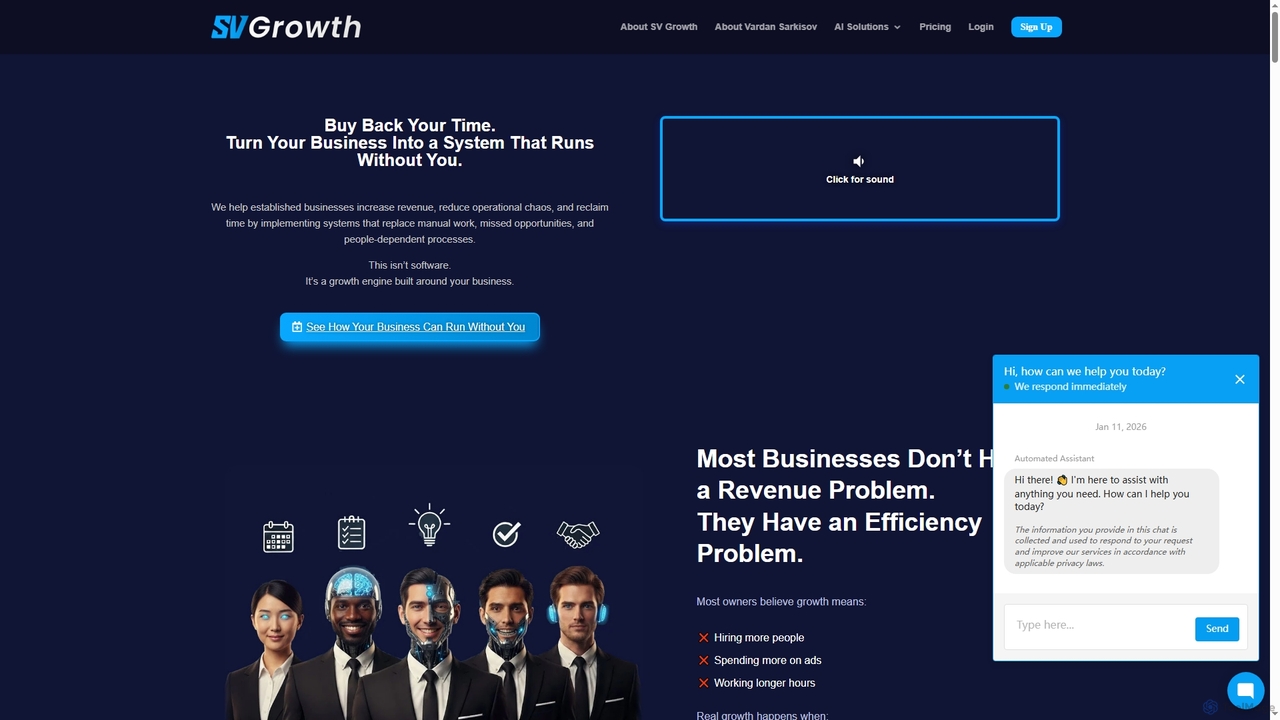
SVGrowth is an AI-powered growth system designed for established service businesses to automate operations, capture leads, and enhance customer engagement. It acts as a comprehensive AI partner, offering solutions like a 24/7 virtual receptionist, smart conversation management, automated outreach, reputation control, and local SEO optimization, aiming to reduce manual work and drive predictable revenue growth.

3D
Visits 6.9KFavorites 33Likes 37
Hyperfox

Hyperfox

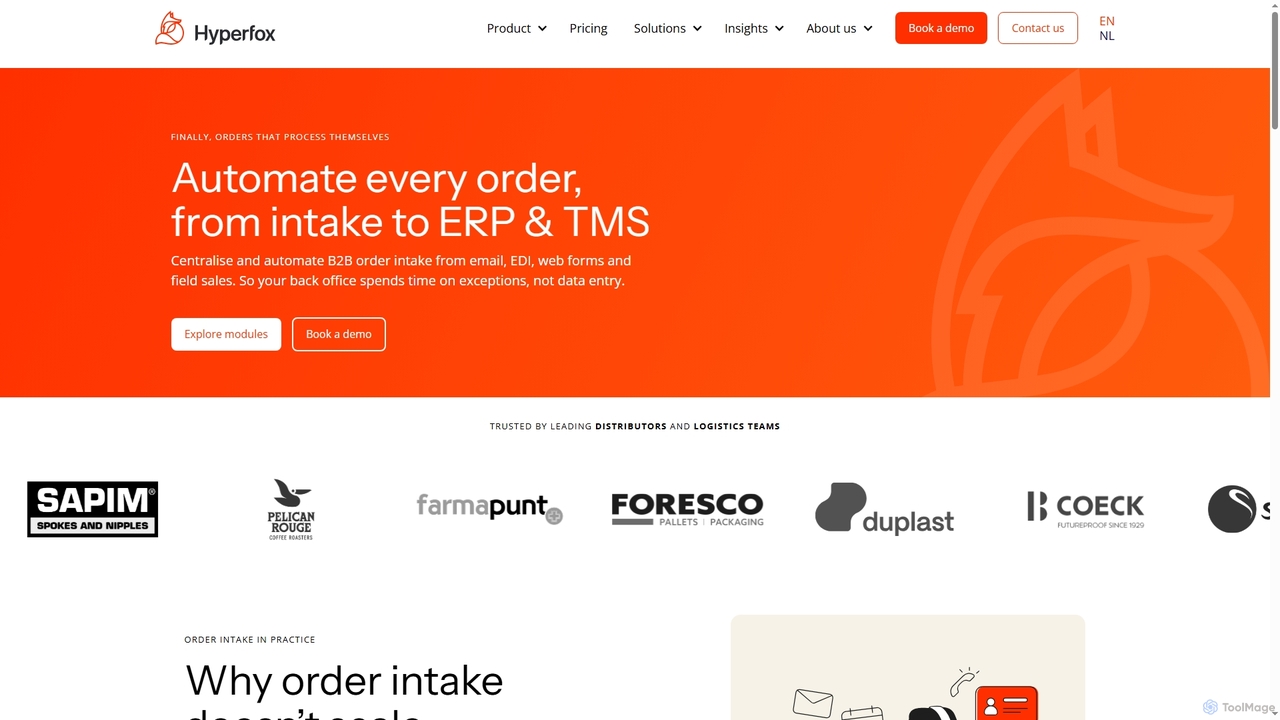
Hyperfox is an AI-driven B2B order automation software designed for distribution and logistics companies. It streamlines the entire order intake process, from diverse channels like email, EDI, web forms, and field sales, to seamless integration with ERP and TMS systems. By centralizing and validating orders, Hyperfox significantly reduces manual data entry, errors, and operational risks, allowing back-office teams to focus on exceptions rather than routine tasks.

3D
Visits 7.6KFavorites 36Likes 45
Wisfr
Paid

Wisfr

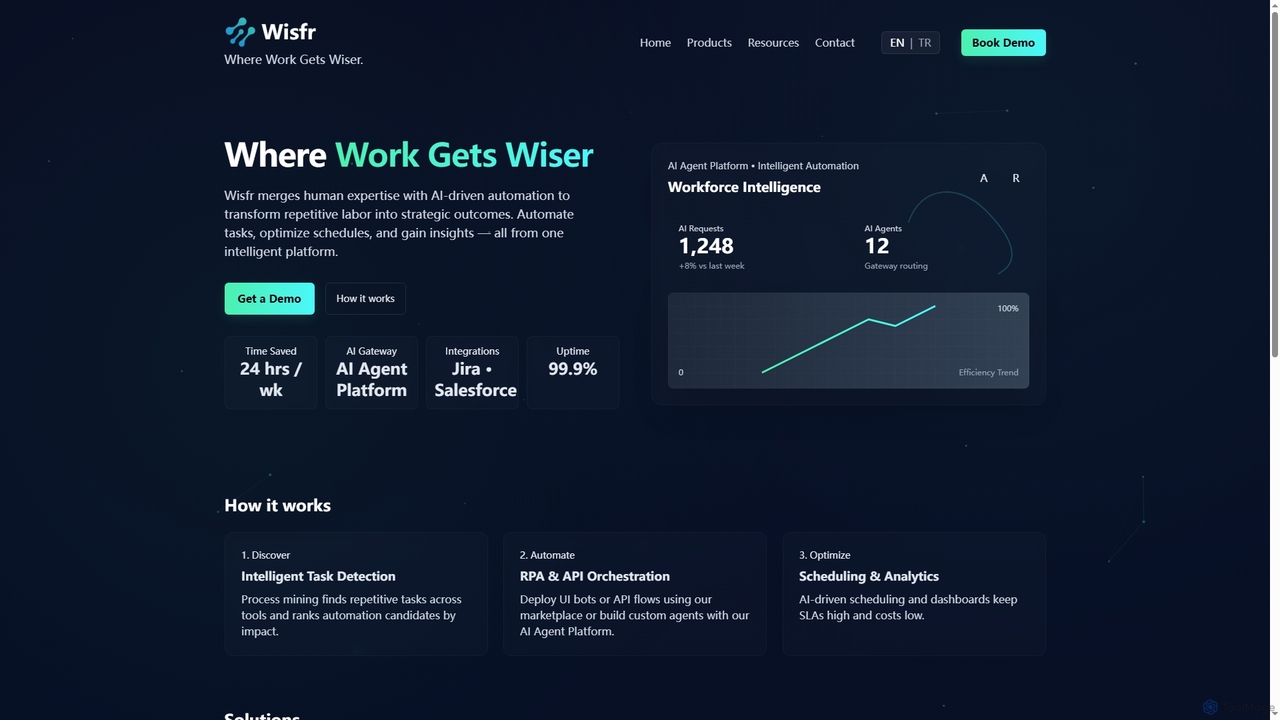
Wisfr is an AI Agent Platform that merges human expertise with AI-driven automation to transform repetitive tasks into strategic outcomes. It helps businesses automate workflows, optimize schedules, and gain actionable insights from a single intelligent platform.

Business Intelligence
Visits 5.9KFavorites 121Likes 119
Get Colby
Freemium

Get Colby

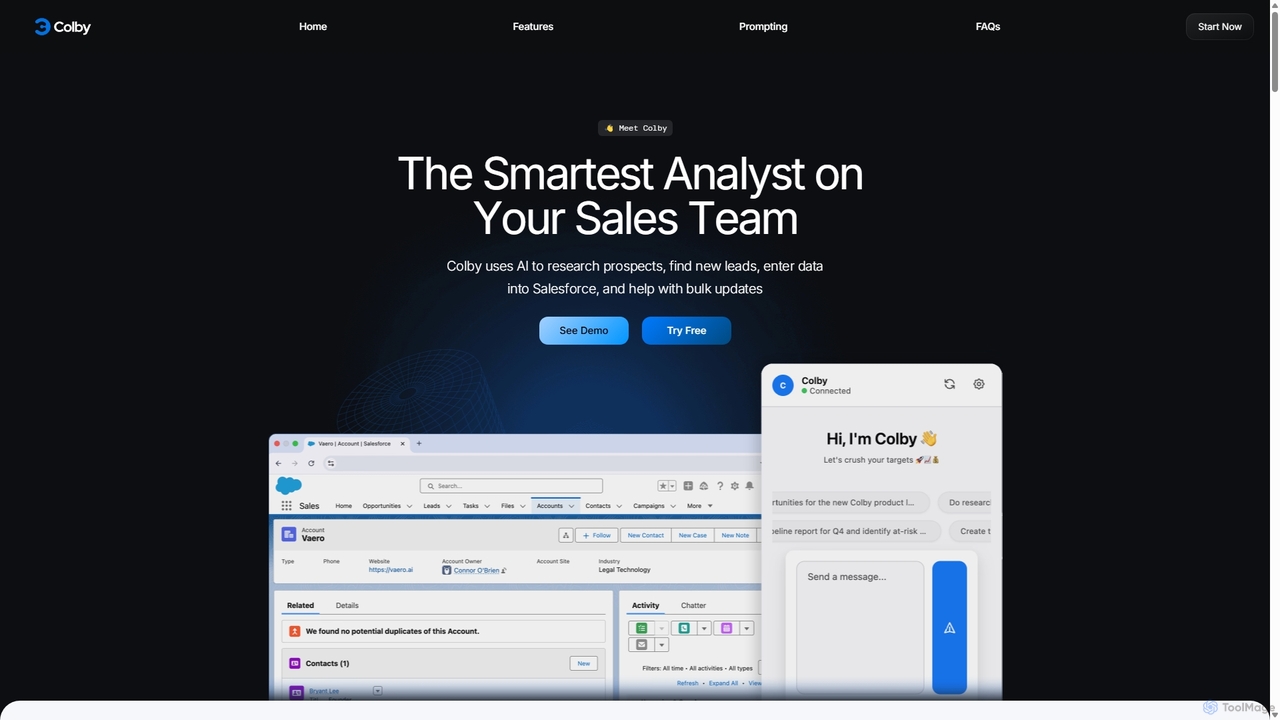
Get Colby is an AI-powered sales analyst designed to streamline Salesforce workflows. Operating as a Chrome extension, it automates prospect research, lead generation, and data entry using voice commands and natural language. This saves sales teams hours of administrative work, improves CRM data accuracy, and allows them to focus on selling.

Data Entry
Visits 6.3KFavorites 183Likes 178
SellMeThisPen
Freemium

SellMeThisPen

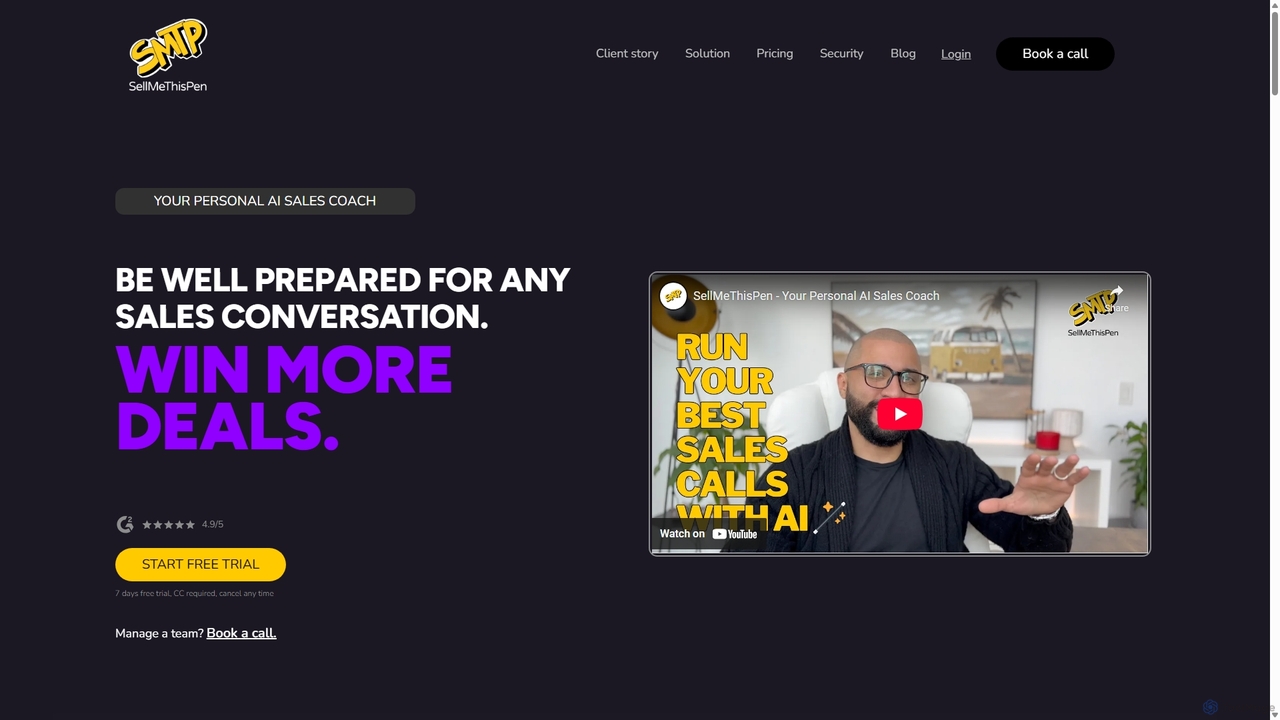
SellMeThisPen is an AI-powered sales coach designed to enhance sales team performance. It offers realistic AI role-playing for practice, automated scorecards for instant feedback, real-time assistance during live calls, and automated CRM updates. This platform helps sales professionals prepare for any conversation, handle objections, and close more deals efficiently.

Training
Visits 15.3KFavorites 144Likes 154
Rattle
Paid

Rattle

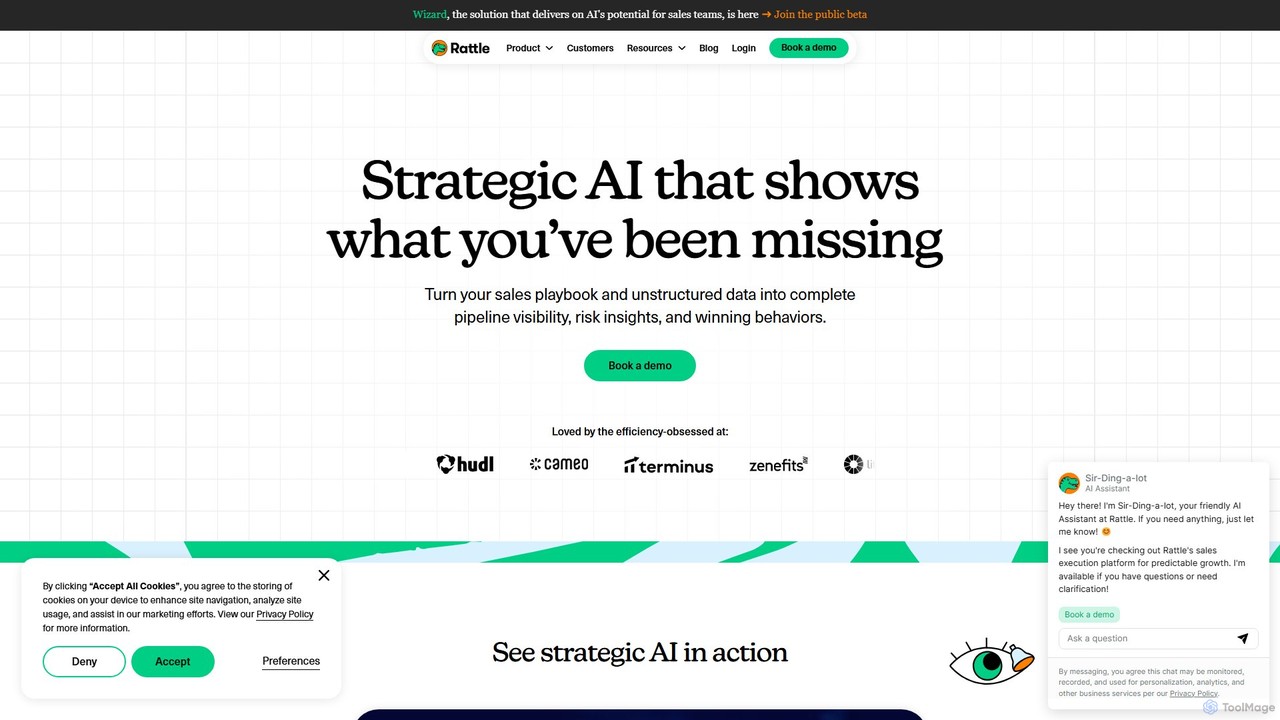
Rattle is an AI-powered sales execution platform that connects your CRM (like Salesforce) with communication tools (Slack & Teams). It automates workflows, ensures data hygiene, and streamlines deal execution, helping revenue teams improve efficiency, forecasting accuracy, and close deals faster.

Revenue Operations
Visits 22.5KFavorites 159Likes 141
Ergo

Ergo

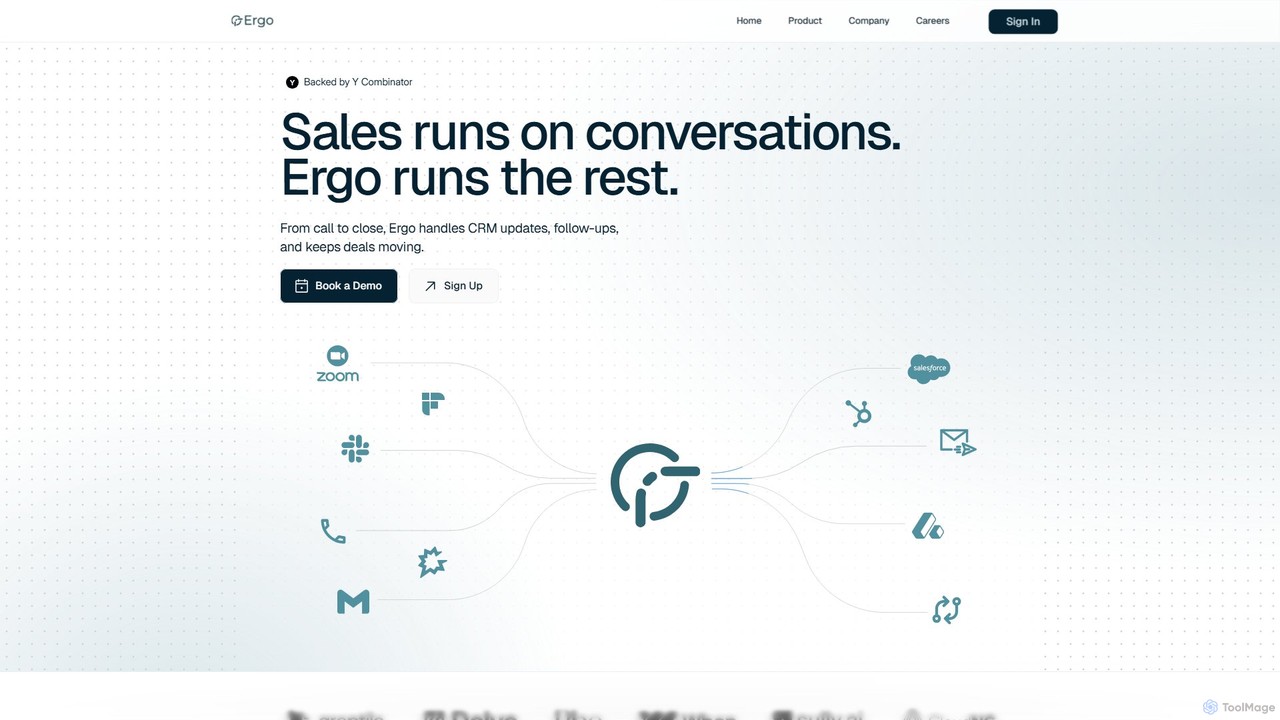
Ergo is a Y Combinator-backed AI sales automation platform that eliminates manual administrative work. It automatically updates your CRM, drafts personalized follow-up emails after calls, and revives stale deals, allowing sales teams to focus on building relationships and closing deals faster.

Sales Intelligence
Visits 14.5KFavorites 148Likes 154

About Crm Automation

CRM Automation tools are AI-powered solutions designed to streamline and optimize customer relationship management processes. They leverage artificial intelligence and machine learning to automate repetitive tasks, analyze customer data, and personalize interactions. This enhances efficiency across sales, marketing, and customer service, leading to improved customer engagement and business growth. By automating routine workflows, these tools free up human agents to focus on strategic initiatives and complex problem-solving.

Core Features

  • Automated Lead Nurturing: Automatically qualifies leads, assigns them to sales reps, and sends personalized follow-up communications based on engagement.
  • Intelligent Customer Segmentation: Uses AI to analyze customer data and segment audiences for targeted marketing campaigns and personalized service.
  • Predictive Sales Forecasting: Leverages historical data and machine learning to forecast sales trends, identify potential opportunities, and predict customer churn.
  • Automated Workflow Management: Automates routine tasks like data entry, appointment scheduling, and report generation, reducing manual effort.
  • Personalized Customer Communication: Generates tailored emails, messages, and content for individual customers based on their behavior and preferences.

Applicable Scenarios

CRM Automation is crucial for sales teams automating lead scoring and follow-up sequences, marketing departments segmenting customer lists for targeted campaigns, and customer service operations routing support tickets and providing automated responses. These tools accelerate sales cycles, enhance campaign effectiveness, and improve customer satisfaction by streamlining core business processes.

How to Choose

When selecting a CRM Automation tool, prioritize seamless integration with existing CRM platforms and other business systems. Evaluate the depth of AI features, such as natural language processing and predictive analytics, for advanced capabilities. Consider customization options to tailor the tool to specific workflows and ensure scalability to accommodate future growth. Finally, assess user experience and vendor support for smooth adoption and ongoing optimization.

Crm Automation use cases

1

Automating Lead Qualification & Assignment

Sales managers use CRM automation to automatically score incoming leads based on predefined criteria and engagement data. The system then instantly assigns high-priority leads to the most suitable sales representatives, ensuring timely follow-up and preventing missed opportunities. This streamlines the initial sales process, reducing manual lead sorting time by up to 70% and improving lead conversion rates.

2

Personalized Email Marketing Campaigns

Marketing teams leverage CRM automation to segment customer databases based on purchase history, browsing behavior, and demographic data. The AI then generates and sends personalized email sequences, product recommendations, and promotional offers tailored to each segment. This significantly increases open rates and click-through rates compared to generic campaigns, fostering stronger customer relationships.

3

Proactive Customer Service & Support

Customer service departments utilize CRM automation to monitor customer interactions and identify potential issues before they escalate. The system can automatically trigger alerts for at-risk customers, suggest relevant knowledge base articles, or even initiate proactive outreach with personalized solutions. This reduces inbound support volume and enhances customer satisfaction by addressing concerns promptly.

4

Automated Sales Follow-up Sequences

Sales representatives configure automated follow-up sequences within their CRM automation tool. After an initial contact or meeting, the system automatically sends a series of personalized emails, reminders, or even SMS messages at optimal intervals. This ensures consistent engagement with prospects without manual effort, freeing up sales reps to focus on closing deals.

5

Intelligent Data Entry & Update

Business development teams use CRM automation to minimize manual data entry. The AI can automatically extract information from emails, meeting notes, or web forms and update customer records within the CRM. This reduces human error, ensures data accuracy, and saves significant administrative time, allowing teams to focus on relationship building.

6

Predictive Customer Churn Identification

Subscription-based businesses employ CRM automation with predictive analytics to identify customers at high risk of churning. The AI analyzes usage patterns, support interactions, and engagement metrics to flag these customers. This allows account managers to intervene proactively with targeted offers, personalized support, or re-engagement strategies, significantly improving customer retention rates.

Crm Automation FAQ

What is CRM Automation?

CRM Automation refers to the use of artificial intelligence and machine learning to automate repetitive tasks and optimize workflows within Customer Relationship Management systems. It streamlines processes like lead management, customer communication, data entry, and sales forecasting. The goal is to enhance efficiency, personalize customer interactions, and improve overall customer satisfaction and retention.

How does CRM Automation differ from traditional CRM?

Traditional CRM systems primarily serve as a database for customer information and a platform for manual tracking. CRM Automation, however, integrates AI to actively perform tasks, analyze data, and make predictions without human intervention. It moves beyond mere record-keeping to intelligent process execution, offering features like automated lead scoring, predictive analytics, and personalized communication at scale.

What are the key benefits of implementing CRM Automation?

Implementing CRM Automation offers several key benefits. It significantly boosts operational efficiency by automating routine tasks, freeing up sales, marketing, and service teams. It improves customer engagement through personalized interactions and timely follow-ups. Furthermore, it provides deeper insights into customer behavior and sales trends through AI-driven analytics, leading to better decision-making and increased revenue.

Which departments benefit most from CRM Automation?

While the entire organization can benefit, sales, marketing, and customer service departments typically see the most direct impact from CRM Automation. Sales teams gain from automated lead nurturing and forecasting. Marketing departments leverage it for intelligent segmentation and personalized campaigns. Customer service uses it for automated support, proactive issue resolution, and improved response times.

How do I choose the right CRM Automation tool for my business?

When selecting a CRM Automation tool, consider its integration capabilities with your existing tech stack, the sophistication of its AI features (e.g., NLP, predictive analytics), and its scalability to grow with your business. Evaluate customization options to align with your specific workflows, assess the user-friendliness of the interface, and review the vendor's customer support and training resources.