ToolMage
Sign in

Best 6 Authentication AI tools for Security

Popular Authentication AI tools in Security include MessageCentral, Prelude, TypingDNA, Flowtext, HashCam, and Pixlyze, helping you work more efficiently.

HashCam

HashCam

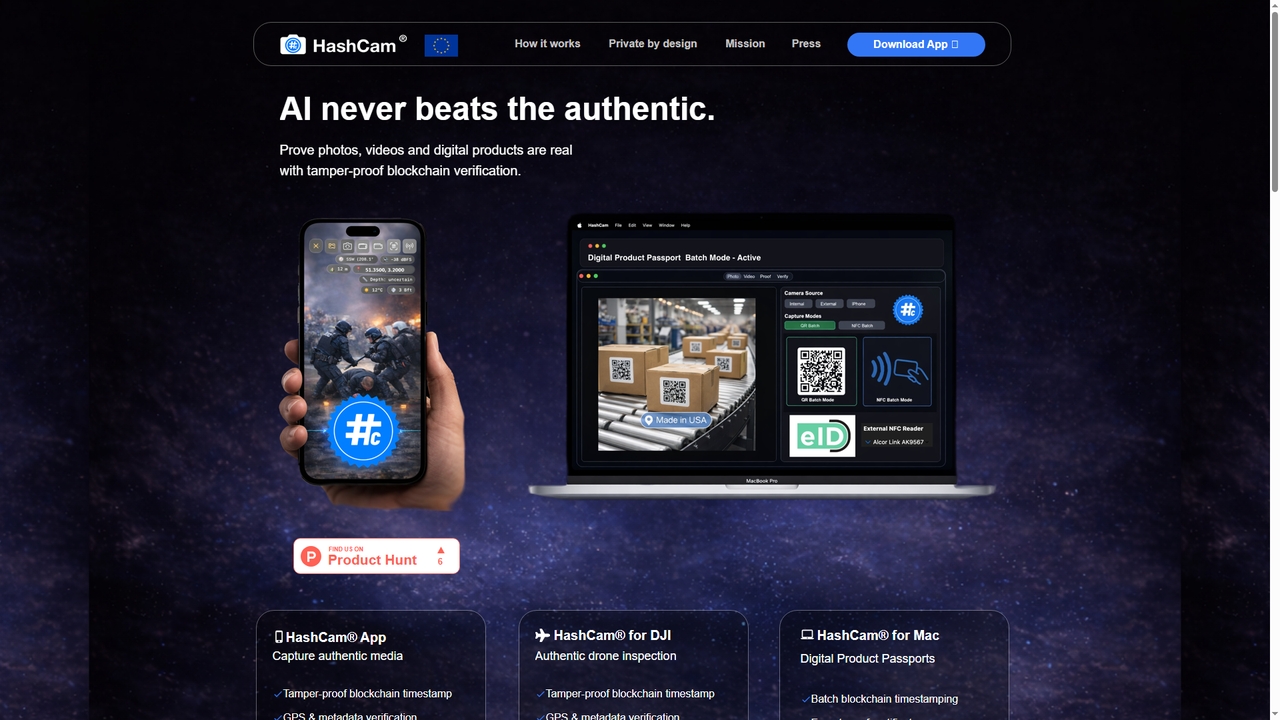
HashCam is a blockchain-based verification tool that provides tamper-proof authenticity proof for photos, videos, and digital products. By capturing media directly on the device with embedded GPS, metadata, and an immutable blockchain timestamp, it solves the trust deficit in the age of AI-generated content. It offers solutions for mobile (iOS), drone (DJI), and desktop (Mac) workflows, ensuring privacy by design without cloud uploads.

Documentation
Visits 4.2KFavorites 19Likes 21
Prelude
Freemium

Prelude

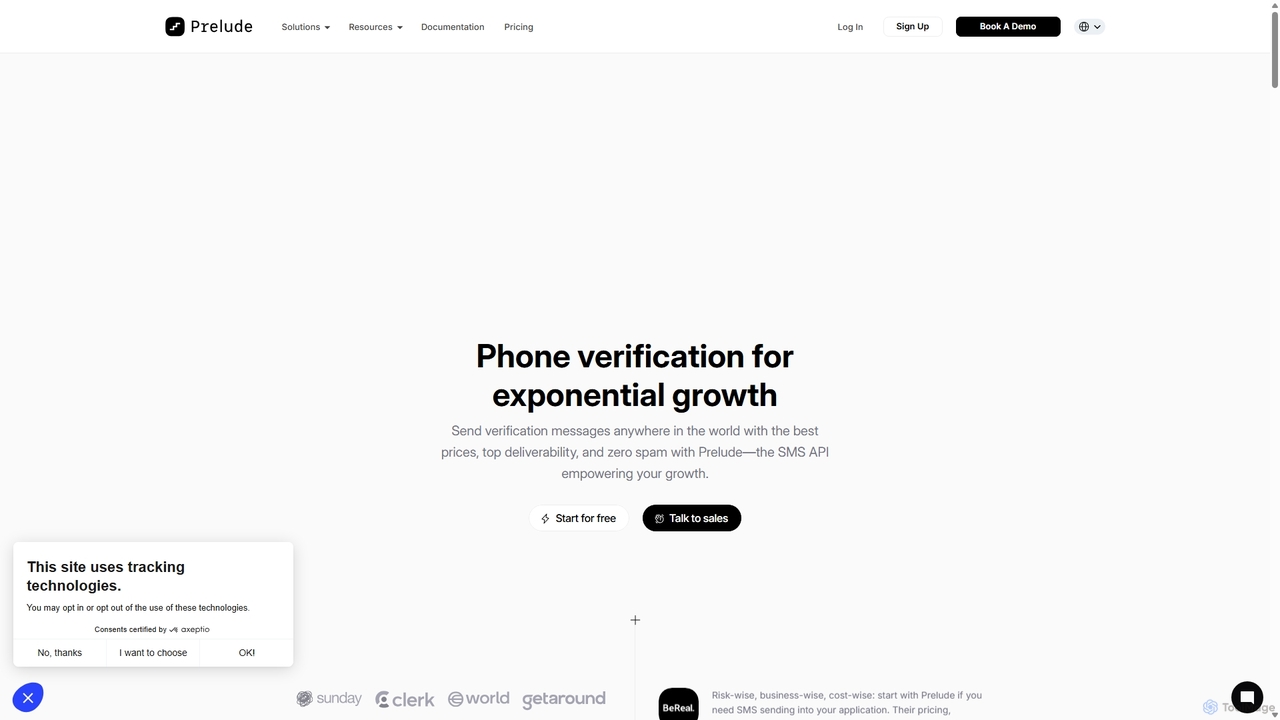
Prelude is a developer-first API for OTP and SMS verification, designed for global scale. It offers top deliverability, cost-effective pricing, and advanced AI-powered fraud protection. With multi-channel routing (SMS, WhatsApp, etc.) and real-time analytics, Prelude helps businesses improve user onboarding, enhance security, and reduce costs.

Api
Visits 54.7KFavorites 125Likes 116
MessageCentral
Freemium

MessageCentral

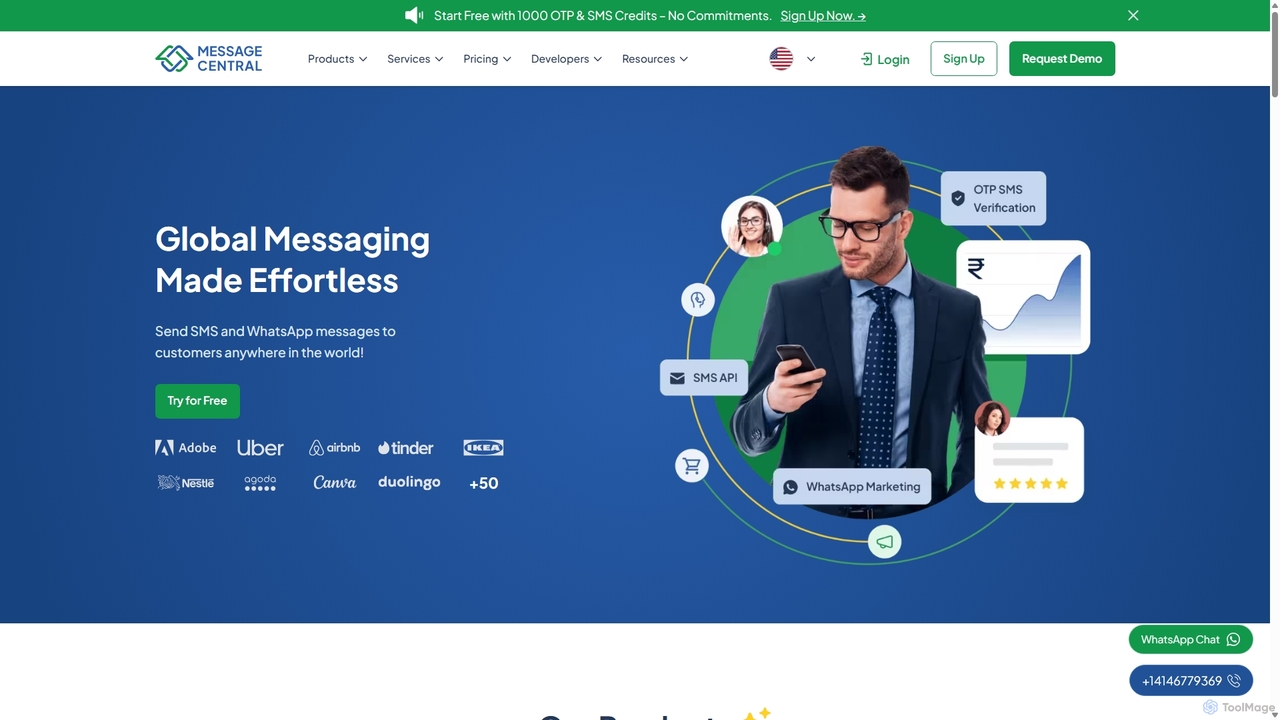
MessageCentral is a comprehensive CPaaS (Communications Platform as a Service) solution offering powerful APIs for SMS, WhatsApp, and RCS messaging. It enables businesses to enhance customer engagement through OTP verification, bulk SMS marketing, and omnichannel communication, featuring high deliverability, real-time analytics, and global coverage.

Omnichannel Communication
Visits 76.5KFavorites 144Likes 155
Pixlyze
Free

Pixlyze

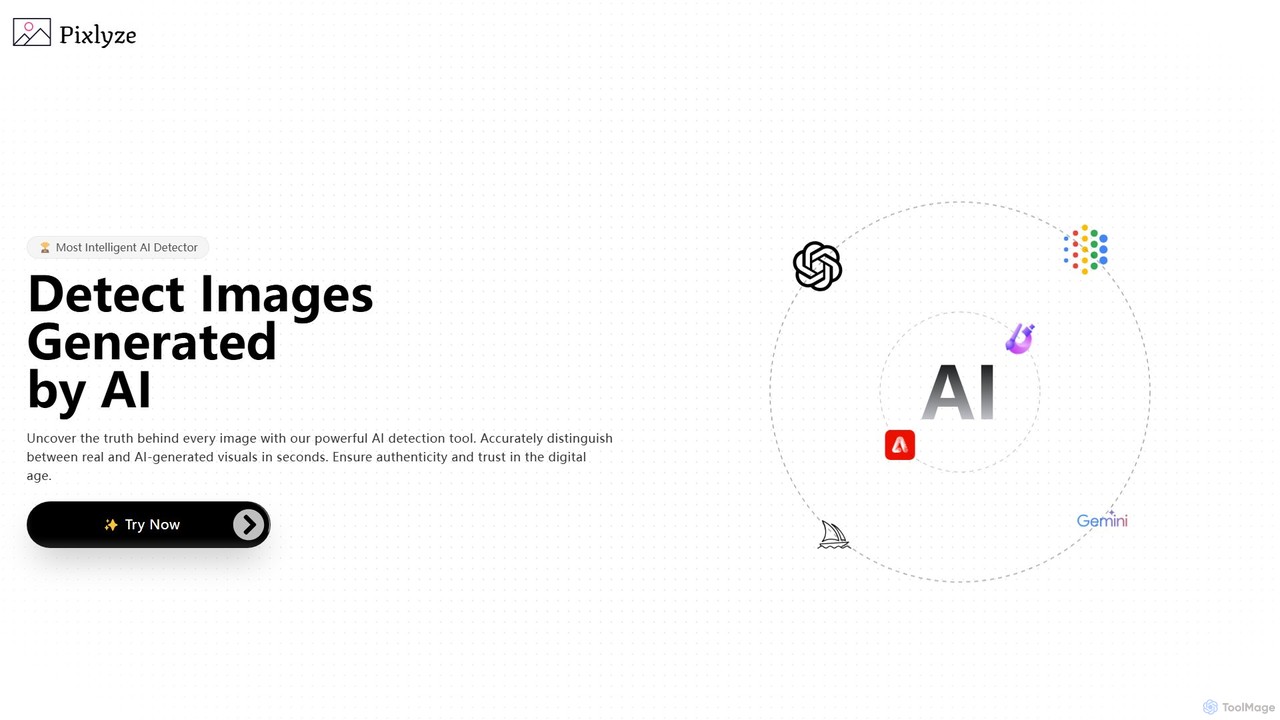
Pixlyze is a powerful AI image detector that accurately distinguishes between real and AI-generated visuals in seconds. It helps users ensure authenticity and trust in the digital age. Beyond detection, Pixlyze offers a unique feature to make images undetectable by other AI detectors, protecting content creators. With high accuracy, fast processing, and a strong commitment to user privacy, it serves journalists, artists, marketers, and legal professionals in verifying the origin of images and maintaining digital integrity.

Image Analysis
Visits 4KFavorites 89Likes 88
Flowtext
Paid

Flowtext

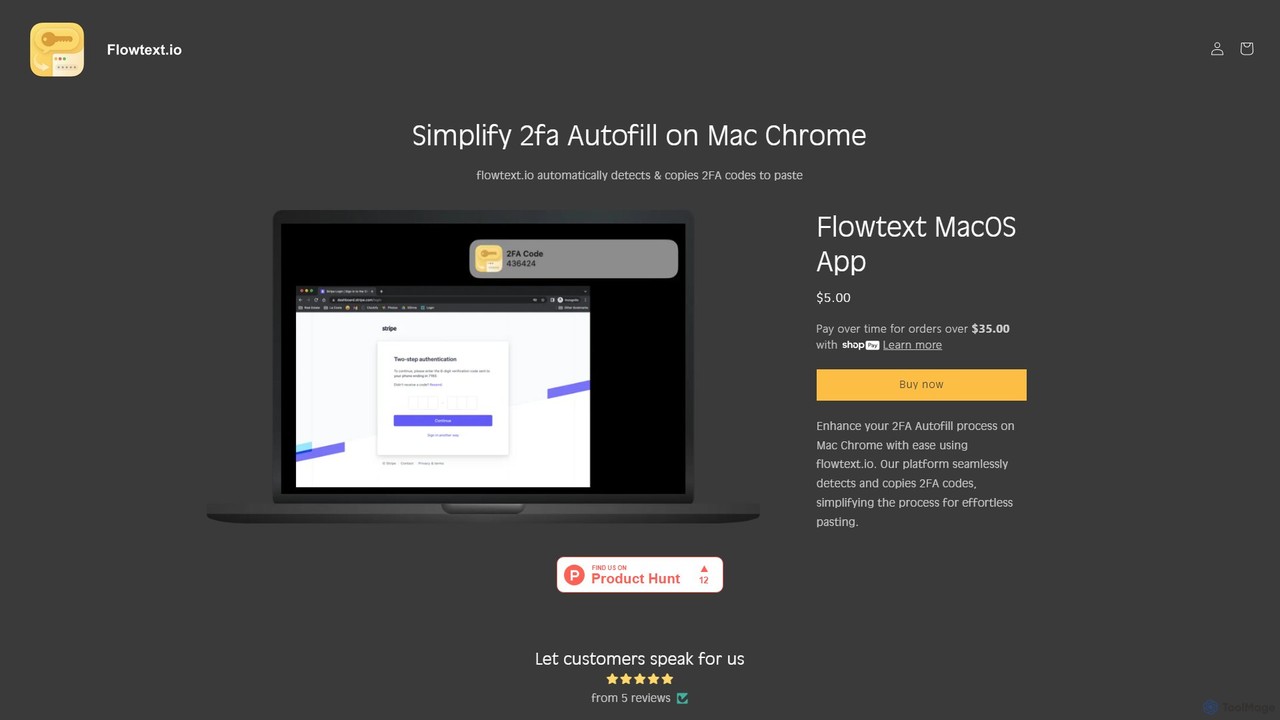
Flowtext is a macOS application designed to streamline your two-factor authentication (2FA) workflow. It automatically detects 2FA codes from SMS messages in iMessage and instantly copies them to your clipboard, eliminating the need to manually switch apps and copy-paste codes when logging into services on Google Chrome. This enhances both productivity and security.

Automation
Visits 5.7KFavorites 106Likes 94
TypingDNA
Freemium

TypingDNA

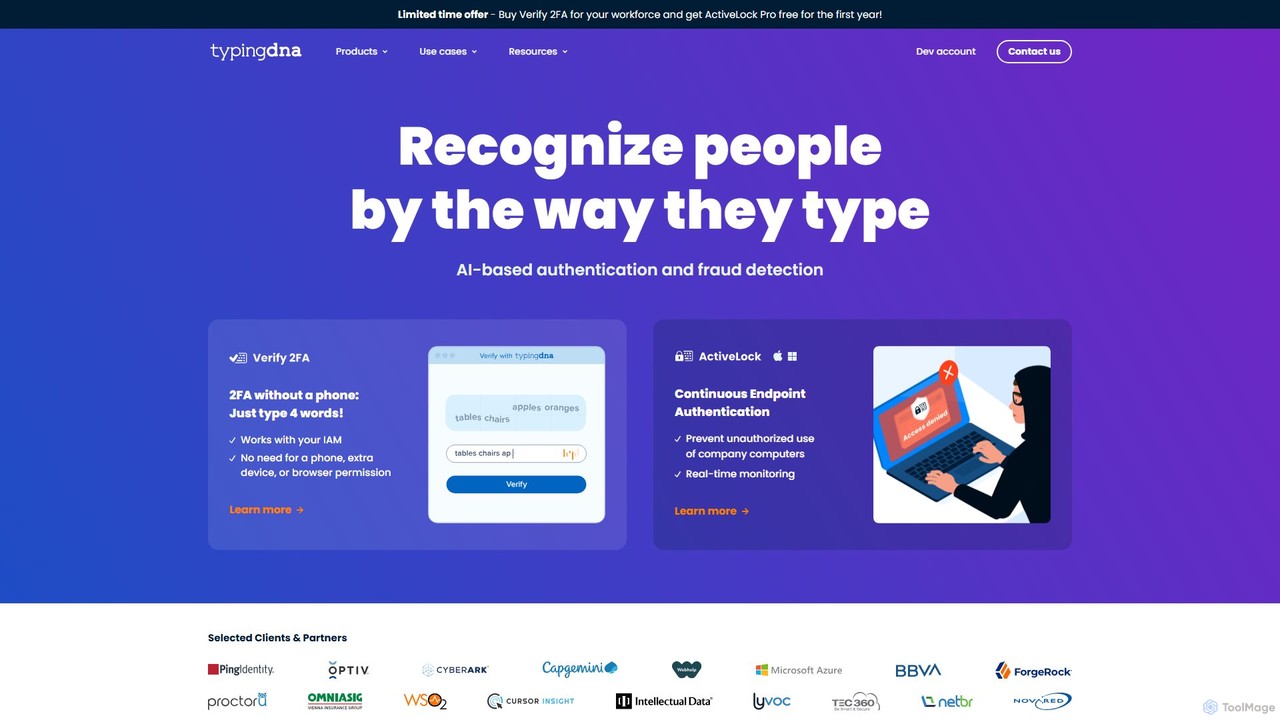
TypingDNA offers advanced user authentication through typing biometrics. It verifies users based on their unique typing patterns, providing a frictionless and secure alternative to traditional 2FA. Its solutions include a ready-to-use 2FA product and a flexible Authentication API for custom integrations, enhancing security for finance, education, and enterprise applications without compromising user experience.

Api
Visits 29.4KFavorites 153Likes 152

About Authentication

AI Authentication tools are a class of security solutions that use artificial intelligence to verify a user's identity. These tools leverage machine learning to analyze biometrics like facial features or voice patterns, as well as behavioral data such as typing rhythm and mouse movements. This approach provides a more secure, seamless, and adaptive layer of protection for applications and data compared to traditional password-based methods. AI-driven authentication significantly enhances security by detecting and preventing sophisticated spoofing and account takeover attacks.

Core Features

  • Biometric Recognition: Verifies identity using unique biological traits like face, fingerprint, iris, or voice patterns.
  • Behavioral Biometrics: Analyzes patterns in user actions, such as typing speed, gait, or device handling, for continuous authentication.
  • Adaptive Multi-Factor Authentication (MFA): Dynamically adjusts authentication requirements based on real-time risk assessment of user context, location, and behavior.
  • Liveness Detection: Distinguishes between a live person and a spoof attempt (e.g., a photo or video) during biometric verification.
  • Continuous Authentication: Passively and continuously verifies a user's identity throughout their session, not just at the initial login.

Use Cases

These tools are critical in sectors handling sensitive information, such as finance for secure mobile banking, healthcare for protecting patient records (HIPAA compliance), and e-commerce for preventing payment fraud. Enterprises use them to secure corporate networks and cloud applications, replacing vulnerable password policies with more robust, user-friendly methods.

How to Choose

When selecting an AI Authentication tool, evaluate its accuracy, particularly the False Acceptance Rate (FAR) and False Rejection Rate (FRR). Consider its anti-spoofing capabilities and liveness detection technology. Assess the ease of integration via APIs and SDKs for your specific platforms (web, mobile). Finally, ensure the tool complies with relevant data privacy regulations like GDPR or CCPA.

Featured tool rankings

Authentication use cases

1

Securing Mobile Banking Logins

A financial institution aims to enhance security for its mobile banking app while improving user experience. By implementing an AI authentication tool, customers can log in using facial recognition with liveness detection. The AI analyzes the 3D map of the user's face and subtle movements to confirm they are a live person, preventing spoofing attacks from photos or videos. This passwordless method reduces login friction, increases user adoption, and significantly lowers the risk of account takeover fraud, ensuring compliance with financial regulations.

2

Frictionless E-commerce Checkout with Behavioral Biometrics

An online retailer wants to reduce cart abandonment caused by cumbersome login processes at checkout. They integrate an AI authentication system that uses behavioral biometrics. The system passively analyzes a returning customer's typing patterns, mouse movements, and device interaction during their shopping session. If the behavior matches the user's established profile, the system authenticates them seamlessly in the background, allowing for a one-click checkout without requiring a password. This creates a frictionless experience, boosts conversion rates, and adds a layer of security against bots.

3

Protecting Corporate Resources with Adaptive MFA

A large enterprise needs to secure access to its sensitive cloud applications and internal network. Instead of a static MFA policy, they deploy an AI-powered adaptive authentication solution. The AI continuously assesses risk factors for each login attempt, such as user location, device health, and time of day. An employee logging in from the office on a corporate laptop is granted access seamlessly. However, if the same employee tries to log in from an unrecognized network on a personal device, the AI flags the increased risk and automatically prompts for a second factor, like a fingerprint scan, ensuring security without inconveniencing low-risk users.

4

Streamlining Call Center Customer Verification

A customer service call center for a telecommunications company struggles with long verification times, where agents ask multiple security questions. They implement an AI voice biometrics solution. When a customer calls, the AI analyzes their voiceprint in the first few seconds of conversation and compares it to their enrolled record. If it matches, the customer is automatically verified, allowing the agent to immediately address their issue. This reduces average call handling time, improves customer satisfaction, and provides stronger security against fraudsters attempting social engineering.

5

Preventing Account Takeover with Continuous Authentication

A high-value SaaS platform for enterprise clients needs to protect against sophisticated account takeover attacks. They use an AI tool for continuous authentication based on behavioral biometrics. After a user logs in, the system continuously monitors their keyboard dynamics, mouse movements, and navigation patterns in the background. If the AI detects a significant deviation from the user's established baseline—for instance, a different typing speed or erratic mouse usage—it can trigger a real-time alert for the security team or force a step-up authentication challenge, effectively stopping a hijacker before they can cause damage.

6

Securing Physical Access with Facial Recognition

A technology company wants to secure access to its data center, restricting entry to authorized personnel only. They install an AI-powered facial recognition system at the entrance. The system's camera captures the face of anyone approaching and compares it against a secure database of authorized employees in milliseconds. The AI is trained to operate under various lighting conditions and to distinguish between a real person and a photograph, preventing unauthorized access. This provides a fast, touchless, and highly secure method for controlling physical access, replacing traditional key cards that can be lost or stolen.

Authentication FAQ

What are AI Authentication tools?

AI Authentication tools are advanced security systems that use artificial intelligence and machine learning to verify a person's identity. Unlike traditional methods that rely on something you know (a password) or something you have (a token), these tools often use something you are (biometrics like face or voice) or something you do (behavioral patterns like typing speed). They provide a more robust and user-friendly way to secure access to digital and physical resources by making it harder for unauthorized users to gain entry.

How do I choose the right AI Authentication tool?

Choosing the right tool depends on your specific needs. Consider the following factors:

  • Security Level: How critical is the asset you're protecting? High-security needs may require multi-modal biometrics and advanced liveness detection.
  • User Experience: The method should be as frictionless as possible for your users. Facial recognition is often faster than voice or fingerprint scanning.
  • Integration: Ensure the tool offers robust APIs and SDKs that can be easily integrated into your existing applications or infrastructure.
  • Accuracy and Reliability: Look for low False Acceptance Rates (FAR) and False Rejection Rates (FRR) to ensure both security and usability.
  • Compliance: Verify that the tool meets industry-specific regulations, such as GDPR, HIPAA, or PSD2, especially regarding data privacy.
What is the difference between AI Authentication and traditional MFA?

Traditional Multi-Factor Authentication (MFA) is typically static, requiring users to present two or more fixed credentials, like a password and an SMS code. AI Authentication is dynamic and adaptive. It uses machine learning to assess the risk of each session in real-time based on context (location, device, network) and behavior. It can then intelligently decide whether to allow access, deny it, or ask for an additional verification step (step-up authentication). This makes security stronger while often being less intrusive for legitimate users during low-risk activities.

Is biometric authentication secure?

Yes, when implemented correctly, biometric authentication is generally more secure than traditional password-based methods. Biometric traits are unique to an individual and much harder to steal or replicate than a password. Advanced AI systems enhance this security with features like liveness detection, which prevents spoofing attacks using photos, videos, or masks. Furthermore, continuous authentication based on behavioral biometrics can detect account takeovers even after a successful initial login, providing a layer of security that passwords cannot offer.

Who should use AI Authentication tools?

AI Authentication tools are suitable for any organization that needs to secure access to sensitive data or systems while providing a good user experience. Key users include:

  • Financial Institutions: To secure mobile banking, online payments, and prevent fraud.
  • Healthcare Organizations: To protect patient data and ensure HIPAA compliance.
  • E-commerce Platforms: To streamline checkouts and reduce payment fraud.
  • Enterprises: To secure corporate networks, cloud applications, and remote access for employees.
  • Government Agencies: To protect critical infrastructure and citizen data.