ToolMage
Sign in

Best 31 Management AI tools for Social Media

Popular Management AI tools in Social Media include Manychat, easycomment, Postly, Postiz, ContentStudio, Fedica, HashFame, SocialBu, Texts, and FeedHive, helping you work more efficiently.

Manychat
Freemium

Manychat

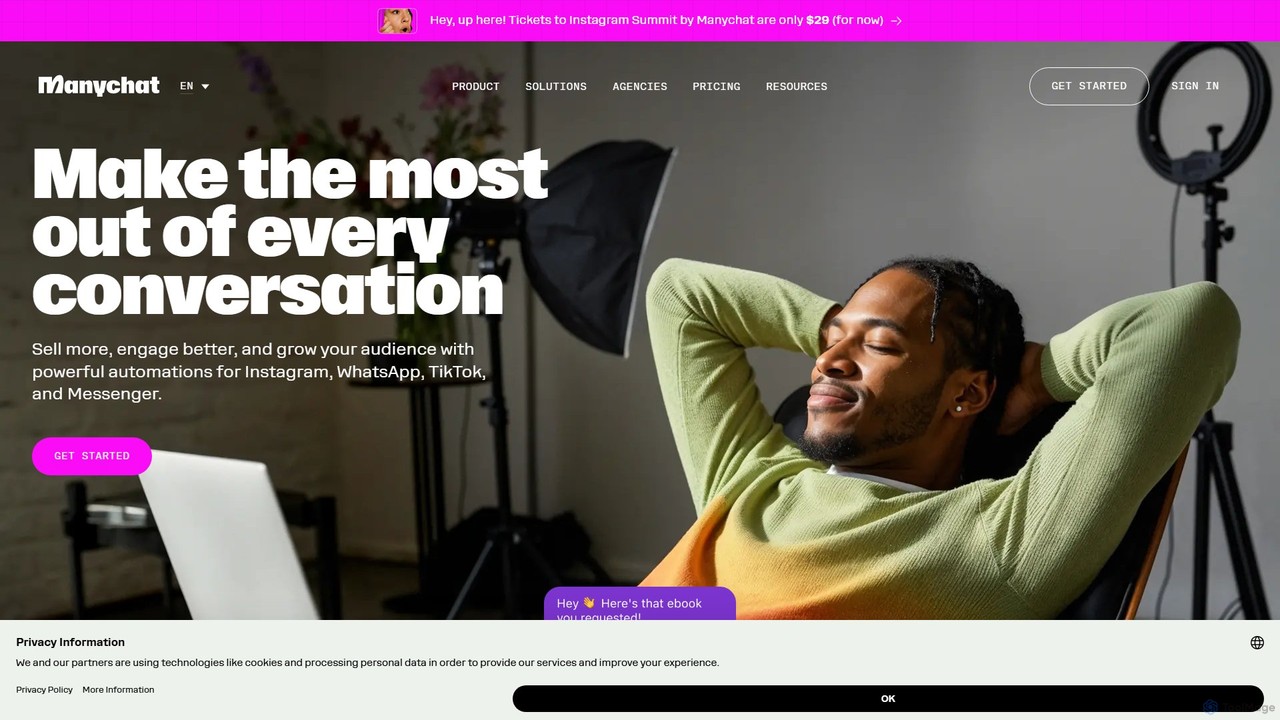
Manychat is a leading chat marketing automation platform that helps businesses and creators grow by turning conversations into conversions. It enables you to build and automate interactive experiences on Instagram, WhatsApp, TikTok, Messenger, and more, without any coding. Engage your audience 24/7, generate leads, drive sales, and provide instant support with its powerful visual flow builder and AI-driven features.

Automation
Visits 6.8MFavorites 115Likes 145

Watchdog
Freemium

Watchdog

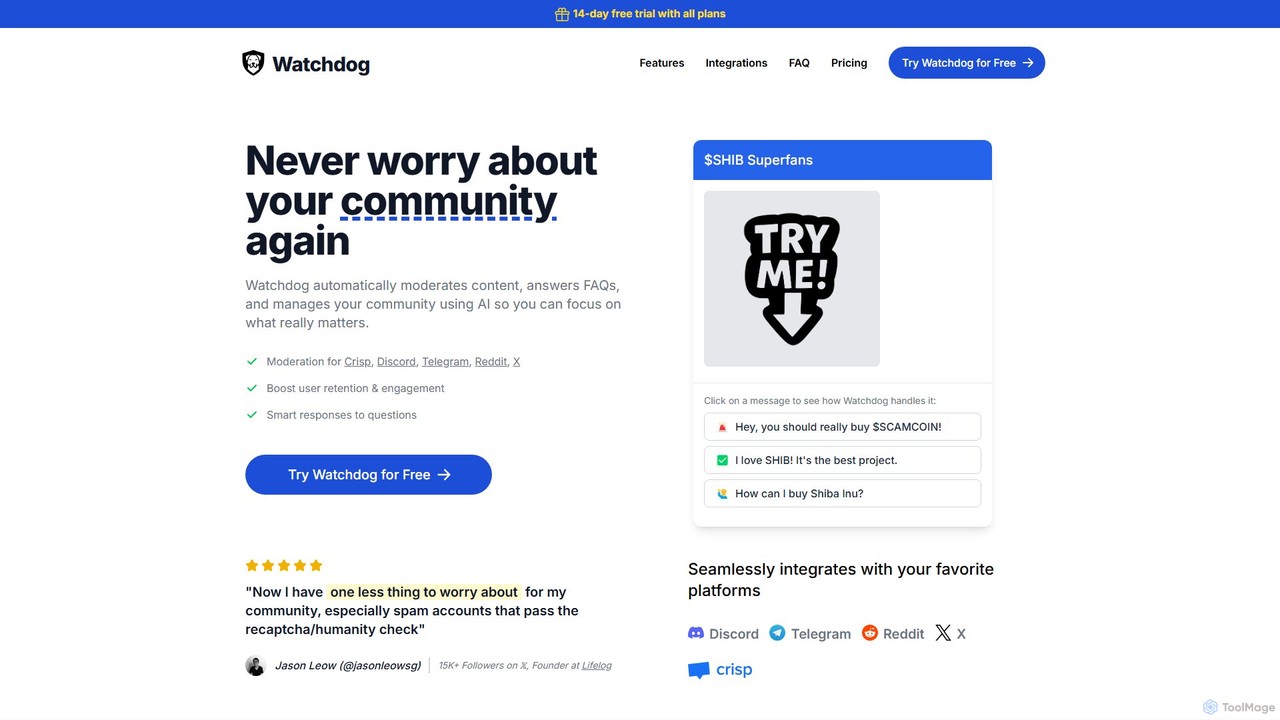
Watchdog is an AI-powered tool that automates community management on platforms like Discord, Telegram, Reddit, and X. It moderates content, answers FAQs, and manages your community 24/7, allowing you to focus on growth. It effectively stops spam and trolls, improves user retention, and creates a safer, more engaging environment for your members.

Moderation
Visits 8.6KFavorites 108Likes 117
SocialBu
Freemium

SocialBu

SocialBu is an AI-powered social media management and automation platform. It helps users schedule posts, generate content with AI, automate repetitive tasks, analyze performance, and collaborate with teams, all from a single dashboard.

Content Creation
Visits 87.9KFavorites 140Likes 153
brandsocial
Freemium

brandsocial

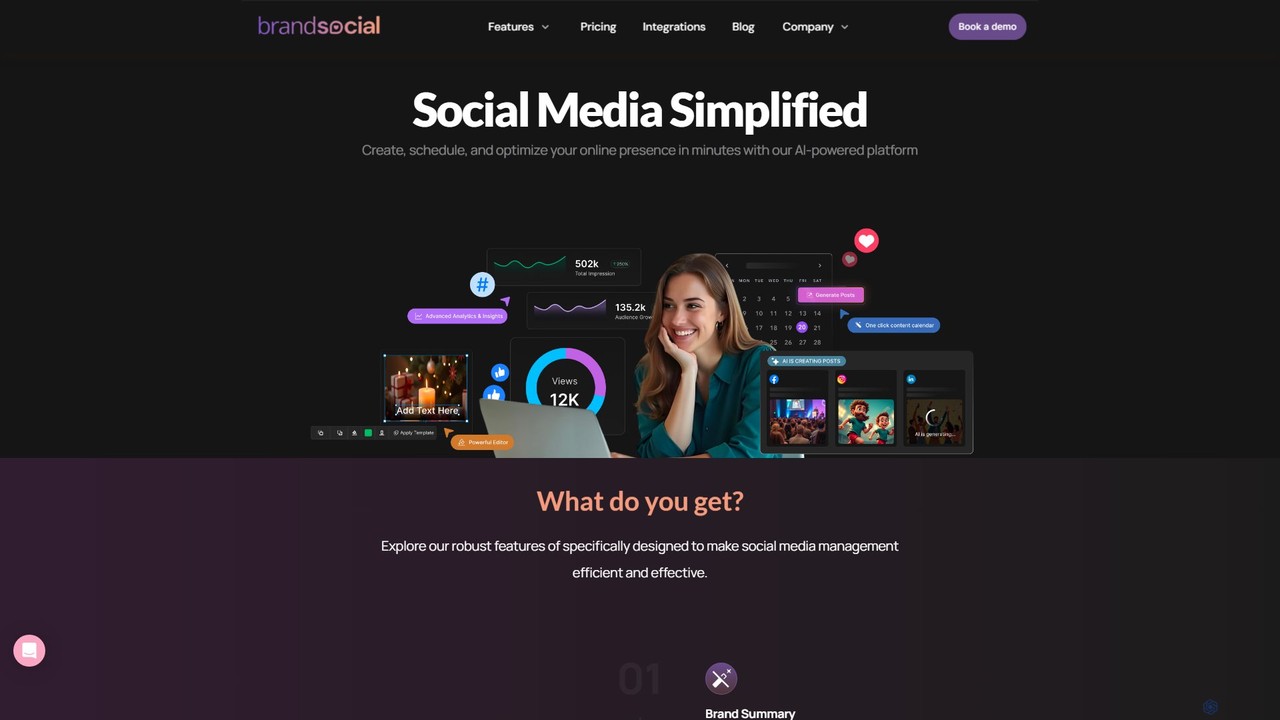
BrandSocial is an all-in-one AI-powered social media management platform designed to streamline content creation, scheduling, and performance analysis. It helps brands, marketers, and agencies save time by automating copy generation, creating stunning visuals, and providing actionable analytics to optimize social media strategy and engagement.

Content Creation
Visits 5.8KFavorites 111Likes 135
HashFame
Freemium

HashFame

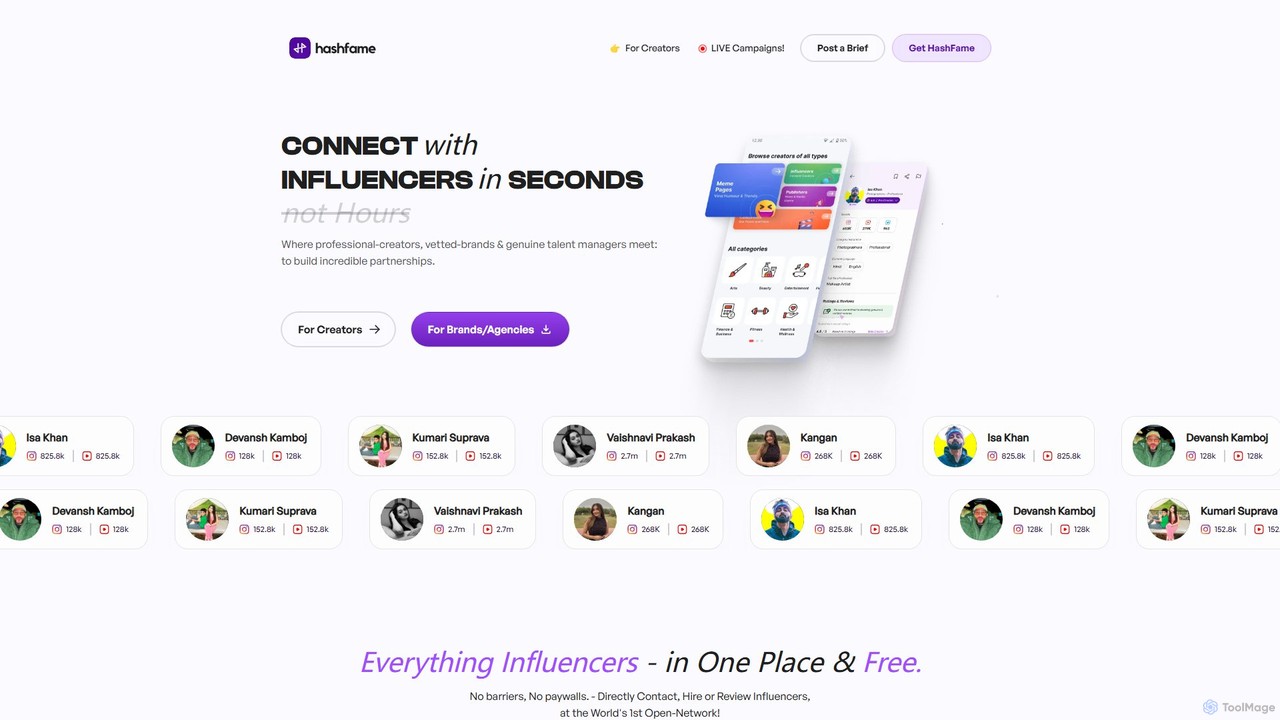
HashFame is an AI-powered open network connecting brands and agencies with over 70,000 verified influencers, creators, and celebrities. It streamlines influencer discovery, direct communication, and campaign collaboration, making it free for creators to get discovered and for brands to find the perfect talent.

Content Creation
Visits 91.6KFavorites 153Likes 158
DumplingAI
Freemium

DumplingAI

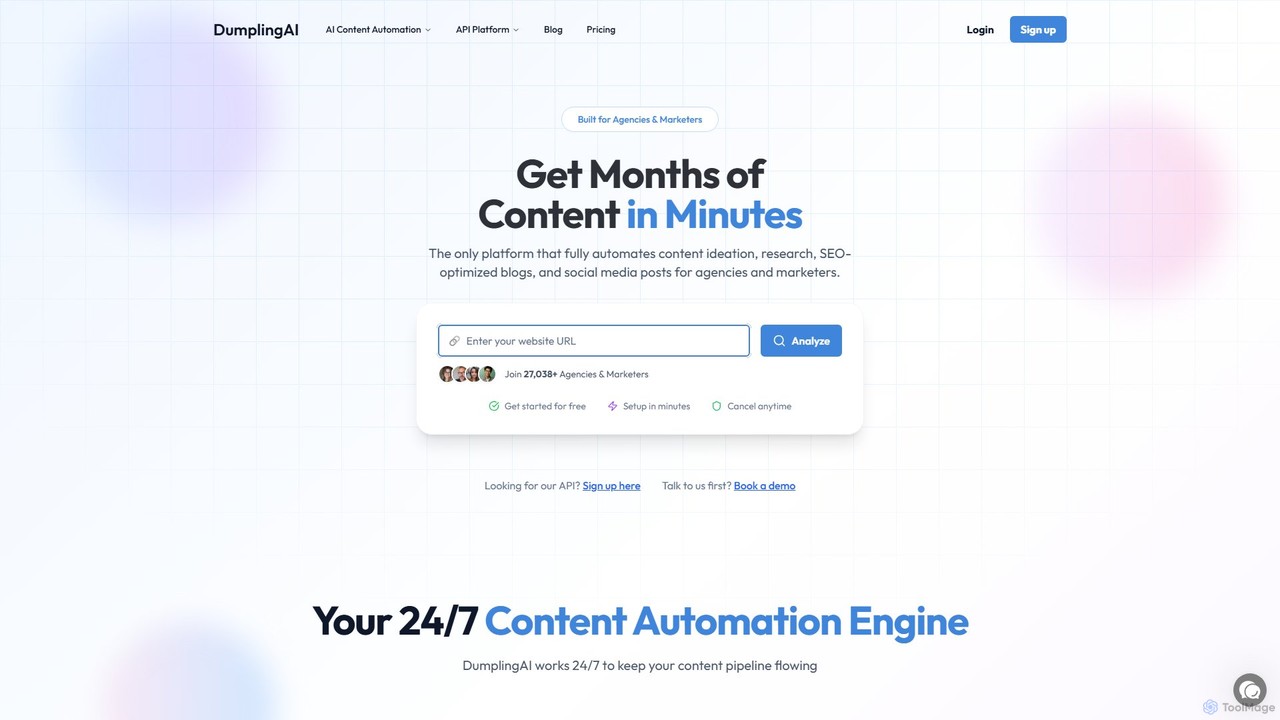
DumplingAI is an AI-powered content automation platform designed for marketing agencies and professionals. It automates the entire content lifecycle, from ideation and competitor analysis to generating SEO-optimized blog posts and social media content. With a powerful API, it enables deep customization and integration with no-code workflows, helping businesses scale their content production and dominate search rankings.

Content Creation
Visits 35KFavorites 156Likes 146
FeedHive
Freemium

FeedHive

FeedHive is an AI-powered social media management platform designed for businesses, agencies, and content creators. It enables users to create, schedule, publish, and analyze content at scale across multiple social networks, leveraging AI and automation to maximize engagement and growth.

Content Creation
Visits 53.3KFavorites 119Likes 121

About Management

AI Social Media Management tools are integrated platforms designed to centralize and streamline the control of multiple social media accounts. These tools leverage AI to automate scheduling, analyze audience engagement, and optimize content performance across various networks from a single dashboard. They empower marketing teams, agencies, and brands to maintain a consistent online presence, engage with their community efficiently, and measure the impact of their social media strategy with data-driven insights. This centralized approach saves significant time compared to managing each platform individually.

Core Features

  • Unified Content Calendar: Plan, create, and visualize all social media posts for different channels in one collaborative calendar.
  • Multi-Channel Publishing: Schedule and publish content simultaneously across multiple platforms like Instagram, Facebook, Twitter, and LinkedIn.
  • Social Inbox: Consolidate all incoming messages, comments, and mentions from various accounts into a single stream for timely responses.
  • Performance Analytics & Reporting: Generate comprehensive reports on key metrics such as reach, engagement, and follower growth to measure ROI.
  • Team Collaboration: Assign tasks, manage approval workflows, and control user permissions for secure team-based social media management.

Use Cases

These tools are essential for social media managers, digital marketing agencies managing multiple clients, and corporate communications teams. They are widely used for executing integrated marketing campaigns, managing brand reputation by monitoring conversations, and coordinating content strategies across global and local teams.

How to Choose

When selecting a tool, consider the number and type of social media platforms it supports. Evaluate its team collaboration features, such as approval workflows and role-based access. Assess the depth of its analytics and reporting capabilities. Finally, check for integrations with other marketing tools like CRM or design software, and consider the pricing model based on the number of users and connected accounts.

Featured tool rankings

Management use cases

1

Coordinating Multi-Client Campaigns for Agencies

A digital marketing agency manages social media for 15 different clients. Using a social media management tool, the team creates separate workspaces for each client. They use the unified content calendar to plan and schedule posts weeks in advance, inviting clients to review and approve content directly within the platform. This eliminates endless email chains and spreadsheets. The tool's reporting feature automatically generates branded monthly performance reports for each client, saving the agency over 20 hours of manual work per month and providing clear, consistent value.

2

Managing Brand Reputation with a Unified Social Inbox

A large consumer brand uses a management tool's social inbox to monitor brand mentions and customer feedback across Twitter, Facebook, and Instagram. The communications team sets up keyword alerts for the brand name and common misspellings. When a negative comment appears, it's automatically flagged and assigned to a customer support specialist. The specialist can view the user's entire interaction history and respond directly from the inbox, ensuring a swift and context-aware resolution. This centralized system helps maintain a positive brand image and improves customer satisfaction by reducing response times by 50%.

3

Streamlining Content for a Solo Creator

A solo content creator, such as a blogger or YouTuber, uses a management tool to maintain an active presence across multiple platforms without spending all day on social media. They batch-create their content for the week and use the tool to schedule posts for optimal times on Instagram, Twitter, and their Facebook page. The AI-powered scheduling feature suggests the best times to post based on past audience engagement. This allows the creator to focus on producing high-quality core content (videos, articles) while the tool handles the consistent distribution and promotion, effectively amplifying their reach with minimal daily effort.

4

Executing an Integrated Product Launch Campaign

A tech company is launching a new product. The marketing team uses a social media management platform to coordinate the entire launch campaign. They create a shared content library with approved visuals, copy, and hashtags. A multi-stage campaign is scheduled across LinkedIn, Twitter, and Facebook, with teaser posts, a live launch day announcement, and post-launch customer stories. The tool's analytics dashboard provides real-time insights into which platform is driving the most traffic to the product page, allowing the team to reallocate their ad spend dynamically for maximum impact.

5

Coordinating Social Media for a Multi-Location Franchise

A national fast-food chain with hundreds of franchise locations uses a management tool to maintain brand consistency while allowing for local creativity. The corporate marketing team provides a library of approved brand assets and campaign templates. Local franchise managers can then access these assets to create posts tailored to their community, such as promoting a local event or a store-specific offer. All local posts can be submitted through an approval workflow to ensure they align with brand guidelines before going live. This hybrid approach empowers local stores while protecting the overall brand integrity.

6

Measuring Social Media ROI for E-commerce

An online retail store uses a social media management tool that integrates with its e-commerce platform. The marketing team schedules promotional posts for new products across Instagram and Pinterest. By using trackable links provided by the management tool, they can directly attribute website traffic and sales to specific social media posts. The analytics dashboard visualizes the entire customer journey, from a user clicking a post to making a purchase. This data allows the team to identify which types of content and which platforms generate the most revenue, enabling them to optimize their social media advertising budget for a higher return on investment.

Management FAQ

What are AI Social Media Management tools?

AI Social Media Management tools are comprehensive platforms that allow users to manage multiple social media profiles from a single dashboard. Unlike single-purpose tools, they integrate various functions like content scheduling, community engagement (via a social inbox), performance analytics, and team collaboration. Their primary purpose is to streamline workflows, ensure brand consistency, and provide a holistic view of a brand's social media presence, making them ideal for businesses and agencies.

How do I choose the right Social Media Management tool?

To choose the right tool, first list the social media platforms you actively use and ensure the tool supports them. Then, consider your team's size and needs; look for collaboration features like approval workflows and user roles if you have multiple team members. Evaluate the depth of analytics—does it just track likes, or can it measure conversion and ROI? Finally, consider your budget and check for integrations with other software you use, such as design tools or CRM systems.

What's the difference between a management tool and a simple scheduler?

A simple scheduler focuses on one core task: publishing content at a set time. A social media management tool is a much broader platform. While it includes scheduling, it also offers a unified inbox to manage comments and messages, in-depth analytics to track performance, social listening features to monitor brand mentions, and collaboration tools for teams. In essence, a scheduler is a feature, whereas a management tool is an integrated solution for an entire social media strategy.

Can these tools publish to all social media platforms?

Most major social media management tools support the most popular platforms like Facebook, Instagram, Twitter, LinkedIn, and Pinterest. However, support for newer or more niche platforms like TikTok, Snapchat, or Reddit can vary significantly. Some platforms have API limitations that restrict what third-party tools can do (e.g., posting certain content formats). Always check a tool's specific list of supported platforms and their capabilities before committing.

Who benefits most from a Social Media Management tool?

While anyone managing social media can benefit, these tools provide the most value to users managing multiple accounts or working in a team. Key beneficiaries include:

  • Marketing Agencies: Managing social media for numerous clients from one centralized platform.
  • Medium to Large Businesses: Coordinating between marketing, sales, and customer support teams.
  • Social Media Managers: Streamlining their daily tasks of content creation, scheduling, engagement, and reporting.
  • Brands with a Multi-Platform Presence: Ensuring a consistent message and branding across all channels.