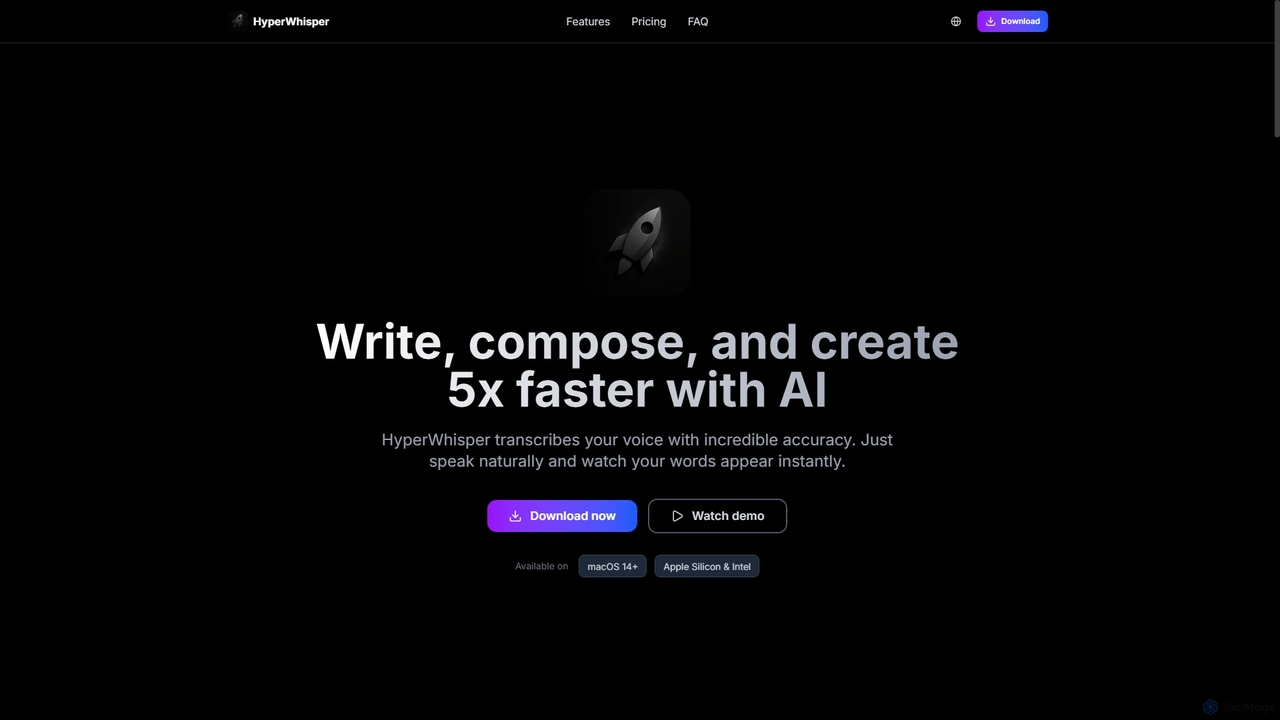
HyperWhisper
HyperWhisper is an AI-powered voice transcription application for macOS, designed to convert spoken words into text with exceptional …
HyperWhisper is an AI-powered voice transcription application for macOS, designed to convert spoken words into text with exceptional accuracy and speed. It supports over 100 languages, offers robust offline capabilities, and prioritizes user privacy, making it ideal for professionals seeking efficient content creation and note-taking.
About Macos
macOS AI tools are applications specifically developed to harness artificial intelligence capabilities within Apple's macOS ecosystem. These tools leverage the robust performance and intuitive user interface of Mac devices, offering enhanced functionalities for various tasks. They aim to boost productivity, streamline creative workflows, and optimize system performance through intelligent automation and data processing. Users benefit from seamless integration with macOS features, delivering a cohesive and powerful AI experience.
Core Features
- Native macOS Integration: Deep integration with macOS system services, notifications, and UI guidelines for a consistent user experience.
- Optimized Performance: Designed to utilize Apple Silicon (M-series chips) and Intel processors efficiently, ensuring fast and responsive AI computations.
- Enhanced Security & Privacy: Adherence to macOS's stringent security protocols and privacy features, often processing data locally.
- Intuitive User Interface: Crafted with macOS design principles, offering user-friendly interfaces that are easy to navigate for Mac users.
Use Cases
Professionals in creative industries, developers, and general users seeking to enhance their Mac experience utilize these tools. Examples include AI-powered photo and video editing for content creators, intelligent code completion for developers, and smart file organization or system maintenance for everyday productivity. They also assist in advanced data analysis and personalized recommendations directly on the macOS platform.
How to Choose
When selecting macOS AI tools, consider their native integration level with the operating system and specific hardware optimization for Apple Silicon. Evaluate the tool's core AI capabilities and how well they align with your specific tasks, such as content generation, data analysis, or system utility. Check for user interface design consistency with macOS, pricing models, and the developer's commitment to privacy and regular updates.
MacosUse Cases
Enhancing Creative Workflows on Mac
For graphic designers and video editors using macOS, AI tools can automate tedious tasks like background removal, image upscaling, or video stabilization. By leveraging Mac's powerful hardware, these tools provide real-time processing, allowing creators to focus on artistic vision rather than repetitive manual adjustments, significantly speeding up project delivery.
Intelligent Document Management for Mac Users
Business professionals and researchers on macOS can utilize AI tools for smart document organization, summarization, and search. These applications can automatically categorize files, extract key information from PDFs, and provide intelligent search capabilities across local and cloud storage, making information retrieval faster and more efficient within the Mac environment.
Boosting Developer Productivity with AI on macOS
Software developers working on Mac can integrate AI-powered coding assistants that offer intelligent code completion, bug detection, and refactoring suggestions directly within their macOS-native IDEs. This accelerates development cycles, reduces errors, and allows developers to write more efficient and robust code, leveraging the Mac's development ecosystem.
Personalized System Optimization for macOS
Everyday Mac users can employ AI utilities to optimize their system performance and battery life. These tools intelligently manage background processes, identify and clean up unnecessary files, and provide personalized recommendations for system settings. This ensures a smoother, faster, and more energy-efficient macOS experience without manual intervention.
Advanced Photo and Video Editing on Apple Silicon
Photographers and videographers using Mac devices with Apple Silicon chips can leverage AI tools for advanced editing tasks. This includes AI-powered noise reduction, intelligent color grading, object removal, and even generating new visual elements. The tools take full advantage of the M-series chip's neural engine for unparalleled speed and precision in creative workflows.
AI-Powered Writing and Content Creation for Mac
Content creators, writers, and marketers on macOS can use AI writing assistants to generate ideas, draft articles, or refine existing text. These tools integrate seamlessly with macOS text editors and browsers, offering grammar checks, style suggestions, and even full paragraph generation, helping to overcome writer's block and produce high-quality content more efficiently.