ToolMage
Sign in

Best 1 Organizer AI tools for Utilities

Popular Organizer AI tools in Utilities include Clueless, helping you work more efficiently.

Clueless
Freemium

Clueless

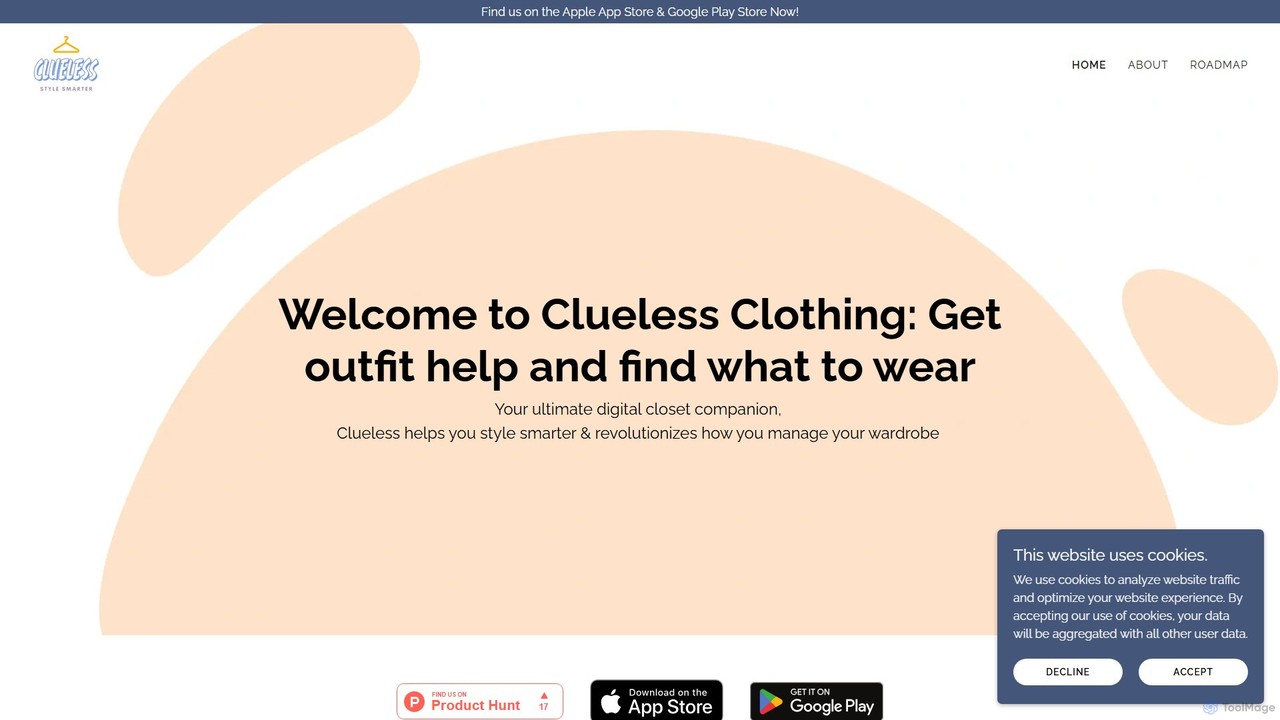
Clueless is an AI-powered digital closet and personal stylist app designed to eliminate outfit uncertainty. It helps you manage your wardrobe, get instant feedback on your outfits with 'FitCheck', and receive personalized styling recommendations. Organize your clothes effortlessly without tedious photo uploads and step out with confidence every day.

Fashion
Visits 11KFavorites 108Likes 101

About Organizer

AI Organizer tools are a class of AI-powered utilities designed to intelligently manage, structure, and prioritize information, tasks, and schedules. Leveraging natural language processing and machine learning, these tools automate the categorization, summarization, and retrieval of data, transforming chaotic inputs into actionable insights. They significantly enhance personal and team productivity by streamlining workflows and reducing cognitive load, allowing users to focus on high-value activities.

Core Features

  • Intelligent Categorization: Automatically tags and sorts documents, emails, and notes based on content and context.
  • Automated Summarization: Condenses long texts, meeting transcripts, or articles into concise summaries.
  • Smart Task Prioritization: Analyzes deadlines, dependencies, and user habits to suggest optimal task sequences.
  • Knowledge Graph Creation: Builds interconnected knowledge bases from disparate information sources.
  • Predictive Scheduling: Optimizes calendar events and resource allocation based on historical data and real-time changes.

Use Cases

AI Organizer tools are invaluable for professionals across various sectors, from individual knowledge workers to large enterprise teams. They are used in scenarios requiring efficient information retrieval, streamlined project management, and enhanced personal productivity.

How to Choose

When selecting an AI Organizer tool, consider its integration capabilities with existing platforms (e.g., email, calendar, CRM), the accuracy and flexibility of its AI models for your specific data types, and its scalability for individual versus team use. Evaluate the level of automation offered, from simple categorization to complex workflow orchestration, and ensure it aligns with your organizational needs and technical comfort level.

Organizer use cases

1

Automating Meeting Note Summarization

Project managers and team leads use AI organizer tools to automatically transcribe and summarize lengthy meeting recordings. The AI identifies key decisions, action items, and assigned responsibilities, then distributes concise summaries to relevant team members, ensuring everyone is aligned and follow-ups are tracked without manual effort.

2

Intelligent Document Management

Legal professionals or researchers utilize AI organizer tools to process vast amounts of legal documents or research papers. The AI automatically categorizes documents by topic, extracts critical clauses or data points, and creates a searchable, cross-referenced knowledge base, drastically reducing manual review time and improving information retrieval.

3

Streamlining Email Inbox Organization

Busy executives and customer support teams employ AI organizer tools to manage overwhelming email inboxes. The AI automatically filters, prioritizes, and tags incoming emails based on sender, content, and urgency, suggesting responses or flagging critical communications, thereby reducing inbox clutter and ensuring timely attention to important messages.

4

Personalized Task Prioritization

Individual knowledge workers leverage AI organizer tools to manage their daily to-do lists. The AI analyzes task deadlines, estimated effort, and personal work patterns to dynamically re-prioritize tasks, suggesting the most impactful next steps and helping users maintain focus and meet objectives more effectively.

5

Building a Centralized Knowledge Base

Content creators and marketing teams use AI organizer tools to consolidate information from various sources—articles, social media posts, internal documents—into a unified, searchable knowledge base. The AI automatically extracts key themes and relationships, making it easier to find relevant content and generate new ideas.

6

Optimizing Project Workflow Automation

Software development teams integrate AI organizer tools into their project management systems. The AI monitors task progress, identifies potential bottlenecks, and suggests reallocations of resources or adjustments to timelines, helping to keep complex projects on track and optimize team efficiency.

Organizer FAQ

What are AI Organizer tools?

AI Organizer tools are software applications that use artificial intelligence, primarily machine learning and natural language processing, to help users manage, structure, and prioritize information, tasks, and schedules more effectively. They automate processes like categorization, summarization, and intelligent search, transforming unstructured data into organized, actionable insights.

How do AI Organizer tools differ from traditional productivity apps?

Traditional productivity apps rely on manual input and rule-based systems for organization. AI Organizer tools, however, leverage AI to learn from user behavior and data patterns, enabling automated categorization, intelligent prioritization, and predictive insights. This allows them to adapt and optimize organization dynamically, going beyond static lists and folders.

What are the key benefits of using AI Organizer tools?

The primary benefits include significant time savings through automation of routine organizational tasks, improved decision-making by transforming raw data into structured insights, and enhanced productivity by intelligently prioritizing tasks and reducing cognitive overload. They help users maintain focus and ensure important information is easily accessible.

Who can benefit most from using AI Organizer tools?

AI Organizer tools are highly beneficial for anyone dealing with large volumes of information or complex task management. This includes knowledge workers, project managers, researchers, content creators, executives, and customer support teams. Essentially, any individual or team seeking to reduce digital clutter and streamline their workflow can gain value.

How do I choose the best AI Organizer tool for my needs?

To choose the best AI Organizer tool, consider your specific organizational challenges (e.g., email, documents, tasks). Evaluate the tool's core features, its integration capabilities with your existing software ecosystem, the accuracy of its AI models for your data types, and its scalability. Also, assess the user interface for ease of use and the level of customization offered.