ToolMage
Sign in

Best 1 Phone Management AI tools for Utilities

Popular Phone Management AI tools in Utilities include Truecaller, helping you work more efficiently.

Truecaller
Freemium

Truecaller

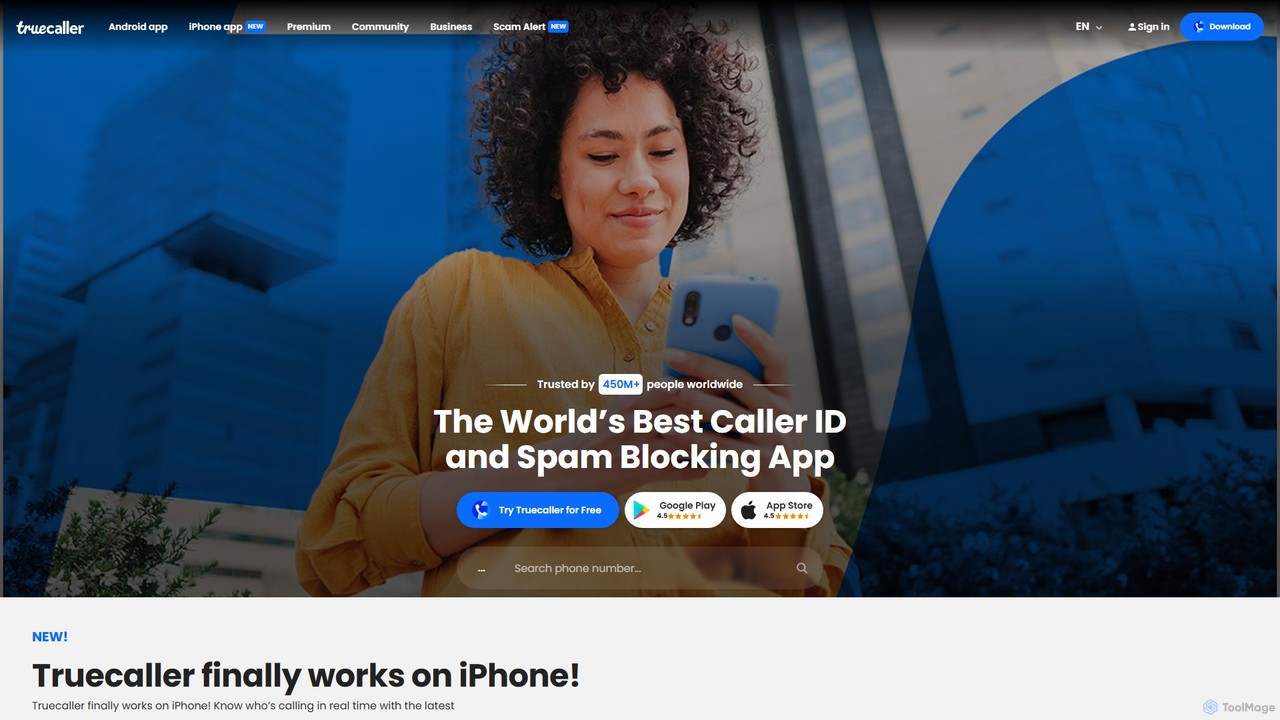
Truecaller is a leading global platform for verifying contacts and blocking unwanted communication. It uses AI and a vast community-based spam list to provide real-time Caller ID, powerful spam and fraud protection for calls and SMS, and an intelligent communication suite. It helps users identify unknown callers, avoid scams, and manage their communications safely and efficiently.

Android & Ios
Visits 18.5MFavorites 134Likes 123

About Phone Management

Phone Management tools are AI-powered software solutions designed to optimize, organize, and secure mobile devices. These tools leverage intelligent algorithms to streamline tasks like data transfer, backup, app organization, and device performance enhancement. They provide users with greater control over their smartphones, ensuring data integrity, privacy, and improving overall user experience, often surpassing native device capabilities. By offering a centralized hub for device maintenance, these utilities empower users to manage their digital lives more effectively.

Core Features

  • Data Transfer & Backup: Seamlessly move data between devices or create secure backups to prevent loss and ensure data integrity.
  • App & File Management: Efficiently organize applications, clean junk files, and manage storage space to free up resources.
  • Device Optimization: Analyze and improve phone performance, extend battery life, and enhance system responsiveness.
  • Data Recovery: Retrieve accidentally deleted photos, messages, contacts, and other crucial files from mobile devices.
  • Screen Mirroring & Remote Control: Project phone screens to larger displays or manage the device remotely for convenience.

Applicable Scenarios

Individuals upgrading to a new phone can use these tools for effortless data migration. Tech-savvy users can optimize their device's performance and battery life, while professionals can securely back up critical work data. Parents might use them for remote monitoring or managing app usage on children's devices, ensuring digital wellbeing.

How to Choose

When selecting a Phone Management tool, consider its compatibility with your device's OS (iOS/Android) and the specific features you need, such as data backup, recovery, or app management. Evaluate its ease of use, security protocols for data protection, and pricing model. Look for tools with a strong reputation for reliability, regular updates, and responsive customer support.

Phone Management use cases

1

Seamless Data Migration for New Devices

When upgrading to a new smartphone, users often face the tedious task of transferring contacts, photos, messages, and apps. Phone management tools simplify this process by offering one-click data migration, ensuring all personal data is moved securely and efficiently to the new device, saving hours of manual effort and preventing data loss.

2

Regular Data Backup and Restoration

For individuals who value their digital memories and important documents, regular backups are crucial. These tools automate scheduled backups of photos, videos, contacts, and app data to cloud storage or a local computer. In case of device damage or loss, users can easily restore their entire phone content, minimizing disruption and stress.

3

Optimizing Device Performance and Storage

Over time, phones can become slow due to accumulated junk files, cache, and unused apps. Phone management software identifies and cleans unnecessary data, manages background processes, and optimizes RAM usage. This results in a faster, more responsive device with extended battery life and improved storage efficiency, enhancing the daily user experience.

4

Recovering Accidentally Deleted Files

Accidentally deleting important photos or messages is a common mishap. Advanced phone management tools offer robust data recovery features that can scan the device's internal storage or SD card for deleted files. They can often retrieve lost data even after it's been removed from the trash, providing a critical safety net for irreplaceable content.

5

Managing Apps and Digital Wellbeing

Parents or individuals seeking better digital wellbeing can utilize these tools to manage app usage. Features include setting screen time limits, blocking specific applications, or monitoring app activity. This helps in fostering healthier digital habits for children and adults alike, ensuring a balanced use of smartphone technology.

6

Securely Wiping Data Before Resale

Before selling or donating an old phone, it's vital to ensure all personal data is permanently erased to prevent privacy breaches. Phone management tools provide secure data wiping functions that go beyond a factory reset, overwriting data multiple times to make it unrecoverable. This guarantees complete privacy protection for the previous owner.

Phone Management FAQ

What are Phone Management tools?

Phone Management tools are AI-powered software applications designed to help users control, optimize, and secure their mobile devices. They go beyond basic operating system functions by offering advanced features for data transfer, backup, recovery, app management, and performance enhancement, often incorporating AI for smarter operations and insights.

How do Phone Management tools improve my phone's performance?

These tools improve performance by identifying and removing junk files, clearing cache, managing background apps, and optimizing RAM usage. Some also offer battery optimization features. By streamlining these processes, they free up resources, leading to a faster, more responsive device and extended battery life.

Can Phone Management tools recover deleted data?

Yes, many advanced phone management tools include robust data recovery capabilities. They can scan your device's internal storage or SD card for accidentally deleted photos, videos, contacts, and messages. The success rate depends on how soon the recovery is attempted after deletion and whether new data has overwritten the old.

What's the difference between native phone settings and a dedicated Phone Management tool?

Native phone settings offer basic management functions like storage overview and app permissions. Dedicated Phone Management tools, however, provide a much broader and deeper set of features, including advanced data backup/recovery, cross-device data transfer, detailed performance optimization, and often AI-driven insights, which native settings lack.

Are Phone Management tools safe to use?

Reputable phone management tools are generally safe to use, employing strong encryption for data transfer and storage. However, it's crucial to download them from trusted sources (official app stores, developer websites) to avoid malware. Always check reviews and permissions requested by the app to ensure your data privacy and security.