ToolMage
Sign in

Best 4 Photo AI tools for Utilities

Popular Photo AI tools in Utilities include PhotoAiD, passportmaker, passphoto, and idphotoonline, helping you work more efficiently.

idphotoonline
Freemium

idphotoonline

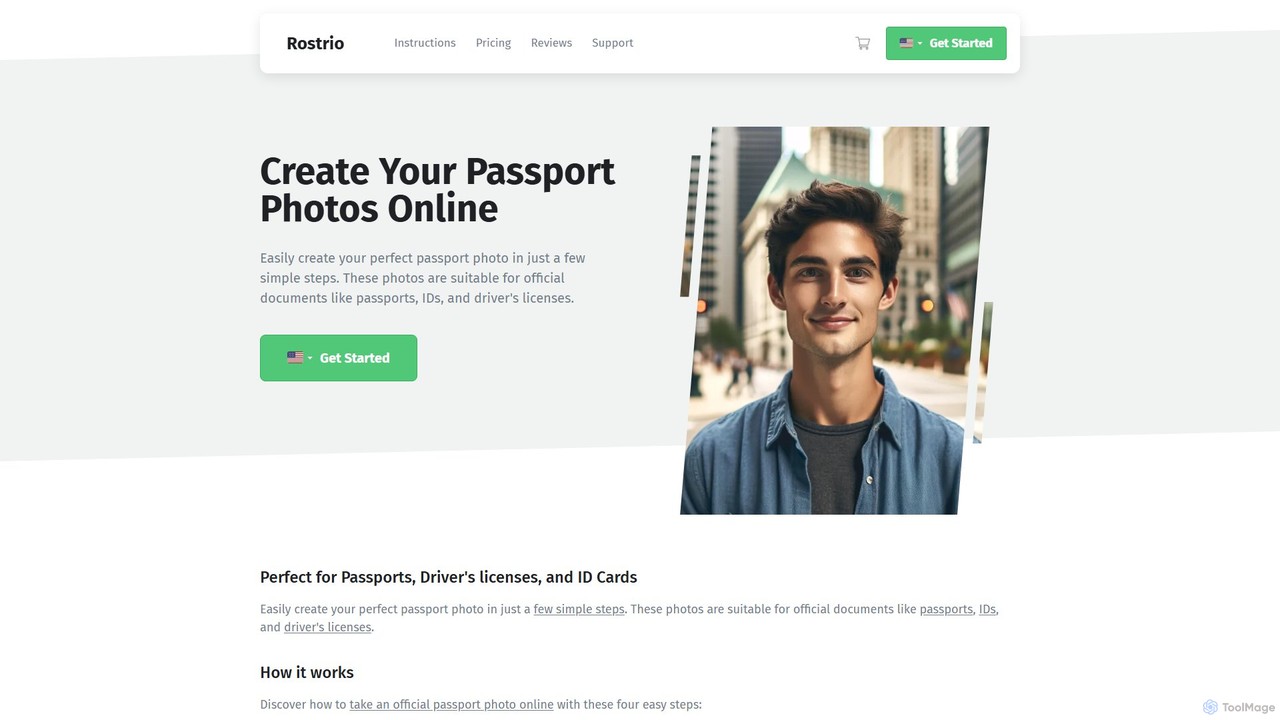
An AI-powered tool that creates compliant passport, visa, and ID photos online in seconds. Upload a photo, and the AI will automatically verify, crop, and adjust it to meet official requirements, guaranteeing acceptance. It's a fast, convenient, and cost-effective alternative to traditional photo studios.

Image Editing
Visits 5.3KFavorites 168Likes 166
PhotoAiD
Paid

PhotoAiD

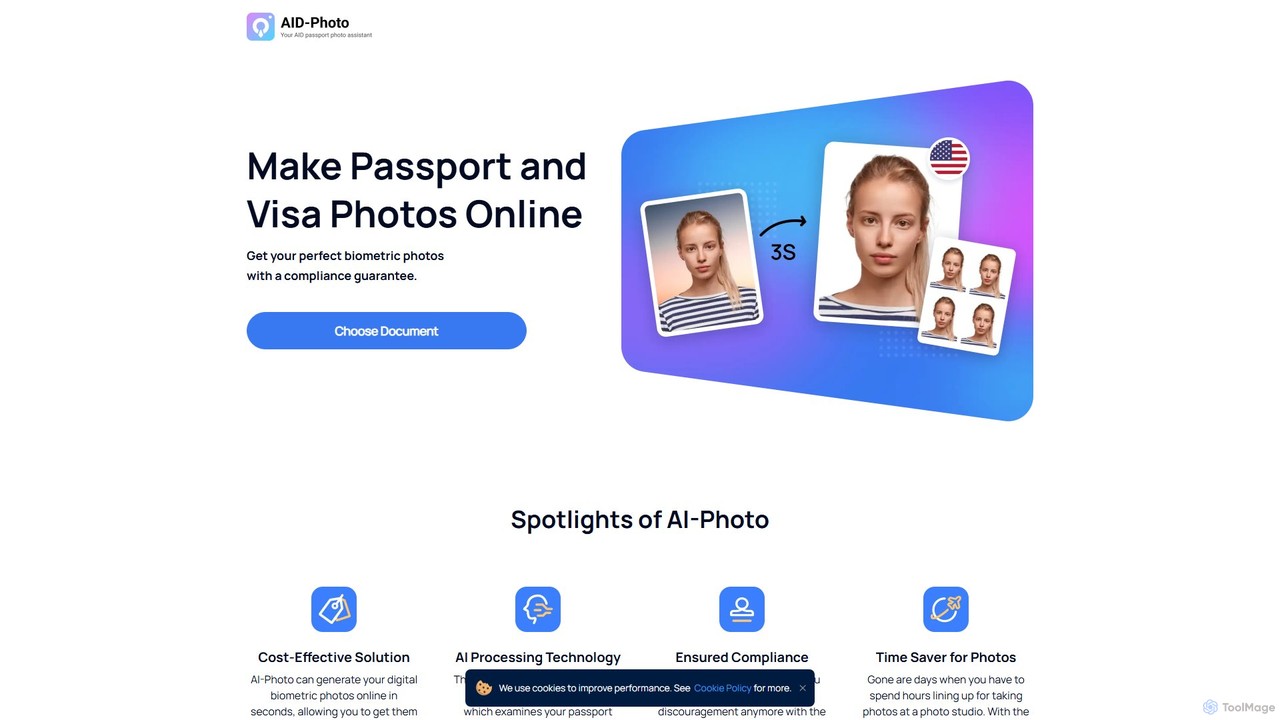
PhotoAiD is an AI-powered tool that allows users to create fully compliant biometric photos for passports, visas, and various IDs in minutes. Using a smartphone, you can take a photo at home, and the app's AI will automatically adjust it to meet official requirements, followed by an expert verification for a 100% acceptance guarantee.

3D
Visits 1.3MFavorites 137Likes 136
passportmaker
Freemium

passportmaker

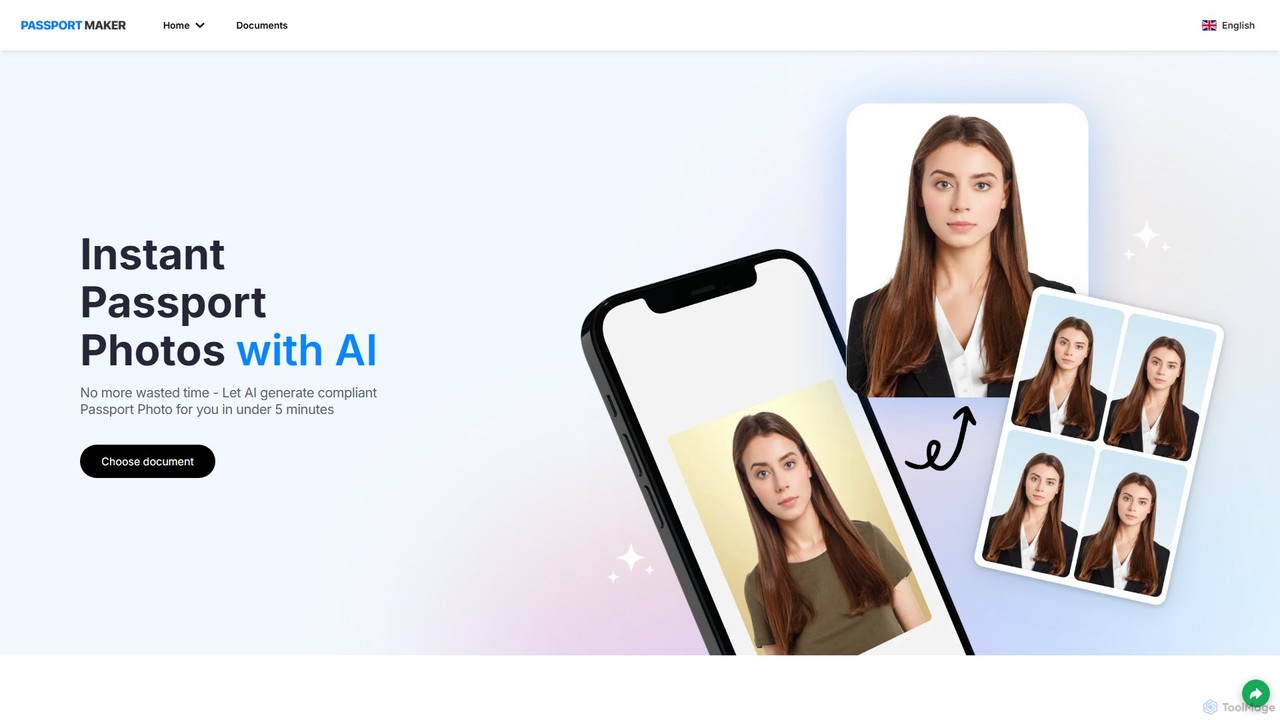
passportmaker is an AI-powered tool that allows you to create perfectly compliant passport, visa, and ID photos in seconds. Upload your picture, and the AI will automatically handle resizing, background removal, and compliance checks for various official documents worldwide. You can even change your outfit digitally for a professional look.

Image Editing
Visits 63.6KFavorites 108Likes 112
passphoto
Paid

passphoto

passphoto is an AI-powered online service that helps you create official, compliant passport, ID, and visa photos from home. Simply upload your photo, and the AI will automatically verify it against the specific requirements of your chosen country, ensuring it meets standards for size, background, and lighting. Get your perfect photos delivered digitally or by mail.

3D
Visits 6.1KFavorites 109Likes 106

About Photo

AI Photo tools are a specialized category within utilities that leverage artificial intelligence to transform, enhance, and generate visual content. These tools utilize advanced computer vision and deep learning algorithms to automate complex image manipulation tasks, offering capabilities far beyond traditional photo editing. They empower users to achieve professional-grade results, restore old memories, or create entirely new visuals with unprecedented ease and speed, making sophisticated photo processing accessible to everyone.

Core Features

  • AI Enhancement: Automatically adjusts lighting, color, and sharpness for optimal image quality.
  • Object Removal: Intelligently identifies and removes unwanted elements or blemishes from photos.
  • Background Editing: Seamlessly removes, blurs, or replaces image backgrounds with AI precision.
  • Photo Restoration: Repairs damaged, faded, or low-resolution old photographs, bringing them back to life.
  • Style Transfer: Applies artistic styles from one image to another, creating unique visual effects.

Use Cases

AI Photo tools are invaluable for professionals and enthusiasts alike. Photographers use them for rapid post-processing and retouching, while e-commerce businesses leverage AI for consistent product imagery and background removal. Social media managers can quickly create engaging visuals, and individuals can effortlessly enhance personal photos or restore cherished family heirlooms.

How to Choose

When selecting an AI Photo tool, consider its specific AI capabilities, such as the quality of enhancement or the accuracy of object removal. Evaluate the user interface for ease of use, especially for batch processing needs. Check for integration with existing workflows and assess the output quality for your specific requirements. Finally, compare pricing models and available features to ensure it aligns with your budget and creative goals.

Photo use cases

1

Automated Photo Enhancement for Social Media

Social media managers and content creators often need to publish visually appealing images quickly. AI Photo tools allow them to automatically enhance photos by adjusting lighting, color balance, and sharpness with a single click. This saves significant time compared to manual editing, ensuring consistent brand aesthetics across platforms and boosting engagement with high-quality visuals.

2

Batch Background Removal for E-commerce Products

E-commerce businesses require clean, consistent product images, often with white or transparent backgrounds. AI Photo tools can process hundreds or thousands of product photos in batches, automatically detecting and removing backgrounds with high precision. This drastically reduces the manual effort and cost associated with image preparation, accelerating product listings and improving the professional appearance of online stores.

3

Restoring Old and Damaged Family Photos

Individuals often possess cherished old family photos that are faded, scratched, or torn. AI Photo restoration tools can analyze these images, intelligently reconstruct missing details, correct colors, and remove imperfections. This allows users to digitally preserve and revitalize precious memories that would otherwise be lost, making them suitable for printing or sharing with future generations.

4

Creating Unique AI-Generated Profile Pictures

Users looking for unique and stylized profile pictures for social media or professional networks can leverage AI Photo tools. By uploading a few selfies, these tools can generate diverse artistic portraits, avatars, or even transform photos into different art styles (e.g., cartoon, oil painting). This offers a creative and personalized way to represent oneself online without needing advanced artistic skills.

5

Removing Unwanted Objects from Travel Photos

Travel enthusiasts often capture stunning landscapes or landmarks, only to find unwanted tourists or objects in the frame. AI Photo tools with object removal capabilities can intelligently identify and seamlessly erase these distractions. This allows users to clean up their vacation photos, creating pristine and professional-looking images that truly capture the beauty of their travel experiences without manual, pixel-by-pixel editing.

6

Stylizing Photos with AI Art Filters

Artists, designers, and hobbyists can use AI Photo tools to apply sophisticated artistic filters to their images, transforming ordinary photos into unique works of art. These tools leverage deep learning to understand and transfer the style of famous paintings or abstract art onto a user's photo, offering a quick and accessible way to experiment with different aesthetics and create visually striking content for portfolios or personal enjoyment.

Photo FAQ

What are AI Photo tools?

AI Photo tools are software applications that use artificial intelligence, primarily computer vision and deep learning, to automate and enhance various aspects of photo editing, manipulation, and generation. They go beyond traditional editing by intelligently understanding image content, enabling features like automatic enhancement, object removal, background changes, and even photo restoration. These tools aim to simplify complex tasks and achieve professional results with minimal user effort.

How to choose the right AI Photo tool?

When selecting an AI Photo tool, consider your primary needs: do you require advanced enhancement, object removal, or creative generation? Evaluate the quality of the AI output, as some tools excel in specific areas. Look for user-friendliness, especially if you're not a professional editor, and check for batch processing capabilities if you handle many images. Finally, compare pricing models, available features, and integration options with your existing workflow to find the best fit for your budget and requirements.

What are the key capabilities of AI Photo tools?

AI Photo tools offer a wide range of capabilities designed to streamline and enhance image processing. Key functions include automatic image enhancement (color correction, exposure adjustment), intelligent object removal or replacement, precise background manipulation (removal, blur, swap), advanced photo restoration (repairing damage, de-noising), and creative style transfer. Many also feature smart cropping, facial retouching, and the ability to generate new image elements or even entire images based on text prompts.

What's the difference between AI Photo tools and traditional photo editing software?

The primary difference lies in automation and intelligence. Traditional photo editing software (like Photoshop) relies heavily on manual user input, requiring skill and time for complex tasks. AI Photo tools, however, leverage machine learning to automate these tasks, often with a single click. They can intelligently analyze content, predict desired outcomes, and even generate new elements, significantly reducing the learning curve and speeding up workflows. While traditional software offers granular control, AI tools prioritize efficiency and accessibility for common and advanced tasks.

Who can benefit most from using AI Photo tools?

A wide range of users can benefit from AI Photo tools. Professional photographers and graphic designers can accelerate their workflows, automating repetitive tasks like retouching or background removal. E-commerce businesses can achieve consistent product imagery efficiently. Social media managers and content creators can quickly produce engaging visuals. Even casual users and individuals can easily enhance personal photos, restore old family pictures, or create unique avatars without needing extensive technical skills, making advanced photo editing accessible to everyone.