ToolMage
Sign in

Best 2 Web Clipper AI tools for Utilities

Popular Web Clipper AI tools in Utilities include DishGrab and SortlyAI, helping you work more efficiently.

SortlyAI
Freemium

SortlyAI

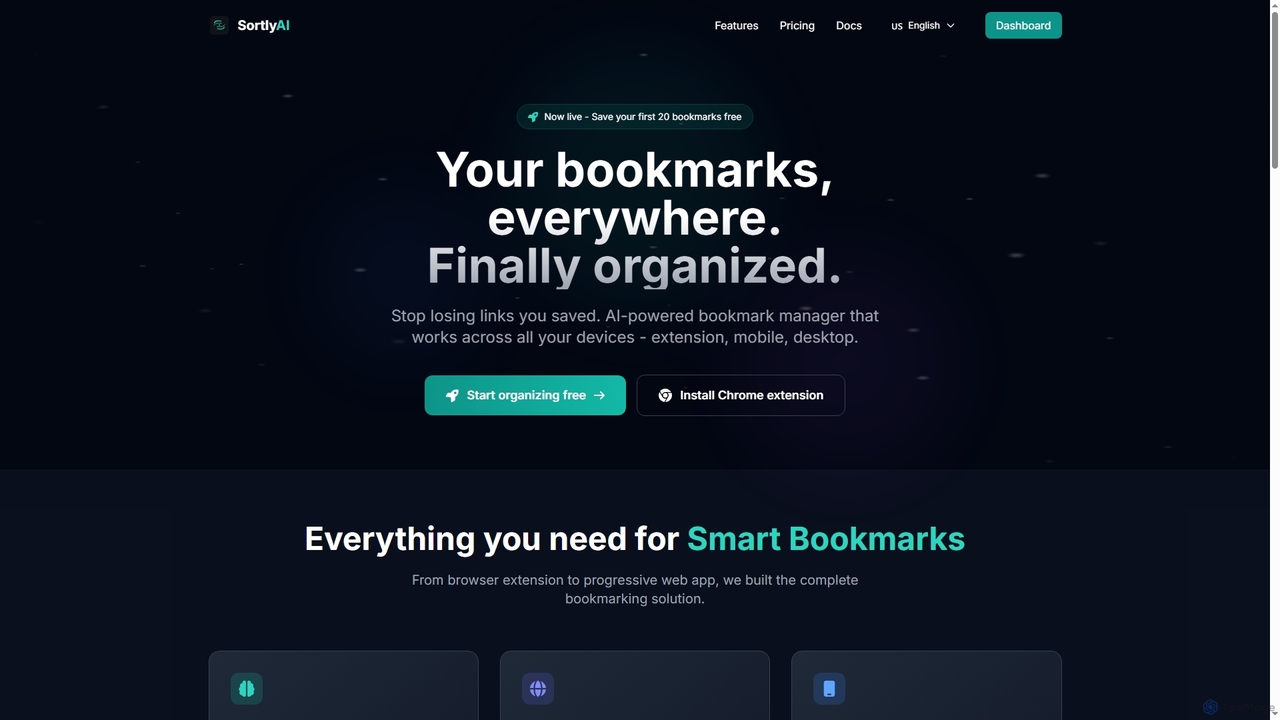
SortlyAI is an AI-powered smart bookmark manager that organizes your saved links across all devices. It features auto-tagging, smart descriptions, and AI summaries, ensuring you never lose important web content again and can easily find what you need.

Research Tools
Visits 4.1KFavorites 102Likes 89
DishGrab
Freemium

DishGrab

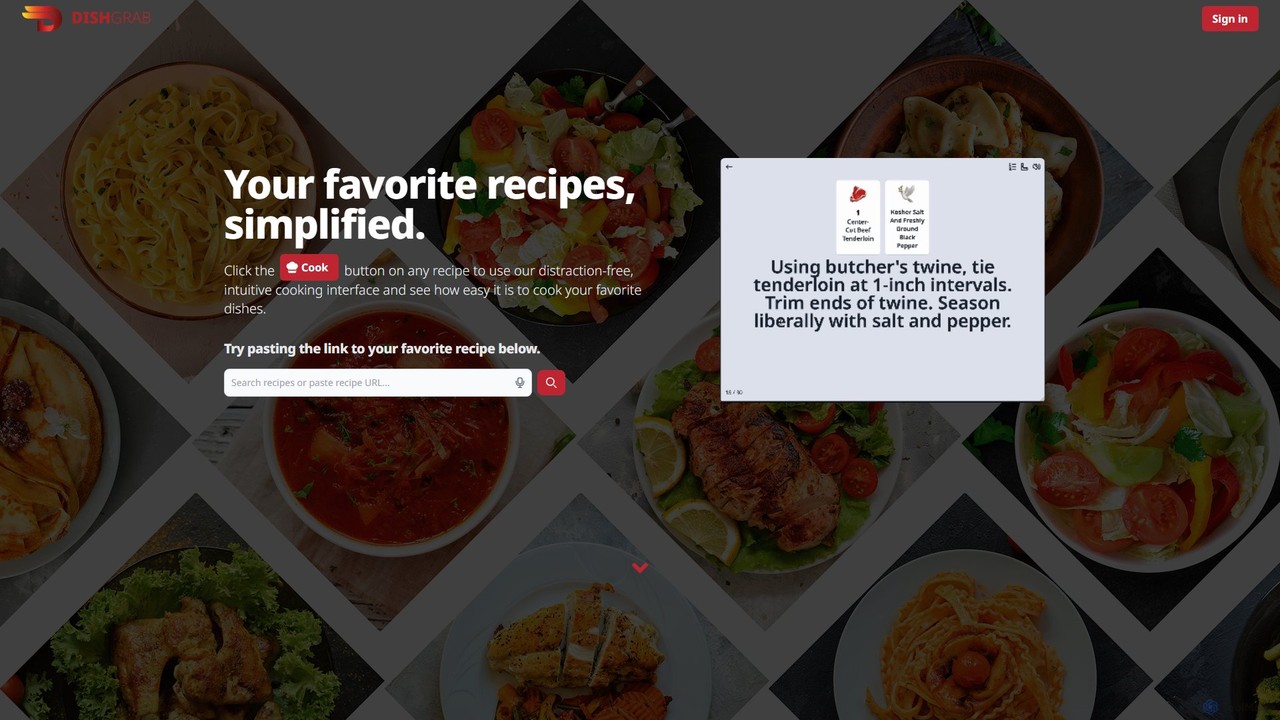
DishGrab is an AI-powered recipe assistant that simplifies your cooking experience. Paste any recipe link to get a clean, distraction-free interface. It intelligently extracts ingredients and instructions, allowing you to save, organize into collections, and share your favorite recipes effortlessly. Perfect for home cooks who want to focus on cooking, not scrolling.

Cooking
Visits 4.1KFavorites 117Likes 108

About Web Clipper

Web Clippers are specialized utility tools designed to capture and save specific content from web pages. These tools typically function as browser extensions or integrated features, allowing users to select and store text, images, links, or entire articles with ease. Their primary value lies in facilitating research, content curation, and personal knowledge management by preserving online information offline or in a centralized digital archive. They streamline the process of collecting valuable web resources, making them readily accessible for future reference or analysis.

Core Features

  • Selective Clipping: Capture only specific text, images, or sections of a web page, rather than the entire page.
  • Full Page Capture: Save an entire web page as a screenshot, PDF, or simplified article view, preserving its layout or content.
  • Annotation & Highlighting: Add notes, highlights, and comments directly onto the clipped content for better understanding and recall.
  • Tagging & Organization: Assign tags, categories, or save to specific notebooks/folders for easy retrieval and structured knowledge management.
  • Offline Access: Store clipped content locally or in cloud services, allowing access even without an internet connection.

Applicable Scenarios

Web Clippers are invaluable for various roles and workflows. Academic researchers and students can clip articles and data for thesis writing. Marketers and content creators use them to save inspiring content and competitor analyses. Individuals build personal digital libraries of recipes, DIY guides, or interesting news articles for future reference and learning.

How to Choose

When selecting a Web Clipper, consider its integration ecosystem with your existing note-taking apps or cloud storage. Evaluate the capture flexibility, including options for full page, article view, or selective clipping. Look for robust annotation features like highlighting and text notes. Prioritize tools with strong tagging, categorization, and powerful search functions for efficient content retrieval.

Featured tool rankings

Web Clipper use cases

1

Efficiently Collect Research Materials from the Web

An academic researcher or student needs to gather information from various online sources for a thesis or project. Using a Web Clipper, they can quickly save relevant articles, scientific papers, and data snippets, along with their sources. They can then highlight key passages and add personal notes directly to the clipped content, creating a centralized, organized repository for their research, saving hours of manual copying and pasting.

2

Curate Engaging Content for Social Media Campaigns

A social media manager constantly seeks trending articles, inspiring visuals, and industry news to share with their audience. A Web Clipper allows them to instantly save interesting web pages, images, or videos as they browse. They can tag these clips by topic or campaign, making it easy to retrieve and schedule diverse, high-quality content, ensuring a consistent and engaging social media presence.

3

Build a Comprehensive Personal Digital Library

An individual passionate about learning wants to create a personal knowledge base of useful articles, tutorials, and how-to guides. With a Web Clipper, they can save entire web pages or specific sections on topics like coding, cooking, or personal finance. These clips are then organized into digital notebooks, making it simple to revisit and learn from their curated collection anytime, fostering continuous self-improvement.

4

Monitor Competitor Strategies and Industry Trends

A marketing analyst needs to keep tabs on competitors' new product launches, marketing campaigns, and blog posts. By using a Web Clipper, they can capture snapshots of competitor websites, press releases, and advertisements. These clips, timestamped and organized, provide a historical record for analysis, helping the analyst identify emerging trends and refine their own company's strategy.

5

Organize Favorite Recipes and DIY Project Instructions

A home cook or hobbyist frequently finds new recipes, craft ideas, or home improvement guides online. A Web Clipper enables them to save these web pages directly into a digital cookbook or project folder. They can add notes about ingredient substitutions or specific steps, ensuring all their favorite instructions are easily accessible and well-organized, eliminating the need to bookmark countless pages.

6

Gather Visual and UI/UX Design Inspiration

A graphic designer or UI/UX professional needs a constant stream of visual inspiration for their projects. Using a Web Clipper, they can capture specific design elements, layouts, or entire website designs that catch their eye. These visual clips can be tagged by style, color palette, or component type, forming a rich mood board and reference library for future creative work.

Web Clipper FAQ

What are Web Clippers and how do they work?

Web Clippers are digital tools, often browser extensions, that allow users to capture and save content from web pages. They work by enabling you to select specific parts of a page (text, images, links) or the entire page, then save it to a note-taking app, cloud storage, or a dedicated clipping service. This process essentially "clips" the content from the live web and stores it for offline access, annotation, and organized retrieval.

How do Web Clippers differ from simple browser bookmarks?

While bookmarks save a link to a web page, Web Clippers save the actual content of the page. Bookmarks only work if the original page is still online and unchanged, whereas clipped content is preserved even if the original page is removed or altered. Web Clippers also offer features like selective clipping, annotation, and advanced organization (tags, notebooks), which bookmarks do not provide, making them far more powerful for content preservation and knowledge management.

What types of content can a Web Clipper save?

Most Web Clippers can save a variety of content types. This typically includes selected text, individual images, entire web pages (often in a simplified "article" view or as a full screenshot), and PDF documents. Some advanced clippers can also capture videos, audio snippets, or even specific elements like tables or code blocks, providing flexibility for diverse information gathering needs.

Who can benefit most from using Web Clippers?

Web Clippers are highly beneficial for anyone who regularly consumes or collects information from the internet. This includes students and researchers for academic work, content creators and marketers for curation and inspiration, professionals for competitive analysis and industry trend tracking, and individuals for personal knowledge management like saving recipes, travel plans, or DIY guides. Essentially, anyone needing to organize and reference online content efficiently will find them invaluable.

Are there free Web Clipper tools available?

Yes, many popular note-taking applications and browser ecosystems offer free Web Clipper extensions. Examples include Evernote Web Clipper, Notion Web Clipper, OneNote Web Clipper, and Pocket. While free versions often provide core clipping functionality, premium versions might offer advanced features like more storage, enhanced annotation tools, or deeper integration capabilities. It's advisable to try a few free options to see which best fits your workflow.