Zuvu
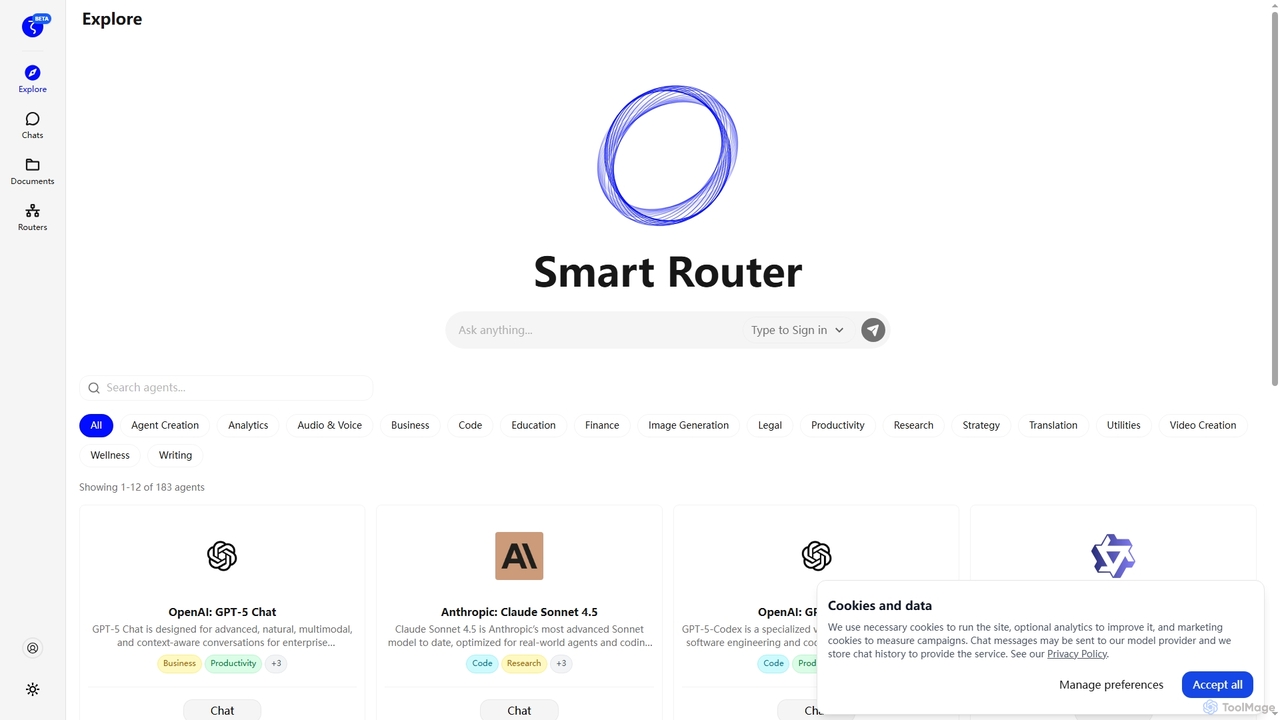
Zuvu is a next-generation AI agents platform that acts as a Smart Router, providing access to a diverse …
Zuvu is a next-generation AI agents platform that acts as a Smart Router, providing access to a diverse range of advanced AI models like OpenAI GPT-5, Anthropic Claude, and Google Gemini for complex, agentic workflows across various domains.
About Workflow Automation
Workflow Automation tools are AI-powered solutions designed to streamline repetitive tasks, integrate disparate systems, and orchestrate complex business processes automatically. These tools leverage artificial intelligence, machine learning, and robotic process automation (RPA) to understand context, make data-driven decisions, and execute actions without human intervention. By automating workflows, organizations can significantly enhance operational efficiency, reduce manual errors, and free up human resources for more strategic initiatives.
Core Features
- Task Automation: Automatically execute repetitive, rule-based tasks across various applications and systems.
- Process Orchestration: Design, manage, and monitor end-to-end workflows that span multiple departments or software.
- Intelligent Document Processing (IDP): Extract, classify, and validate data from unstructured documents like invoices or contracts using AI.
- API Integration: Seamlessly connect and exchange data between different software applications and cloud services.
- Low-Code/No-Code Development: Empower business users to build and deploy automations with minimal or no coding expertise.
Applicable Scenarios
Workflow Automation is invaluable for businesses seeking to optimize their operations. Human Resources departments use it for onboarding new employees, automating leave requests, and managing payroll processes. Finance teams leverage these tools for invoice processing, expense report approvals, and financial data reconciliation. Customer service centers implement automation for ticket routing, automated responses to common queries, and proactive customer outreach.
How to Choose
When selecting a Workflow Automation tool, prioritize its integration capabilities with your existing tech stack to ensure seamless data flow. Evaluate its scalability to handle increasing volumes and complexity as your business grows. Consider the platform's ease of use, opting for low-code/no-code solutions if your team lacks extensive development resources. Assess the robustness of its AI features for intelligent decision-making and handling unstructured data, and always verify its security protocols and compliance with relevant industry standards.

Workflow AutomationUse Cases
Automating Customer Support Ticket Triage
Customer service managers can use workflow automation tools to automatically categorize incoming support tickets based on keywords, sentiment, and urgency. The system then routes tickets to the most appropriate department or agent, assigns priority levels, and even triggers automated initial responses. This ensures faster resolution times, reduces manual sorting effort, and improves overall customer satisfaction by directing issues to specialized teams efficiently.
Streamlining Employee Onboarding Processes
HR departments can deploy workflow automation to create a seamless onboarding experience for new hires. This involves automatically sending welcome emails, distributing necessary forms for digital signatures, provisioning access to IT systems and software, and scheduling initial training sessions. By automating these steps, HR teams save significant administrative time, reduce the likelihood of missed steps, and ensure new employees are productive faster.
Expediting Invoice Processing and Approval
Finance teams can utilize workflow automation to accelerate the entire invoice-to-payment cycle. Tools can automatically extract data from incoming invoices, match them against purchase orders, flag discrepancies, and route them for approval based on predefined rules. Once approved, the system can initiate payment processing and update accounting records. This reduces manual data entry, minimizes errors, and ensures timely payments, improving vendor relationships and cash flow management.
Automating Social Media Content Scheduling
Marketing professionals can leverage workflow automation to manage their social media presence more efficiently. This involves automatically pulling content from various sources (e.g., blog posts, product feeds), generating social media captions using AI, scheduling posts across multiple platforms at optimal times, and tracking engagement metrics. This automation frees up marketers to focus on strategy and creative content development, ensuring consistent brand presence and audience engagement.
Optimizing Sales Lead Nurturing
Sales teams can implement workflow automation to enhance their lead nurturing efforts. When a new lead enters the CRM, the system can automatically send personalized follow-up emails, assign the lead to the appropriate sales representative based on criteria like region or product interest, and schedule internal notifications for key engagement points. This ensures no lead falls through the cracks, accelerates the sales cycle, and allows sales reps to focus on high-value interactions.
Automating Data Entry and Reporting
Data analysts and business operations teams can use workflow automation to eliminate tedious manual data entry and generate reports efficiently. Tools can automatically extract data from various sources (e.g., spreadsheets, web forms, databases), transform it, and populate dashboards or generate custom reports on a scheduled basis. This ensures data accuracy, saves countless hours of manual work, and provides timely insights for strategic decision-making across the organization.