ToolMage
Sign in

Best 3 Wordpress AI tools for Website

Popular Wordpress AI tools in Website include Dollie, Linkter, and AgentWP, helping you work more efficiently.

Dollie
Freemium

Dollie

Dollie is an all-in-one platform for WordPress agencies and freelancers, offering white-label hosting, centralized site management, automated site care, and AI-powered assistance. It helps professionals streamline operations, enhance client services, and grow recurring revenue.

Hosting
Visits 9.3KFavorites 139Likes 137
AgentWP
Freemium

AgentWP

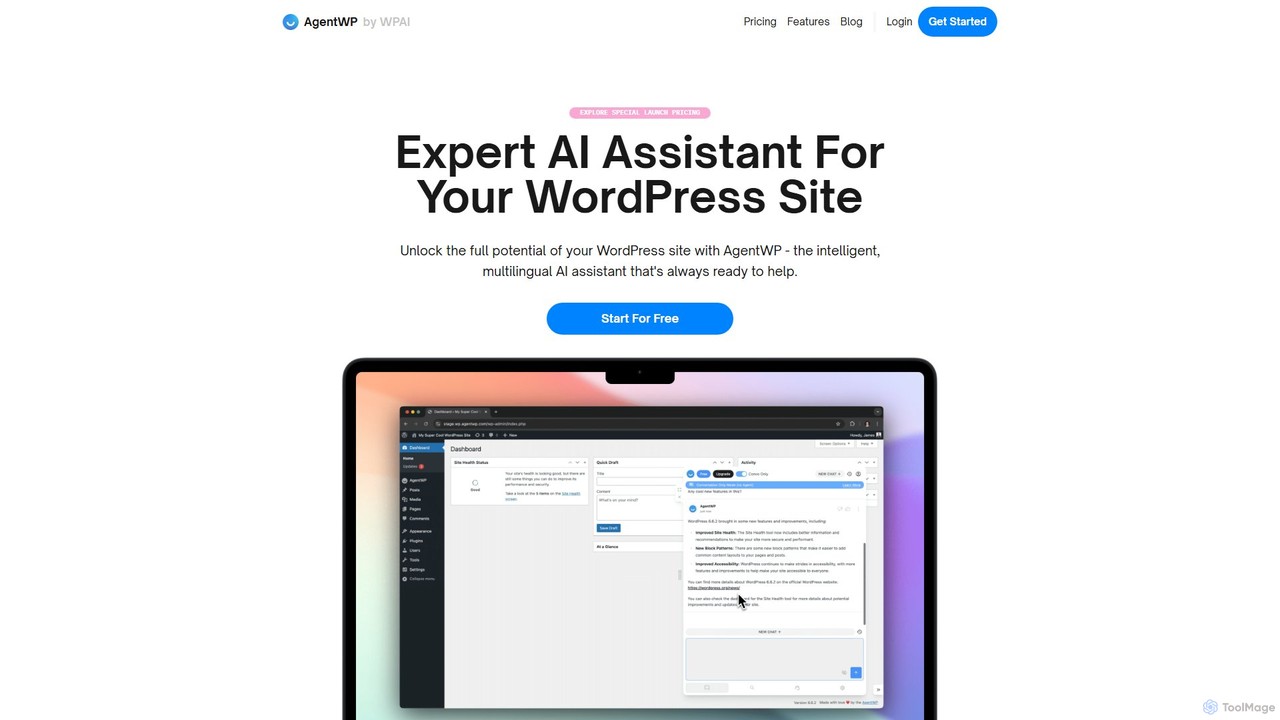
AgentWP is an expert AI assistant designed specifically for WordPress. It integrates into your dashboard to understand your site's content, structure, and design, providing highly relevant help. From generating code and writing blog posts to troubleshooting issues and suggesting design improvements, AgentWP streamlines your entire WordPress workflow.

Code Assistant
Visits 8.5KFavorites 180Likes 186
Linkter
Freemium

Linkter

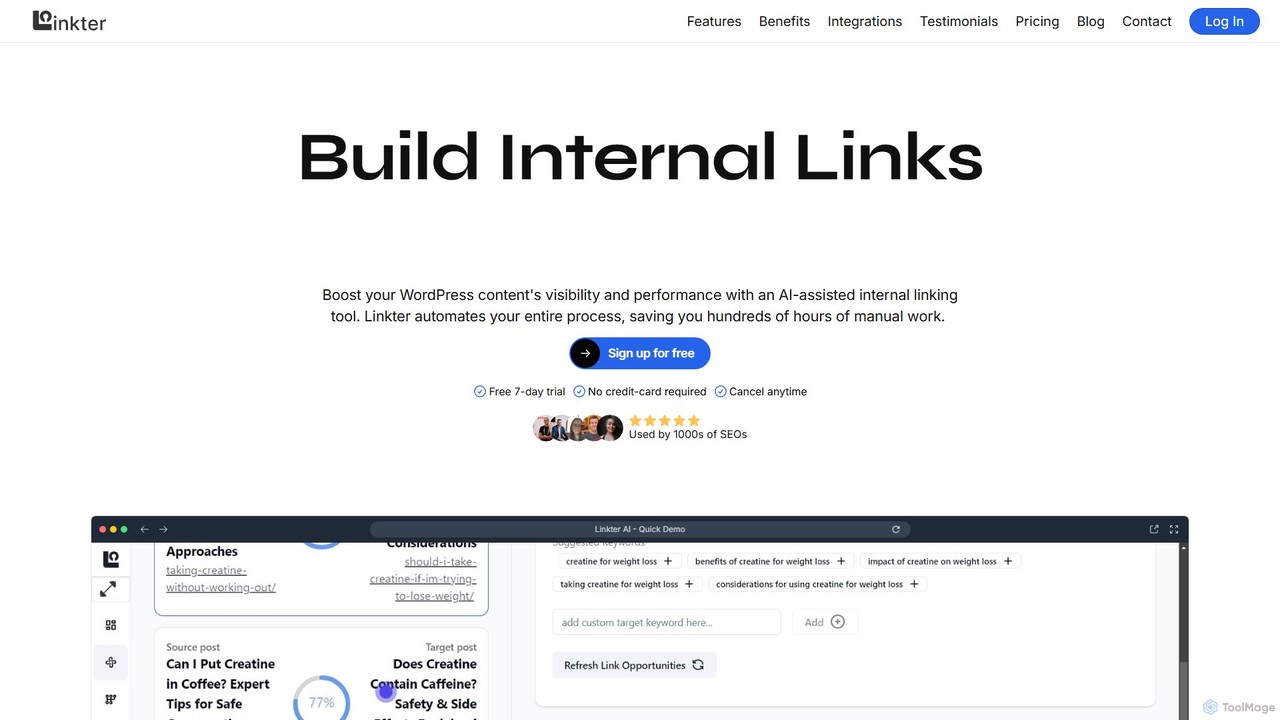
Linkter is an AI-powered internal linking tool designed for WordPress websites to automate and optimize SEO strategies. It saves hundreds of hours by automatically suggesting relevant internal links, managing anchor texts, and even rewriting content for seamless integration. By connecting with Google Search Console and AI models like OpenAI and Claude, Linkter helps boost rankings, improve site crawlability, and enhance user experience.

Content Marketing
Visits 8.7KFavorites 156Likes 142

About Wordpress

Wordpress AI tools are a category of artificial intelligence-powered plugins and services designed to enhance and automate various aspects of Wordpress website management. These tools leverage machine learning and natural language processing to streamline tasks from content creation and SEO optimization to image processing and visitor engagement. They empower website owners, marketers, and developers to improve site performance, user experience, and content quality, making Wordpress site management more efficient and effective within the broader context of website development.

Core Features

  • AI Content Generation: Automatically drafts blog posts, page content, headlines, and product descriptions based on prompts.
  • SEO Optimization: Analyzes content for keyword density, readability, and suggests improvements for search engine rankings.
  • Image Optimization: Compresses images, generates alt text, and ensures faster loading times.
  • Visitor Engagement: Integrates AI chatbots for instant customer support and interactive user experiences.
  • Code & Security Analysis: Identifies potential vulnerabilities or suggests code improvements for better site health.

Applicable Scenarios

Bloggers can use AI for drafting articles and generating post ideas, while e-commerce store owners can rapidly create unique product descriptions. Digital marketers leverage these tools for optimizing content for search engines and automating social media posts. Web developers can utilize AI for code snippets and performance analysis, making site maintenance more efficient for various types of Wordpress-powered websites.

How to Choose

When selecting Wordpress AI tools, consider their compatibility with your existing plugins and themes, the specific AI capabilities offered (e.g., content, SEO, image), and their impact on site performance. Evaluate the ease of use, pricing models, and the quality of support. Prioritize tools that align with your primary website goals, whether it's content creation, traffic generation, or user engagement, ensuring they provide tangible value without compromising site speed.

Wordpress use cases

1

Generate SEO-Optimized Blog Posts

A content creator uses an AI Wordpress plugin to generate drafts for blog posts on specific topics. The AI analyzes keywords, suggests relevant headings, and structures the content for optimal readability and search engine ranking, significantly reducing the time spent on initial content creation and research.

2

Automate E-commerce Product Descriptions

An online store owner with hundreds of products needs unique, engaging descriptions. An AI tool integrated with Wordpress can take basic product information (name, features) and generate multiple creative and SEO-friendly descriptions, saving hours of manual writing and ensuring consistency across the product catalog.

3

Enhance Website SEO and Readability

A digital marketer manages a Wordpress site and wants to improve its search engine visibility. An AI SEO plugin analyzes existing content, identifies gaps in keyword usage, suggests internal linking opportunities, and provides readability scores, helping to refine posts and pages for better organic reach.

4

Optimize Images and Generate Alt Text

A photographer or designer running a portfolio site on Wordpress uploads many high-resolution images. An AI image optimization tool automatically compresses these images without quality loss, generates descriptive alt text for accessibility and SEO, and ensures faster page loading times, improving user experience.

5

Implement AI Chatbots for Customer Support

A small business owner uses Wordpress for their service website and wants to offer 24/7 customer support without hiring additional staff. An AI chatbot plugin can be trained on FAQs and service information to provide instant answers to visitor queries, qualify leads, and improve overall customer satisfaction.

6

Translate Website Content for Global Audiences

A company expands its reach to international markets and needs its Wordpress site available in multiple languages. An AI translation plugin automatically translates posts, pages, and custom fields, ensuring accurate and contextually appropriate localization, making the website accessible to a broader global audience.

Wordpress FAQ

What are AI tools for Wordpress?

AI tools for Wordpress are plugins and services that integrate artificial intelligence capabilities directly into your Wordpress website. They leverage machine learning, natural language processing, and computer vision to automate tasks, enhance content, optimize SEO, improve user engagement, and streamline various aspects of website management. These tools aim to make Wordpress more powerful and efficient for users of all technical levels.

How do AI tools enhance a Wordpress website?

AI tools significantly enhance Wordpress websites by automating repetitive tasks and providing intelligent insights. They can generate high-quality content, optimize posts for search engines, compress and tag images, provide instant customer support via chatbots, and even analyze website performance and security. This leads to improved content quality, better SEO rankings, faster loading times, enhanced user experience, and overall operational efficiency for the website owner.

What should I consider when choosing an AI plugin for Wordpress?

When selecting an AI plugin for Wordpress, consider several key factors. First, check its compatibility with your current Wordpress version, theme, and other essential plugins. Evaluate the specific AI features it offers and how well they align with your needs (e.g., content generation, SEO, image optimization). Look at its impact on website performance, user reviews, pricing structure, and the quality of customer support. Prioritize tools that offer a good balance of functionality, reliability, and ease of use.

Can AI tools generate entire Wordpress websites or just content?

While AI tools for Wordpress are powerful, they primarily focus on enhancing specific aspects rather than generating entire websites from scratch. Most AI tools excel at content generation (articles, product descriptions), SEO optimization, image processing, and providing interactive elements like chatbots. They can significantly assist in building and managing a website, but the core design, structure, and initial setup of a Wordpress site still typically require human input or traditional theme/builder tools. They act as intelligent assistants, not full site builders.

Are AI tools for Wordpress suitable for beginners?

Yes, many AI tools for Wordpress are designed with user-friendliness in mind, making them suitable for beginners. They often feature intuitive interfaces and guided workflows that simplify complex tasks like SEO optimization or content creation. While some advanced features might require a basic understanding of web concepts, the core functionalities are typically accessible. These tools can be particularly beneficial for beginners by automating tasks that would otherwise require specialized knowledge or significant time investment, helping them manage their websites more effectively.