

DocsLoop
vs
Quick Data Converter
A comprehensive comparison of the core features, performance, user experience, and pricing strategies of two excellent AI tools
Providing objective and detailed selection advice based on real data and user feedback
Overview
DocsLoop Overview
Automate data entry with DocsLoop. Our AI tool instantly extracts data from PDFs like invoices and bank statements into clean Excel files. Save time, reduce costs, and improve accuracy. Try for free.

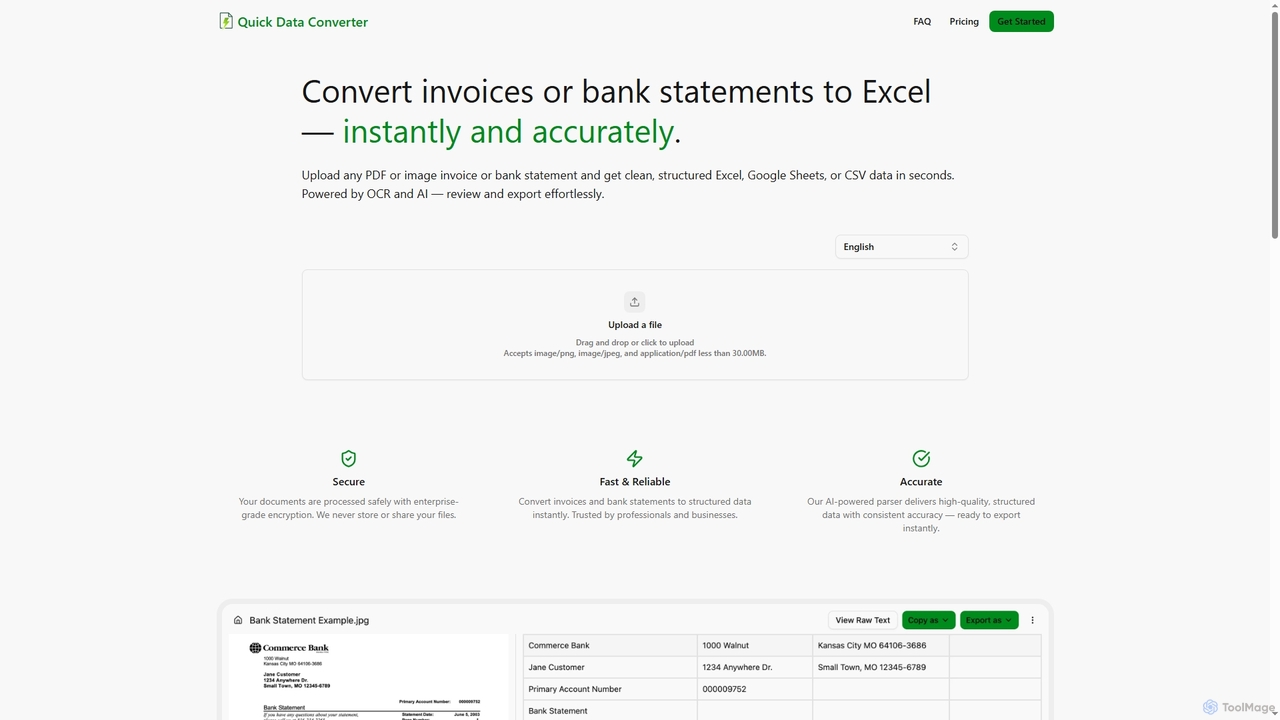
Quick Data Converter Overview
Quick Data Converter instantly transforms PDF/image invoices & bank statements to structured Excel, CSV, Google Sheets data using AI & OCR. Fast, accurate, secure for professionals.
Detailed Feature Comparison
Comprehensive comparison of the core features and characteristics of two AI tools
| Features | DocsLoop | Quick Data Converter |
|---|---|---|
| Main Categories | Document Management | Data Extraction |
| Inclusion Date | 2025-09-09 | 2025-12-10 |
| Pricing Type | Freemium | Freemium |
| Official Website | https://docsloop.com/ | https://quickdataconverter.com/ |
| Tool Type | Website | Website |
| Performance Data | ||
| User Rating | No Rating Yet | No Rating Yet |
| User Reviews | 0 reviews | 0 reviews |
| Monthly Visits | 695 | 59 |
| Details | View Details | View Details |
Compare Traffic / Monthly Visits
DocsLoop's traffic
DocsLoop Current monthly visible visits are 695.
Latest Traffic
Monthly Traffic Trend
Popular Keywords
Quick Data Converter's traffic
Quick Data Converter Current monthly visible visits are 59. This value comes from on-site visit statistics, with no complete third-party traffic analysis available.
Latest Traffic
Monthly Traffic Trend
Usage Comparison
Compare DocsLoop and Quick Data Converter 's Advantages
DocsLoop's Core Features
Quick Data Converter's Core Features
Use Cases
Understand the specific application scenarios and functional characteristics of the two AI tools
DocsLoop Use Cases
Quick Data Converter Use Cases
Applicable Job
Learn which professions and roles are suitable for using these two AI tools
DocsLoop Applicable Job
Quick Data Converter Applicable Job
DocsLoop vs Quick Data Converter:In-depth Comparison Analysis and Selection Recommendations
Comprehensive comparison and evaluation based on real data and user feedback
Market Performance and User Preference Analysis
- Core positioning: DocsLoop leans more toward Document Management, while Quick Data Converter leans more toward Data Extraction.
- Traffic Signal: DocsLoop currently has higher monthly traffic, serving as a reference for market attention.
- Neither tool has reviewed ratings yet; it is recommended to prioritize comparing functional positioning, price, and actual trial experience.
DocsLoop has about 695 monthly visits, higher than Quick Data Converter at 59. Use this as a signal of market attention, not as product quality by itself.
In-depth Analysis of User Engagement
DocsLoop has relatively complete traffic analysis records, while Quick Data Converter currently uses on-platform monthly visits as the primary reference.
User Reviews vs. Community Feedback
DocsLoop has no reviewed ratings yet. Quick Data Converter has no reviewed ratings yet.
Product Positioning and Application Scenario Analysis
DocsLoop is in Document Management with a Freemium pricing model; Quick Data Converter is in Data Extraction with a Freemium pricing model. Prioritize fit for your specific tasks rather than traffic or default ratings alone.
Frequently Asked Questions
FAQs about these two tools to help you better understand their features and differences
What are the biggest differences between the two?
DocsLoop is primarily positioned in Document Management, while Quick Data Converter is primarily positioned in Data Extraction. Which one suits you depends on which type of use case and workflow you need more.
Which tool is better to try first?
DocsLoop currently has higher market attention, making it suitable for initial understanding; the final decision should still be based on specific functional needs after trial.
How should ratings and traffic data be interpreted?
Ratings only count reviewed user comments; no default 5-star rating is given when there are no comments. Traffic is used to gauge market attention but cannot solely represent product quality.
Related Tool Recommendations
Discover more excellent AI tools of the same kind

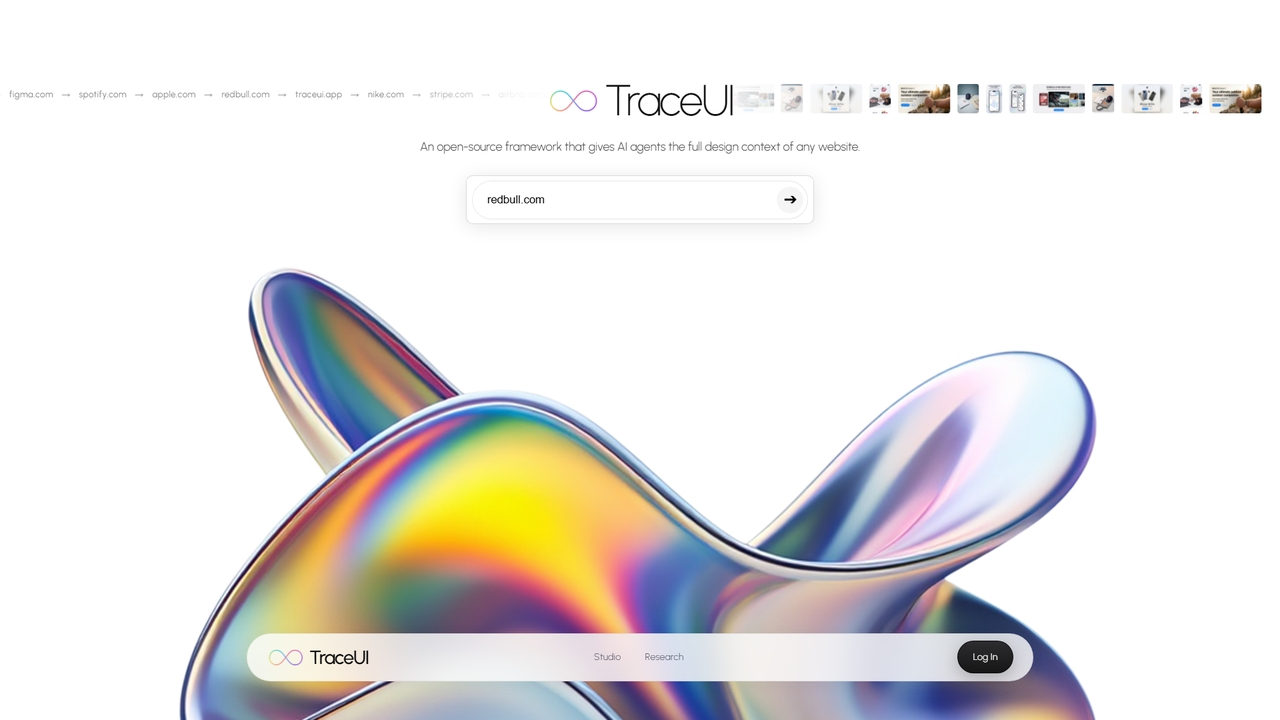
TraceUI
An open-source framework that gives AI agents the full design context of any website, enabling brand-consistent ad generation …
An open-source framework that gives AI agents the full design context of any website, enabling brand-consistent ad generation and mockup creation.
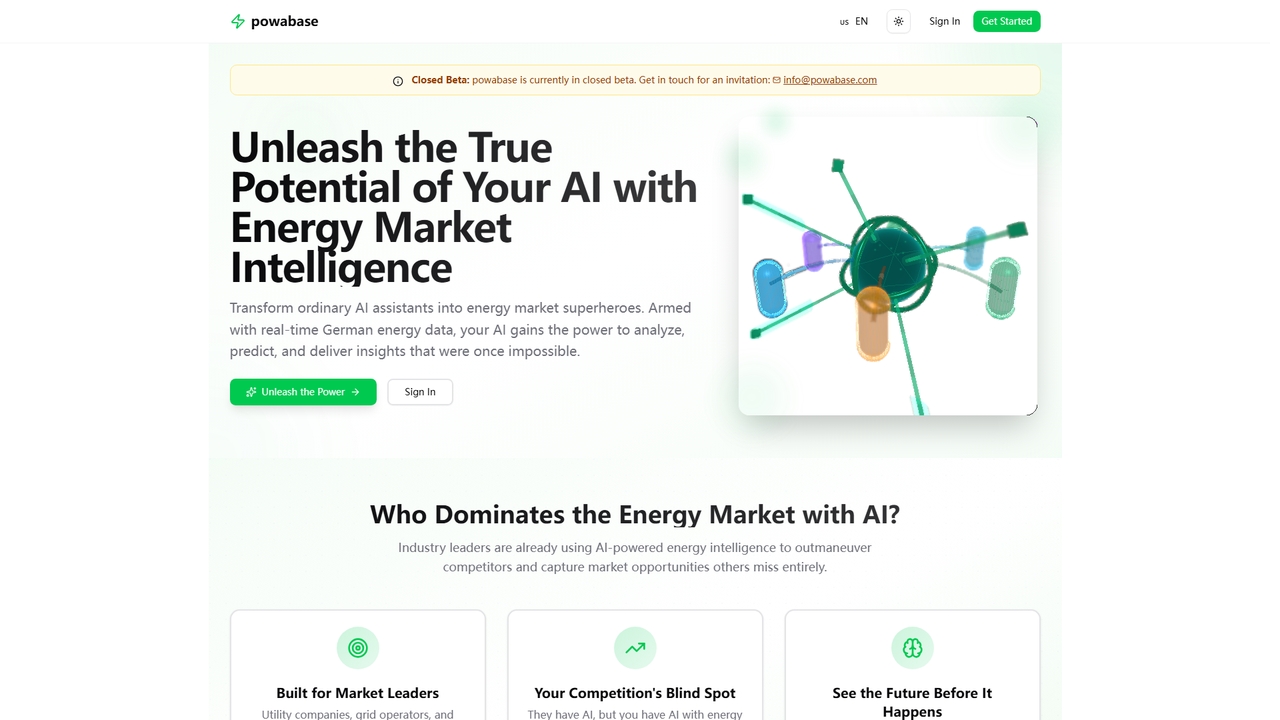
Powabase
An energy market intelligence platform that transforms AI assistants into experts by providing real-time, integrated German energy data. …
An energy market intelligence platform that transforms AI assistants into experts by providing real-time, integrated German energy data. Currently in closed beta.
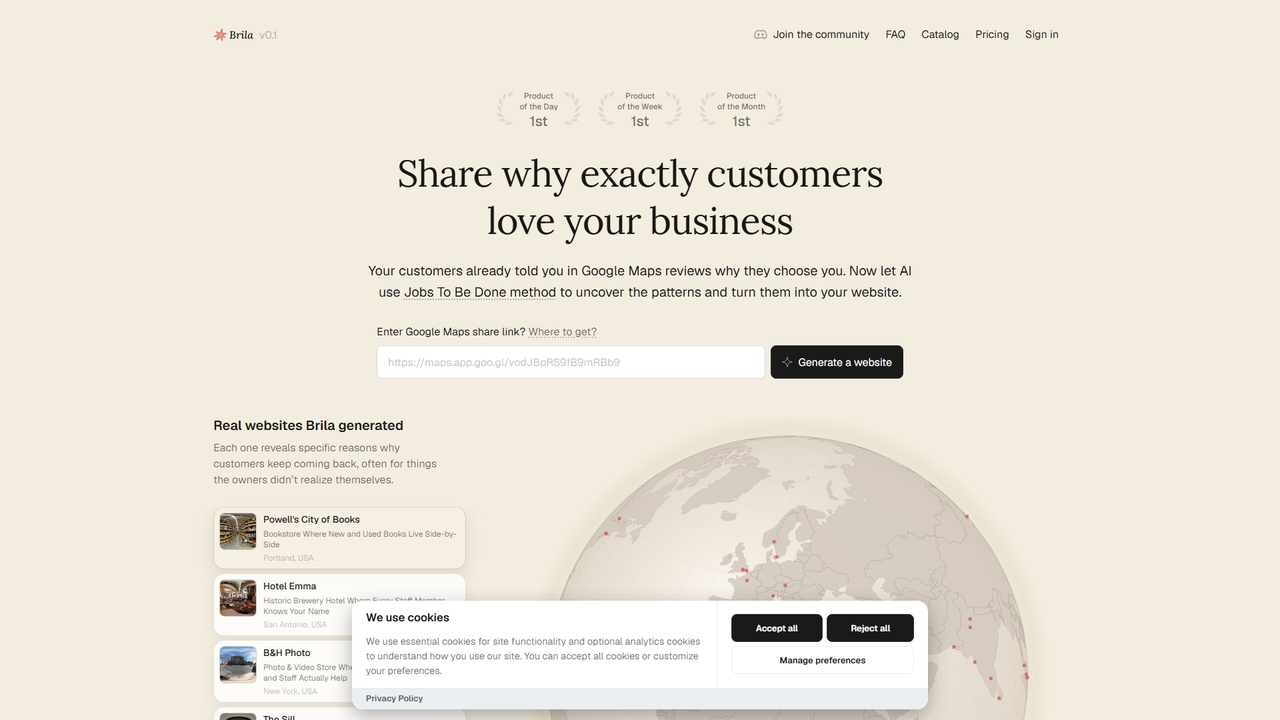
Brila
Brila uses AI and the Jobs To Be Done framework to analyze your Google Maps reviews and automatically …
Brila uses AI and the Jobs To Be Done framework to analyze your Google Maps reviews and automatically generate a website with compelling, customer-centric messaging for your local business.
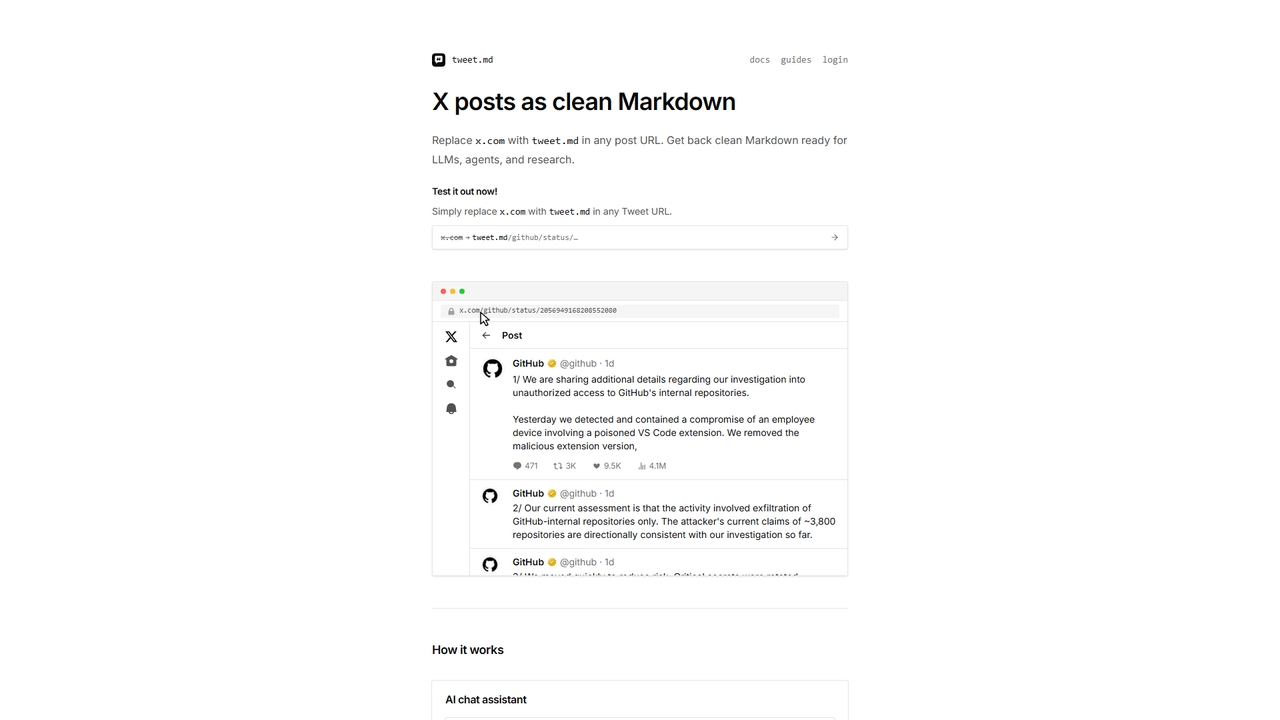
Tweet
Tweet converts X (Twitter) posts and threads into clean, LLM-ready Markdown format. Simply swap 'x.com' with 'tweet.md' in …
Tweet converts X (Twitter) posts and threads into clean, LLM-ready Markdown format. Simply swap 'x.com' with 'tweet.md' in any post URL to get structured text optimized for AI agents, research, and note-taking tools.
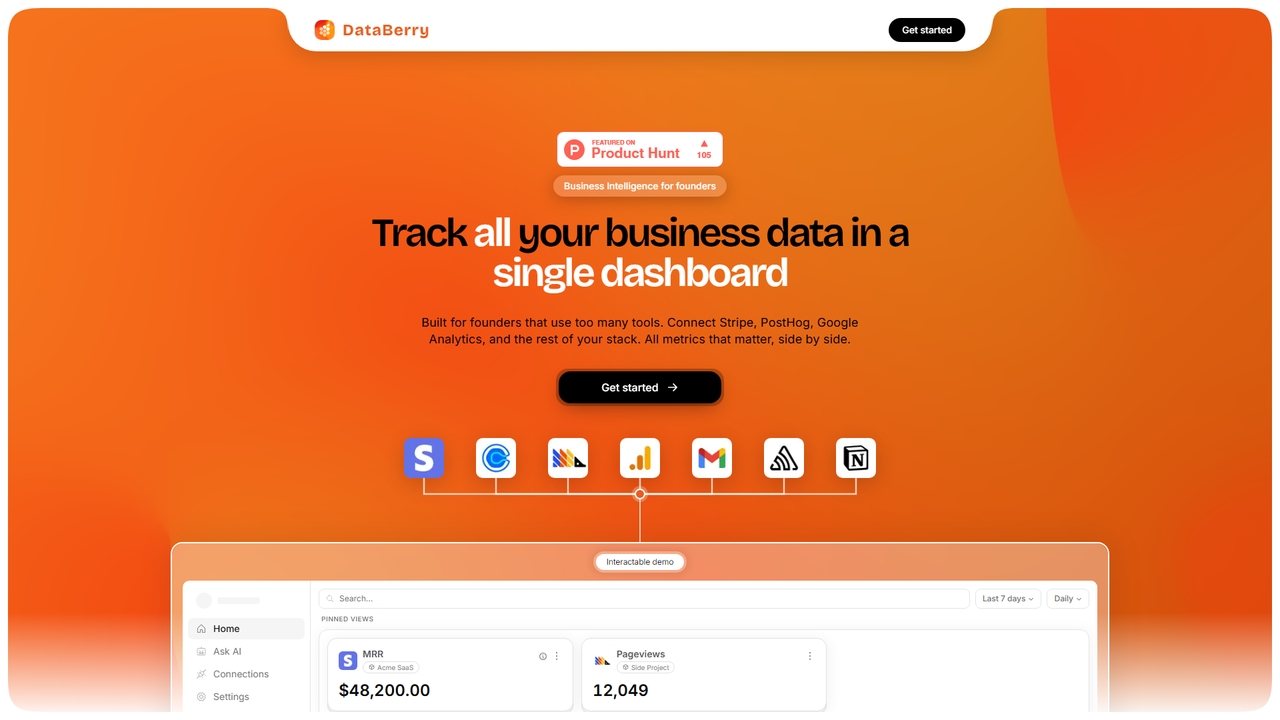
Databerry
A business intelligence dashboard for founders that unifies data from tools like Stripe, PostHog, and Google Analytics. Track …
A business intelligence dashboard for founders that unifies data from tools like Stripe, PostHog, and Google Analytics. Track all key metrics like MRR, user sign-ups, and errors on a single page with no code required.
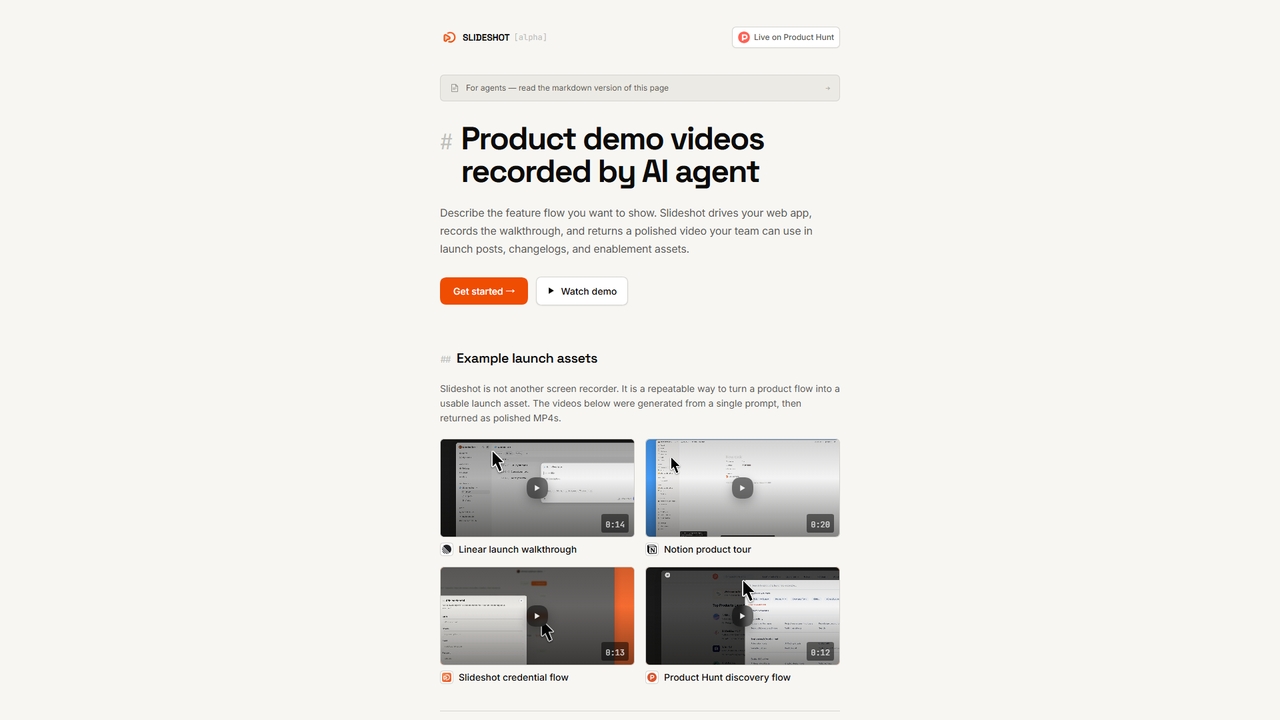
Slideshot
Slideshot is an AI agent that generates polished product demo videos. Describe a feature flow, and it automatically …
Slideshot is an AI agent that generates polished product demo videos. Describe a feature flow, and it automatically drives your web app, records the walkthrough, and returns a ready-to-use MP4 for launches, changelogs, and docs.

Runtime
Runtime is a unified platform that provides secure, sandboxed runtime environments for your team's coding agents. It enables …
Runtime is a unified platform that provides secure, sandboxed runtime environments for your team's coding agents. It enables any team to safely leverage AI tools like Claude Code or Codex with integrated guardrails, context, and observability.
GhostSnap
GhostSnap is a macOS productivity tool that streamlines screenshot workflows. It allows users to capture multiple screenshots, automatically …
GhostSnap is a macOS productivity tool that streamlines screenshot workflows. It allows users to capture multiple screenshots, automatically compresses them to save space and reduce token usage in AI tools, and pastes them all with a single command. It also features on-device OCR text extraction and image annotation.
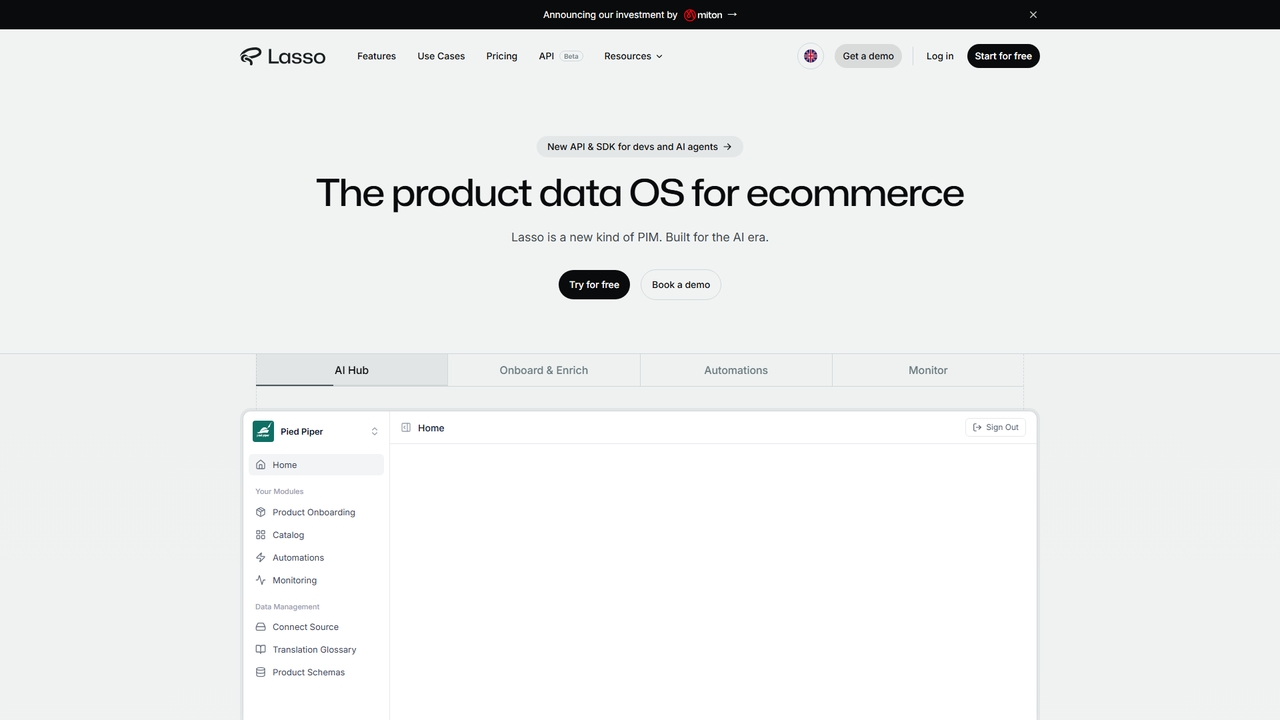
ProductLasso
ProductLasso is an AI-powered PIM (Product Information Management) platform for ecommerce. It automates data enrichment, supplier onboarding, and …
ProductLasso is an AI-powered PIM (Product Information Management) platform for ecommerce. It automates data enrichment, supplier onboarding, and competitive monitoring using thousands of specialized AI agents, helping teams save hundreds of hours weekly.
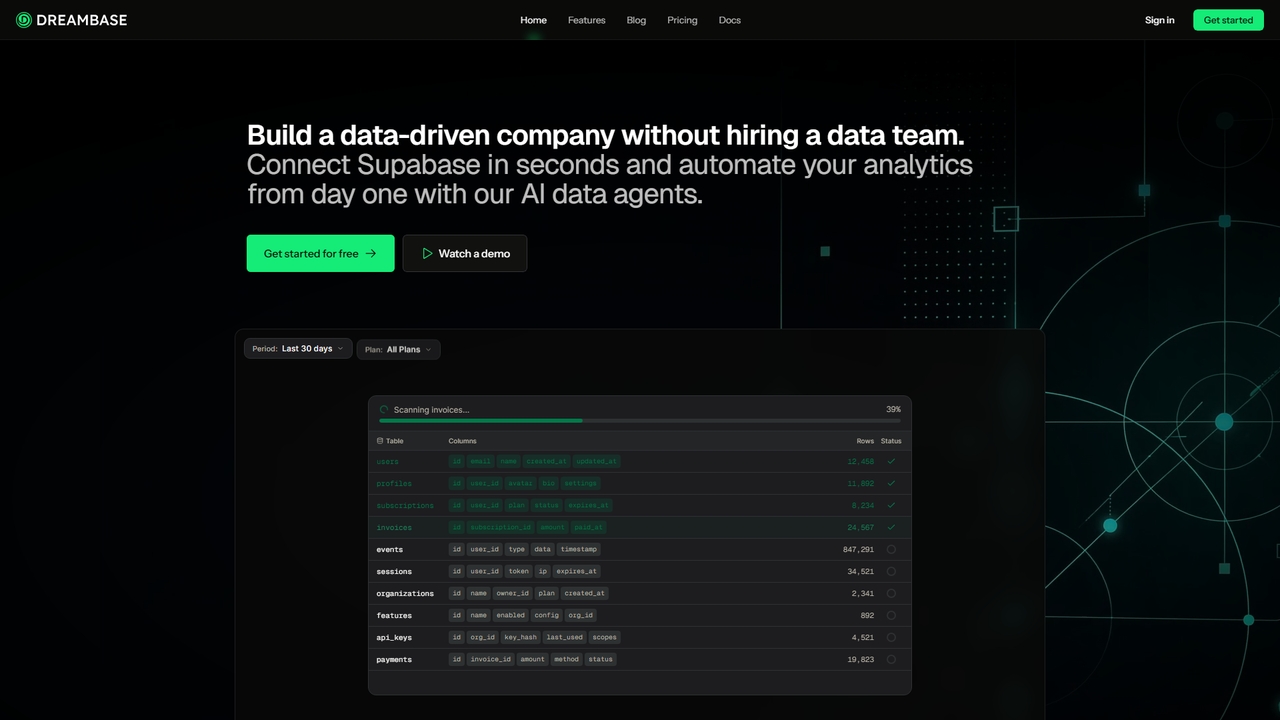
Dreambase
An AI-native analytics platform that connects directly to your Supabase database, providing instant dashboards, reports, and actionable insights …
An AI-native analytics platform that connects directly to your Supabase database, providing instant dashboards, reports, and actionable insights with minimal setup.
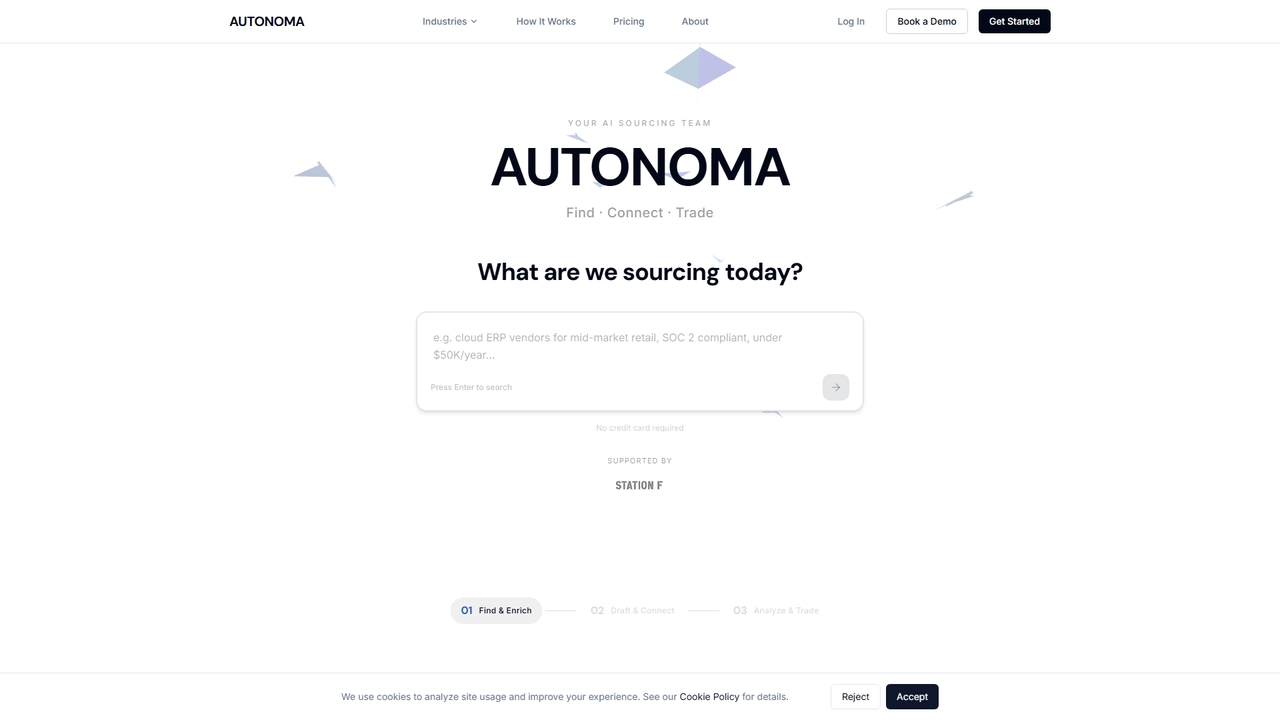
Autonoma
Autonoma is an AI-powered supplier discovery and procurement platform that automates the entire sourcing workflow. Describe your needs …
Autonoma is an AI-powered supplier discovery and procurement platform that automates the entire sourcing workflow. Describe your needs in plain language, and its AI agents find verified global suppliers, draft personalized RFIs, manage outreach campaigns, and analyze proposals—reducing manual research from weeks to minutes.

Everest
Everest is a high-performance, edge-optimized AI compute unit designed for automating enterprise workloads and enabling efficient on-premises AI …
Everest is a high-performance, edge-optimized AI compute unit designed for automating enterprise workloads and enabling efficient on-premises AI model deployment. Based on provided information, it appears to be a physical hardware solution (C1 Unit) focused on significant cost savings compared to cloud services, low standby power consumption, and scalable automation for large-scale operations. It is currently available for pre-order.
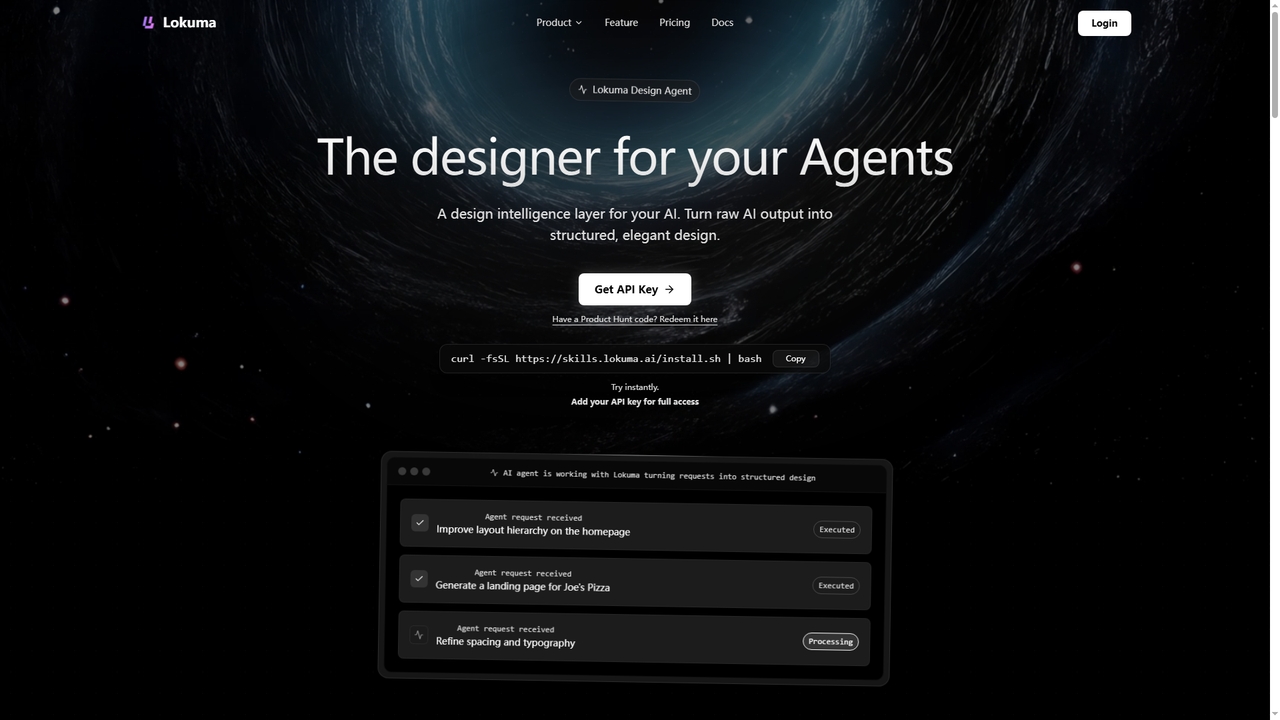
Lokuma Designer Agent
Lokuma Designer Agent is an AI-powered design intelligence layer that transforms raw, unstructured output from coding AI agents …
Lokuma Designer Agent is an AI-powered design intelligence layer that transforms raw, unstructured output from coding AI agents (like Cursor, Claude Code) into professionally structured and visually balanced designs. It acts as a built-in designer for your AI, automating layout composition, typography refinement, and visual consistency for web pages and digital interfaces.

Pinza
Pinza is a managed service that sets up and hosts a personal OpenClaw AI assistant for you within …
Pinza is a managed service that sets up and hosts a personal OpenClaw AI assistant for you within 24 hours, without requiring any technical knowledge or server management. It connects to your tools (like email and calendar) to automate tasks such as meeting scheduling, email summarization, and lead management, allowing freelancers and small businesses to leverage advanced AI effortlessly.