ToolMage
Sign in
FormToExcel
Document Management · 4.6K monthly visits

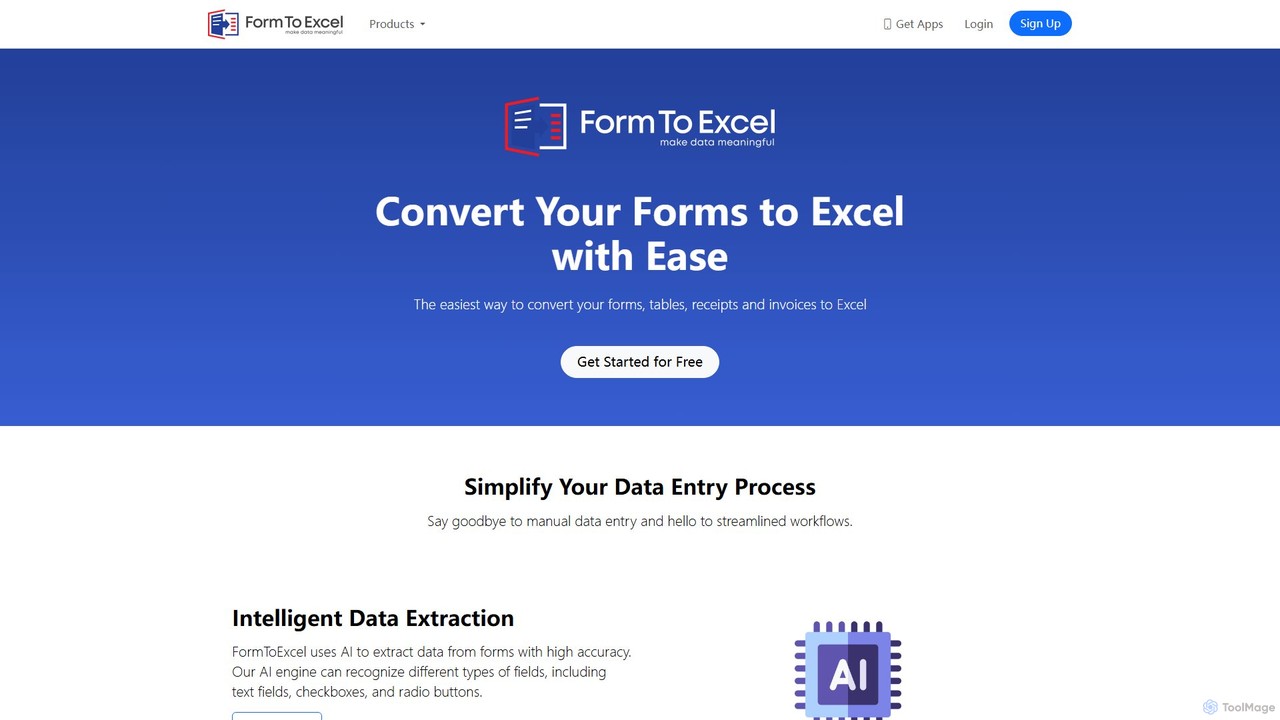
FormToExcel is an AI-powered data extraction tool that automates the conversion of documents into structured Excel spreadsheets. It uses advanced OCR technology to accurately extract data from PDFs, images, scanned forms, and invoices, eliminating manual data entry and improving workflow efficiency.

VS
StatementSheet
Converter · 9.1K monthly visits

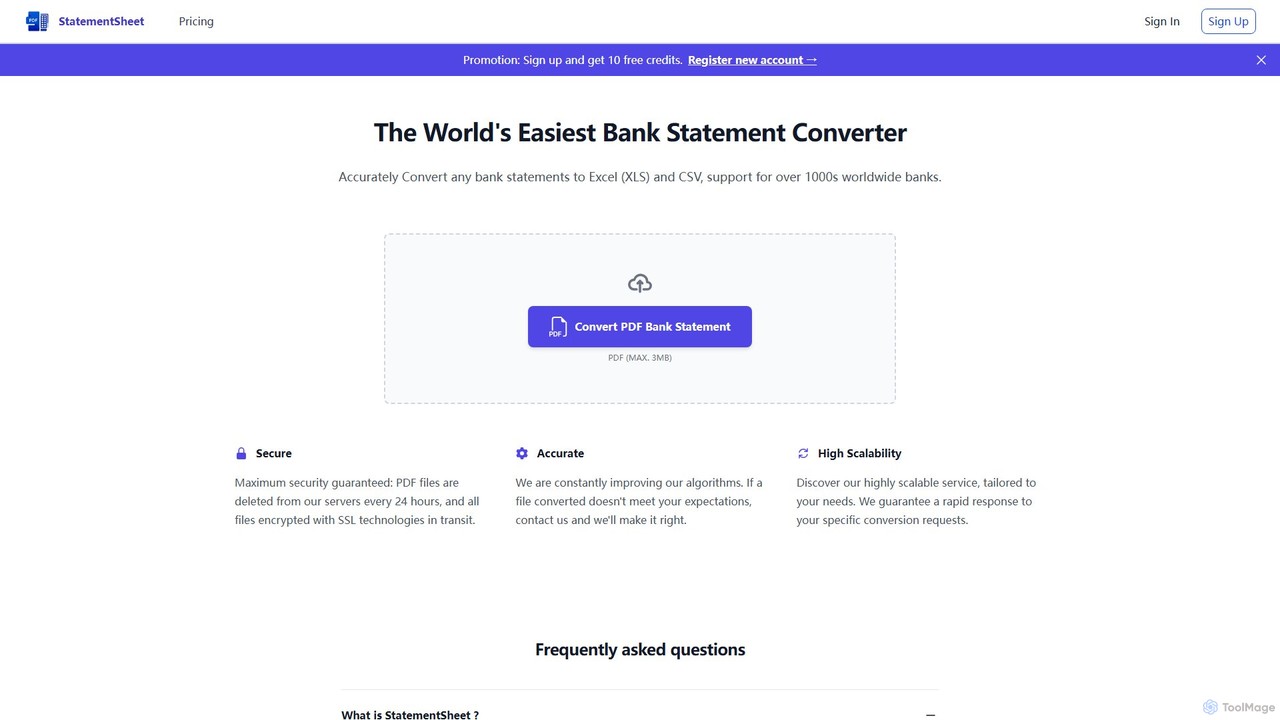
StatementSheet is an AI-powered online tool that accurately converts PDF bank statements into editable Excel (XLS) and CSV formats. Supporting thousands of banks worldwide, it uses advanced OCR and AI technologies to extract transaction data quickly and securely. Ideal for accountants, businesses, and individuals looking to automate data entry and streamline financial analysis.

FormToExcel vs StatementSheet: pricing, features, traffic, and use cases

Compare FormToExcel and StatementSheet across positioning, pricing, traffic, and user feedback using structured factual data.

Updated Aug 19, 2026

Product overview

FormToExcel Product overview

FormToExcel is an AI-powered data extraction tool that automates the conversion of documents into structured Excel spreadsheets. It uses advanced OCR technology to accurately extract data from PDFs, images, scanned forms, and invoices, eliminating manual data entry and improving workflow efficiency.
Preview

StatementSheet Product overview

StatementSheet is an AI-powered online tool that accurately converts PDF bank statements into editable Excel (XLS) and CSV formats. Supporting thousands of banks worldwide, it uses advanced OCR and AI technologies to extract transaction data quickly and securely. Ideal for accountants, businesses, and individuals looking to automate data entry and streamline financial analysis.

Preview

Detailed feature comparison

FeatureFormToExcelStatementSheet
Primary categoryDocument ManagementConverter
Added2025-08-012025-08-13
PricingFreemiumFreemium
Official websitewww.formtoexcel.comstatementsheet.com
Product typeWebsiteWebsite
Performance data
User ratingNot verifiedNot verified
Comments00
Monthly visits4.6K9.1K
Monthly growth0.3%3.1%
Favorites117116
DetailsView detailsView details

FormToExcel vs StatementSheet monthly traffic

Compare FormToExcel and StatementSheet by monthly reach, traffic trend, visit depth, top regions, and acquisition sources.

How to interpret the traffic data

In the FormToExcel vs StatementSheet monthly traffic comparison, FormToExcel currently shows 4.6K visits and StatementSheet shows 9.1K; StatementSheet has about 2 times the visible traffic of FormToExcel, an absolute difference of about 4.5K visits. This reflects visible reach, not feature quality or paid users.

Both tools provide verified traffic details, so monthly trends, visit depth, regions, and acquisition sources can be compared on the same basis.

StatementSheet is registered at the statementsheet.com/en/home subpage. Because the current data does not state whether other host pages are excluded, treat this as domain-level context rather than independent traffic for one product or project.

FormToExcel monthly traffic:

Latest traffic

Monthly visits
4.6K
Avg. visit duration
0:14
Pages per visit
1.59
Bounce rate
38.77%
Data updated 2026-06-15

Monthly traffic trend

  • 2025/9: 8.4K Monthly visits
  • 2026/1: 4.7K Monthly visits
  • 2026/2: 3.6K Monthly visits
  • 2026/3: 4K Monthly visits
  • 2026/4: 4.6K Monthly visits
  • 2026/5: 4.6K Monthly visits

Top regions

Top 5 countries/regions
Country/regionPercentageTraffic
🇺🇸United States36.26%1.7K
🇻🇳Vietnam29.72%1.4K
🇮🇳India26.26%1.2K
🇵🇰Pakistan7.76%359

Search keywords

csv to excelhow to convert google forms to excelhow to get get data option in online excelmultiple option for getting otp code sampleto excel

StatementSheet monthly traffic:

Latest traffic

Monthly visits
9.1K
Avg. visit duration
0:15
Pages per visit
1.9
Bounce rate
37.39%
Data updated 2026-06-15

Monthly traffic trend

  • 2026/1: 13.6K Monthly visits
  • 2026/2: 15.2K Monthly visits
  • 2026/3: 12.3K Monthly visits
  • 2026/4: 8.8K Monthly visits
  • 2026/5: 9.1K Monthly visits

Top regions

Top 5 countries/regions
Country/regionPercentageTraffic
🇺🇸United States26.59%2.4K
🇫🇷France21.74%2K
🇮🇳India20.25%1.8K
🇬🇧United Kingdom17.84%1.6K
🇨🇦Canada13.58%1.2K

Search keywords

bank statement converterconvertisseur en ligne en format .xls de pdf bancaireoutil conversion document banquestarling download transactionsstatementsheet
Traffic-based selection guidance: StatementSheet is registered under a statementsheet.com subpath, so its large visible total may include the host platform. The current data does not justify choosing StatementSheet for traffic alone; shortlist by unique taxonomy and use case, then validate with the same tasks.

Usage comparison

Compare the core capabilities of FormToExcel and StatementSheet

FormToExcel Core features

Converter
Data Extraction
Document Management

StatementSheet Core features

Converter
Data Extraction
Accounting

Use cases

FormToExcel Use cases

data entry
OCR
pdf to excel
automation
barcode scanner
data extraction
document conversion
image to excel
invoice processing
table extraction

StatementSheet Use cases

data entry
OCR
pdf to excel
accounting automation
bank statement converter
bookkeeping
finance tool
financial data extraction
pdf to csv

FormToExcel vs StatementSheet:In-depth comparison and selection guidance

First decide whether the products solve the same kind of need

This in-depth FormToExcel vs StatementSheet comparison uses only the product records, taxonomy, audience, traffic, and community signals available on this page. FormToExcel is primarily listed under “Document Management”, while StatementSheet is primarily listed under “Converter”, so the first decision is whether your actual task matches their recorded scope.

The structured fields currently show these decision-relevant differences: Primary category (FormToExcel: Document Management; StatementSheet: Converter); Monthly visits (FormToExcel: 4.6K; StatementSheet: 9.1K); Monthly growth (FormToExcel: 0.3%; StatementSheet: 3.1%); Favorites (FormToExcel: 117; StatementSheet: 116); Website (FormToExcel: www.formtoexcel.com; StatementSheet: statementsheet.com). These facts are more useful for selection than brand visibility alone.

What market visibility and monthly traffic mean

In the FormToExcel vs StatementSheet monthly traffic comparison, FormToExcel currently shows 4.6K visits and StatementSheet shows 9.1K; StatementSheet has about 2 times the visible traffic of FormToExcel, an absolute difference of about 4.5K visits. This reflects visible reach, not feature quality or paid users.

Both tools provide verified traffic details, so monthly trends, visit depth, regions, and acquisition sources can be compared on the same basis.

StatementSheet is registered at the statementsheet.com/en/home subpage. Because the current data does not state whether other host pages are excluded, treat this as domain-level context rather than independent traffic for one product or project.

StatementSheet is registered under a statementsheet.com subpath, so its large visible total may include the host platform. The current data does not justify choosing StatementSheet for traffic alone; shortlist by unique taxonomy and use case, then validate with the same tasks.

Product positioning, use cases, and roles

FormToExcel and StatementSheet currently overlap in shared categories: Converter and Data Extraction; shared tags: data entry, OCR, and pdf to excel. This can place both on the same shortlist, but it does not prove equal implementation, depth, or cost.

FormToExcel's unique categories/tags are Document Management, automation, barcode scanner, data extraction, document conversion, image to excel, invoice processing, and table extraction; StatementSheet's are Accounting, accounting automation, bank statement converter, bookkeeping, finance tool, financial data extraction, and pdf to csv. These unique fields are the strongest differentiators: validate the product whose recorded scope matches the task instead of following traffic alone.

What ratings, comments, and favorites can tell you

FormToExcel has no verified rating, 0 comments, 117 favorites, and 111 likes;StatementSheet has no verified rating, 0 comments, 116 favorites, and 120 likes。

Neither product has enough rating or comment samples for a credible reputation ranking.

Selection guidance by actual need

When to evaluate FormToExcel first

Put FormToExcel on the priority trial list when the task aligns with “Document Management” and especially Document Management, automation, barcode scanner, data extraction, document conversion, and image to excel. This follows recorded positioning and does not imply unlisted capabilities are absent.

FormToExcel also currently records: pricing is freemium, product type is website, 4.6K verified monthly visits, no verified user rating. Verify any hard requirement around price, platform, or reach before trial, and do not let sparse review data substitute for testing.

When to evaluate StatementSheet first

Put StatementSheet on the priority trial list when the task aligns with “Converter” and especially Accounting, accounting automation, bank statement converter, bookkeeping, finance tool, and financial data extraction. This follows recorded positioning and does not imply unlisted capabilities are absent.

StatementSheet also currently records: pricing is freemium, product type is website, 9.1K monthly visits shown for the registered host (subpage scope unknown), no verified user rating. Verify any hard requirement around price, platform, or reach before trial, and do not let sparse review data substitute for testing.

How to validate the recommendation before deciding

The available data describes positioning, public visibility, and community signals, but it cannot prove output quality, speed, integration effort, privacy, or long-term cost in your workflow. Before deciding, run the same representative tasks in FormToExcel and StatementSheet, then record completion time, accuracy, manual corrections, and the real paid threshold. A like-for-like trial turns this comparison into a defensible adoption decision.

Comparison FAQ

How should I choose between FormToExcel and StatementSheet?
Compare positioning, pricing, taxonomy, and traffic maturity, then verify the latest details on each official website.
Where does this comparison data come from?
The factual baseline is derived from product, taxonomy, traffic, and community data. Reviewed editorial conclusions show their source and verification date.
What do unknown fields mean?
Unknown means there is not enough reliable evidence; the page does not fill gaps with assumptions.

Related AI tools

bankstatementextract
Freemium

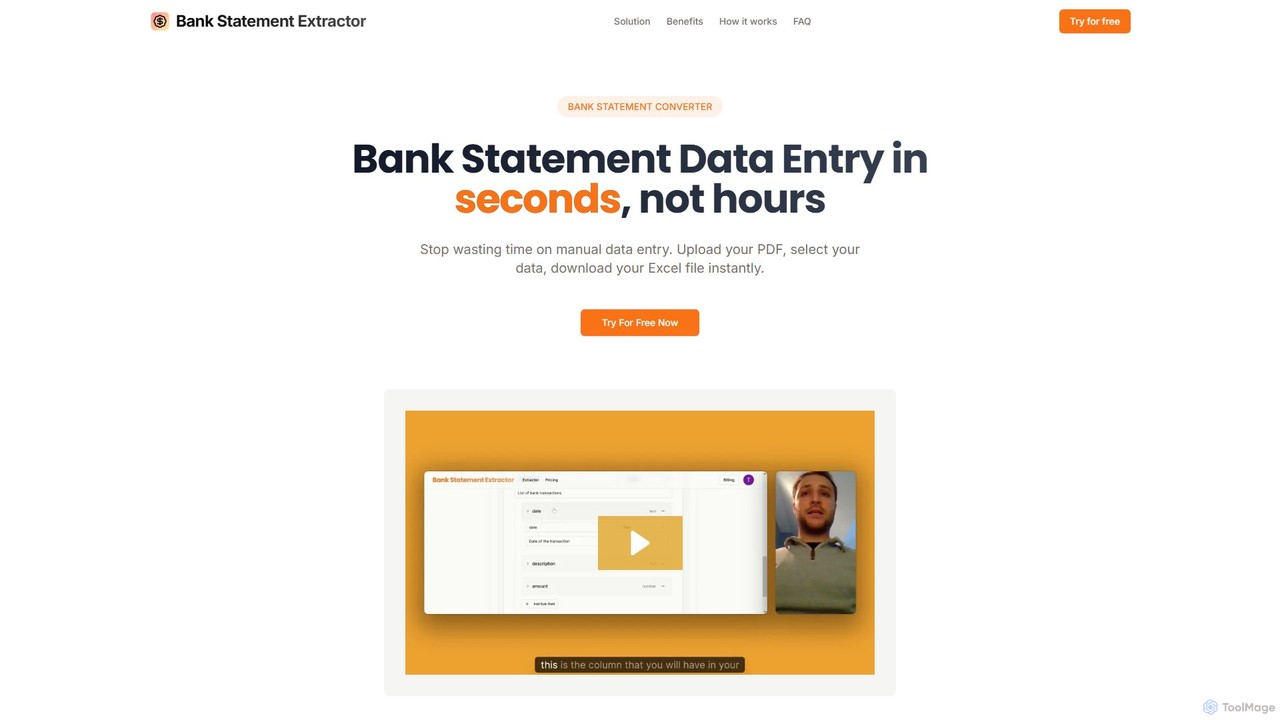
bankstatementextract

AI-powered tool to instantly convert PDF bank statements (including scanned documents) into structured Excel files. Automate data entry with 99.8% accuracy, process multiple statements at once, and define custom data extraction schemas. Ideal for accountants, analysts, and businesses.

Converter
Visits 4.2KFavorites 113Likes 121
Bank Statement Converter
Freemium

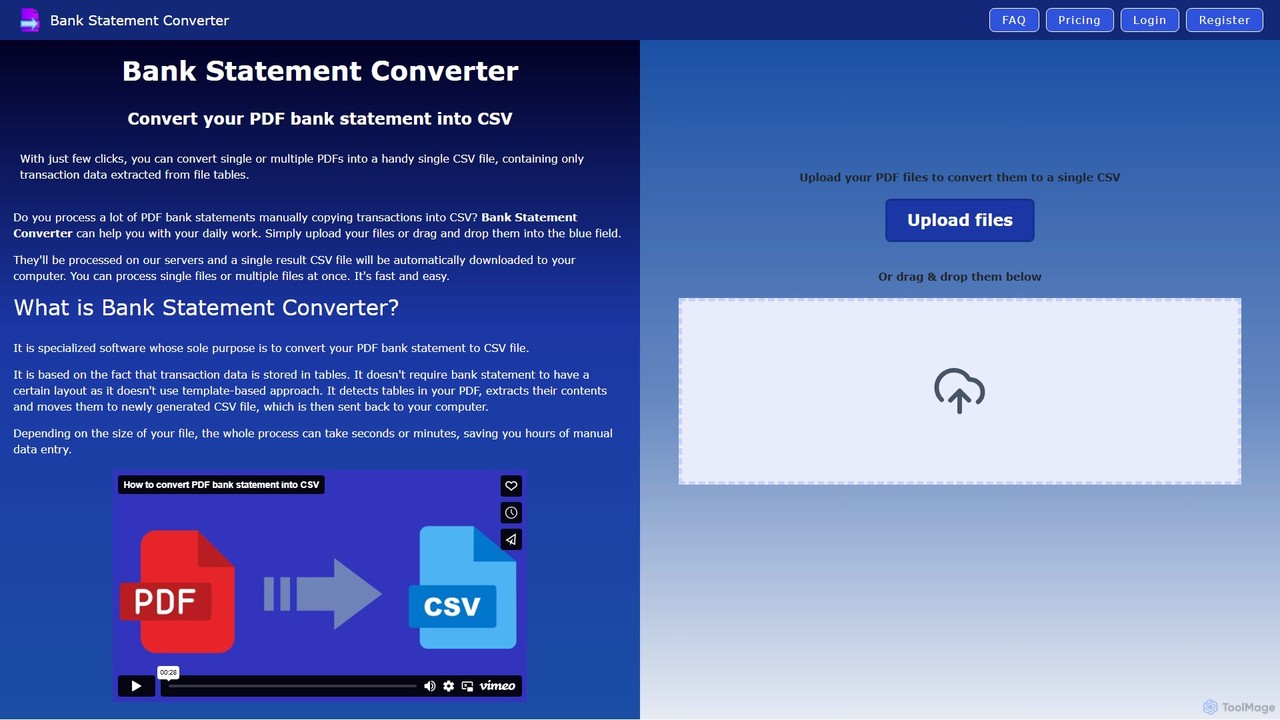
Bank Statement Converter

An AI-powered tool that automatically converts single or multiple PDF bank statements into a single, clean CSV file. It uses advanced table detection to extract transaction data, saving hours of manual data entry for accountants, finance specialists, and business owners.

Converter
Visits 4.9KFavorites 145Likes 144
LedgerBox
Freemium

LedgerBox

LedgerBox is an AI-powered bank statement converter designed for accountants and bookkeepers. It automates data extraction from financial documents like PDF bank statements, invoices, and receipts, converting them into Excel, CSV, JSON, and QuickBooks Online formats to streamline bookkeeping workflows.

Extraction
Visits 5.1KFavorites 116Likes 95
DocumentPro
Freemium

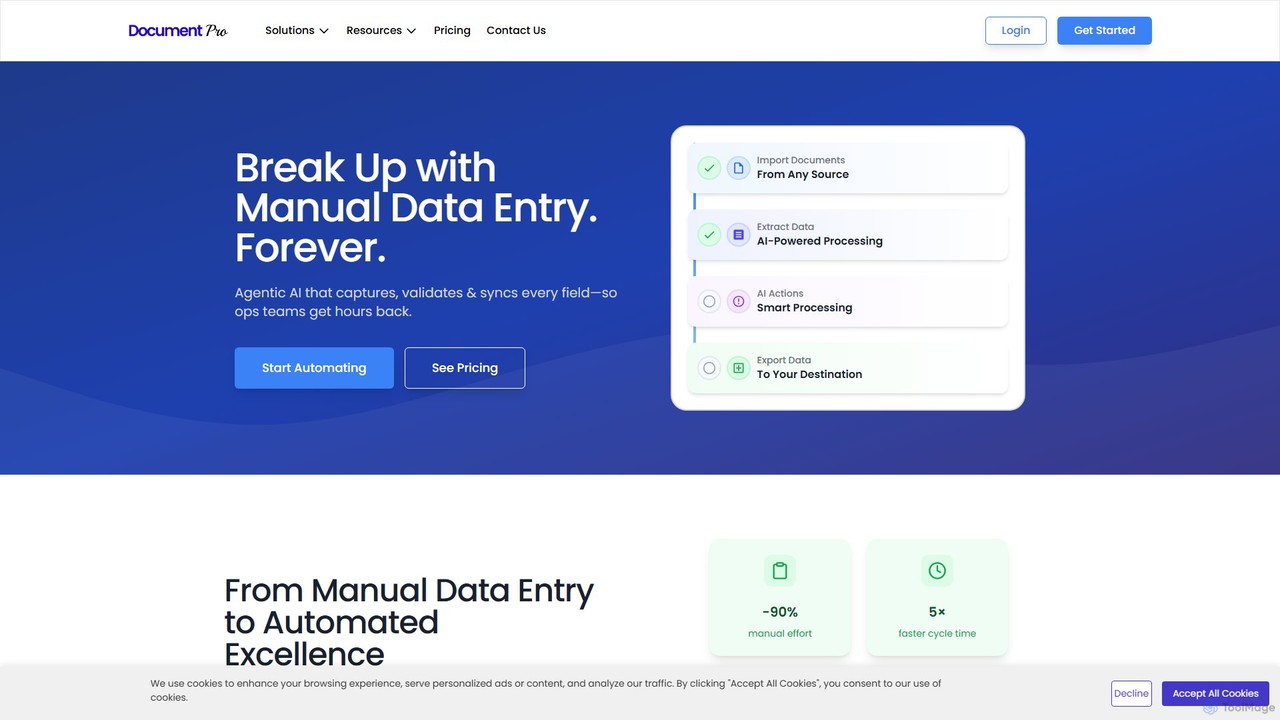
DocumentPro

DocumentPro is an AI-powered platform that automates document processing and data extraction. It uses agentic AI and leading LLMs to capture, validate, and sync data from various documents like invoices and purchase orders, aiming to eliminate manual data entry, reduce errors by 90%, and accelerate workflows by 5x.

Data Extraction
Visits 4.6KFavorites 142Likes 142
Lido
Freemium

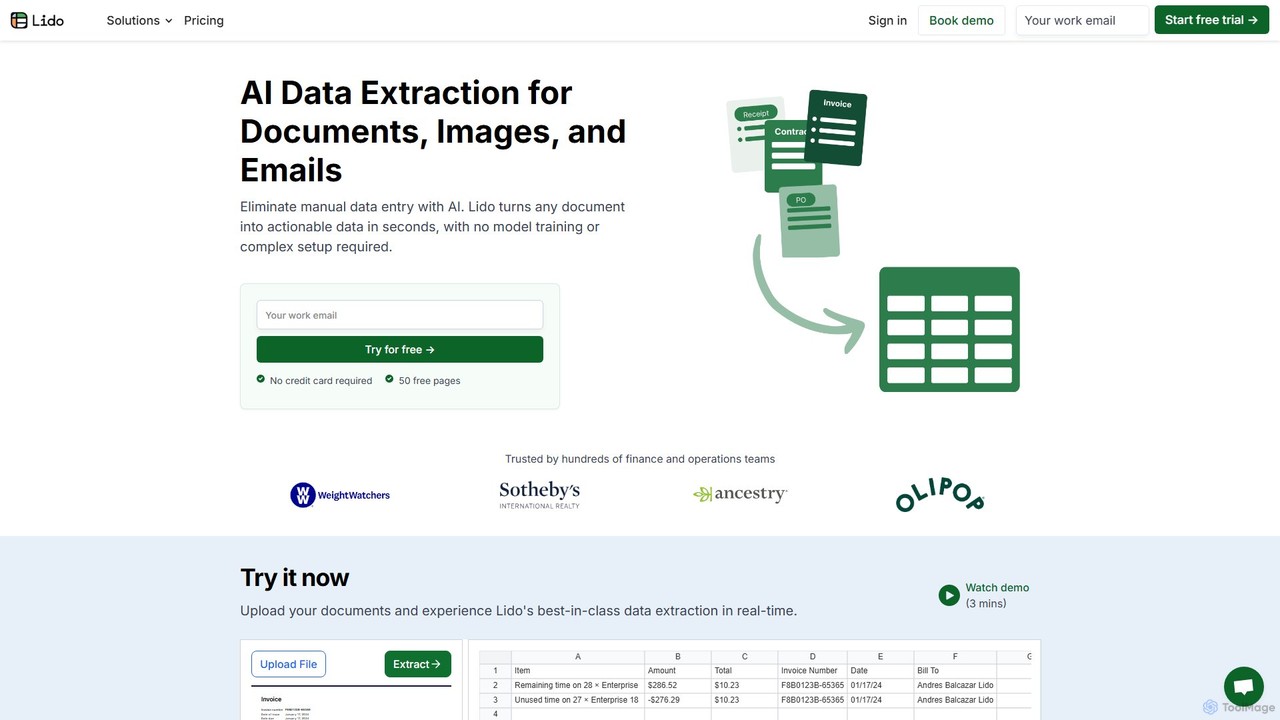
Lido

Lido is an AI-powered data extraction tool that automates the process of pulling information from any document, including PDFs, invoices, and images, into structured formats like Excel and CSV. It's template-free, fast, and designed for finance and operations teams to eliminate manual data entry and save significant time.

Document Management
Visits 114.3KFavorites 106Likes 121
rocketstatements
Freemium

rocketstatements

An AI-powered platform that instantly converts bank statements from PDF and image formats into clean, structured data like Excel, CSV, and JSON. Designed for accountants and businesses to automate financial data entry and cleanup, integrating seamlessly with accounting software.

Document Management
Visits 10.7KFavorites 154Likes 142
extracta.ai
Freemium

extracta.ai

extracta.ai is an AI-powered platform designed for intelligent data extraction from documents and images. It automates the process of capturing structured data from various sources like invoices, receipts, contracts, and forms, eliminating manual data entry and streamlining business workflows.

Automation
Visits 15.4KFavorites 122Likes 123
Bank Statement Convert
Paid

Bank Statement Convert

An AI-powered tool that instantly converts PDF bank statements into organized Excel or CSV files. Driven by Llama 3, it offers high accuracy, bank-grade security, and batch processing to automate financial data workflows for accountants and financial professionals, saving hours of manual data entry.

Data Analysis
Visits 4.1KFavorites 104Likes 108
TurboDoc
Freemium

TurboDoc

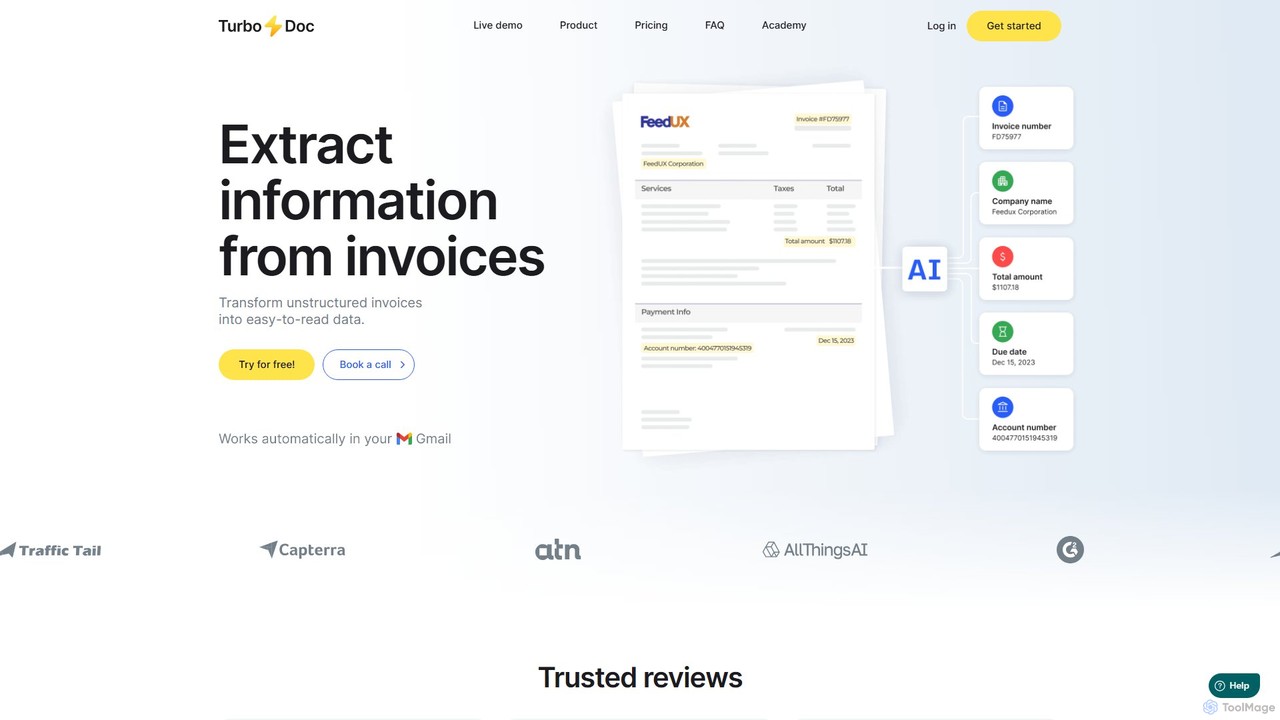
TurboDoc is an AI-powered platform that automates invoice processing and financial workflows. It uses advanced OCR and Intelligent Document Processing (IDP) to accurately extract data from unstructured invoices, receipts, and other financial documents. By transforming manual data entry into a streamlined, automated process, TurboDoc helps businesses save time, reduce costs, minimize errors, and improve compliance. It's an ideal solution for accountants, finance teams, and small to medium-sized businesses seeking to optimize their accounts payable operations.

Document Management
Visits 9.1KFavorites 113Likes 106
invoicedataextraction
Freemium

invoicedataextraction

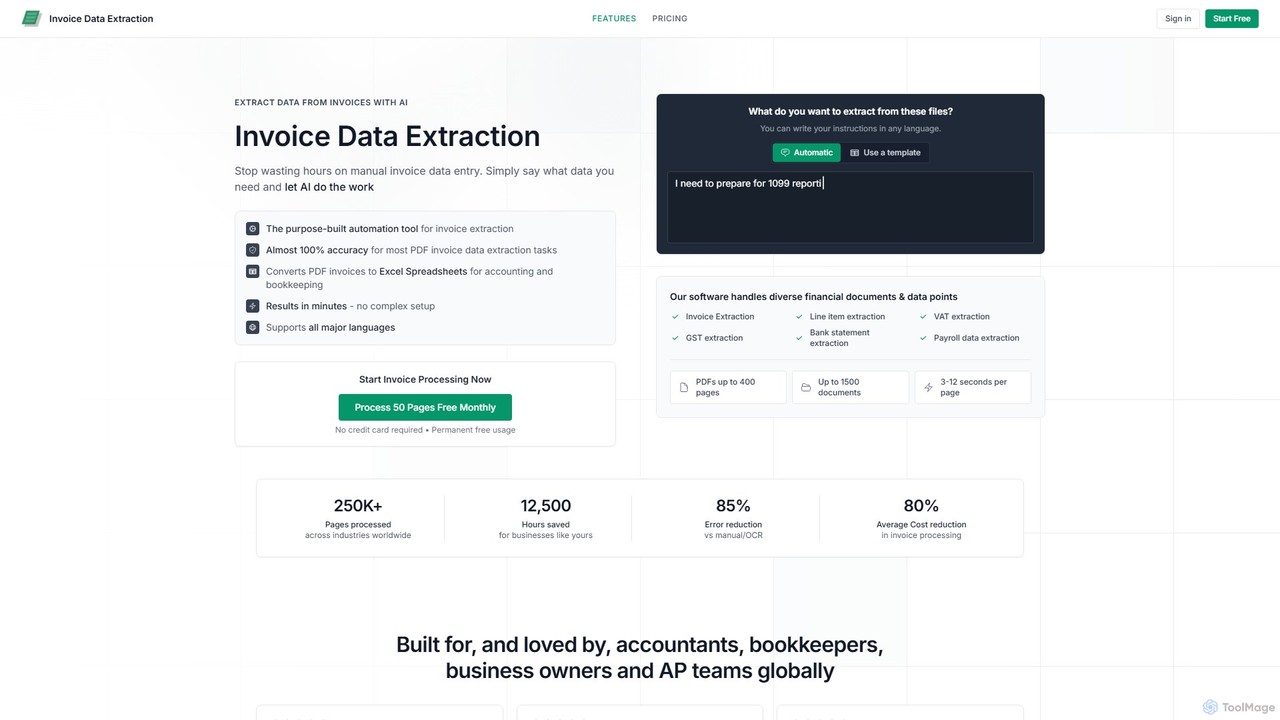
An AI-powered tool designed to automatically extract data from invoices and other financial documents with near-100% accuracy. It converts PDFs and images into structured Excel spreadsheets, eliminating manual data entry, reducing costs by 80%, and saving hours of work for accountants, AP teams, and business owners.

Document Management
Visits 18.8KFavorites 126Likes 111
Airparser
Freemium

Airparser

Airparser is an LLM-powered data extraction tool that automates the process of converting unstructured data from emails, PDFs, and various documents into structured, actionable formats. It uses advanced AI to understand context, eliminating the need for manual data entry and complex parsing rules.

Document Management
Visits 29.9KFavorites 113Likes 112
Img2Sheet
Freemium

Img2Sheet

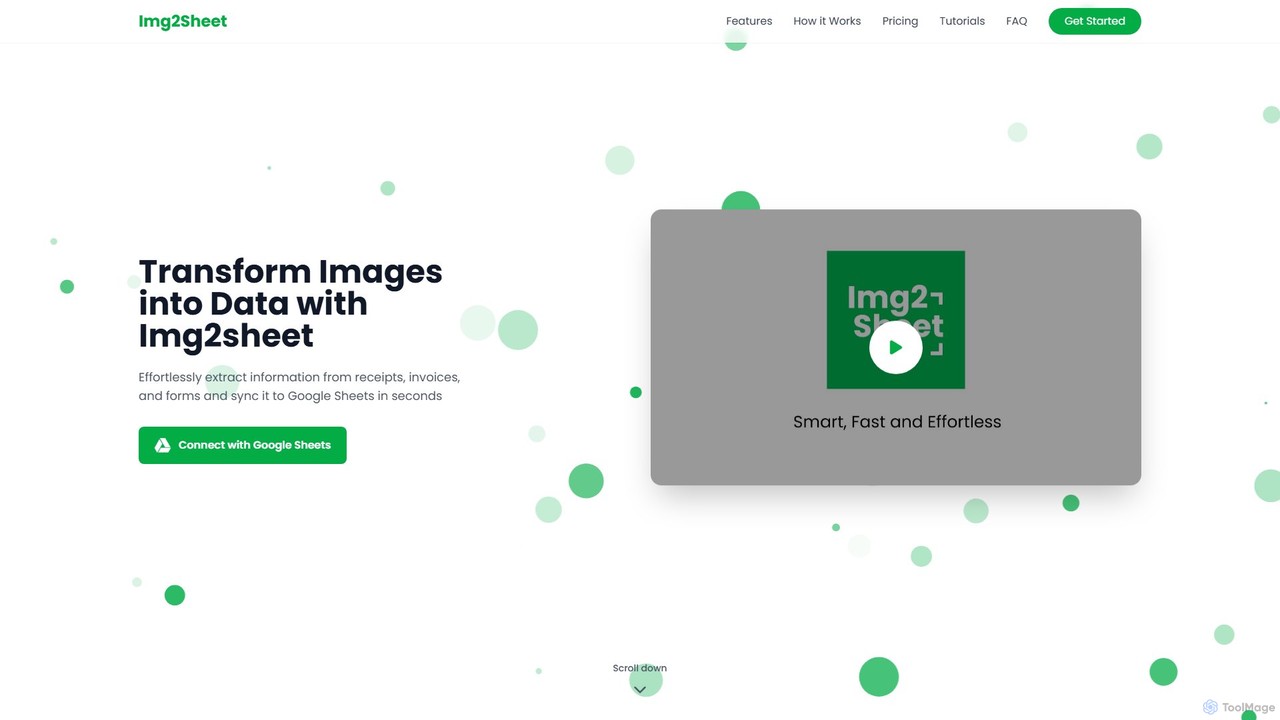
Img2Sheet is an AI-powered tool that automates data extraction from images like receipts, invoices, and forms, syncing the information directly into Google Sheets. It eliminates manual data entry, saves time, and increases accuracy with a simple, pay-per-use model.

Extraction
Visits 14.3KFavorites 81Likes 101
DocsLoop
Freemium

DocsLoop

DocsLoop is an AI-powered document processing tool that automates data extraction from PDF documents. Simply drag and drop files like invoices, bank statements, and receipts, and DocsLoop converts tables and text into clean, organized Excel spreadsheets with 99% accuracy. It eliminates manual data entry, saving hours of work and reducing costs for businesses and individuals.

Data Extraction
Visits 4.9KFavorites 125Likes 103
DocuClipper
Freemium

DocuClipper

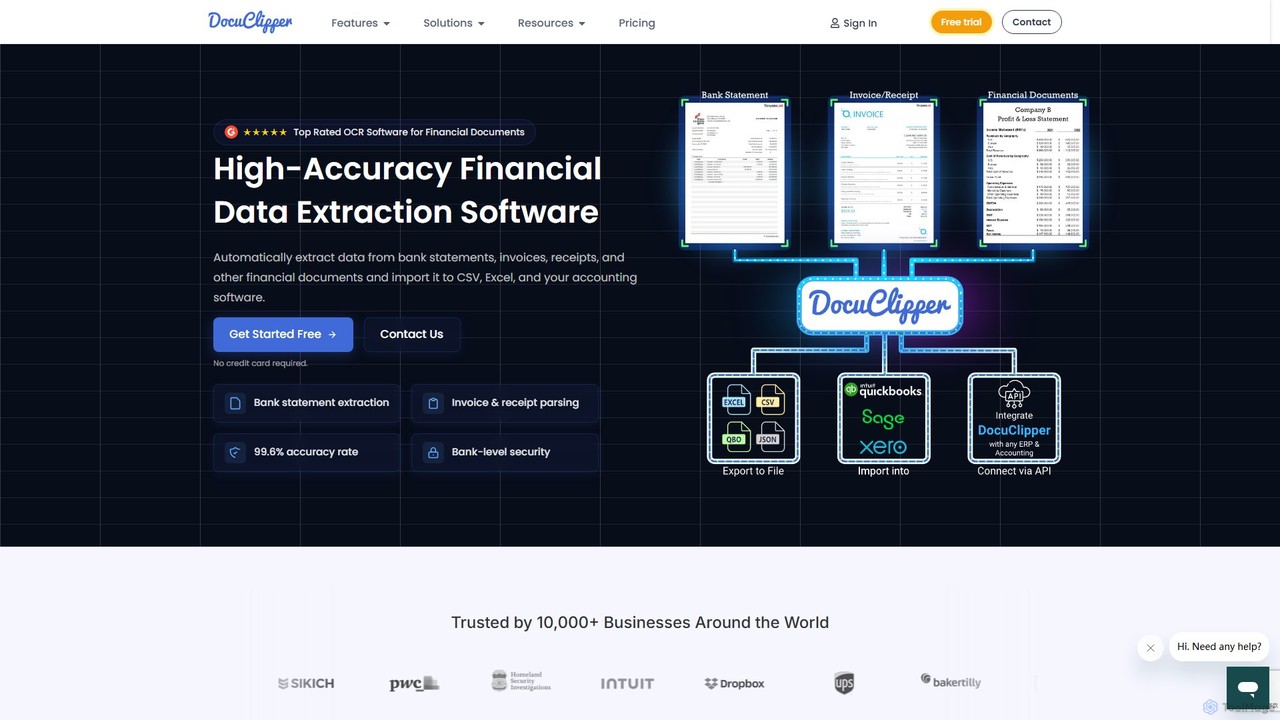
DocuClipper is an AI-powered OCR software specialized in financial data extraction. It automates the process of converting bank statements, invoices, receipts, and other financial documents into structured data formats like Excel, CSV, and QBO with 99.6% accuracy. It integrates seamlessly with accounting software like QuickBooks and Xero, saving time and reducing manual entry errors for businesses and financial professionals.

Automation
Visits 68KFavorites 119Likes 127
Quick Data Converter
Freemium

Quick Data Converter

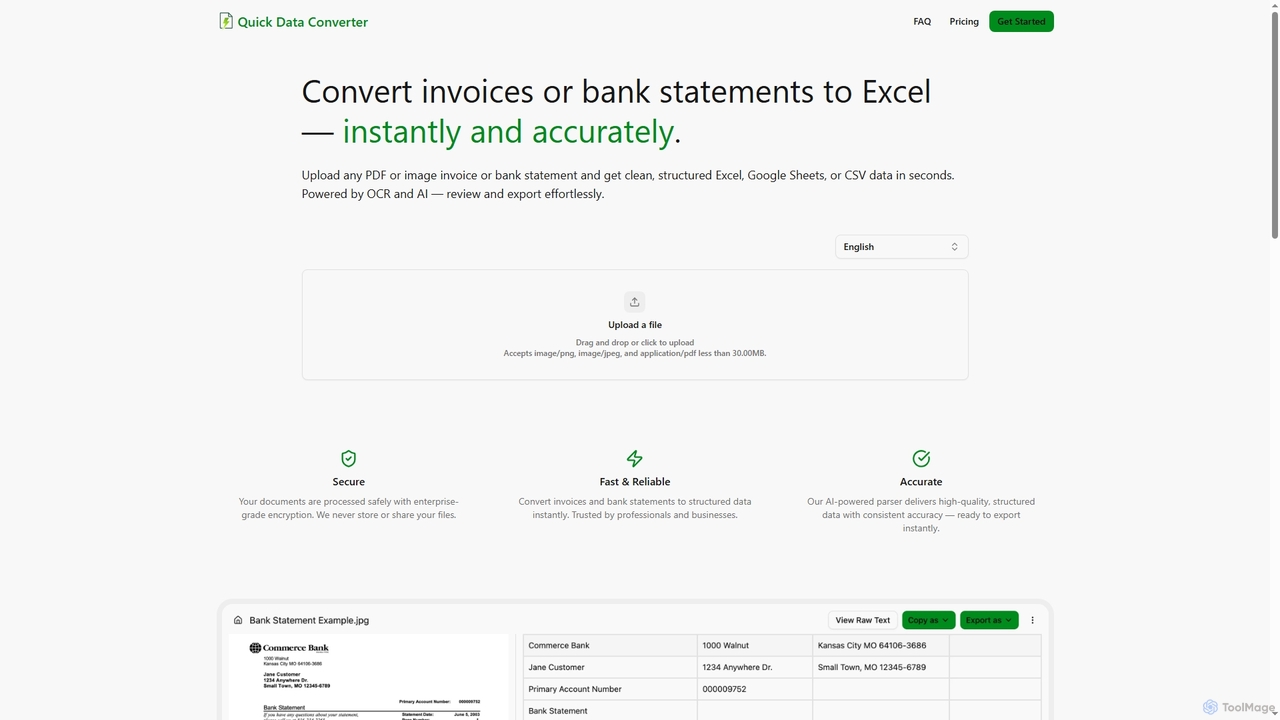
Quick Data Converter is an AI-powered tool that instantly and accurately transforms PDF and image invoices or bank statements into clean, structured data formats like Excel, CSV, and Google Sheets. It leverages OCR and AI for efficient data extraction, ensuring high accuracy and security for professionals and businesses.

Data Extraction
Visits 4.1KFavorites 92Likes 76