ToolMage
Sign in
getcount
Client Management · 4.7K monthly visits

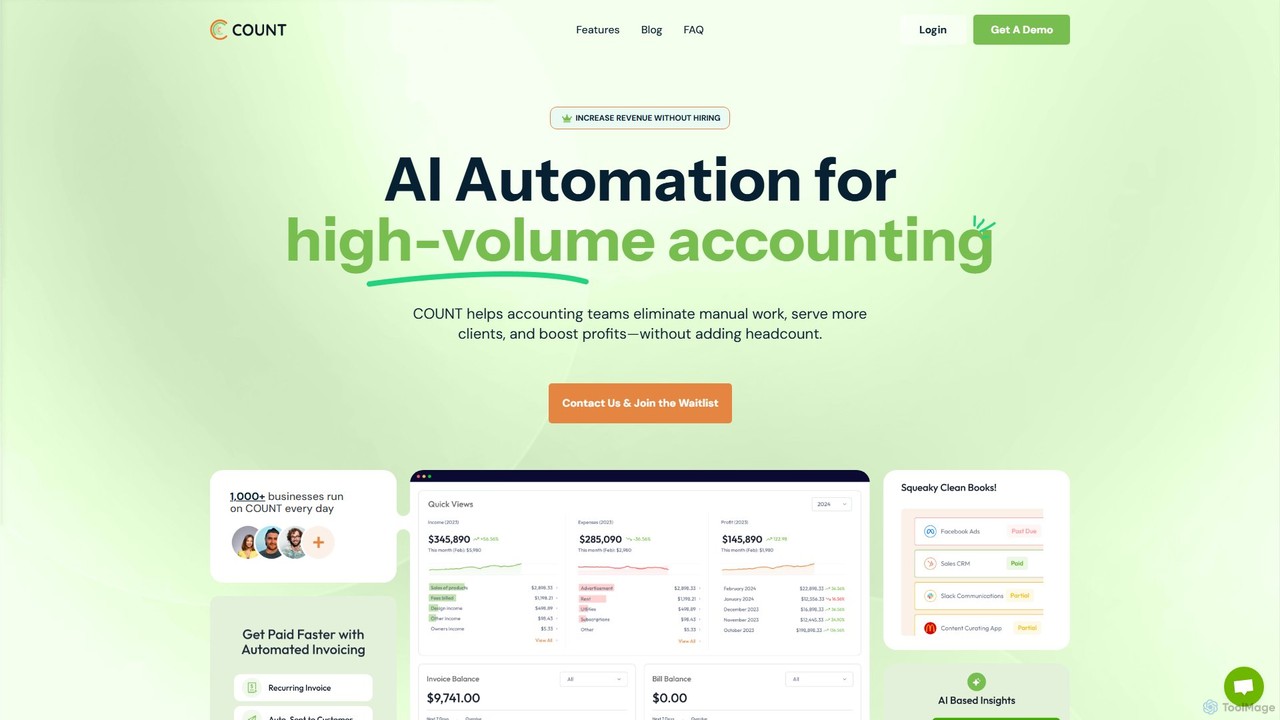
getcount is an AI-powered accounting platform for modern accounting firms and ambitious businesses. It automates tedious tasks like transaction categorization, receipt matching, and reconciliation. The all-in-one solution includes practice management, secure document storage, invoicing, and integrated communication tools, aiming to increase efficiency, boost profits, and simplify financial operations without increasing headcount.

VS
Keeper
Client Management · 36.7K monthly visits

Keeper is an all-in-one practice management software for bookkeepers and accountants. It integrates with QuickBooks and Xero to streamline workflows, automate file reviews, manage client communication through a dedicated portal, and accelerate month-end closing, helping firms save time and improve accuracy.

getcount vs Keeper: pricing, features, traffic, and use cases

Compare getcount and Keeper across positioning, pricing, traffic, and user feedback using structured factual data.

Updated Aug 5, 2026

Product overview

getcount Product overview

getcount is an AI-powered accounting platform for modern accounting firms and ambitious businesses. It automates tedious tasks like transaction categorization, receipt matching, and reconciliation. The all-in-one solution includes practice management, secure document storage, invoicing, and integrated communication tools, aiming to increase efficiency, boost profits, and simplify financial operations without increasing headcount.

Preview

Keeper Product overview

Keeper is an all-in-one practice management software for bookkeepers and accountants. It integrates with QuickBooks and Xero to streamline workflows, automate file reviews, manage client communication through a dedicated portal, and accelerate month-end closing, helping firms save time and improve accuracy.

Preview

Detailed feature comparison

FeaturegetcountKeeper
Primary categoryClient ManagementClient Management
Added2025-08-042025-08-06
PricingPaidPaid
Official websitegetcount.comkeeper.app
Product typeWebsiteWebsite
Performance data
User ratingNot verifiedNot verified
Comments00
Monthly visits4.7K36.7K
Monthly growth-23.2%-1.2%
Favorites127136
DetailsView detailsView details

getcount vs Keeper monthly traffic

Compare getcount and Keeper by monthly reach, traffic trend, visit depth, top regions, and acquisition sources.

How to interpret the traffic data

In the getcount vs Keeper monthly traffic comparison, getcount currently shows 4.7K visits and Keeper shows 36.7K; Keeper has about 7.8 times the visible traffic of getcount, an absolute difference of about 32K visits. This reflects visible reach, not feature quality or paid users.

Both tools provide verified traffic details, so monthly trends, visit depth, regions, and acquisition sources can be compared on the same basis.

getcount monthly traffic:

Latest traffic

Monthly visits
4.7K
Avg. visit duration
0:34
Pages per visit
1.69
Bounce rate
34.37%
Data updated 2026-06-15

Monthly traffic trend

  • 2025/9: 3.8K Monthly visits
  • 2026/1: 4.1K Monthly visits
  • 2026/2: 4.8K Monthly visits
  • 2026/3: 5.4K Monthly visits
  • 2026/4: 6.1K Monthly visits
  • 2026/5: 4.7K Monthly visits

Top regions

Top 5 countries/regions
Country/regionPercentageTraffic
🇺🇸United States65.61%3.1K
🇳🇿New Zealand31.58%1.5K
🇮🇳India2.81%132

Search keywords

countcount aboutcount accountingcount bookkeepingjournal entries

Keeper monthly traffic:

Latest traffic

Monthly visits
36.7K
Avg. visit duration
0:44
Pages per visit
1.68
Bounce rate
45.12%
Data updated 2026-06-15

Monthly traffic trend

  • 2025/9: 171.5K Monthly visits
  • 2026/1: 89.8K Monthly visits
  • 2026/2: 62.8K Monthly visits
  • 2026/3: 28.5K Monthly visits
  • 2026/4: 37.1K Monthly visits
  • 2026/5: 36.7K Monthly visits

Top regions

Top 5 countries/regions
Country/regionPercentageTraffic
🇺🇸United States79.89%29.3K
🇵🇭Philippines10.08%3.7K
🇨🇦Canada4.93%1.8K
🇮🇳India2.9%1.1K
🇷🇺Russia2.2%807

Traffic sources

Source typePercentageTraffic
Direct79.63%29.2K
Referral18.66%6.8K
Email1.71%627

Search keywords

closekeeperkeeperkeeper appkeeper loginkeeper security login
Traffic-based selection guidance: If public market visibility is an important first-pass criterion, investigate Keeper first. The final choice should still follow taxonomy, use case, and a real trial because higher traffic does not prove broader capabilities or better workflow fit.

Usage comparison

Compare the core capabilities of getcount and Keeper

getcount Core features

Client Management
Accounting
Automation

Keeper Core features

Client Management
Accounting
Task Management

Use cases

getcount Use cases

accounting
bookkeeping
financial reporting
practice management
AI automation
CPA
expense tracking
finance management
invoicing
smb

Keeper Use cases

accounting
bookkeeping
financial reporting
practice management
1099 management
client portal
QuickBooks
task management
workflow automation
Xero

getcount vs Keeper:In-depth comparison and selection guidance

First decide whether the products solve the same kind of need

This in-depth getcount vs Keeper comparison uses only the product records, taxonomy, audience, traffic, and community signals available on this page. getcount is primarily listed under “Client Management”, while Keeper is primarily listed under “Client Management”, so the first decision is whether your actual task matches their recorded scope.

The structured fields currently show these decision-relevant differences: Monthly visits (getcount: 4.7K; Keeper: 36.7K); Monthly growth (getcount: -23.2%; Keeper: -1.2%); Favorites (getcount: 127; Keeper: 136); Website (getcount: getcount.com; Keeper: keeper.app); Added (getcount: 2025-08-04; Keeper: 2025-08-06). These facts are more useful for selection than brand visibility alone.

What market visibility and monthly traffic mean

In the getcount vs Keeper monthly traffic comparison, getcount currently shows 4.7K visits and Keeper shows 36.7K; Keeper has about 7.8 times the visible traffic of getcount, an absolute difference of about 32K visits. This reflects visible reach, not feature quality or paid users.

Both tools provide verified traffic details, so monthly trends, visit depth, regions, and acquisition sources can be compared on the same basis.

If public market visibility is an important first-pass criterion, investigate Keeper first. The final choice should still follow taxonomy, use case, and a real trial because higher traffic does not prove broader capabilities or better workflow fit.

Product positioning, use cases, and roles

getcount and Keeper currently overlap in shared categories: Client Management and Accounting; shared tags: accounting, bookkeeping, financial reporting, and practice management. This can place both on the same shortlist, but it does not prove equal implementation, depth, or cost.

getcount's unique categories/tags are Automation, AI automation, CPA, expense tracking, finance management, invoicing, and smb; Keeper's are Task Management, 1099 management, client portal, QuickBooks, task management, workflow automation, and Xero. These unique fields are the strongest differentiators: validate the product whose recorded scope matches the task instead of following traffic alone.

What ratings, comments, and favorites can tell you

getcount has no verified rating, 0 comments, 127 favorites, and 101 likes;Keeper has no verified rating, 0 comments, 136 favorites, and 115 likes。

Neither product has enough rating or comment samples for a credible reputation ranking.

Selection guidance by actual need

When to evaluate getcount first

Put getcount on the priority trial list when the task aligns with “Client Management” and especially Automation, AI automation, CPA, expense tracking, finance management, and invoicing. This follows recorded positioning and does not imply unlisted capabilities are absent.

getcount also currently records: pricing is paid, product type is website, 4.7K verified monthly visits, no verified user rating. Verify any hard requirement around price, platform, or reach before trial, and do not let sparse review data substitute for testing.

When to evaluate Keeper first

Put Keeper on the priority trial list when the task aligns with “Client Management” and especially Task Management, 1099 management, client portal, QuickBooks, task management, and workflow automation. This follows recorded positioning and does not imply unlisted capabilities are absent.

Keeper also currently records: pricing is paid, product type is website, 36.7K verified monthly visits, no verified user rating. Verify any hard requirement around price, platform, or reach before trial, and do not let sparse review data substitute for testing.

How to validate the recommendation before deciding

The available data describes positioning, public visibility, and community signals, but it cannot prove output quality, speed, integration effort, privacy, or long-term cost in your workflow. Before deciding, run the same representative tasks in getcount and Keeper, then record completion time, accuracy, manual corrections, and the real paid threshold. A like-for-like trial turns this comparison into a defensible adoption decision.

Comparison FAQ

How should I choose between getcount and Keeper?
Compare positioning, pricing, taxonomy, and traffic maturity, then verify the latest details on each official website.
Where does this comparison data come from?
The factual baseline is derived from product, taxonomy, traffic, and community data. Reviewed editorial conclusions show their source and verification date.
What do unknown fields mean?
Unknown means there is not enough reliable evidence; the page does not fill gaps with assumptions.

Related AI tools

Client Hub
Paid

Client Hub

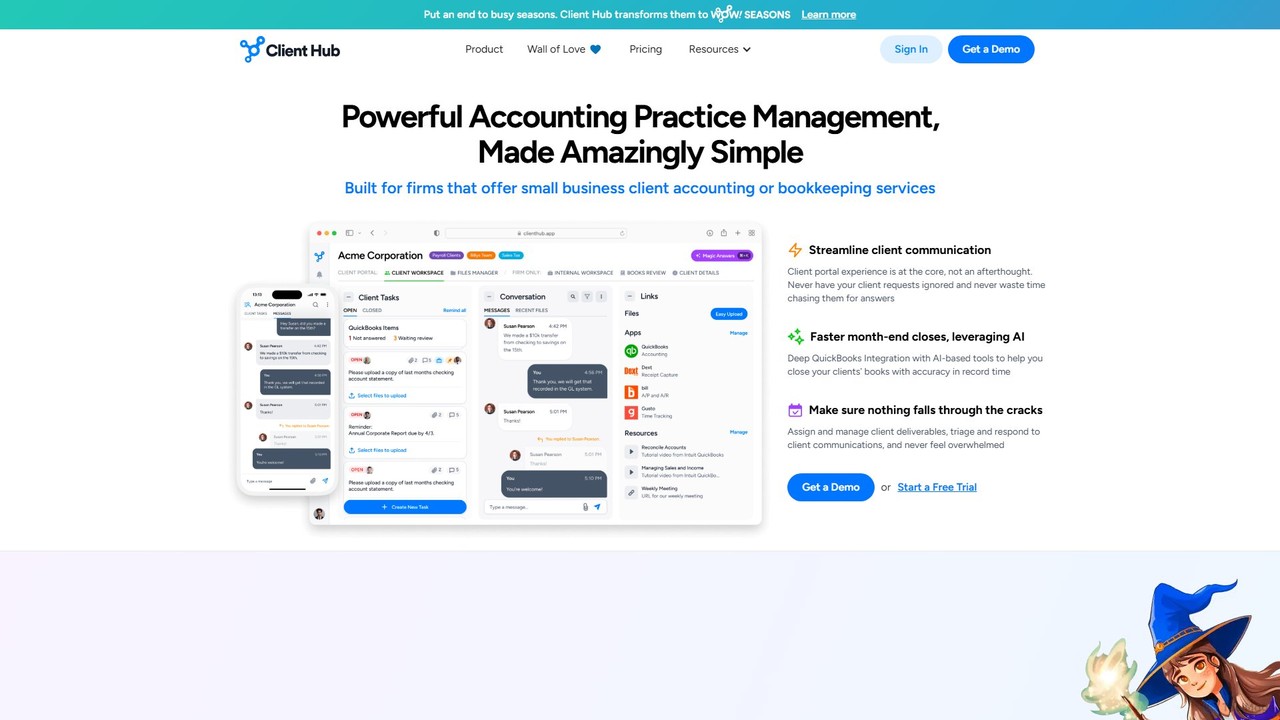
Client Hub is an AI-powered, all-in-one practice management and client portal software designed for modern accounting firms. It streamlines workflows, centralizes client communication, and automates tasks to enhance firm efficiency and client satisfaction. Features include AI-driven email and workflow generation, seamless QuickBooks/Xero integration, and robust task management.

Client Management
Visits 56.2KFavorites 116Likes 128
Minerva
Paid

Minerva

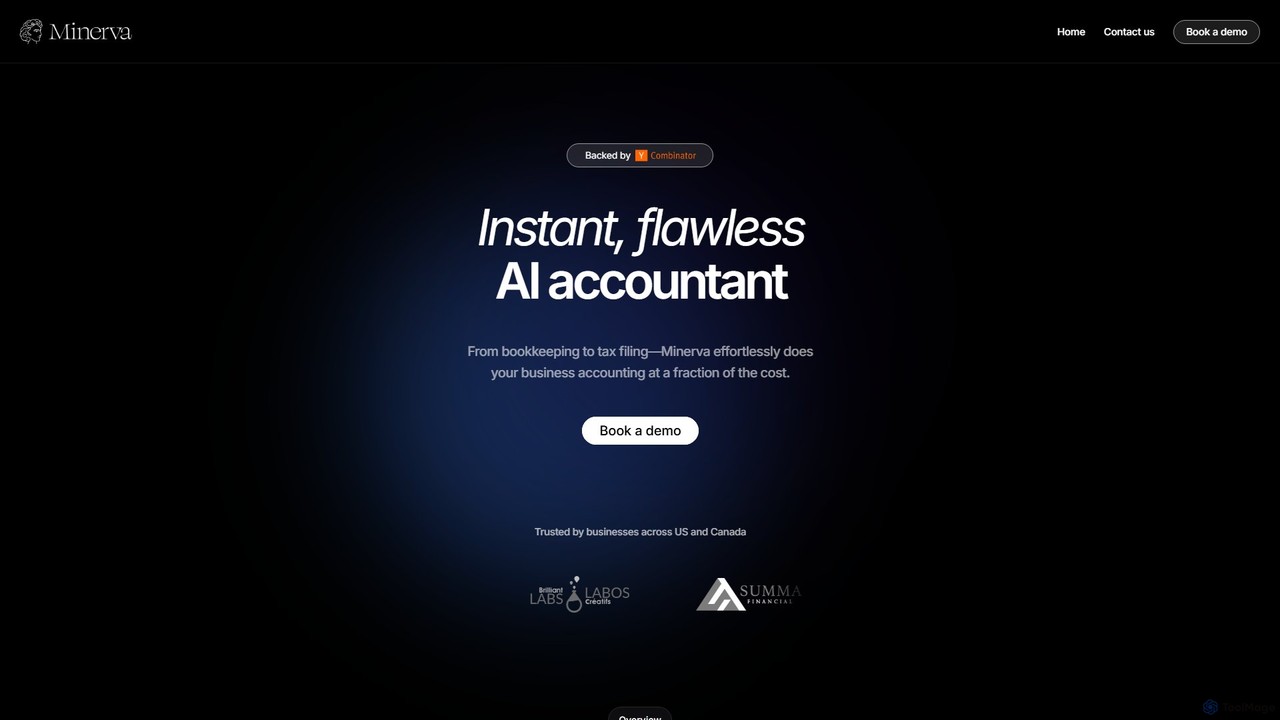
Minerva is an AI-powered accountant for SMBs, automating the entire accounting workflow from bookkeeping and expense categorization to bank reconciliation and tax filing preparation. It scans data from emails and other platforms to provide real-time financial insights, all supervised by human CPAs for accuracy.

Operations
Visits 6.9KFavorites 126Likes 103
Balancio
Paid

Balancio

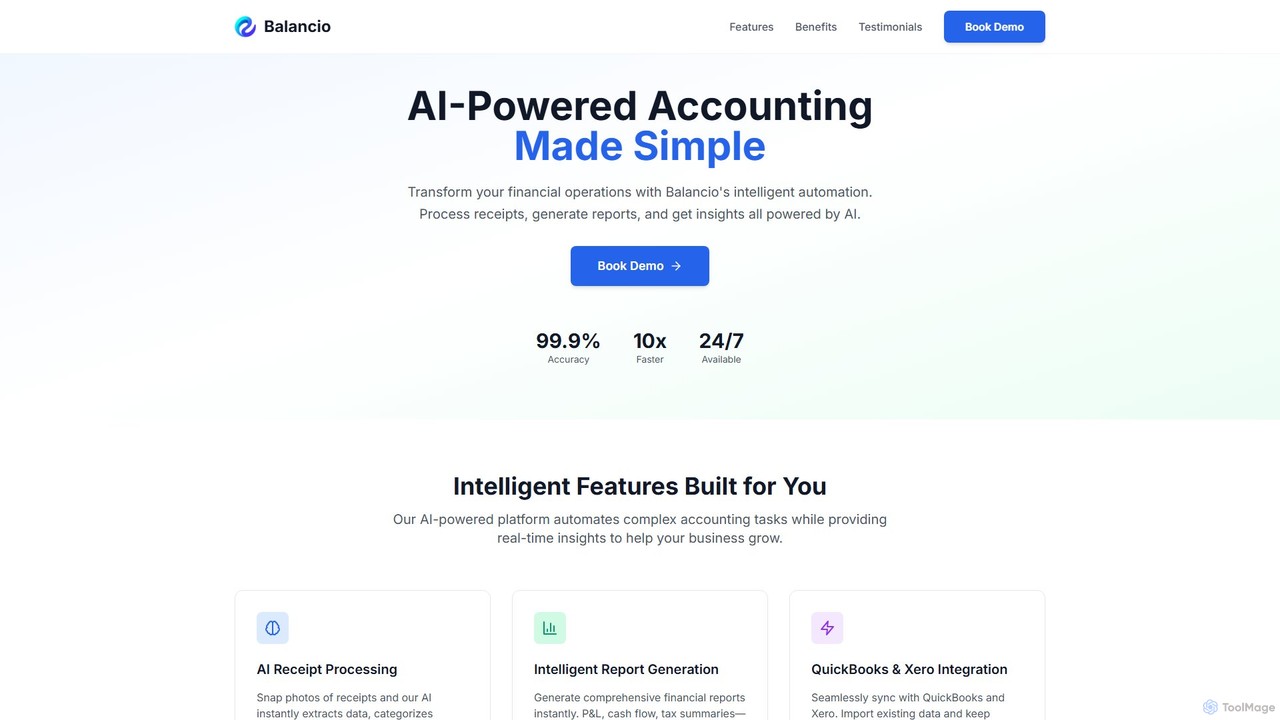
Balancio is an AI-powered accounting platform designed for modern businesses. It automates financial operations like receipt processing, expense categorization, and report generation with 99.9% accuracy. By integrating with QuickBooks and Xero, it provides real-time financial insights, tax optimization, and an AI assistant to streamline bookkeeping and foster business growth.

Data Analysis
Visits 7.1KFavorites 104Likes 110
bookeeping.ai
Freemium

bookeeping.ai

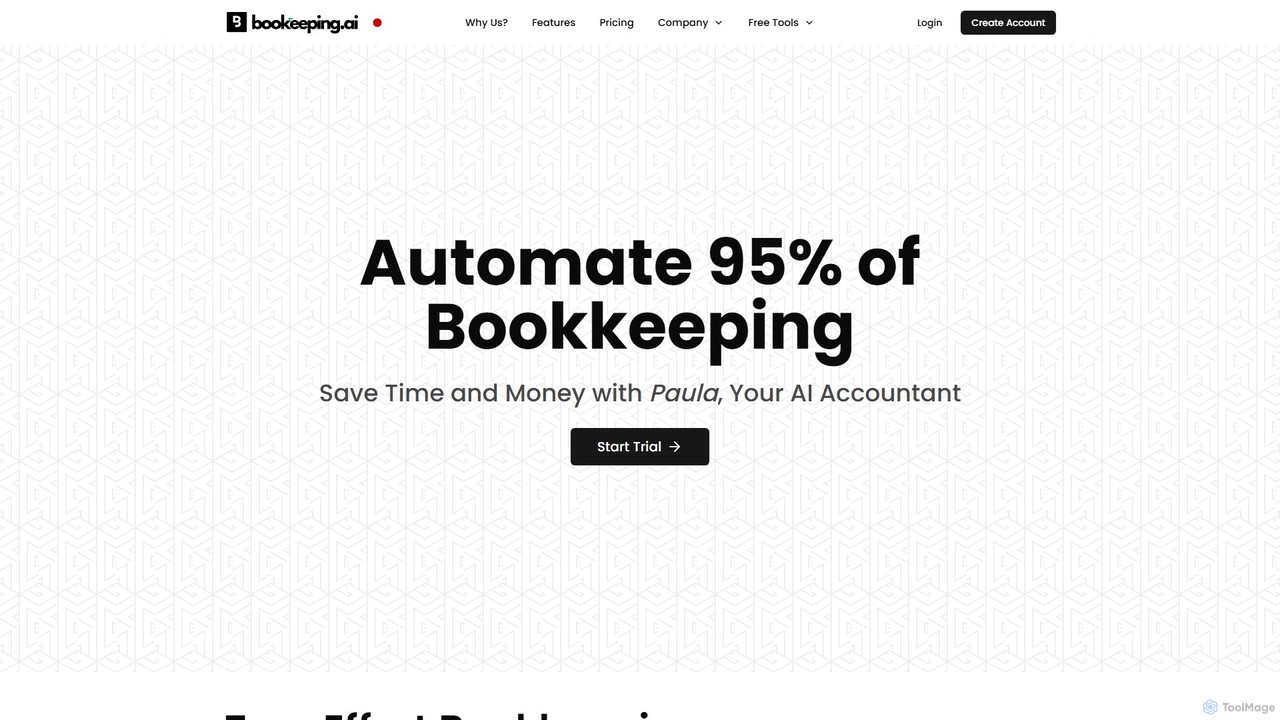
bookeeping.ai is an AI-powered accounting platform featuring Paula, a 24/7 AI accountant. It automates over 95% of bookkeeping tasks, including ledger management, P&L reporting, and receipt scanning. The tool offers AI-driven invoicing, expense management, bank synchronization, and real-time financial reporting. Designed for small businesses, freelancers, and accountants, it aims to save time and money by streamlining financial operations through a simple chat-based interface.

Management
Visits 14.3KFavorites 128Likes 115
Tyms
Paid

Tyms

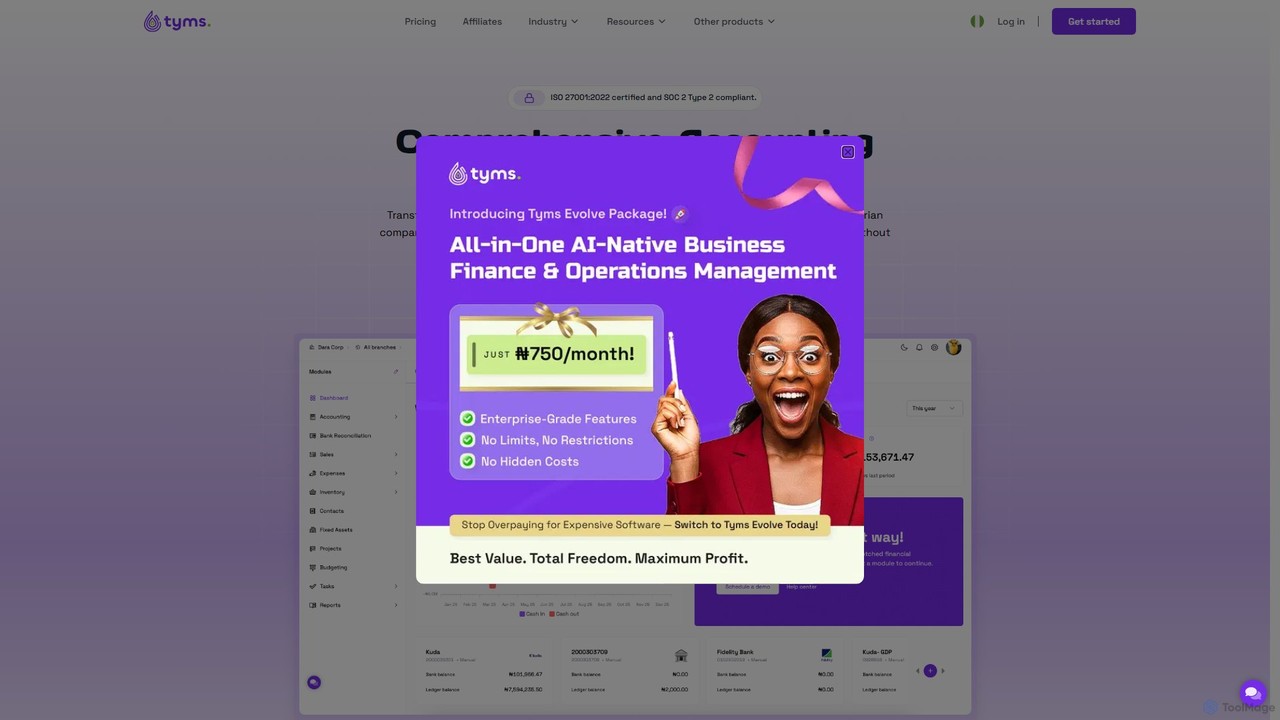
Tyms is an AI-powered accounting software designed for modern businesses, especially in Nigeria. It automates financial tasks, ensures tax compliance, and provides real-time insights to save time and reduce costs. Features include invoicing, expense tracking, bank reconciliation, inventory management, and automated financial reporting, all in one affordable, scalable platform.

Automation
Visits 19.4KFavorites 121Likes 113
igsbookkeeping
Paid

igsbookkeeping

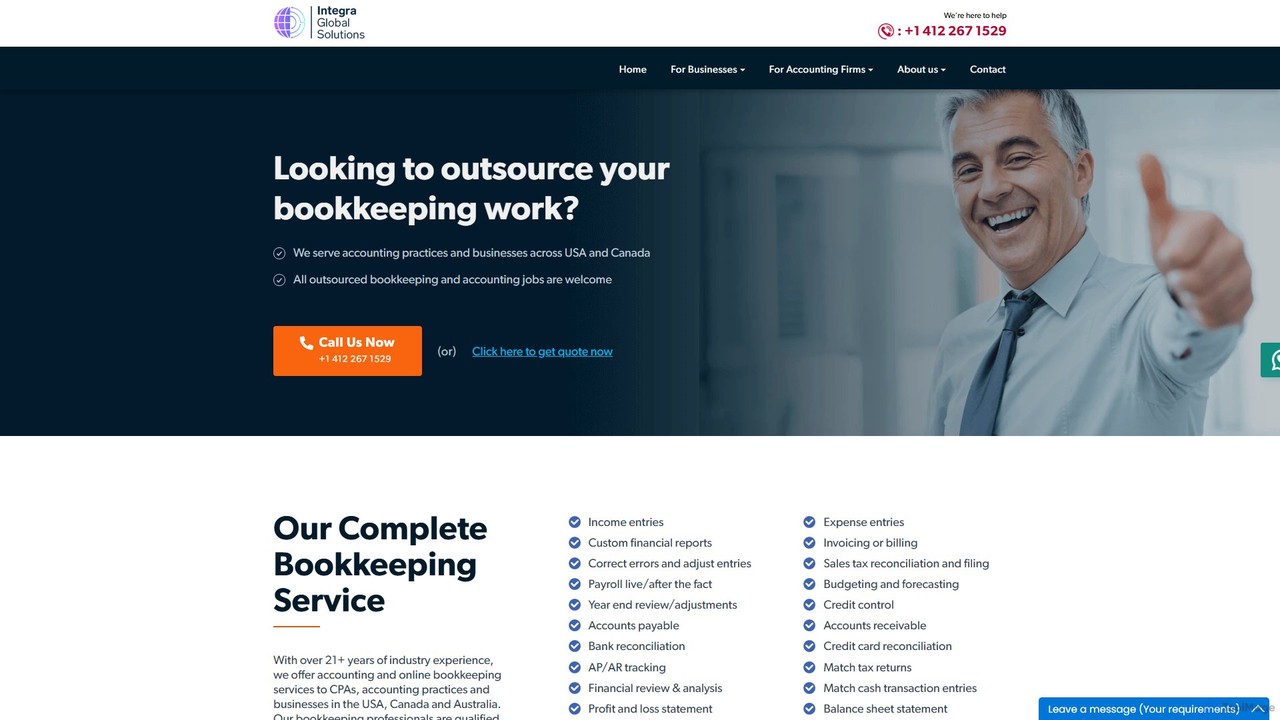
igsbookkeeping offers expert outsourced bookkeeping and accounting services for businesses and CPA firms. Leveraging over 20 years of experience and modern technology, they provide cost-effective, secure, and accurate financial management, including payroll, reporting, and tax support. Their certified professionals work with all major accounting software, allowing you to focus on core business growth.

Outsourcing
Visits 10.1KFavorites 102Likes 90
Digits
Freemium

Digits

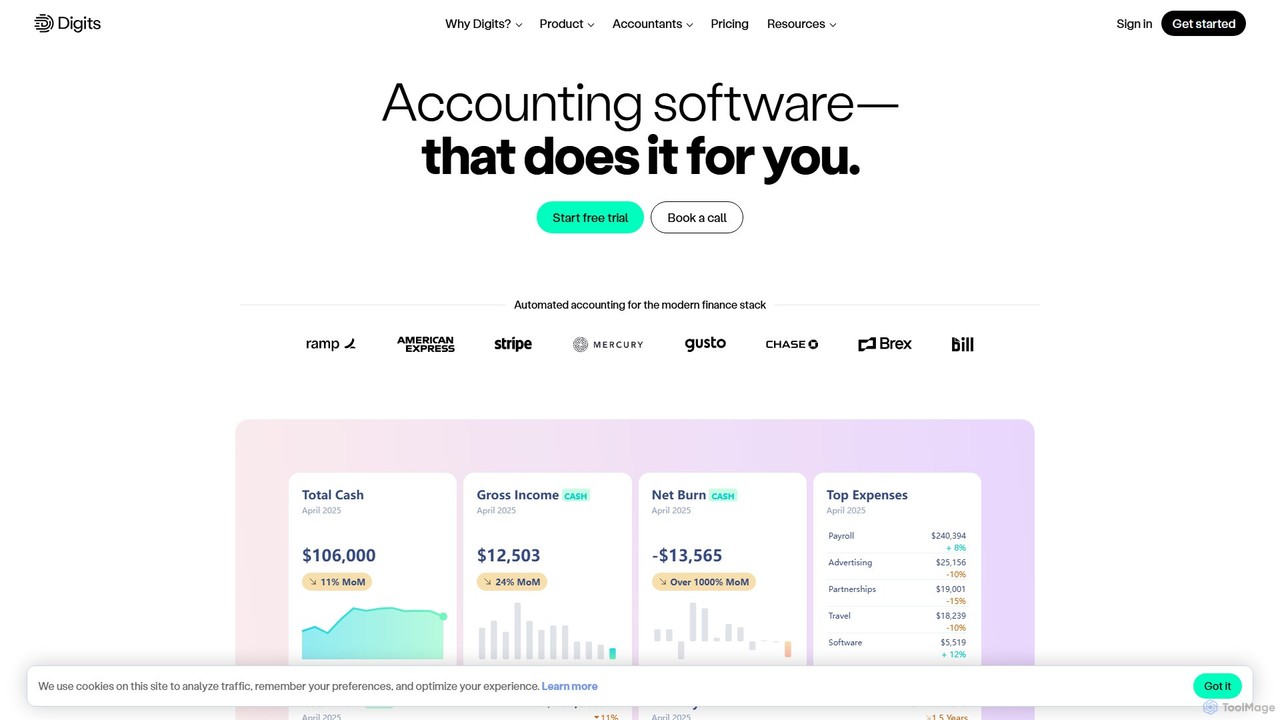
Digits is an AI-native accounting platform that automates bookkeeping, financial reporting, bill pay, and invoicing for startups, small businesses, and accounting firms. It provides real-time financial insights through interactive dashboards and AI-powered agents, eliminating manual data entry and transforming complex financial data into actionable intelligence.

Financial Management
Visits 73.3KFavorites 138Likes 140
Tailride
Freemium

Tailride

Tailride is an AI-powered accounting automation platform that saves businesses hundreds of hours. It automatically scans inboxes (Gmail, Outlook) and online portals to find, extract, and organize invoices and receipts. With integrations for QuickBooks, Xero, and Google Drive, it streamlines the entire accounts payable workflow, from data capture to reconciliation.

Document Management
Visits 61.2KFavorites 116Likes 112
Uplinq
Paid

Uplinq

Uplinq is an AI-powered accounting platform designed for small and medium-sized businesses (SMBs). It automates bookkeeping, tax preparation, and financial reporting, combining proprietary AI with human expertise. Uplinq syncs with your financial accounts and tools like QuickBooks to streamline expense categorization, transaction management, and provide real-time financial insights, helping you save time and improve your bottom line.

Small Business Tools
Visits 12.8KFavorites 139Likes 131
Fortune App
Freemium

Fortune App

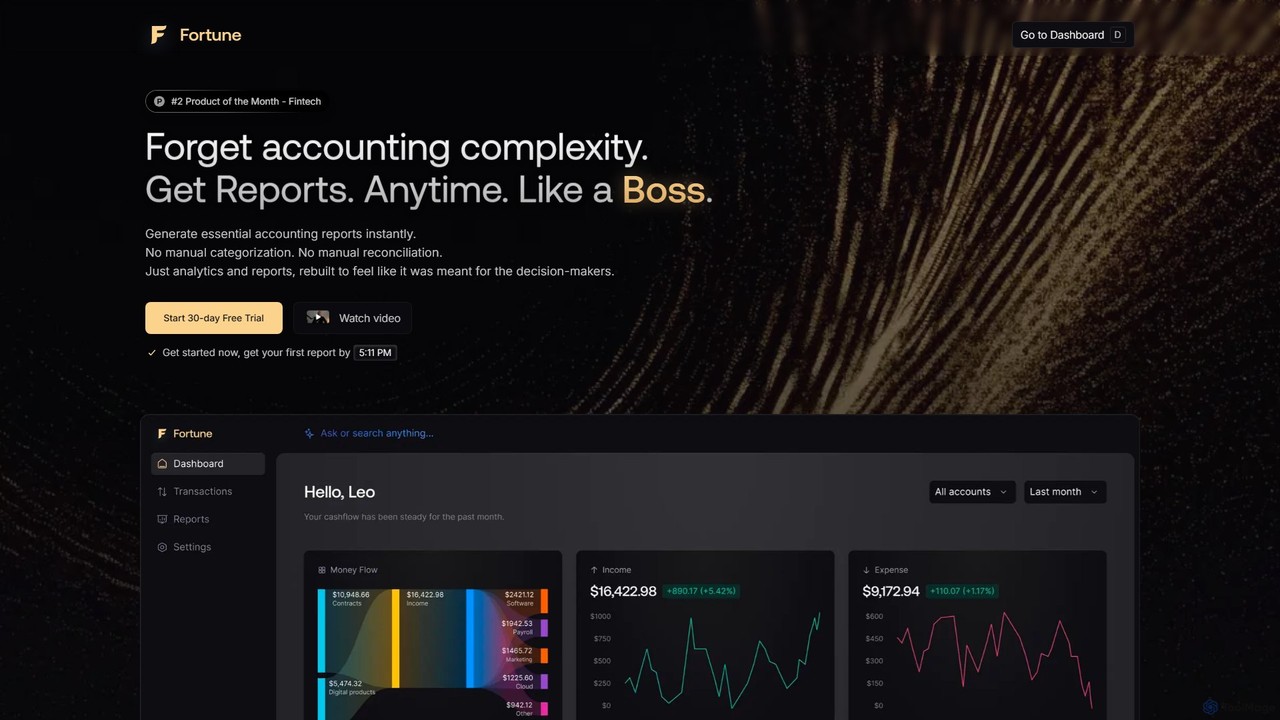
Fortune App is an AI-powered accounting software designed for business decision-making. It automates complex accounting tasks like bookkeeping, expense categorization, and reconciliation. The platform provides instant financial reports, real-time analytics, and access to a personal AI accountant, helping businesses save time and make data-driven decisions with ease.

Analytics
Visits 4.6KFavorites 120Likes 111
LedgerLion
Freemium

LedgerLion

An AI-powered accountant designed for startups and small businesses. LedgerLion automates bookkeeping by connecting to your bank and email, extracting invoices, matching transactions, and closing your books. It provides real-time financial insights and advanced reports, including burn rate and cash flow analysis, at a fraction of the cost of a traditional bookkeeper.

Startup Tools
Visits 3.3KFavorites 123Likes 122
Geniussheets
Freemium

Geniussheets

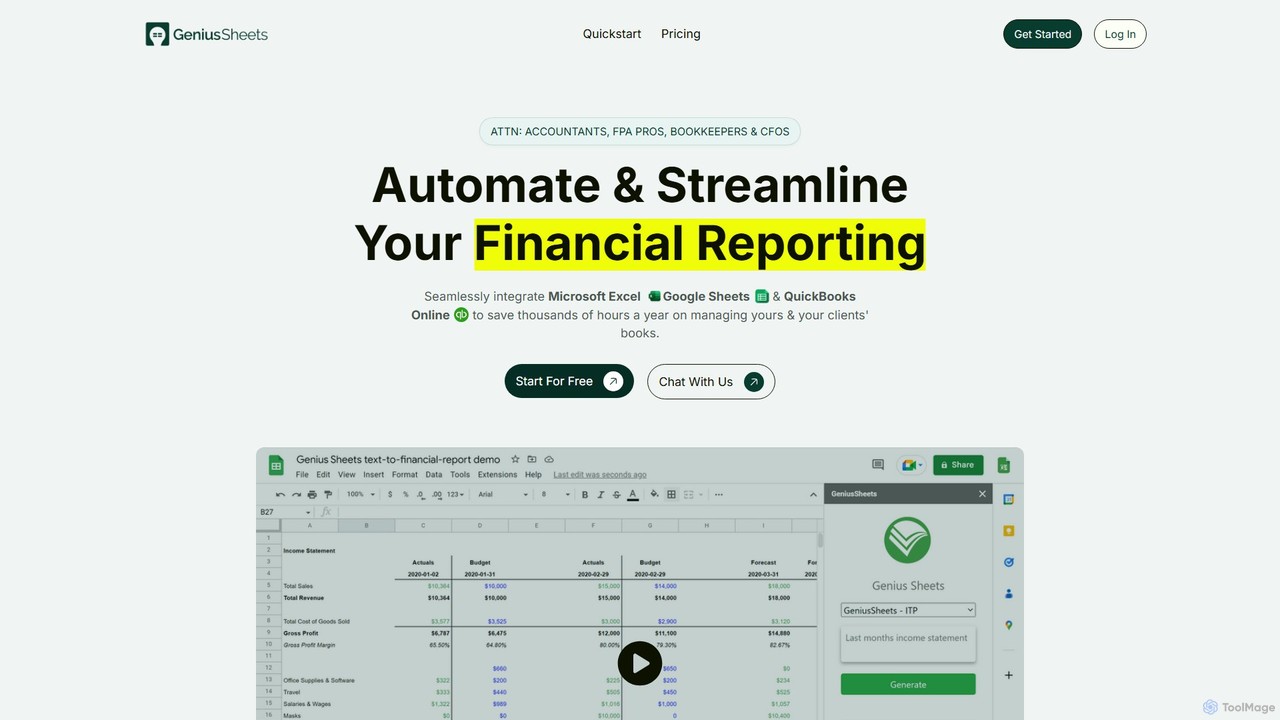
Geniussheets automates financial reporting by seamlessly integrating QuickBooks Online with Google Sheets and Microsoft Excel. It eliminates manual data entry, providing real-time, accurate financial data directly in your spreadsheets. Designed for accountants, FP&A professionals, and CFOs to save time, improve accuracy, and build dynamic financial models and dashboards.

Automation
Visits 3.4KFavorites 95Likes 97
ExpenseMonkey
Freemium

ExpenseMonkey

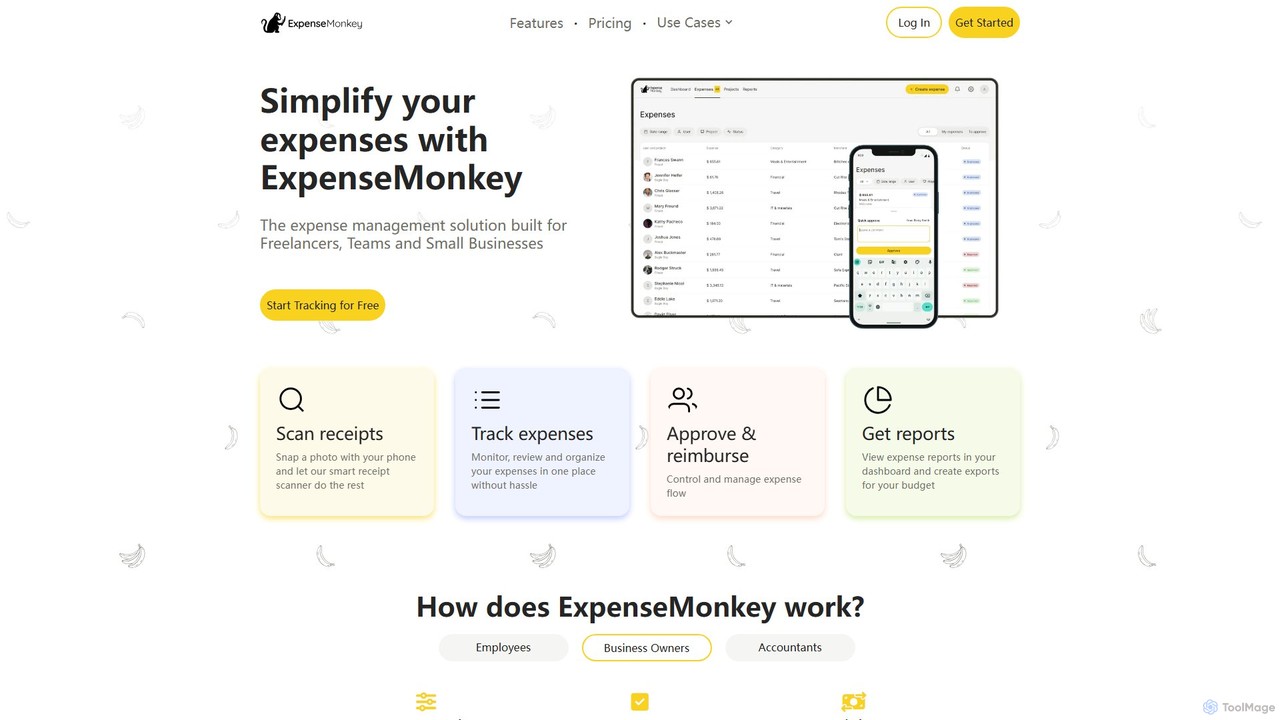
ExpenseMonkey is an AI-powered expense tracker designed for freelancers, small businesses, and teams. It automates expense management by scanning receipts, extracting data, auto-categorizing costs, and integrating with accounting software like QuickBooks and Xero. Simplify expense reporting, reimbursement, and tax preparation with smart automation.

Accounting
Visits 14.9KFavorites 138Likes 124
Zeni
Paid

Zeni

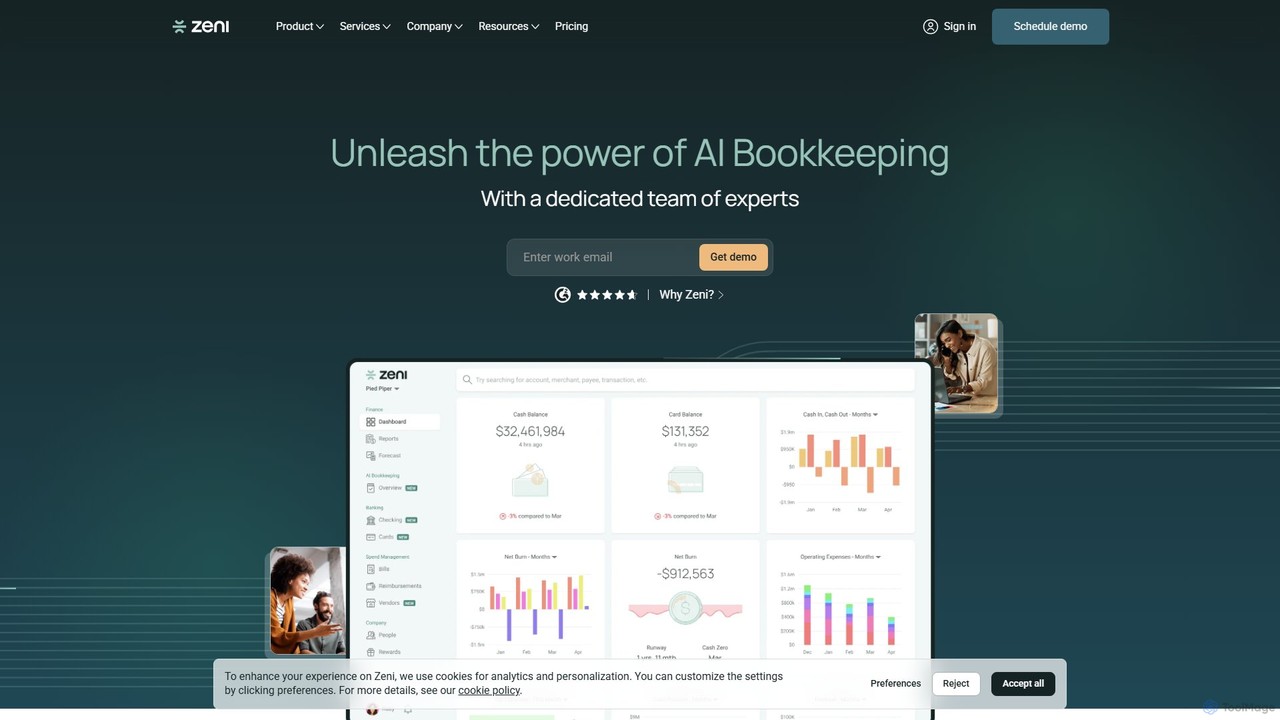
Zeni is an AI-powered financial operations platform designed for startups and businesses. It combines automated bookkeeping, bill pay, and expense management with a dedicated team of finance experts. Zeni provides real-time financial insights through a unified dashboard, helping businesses save time, improve accuracy, and make smarter financial decisions.

Operations
Visits 69.4KFavorites 102Likes 102
Puzzle
Freemium

Puzzle

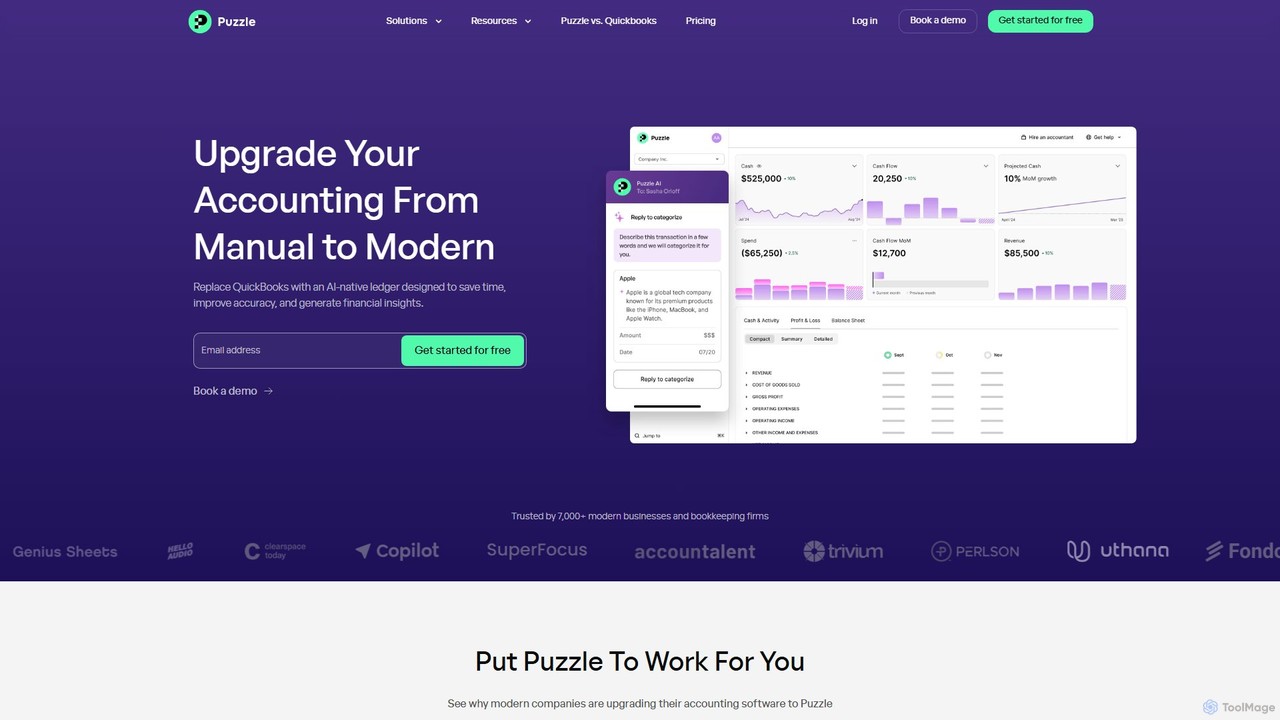
Puzzle is an AI-native accounting software designed for modern startups and small businesses. It replaces traditional tools like QuickBooks by automating bookkeeping, providing real-time financial insights, and ensuring tax readiness. With up to 95% accuracy in expense categorization, it saves time, improves accuracy, and helps founders make smarter business decisions.

Analytics
Visits 68.7KFavorites 100Likes 98