ToolMage
Sign in
ImgTools
Image Editing · 1.5K monthly visits

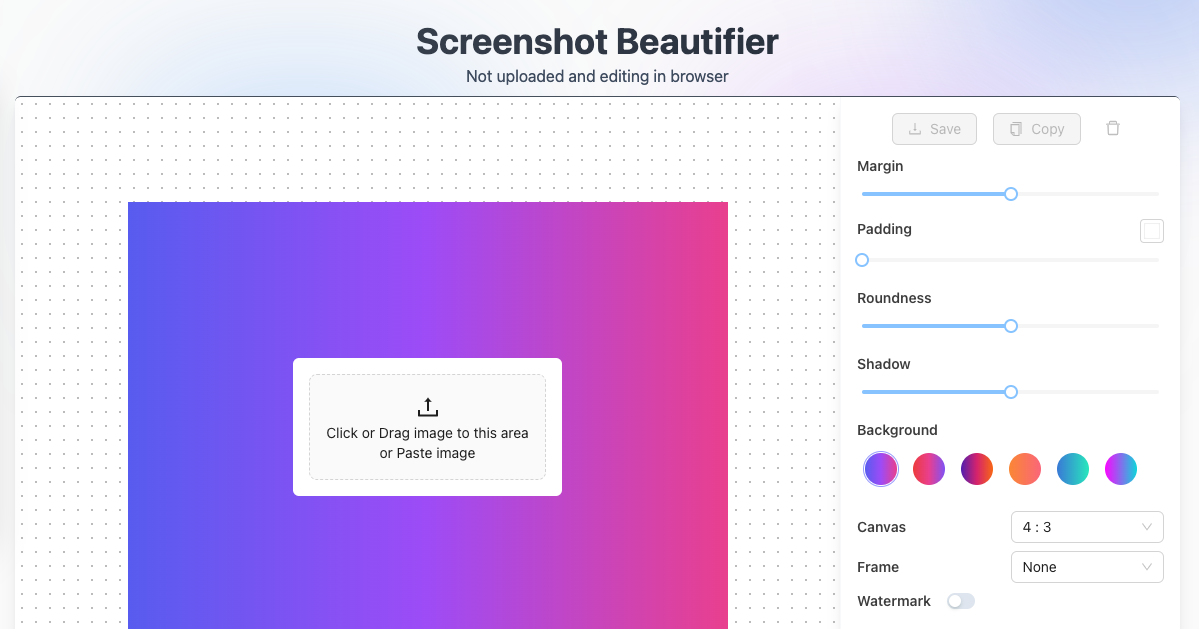
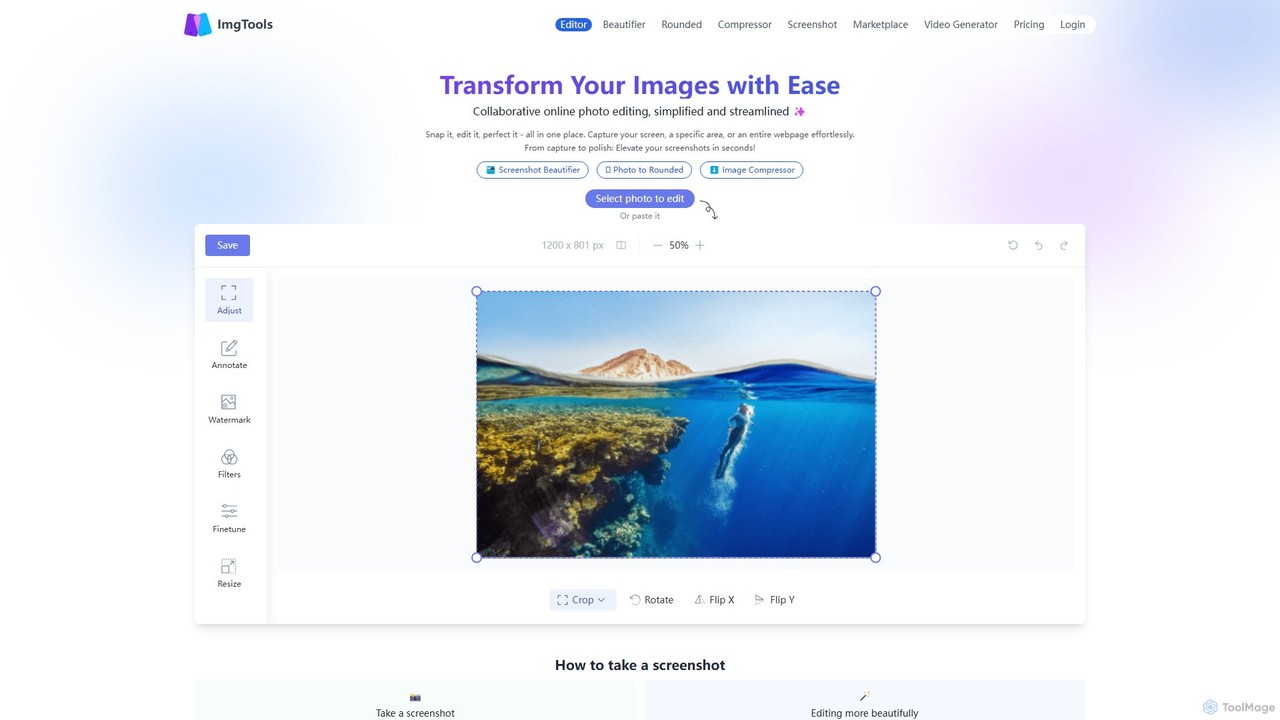
ImgTools is a versatile, browser-based image editing suite designed to effortlessly transform your screenshots and photos. It combines a powerful screenshot utility with an intuitive editor, allowing you to beautify, annotate, compress, and watermark images directly in your browser, with a strong focus on user privacy.

VS
TinyWow
Writing · 2.4M monthly visits

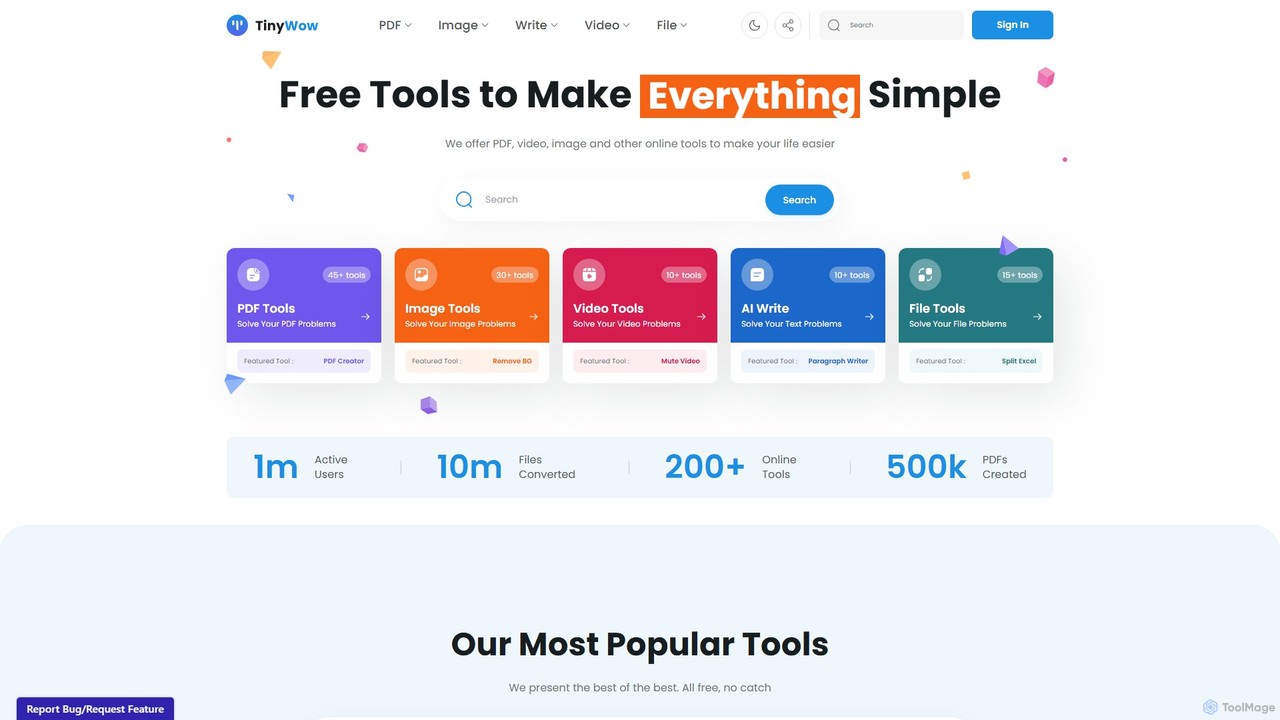
TinyWow is a comprehensive suite of over 250 free online tools, including AI-powered features for writing, image generation, and editing. It offers a vast collection of utilities for PDF management, video processing, and file conversion, designed to simplify digital tasks for everyone. Many tools are available for free without requiring user registration.

ImgTools vs TinyWow: pricing, features, traffic, and use cases

Compare ImgTools and TinyWow across positioning, pricing, traffic, and user feedback using structured factual data.

Updated Aug 11, 2026

Product overview

ImgTools Product overview

ImgTools is a versatile, browser-based image editing suite designed to effortlessly transform your screenshots and photos. It combines a powerful screenshot utility with an intuitive editor, allowing you to beautify, annotate, compress, and watermark images directly in your browser, with a strong focus on user privacy.
Preview

TinyWow Product overview

TinyWow is a comprehensive suite of over 250 free online tools, including AI-powered features for writing, image generation, and editing. It offers a vast collection of utilities for PDF management, video processing, and file conversion, designed to simplify digital tasks for everyone. Many tools are available for free without requiring user registration.

Preview

Detailed feature comparison

FeatureImgToolsTinyWow
Primary categoryImage EditingWriting
Added2025-08-072025-08-12
PricingFreemiumFreemium
Official websitewww.img-tools.apptinywow.com
Product typeWebsiteWebsite
Performance data
User ratingNot verifiedNot verified
Comments00
Monthly visits1.5K2.4M
Monthly growth729.3%0.6%
Favorites133164
DetailsView detailsView details

ImgTools vs TinyWow monthly traffic

Compare ImgTools and TinyWow by monthly reach, traffic trend, visit depth, top regions, and acquisition sources.

How to interpret the traffic data

In the ImgTools vs TinyWow monthly traffic comparison, ImgTools currently shows 1.5K visits and TinyWow shows 2.4M; TinyWow has about 1,616.8 times the visible traffic of ImgTools, an absolute difference of about 2.4M visits. This reflects visible reach, not feature quality or paid users.

Both tools provide verified traffic details, so monthly trends, visit depth, regions, and acquisition sources can be compared on the same basis.

ImgTools monthly traffic:

Latest traffic

Monthly visits
1.5K
Avg. visit duration
0:09
Pages per visit
1.07
Bounce rate
94.29%
Data updated 2026-06-15

Monthly traffic trend

  • 2025/9: 4.8K Monthly visits
  • 2026/1: 1K Monthly visits
  • 2026/2: 1K Monthly visits
  • 2026/3: 1.5K Monthly visits
  • 2026/4: 181 Monthly visits
  • 2026/5: 1.5K Monthly visits

Top regions

Top 5 countries/regions
Country/regionPercentageTraffic
🇯🇵Japan97.26%1.5K
🇮🇳India2.74%41

Search keywords

como borrar objetos de una fotocrop imageenhance imagemake it 50 kbresize image online free hd

TinyWow monthly traffic:

Latest traffic

Monthly visits
2.4M
Avg. visit duration
21:59
Pages per visit
4.66
Bounce rate
41.2%
Data updated 2026-06-15

Monthly traffic trend

  • 2025/9: 2.1M Monthly visits
  • 2026/1: 2.4M Monthly visits
  • 2026/2: 2.3M Monthly visits
  • 2026/3: 2.4M Monthly visits
  • 2026/4: 2.4M Monthly visits
  • 2026/5: 2.4M Monthly visits

Top regions

Top 5 countries/regions
Country/regionPercentageTraffic
🇺🇸United States53.09%1.3M
🇮🇳India26.38%640.2K
🇨🇳China8.15%197.8K
🇬🇧United Kingdom6.91%167.7K
🇵🇰Pakistan5.47%132.7K

Traffic sources

Source typePercentageTraffic
Direct87.45%2.1M
Referral6.99%169.6K
Email5.56%134.9K

Search keywords

compress videoheic to pngmov to mp4tiny wowtinywow
Traffic-based selection guidance: If public market visibility is an important first-pass criterion, investigate TinyWow first. The final choice should still follow taxonomy, use case, and a real trial because higher traffic does not prove broader capabilities or better workflow fit.

Usage comparison

Compare the core capabilities of ImgTools and TinyWow

ImgTools Core features

Image Editing
Social Media
Screenshot Utility

TinyWow Core features

Image Editing
Social Media
Writing
All In One
File Converter

Use cases

ImgTools Use cases

background remover
image editor
annotation
image compressor
online editor
privacy-focused
rounded corners
screenshot beautifier
screenshot tool
watermark

TinyWow Use cases

background remover
image editor
ai writer
all-in-one
content creation
essay writer
file converter
free tools
image generator
pdf editor
video converter

ImgTools vs TinyWow:In-depth comparison and selection guidance

First decide whether the products solve the same kind of need

This in-depth ImgTools vs TinyWow comparison uses only the product records, taxonomy, audience, traffic, and community signals available on this page. ImgTools is primarily listed under “Image Editing”, while TinyWow is primarily listed under “Writing”, so the first decision is whether your actual task matches their recorded scope.

The structured fields currently show these decision-relevant differences: Primary category (ImgTools: Image Editing; TinyWow: Writing); Monthly visits (ImgTools: 1.5K; TinyWow: 2.4M); Monthly growth (ImgTools: 729.3%; TinyWow: 0.6%); Favorites (ImgTools: 133; TinyWow: 164); Website (ImgTools: www.img-tools.app; TinyWow: tinywow.com). These facts are more useful for selection than brand visibility alone.

What market visibility and monthly traffic mean

In the ImgTools vs TinyWow monthly traffic comparison, ImgTools currently shows 1.5K visits and TinyWow shows 2.4M; TinyWow has about 1,616.8 times the visible traffic of ImgTools, an absolute difference of about 2.4M visits. This reflects visible reach, not feature quality or paid users.

Both tools provide verified traffic details, so monthly trends, visit depth, regions, and acquisition sources can be compared on the same basis.

If public market visibility is an important first-pass criterion, investigate TinyWow first. The final choice should still follow taxonomy, use case, and a real trial because higher traffic does not prove broader capabilities or better workflow fit.

Product positioning, use cases, and roles

ImgTools and TinyWow currently overlap in shared categories: Image Editing and Social Media; shared tags: background remover and image editor. This can place both on the same shortlist, but it does not prove equal implementation, depth, or cost.

ImgTools's unique categories/tags are Screenshot Utility, annotation, image compressor, online editor, privacy-focused, rounded corners, screenshot beautifier, and screenshot tool; TinyWow's are Writing, All In One, File Converter, ai writer, all-in-one, content creation, essay writer, and file converter. These unique fields are the strongest differentiators: validate the product whose recorded scope matches the task instead of following traffic alone.

What ratings, comments, and favorites can tell you

ImgTools has no verified rating, 0 comments, 133 favorites, and 142 likes;TinyWow has no verified rating, 0 comments, 164 favorites, and 167 likes。

Neither product has enough rating or comment samples for a credible reputation ranking.

Selection guidance by actual need

When to evaluate ImgTools first

Put ImgTools on the priority trial list when the task aligns with “Image Editing” and especially Screenshot Utility, annotation, image compressor, online editor, privacy-focused, and rounded corners. This follows recorded positioning and does not imply unlisted capabilities are absent.

ImgTools also currently records: pricing is freemium, product type is website, 1.5K verified monthly visits, no verified user rating. Verify any hard requirement around price, platform, or reach before trial, and do not let sparse review data substitute for testing.

When to evaluate TinyWow first

Put TinyWow on the priority trial list when the task aligns with “Writing” and especially Writing, All In One, File Converter, ai writer, all-in-one, and content creation. This follows recorded positioning and does not imply unlisted capabilities are absent.

TinyWow also currently records: pricing is freemium, product type is website, 2.4M verified monthly visits, no verified user rating. Verify any hard requirement around price, platform, or reach before trial, and do not let sparse review data substitute for testing.

How to validate the recommendation before deciding

The available data describes positioning, public visibility, and community signals, but it cannot prove output quality, speed, integration effort, privacy, or long-term cost in your workflow. Before deciding, run the same representative tasks in ImgTools and TinyWow, then record completion time, accuracy, manual corrections, and the real paid threshold. A like-for-like trial turns this comparison into a defensible adoption decision.

Comparison FAQ

How should I choose between ImgTools and TinyWow?
Compare positioning, pricing, taxonomy, and traffic maturity, then verify the latest details on each official website.
Where does this comparison data come from?
The factual baseline is derived from product, taxonomy, traffic, and community data. Reviewed editorial conclusions show their source and verification date.
What do unknown fields mean?
Unknown means there is not enough reliable evidence; the page does not fill gaps with assumptions.

Related AI tools

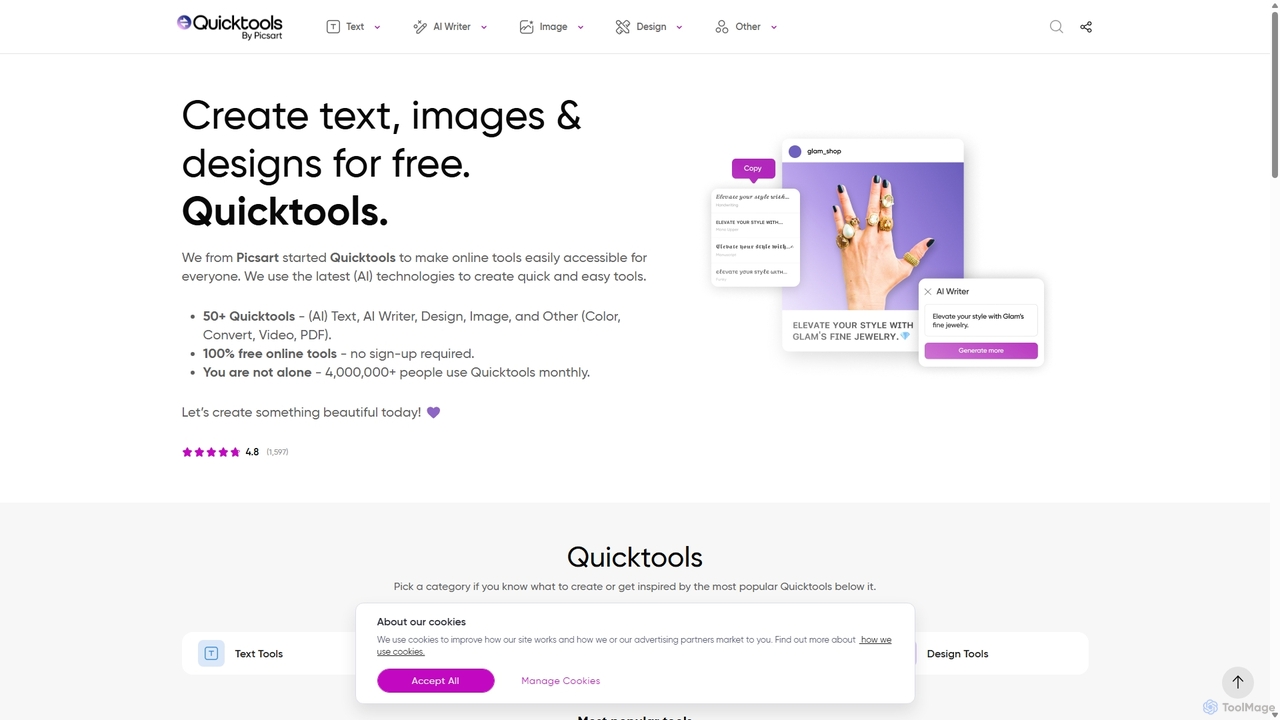
Quicktools by Picsart
Free

Quicktools by Picsart

Quicktools by Picsart is a comprehensive suite of over 50 free, AI-powered online tools for creative tasks. It offers a wide range of single-purpose utilities for image editing, text generation, design, and file conversion. Designed for speed and simplicity, it allows users to perform quick edits like background removal, image upscaling, and font generation without needing to sign up or use a complex editor.

Image Editing
Visits 4.2MFavorites 117Likes 127
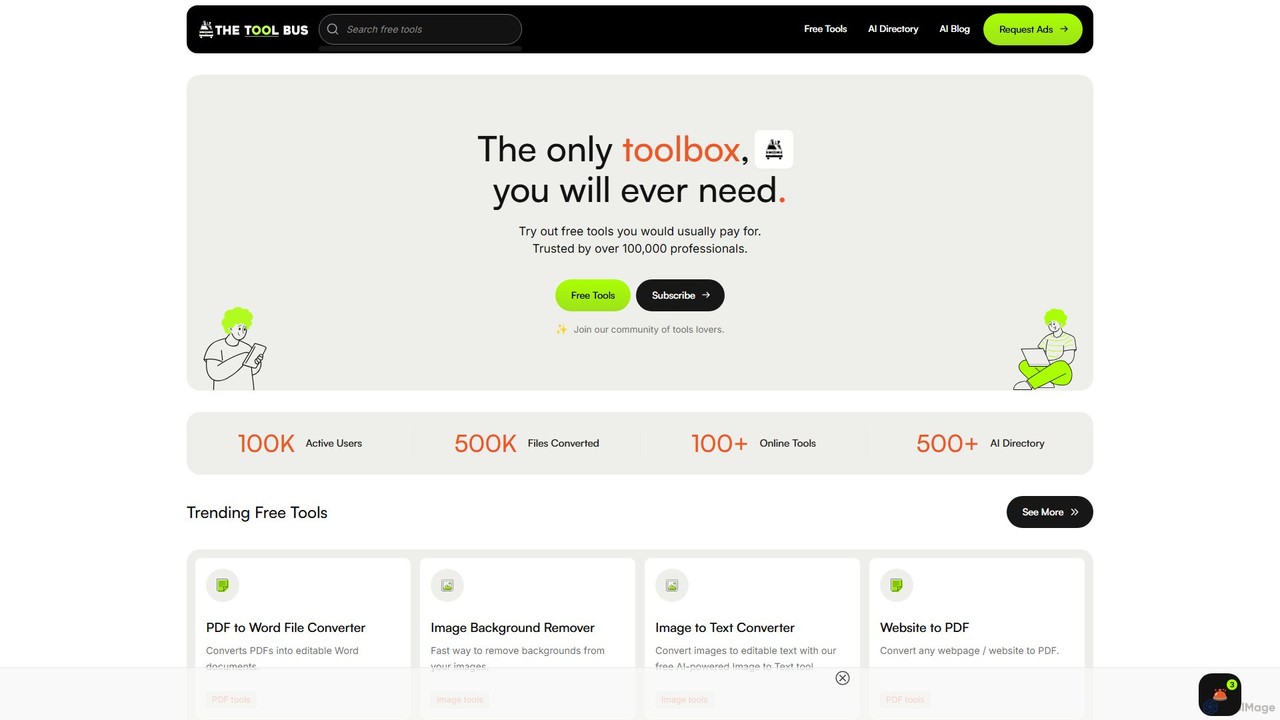
TheToolBus.ai
Free

TheToolBus.ai

TheToolBus.ai is a comprehensive, free-to-use online platform offering a suite of AI-powered tools. It features PDF and image converters, an AI cover letter writer, a QR code generator, and more. It also serves as a resource hub with an extensive AI tool directory and an insightful blog on AI trends and tutorials.

Image Editing
Visits 6.6KFavorites 82Likes 99
Rune
Freemium

Rune

Rune is a comprehensive online toolkit offering over 80 AI-powered tools for productivity, learning, and daily tasks. It provides free utilities for PDF, image, text, video, and developer needs, designed for students, professionals, and institutions seeking efficient digital solutions.

Unit Converters
Visits 12KFavorites 85Likes 81
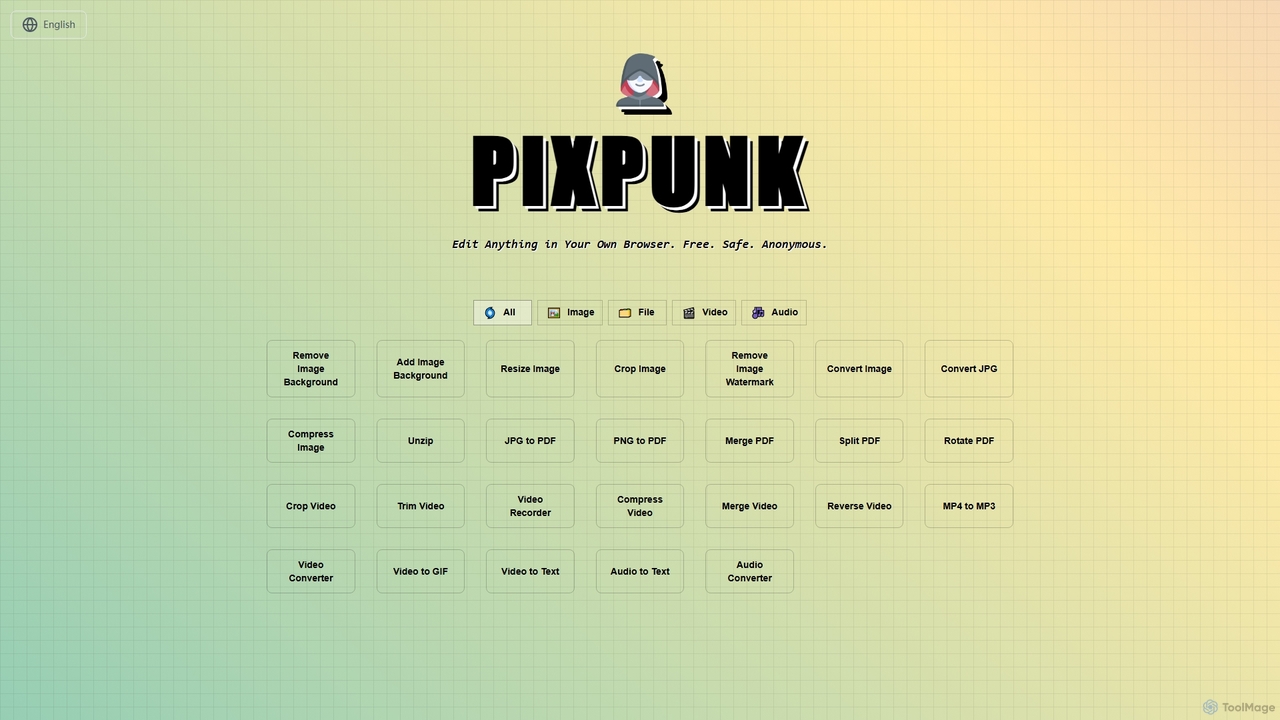
PixPunk
Free

PixPunk

PixPunk is a free, safe, and anonymous online tool that allows users to edit images, convert files, and process videos and audio directly in their browser. It offers a suite of functionalities including background removal, image resizing, cropping, and format conversion, all without uploads or watermarks, ensuring maximum privacy.

Audio Converter
Visits 3.6KFavorites 67Likes 64
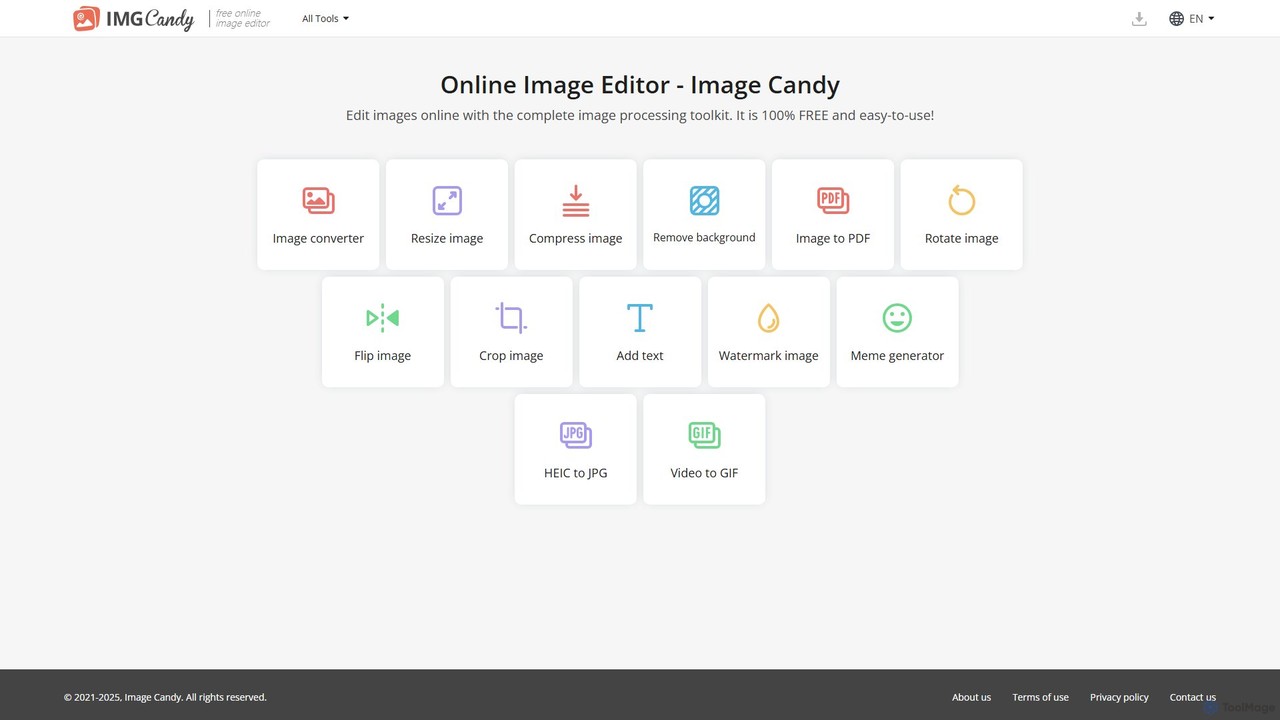
Image Candy
Free

Image Candy

Image Candy is a comprehensive and 100% free online image editing toolkit. It provides a wide array of easy-to-use tools for converting, resizing, compressing, removing backgrounds, and performing various other image modifications directly in your browser without needing any software installation.

Graphics
Visits 180KFavorites 136Likes 133
Instacut
Free

Instacut

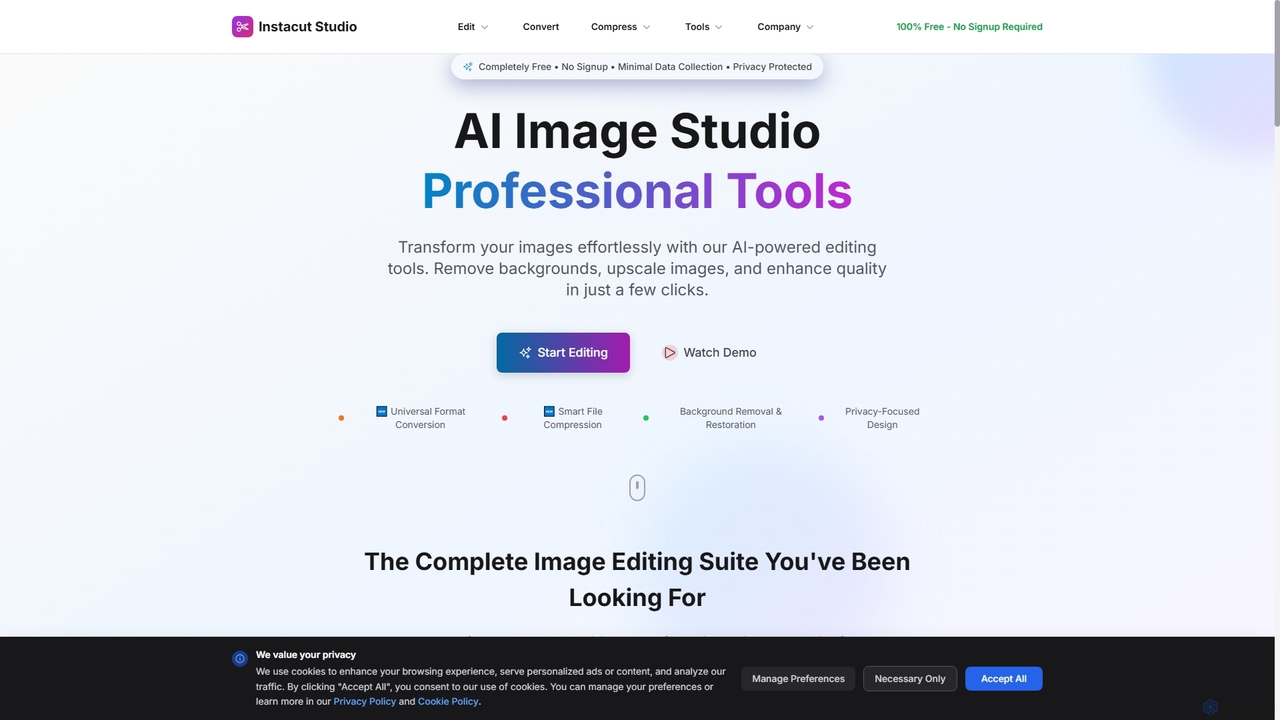
Instacut is a comprehensive, privacy-first suite of AI-powered image editing tools available online for free. It requires no signup and offers features like background removal, image upscaling, photo restoration, format conversion, and file compression, ensuring user data is never stored.

Graphics
Visits 7.4KFavorites 87Likes 87
QuickUtils
Free

QuickUtils

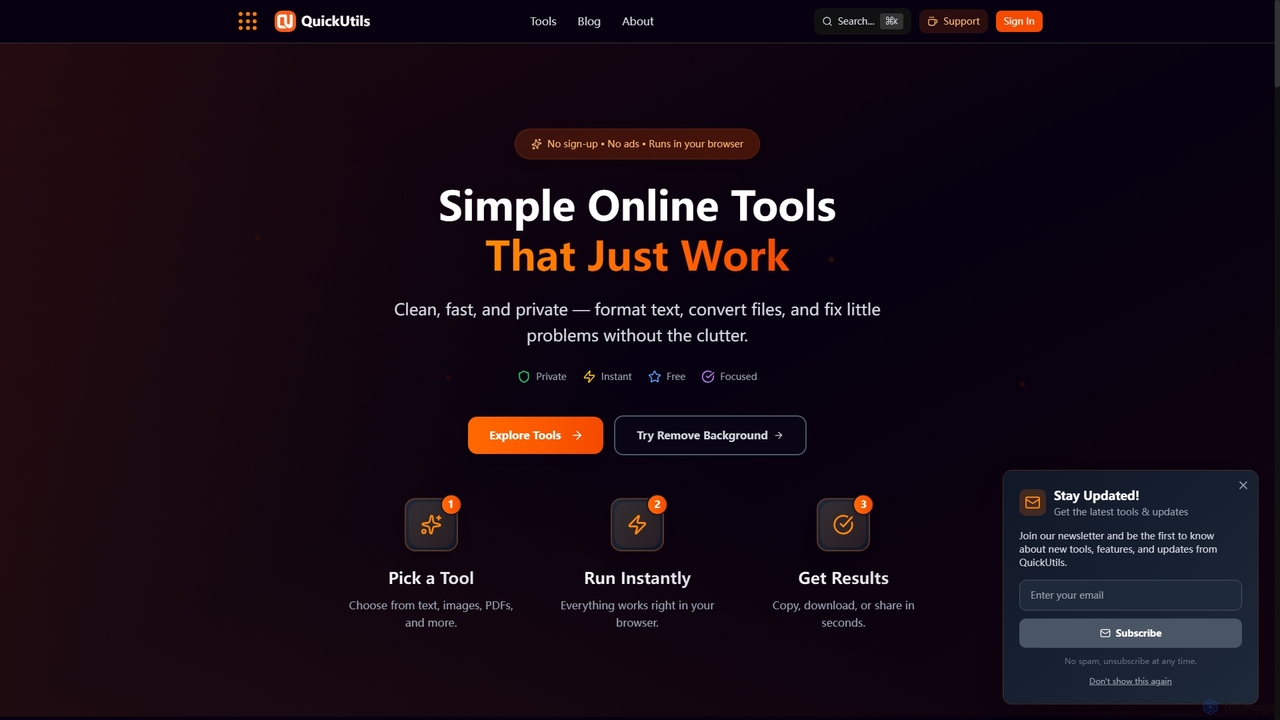
QuickUtils offers a comprehensive suite of free, privacy-focused online tools designed for instant productivity. From AI-powered image background removal and text paraphrasing to QR code generation and JSON formatting, it provides clean, fast, and secure utilities that run directly in your browser without sign-ups or ads.

Conversion
Visits 4.7KFavorites 93Likes 95
Gaoding Design
Freemium

Gaoding Design

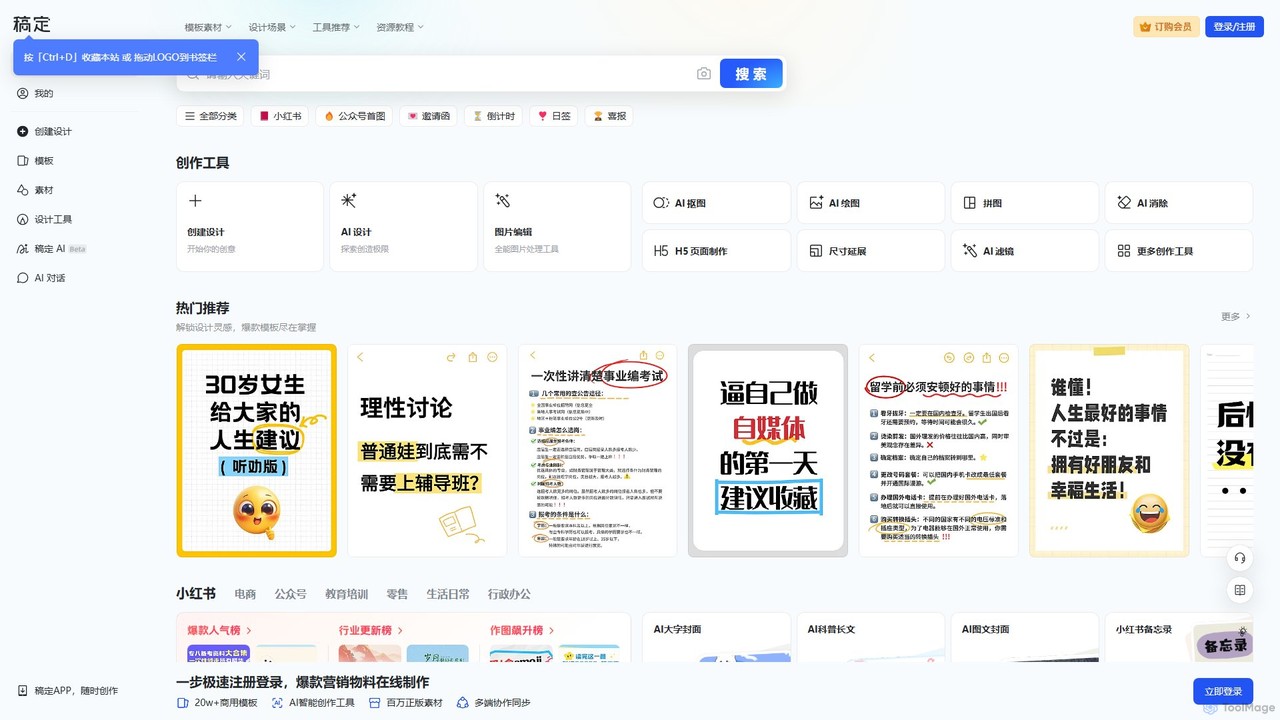
Gaoding Design is an all-in-one AI-powered online design platform. It offers a vast library of templates, AI-driven tools for image and video editing, content generation, and smart design automation. Ideal for marketers, content creators, and businesses, it simplifies the creation of professional marketing materials, social media posts, and presentations with collaborative workflows.

Graphic Design
Visits 2.7MFavorites 109Likes 114
Upscalepics
Freemium

Upscalepics

Upscalepics is an AI-powered image toolkit that enhances, upscales, and edits photos with remarkable precision. It can increase image resolution up to 8x, remove backgrounds, compress files, and prepare images for high-quality printing at 300 DPI. With features like batch processing, a browser extension, and API access, it serves photographers, designers, and e-commerce businesses.

Image Editing
Visits 69.3KFavorites 127Likes 118
imagewith.ai
Freemium

imagewith.ai

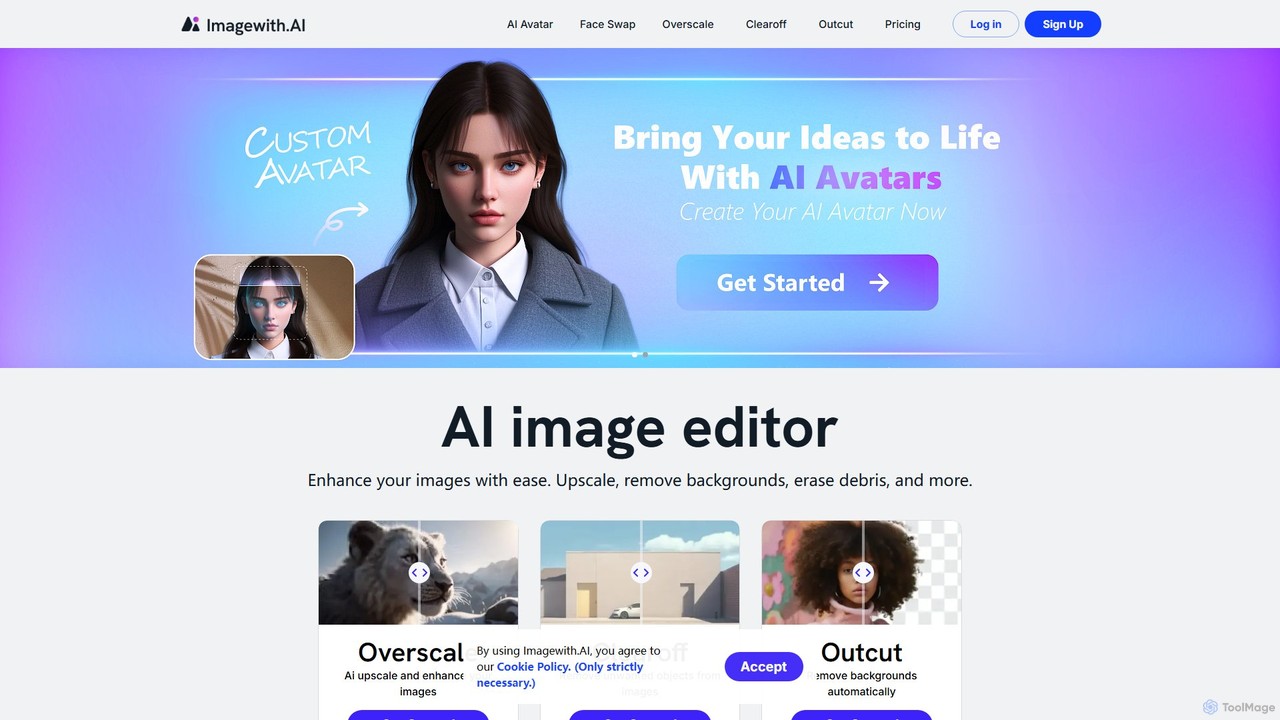
imagewith.ai is an AI-powered online image editing suite designed to simplify complex photo editing tasks. It offers a set of powerful tools including an image upscaler (Overscale), a background remover (Outcut), and an object remover (Clearoff). This platform enables users of all skill levels, from amateur photographers to e-commerce professionals, to enhance, clean, and perfect their images with just a few clicks, boosting efficiency and creativity without the need for complex software.

Product Photos
Visits 68.4KFavorites 99Likes 109
MagicEdit
Freemium

MagicEdit

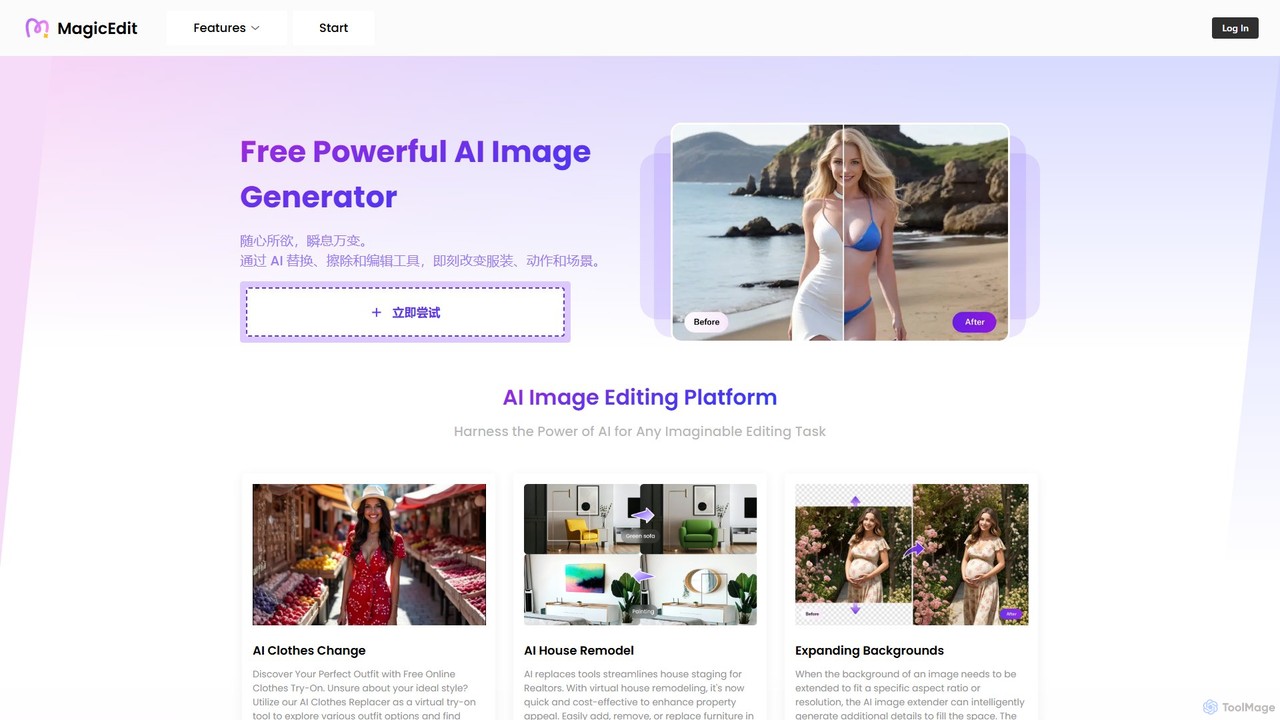
MagicEdit is a powerful AI-driven image editing suite that allows users to effortlessly modify photos. Its key features include object and person removal, AI-powered clothing and background replacement, image expansion (outpainting), virtual hairstyle try-ons, and AI image generation from text prompts. It's designed for both casual users and professionals in marketing, real estate, and e-commerce, making complex photo editing simple and fast.

Image Generator
Visits 6.8KFavorites 98Likes 109
xiu.ai
Freemium

xiu.ai

xiu.ai is an all-in-one AI-powered image editing and creation suite. It offers tools for one-click photo enhancement, background removal, object erasing, image upscaling, and text-to-image generation, designed for creators and marketers.

Image Generation
Visits 3.6KFavorites 139Likes 141
CleanerPro
Paid

CleanerPro

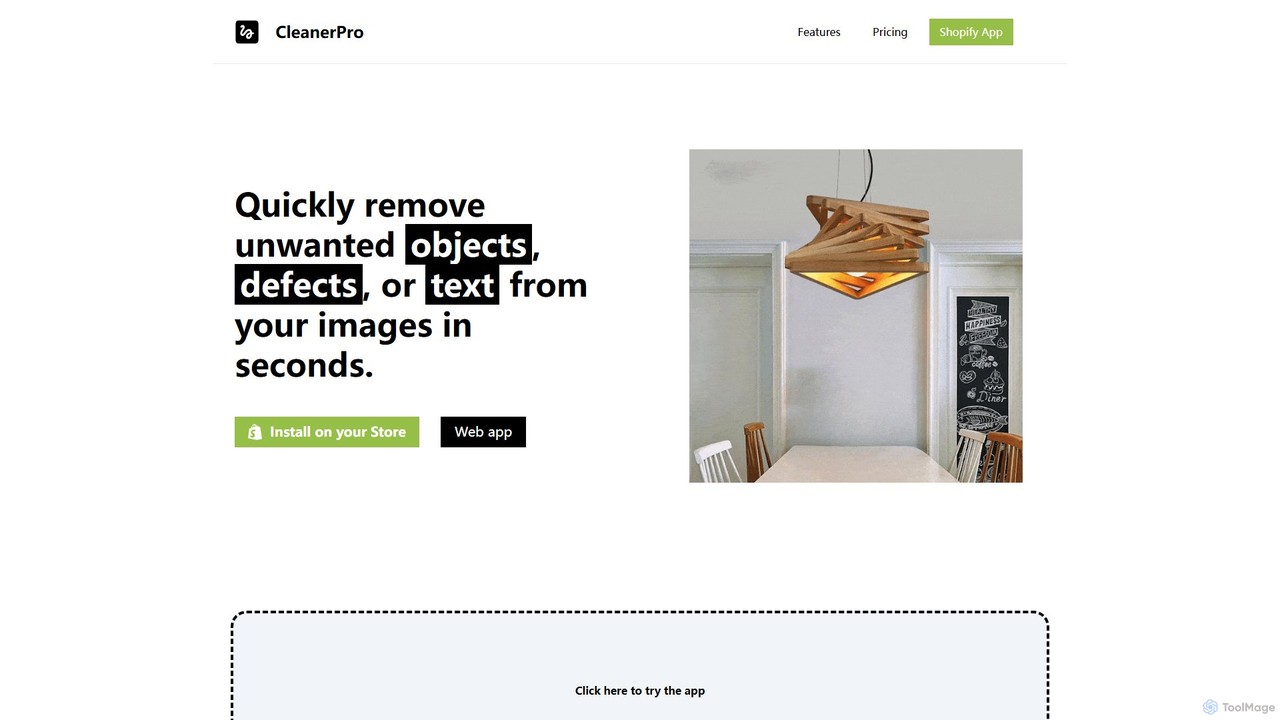
CleanerPro is an AI-powered image editor app for Shopify, designed to effortlessly enhance your product photos. It allows you to remove unwanted objects, people, and text, erase backgrounds, upscale image resolution, and compress file sizes in seconds, ensuring your store's visuals are professional and load quickly.

Product Image Editing
Visits 3.6KFavorites 127Likes 136
chatimages
Paid

chatimages

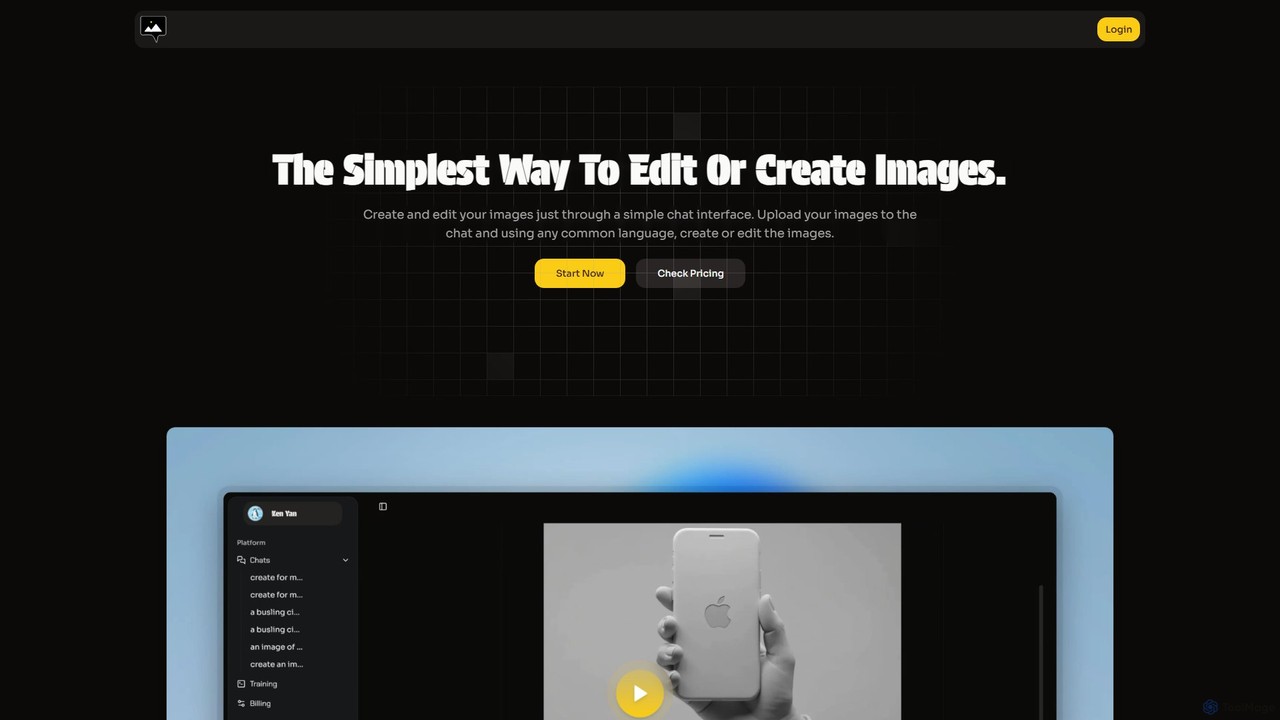
chatimages is an innovative AI-powered tool that allows you to edit and generate images through a simple, intuitive chat interface. Instead of complex menus and tools, you can use natural language commands to perform advanced tasks like background removal, object manipulation, image generation, and virtual try-on. Supporting over 20 languages, it makes powerful image editing accessible to everyone, from marketers to casual users.

Image Editing
Visits 3.5KFavorites 100Likes 91
Booltool
Freemium

Booltool

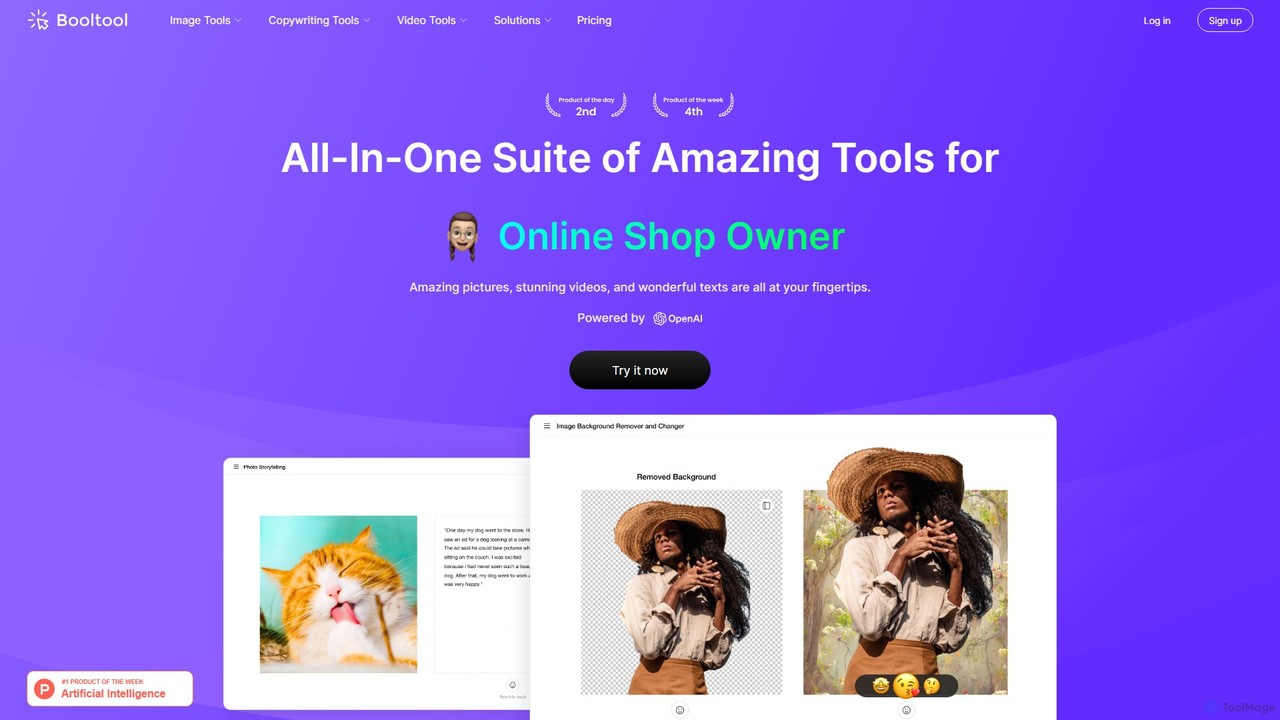
Booltool is an all-in-one AI-powered creative suite for graphic designers, marketers, and online shop owners. It offers a wide range of tools for image editing, video enhancement, and copywriting. Effortlessly remove backgrounds, erase objects, upscale images, animate photos, and generate compelling text, all within a single, user-friendly platform. Streamline your creative workflow and produce stunning content in just a few clicks.

3D
Visits 3.5KFavorites 104Likes 113