

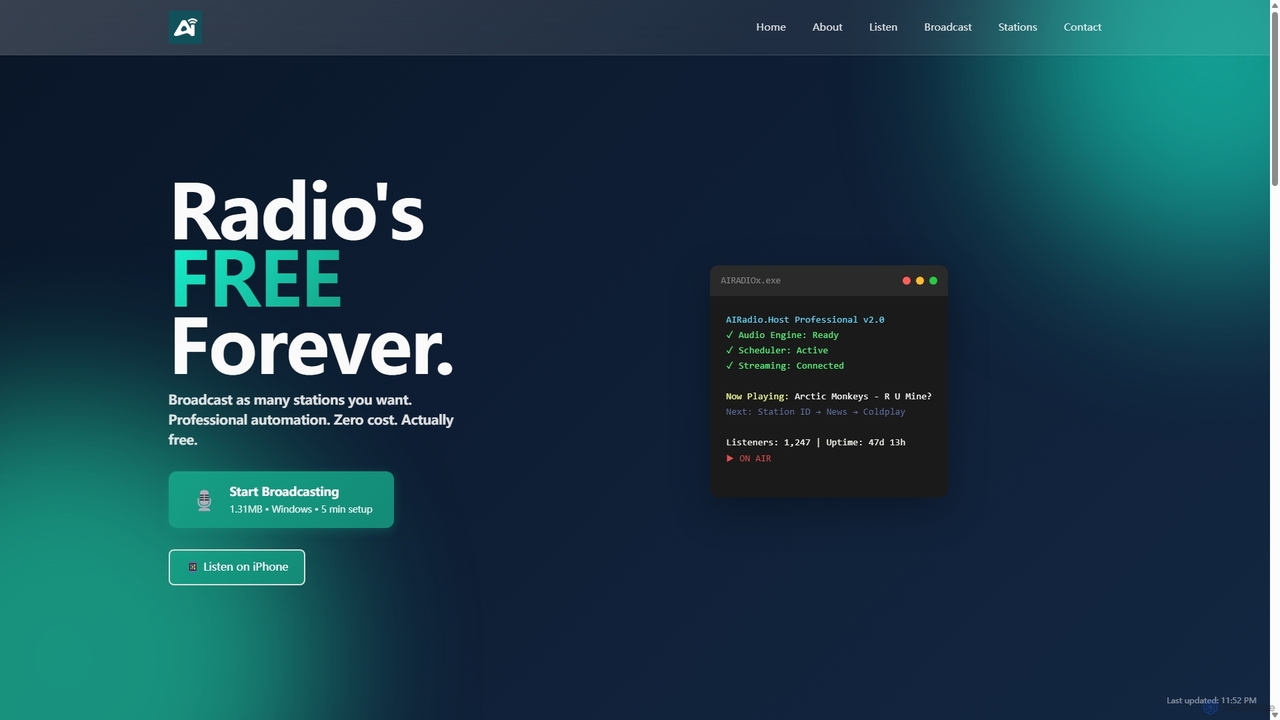
AIRadio.Host Overview
AIRadio.Host is a revolutionary tool that democratizes internet radio broadcasting by offering professional-grade automation software completely free of charge. Designed for Windows, this lightweight yet powerful application enables anyone, from bedroom DJs to community groups, to launch and manage a 24/7 online radio station with ease. The platform uniquely integrates artificial intelligence to create a dynamic and engaging listening experience. AI actively tracks thousands of news sources in real-time, delivering breaking stories and trends as they happen, transforming your station into a live intelligence feed.
The core philosophy of AIRadio.Host is to remove the financial and technical barriers that have traditionally gatekept the world of radio. It provides a robust suite of features typically found in expensive commercial software, including smart scheduling, professional audio mixing, automatic volume normalization, and support for live broadcasts. This allows creators to focus on what truly matters: their content and their audience.
How to use AIRadio.Host
Setting up your own radio station with AIRadio.Host is a straightforward process detailed in their comprehensive guide:
- Prerequisites: First, you must install the free .NET 9 Runtime from Microsoft, as the software is built on this modern framework.
- Download and Install: Download the ultra-lightweight (1.31 MB) application package. Extract the files to a dedicated folder, such as C:\AIRadioHost.
- Set Up Audio Library: Create a specific folder structure within your installation directory for different audio categories like music, heavy-rotation hits, jingles, commercials, and AI-generated voiceovers. Populate these folders with your MP3 files.
- Configuration: Edit the simple `settings.txt` file to input your station's name, description, and the crucial details for your streaming server (e.g., Icecast or Shoutcast). You also define playlist patterns here to control the flow of your broadcast.
- Integrate AI Voices: For a professional touch, use services like ElevenLabs or Azure TTS to create custom station IDs, announcements, and jingles. Place these audio files in the designated folders.
- Launch: Run the `AIRADIOx.exe` application. It will connect to your streaming server and begin broadcasting your curated content to the world, 24/7.
- Advanced Scheduling: Use the `schedule.txt` file to schedule specific shows, news segments, or announcements at precise times.
Core Features of AIRadio.Host
- Free Professional Automation: Get access to a full-featured radio automation suite without any cost, trials, or subscriptions for the core software.
- Real-Time AI Intelligence: The platform's AI monitors global news and data sources, allowing you to create stations that deliver up-to-the-minute information on topics like AI trends, tech innovations, and more.
- 24/7 Reliable Broadcasting: Built to be rock-solid, the software can run continuously, keeping your station on-air without interruption.
- AI Voice Integration: Easily create and schedule professional-sounding announcements, station IDs, and voice tracks using leading text-to-speech AI services.
- Smart Scheduling & Playlist Control: Use simple patterns and scheduling files to create a dynamic and varied program log, ensuring your station never sounds repetitive.
- Lightweight & Efficient: With a download size of just 1.31 MB, it runs efficiently even on older hardware without consuming significant system resources.
- Listener Interaction: The platform includes features like song requests and chat rooms for select stations, fostering community engagement.
Use Cases for AIRadio.Host
AIRadio.Host is perfect for a wide range of users:
- Hobbyists and Music Curators: Share your unique taste in music by creating niche, genre-specific stations that run 24/7.
- DJs and Artists: Broadcast your mixes and original tracks to a global audience without the need for expensive equipment or software.
- Community Organizations: Run a local radio station to share news, events, and stories relevant to your community.
- Students and Educators: A perfect, cost-free tool for learning the fundamentals of radio broadcasting and production.
- Tech Enthusiasts: Create cutting-edge, AI-driven stations that report on the latest trends in technology, finance, or any other data-rich field.
Advantages of AIRadio.Host
The primary advantage of AIRadio.Host is its unbeatable value proposition: it delivers professional broadcasting capabilities for free. Unlike clunky, outdated, or expensive alternatives, it is built on modern technology, ensuring stability and performance. Its integration of AI for both content curation and production sets it apart, allowing even solo creators to produce a high-quality, dynamic broadcast that sounds like a full team is behind it. The software's simplicity and detailed documentation make it accessible to beginners, while its powerful features satisfy the needs of seasoned broadcasters.
Pricing and Plans
The core AIRadio.Host broadcasting software is completely free, forever. There are no hidden fees, subscriptions, or limitations on the number of stations you can run. The platform is supported through optional, paid premium services for users who need extra help:
- Premium Support Services: For a fee, the team offers remote installation, custom configuration, training sessions, and priority support.
- Server Setup Service: The team can set up and configure a dedicated streaming server (Icecast/Shoutcast) for you for a one-time fee plus hosting costs.
Users are responsible for their own streaming server costs and any applicable music licensing fees (e.g., ASCAP, BMI).
AIRadio.Host Alternatives
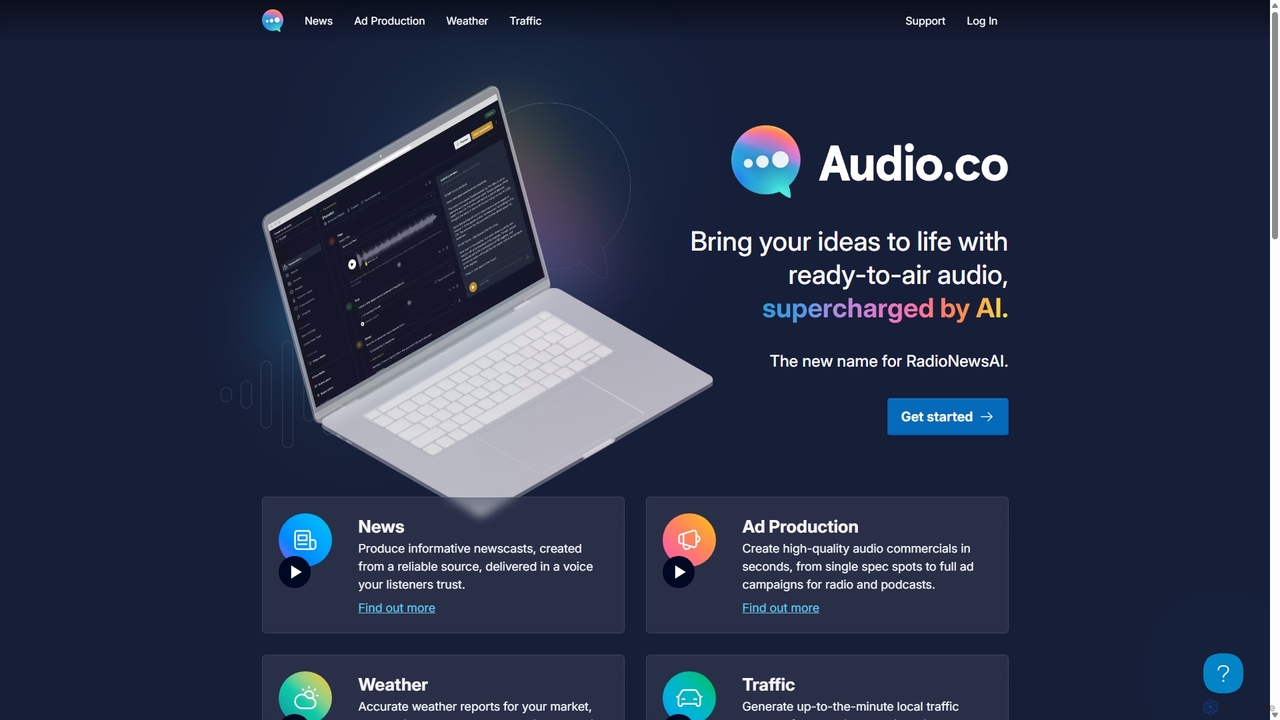
Audio.co
Audio.co (formerly RadioNewsAI) is an AI-powered platform designed for radio stations, podcasters, and content creators. It automates the production of broadcast-ready audio, including informative newscasts, high-quality commercials, accurate weather forecasts, and real-time traffic updates. With features like voice cloning, multi-language support, and seamless integration with playout systems, Audio.co helps users create professional audio content in seconds, saving significant time and resources.
Text To Speech
OpusClip
OpusClip is a generative AI video repurposing tool that turns long videos into viral short clips with one click. It automatically identifies the most compelling hooks, reframes the video, adds dynamic captions, and scores clips for virality, streamlining content creation for social media.
Video Marketing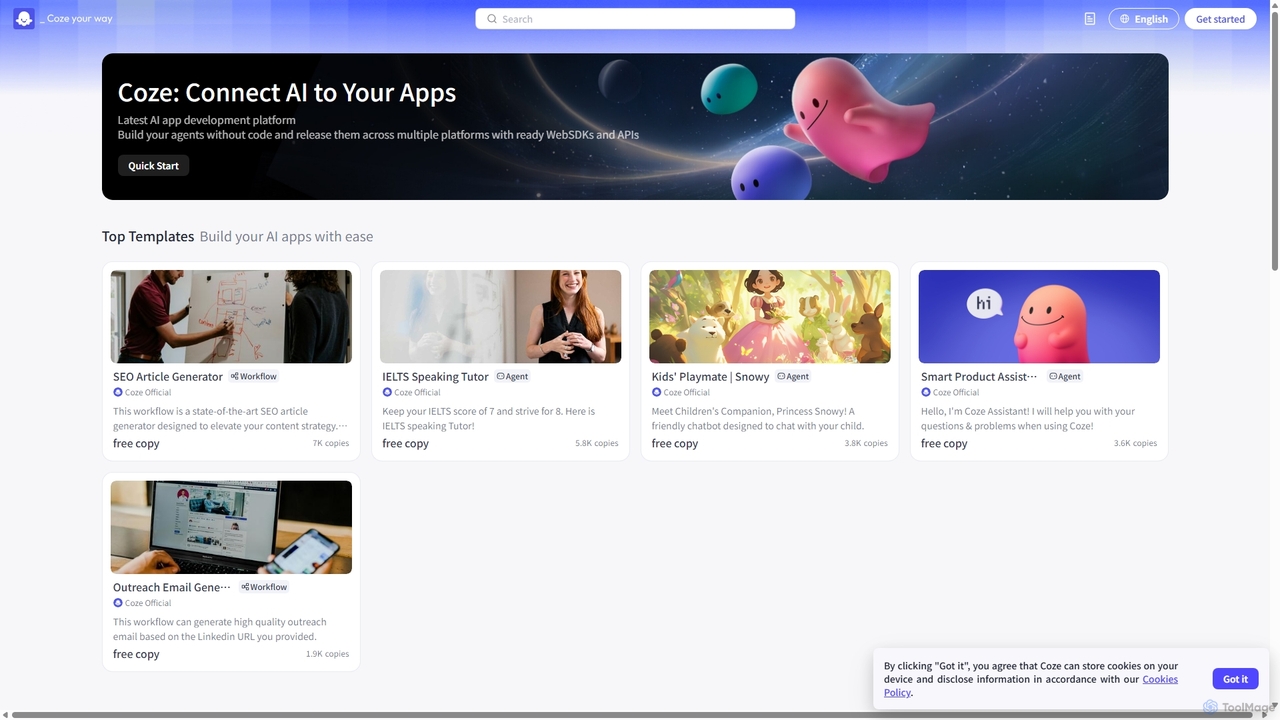
Coze
A next-generation, no-code AI application development platform that allows users to quickly build, debug, and deploy AI chatbots. Integrate powerful LLMs, plugins, and knowledge bases to create custom AI agents for various platforms like Discord, Telegram, and websites.
Bot Builder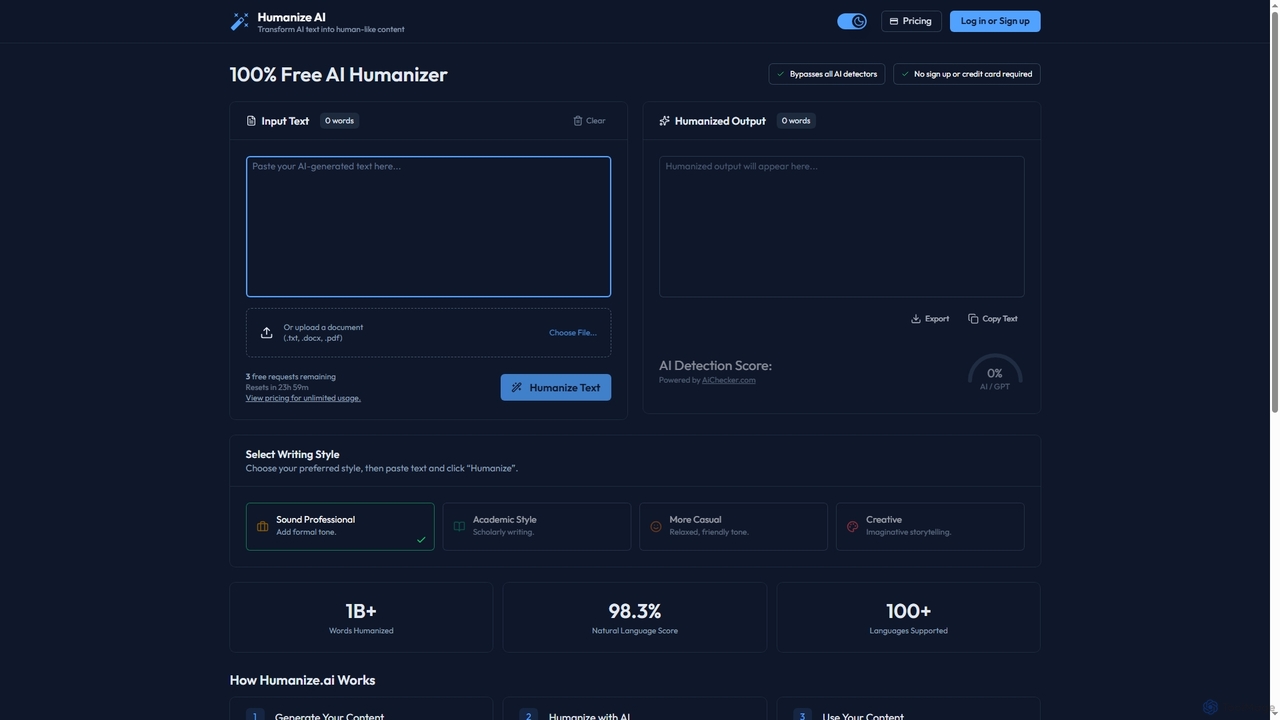
Humanize
Humanize is an AI-powered text humanizer designed to convert AI-generated content into natural, human-like writing. It helps bypass AI detectors, supports over 100 languages, and offers various writing styles. The tool provides a free daily usage tier and paid plans for unlimited access.
Automation
Blipcut
Blipcut is an AI-powered video translation and localization platform that enables creators to translate videos into over 130 languages. It features advanced AI voice cloning, lip-syncing, and automatic subtitle generation, making it easy to reach a global audience while maintaining the original speaker's voice and natural delivery.
DubbingAIRadio.Host Categories
AIRadio.Host Jobs
AIRadio.Host Embed Widget
Copy this embed code to place the badge on your blog, article, or product site and send readers directly to this ToolMage detail page.

Related AI tools
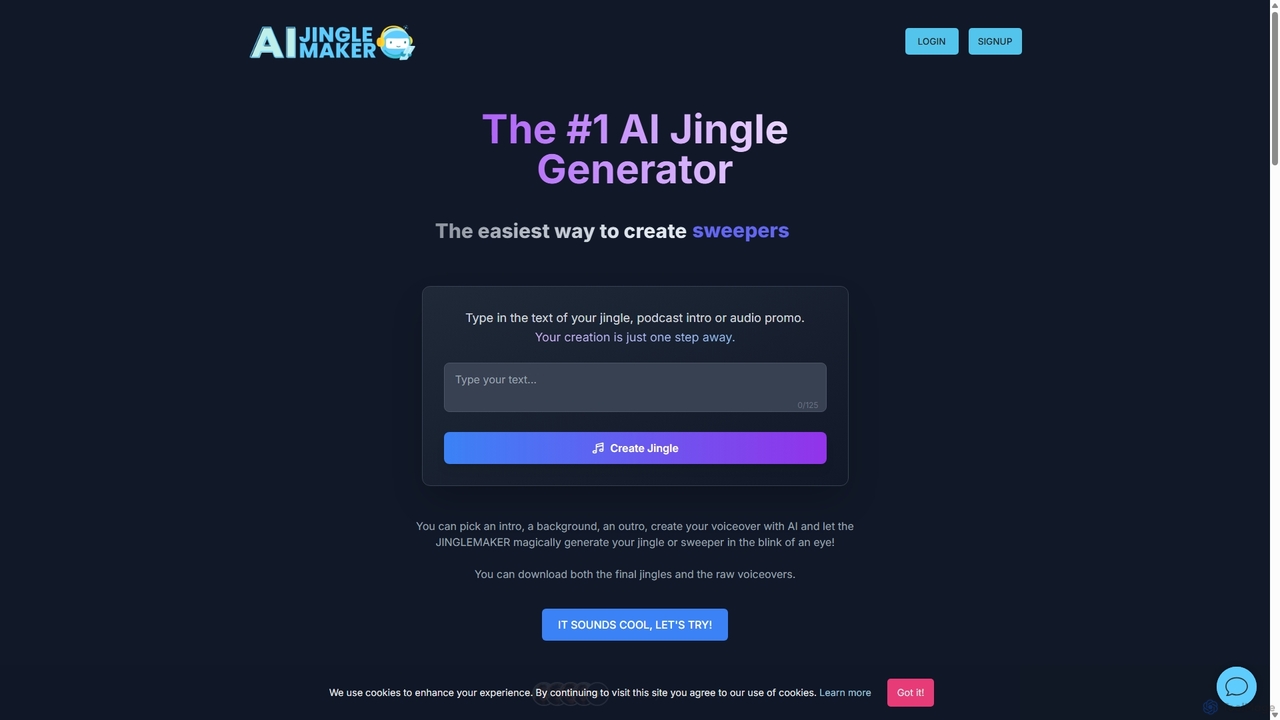
jinglemaker
jinglemaker is an AI-powered tool for instantly creating professional audio jingles, DJ drops, podcast intros, and station IDs. Simply type your text, choose from over 35 AI voices and 750+ sound effects, and generate high-quality audio branding in seconds. No subscription required, perfect for DJs, podcasters, and radio broadcasters.
Music Generation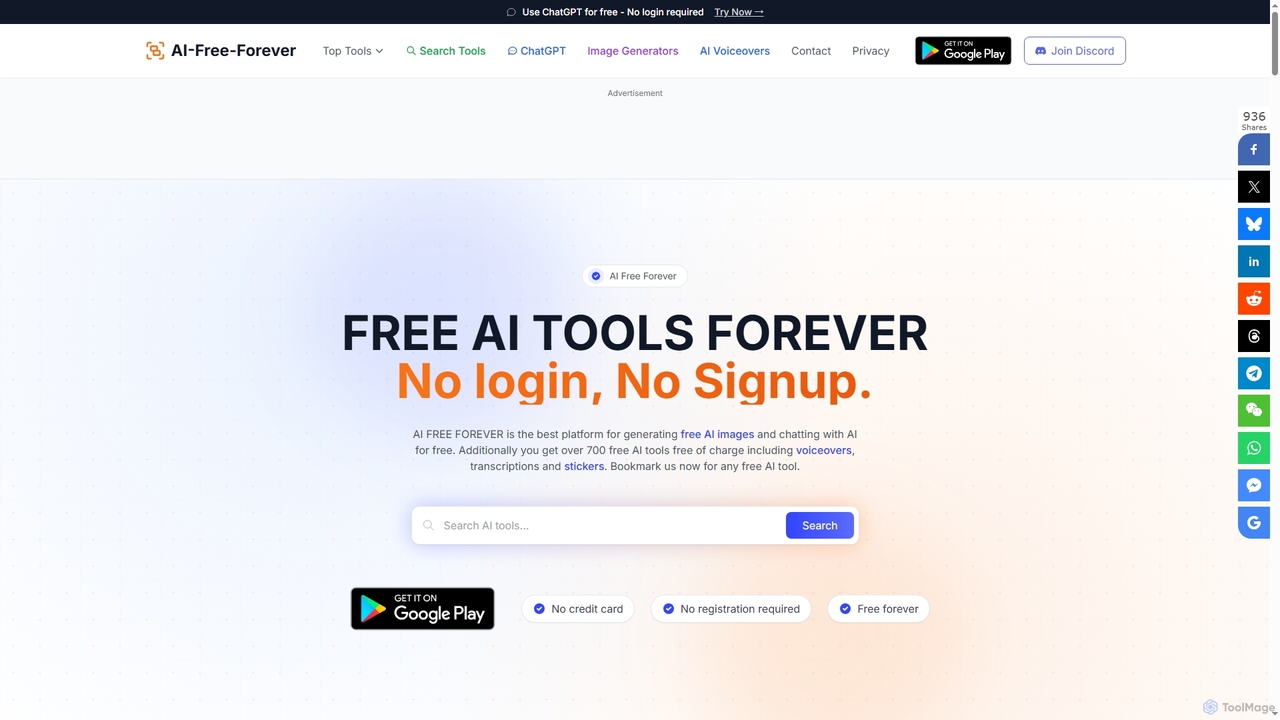
AIFreeforever
AIFreeforever is a comprehensive platform offering over 700 free AI tools for image generation, chatbots, text-to-speech, transcription, writing, and more. It requires no login, no signup, and no credit card, providing unlimited access to advanced AI capabilities for content creators, students, and professionals.
Text To Speech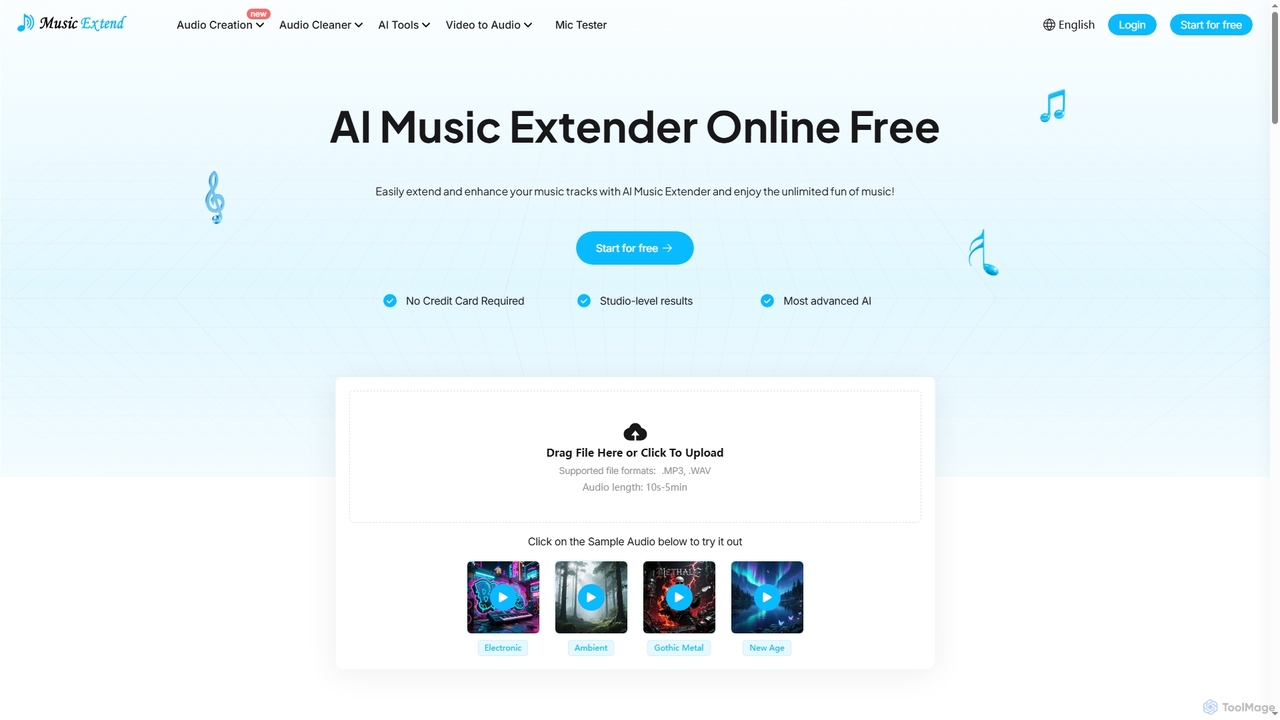
MusicExtend
MusicExtend is an advanced AI-powered online platform offering a suite of audio tools, including music extension, sound effect generation, voice cloning, music mashup creation, BPM detection, and comprehensive audio cleaning. It allows users to enhance, create, and refine audio content with studio-level results, all accessible for free without signup or credit card.
Audio Enhancement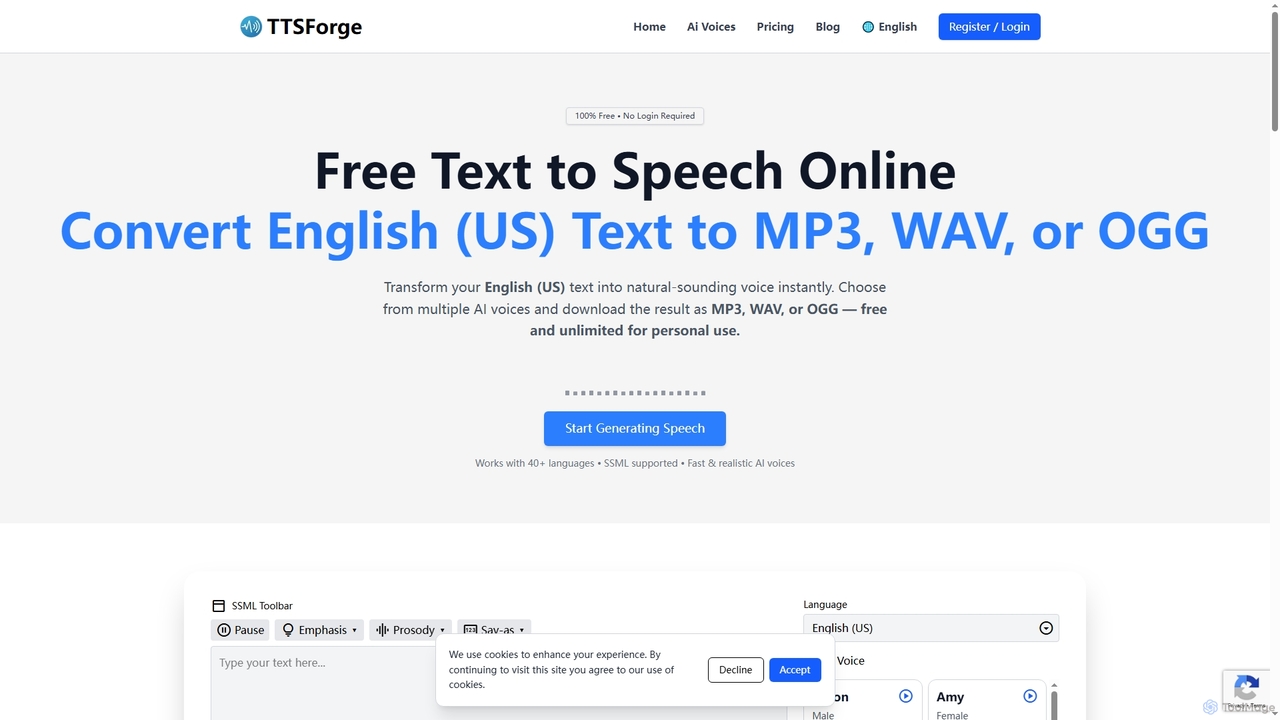
TTSForge
TTSForge is a free online text-to-speech platform that converts written text into natural-sounding audio using advanced AI voices. It supports over 40 languages and allows users to download audio in MP3, WAV, or OGG formats for various personal and commercial projects.
Text To Speech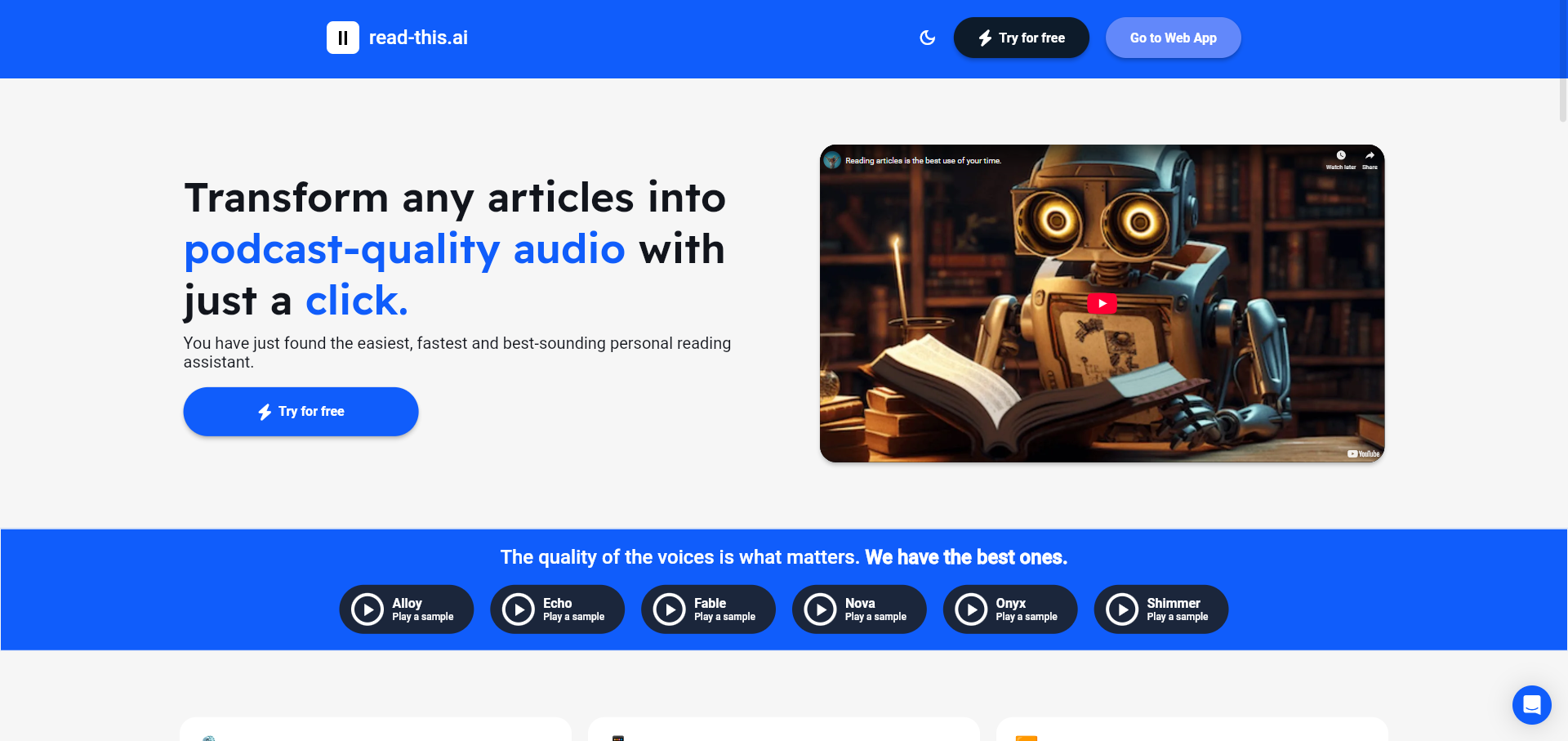
Read This
An AI-powered text-to-speech tool that transforms any article, text, or webpage into natural, podcast-quality audio with a single click. It supports multiple languages and offers a variety of high-quality AI voices, making content accessible and easy to consume on the go.
Screen Reader
Voice Isolator
Voice Isolator is a comprehensive AI-powered audio suite designed for pristine sound quality. It excels at removing background noise, isolating vocals and instruments from any track, cleaning up voice recordings for clarity, and generating natural-sounding speech from text. Ideal for podcasters, musicians, and content creators seeking professional-grade audio processing with a simple, fast, and intuitive web-based interface.
3DAudio.co
Audio.co (formerly RadioNewsAI) is an AI-powered platform designed for radio stations, podcasters, and content creators. It automates the production of broadcast-ready audio, including informative newscasts, high-quality commercials, accurate weather forecasts, and real-time traffic updates. With features like voice cloning, multi-language support, and seamless integration with playout systems, Audio.co helps users create professional audio content in seconds, saving significant time and resources.
Text To Speech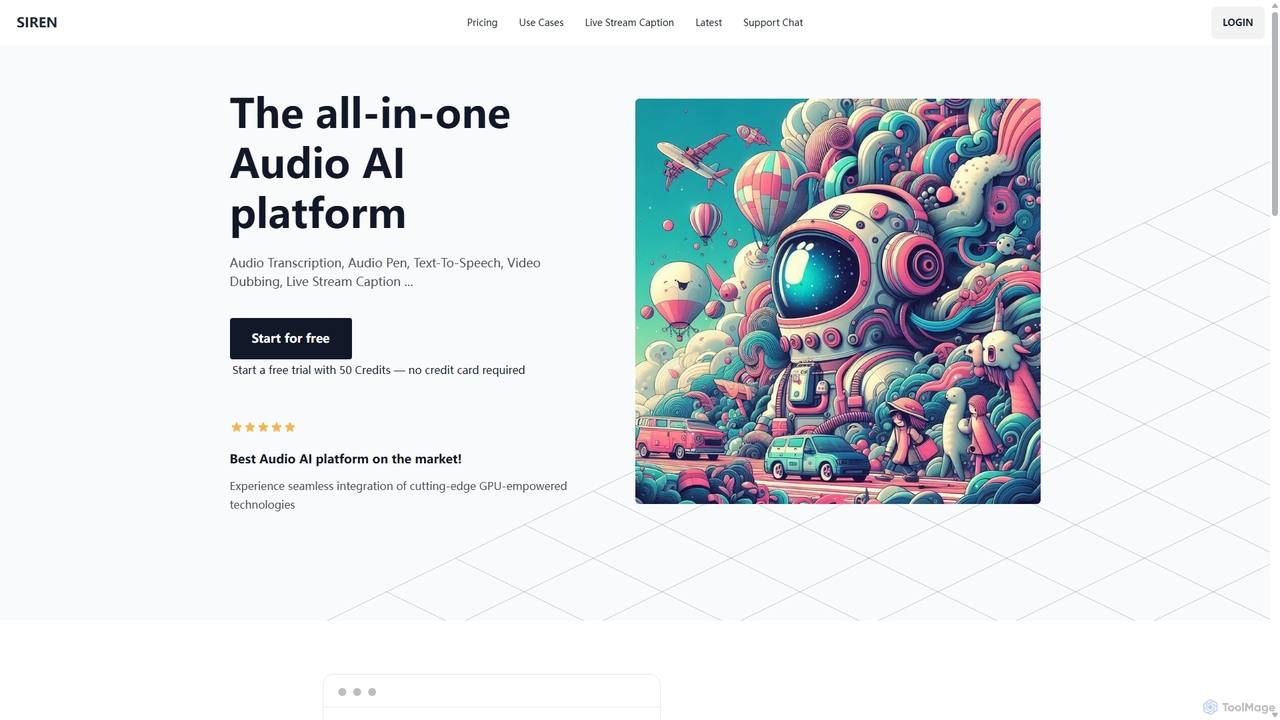
SIREN
SIREN is an all-in-one, GPU-accelerated AI audio platform. It offers high-accuracy audio transcription, natural text-to-speech with 420+ voices, seamless video dubbing in over 100 languages, and real-time live stream captioning. Designed for creators, marketers, and businesses, SIREN simplifies complex audio tasks into a single, efficient workflow.
Text To Speech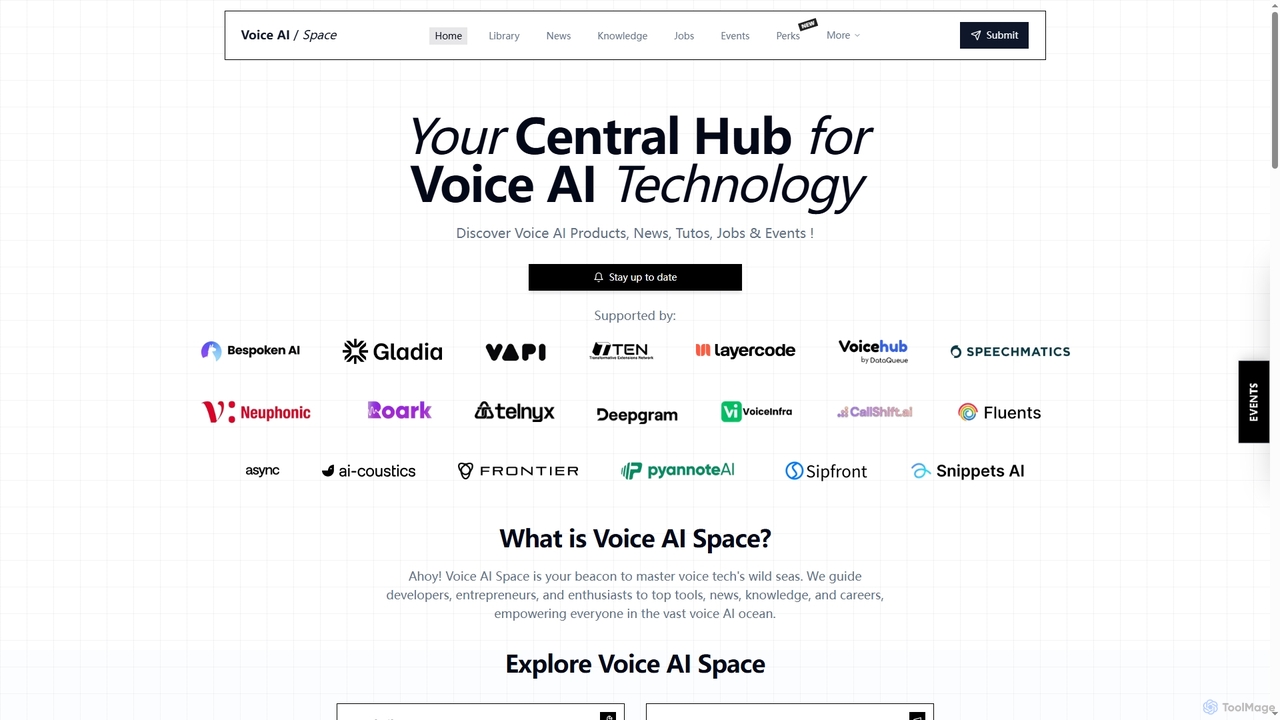
Voice AI Space
Voice AI Space is a comprehensive online hub dedicated to voice AI technology, offering a curated directory of tools, the latest news, in-depth knowledge resources, job opportunities, and industry events. It serves as a central guide for developers, entrepreneurs, and enthusiasts navigating the rapidly evolving voice tech landscape.
Voice Technology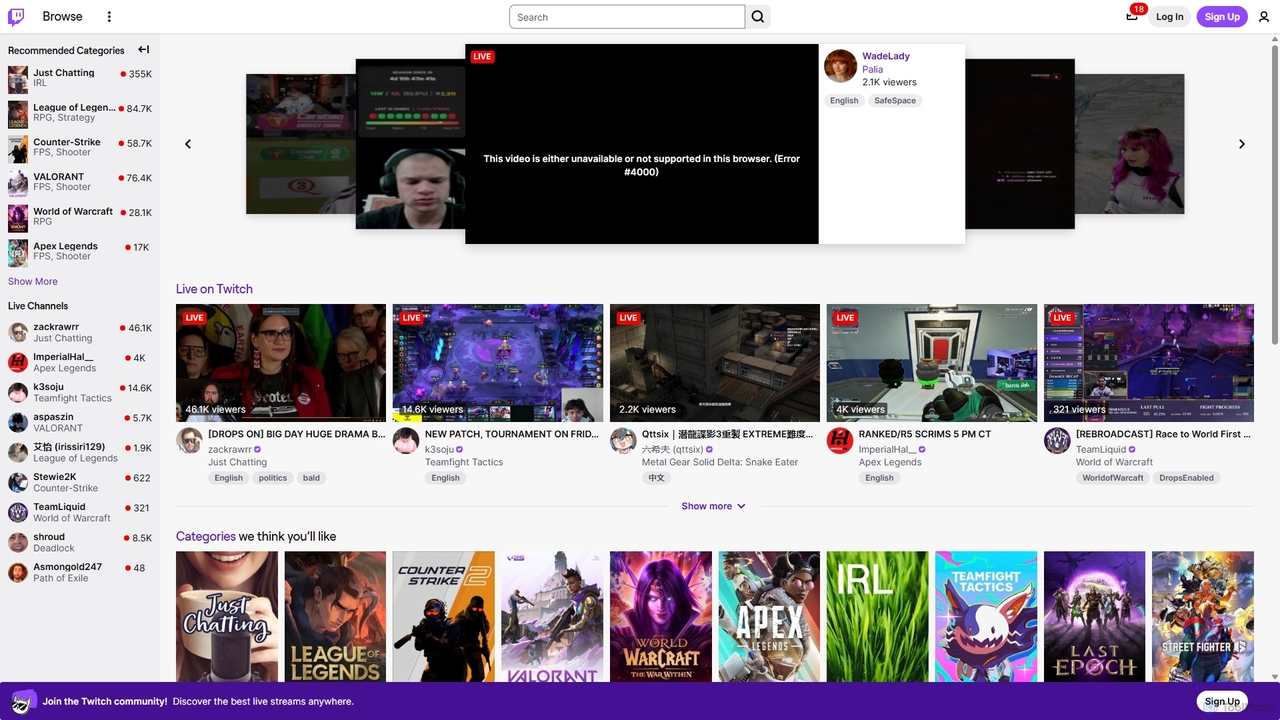
Twitch
Twitch is the world's leading live streaming platform for gamers, entertainers, musicians, and creative communities. It offers an interactive space for creators to broadcast their content in real-time, engage with a global audience through live chat, and build dedicated communities. Viewers can watch, chat, and support their favorite streamers through subscriptions and virtual goods.
Video Platform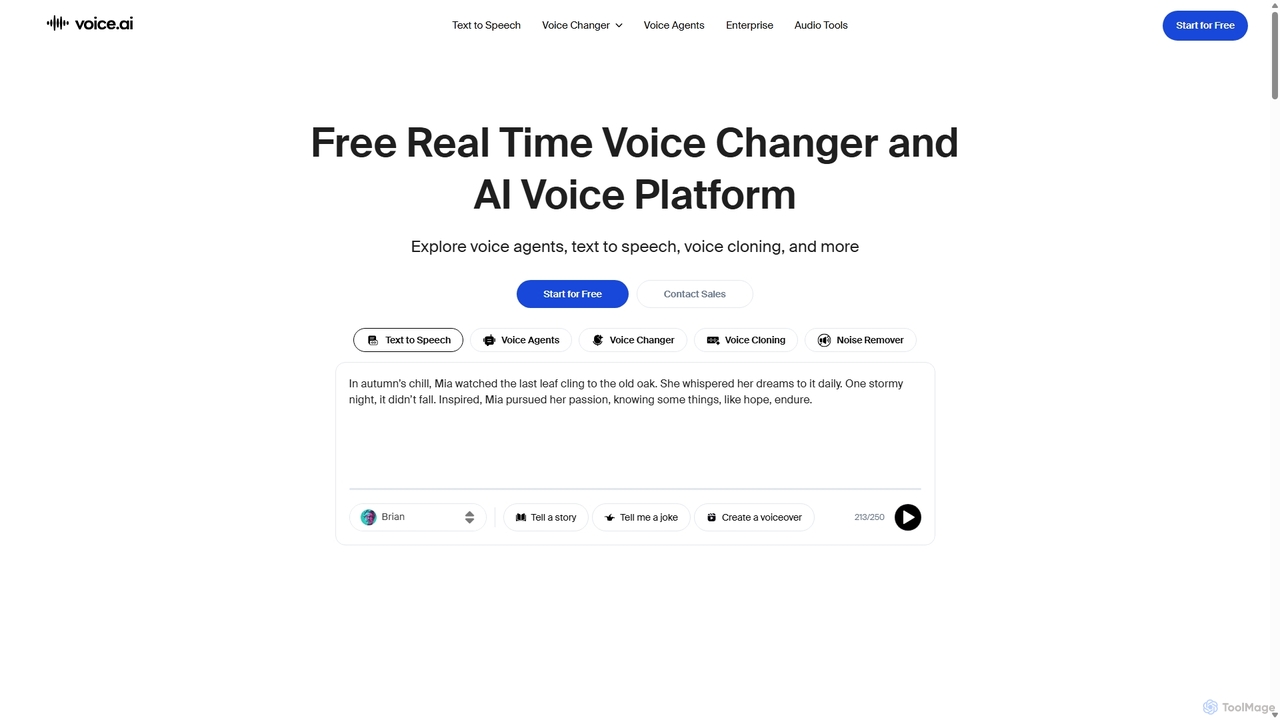
Voice.ai
Voice.ai is a versatile AI voice platform offering a free real-time voice changer, realistic text-to-speech, and precise voice cloning. Designed for gamers, streamers, content creators, and businesses, it features a vast library of user-generated voices, enabling seamless voice transformation across popular apps and games.
Text To Speech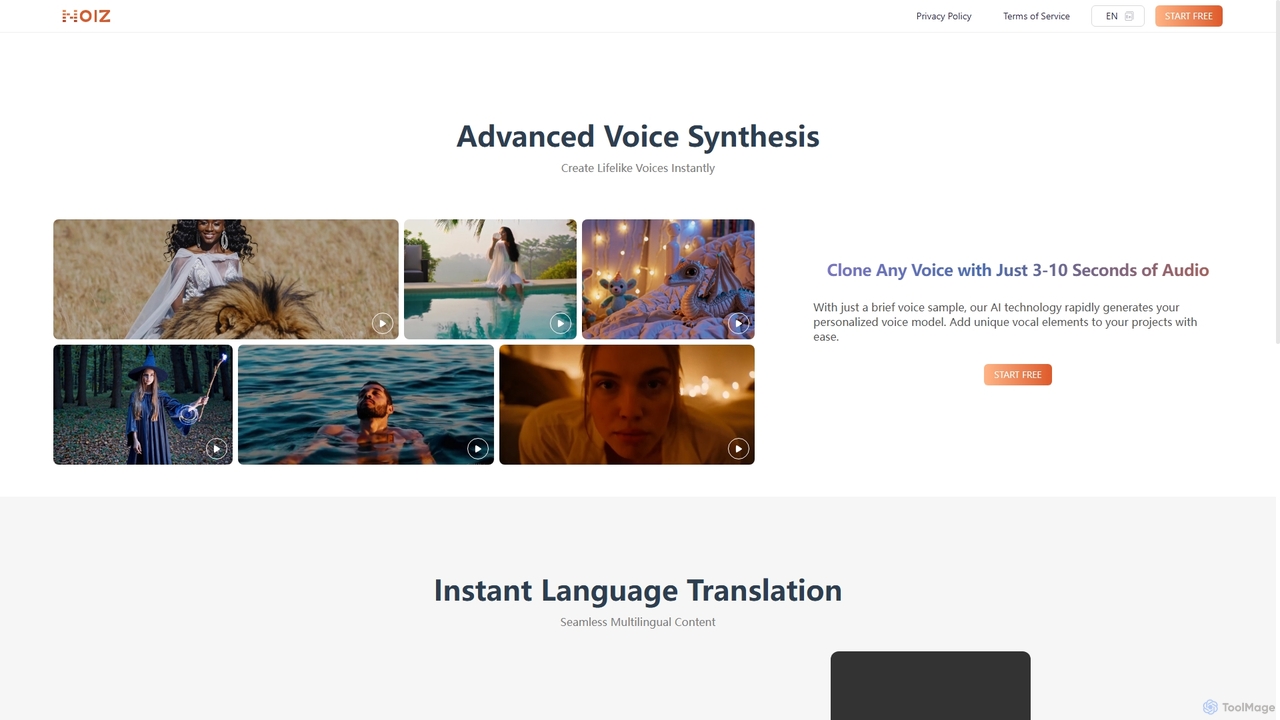
Noiz
Noiz is an advanced AI voice platform for text-to-speech, voice cloning, and instant video dubbing. Create lifelike voices, clone any voice from a 3-10 second audio clip, and translate your content into multiple languages while preserving the original vocal characteristics. Ideal for content creators, marketers, and developers.
Voice Synthesis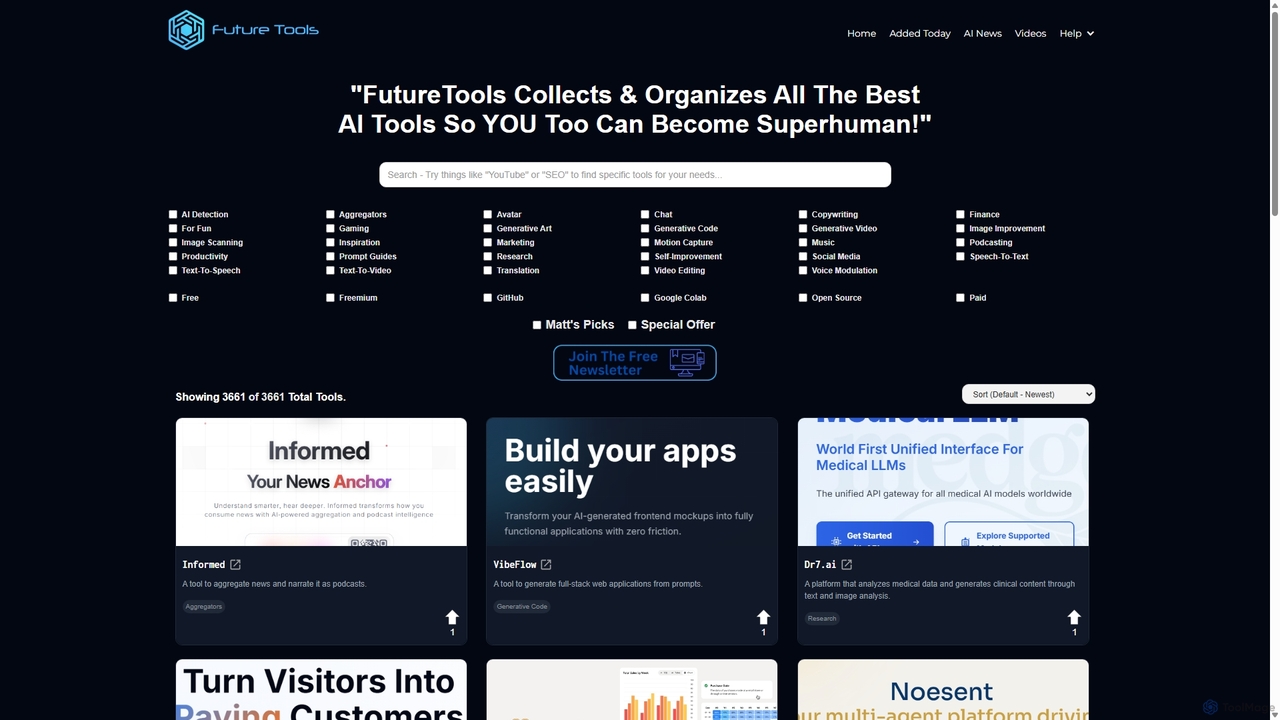
FutureTools
FutureTools is the largest and most comprehensive curated directory of AI tools. Founded by Matt Wolfe, it collects and organizes the best AI applications, helping users find the perfect solution for any need. It features thousands of tools, daily updates, community ratings, and expert picks.
Artificial Intelligence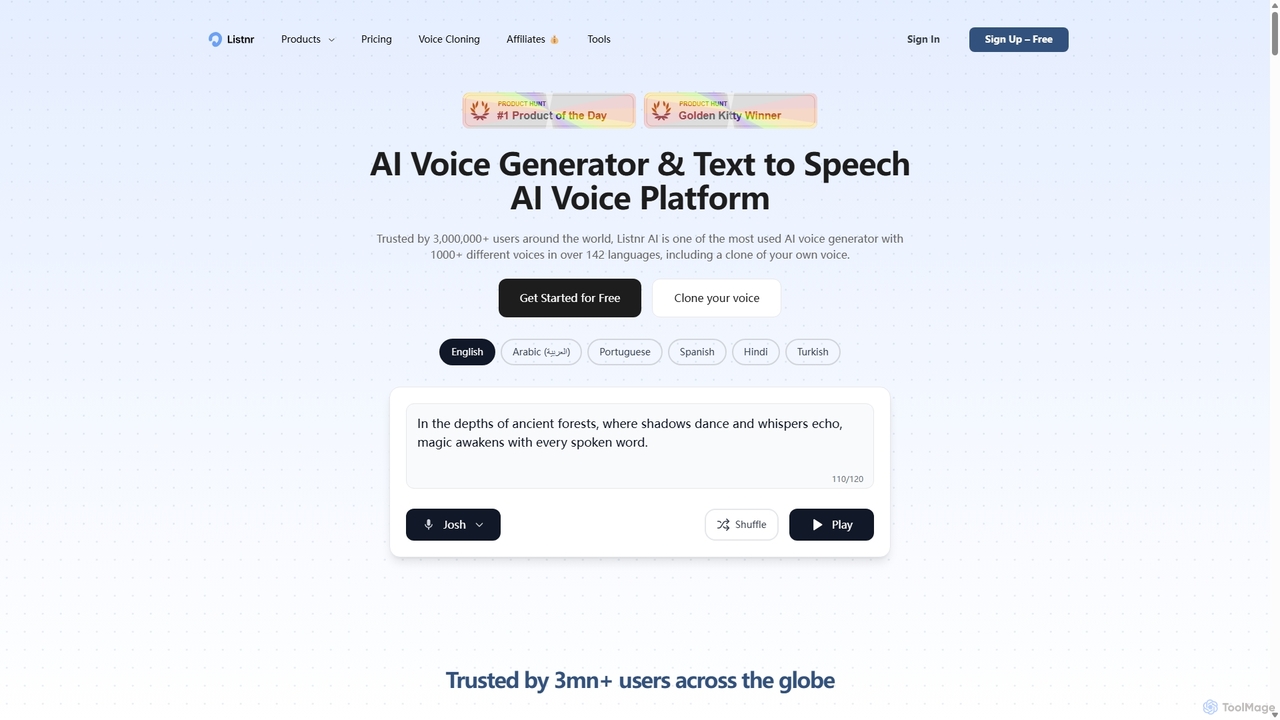
Listnr
Listnr is a leading AI voice generator offering ultra-realistic text-to-speech, voice cloning, and AI voiceovers. With over 1000 voices in 142+ languages, it's an all-in-one platform for creating podcasts, video voiceovers, audiobooks, and social media content. It also includes tools for AI video generation and podcast hosting, making it a comprehensive solution for content creators.
Text To Speech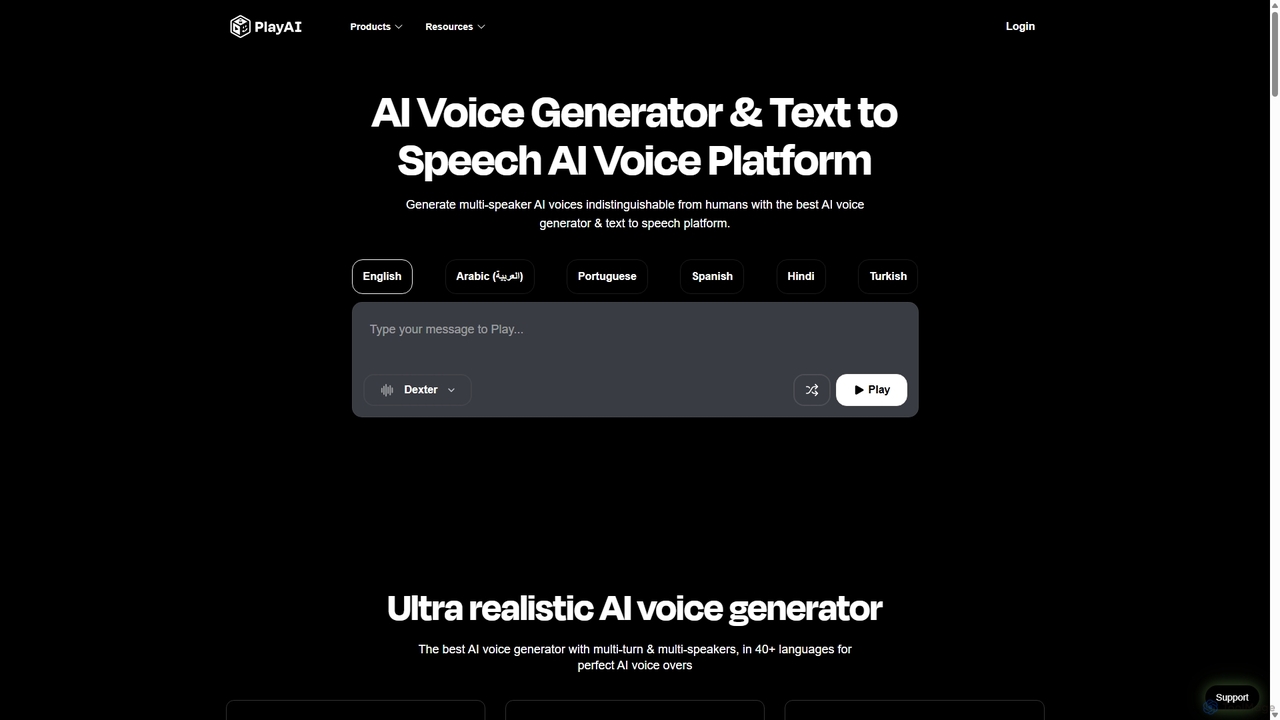
Play.ht
Play.ht is a leading AI voice generator and text-to-speech platform that creates ultra-realistic, human-like voices. With a library of over 800 AI voices in more than 40 languages, it's perfect for creating professional voiceovers, audiobooks, podcasts, and e-learning content. The platform supports advanced features like voice cloning, multi-speaker dialogues, and detailed emotional tuning.
Text To Speech
AIRadio.Host Comments (0)
Sign in to comment.
Sign inNo comments yet.