

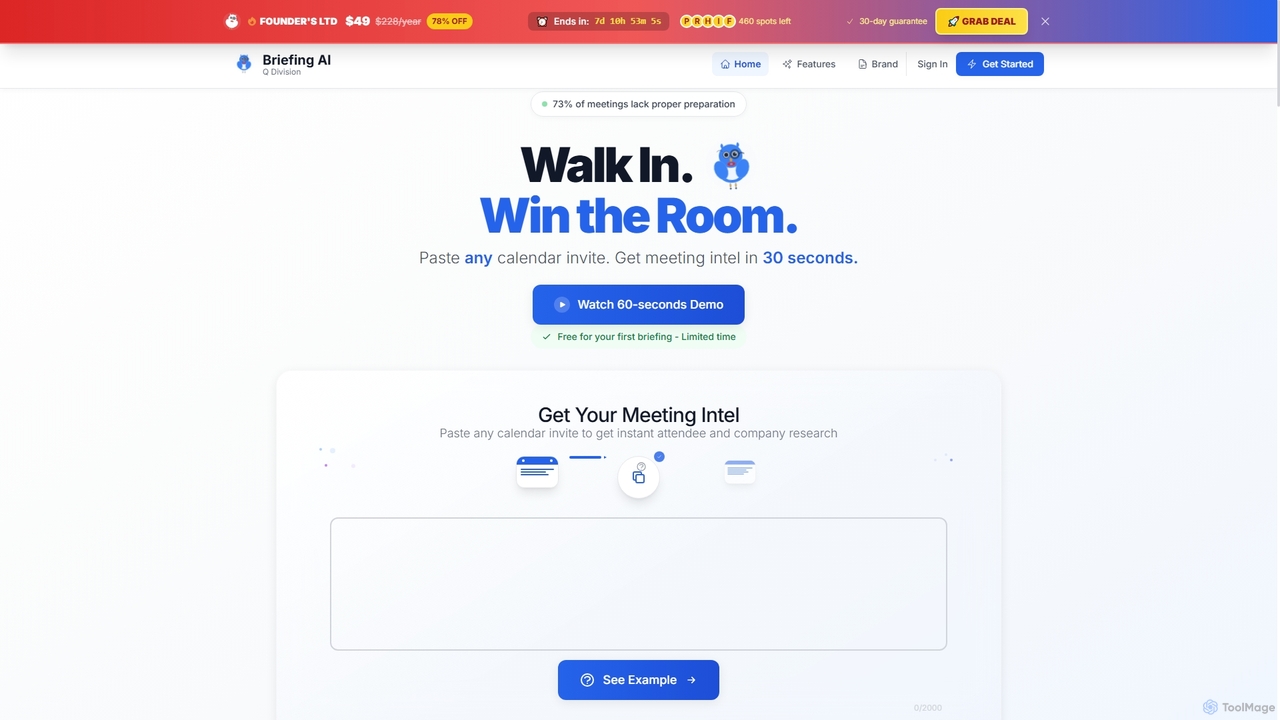
Briefing AI Overview
Briefing AI is an intelligent meeting preparation tool designed for high-stakes professionals such as founders, sales executives, and consultants. By simply pasting a calendar invite, the tool generates a comprehensive intelligence dossier in under 30 seconds. This briefing includes detailed profiles of attendees, in-depth company context, strategic talking points, and alerts for potential red flags. The primary goal of Briefing AI is to eliminate hours of manual research, allowing users to walk into any meeting feeling confident, proactive, and in complete control, thereby increasing the chances of a successful outcome, whether it's securing funding, closing a deal, or building a strong professional reputation.
How to use Briefing AI
Using Briefing AI is a straightforward three-step process designed for speed and efficiency: 1. Paste your calendar invite: Copy any meeting invite from your calendar or email application and paste it into the tool. Briefing AI automatically extracts all relevant details. 2. AI researches attendees: The platform's Intelligence Network AI scours public information to build comprehensive profiles of each attendee and their respective company. 3. Get your briefing: Within seconds, you receive a professional, CIA-style intelligence briefing containing all the necessary information to make a great impression.
Core Features of Briefing AI
- Attendee Dossiers: Generates detailed profiles on each meeting participant, including their role, professional background, recent activity, and social media links.
- Company Context: Provides a thorough understanding of the company, covering its business model, recent news, funding status, and key competitors.
- Strategic Talking Points: Suggests personalized questions to ask, relevant topics to mention, and sensitive subjects to avoid.
- Red Flag Detection: Identifies potential issues, conflicts of interest, or sensitive topics in advance to prevent them from becoming problems during the meeting.
- Lightning-Fast Generation: Delivers a complete briefing in under 30 seconds, saving significant preparation time.
- Briefing History: Allows users to save and access all past briefings for future reference.
- Shareable Links: Enables easy sharing of briefings with team members to ensure everyone is aligned.
Use Cases for Briefing AI
Briefing AI is ideal for professionals in various high-stakes scenarios: Founders & CEOs can use it to prepare for crucial meetings with investors or potential partners, where one meeting can determine the company's future. Sales & Account Executives can leverage it to gain a competitive edge, understand prospect pain points, and tailor their pitch, directly impacting their income and quota attainment. Consultants, whose reputation is their most valuable asset, can use it to demonstrate deep knowledge and preparation, avoiding the business-killing mistake of being unprepared.
Advantages of Briefing AI
The main advantage of Briefing AI is its ability to provide a significant competitive edge through superior preparation. It saves hours of manual research time for every meeting, allowing professionals to focus on strategy. Compared to generic tools like ChatGPT, it offers faster results, a consistent and professional dossier format, and the ability to save and share briefings. This leads to increased confidence, better decision-making, stronger professional relationships, and ultimately, more successful outcomes like closing deals and securing investments.
Pricing and Plans
Briefing AI offers a free trial for your first briefing with no credit card or signup required. For ongoing use, there is a limited-time "Founder's Lifetime Deal" available for a one-time payment of $49. This deal provides unlimited briefings forever, PDF export, priority support, saved briefing history, and early access to new features. After this promotional offer ends, the standard pricing will be $19 per month (billed as $228 per year). The lifetime deal comes with a 30-day money-back guarantee.
Briefing AI FAQ
Traffic
Latest traffic
Status
Monthly traffic trend
- 2025-9: 547
- 2026-2: 0
- 2026-3: 0
- 2026-4: 214
- 2026-5: 574
Geography
Top 5 countries / regions
- 🇹🇭Thailand45.4%
- 🇺🇸United States32.8%
- 🇸🇪Sweden21.8%
Briefing AI Alternatives
Noota
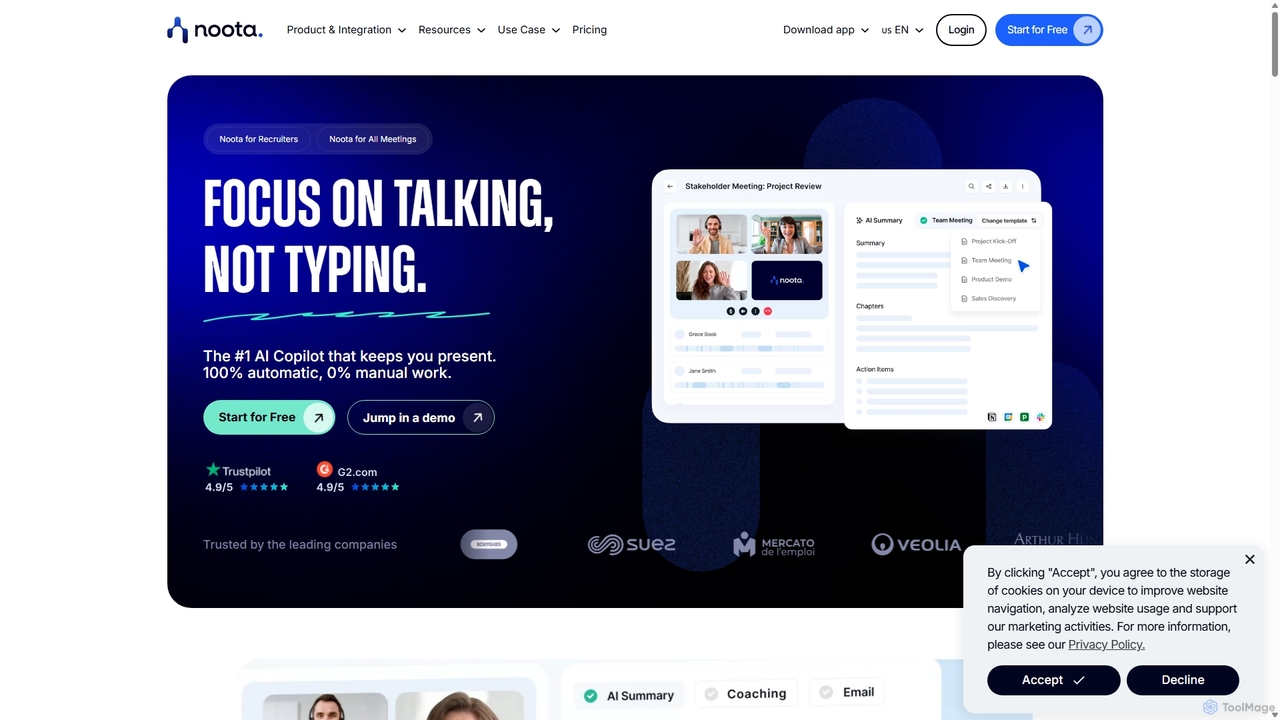
Noota is an AI meeting copilot that automates note-taking to keep you present in conversations. It records, transcribes, and summarizes meetings from platforms like Zoom, Teams, and Google Meet, as well as phone calls. Noota generates structured AI reports, extracts key insights, and automates follow-ups. With features like conversational intelligence and seamless CRM/ATS integrations, it's designed for recruiters, sales teams, and project managers to boost productivity and make data-driven decisions.
Transcription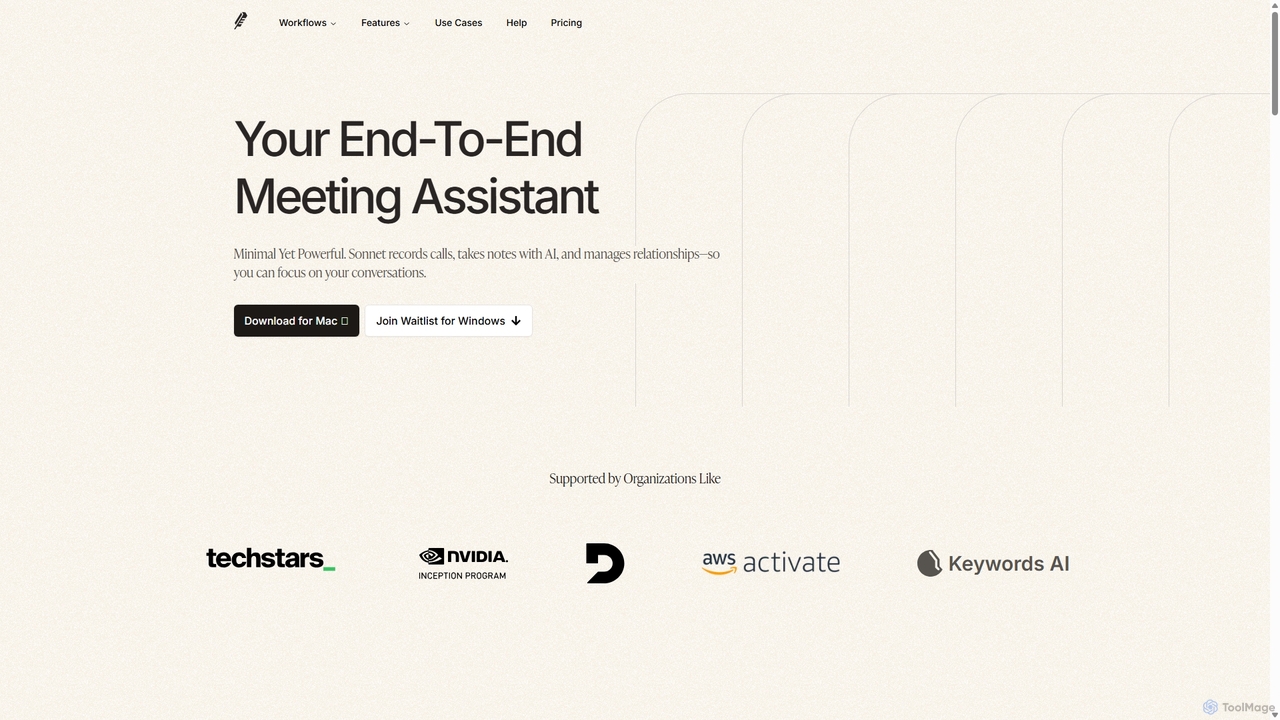
Sonnet AI
Sonnet AI is an end-to-end meeting assistant that records, transcribes, and summarizes conversations. It automates note-taking, CRM updates, and action item generation, providing pre-meeting insights on participants and post-meeting shareable summaries to enhance productivity across various professions.
Crm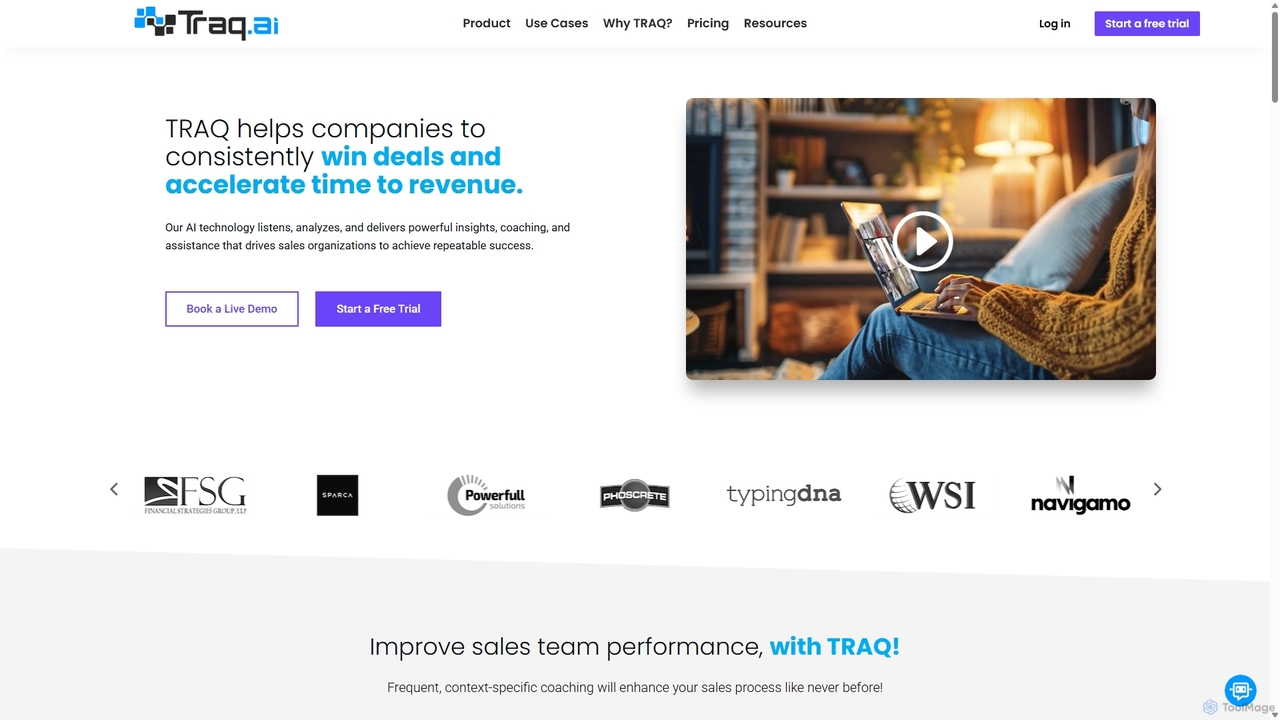
Traq
Traq is an AI-powered conversation intelligence and sales coaching platform designed to help sales teams win more deals. It automatically records, transcribes, and analyzes every sales call, delivering powerful insights, automated summaries, and actionable coaching recommendations. By integrating with your CRM and calendar, Traq saves hours of administrative work and provides unparalleled visibility into your sales pipeline.
Call Center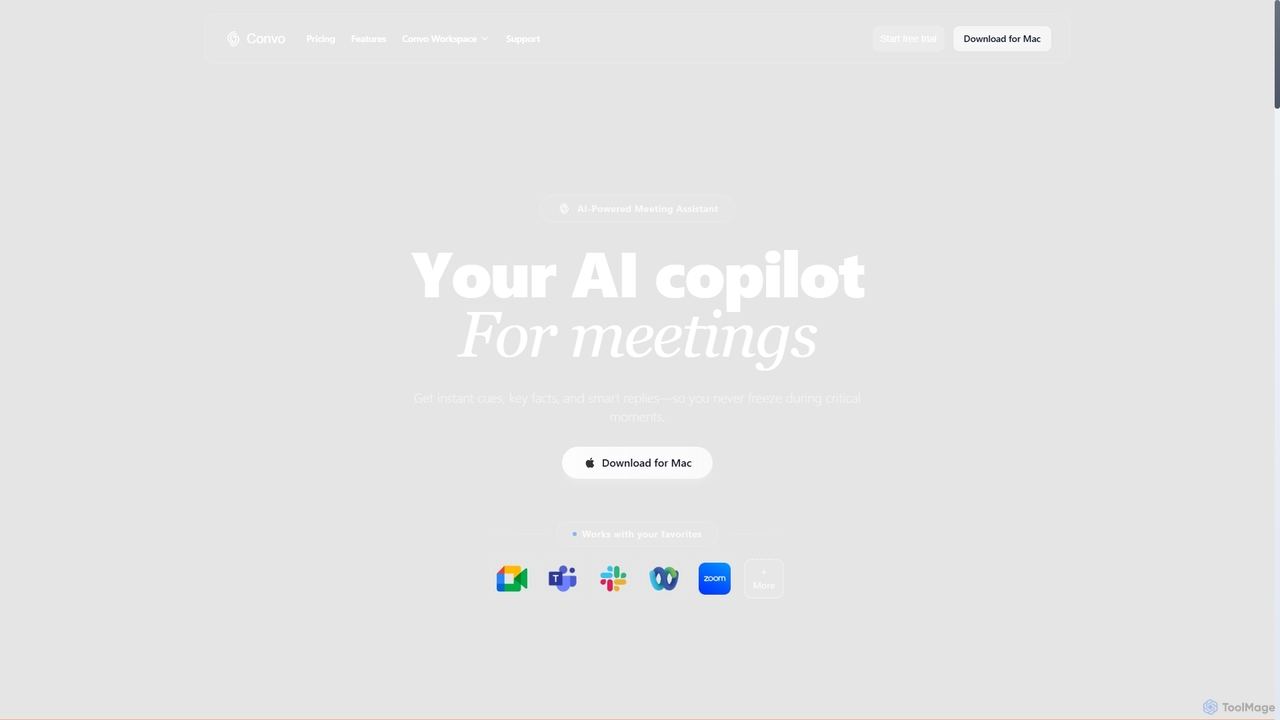
Convo
Convo is a real-time AI meeting assistant that acts as your copilot, providing instant cues, key facts, and smart response suggestions directly on your screen during live conversations. It helps professionals lead every discussion confidently, leveraging past interactions and an intelligent knowledge base.
CommunicationBriefing AI Categories
Briefing AI Jobs
Briefing AI Embed Widget
Copy this embed code to place the badge on your blog, article, or product site and send readers directly to this ToolMage detail page.

Related AI tools
Wudpecker
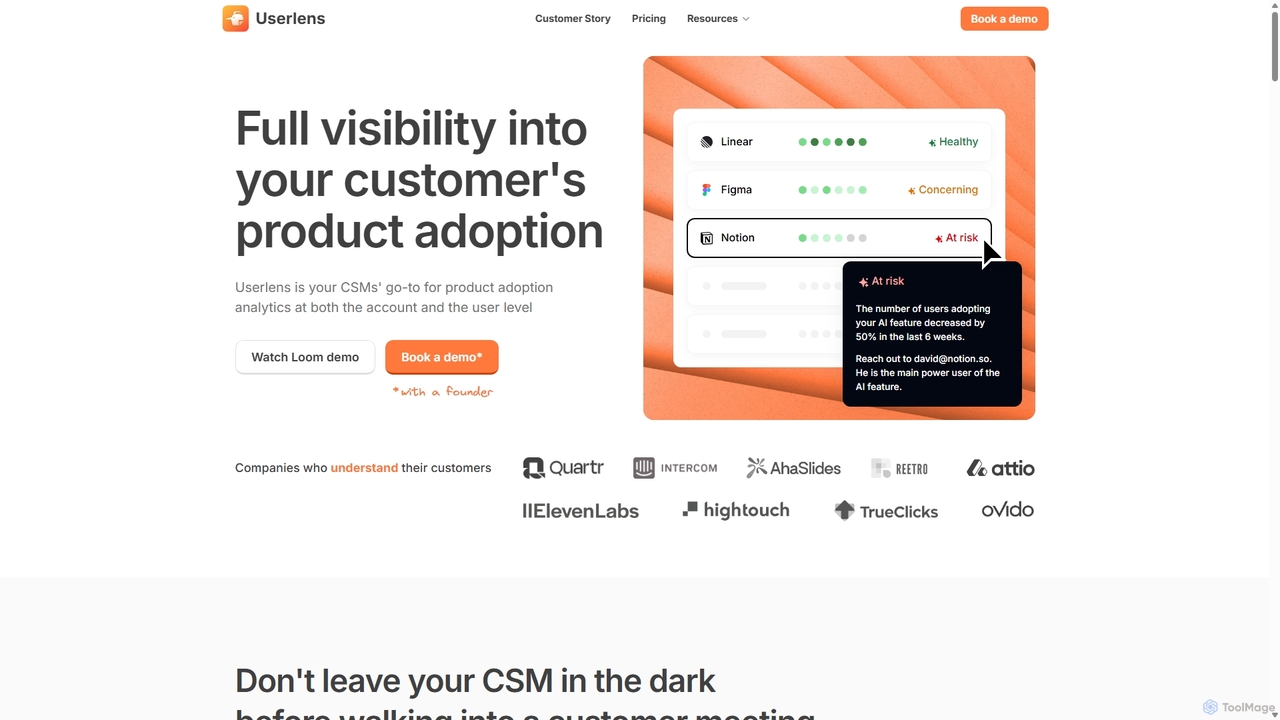
Wudpecker is an AI-powered platform offering two core solutions: an AI Meeting Assistant for automated recording, transcription, and summarization, and Userlens, a product analytics tool for customer success teams to monitor user adoption, assess account health, and prevent churn. It streamlines meeting productivity and provides deep customer insights.
Product Analytics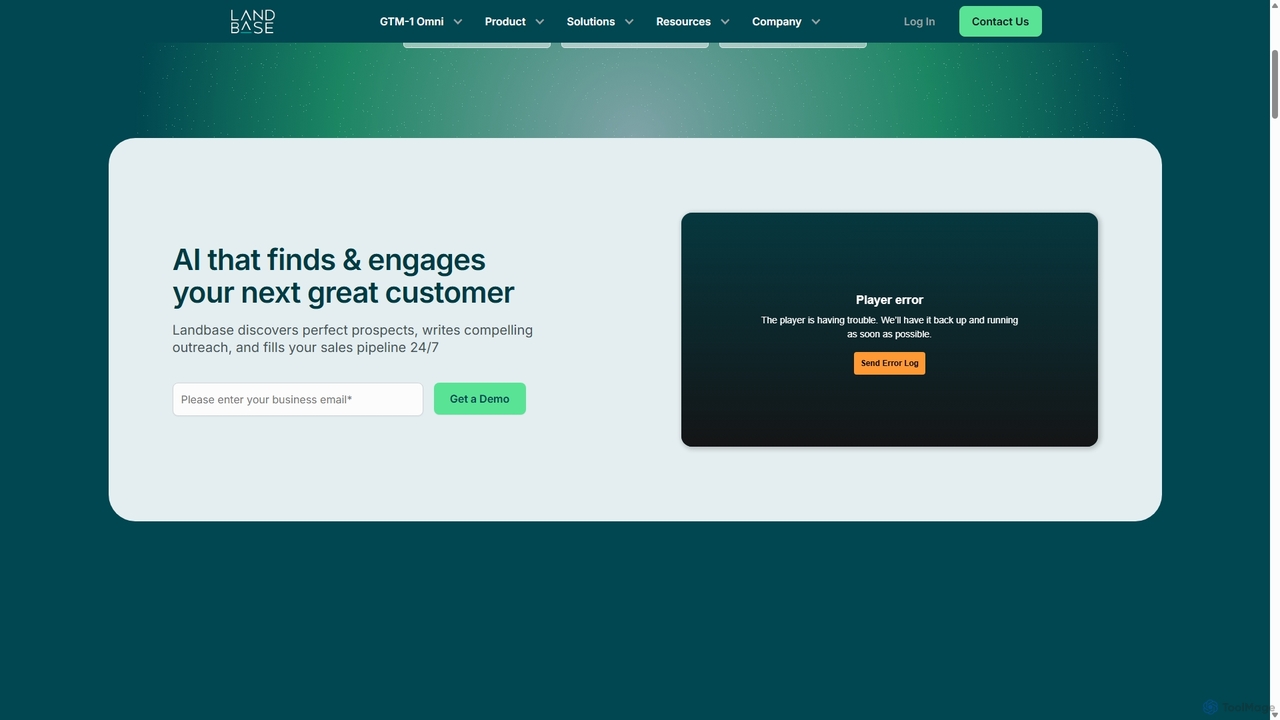
Landbase
Landbase is an agentic AI Go-to-Market (GTM) platform that automates the entire sales outreach process. It discovers ideal prospects, crafts hyper-personalized multi-channel outreach, and manages campaigns 24/7 to fill your sales pipeline. Powered by the GTM-1 Omni model, it replaces multiple tools, reduces costs by up to 80%, and achieves 4-7x higher conversion rates.
Email Marketing
Floqer
Floqer is an advanced AI-powered CRM data enrichment tool that automates real-time data updates from over 75 sources. It helps sales and marketing teams keep their CRM clean, enriched, and up-to-date, identifying high-intent buyers and automating manual research. Floqer ensures no missed opportunities by providing accurate contact details, intent signals, and buyer context for hyper-targeted outreach.
Automation
Zefram
Zefram is an AI-powered B2B intelligence platform designed for sales and marketing professionals. It provides precise company data to help users find high-value leads, build targeted Account-Based Marketing (ABM) campaigns, craft personalized outreach, and streamline their sales workflow. By combining deep data insights with practical AI tools, Zefram empowers teams to make smarter decisions and close deals faster.
Account Based Marketing
LeadMaster
LeadMaster is an AI-powered sales intelligence platform that revolutionizes your sales process. It automatically analyzes your leads before meetings, providing deep insights into their behavior, needs, and preferences. This allows sales teams to go into every call fully prepared, personalize their pitch, and significantly increase their closing rate.
Customer Relationship Management
OnlyDatas
OnlyDatas is an AI-powered sales intelligence platform designed to transform sales processes by providing deep account insights, competitive analysis, and market research. It helps businesses win more deals faster, reduce lead-to-deal time, and implement intelligent Account Based Marketing strategies, all while ensuring GDPR compliance.
Account Based MarketingNoota
Noota is an AI meeting copilot that automates note-taking to keep you present in conversations. It records, transcribes, and summarizes meetings from platforms like Zoom, Teams, and Google Meet, as well as phone calls. Noota generates structured AI reports, extracts key insights, and automates follow-ups. With features like conversational intelligence and seamless CRM/ATS integrations, it's designed for recruiters, sales teams, and project managers to boost productivity and make data-driven decisions.
Transcription
Jyek
Jyek is an AI agent platform that understands objectives, creates execution plans, uses tools, and delivers verifiable results for complex, multi-step tasks.
Automation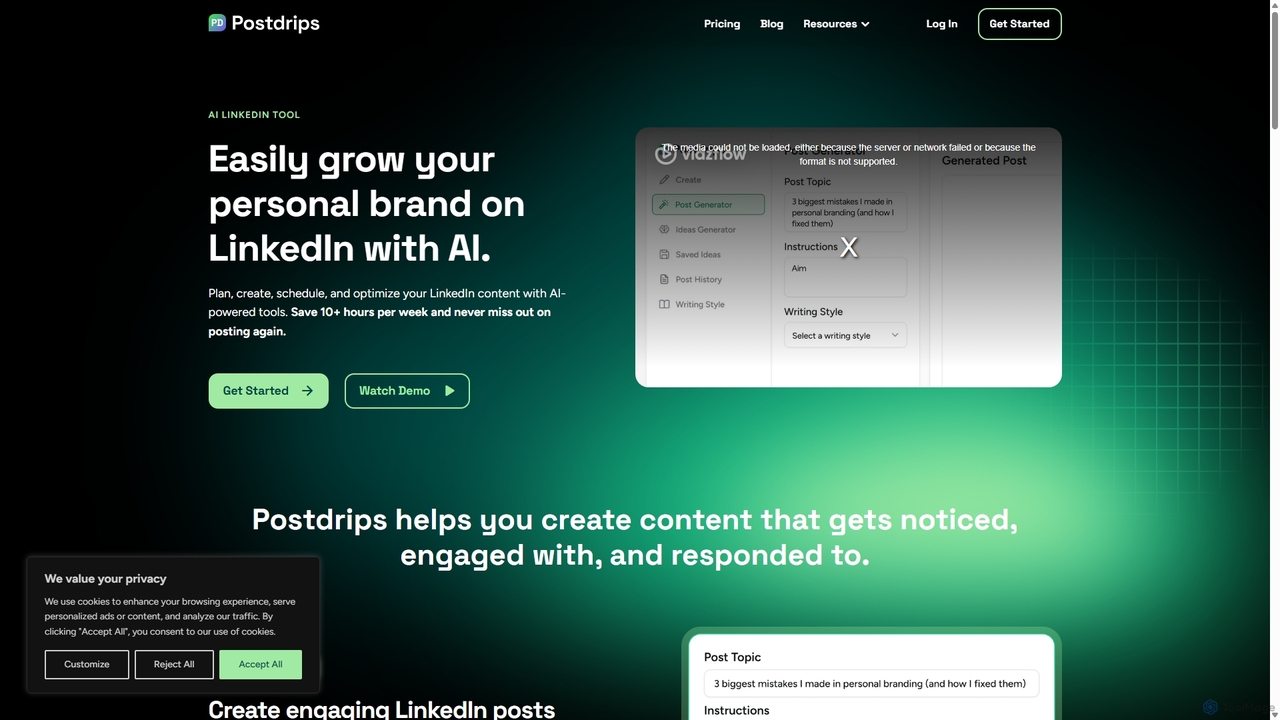
Postdrips
Postdrips is an AI-powered tool designed to help professionals, founders, and marketers grow their personal brand on LinkedIn. It streamlines content creation by generating engaging post ideas, writing drafts in your unique voice, and scheduling content for optimal reach, saving you hours of work each week.
Content CreationSonnet AI
Sonnet AI is an end-to-end meeting assistant that records, transcribes, and summarizes conversations. It automates note-taking, CRM updates, and action item generation, providing pre-meeting insights on participants and post-meeting shareable summaries to enhance productivity across various professions.
Crm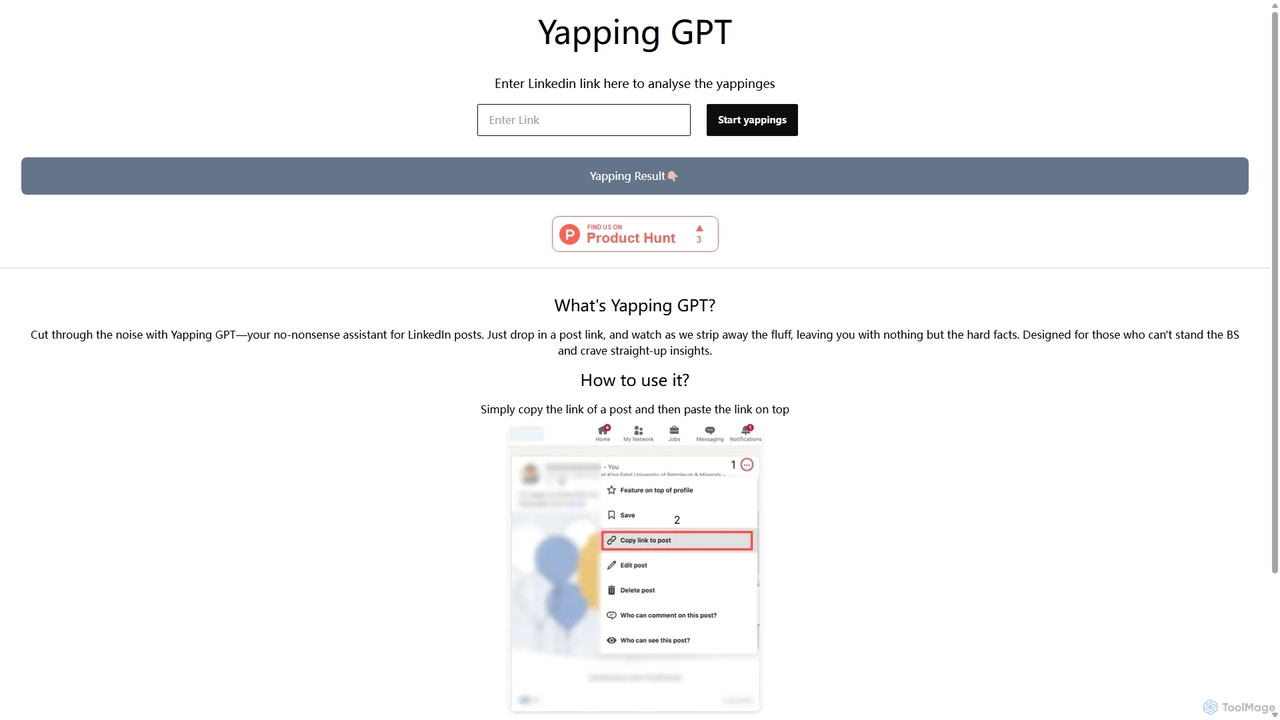
YappingGPT
YappingGPT is an AI-powered tool that instantly summarizes verbose LinkedIn posts. Simply paste a post's link to cut through the fluff, jargon, and self-promotion. It extracts the core message and key insights, saving you time and helping you focus on what truly matters in your professional feed.
SummarizerTraq
Traq is an AI-powered conversation intelligence and sales coaching platform designed to help sales teams win more deals. It automatically records, transcribes, and analyzes every sales call, delivering powerful insights, automated summaries, and actionable coaching recommendations. By integrating with your CRM and calendar, Traq saves hours of administrative work and provides unparalleled visibility into your sales pipeline.
Call Center
FullEnrich
FullEnrich is a B2B contact enrichment platform that uses a unique "waterfall" method to find verified emails and mobile phone numbers. By aggregating data from over 20 premium vendors, it achieves an industry-leading find rate of over 80%. It's designed for sales and marketing teams to maximize their outreach, improve data quality, and expand their reachable market, all while ensuring GDPR and CCPA compliance.
Contact Management
Orange Slice
Orange Slice is a Y Combinator-backed AI platform that revolutionizes B2B lead generation. It employs AI agents to analyze thousands of real-time online signals, identifying companies that are actively seeking your solution. This allows sales teams to engage with highly qualified, in-market prospects at the perfect moment, eliminating guesswork and boosting efficiency.
Business Intelligence
Briefing AI Comments (0)
Sign in to comment.
Sign inNo comments yet.