


Crear Overview
Crear is an advanced AI-powered search engine designed to revolutionize how users find and interact with information online. Unlike traditional search engines that provide a list of links, Crear understands complex, natural language queries and delivers a single, comprehensive, and synthesized answer. This answer is compiled from multiple high-quality sources across the web, and each piece of information is accompanied by a direct citation, ensuring transparency and trustworthiness. The platform aims to eliminate the tedious process of sifting through countless web pages, allowing users to get to the core of their questions quickly and efficiently.
At its heart, Crear functions as an 'answer engine.' It leverages sophisticated large language models (LLMs) to not only find relevant information but also to understand the context and nuance of a user's query. This enables it to provide answers that are not just accurate but also highly relevant and easy to digest. It's built for anyone who needs reliable information fast, from students working on research papers to professionals conducting market analysis or developers debugging code.
How to use Crear
Using Crear is designed to be intuitive and conversational. The process is straightforward:
- Ask a Question: Navigate to the Crear website and type your question into the search bar. You can ask complex questions in natural language, such as "What are the long-term economic impacts of renewable energy adoption in developing nations?"
- Receive a Synthesized Answer: Crear's AI processes your query, scours the internet for relevant data, and generates a concise, well-structured answer. This response integrates information from various sources into a coherent narrative or summary.
- Review Sources: Alongside the answer, you will find a list of numbered citations. Clicking on these citations will take you to the original web pages, allowing you to verify the information and delve deeper into the source material.
- Ask Follow-up Questions: The platform supports conversational follow-ups. If the initial answer sparks new questions, you can ask them directly to refine your search and explore the topic in more detail.
- Utilize Pro Features: For advanced users, the Pro plan unlocks more powerful capabilities, such as uploading documents for analysis, choosing specific AI models, or using focused search modes (e.g., Academic, Technical, News).
Core Features of Crear
- AI-Synthesized Answers: Delivers direct, consolidated answers instead of a simple list of links.
- Verifiable Citations: Every claim in the generated answer is linked back to its original source for easy fact-checking.
- Natural Language Processing: Understands complex, conversational queries, allowing for a more intuitive search experience.
- Conversational Follow-ups: Engage in a dialogue with the AI to refine searches and explore topics in greater depth.
- Focused Search Modes (Pro): Tailor your search to specific domains like academic papers, technical documentation, or news articles for more relevant results.
- Document Upload (Pro): Analyze your own documents (PDFs, DOCX) and ask questions based on their content.
- Access to Advanced AI Models (Pro): Utilize the most powerful language models for higher-quality, more nuanced answers.
Use Cases for Crear
Crear is a versatile tool applicable across various fields:
- Academic Research: Students and academics can rapidly gather and synthesize information from scholarly articles, journals, and books, dramatically speeding up literature reviews and paper writing.
- Content Creation & SEO: Writers, bloggers, and marketers can use Crear for topic research, fact-checking, generating article outlines, and finding authoritative sources to cite.
- Business & Market Intelligence: Professionals can quickly get up to speed on industry trends, competitor activities, and financial reports, all presented in a digestible summary.
- Software Development: Developers can find solutions to complex coding problems, understand new frameworks, or debug errors by asking technical questions and receiving answers synthesized from documentation and forums.
- Personal Learning: Anyone curious about a new topic can use Crear to learn efficiently, getting structured, reliable information without information overload.
Advantages of Crear
The primary advantage of Crear is its efficiency. It saves users a significant amount of time and mental energy by performing the heavy lifting of research and synthesis. Its commitment to cited sources builds a foundation of trust that is often missing in other generative AI tools. The conversational interface makes complex research feel more accessible and less intimidating. For professionals, the Pro features provide a powerful, specialized research assistant that can significantly boost productivity and the quality of work.
Pricing and Plans
Crear operates on a freemium model, making its core functionality accessible to everyone while offering advanced features for professionals.
- Free Plan: Ideal for casual users, offering a limited number of searches per day using the standard AI model. It includes core features like synthesized answers and citations.
- Pro Plan: Aimed at researchers, professionals, and power users. This plan typically costs around $20 per month or $200 per year. It includes unlimited searches, access to the most advanced AI models (like GPT-4 and Claude 3), the ability to upload documents, specialized search modes, and priority customer support.
Crear Alternatives

Rabbithole
Rabbithole is an AI-powered conversational research platform for deep exploration of complex topics. Instead of providing links, it engages you in a dialogue, offering structured answers and guiding you through related concepts. It's perfect for students, researchers, and curious minds who want to go beyond surface-level knowledge.
Research
allsearch.ai
allsearch.ai is an advanced AI-powered search engine that delivers direct, synthesized answers instead of just links. It scours the web, academic papers, code repositories, and news sources to provide comprehensive, summarized results with citations, revolutionizing information retrieval for researchers, developers, and everyday users.
Code Search
Kimi
Kimi is a powerful AI assistant from Moonshot AI, specializing in long-context understanding. It integrates web search, document analysis, and a suite of specialized tools (Kimi+) for tasks like PPT generation, academic research, and content creation, available on web, desktop, and mobile.
Assistant
MemFree
MemFree is a hybrid AI search engine that acts as your second brain. It combines web search with your personal knowledge base (bookmarks, files, images) to deliver accurate, summarized answers, saving you time and replacing multiple AI subscriptions.
Knowledge Management
Kognitium
Kognitium is an advanced AI assistant for deep information discovery and knowledge enhancement. It provides highly accurate, up-to-date, and tailored answers across a vast range of disciplines. Unlike standard chatbots, Kognitium understands user intent, offers specialized "Focus Areas" for targeted queries (from coding to legal research), and learns from interactions to deliver a personalized experience for students, professionals, and developers.
Code AssistantCrear Categories
Crear Embed Widget
Copy this embed code to place the badge on your blog, article, or product site and send readers directly to this ToolMage detail page.

Related AI tools
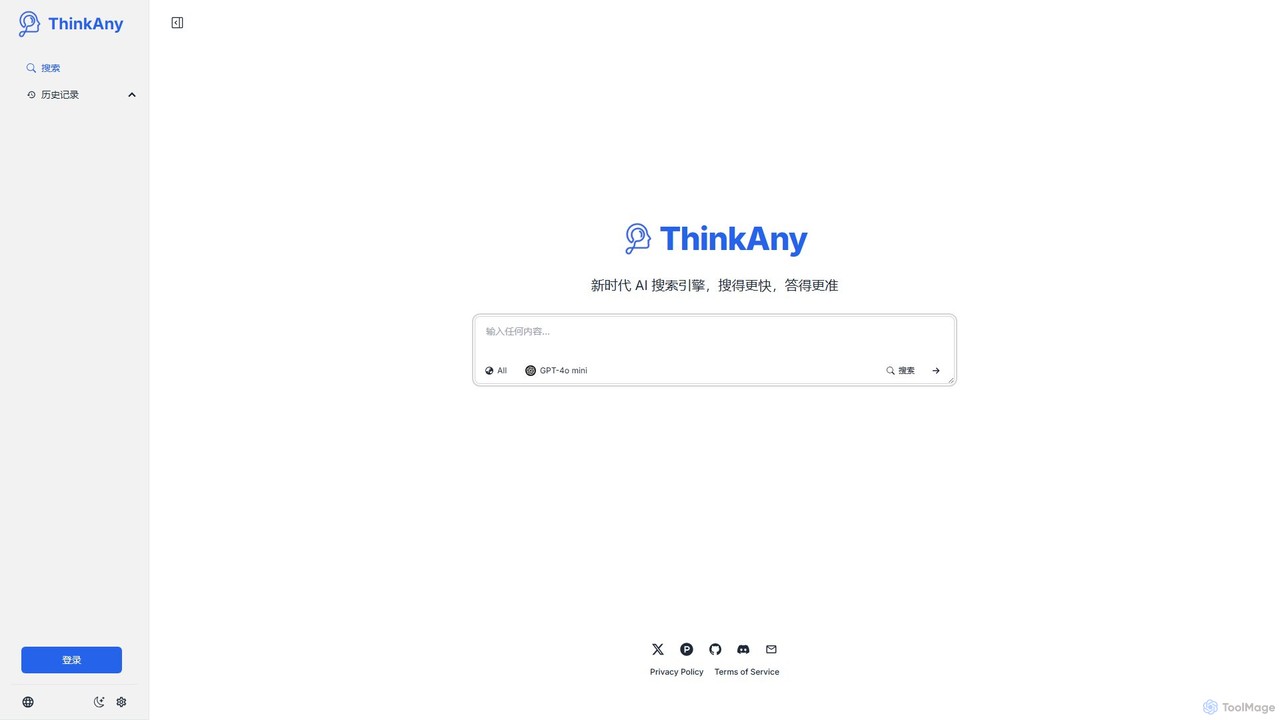
ThinkAny
ThinkAny is a new-era AI search engine powered by advanced models like GPT-4o mini. It delivers fast, accurate, and synthesized answers with cited sources, moving beyond traditional link-based search. It's designed for efficient research, learning, and complex problem-solving.
Learning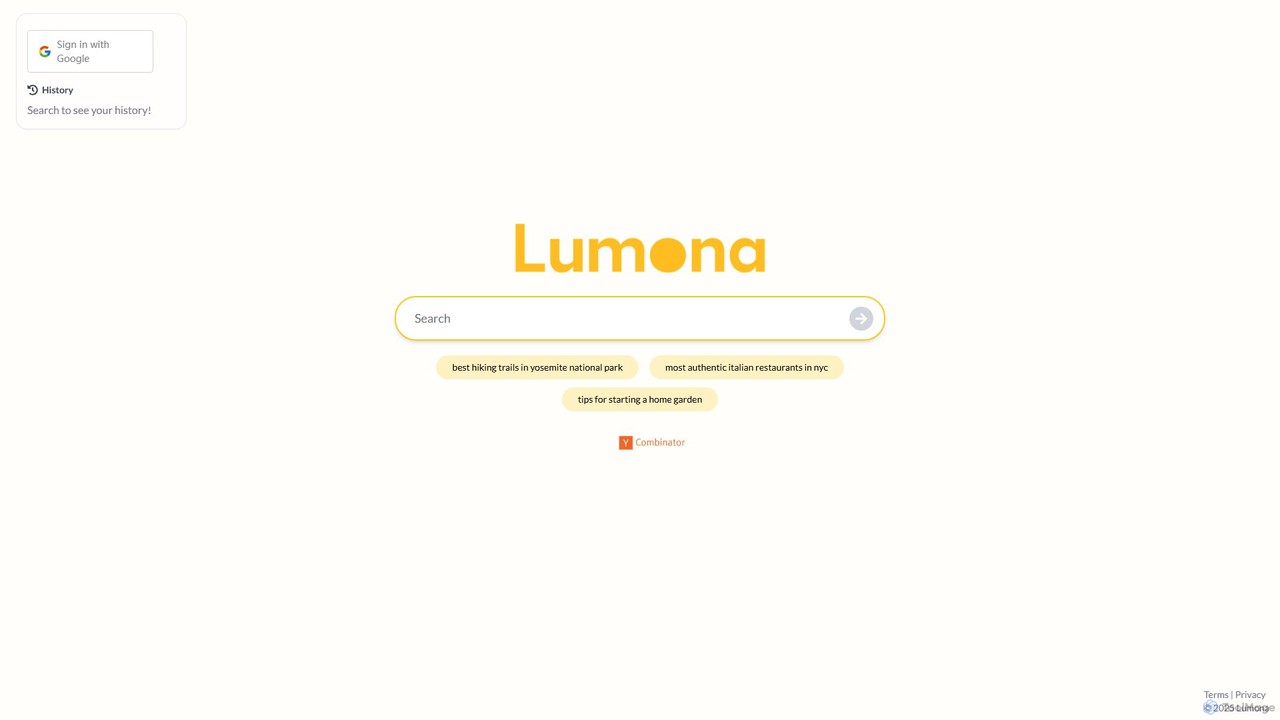
Lumona
Lumona is an AI-powered answer engine that revolutionizes the research process. It scours the web, aggregates information from diverse sources like articles, forums, and social media, and synthesizes it into a single, comprehensive, and cited summary. It's the ideal tool for researchers, students, and anyone seeking quick, reliable answers to complex questions.
LearningKimi
Kimi is a powerful AI assistant from Moonshot AI, specializing in long-context understanding. It integrates web search, document analysis, and a suite of specialized tools (Kimi+) for tasks like PPT generation, academic research, and content creation, available on web, desktop, and mobile.
AssistantKognitium
Kognitium is an advanced AI assistant for deep information discovery and knowledge enhancement. It provides highly accurate, up-to-date, and tailored answers across a vast range of disciplines. Unlike standard chatbots, Kognitium understands user intent, offers specialized "Focus Areas" for targeted queries (from coding to legal research), and learns from interactions to deliver a personalized experience for students, professionals, and developers.
Code Assistant
Perplexity
Perplexity is a conversational AI answer engine that provides direct, accurate, and cited answers to complex questions. It synthesizes information from the web to deliver comprehensive responses with source links, revolutionizing how users conduct research, learn, and find information online.
Information Retrieval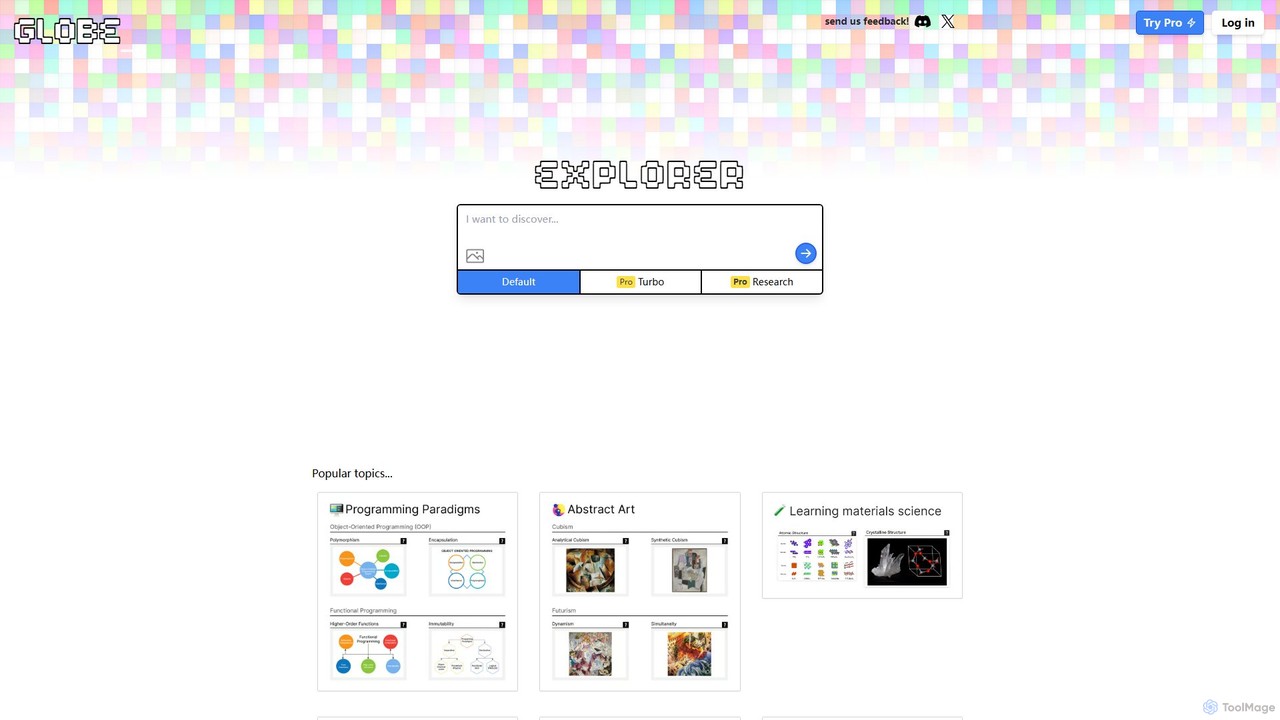
Globe Explorer
Globe Explorer is an AI-powered research engine designed to streamline information discovery and synthesis. It transforms complex questions into structured, easy-to-understand summaries by analyzing and consolidating data from numerous online sources. Ideal for researchers, students, and professionals, it offers multiple modes like Pro and Turbo for deeper and faster analysis, helping users uncover insights and accelerate their learning and research workflows.
Learning Assistant
Jyek
Jyek is an AI agent platform that understands objectives, creates execution plans, uses tools, and delivers verifiable results for complex, multi-step tasks.
Automation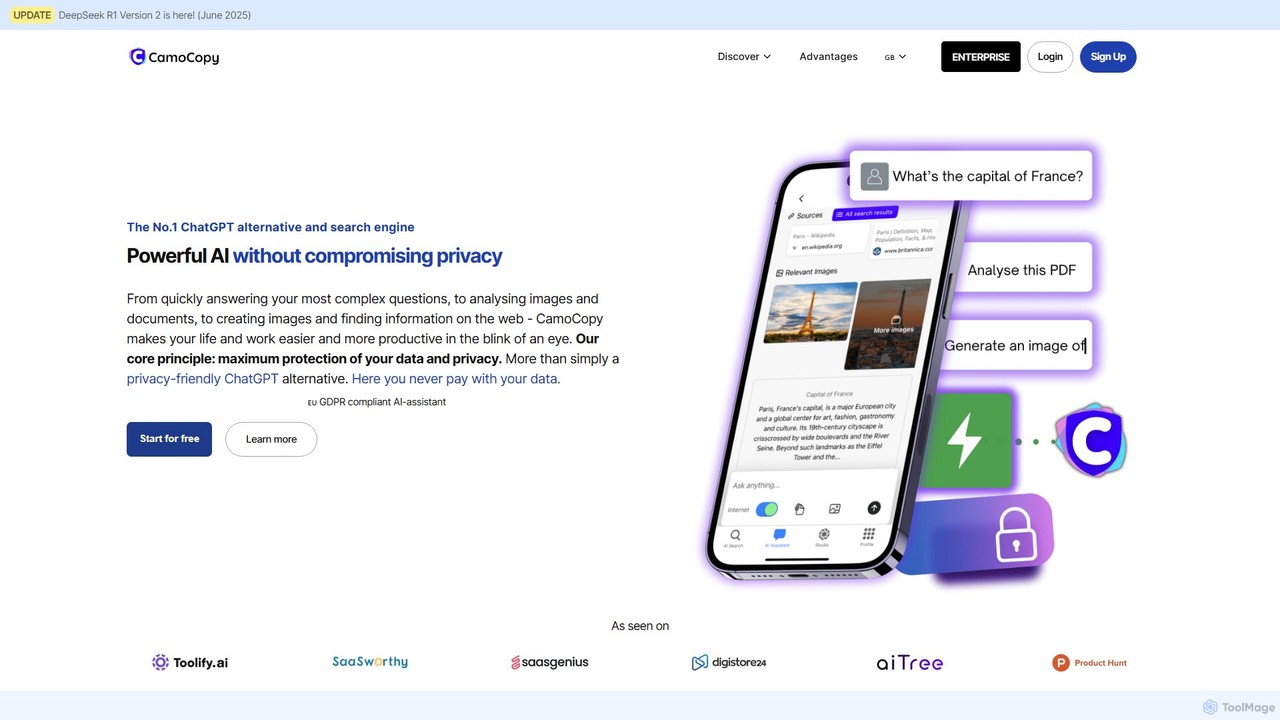
CamoCopy
CamoCopy is the privacy-first AI assistant, offering a powerful alternative to ChatGPT. It combines AI chat, an anonymous search engine, image recognition, and a text-to-image generator. Built in the EU and fully GDPR-compliant, it ensures your data is encrypted and never used for training. Ideal for individuals and businesses seeking productivity without compromising privacy.
Image Generators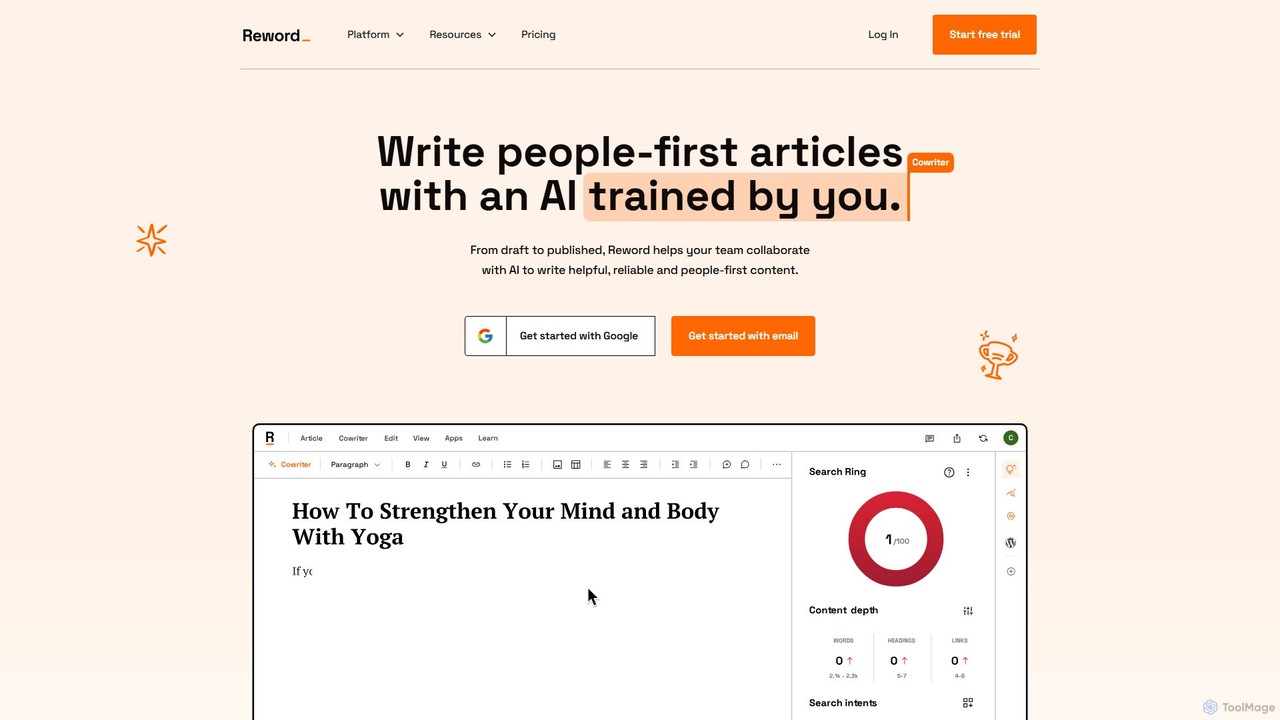
Reword
Reword is a collaborative AI writing assistant designed to create high-quality, factual, and people-first articles. It stands out by allowing you to train the AI on your own content, ensuring it adopts your unique voice and style. It features built-in fact-checking with citations, SEO optimization based on user intent, and seamless team collaboration.
Content Marketing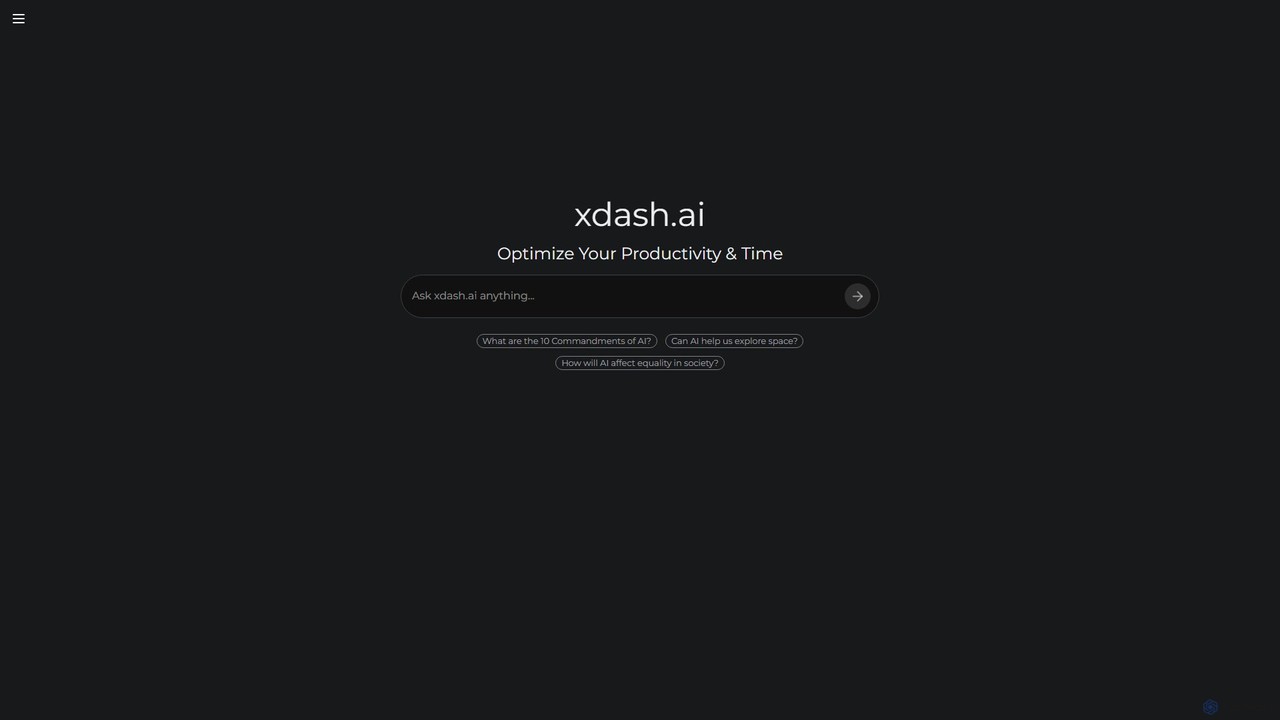
Xdash AI
Xdash AI is an intelligent answer engine designed to optimize productivity and research. It provides direct, synthesized answers to complex questions, complete with source citations, helping users save time, verify information, and gain deep insights quickly.
Learning
XAnswer
XAnswer is a free AI-powered search engine designed to provide direct, synthesized answers to your questions. Instead of just a list of links, it delivers clear, concise summaries with cited sources, making research and information discovery faster and more efficient. It's ideal for students, professionals, and anyone seeking quick, reliable information.
Learning
Podmod
Podmod is an AI-powered podcast assistant that provides real-time research, fact-checking, and content retrieval during live recording sessions. It helps podcasters lead conversations with confidence, surfacing context, sources, media, and on-the-spot answers without breaking the flow. Podmod also automates show notes generation and offers full transcripts, streamlining the entire podcast production workflow.
Transcription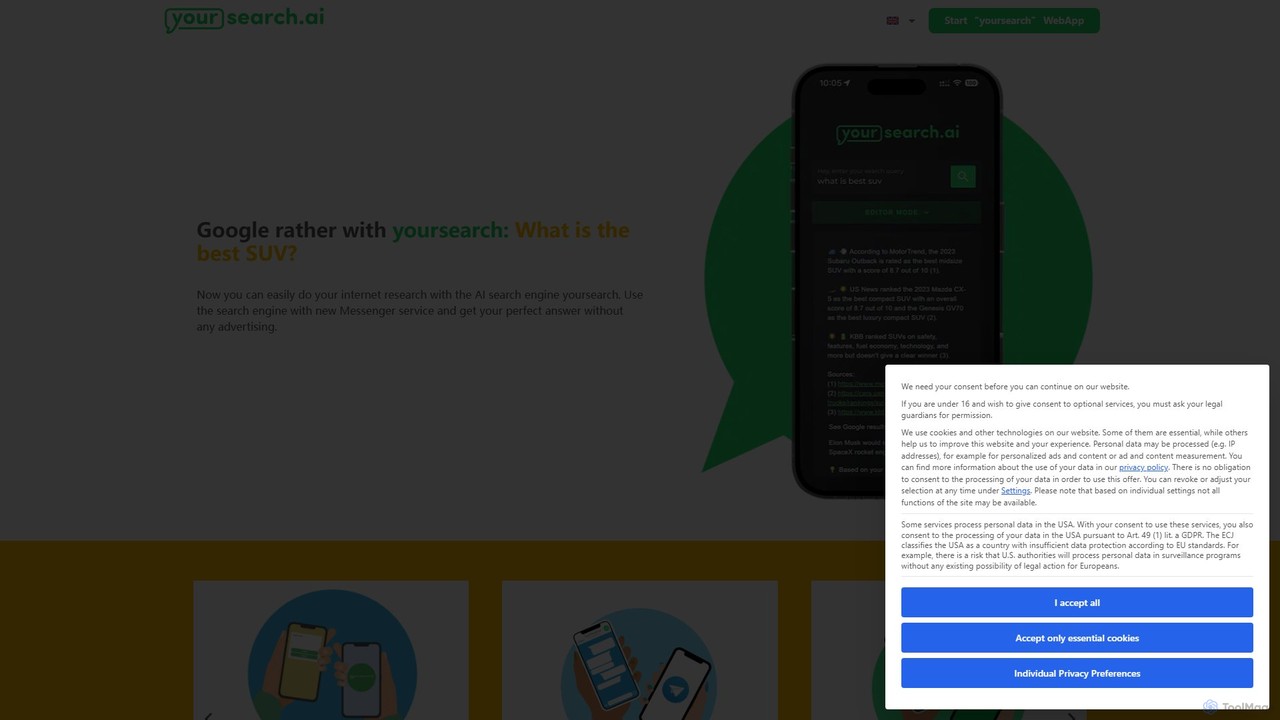
yoursearch.ai
yoursearch.ai is a privacy-focused AI search engine that delivers direct, summarized answers instead of just a list of links. It uses advanced AI to understand natural language queries and synthesizes information from multiple sources, providing a fast, accurate, and conversational search experience.
Learning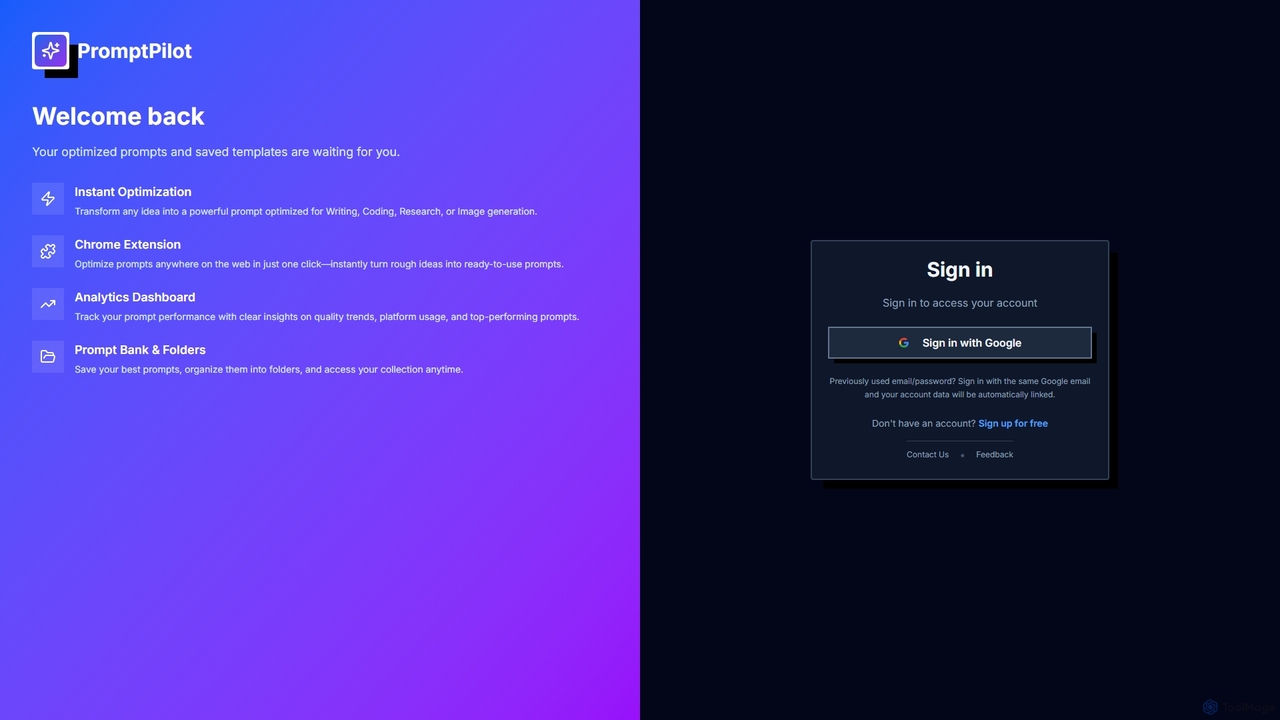
PromptPilot
PromptPilot is an AI prompt optimization tool designed to transform raw ideas into powerful, optimized prompts for various AI models. It features instant optimization for writing, coding, research, and image generation, a convenient Chrome extension, an analytics dashboard to track prompt performance, and a prompt bank for organization and easy access.
Performance TrackingRabbithole
Rabbithole is an AI-powered conversational research platform for deep exploration of complex topics. Instead of providing links, it engages you in a dialogue, offering structured answers and guiding you through related concepts. It's perfect for students, researchers, and curious minds who want to go beyond surface-level knowledge.
Research
Crear Comments (0)
Sign in to comment.
Sign inNo comments yet.