

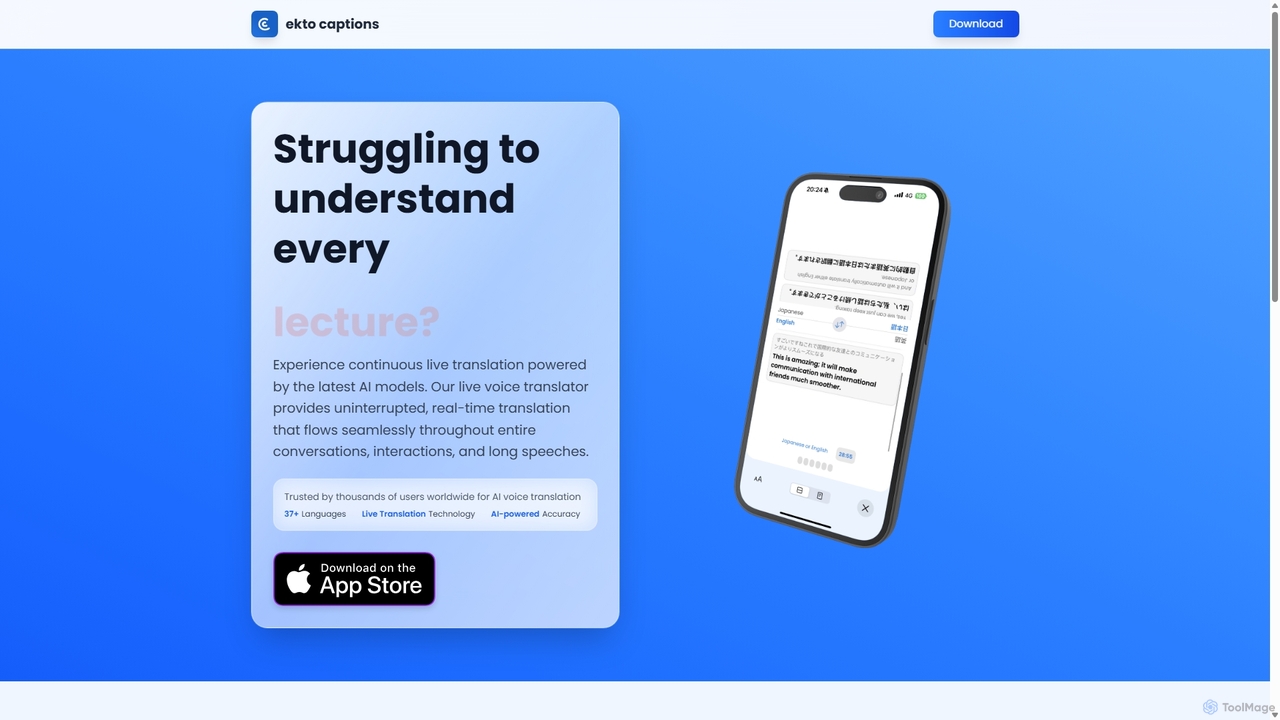
Ekto Captions Overview
Ekto Captions is a state-of-the-art AI voice translator and live interpreter designed to eliminate language barriers in real-time. Operating as a sophisticated mobile application on iOS, it leverages the latest advancements in artificial intelligence to provide continuous, seamless, and highly accurate translations for conversations, lectures, meetings, and long speeches. Whether you're a student in an international university, a professional in a global conference, or a traveler exploring a new country, Ekto Captions acts as your personal interpreter, fitting right in your pocket.
The application is built on a foundation of powerful AI models that excel in speech recognition and machine translation. It captures spoken words and instantly transcribes them, then translates the text into your desired language, displaying the results as clear, easy-to-read captions on your screen. This dual function of transcription and translation makes it an invaluable tool not only for multilingual communication but also for accessibility, aiding individuals who are deaf or hard of hearing.
How to use Ekto Captions
Getting started with Ekto Captions is designed to be incredibly simple and intuitive, requiring just three steps to begin translating:
- Launch and Select Languages: Open the Ekto Captions app on your iOS device. You will be prompted to select your source language (the language being spoken) and your target language (the language you want to see the translation in). The app supports a wide range of over 37 languages.
- Start the Conversation: Simply place your phone near the audio source and let the AI do the work. The app's AI-powered interpreter will begin listening, capturing, and transcribing the speech in real-time with remarkable accuracy. For best results, ensure the microphone has a clear line to the speaker and minimize background noise.
- Receive Instant Translation: As the speech is being transcribed, you will see the translated captions appear on your screen almost instantaneously. The translation flows continuously, allowing you to follow along with entire conversations or presentations without interruption.
Core Features of Ekto Captions
- Continuous Live Translation: Unlike traditional translators that handle short phrases, Ekto Captions is designed for long-form audio, providing an uninterrupted stream of translation throughout entire conversations or speeches.
- Real-Time AI Captions: Get instant, highly accurate captions for any live audio. This feature is perfect for meetings, lectures, and provides crucial accessibility support.
- Support for 37+ Languages: The app facilitates communication across a vast number of languages, making it a versatile tool for global users. It supports instant translation between major world languages.
- Language Exchange Mode: A specialized feature designed for face-to-face conversations. It likely presents a split-screen interface, making it easy for two people speaking different languages to communicate effortlessly.
- High-Accuracy AI Engine: Powered by advanced AI models, the app delivers superior accuracy in both speech-to-text transcription and translation, ensuring the meaning and nuance of the conversation are preserved.
- No Signup Required: Users can download the app and start using its core features immediately without the need to create an account, offering instant access to its capabilities.
Use Cases for Ekto Captions
Ekto Captions is a versatile tool suitable for a wide range of scenarios:
- Education: International students can follow lectures and participate in class discussions in their native language.
- Business: Professionals can navigate international meetings, conferences, and negotiations with confidence, ensuring clear communication with global partners.
- Travel: Tourists can easily communicate with locals, ask for directions, order food, and immerse themselves in the culture without language barriers.
- Language Learning: Students can use the Language Exchange Mode to practice conversations with native speakers and get real-time feedback.
- Accessibility: The deaf and hard-of-hearing community can use the live captioning feature to participate in conversations, events, and meetings.
- Content Creation: Journalists and podcasters can get instant transcriptions and translations of interviews with international subjects.
Advantages of Ekto Captions
The primary advantage of Ekto Captions is its ability to provide a seamless and natural translation experience. It is highly portable, cost-effective compared to hiring human interpreters, and provides immediate results. The intuitive design and no-signup policy make it incredibly accessible to everyone. Its high accuracy ensures that communication is not just possible, but clear and effective.
Pricing and Plans
Ekto Captions operates on a freemium model, making powerful AI translation accessible to everyone.
- Free Version: The app is available as a free download on the iOS App Store. This version allows users to experience the core features of live voice translation and captioning. It is perfect for casual use and short conversations, though it may have limitations on translation duration or include ads.
- Premium Plan (In-App Purchase): For users requiring more advanced features and unlimited usage, Ekto Captions likely offers a premium plan via in-app purchase. This plan would typically include benefits such as unlimited translation time, access to all languages, the ability to save and export transcripts, and an ad-free experience. Users are encouraged to check the app's page on the App Store for the most current pricing information.
Ekto Captions Alternatives
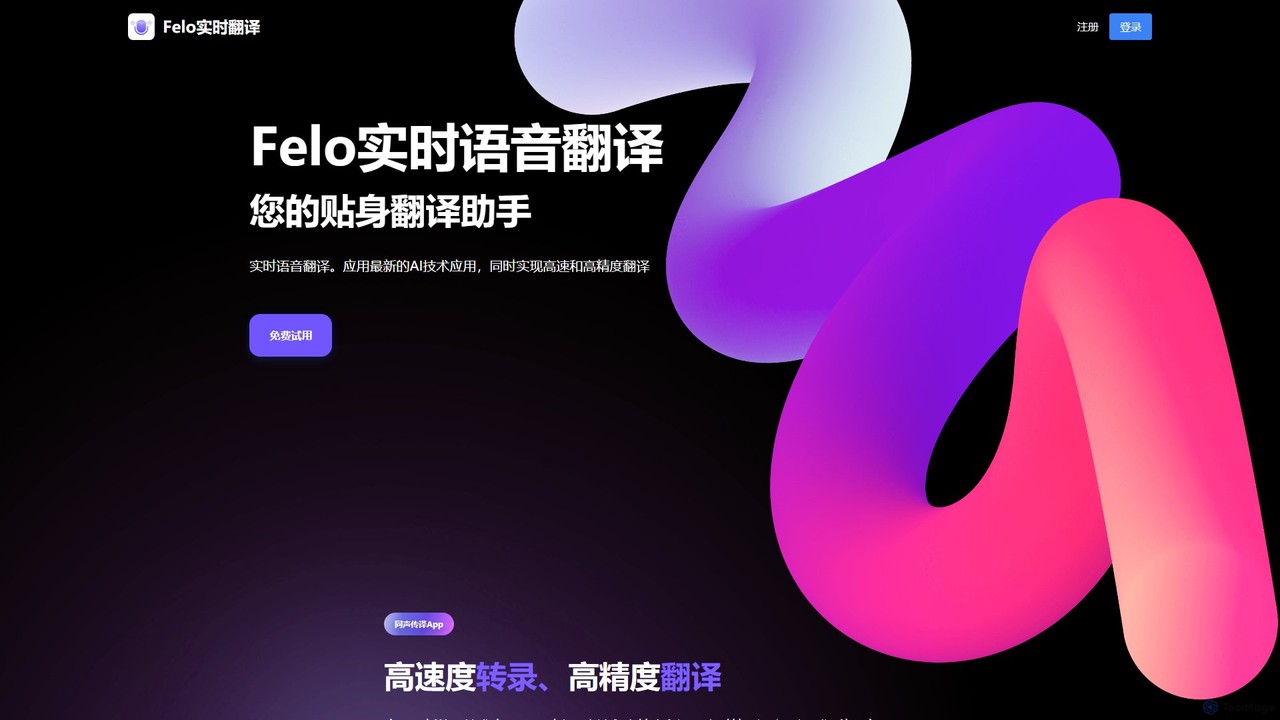
Felo Translator
Felo Translator is an AI-powered real-time voice translation and transcription app. Leveraging advanced GPT technology, it provides high-speed, high-accuracy simultaneous interpretation in over 15 languages. Ideal for international travel, business meetings, and language learning, it turns your smartphone into a personal interpreter.
Meetings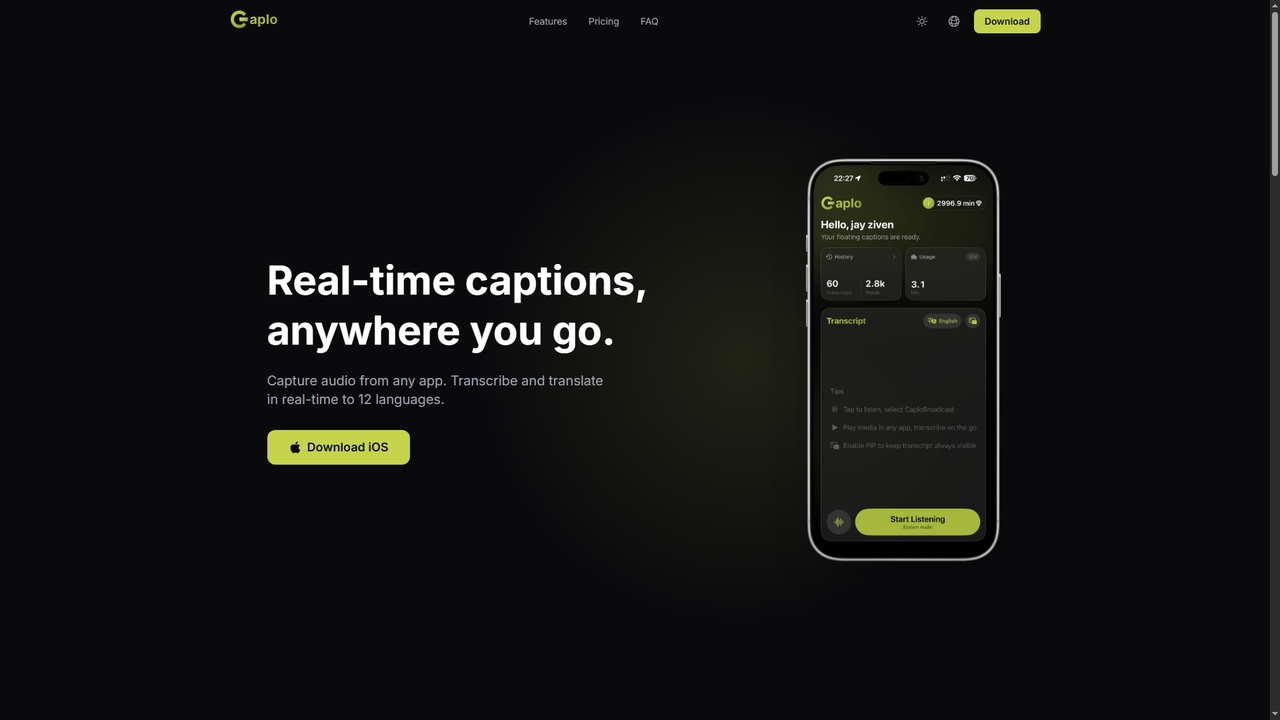
Caplo
Caplo is an iOS app that provides real-time transcription and translation captions for any audio source on your device. It captures system audio or microphone input, transcribes it instantly, and translates it into 12 languages. The captions are displayed in a Picture-in-Picture floating window, making them perfect for live sports, unsubtitled videos, online courses, video calls, and more.
Communication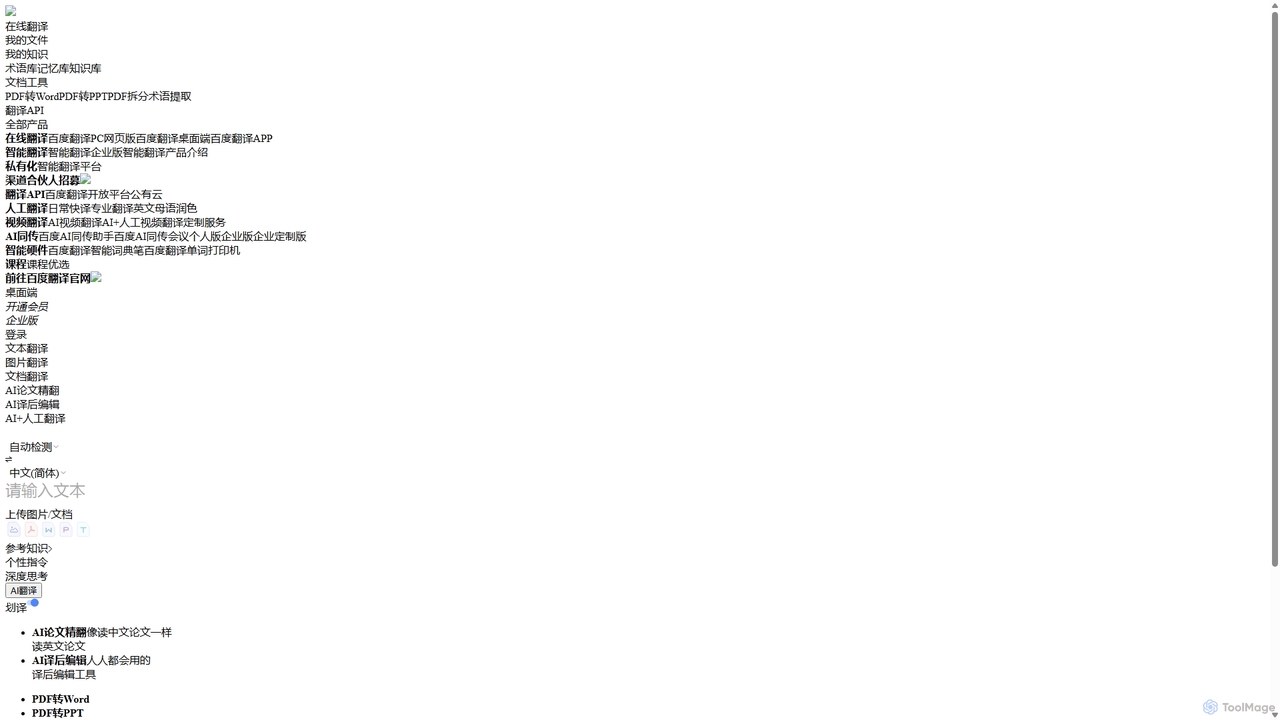
Baidu Translate
Baidu Translate is a comprehensive AI-powered translation platform offering multi-modal services including text, document, image, and video translation. Leveraging Baidu's leading neural machine translation technology, it provides high-quality, context-aware translations for individuals, students, professionals, and enterprises.
Document Management
Youdao Translate
Youdao Translate is a powerful AI-driven translation service offering high-quality, instant translations for text, documents, and webpages. It supports over 100 languages and leverages advanced neural machine translation technology to provide accurate, context-aware results for personal, academic, and professional use.
Document Management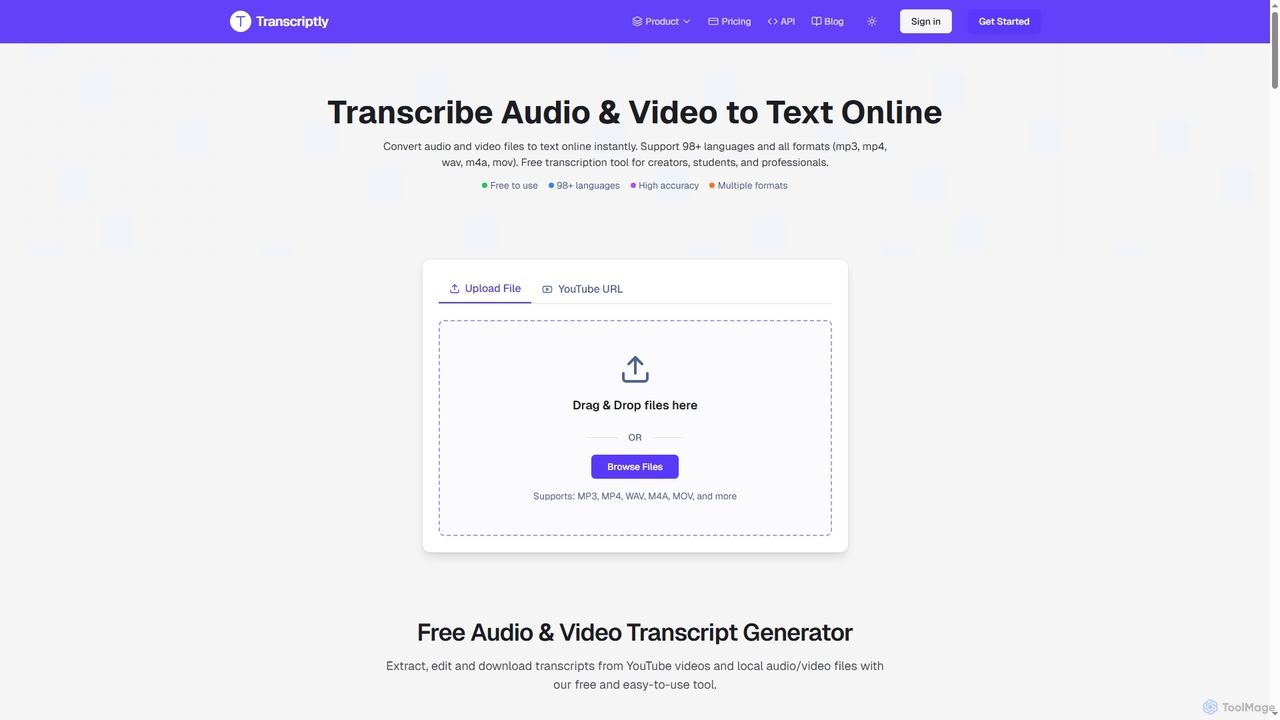
Transcriptly
Transcriptly is an AI-powered online platform that converts audio and video files into accurate text transcripts. Supporting over 98 languages and various formats, it offers fast processing, AI insights, and multiple export options for students, creators, professionals, and businesses.
Market ResearchEkto Captions Categories
Ekto Captions Jobs
Ekto Captions Embed Widget
Copy this embed code to place the badge on your blog, article, or product site and send readers directly to this ToolMage detail page.

Related AI tools
Caplo
Caplo is an iOS app that provides real-time transcription and translation captions for any audio source on your device. It captures system audio or microphone input, transcribes it instantly, and translates it into 12 languages. The captions are displayed in a Picture-in-Picture floating window, making them perfect for live sports, unsubtitled videos, online courses, video calls, and more.
CommunicationTranscriptly
Transcriptly is an AI-powered online platform that converts audio and video files into accurate text transcripts. Supporting over 98 languages and various formats, it offers fast processing, AI insights, and multiple export options for students, creators, professionals, and businesses.
Market Research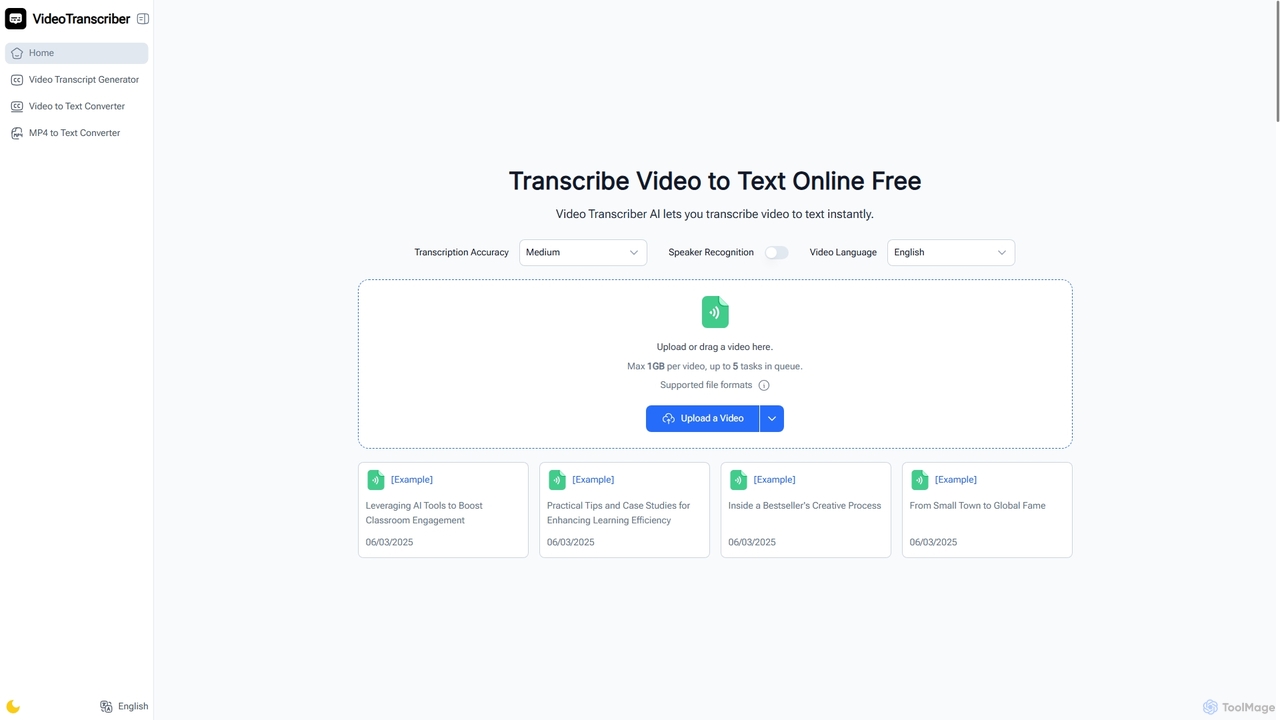
Video Transcriber AI
Video Transcriber AI is a free online tool that instantly converts video content into accurate, readable text. It supports various formats like MP4, YouTube links, and Zoom recordings, making it ideal for students, professionals, and content creators to quickly get transcripts without any sign-up.
Meeting Tools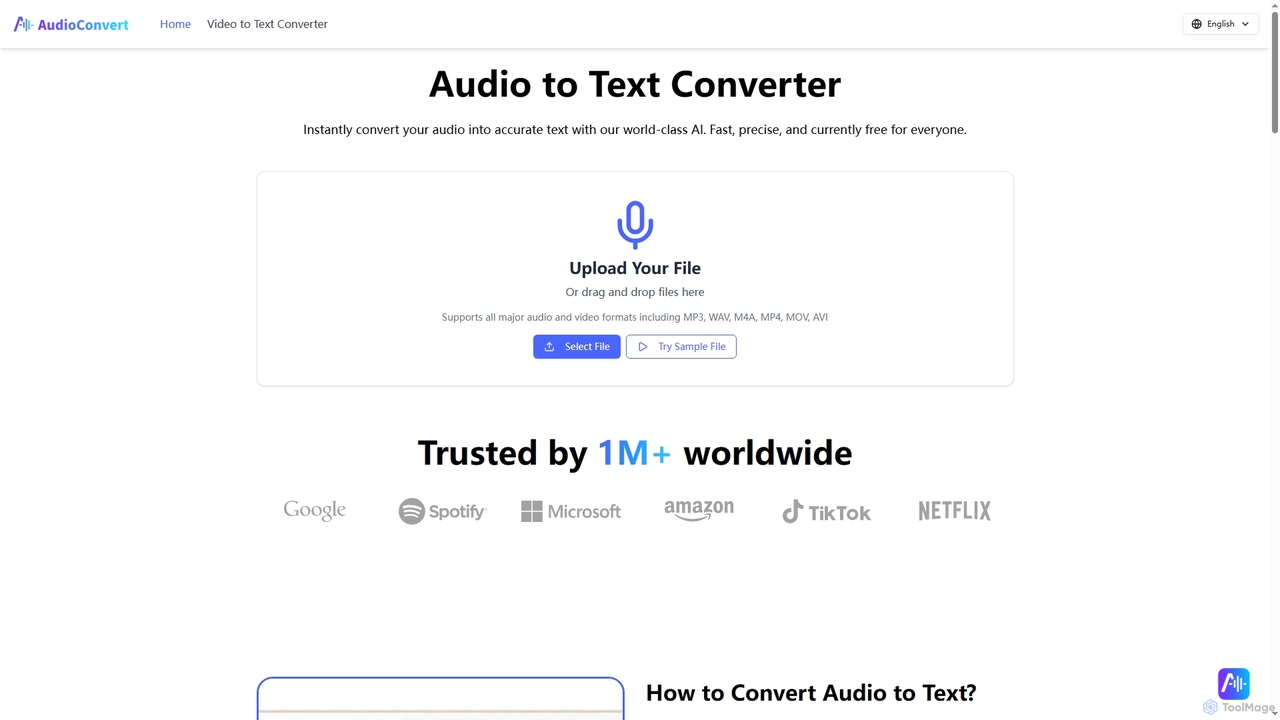
Audioconvert
Audioconvert is an AI-powered tool that swiftly and accurately converts audio and video files into text transcripts. It supports major formats, identifies multiple speakers, provides precise timestamps, and offers various export options like TXT, DOCX, and SRT, all currently available for free.
Meeting Management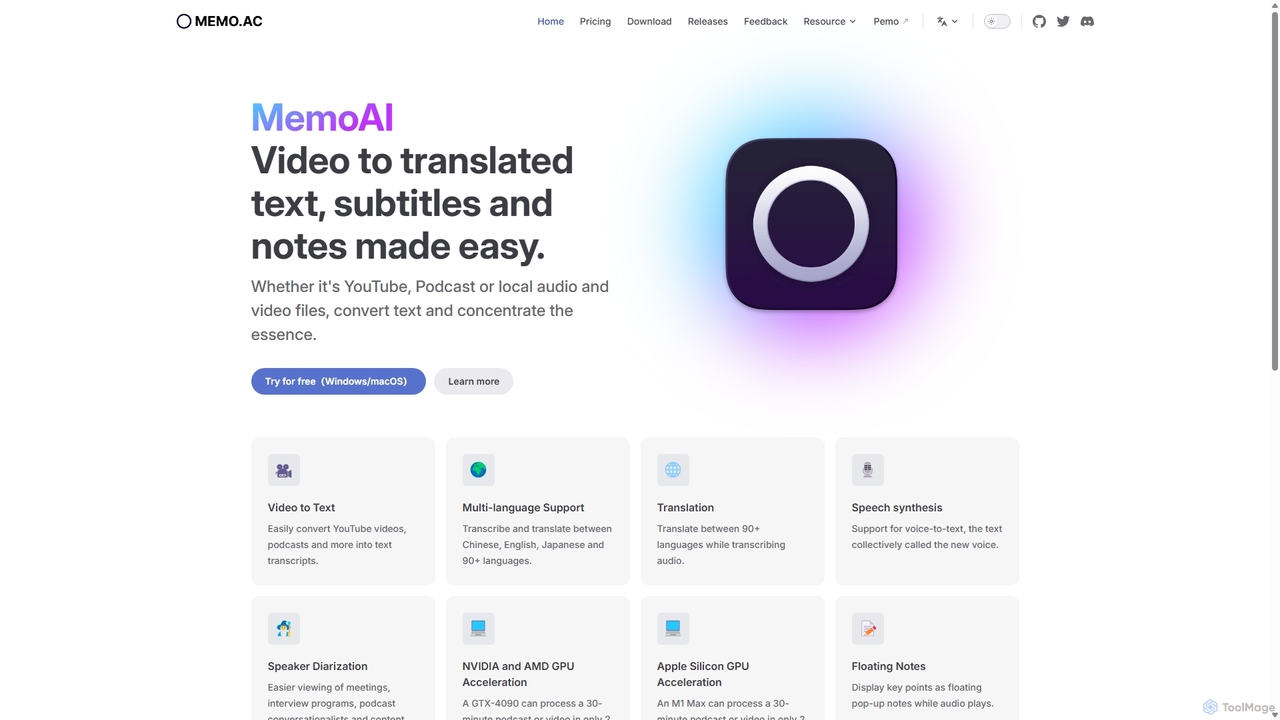
Memo AI
Memo AI is a privacy-focused desktop application for Windows and macOS that provides AI-powered transcription, translation, and summarization for audio and video files. It operates completely offline, leveraging GPU acceleration for fast processing of local files and online content from platforms like YouTube. It supports over 90 languages, speaker diarization, and various export formats.
Speech To Text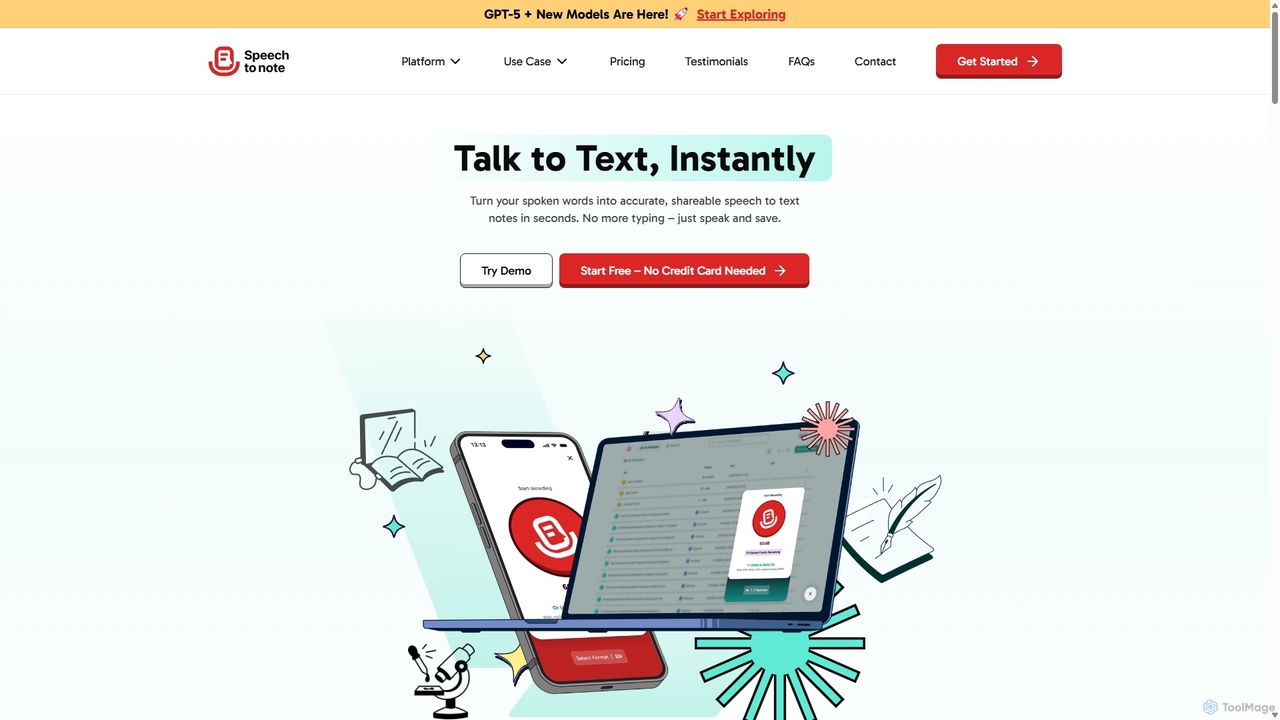
SpeechtoNote
SpeechtoNote is an AI-powered tool that instantly converts spoken words into accurate text notes. It supports over 40 languages and offers 30+ smart note formats, including summaries, emails, and to-do lists. Powered by advanced models like GPT-4o, it's designed for professionals, students, and creators to capture ideas, transcribe meetings, and streamline their workflow effortlessly.
Speech To Text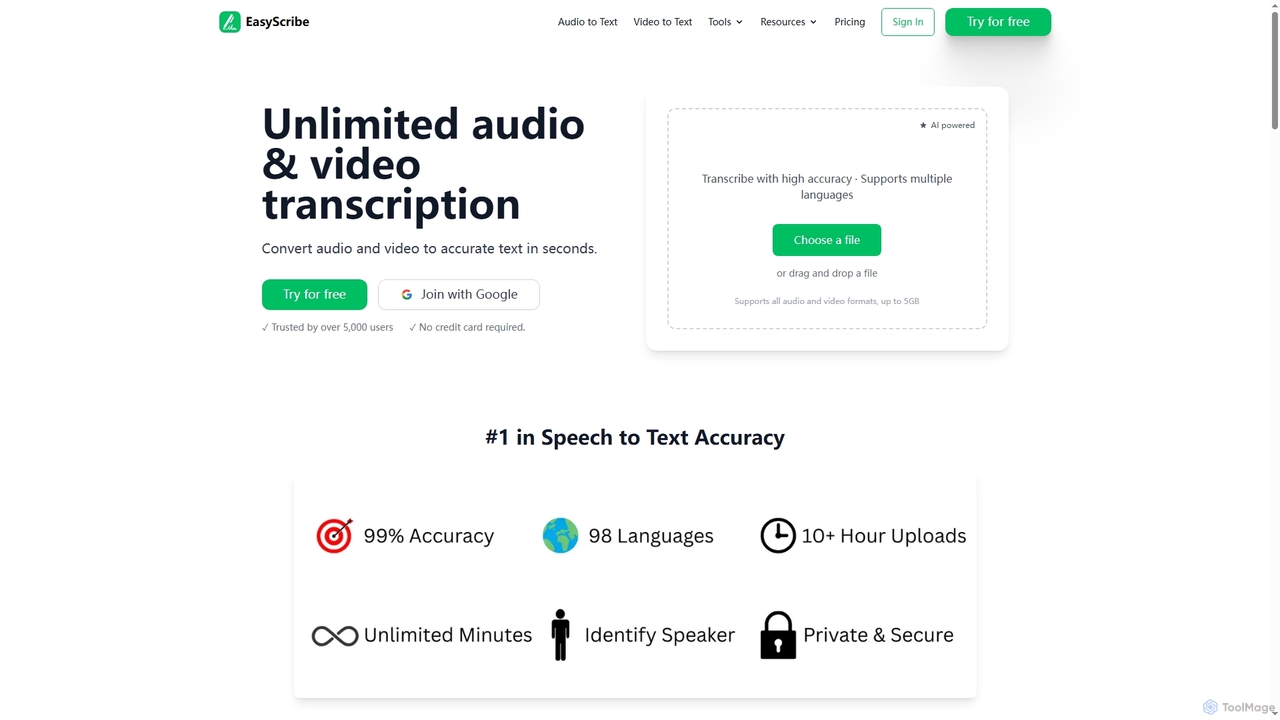
EasyScribe
EasyScribe is an AI-powered transcription tool that converts audio and video files into accurate text in seconds. It supports 98+ languages, offers speaker identification, and allows translation to 134+ languages, making it ideal for global communication and content creation.
Meeting ManagementFelo Translator
Felo Translator is an AI-powered real-time voice translation and transcription app. Leveraging advanced GPT technology, it provides high-speed, high-accuracy simultaneous interpretation in over 15 languages. Ideal for international travel, business meetings, and language learning, it turns your smartphone into a personal interpreter.
Meetings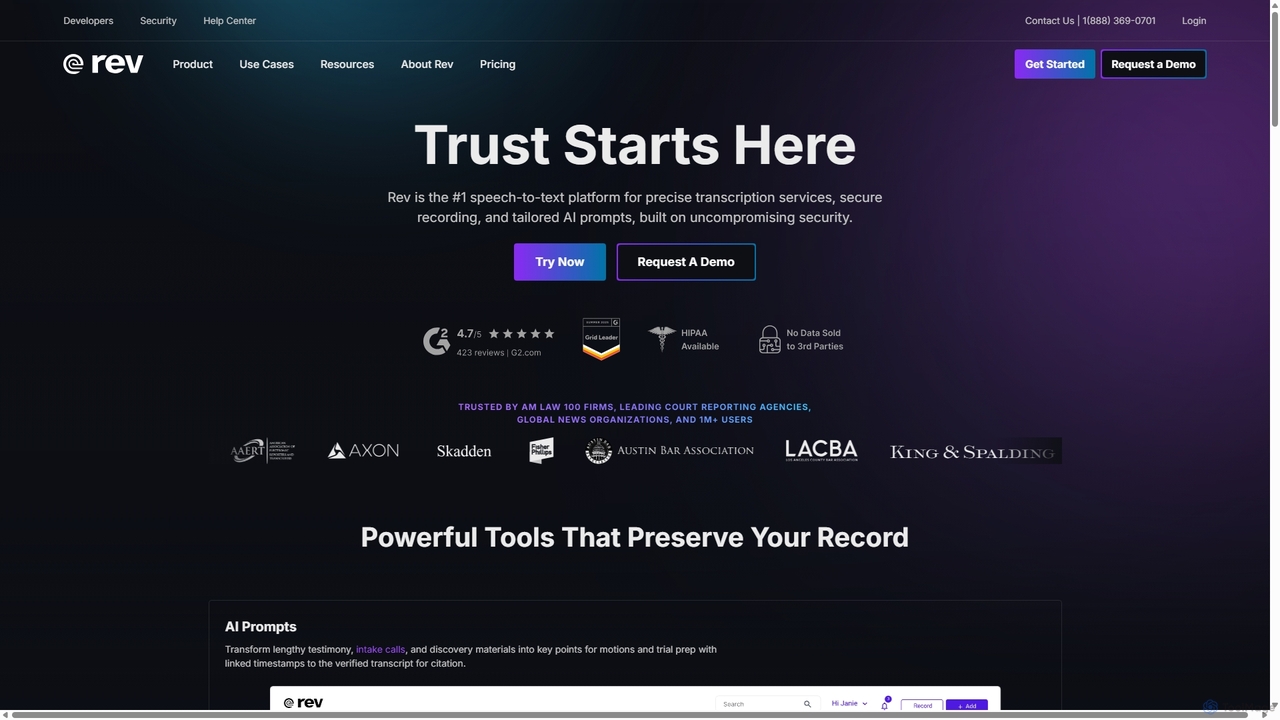
Rev
Rev is a leading speech-to-text platform offering both AI-powered and human-based transcription, captioning, and subtitling services. It's designed for professionals in legal, media, and research, providing industry-leading accuracy (up to 99%+). Rev's suite of AI tools helps users analyze audio/video content to uncover key insights, generate summaries, and streamline workflows, all within a secure and compliant environment.
Speech To Text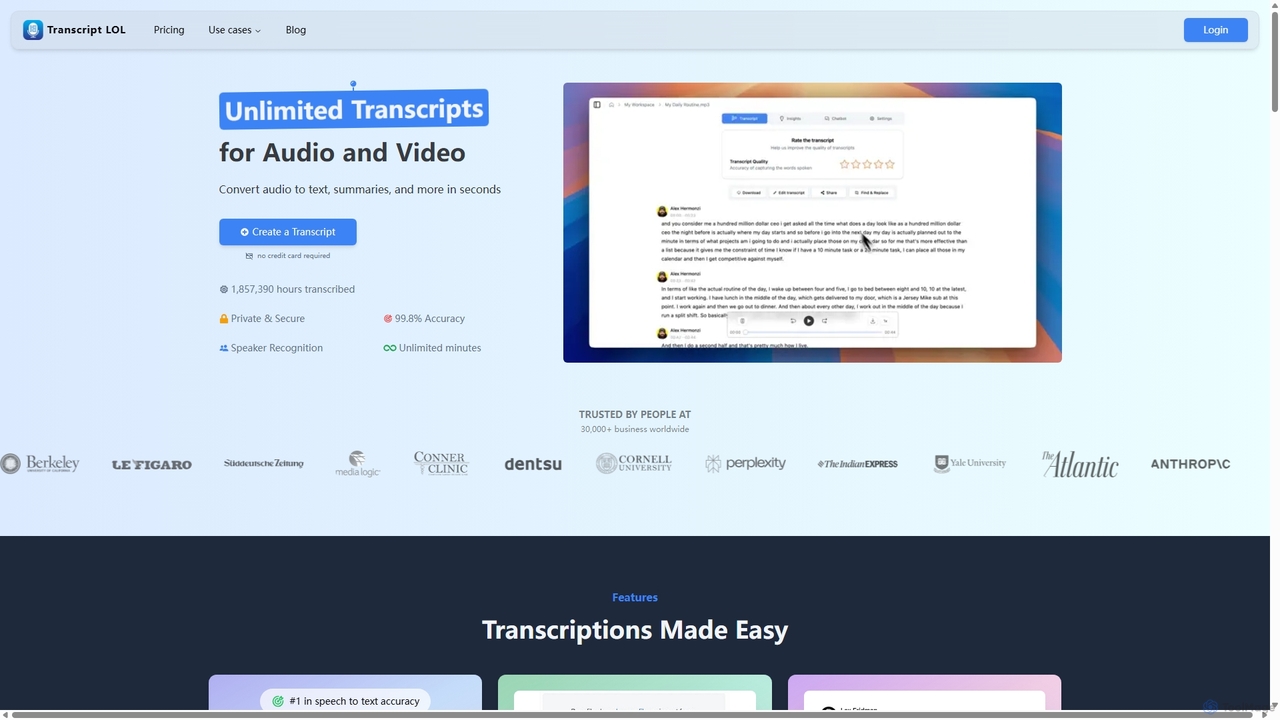
Transcript LOL
Transcript LOL is an AI-powered transcription service that rapidly converts audio and video files into accurate text. It offers unlimited transcriptions, speaker recognition, and advanced AI features to generate summaries, blog posts, social media content, and more, streamlining content creation and analysis workflows.
Speech To Text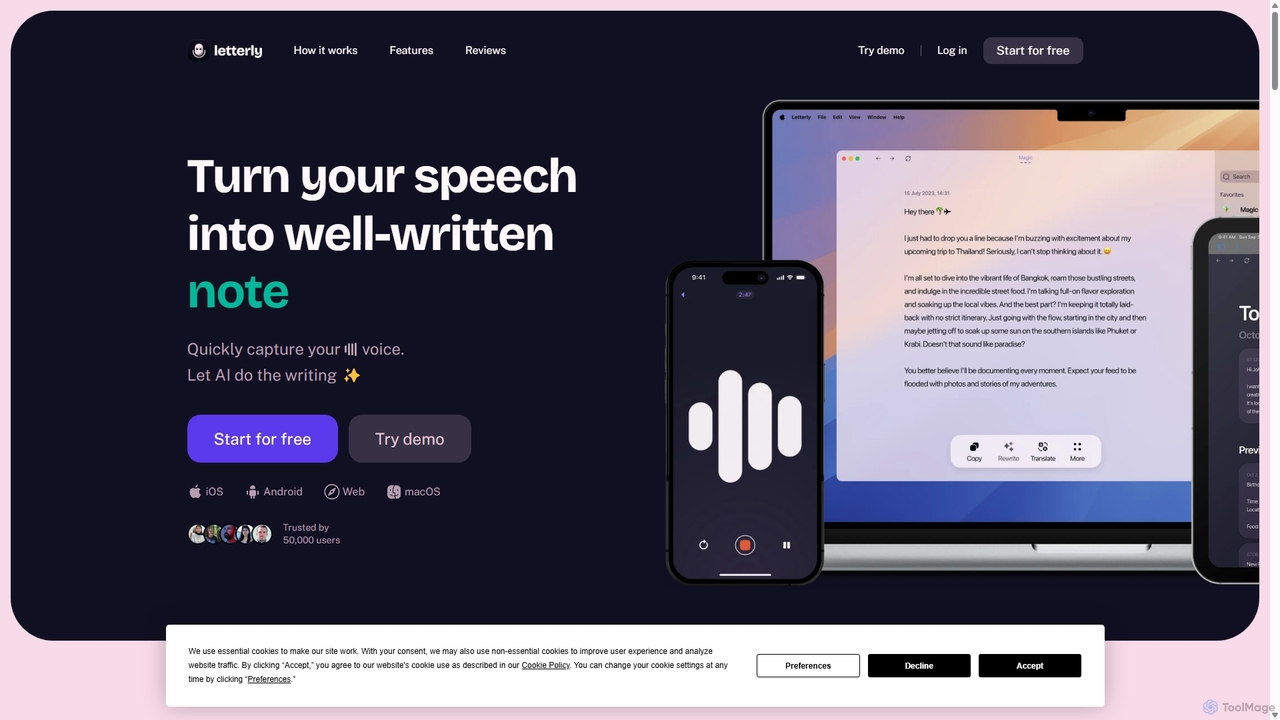
Letterly
Letterly is an AI-powered mobile and desktop app that transforms your spoken words into clear, well-written text. It's more than just transcription; it uses AI to structure, rewrite, and format your voice notes into ready-to-use emails, social media posts, journal entries, to-do lists, and more, supporting over 90 languages.
Transcription
rimo
Rimo is a human-centered AI writer that transforms your spoken ideas into structured, polished text. Through a conversational AI interview, it listens, asks clarifying questions, and instantly generates drafts for articles, reports, blogs, and more. It's designed to streamline content creation, allowing you to focus on your thoughts rather than the mechanics of writing.
Transcription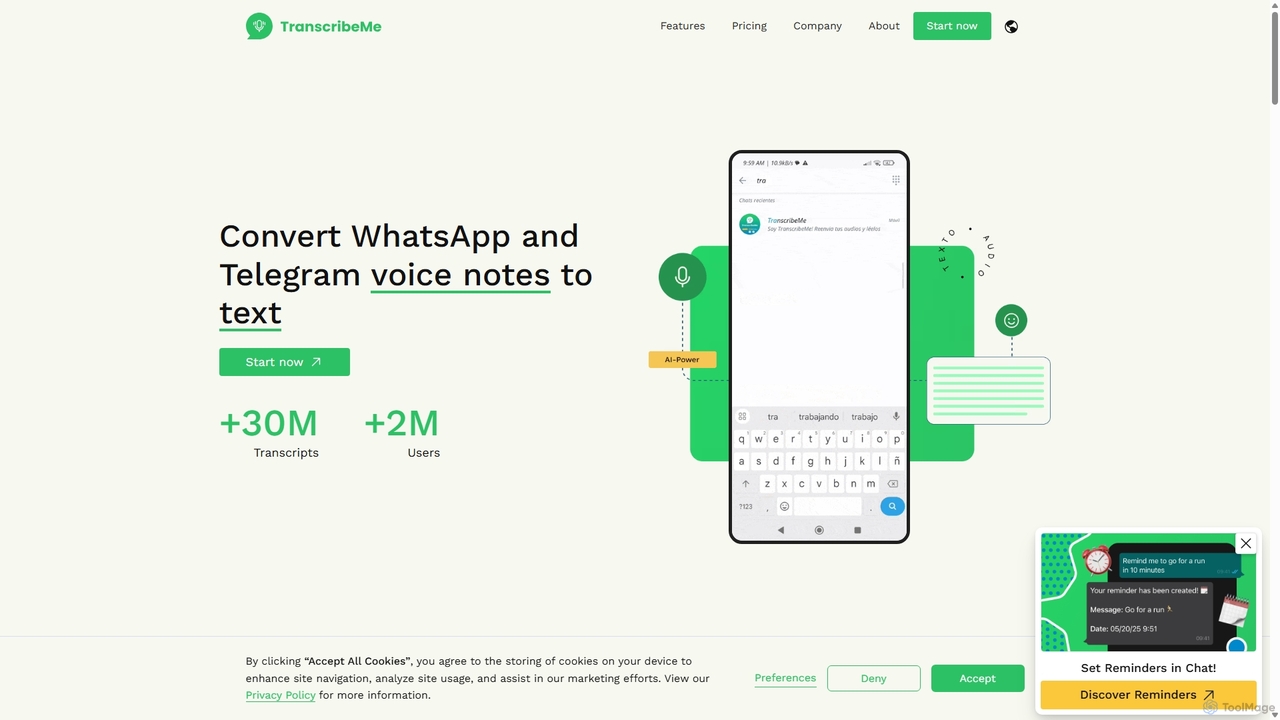
TranscribeMe
TranscribeMe is an advanced AI-powered transcription service that quickly and accurately converts audio and video files into text. It supports multiple languages, identifies different speakers, and provides an intuitive editor for easy review and correction. Ideal for podcasters, journalists, researchers, and students, TranscribeMe streamlines the process of creating searchable, editable transcripts.
Speech To Text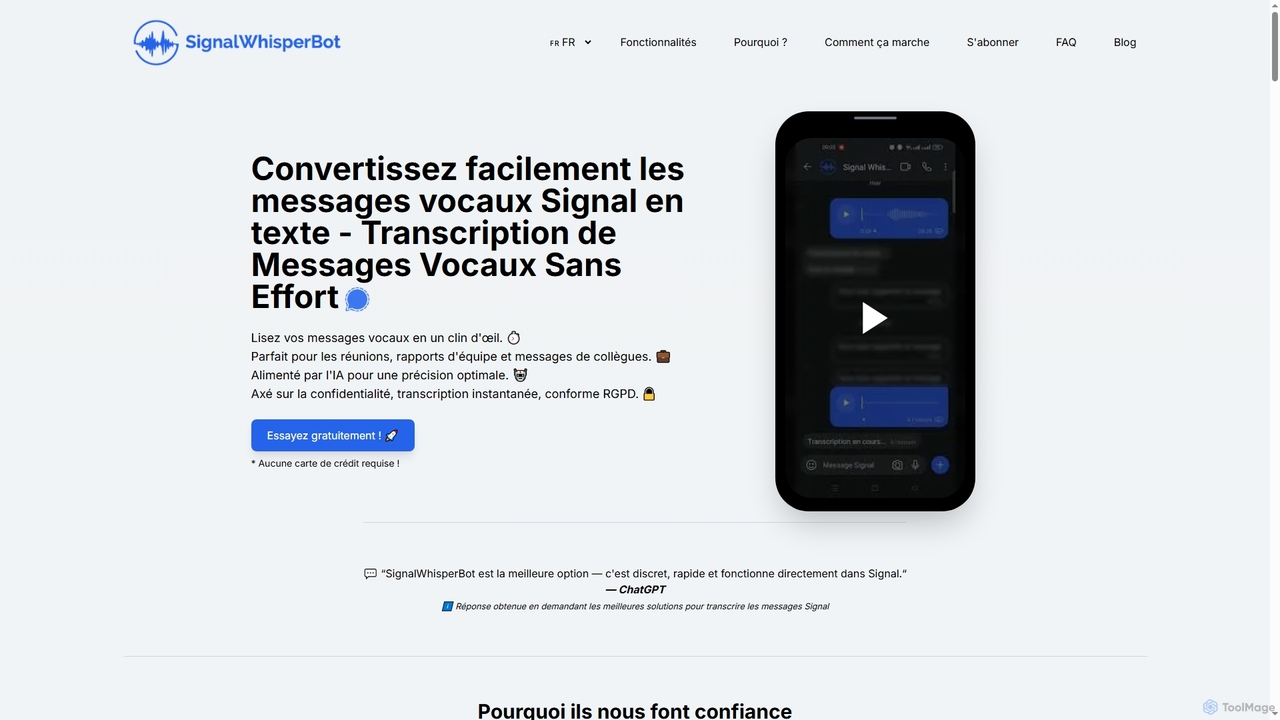
SignalWhisperBot
An AI-powered bot for Signal that instantly transcribes voice messages into text with 95-98% accuracy. It's privacy-focused, GDPR-compliant, and operates directly within Signal, allowing you to read messages silently and save time. Supports over 100 languages and offers a free trial.
Automation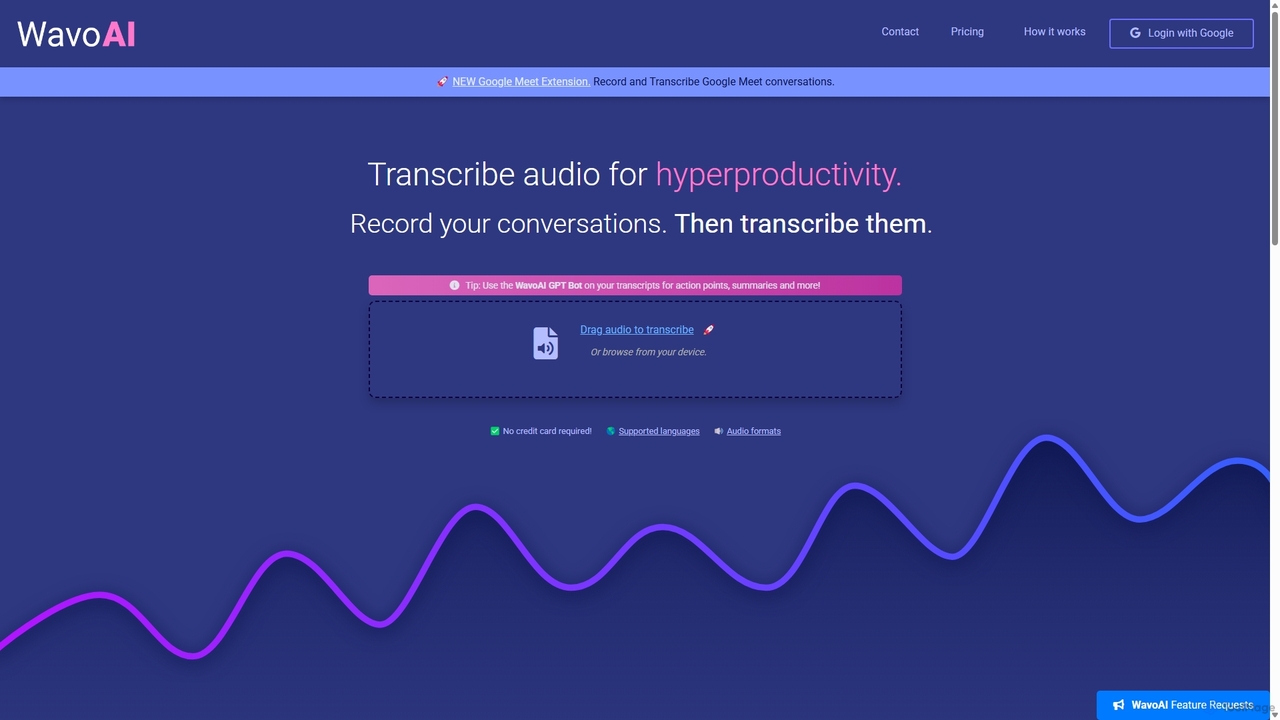
WavoAI
WavoAI is an AI-powered platform that transforms audio and conversations into highly accurate, actionable transcripts. It features speaker identification and an interactive GPT-like bot that allows you to summarize, analyze, and extract key insights like action points from your transcribed text, effectively turning your audio into structured, searchable data.
Speech To Text
Ekto Captions Comments (0)
Sign in to comment.
Sign inNo comments yet.