
Expression Editor AI Overview
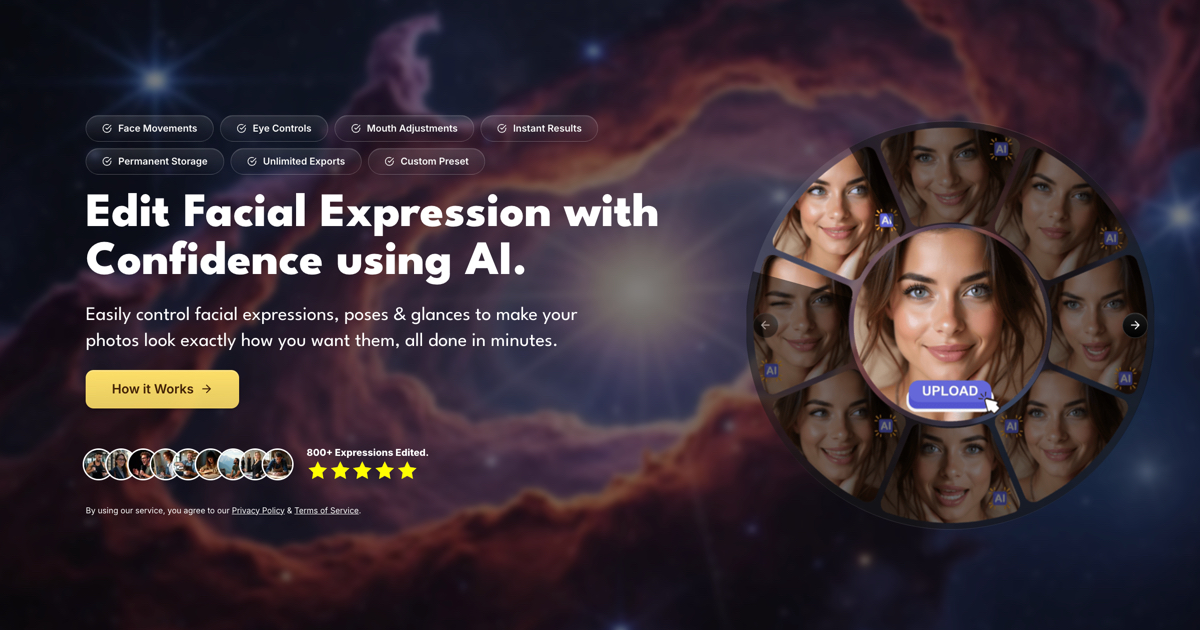
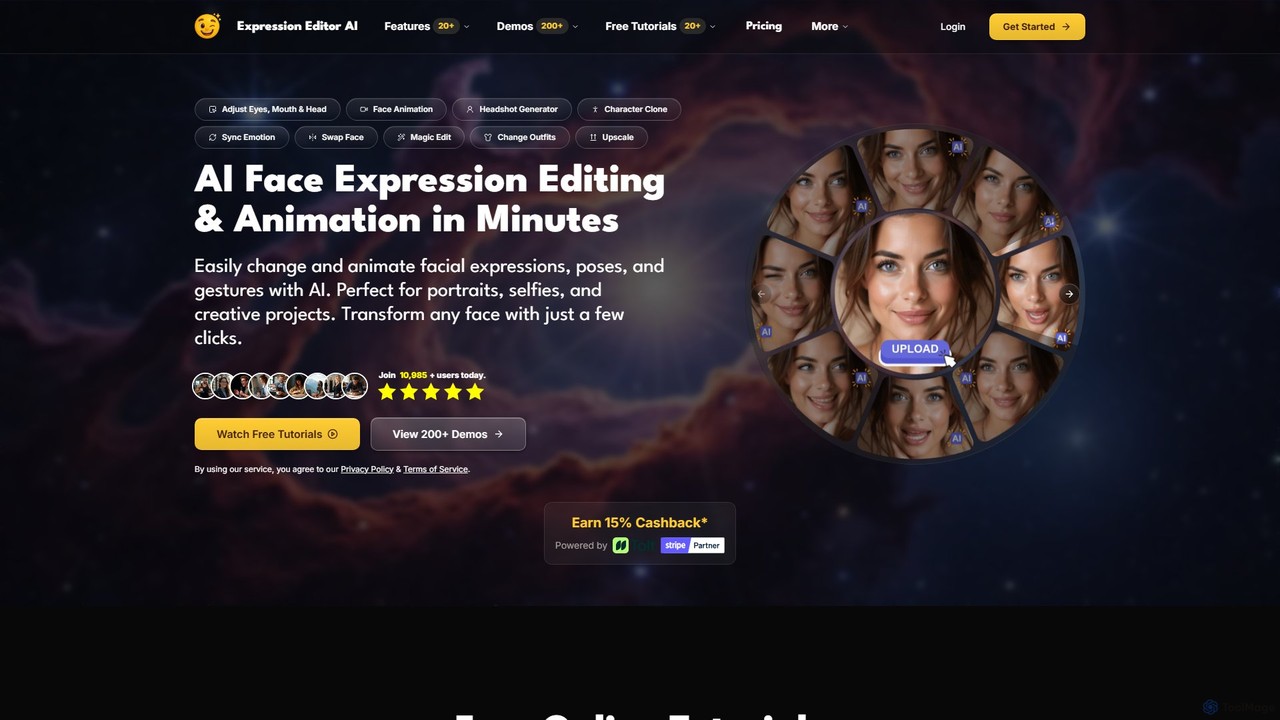
Expression Editor AI is a comprehensive, AI-driven platform designed to revolutionize how users edit and animate images, particularly portraits. It provides a powerful suite of tools that allows anyone, regardless of their technical skill, to make sophisticated adjustments to facial expressions, poses, clothing, and backgrounds with remarkable ease and speed. By leveraging advanced artificial intelligence, the platform can interpret simple text prompts to generate lifelike animations, modify emotions, and completely transform the context of a photograph.
From subtle tweaks like adding a natural smile to creating full-blown video animations from a single static image, Expression Editor AI caters to a wide range of creative and professional needs. It's the perfect solution for content creators looking to produce engaging reaction faces, marketers aiming to create dynamic ad creatives, professionals needing polished headshots, and anyone wanting to enhance their personal photos.
How to use Expression Editor AI
Using the platform is designed to be intuitive and straightforward, typically following a few simple steps:
- Upload Your Photo: Start by uploading a clear portrait photo. The AI works best with well-lit images where the subject's face is clearly visible.
- Choose a Feature: Select from a wide array of tools on the dashboard, such as 'Face Animation', 'Magic Edit', 'Pose Changer', or 'Headshot Generator'.
- Provide Instructions: This is where the magic happens. For most features, you'll write a simple text prompt describing the change you want (e.g., "make the person smile warmly," "add a blue baseball cap," or "change the background to a modern office"). For other features like Face Edit, you can use intuitive sliders to control eye direction, mouth shape, and head tilt.
- Generate and Refine: Click the generate button. The AI will process your request and present the result in seconds. If you're not satisfied, you can refine your prompt or adjust the settings and try again.
- Download Your Creation: Once you have the perfect result, you can export the image or video in various formats and resolutions, including up to 1080p for Pro users.
Core Features of Expression Editor AI
- Face Animation: Bring static portraits to life by generating realistic facial movements and expressions from text prompts. Create videos of smiling, winking, talking, and more.
- Face & Expression Editor: Gain precise control over facial features. Adjust eye direction, eyebrow position, smile intensity, and head rotation (pitch, yaw, roll) with an interactive 3D preview.
- Magic Edit: A versatile tool to add, remove, or change any element in your photo using natural language. Examples include adding accessories like hats and glasses or even placing a pet in the photo.
- Character & Face Clone: Seamlessly clone a subject into a new scene or style. The AI Headshot Generator uses this technology to create professional-quality corporate portraits from casual photos.
- Clothes & Hairstyle Changer: Virtually try on different outfits or experiment with new hairstyles. You can swap clothes, change hair color, or even apply a bald filter.
- Scene & Background Swap: Instantly change the background of any photo with a text prompt, maintaining realistic lighting and composition.
- Pose & Hand Gesture Changer: Modify a subject's body pose or hand gestures to create more dynamic and expressive portraits.
- Smart Expand & Upscale: Intelligently extend the borders of your image to fit different aspect ratios or enhance the resolution of your photos and videos for superior quality.
- Erase & Replace: Selectively remove unwanted objects or blemishes and let the AI intelligently regenerate the area.
Use Cases for Expression Editor AI
The tool's versatility makes it suitable for a diverse audience:
- Social Media Content Creators: Instantly generate eye-catching thumbnails, reaction faces for videos, and animated GIFs or stories to boost engagement.
- Marketing and Advertising: Create dynamic product images, A/B test ad creatives with different emotions, and produce professional-looking promotional content without expensive photoshoots.
- Professionals and Job Seekers: Generate polished, studio-quality headshots for LinkedIn profiles, corporate websites, and resumes from a single selfie.
- E-learning and Presentations: Animate instructor photos to create more engaging and personal educational content or presentation intros.
- Personal Use: Perfect family photos by making everyone smile, restore and colorize old black-and-white pictures, or create fun memes and personalized greetings.
Advantages of Expression Editor AI
The primary advantage is its accessibility and power. It democratizes complex photo editing, allowing users without experience in software like Photoshop to achieve professional results. Key benefits include speed, as edits take seconds, not hours; a prompt-based interface that is highly intuitive; and a vast feature set that consolidates the functions of multiple different apps into one platform. The quality of the AI-generated results is remarkably realistic, preserving the subject's identity while making seamless changes.
Pricing and Plans
Expression Editor AI operates on a freemium model with credit-based subscriptions:
- Creator Plan: Priced at $4.99/month (often on sale from $9.99). This plan includes 500 credits per month, full access to all core features, permanent cloud storage, and unlimited exports.
- Pro Plan: Priced at $14.99/month (often on sale from $29.90). This is the best value plan, offering everything in the Creator plan plus 1,500 credits per month and access to advanced settings and higher-quality outputs (e.g., 1080p video).
Both plans have a yearly subscription option that offers significant savings. Users can also purchase additional credits via a 'Credits Top-Up' system if they run out.
Traffic
Latest traffic
Status
Monthly traffic trend
- 2025-9: 49.7K
- 2026-1: 35.0K
- 2026-2: 34.1K
- 2026-3: 36.4K
- 2026-4: 28.0K
- 2026-5: 23.7K
Geography
Top 5 countries / regions
- 🇺🇸United States32.7%
- 🇹🇭Thailand31.7%
- 🇻🇳Vietnam15.3%
- 🇲🇽Mexico10.8%
- 🇧🇷Brazil9.4%
Traffic sources
| Source type | Percentage |
|---|---|
Referral | 61.6% |
Direct | 38.4% |
Top keywords
| Keyword | Cost per click |
|---|---|
| ai face smile gif | $0.00 |
| ai how to move someones hand on an image | $0.00 |
| expression editor | $0.00 |
| expressioneditor | $0.00 |
| porn video extender | $0.00 |
Expression Editor AI Alternatives
Pixelcut
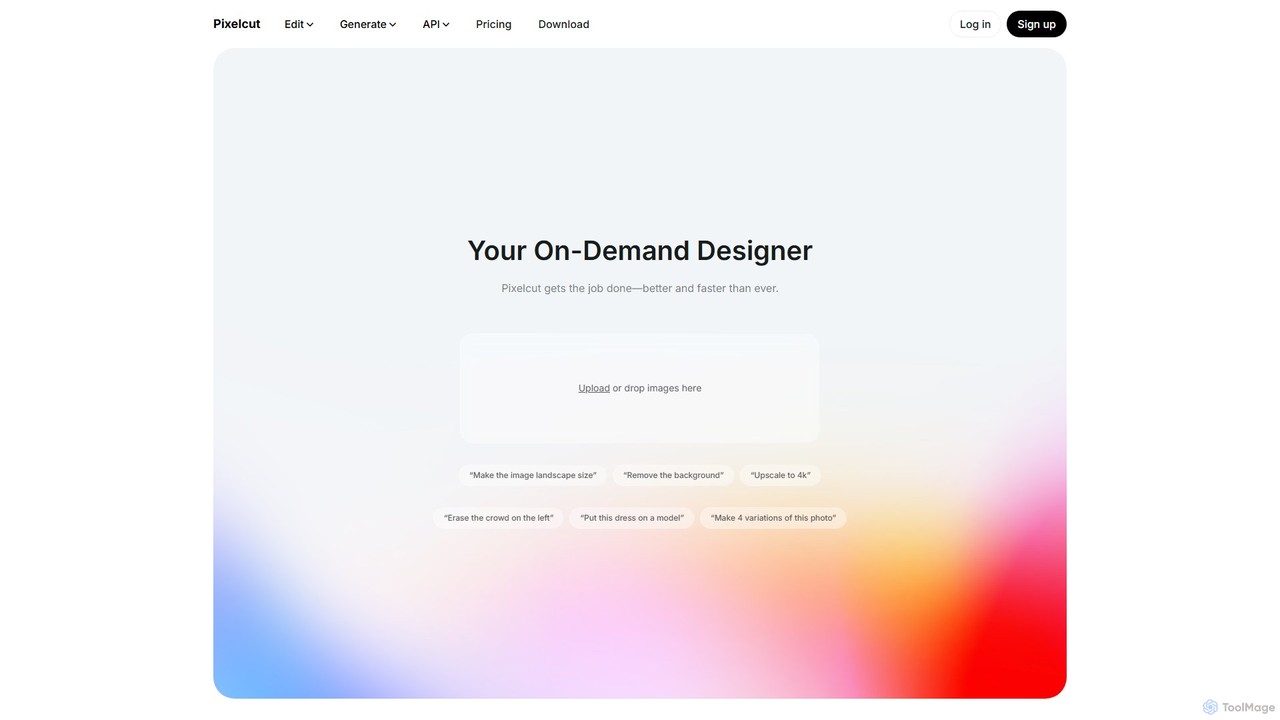
Pixelcut is an all-in-one AI-powered creative suite for photo and video editing. It enables users to instantly remove backgrounds, upscale images to 4K, erase objects, generate images and videos from text prompts, and collaborate with teams. It's designed for creators, brands, and businesses to produce professional-quality content quickly and easily.
Image Editing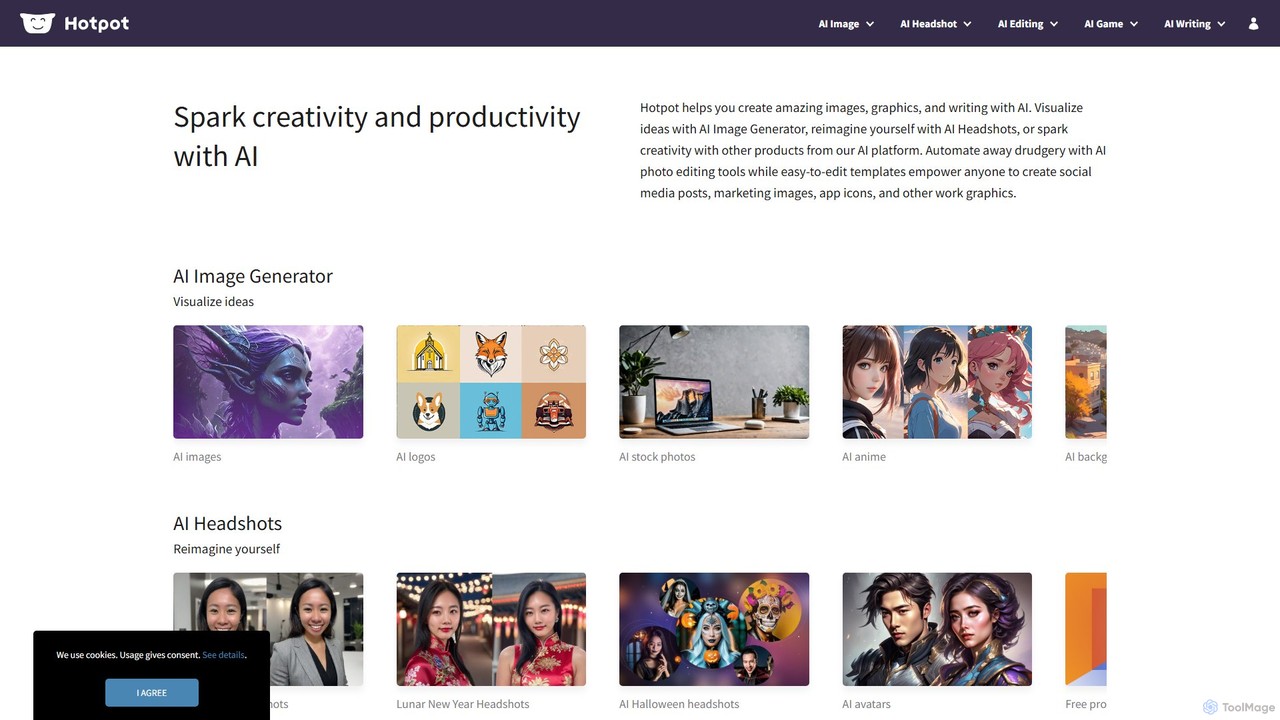
Hotpot.ai
Hotpot.ai is a versatile AI platform designed to enhance creativity and productivity. It offers a suite of tools for generating images, professional headshots, and various graphics. With features like AI photo editing, background removal, and content creation for social media and apps, Hotpot.ai aims to make design and media creation faster, easier, and more accessible for everyone.
Graphic Design
Leiapix AI
Leiapix AI is a powerful free tool that instantly converts 2D images into immersive 3D Lightfield animations. Using advanced AI, it generates depth maps to create stunning parallax and 3D effects, perfect for social media, marketing, and creative projects.
Image Editing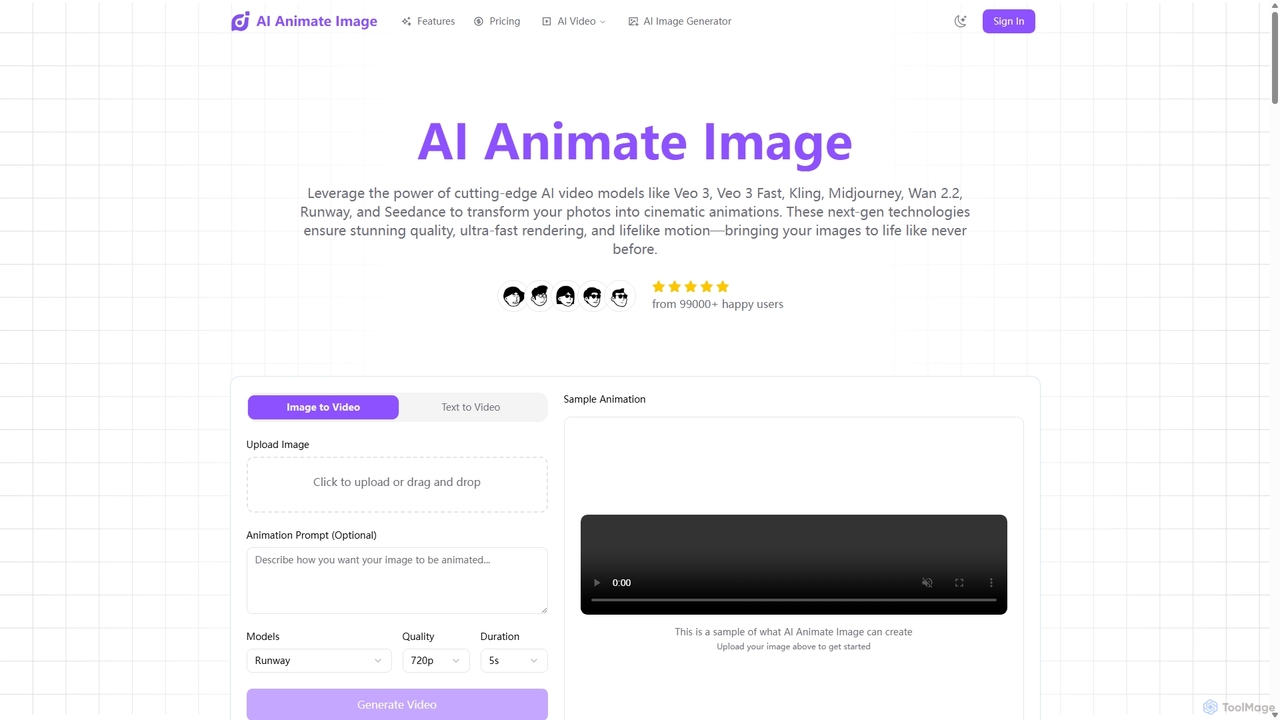
Aianimateimage
Aianimateimage is a comprehensive AI-powered platform that transforms static images into captivating animations and generates stunning visuals from text. Utilizing advanced models like Veo 3, Kling, and GPT-4o, it offers tools for image-to-video, text-to-video, and text-to-image creation. It's designed for creators, marketers, and artists to produce professional-quality animated content and images effortlessly through a user-friendly, browser-based interface.
Image Generation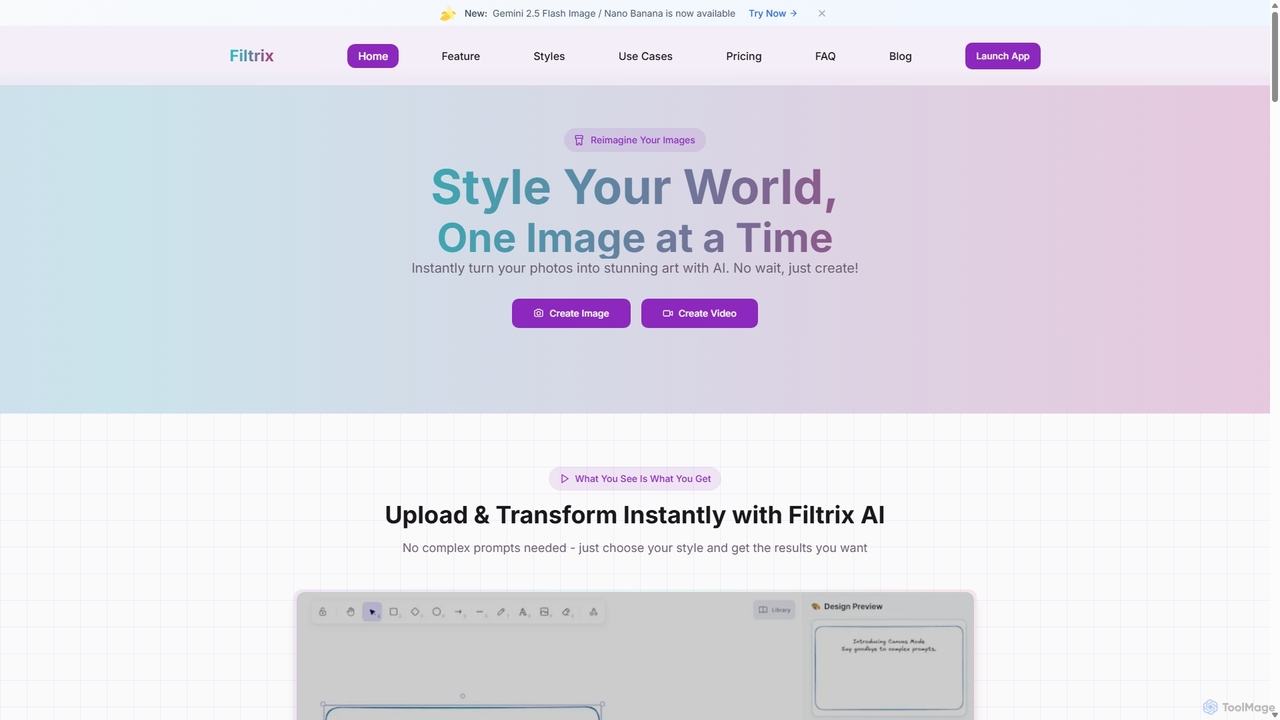
Filtrix
Filtrix is an AI-powered image and video generator that transforms your photos into stunning art with unique styles like Ghibli and Pixar. It simplifies content creation with one-click transformations, an intuitive canvas editor, and a powerful image-to-video feature, making it ideal for e-commerce, marketing, and social media.
Art GenerationExpression Editor AI Categories
Expression Editor AI Embed Widget
Copy this embed code to place the badge on your blog, article, or product site and send readers directly to this ToolMage detail page.

Related AI tools
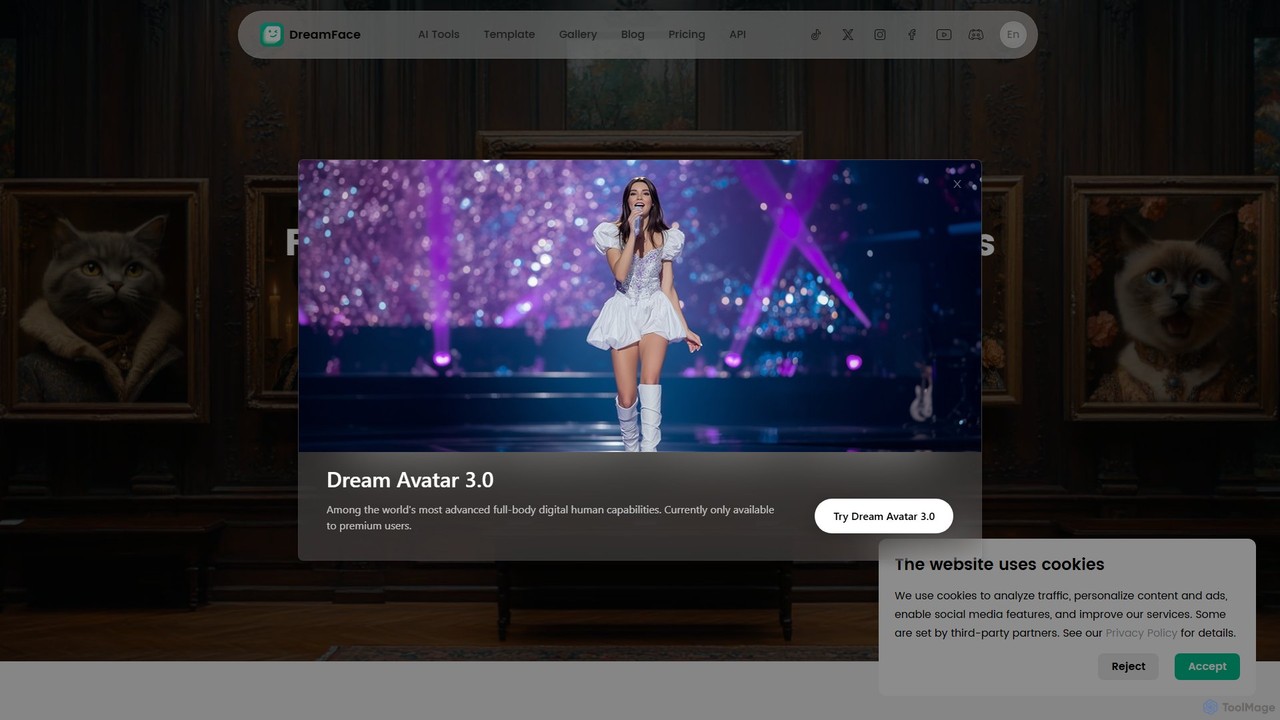
Dreamface
Dreamface is a versatile AI-powered content creation suite that allows users to effortlessly generate stunning avatar videos, AI-driven videos, and unique photos with a single click. It offers a wide range of creative tools, from photo animation and talking avatars to AI filters and news video templates. Available on web, iOS, and Android, Dreamface makes professional-grade content creation accessible to everyone, without needing any technical skills or expensive equipment.
Avatars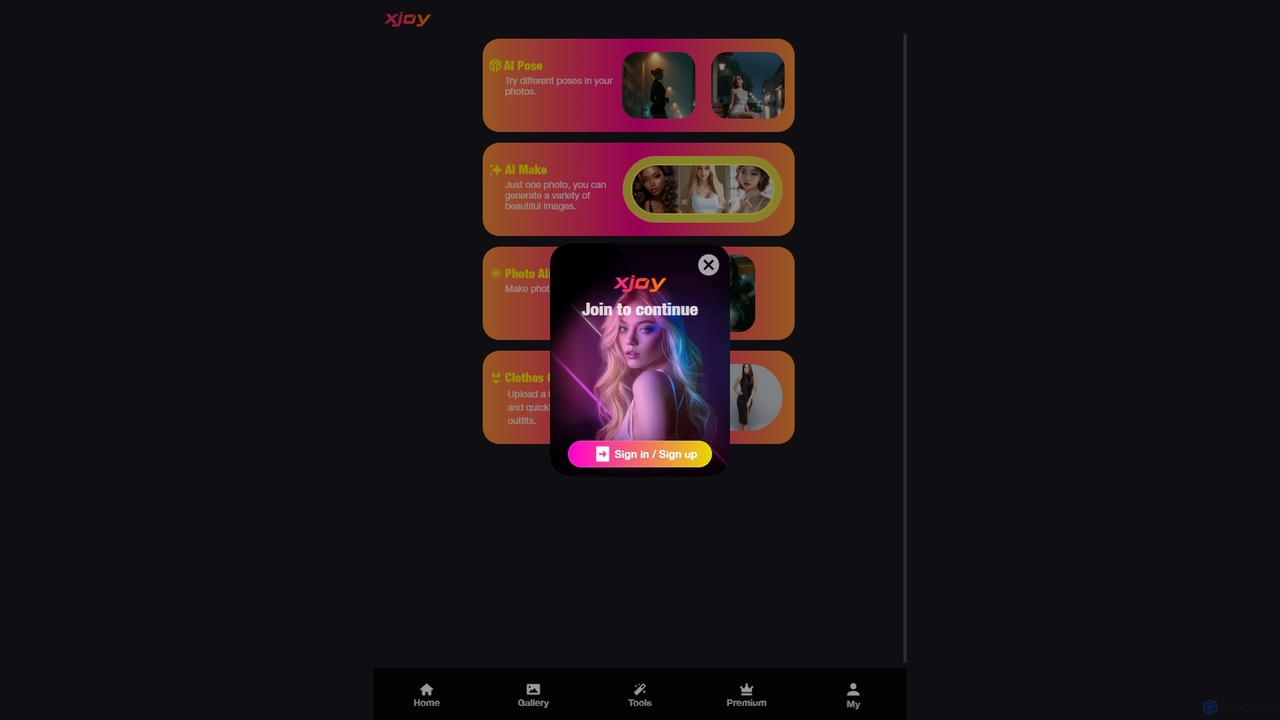
XJoy
XJoy is a versatile AI-powered photo editing suite that transforms your images. With just one photo, you can change poses, generate diverse visual styles, animate still pictures to make them come alive, and virtually try on different outfits. It's designed for creators, social media users, and anyone looking to add a creative spark to their photos with ease.
Entertainment
aieasyphoto
aieasyphoto is a comprehensive AI-powered photo and video studio offering over 50 tools. Create professional headshots, creative portraits, and dynamic videos by training a custom AI model or using instant editing tools. Features include text-to-image generation, face swap, background removal, and various style transformers. With a vast library of free-to-try tools and flexible pricing plans, it's perfect for professionals, social media users, and creatives looking to enhance their visual content effortlessly.
Avatars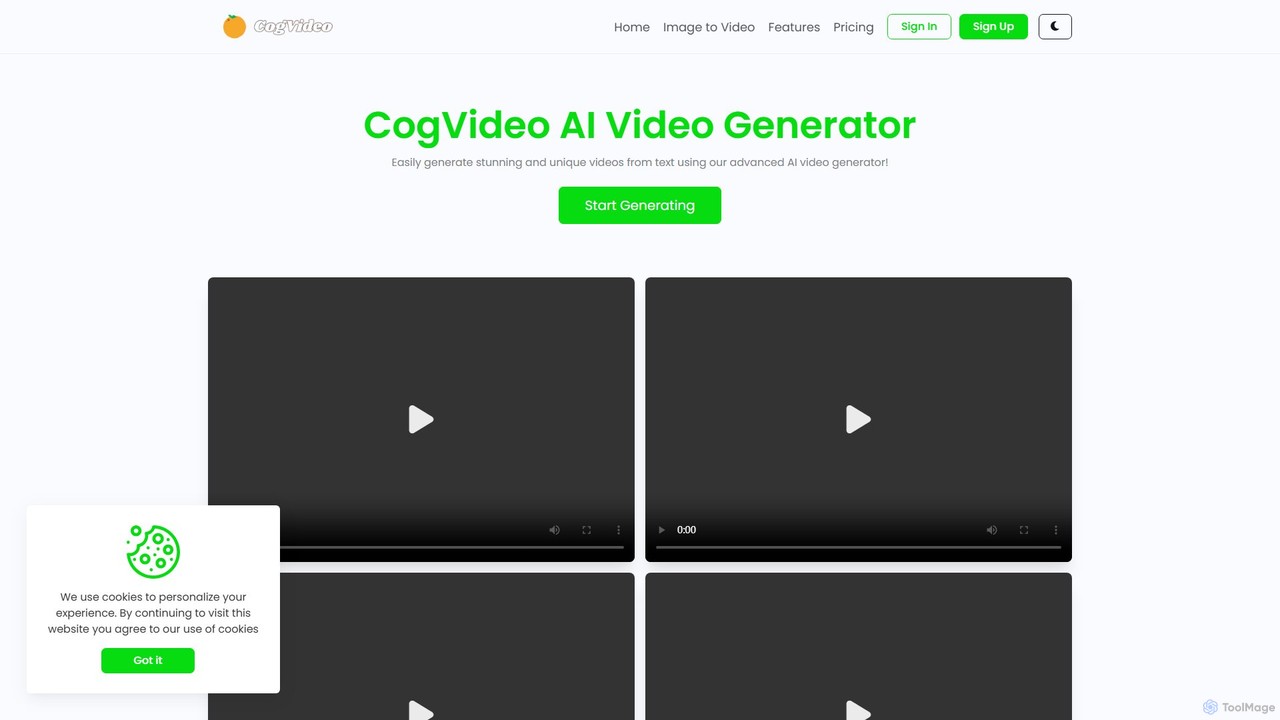
CogVideo
CogVideo is a powerful AI video generator that transforms static images into high-quality, dynamic video clips. Leveraging advanced AI algorithms, it allows users to create engaging, professional-level animations effortlessly, making it ideal for marketers, artists, and social media creators.
Image Animation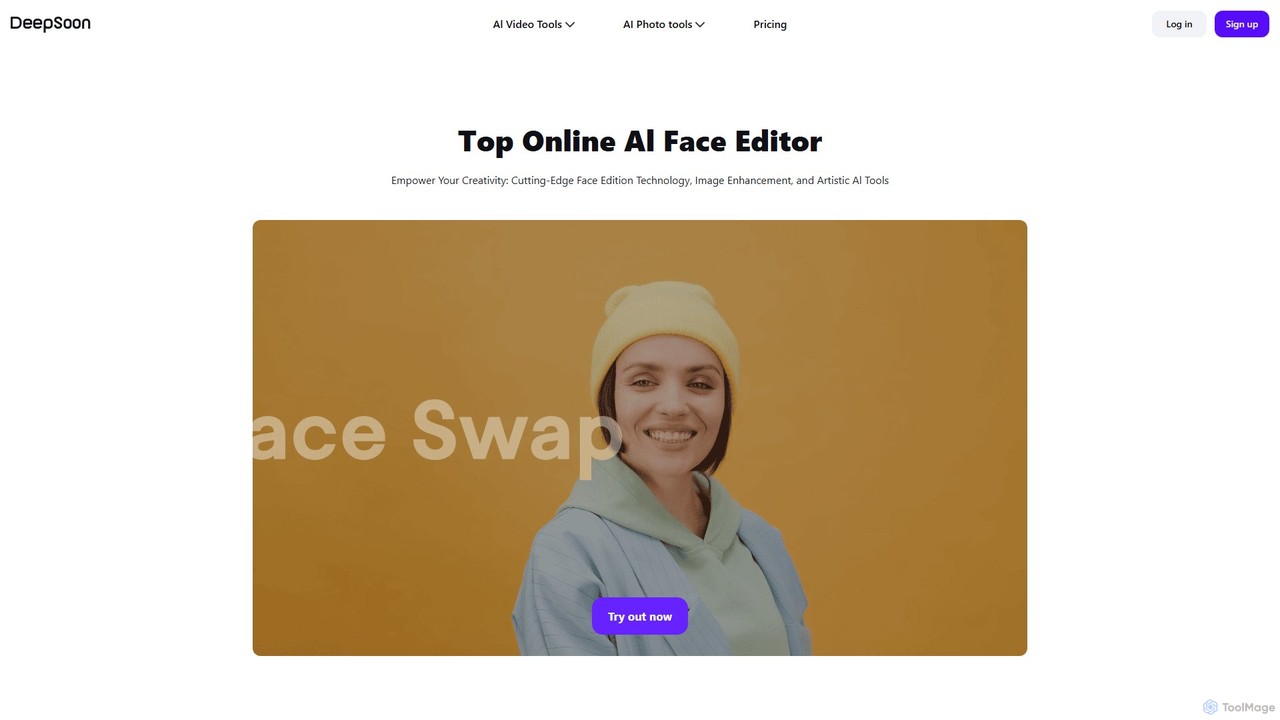
deepsoon
deepsoon is a powerful AI-driven creative suite for editing photos and videos. It specializes in high-quality face swapping for videos and photos, image-to-video conversion, and offers a range of tools including a photo enhancer, background remover, and anime stylizer. It's designed for both entertainment and professional content creation.
Face Swap
Relight AI
Relight AI is an AI-powered photo editing tool that effortlessly changes photo backgrounds and adjusts lighting using simple text prompts. Transform your images into studio-quality masterpieces for professional headshots, product photos, or creative portraits without needing complex software like Photoshop. It's fast, intuitive, and offers a free trial.
Background Remover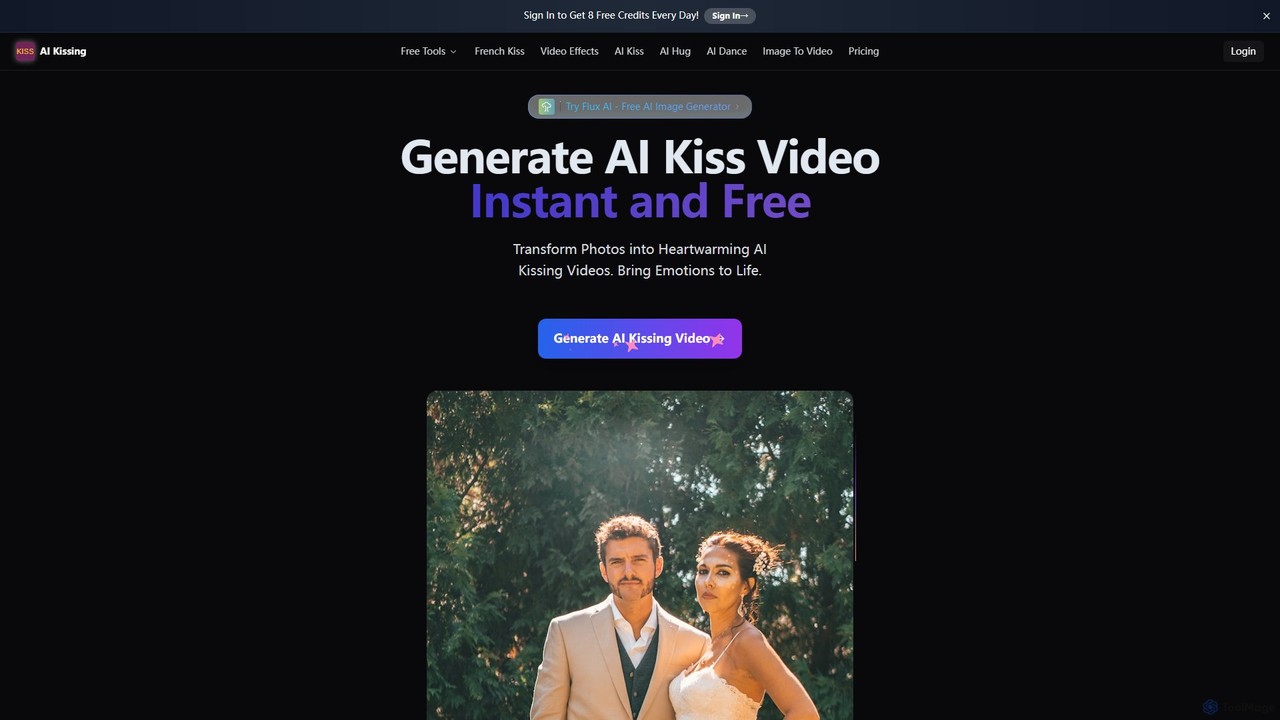
AIkissing
AIkissing is an innovative AI video generator that transforms static photos of couples into heartwarming 10-second kissing videos. Using advanced AI, it creates lifelike animations with realistic facial expressions and movements in just minutes. It's perfect for creating romantic gifts, social media content, or bringing cherished memories to life.
Entertainment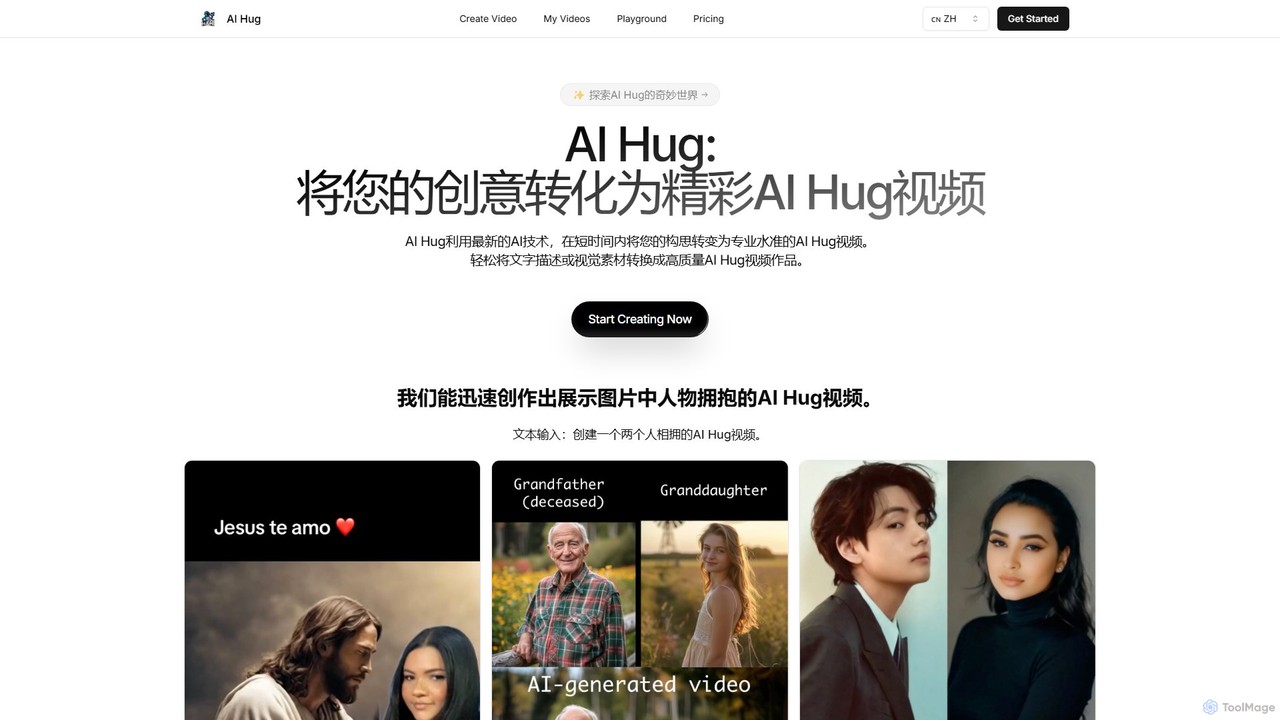
AI Hug
AI Hug is a unique AI video generator that transforms your photos and text descriptions into heartwarming videos of people hugging. It's designed to create emotionally resonant content, allowing users to animate old photos, visualize connections with loved ones, or create engaging social media videos. With a simple interface and powerful AI, anyone can produce high-quality, realistic animated videos in minutes, without any technical skills.
Social MediaPixelcut
Pixelcut is an all-in-one AI-powered creative suite for photo and video editing. It enables users to instantly remove backgrounds, upscale images to 4K, erase objects, generate images and videos from text prompts, and collaborate with teams. It's designed for creators, brands, and businesses to produce professional-quality content quickly and easily.
Image EditingHotpot.ai
Hotpot.ai is a versatile AI platform designed to enhance creativity and productivity. It offers a suite of tools for generating images, professional headshots, and various graphics. With features like AI photo editing, background removal, and content creation for social media and apps, Hotpot.ai aims to make design and media creation faster, easier, and more accessible for everyone.
Graphic Design
Jyek
Jyek is an AI agent platform that understands objectives, creates execution plans, uses tools, and delivers verifiable results for complex, multi-step tasks.
AutomationLeiapix AI
Leiapix AI is a powerful free tool that instantly converts 2D images into immersive 3D Lightfield animations. Using advanced AI, it generates depth maps to create stunning parallax and 3D effects, perfect for social media, marketing, and creative projects.
Image EditingAianimateimage
Aianimateimage is a comprehensive AI-powered platform that transforms static images into captivating animations and generates stunning visuals from text. Utilizing advanced models like Veo 3, Kling, and GPT-4o, it offers tools for image-to-video, text-to-video, and text-to-image creation. It's designed for creators, marketers, and artists to produce professional-quality animated content and images effortlessly through a user-friendly, browser-based interface.
Image GenerationFiltrix
Filtrix is an AI-powered image and video generator that transforms your photos into stunning art with unique styles like Ghibli and Pixar. It simplifies content creation with one-click transformations, an intuitive canvas editor, and a powerful image-to-video feature, making it ideal for e-commerce, marketing, and social media.
Art Generation
picsify
Picsify is an all-in-one AI-powered platform for visual content creation. Effortlessly generate stunning images from text, edit photos with professional tools like background removal and object erasing, and enhance image quality with a single click. Ideal for marketers, designers, and content creators.
Graphics
Expression Editor AI Comments (0)
Sign in to comment.
Sign inNo comments yet.