

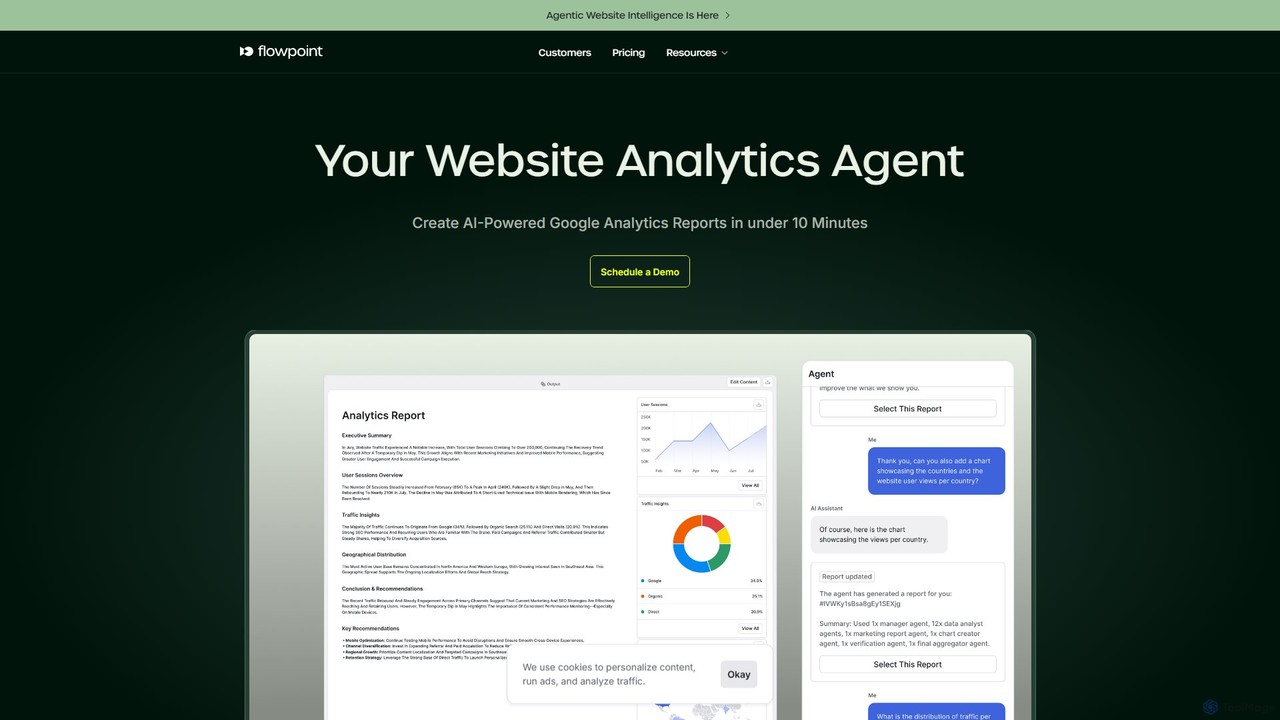
Flowpoint Overview
Flowpoint introduces a revolutionary approach to website analytics through its agentic process builder. It's a sophisticated platform that leverages a team of specialized AI agents to transform raw data into actionable business intelligence. Designed for marketers, business owners, and data analysts, Flowpoint automates the complex process of website performance analysis, making it accessible to everyone, regardless of their technical background. By connecting seamlessly with Google Analytics or accepting CSV data uploads, the platform can quickly understand your website's performance metrics and generate comprehensive reports that highlight key trends, user behaviors, and opportunities for growth.
The core of Flowpoint is its AI Manager, an intelligent orchestrator that interprets user requests made in natural language. When you ask for a website audit or a campaign performance report, the AI Manager breaks down the request into smaller tasks and assigns them to the most suitable AI agents. These agents, specialized in areas like data collection, SEO analysis, and performance evaluation, work collaboratively to gather and analyze information, ultimately producing detailed, easy-to-understand visual reports and summaries.
How to use Flowpoint
Getting started with Flowpoint is a straightforward, three-step process designed for efficiency:
- Connect Your Data: Effortlessly link your Google Analytics account or upload data via a CSV file. The platform ensures a secure and seamless integration, giving the AI agents the necessary information to begin their analysis.
- Define Your Goal: Simply tell the AI what you need in plain English. For example, you can ask it to "Conduct a comprehensive website audit for my site," "Analyze the performance of my latest marketing campaign," or "Identify the top conversion paths."
- Generate and Refine Reports: Within minutes, Flowpoint's AI agent team will deliver a detailed report complete with charts, summaries, and actionable insights. You can then share these reports with your team, manually adjust them for specific needs, or even ask the AI for further refinements and deeper analysis.
Core Features of Flowpoint
- Agentic Process Builder: Utilizes a team of specialized AI agents (e.g., Data Collection, Analysis, Action Agents) to perform complex analytical tasks autonomously.
- AI Manager: An intelligent coordinator that understands natural language commands, plans workflows, and orchestrates the AI agents to ensure accurate and efficient execution.
- No-Code Interface: A user-friendly platform that allows non-technical users to leverage advanced AI capabilities without writing a single line of code.
- Google Analytics Integration: Seamlessly connects to your Google Analytics data to provide real-time insights and historical analysis.
- Automated Report Generation: Creates in-depth, visually rich reports with charts and summaries in under 10 minutes, saving hours of manual work.
- Customizable Insights: Allows users to manually tailor AI-generated reports or use AI prompts to refine the analysis, aligning insights with specific business goals.
- Multiple Integrations: Supports integrations with various platforms like Framer, Next.js, React, Shopify, Wix, and WordPress for comprehensive event tracking.
Use Cases for Flowpoint
Flowpoint is versatile and can be applied to various marketing and business intelligence scenarios:
- Comprehensive Website Audits: Automatically analyze your website for SEO, performance, content, and accessibility issues, receiving a prioritized list of improvements.
- Marketing Campaign Optimization: Evaluate the effectiveness of your marketing campaigns by analyzing traffic sources, user engagement, and conversion rates.
- User Behavior Analysis: Understand how users navigate your site, identify drop-off points in funnels, and discover insights to improve the user experience.
- ROI Maximization: Directly link website performance to business outcomes by identifying the most profitable channels and user segments.
Advantages of Flowpoint
Flowpoint offers significant advantages for any business looking to become more data-driven:
- Time Efficiency: Automates repetitive and time-consuming data analysis tasks, freeing up your team to focus on strategy and implementation.
- Accessibility: Empowers marketers and business users without a technical background to perform sophisticated data analysis.
- Precision and Accuracy: Reduces human error by relying on data-driven AI models to identify patterns and insights.
- Scalability: Effortlessly handles growing volumes of data and complexity as your business expands.
Pricing and Plans
Flowpoint offers a flexible pricing structure to suit different needs, including a free trial to get started.
- Standard Plan: Priced at $12/month (paid annually). Ideal for small companies, it includes 1,000 AI Credits/month, the Website Analytics Agent, Google Analytics Integration, and email/chat support for one team member.
- Pro Plan: Priced at $24/month (paid annually). Best for growing companies, this plan includes 2,000 AI Credits/month, unlimited project members, early access to new features, and priority support.
- Enterprise Plan: Custom pricing for large organizations. It includes everything in Pro plus 24/7 premium support, on-premises deployment options, a dedicated account manager, and volume-based discounts.
- Add-ons: You can purchase an additional 1,000 AI Credits for $20/month on top of any subscription.
AI credits are used for tasks performed by the platform, with one report generation typically consuming one credit.
Traffic
Latest traffic
Status
Monthly traffic trend
- 2025-9: 40.0K
- 2026-1: 63.6K
- 2026-2: 54.9K
- 2026-3: 48.1K
- 2026-4: 39.8K
- 2026-5: 46.4K
Geography
Top 5 countries / regions
- 🇺🇸United States46.9%
- 🇳🇬Nigeria18.3%
- 🇮🇳India15.4%
- 🇬🇧United Kingdom10.0%
- 🇩🇪Germany9.4%
Traffic sources
| Source type | Percentage |
|---|---|
Direct | 100.0% |
Top keywords
| Keyword | Cost per click |
|---|---|
| change logo color | $1.29 |
| convert logo to white | $0.00 |
| logo color changer | $0.71 |
| logo to white | $0.00 |
| make logo white | $2.12 |
Flowpoint Alternatives
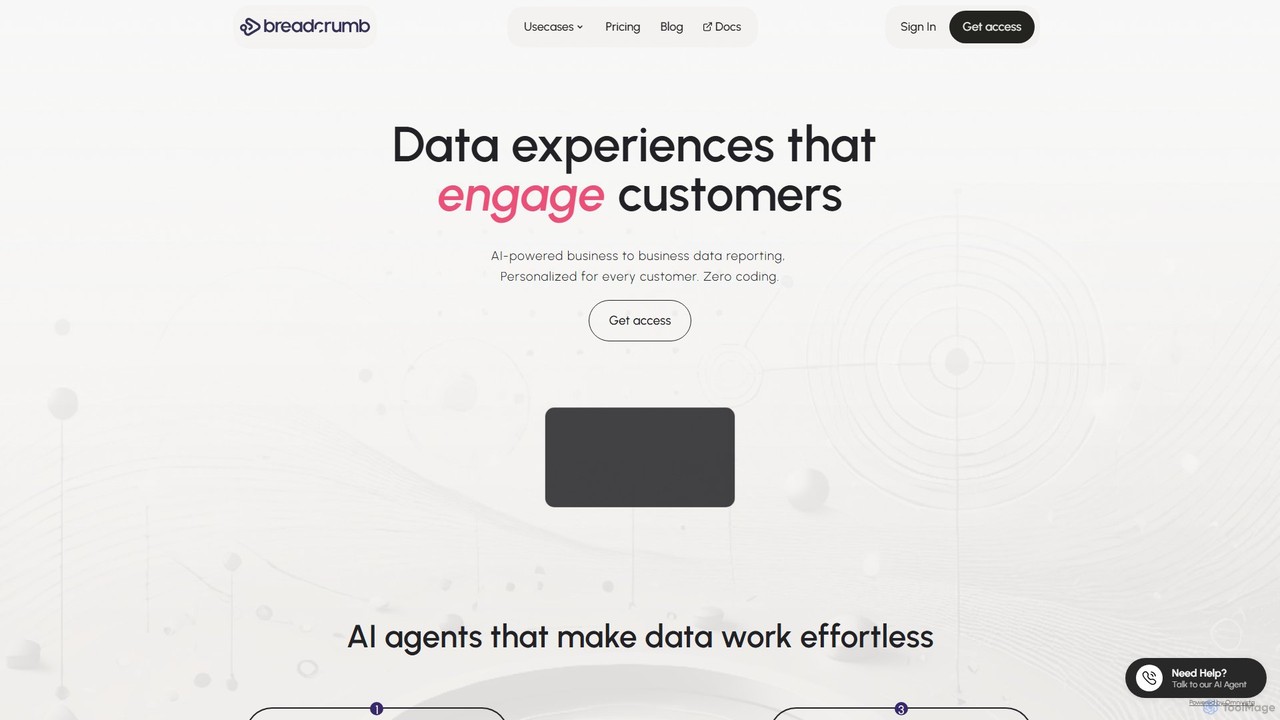
Breadcrumb.ai
Breadcrumb.ai is an AI-powered, no-code platform for scalable B2B data reporting. It automates the entire data workflow, from ingestion and cleaning to analysis and visualization. Users can ask questions in natural language to generate interactive, narrative-driven reports and embed them directly into websites or applications, empowering customers with self-serve insights.
Business Intelligence
Microsoft Power BI
Microsoft Power BI is a leading business analytics and data visualization platform that empowers users to connect to, model, and visualize their data. It leverages AI-powered features like natural language Q&A and automated insights to uncover hidden patterns, create interactive reports and dashboards, and facilitate data-driven decision-making across an organization.
Business Intelligence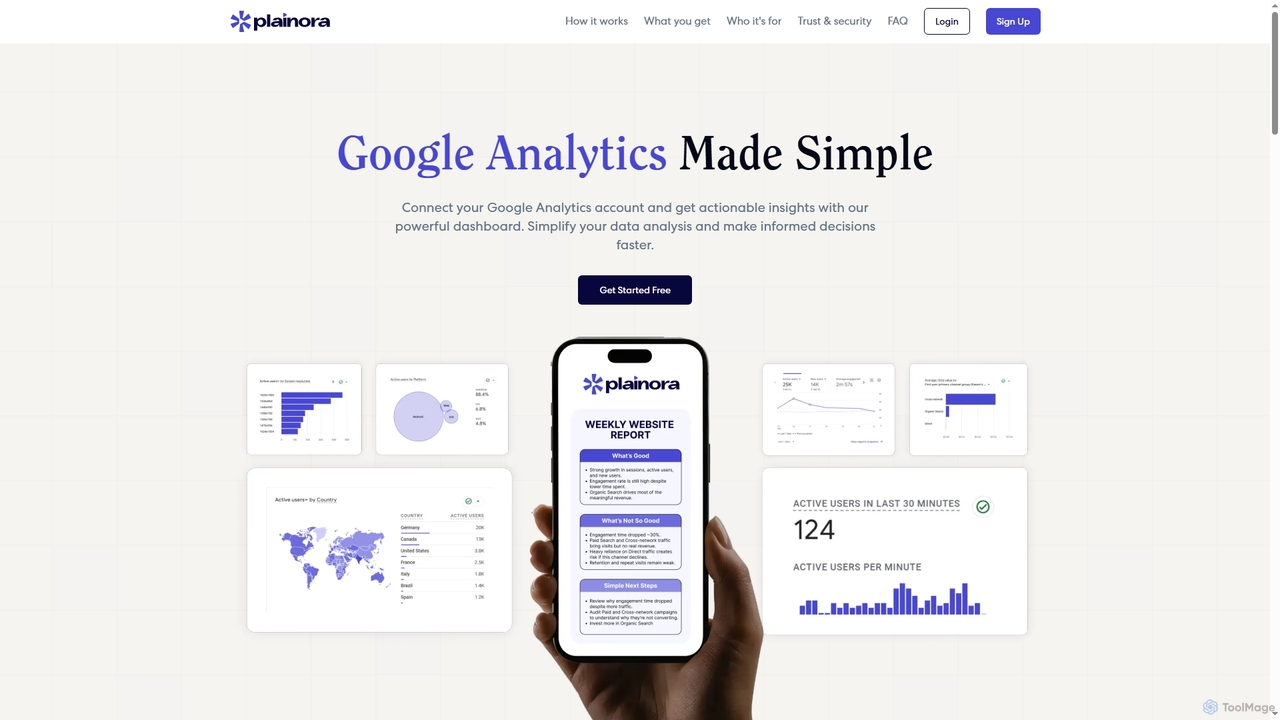
Plainora
An AI-powered tool that simplifies Google Analytics (GA4) by transforming complex data into easy-to-understand, actionable reports. Connect your account to receive weekly plain-English summaries on traffic trends, conversions, and user insights, helping you make informed decisions quickly.
Website Analytics
Sisense
Sisense is an AI-powered embedded analytics platform that enables businesses to infuse analytics into their products, applications, and workflows. It provides a comprehensive suite of tools for data integration, visualization, and delivering actionable insights to both internal users and customers.
Business Intelligence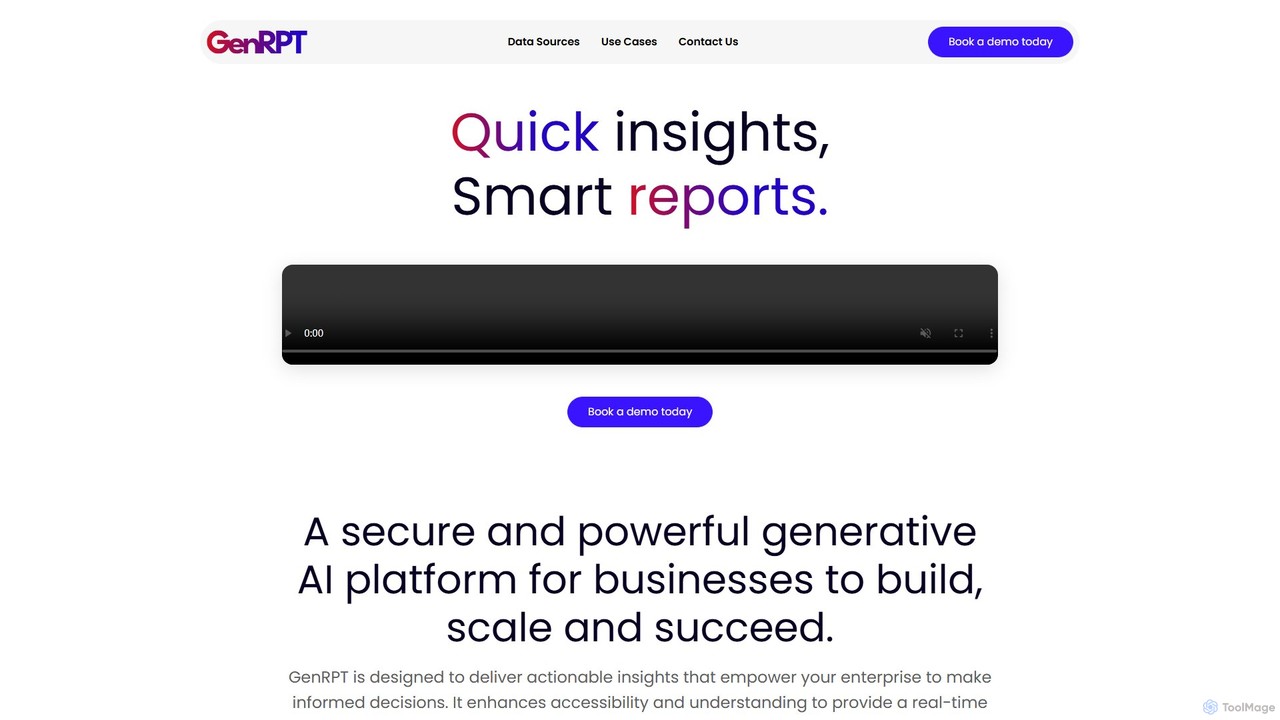
GenRPT
GenRPT is an AI-powered platform that transforms data from SQL, PDF, and Excel into actionable insights and reports. Connect your data sources, ask questions in natural language, and receive instant analysis, summaries, and visualizations to accelerate data-driven decision-making.
Business IntelligenceFlowpoint Categories
Flowpoint Embed Widget
Copy this embed code to place the badge on your blog, article, or product site and send readers directly to this ToolMage detail page.

Related AI tools
Breadcrumb.ai
Breadcrumb.ai is an AI-powered, no-code platform for scalable B2B data reporting. It automates the entire data workflow, from ingestion and cleaning to analysis and visualization. Users can ask questions in natural language to generate interactive, narrative-driven reports and embed them directly into websites or applications, empowering customers with self-serve insights.
Business Intelligence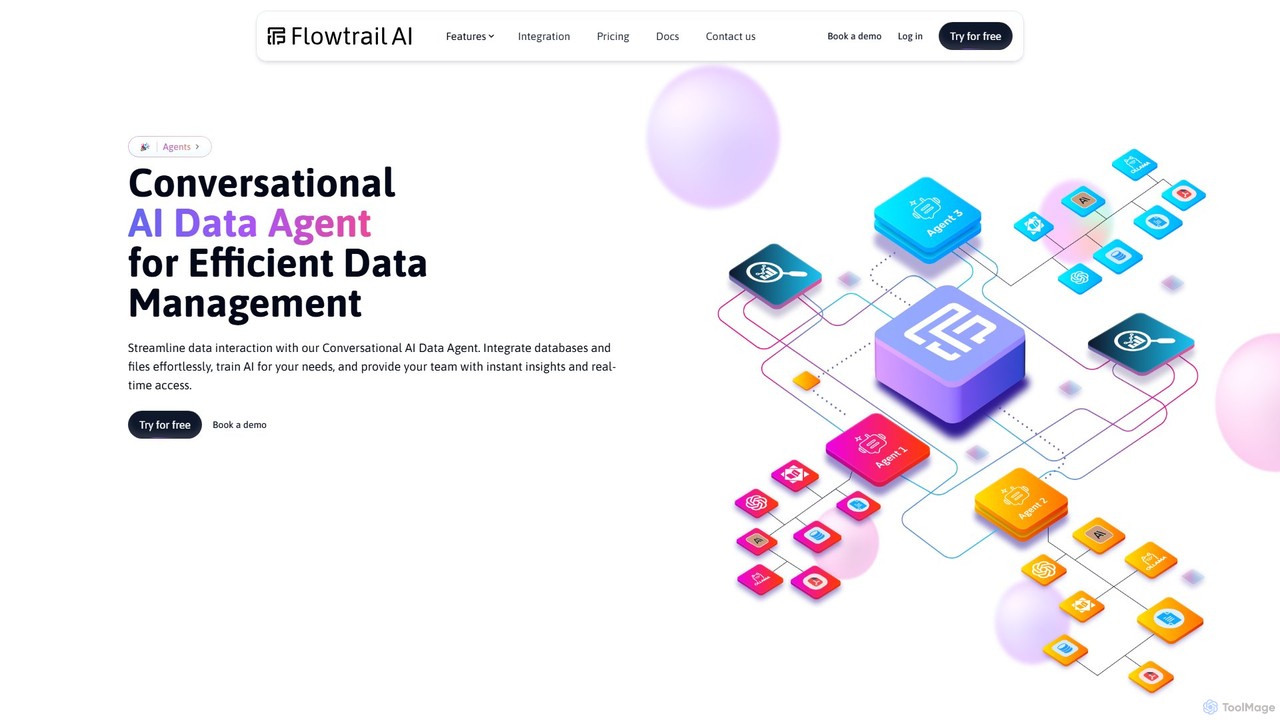
Flowtrail
Flowtrail is a conversational AI data agent that transforms how you interact with your data. Connect databases and files, ask questions in natural language, and receive instant insights, visualizations, and reports. It's a no-code platform designed to make data analysis accessible to everyone, from small businesses to large enterprises, fostering a data-driven culture.
Business Intelligence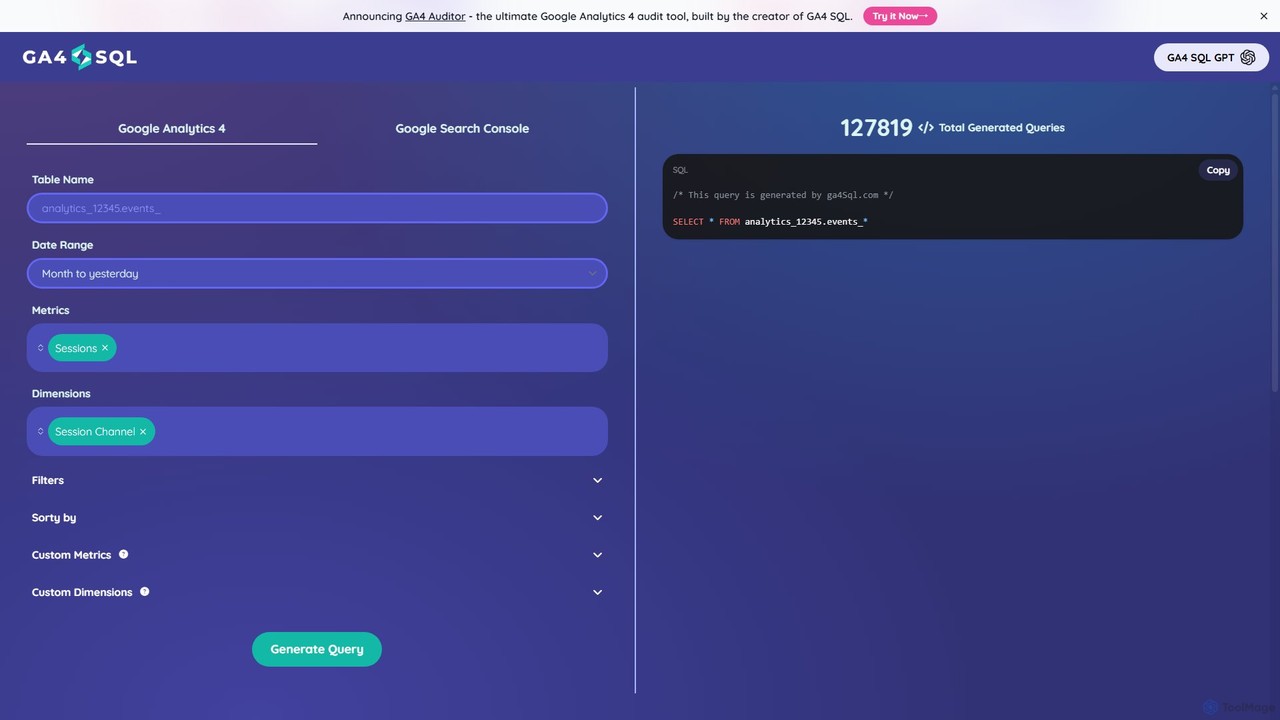
ga4sql
ga4sql is a free, user-friendly tool that empowers marketers and analysts to generate Google Analytics 4 (GA4) BigQuery queries without any SQL knowledge. Simply select your desired metrics, dimensions, and date range through an intuitive interface, and the tool instantly creates the correct SQL query. It's the fastest way to unlock deep insights from your GA4 data in BigQuery, saving time and eliminating coding errors.
Business Intelligence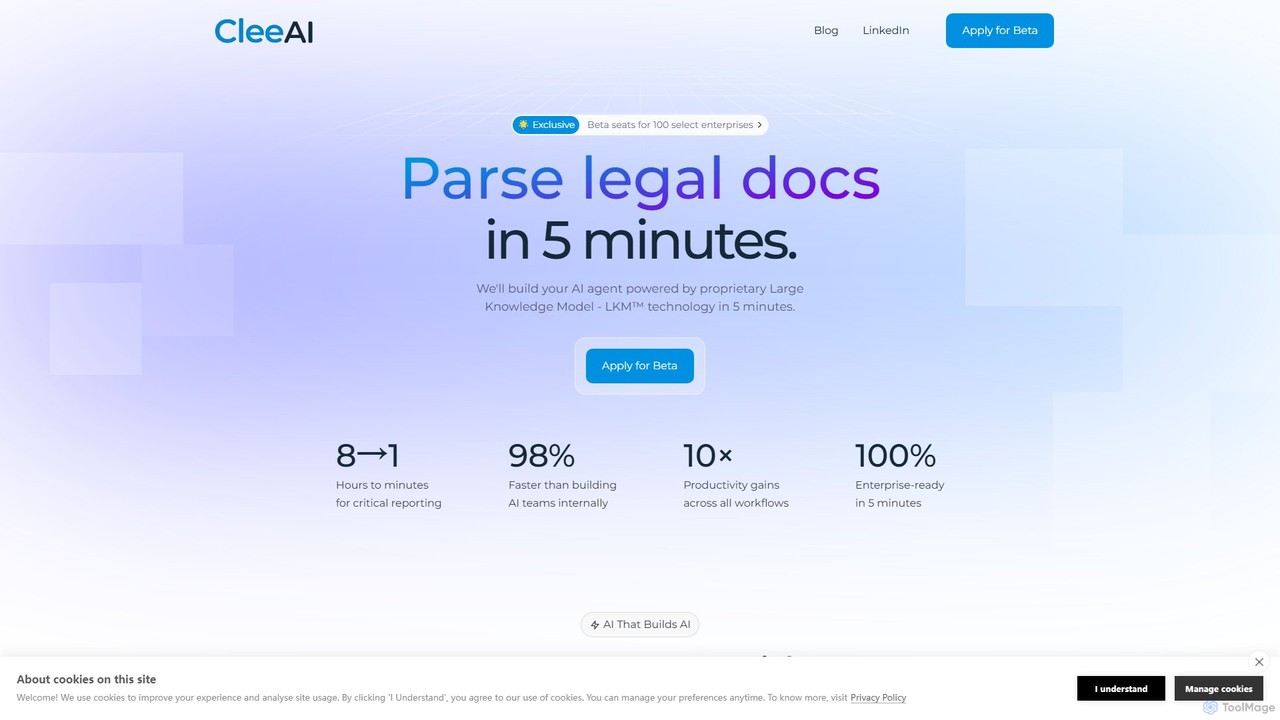
CleeAI
CleeAI is an enterprise AI platform that enables organizations to build and deploy custom, compliant AI agents in just 5 minutes. Powered by proprietary Large Knowledge Model (LKM™) technology, it transforms complex workflows in sales, reporting, and compliance into automated, efficient, and scalable solutions, eliminating the need for extensive internal development.
Sales Intelligence
ChatExcel
ChatExcel is an AI-powered data analysis tool that allows users to process spreadsheets and analyze data through a simple chat interface. It automates tasks like data cleaning, merging, and analysis, and generates over 100 types of charts and visualizations from natural language commands. No coding or complex formulas required, boosting productivity by up to 90%.
Business Intelligence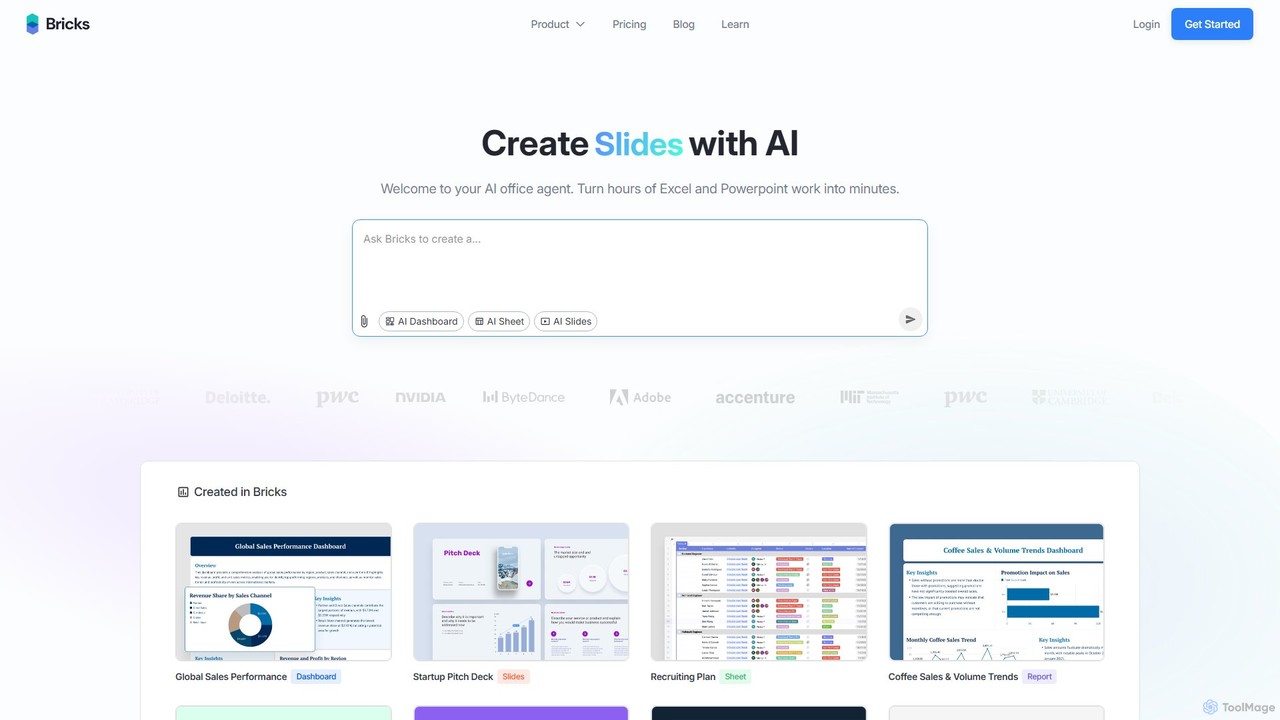
thebricks
thebricks is an AI-powered workspace that transforms data analysis and reporting. It allows users to create interactive dashboards, dynamic spreadsheets, and professional slides using simple natural language prompts. Turn hours of manual work in Excel and PowerPoint into minutes, streamlining your workflow and boosting productivity.
Business Intelligence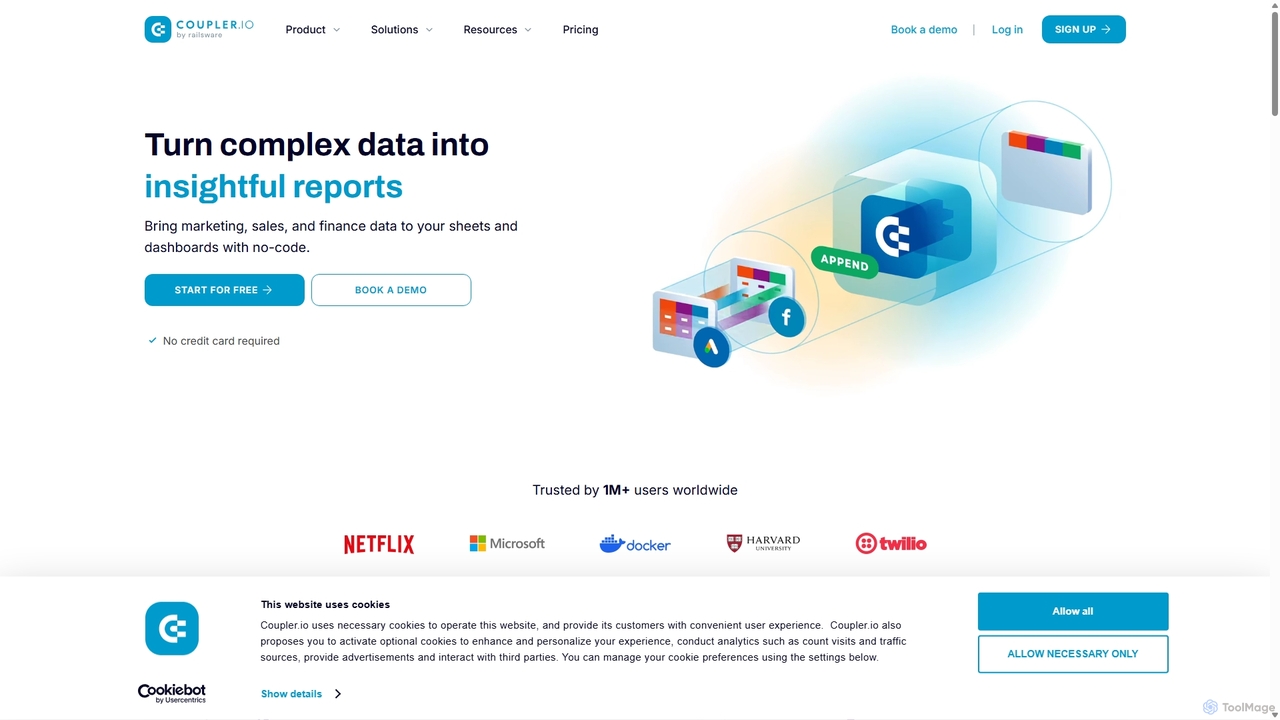
Coupler.io
Coupler.io is a no-code data analytics and automation platform that helps businesses connect disparate data sources from marketing, sales, and finance apps to spreadsheets, data warehouses, or BI tools. It automates data collection, transforms raw data into analysis-ready formats, and provides AI-powered insights and pre-built dashboard templates for faster, smarter decision-making.
Business Intelligence
Ajelix
Ajelix is an AI-powered suite of tools designed to enhance productivity for Excel and Google Sheets users. It acts as an AI data analyst, automating tasks, generating formulas and VBA scripts, creating insightful reports, and providing advanced data analysis through a simple chat interface.
Business Intelligence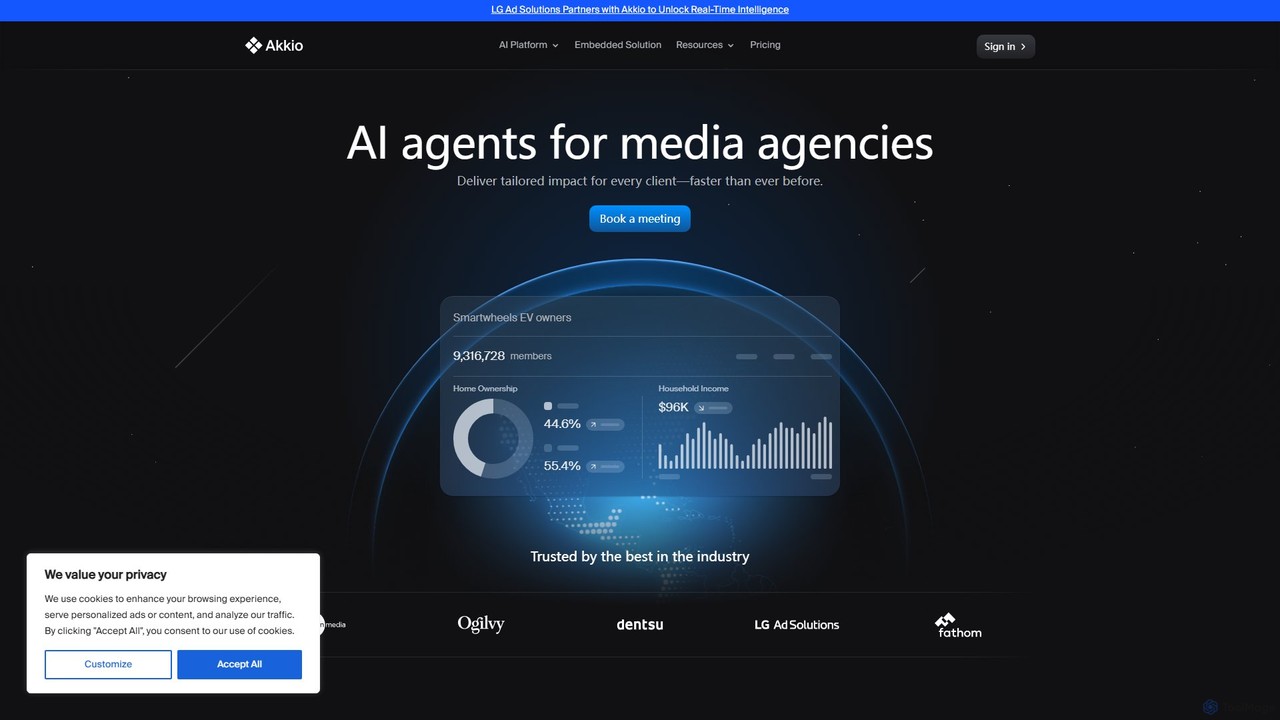
Akkio
Akkio is a no-code AI platform for generative business intelligence and predictive analytics. It empowers users, especially in media and marketing agencies, to connect data, build machine learning models, and generate insights through natural language chat, without needing data science expertise.
Business Intelligence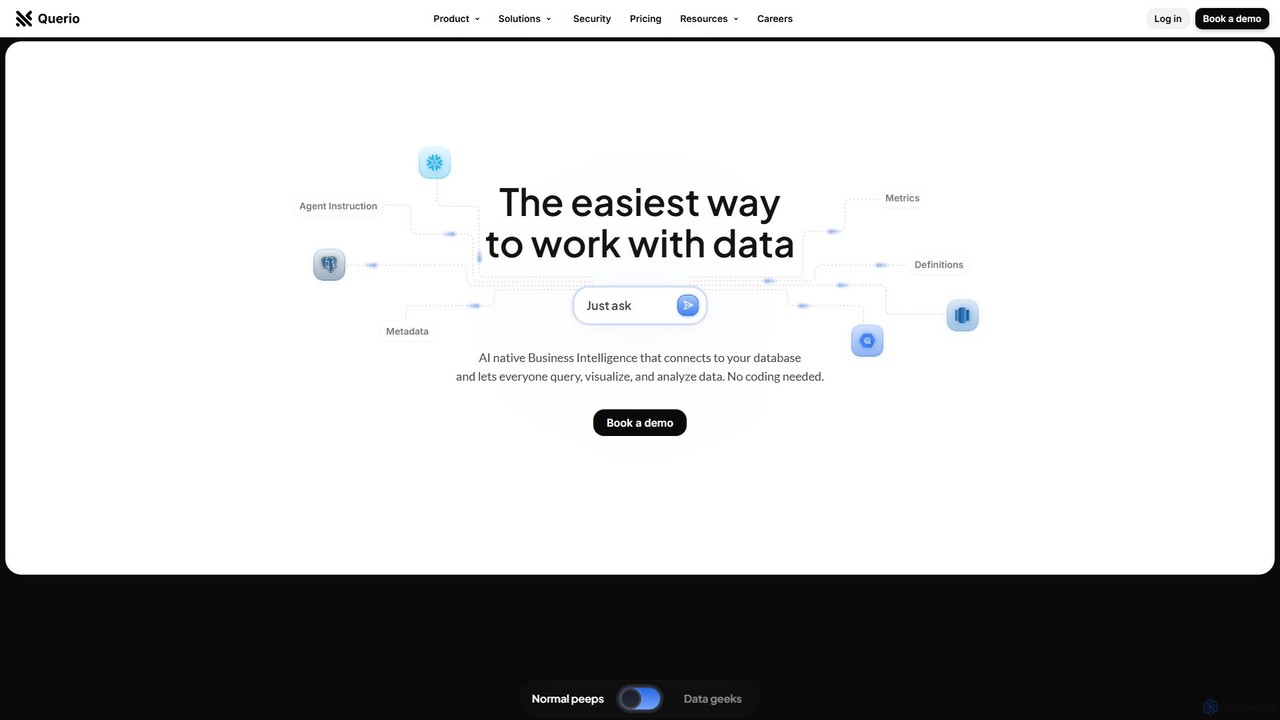
Querio
Querio is an AI-native Business Intelligence (BI) platform that allows teams to analyze their data using natural language. Connect directly to your database and ask questions to generate queries, visualizations, and reports without writing any code. It's designed for both technical and non-technical users to make data-driven decisions quickly.
Business Intelligence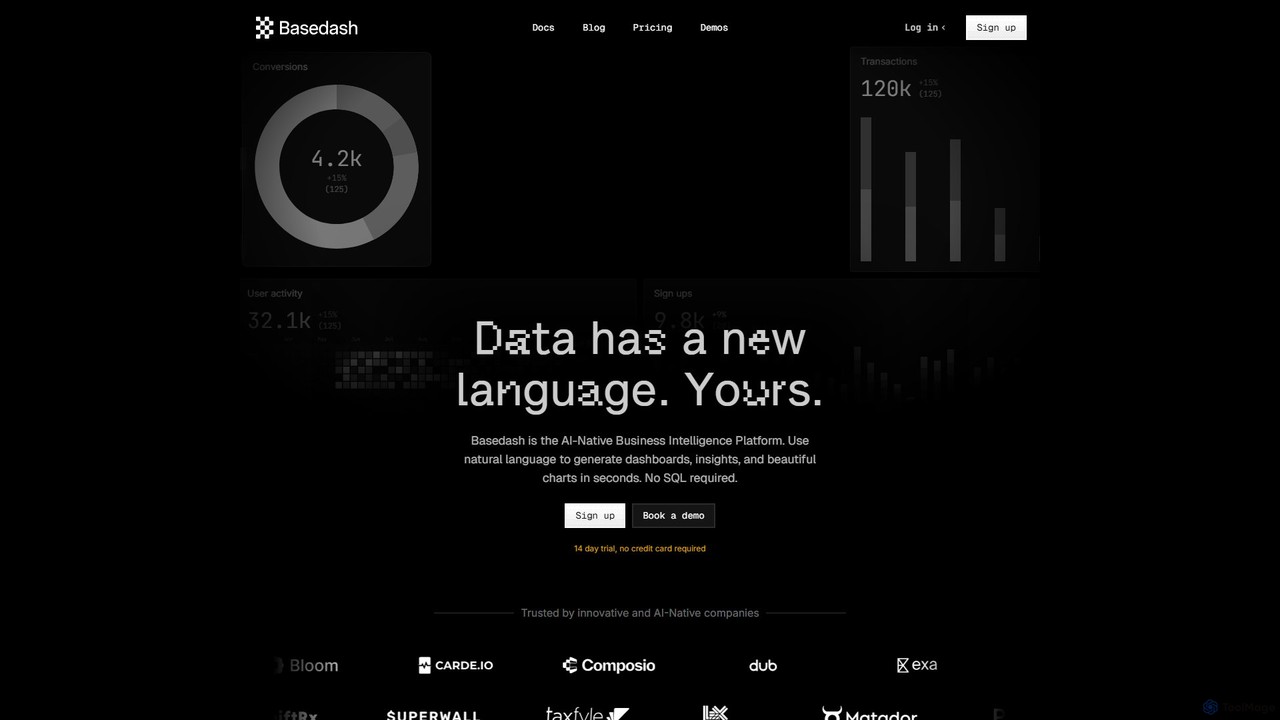
Basedash
Basedash is an AI-native business intelligence platform that allows teams to interact with their data using natural language. Generate beautiful dashboards, charts, and insights in seconds without writing any SQL code. Connect your data sources and simply ask questions to get answers.
Business Intelligence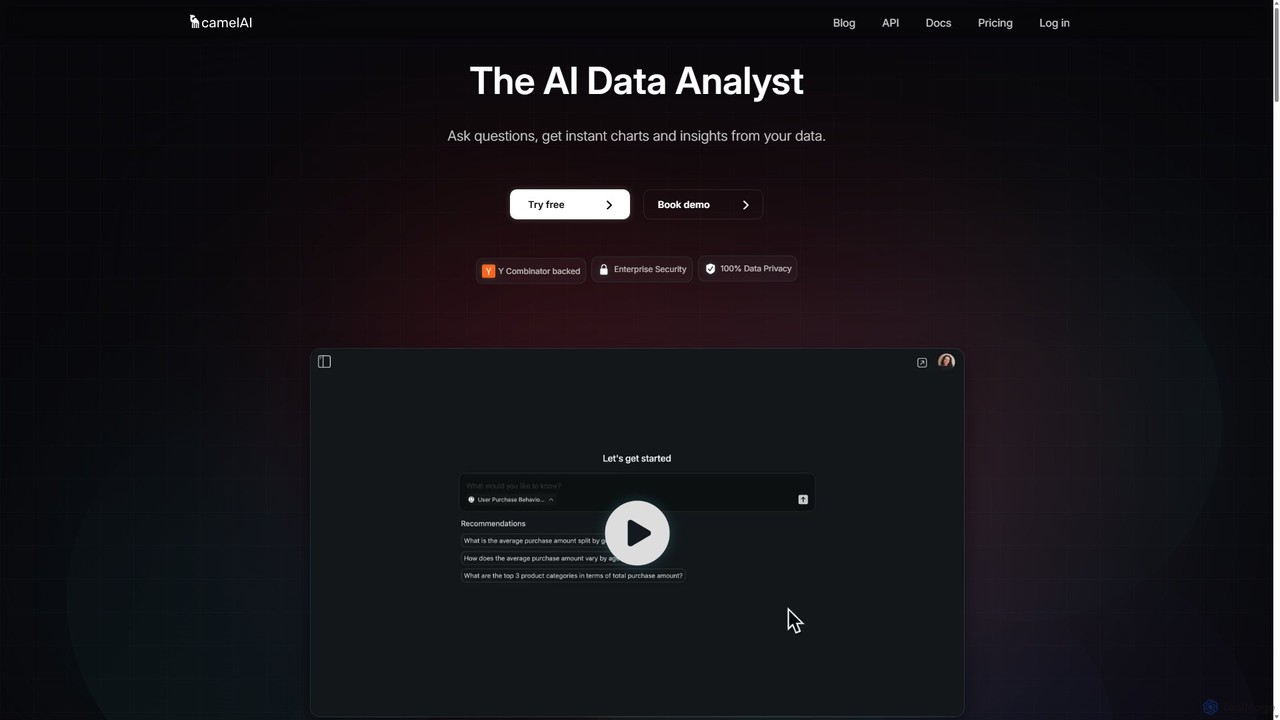
camelAI
camelAI is an AI-powered data analysis platform that enables users to query their databases using natural language. It eliminates the need for SQL, providing instant answers with interactive charts and tables, making data-driven decision-making accessible to everyone in an organization.
Business Intelligence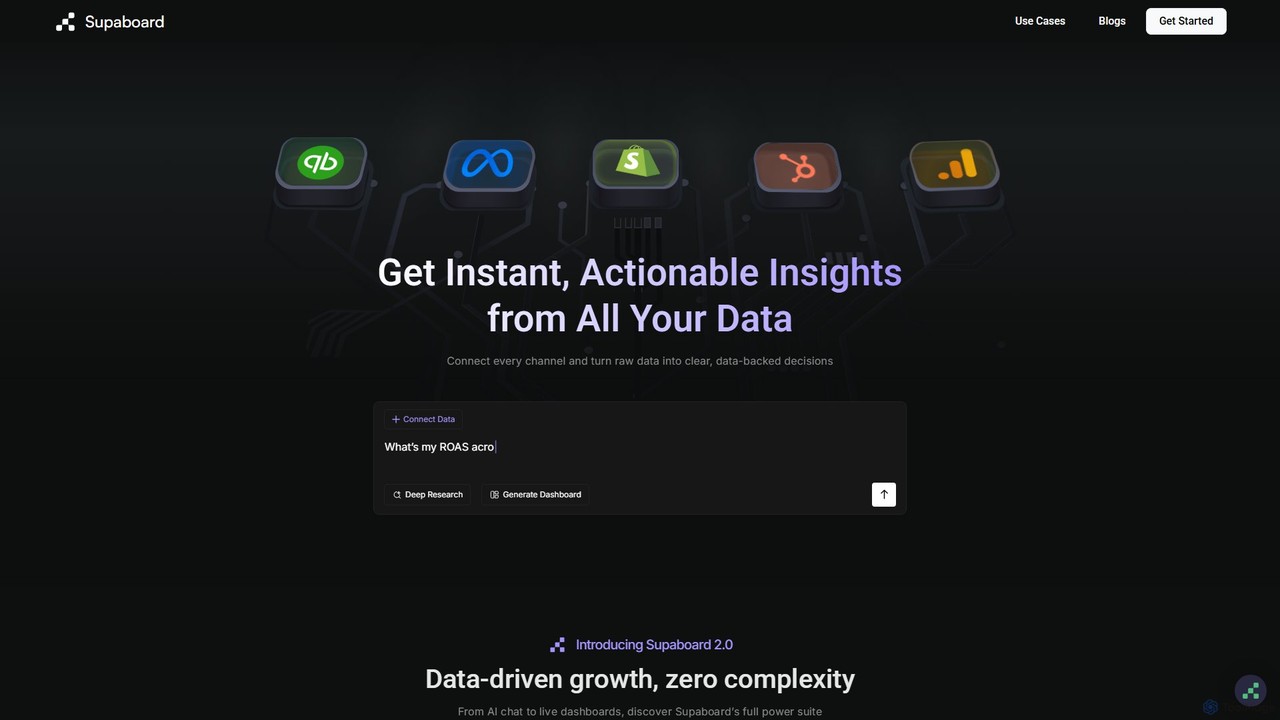
Supaboard
Supaboard is an AI-powered business intelligence platform that connects all your data sources into a unified hub. It transforms raw data into actionable insights and live dashboards, allowing teams to make data-backed decisions quickly without needing to write code or wrangle spreadsheets.
Business Intelligence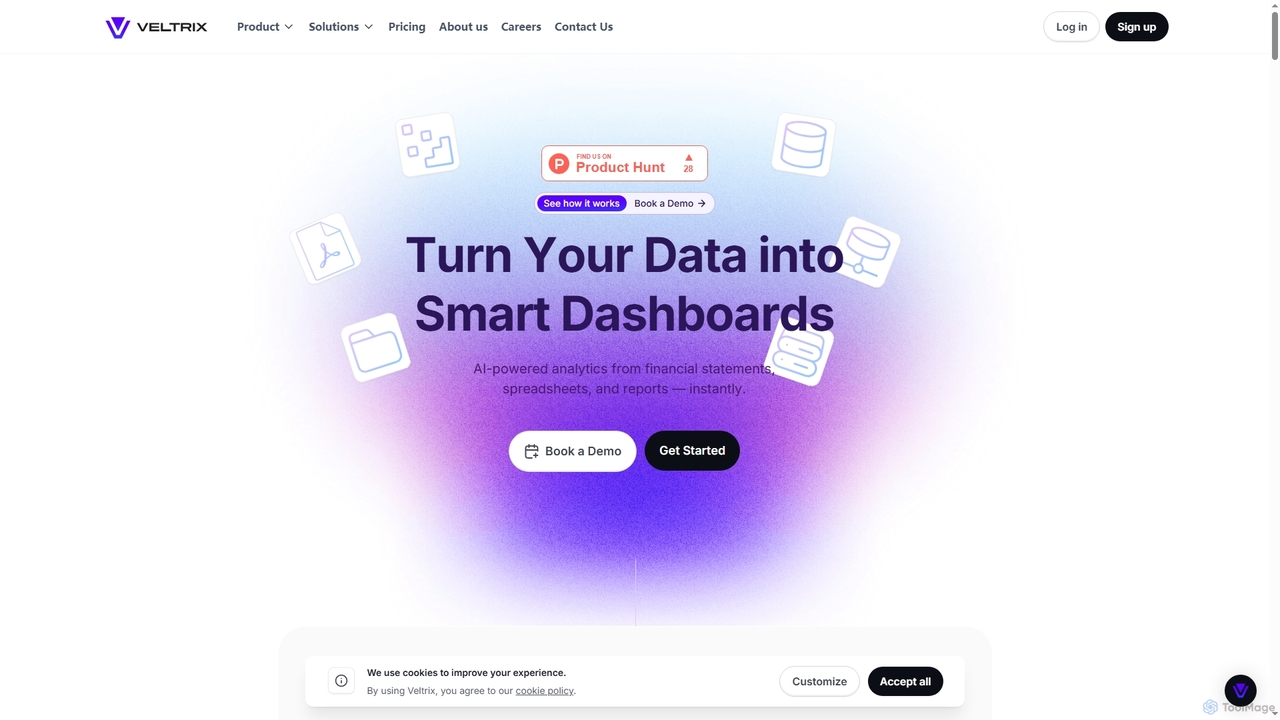
Veltrix
Veltrix is an AI-powered, no-code platform that transforms raw data from files and connected sources into interactive dashboards. Users can ask questions in plain language to get instant, visualized answers for business intelligence and financial analysis.
Business Intelligence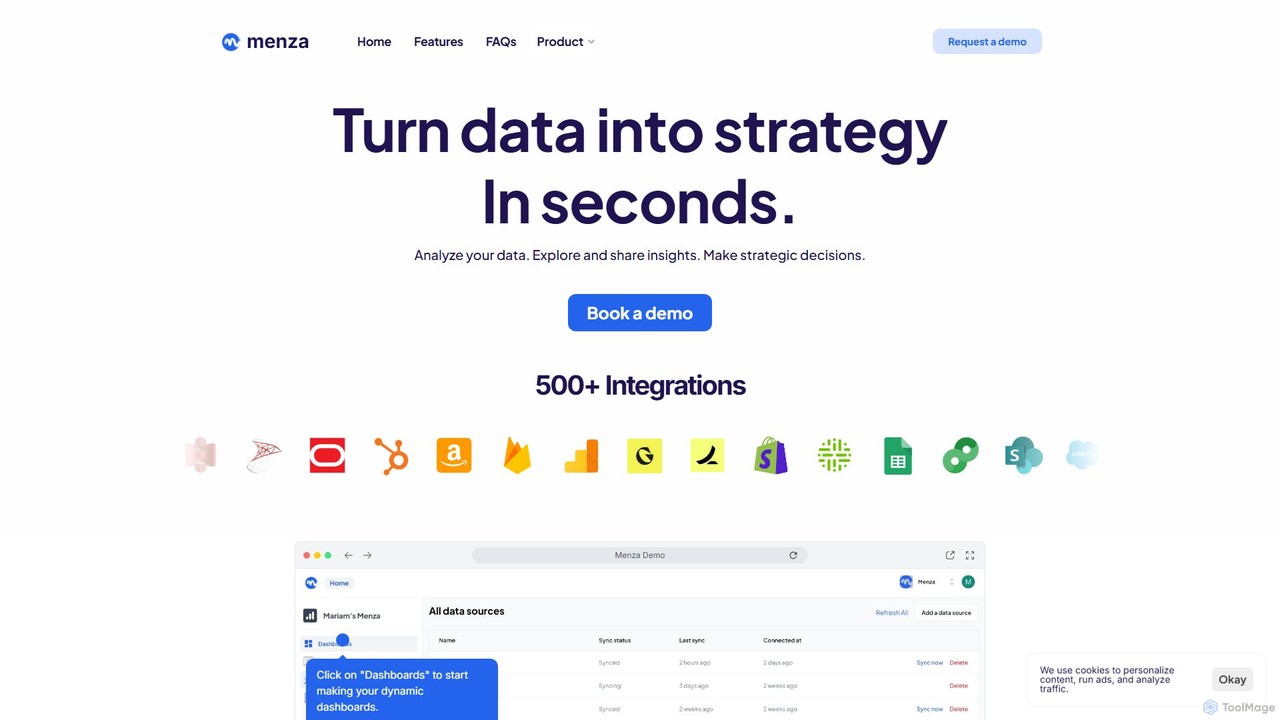
menza
menza is an AI-powered data analysis platform that transforms business data into actionable strategic insights in seconds. It allows non-technical users to analyze data, build interactive dashboards, and collaborate on decisions using plain language and a simple interface.
Business Intelligence
Flowpoint Comments (0)
Sign in to comment.
Sign inNo comments yet.