

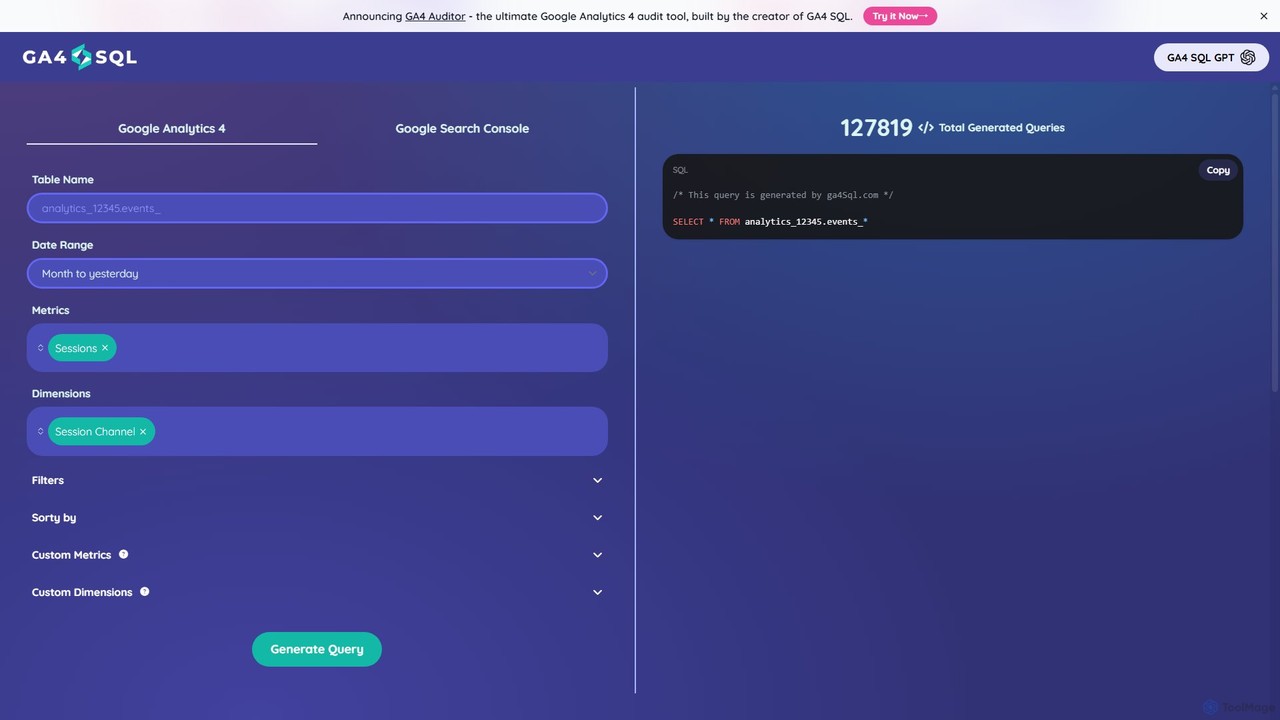
ga4sql Overview
ga4sql is a powerful and user-friendly web-based tool designed to bridge the gap between Google Analytics 4 (GA4) data and the powerful querying capabilities of BigQuery. It specifically caters to users who need to perform in-depth analysis of their GA4 data but lack the necessary SQL (Structured Query Language) expertise. The tool provides an intuitive interface where users can simply select the metrics, dimensions, date ranges, and filters they need, and ga4sql automatically generates the corresponding, ready-to-use BigQuery SQL query. This process democratizes data access, enabling marketers, product managers, and business analysts to independently explore raw analytics data without relying on developers or data engineers. The platform is completely free, making advanced data analysis accessible to everyone.
How to use ga4sql
Using ga4sql is a straightforward process designed for maximum efficiency. Here’s a step-by-step guide to generating your first query:
- Prerequisite: Before using ga4sql, you must have your Google Analytics 4 property linked to a Google Cloud project with BigQuery. This enables the daily export of your raw GA4 event data to a BigQuery dataset.
- Navigate to the Tool: Open your web browser and go to the ga4sql.com website.
- Enter Your Table Name: In the designated field, enter the name of your BigQuery table where the GA4 data is stored. This typically follows the format
analytics_PROJECTID.events_*. - Select a Date Range: Choose from a list of preset date ranges like "Yesterday," "Last 7 days," or "Last month," or define a custom date range for your analysis.
- Choose Metrics and Dimensions: Use the intuitive dropdown menus to select the metrics (quantitative measurements like Sessions, Engaged sessions, Conversions) and dimensions (attributes of your data like Session Channel, Country, Device Category) you want to analyze. The tool intelligently disables incompatible combinations to ensure query accuracy.
- Apply Filters and Sorting (Optional): You can further refine your query by adding filters to include or exclude specific data and by choosing a metric or dimension to sort the results by.
- Generate the Query: Click the "Generate Query" button. ga4sql will instantly process your selections and display the complete SQL query.
- Execute in BigQuery: Copy the generated query and paste it into the BigQuery SQL workspace in your Google Cloud Console. Run the query to retrieve your data.
Core Features of ga4sql
- No-Code Query Builder: An entirely visual interface that eliminates the need to write any SQL code manually.
- Comprehensive Data Selection: Supports a wide range of standard and custom metrics and dimensions available in the GA4 BigQuery export schema.
- Dynamic Date Range Options: Offers both predefined and custom date range selections to fit any analytical need.
- Filtering and Sorting: Provides options to filter data based on specific criteria and sort the output for clearer analysis.
- Compatibility Engine: Automatically grays out and disables metrics and dimensions that are not compatible with each other, preventing query errors and ensuring data integrity.
- Instant Generation: Generates complex SQL queries in seconds, dramatically speeding up the data-pulling process.
- In-App Definitions: Hover over the help icon next to any metric or dimension to see its official definition, helping users understand exactly what data they are requesting.
Use Cases for ga4sql
ga4sql is versatile and can be applied in numerous scenarios across different roles:
- For Digital Marketers: Quickly create reports to analyze marketing campaign effectiveness by channel, source, or medium. Track conversions and user engagement for specific campaigns without waiting for a data team.
- For SEO Specialists: Combine GA4 data with Google Search Console data (by selecting it as a source) to get a holistic view of organic performance.
- For Product Managers: Investigate user behavior by analyzing event data, page paths, and feature interactions to inform product development decisions.
- For Data Analysts: Use the tool as a rapid query-building assistant. Generate a baseline query quickly and then customize it for more complex and nuanced analysis, saving time on writing boilerplate code.
- For Business Owners: Gain direct access to key performance indicators (KPIs) from their website or app data, enabling faster, data-driven decision-making without technical barriers.
Advantages of ga4sql
The primary advantage of ga4sql is its ability to empower non-technical users. It breaks down the barriers to advanced data analysis, fostering a more data-informed culture within an organization. Key benefits include:
- Time and Resource Savings: Frees up valuable time for both marketers (who get data faster) and developers (who are freed from writing routine queries).
- Reduced Errors: Automated query generation minimizes the risk of syntax errors or logical flaws that can occur when writing SQL manually.
- Democratization of Data: Allows team members across departments to self-serve their data needs, leading to increased agility and curiosity.
- Educational Value: By observing the generated SQL, users can gradually learn the structure and logic of BigQuery queries for GA4, enhancing their data literacy.
- Focus on Functionality: The tool prioritizes generating a functional query for any combination of metrics/dimensions over code readability (using sub-queries instead of CTEs), ensuring users can always get the data they need.
Pricing and Plans
ga4sql is committed to accessibility and is currently available completely free of charge. Users can generate an unlimited number of queries without any cost. While the creators may introduce premium features in the future, the core functionality of the query builder is free to use, making it an invaluable resource for individuals and businesses of all sizes.
Traffic
Latest traffic
Status
Monthly traffic trend
- 2025-9: 2.2K
- 2026-1: 1.5K
- 2026-2: 1.4K
- 2026-3: 1.2K
- 2026-4: 2.3K
- 2026-5: 1.3K
Geography
Top 5 countries / regions
- 🇺🇸United States44.5%
- 🇹🇷Türkiye37.7%
- 🇮🇳India17.7%
Top keywords
| Keyword | Cost per click |
|---|---|
| ga4 bigquery | $1.88 |
| ga4 sql | $0.00 |
| ga4 to bigquery calculator | $0.00 |
ga4sql Alternatives

vizbox
vizbox is an AI-powered data visualization platform that transforms raw data into insightful charts, graphs, and interactive dashboards. Users can simply upload data or use natural language prompts to generate compelling visuals, making data analysis accessible to everyone, regardless of technical skill.
No Code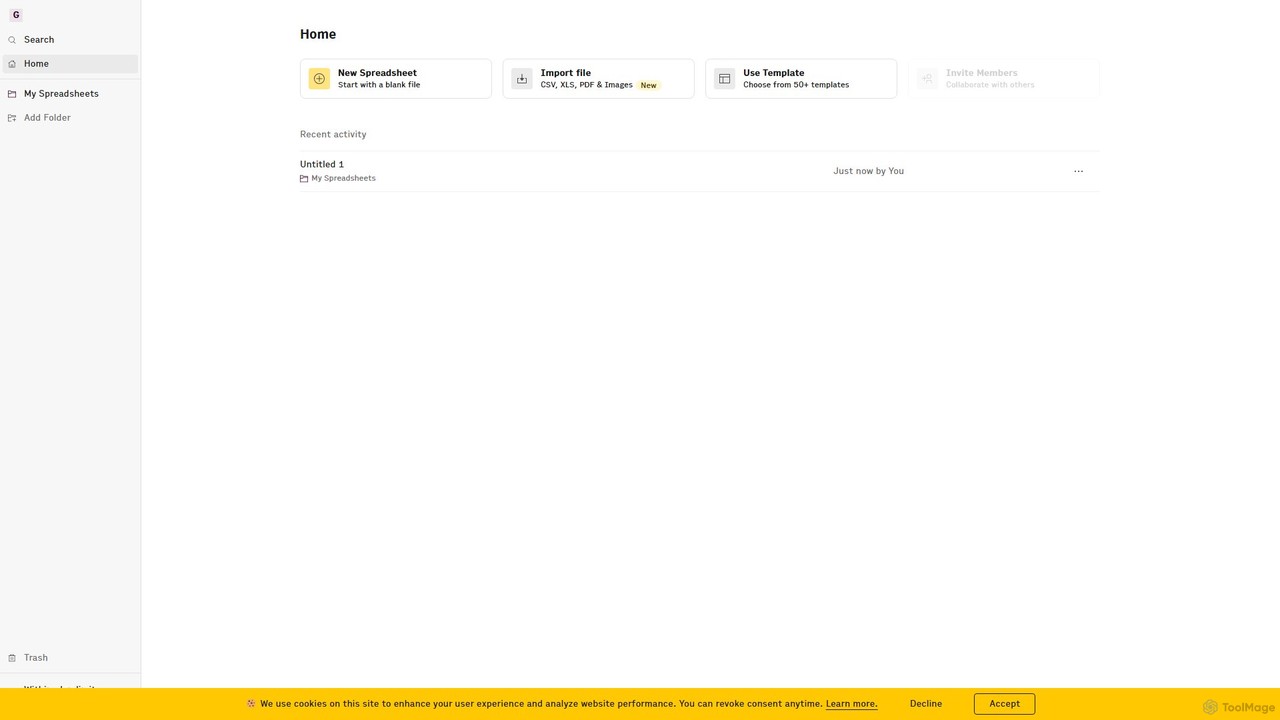
Rows
Rows is a next-generation spreadsheet that combines a familiar interface with powerful AI capabilities and seamless data integration. Connect to over 50 sources like Google Analytics, social media, and databases to automate data analysis, create live dashboards, and generate insights with an AI Analyst copilot.
Reporting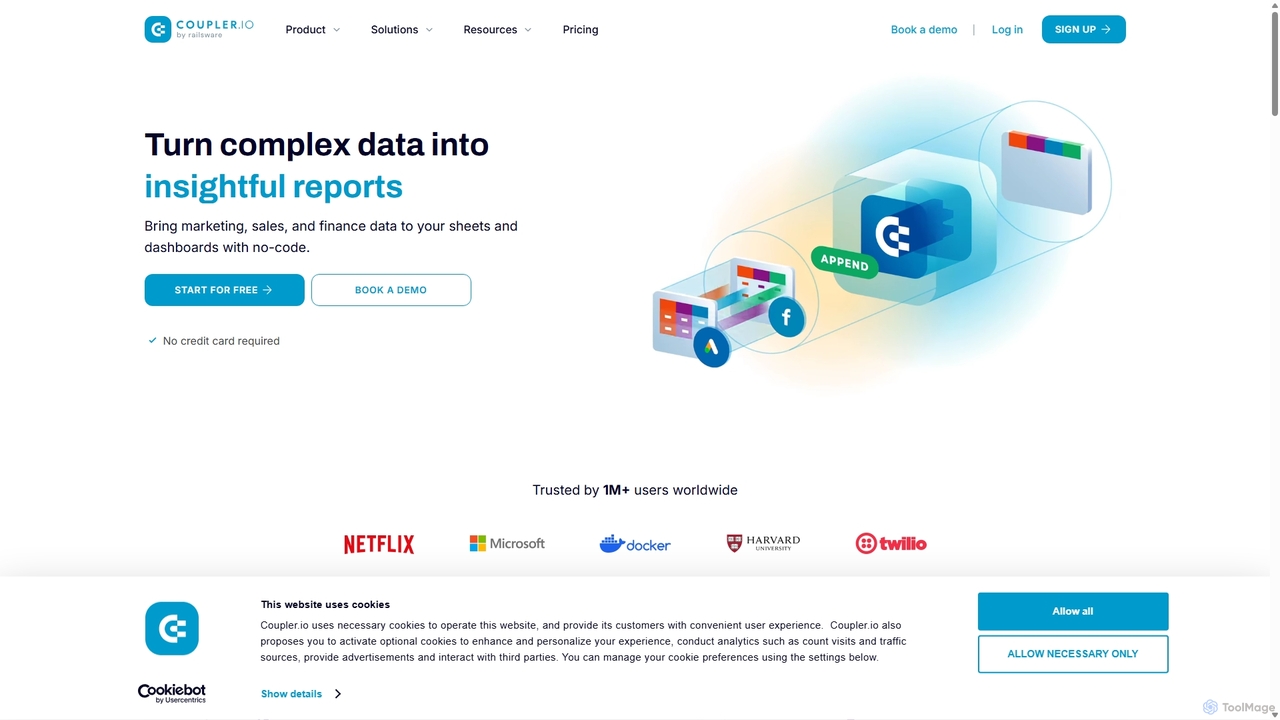
Coupler.io
Coupler.io is a no-code data analytics and automation platform that helps businesses connect disparate data sources from marketing, sales, and finance apps to spreadsheets, data warehouses, or BI tools. It automates data collection, transforms raw data into analysis-ready formats, and provides AI-powered insights and pre-built dashboard templates for faster, smarter decision-making.
Business Intelligence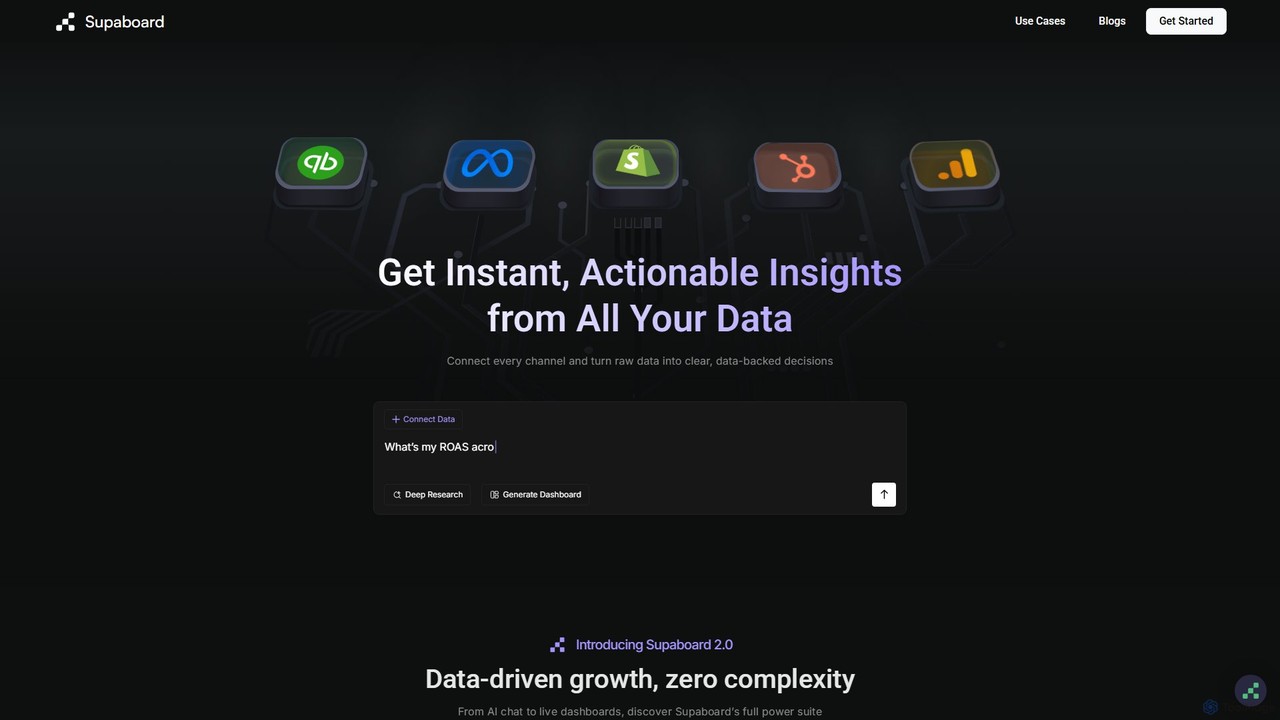
Supaboard
Supaboard is an AI-powered business intelligence platform that connects all your data sources into a unified hub. It transforms raw data into actionable insights and live dashboards, allowing teams to make data-backed decisions quickly without needing to write code or wrangle spreadsheets.
Business Intelligence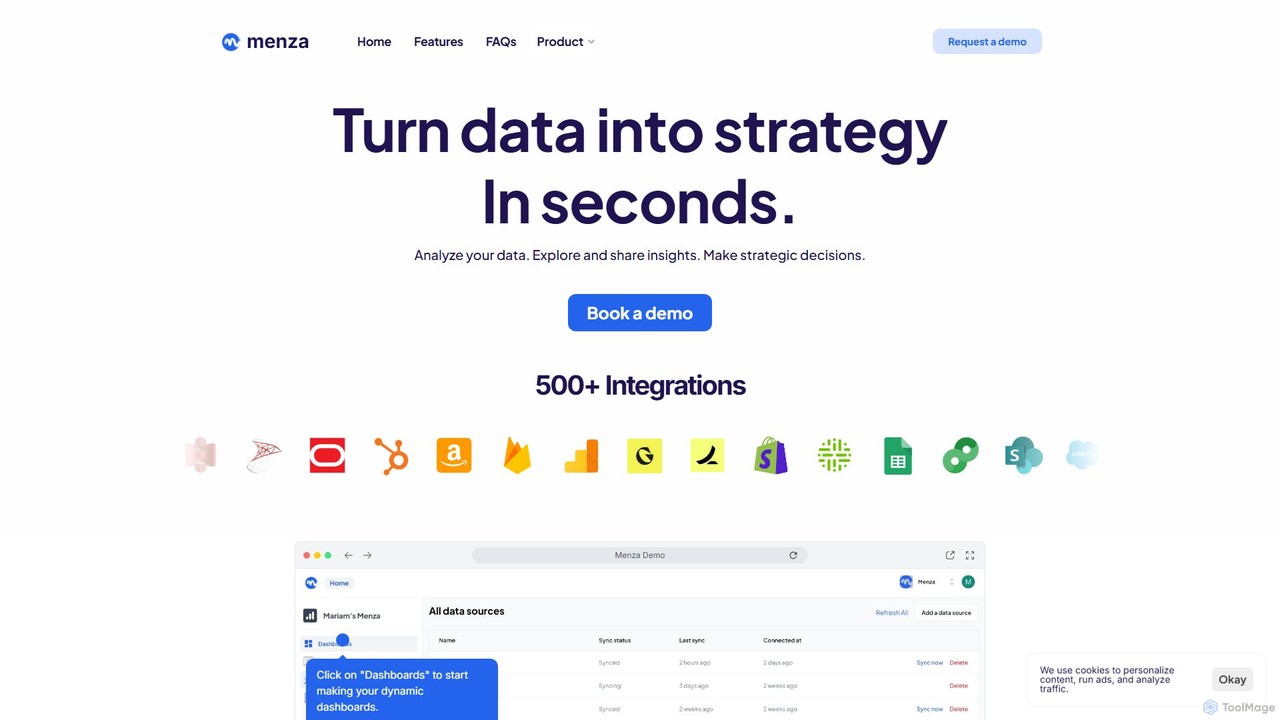
menza
menza is an AI-powered data analysis platform that transforms business data into actionable strategic insights in seconds. It allows non-technical users to analyze data, build interactive dashboards, and collaborate on decisions using plain language and a simple interface.
Business Intelligencega4sql Categories
ga4sql Embed Widget
Copy this embed code to place the badge on your blog, article, or product site and send readers directly to this ToolMage detail page.

Related AI tools
Rows
Rows is a next-generation spreadsheet that combines a familiar interface with powerful AI capabilities and seamless data integration. Connect to over 50 sources like Google Analytics, social media, and databases to automate data analysis, create live dashboards, and generate insights with an AI Analyst copilot.
ReportingCoupler.io
Coupler.io is a no-code data analytics and automation platform that helps businesses connect disparate data sources from marketing, sales, and finance apps to spreadsheets, data warehouses, or BI tools. It automates data collection, transforms raw data into analysis-ready formats, and provides AI-powered insights and pre-built dashboard templates for faster, smarter decision-making.
Business IntelligenceSupaboard
Supaboard is an AI-powered business intelligence platform that connects all your data sources into a unified hub. It transforms raw data into actionable insights and live dashboards, allowing teams to make data-backed decisions quickly without needing to write code or wrangle spreadsheets.
Business Intelligence
Jyek
Jyek is an AI agent platform that understands objectives, creates execution plans, uses tools, and delivers verifiable results for complex, multi-step tasks.
Automationmenza
menza is an AI-powered data analysis platform that transforms business data into actionable strategic insights in seconds. It allows non-technical users to analyze data, build interactive dashboards, and collaborate on decisions using plain language and a simple interface.
Business Intelligence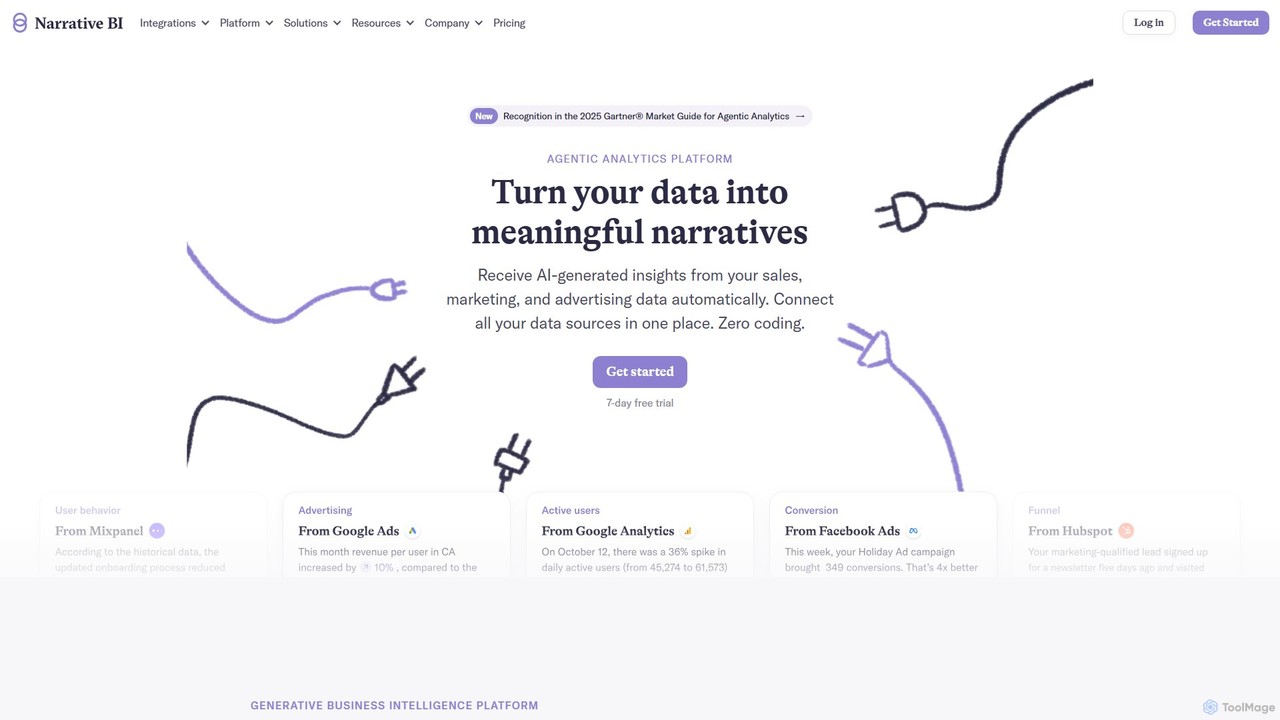
Narrative BI
Narrative BI is an AI-powered business intelligence platform that automates data analysis. It connects to various data sources like Google Analytics and Facebook Ads, transforming complex data into easy-to-understand narrative reports and actionable insights. It's designed for teams to make faster, data-driven decisions without needing technical expertise.
Business Intelligence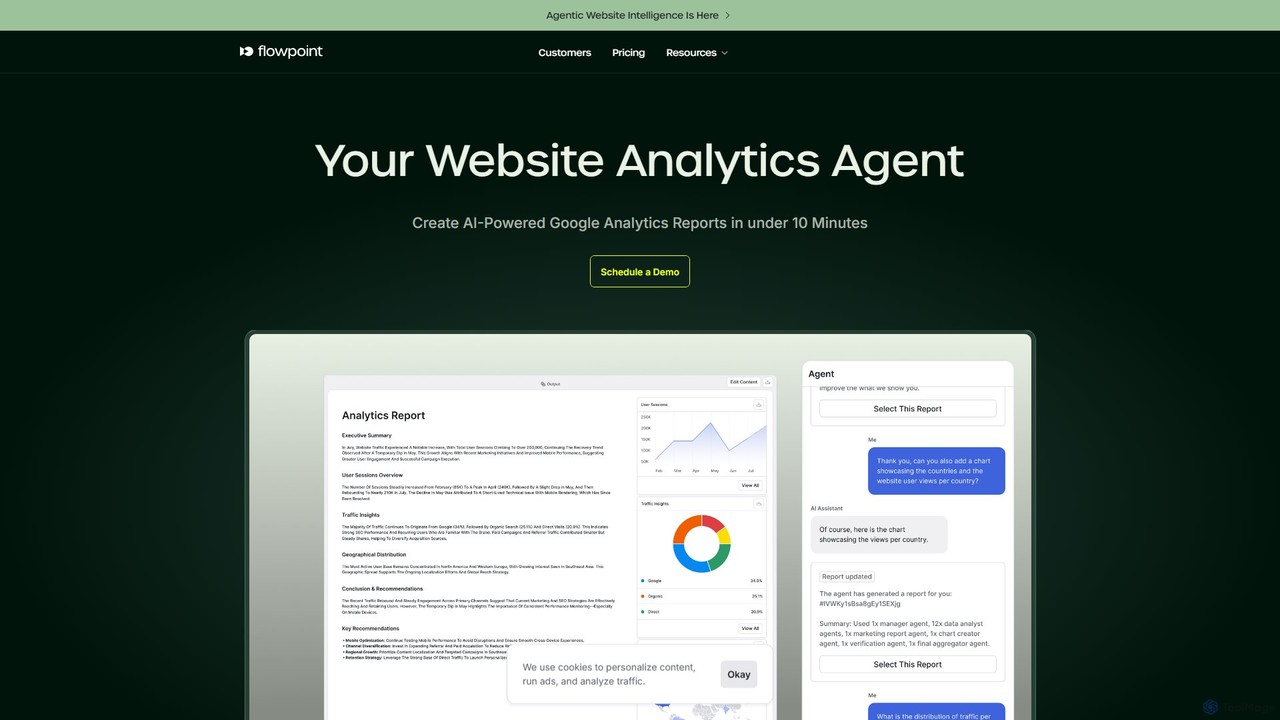
Flowpoint
Flowpoint is an AI-powered agentic process builder designed for website intelligence. It automates website analytics by connecting to data sources like Google Analytics, using AI agents to analyze data and generate in-depth reports in minutes. This no-code platform empowers marketers to optimize website performance, improve ROI, and gain actionable insights without requiring technical expertise.
Website Analytics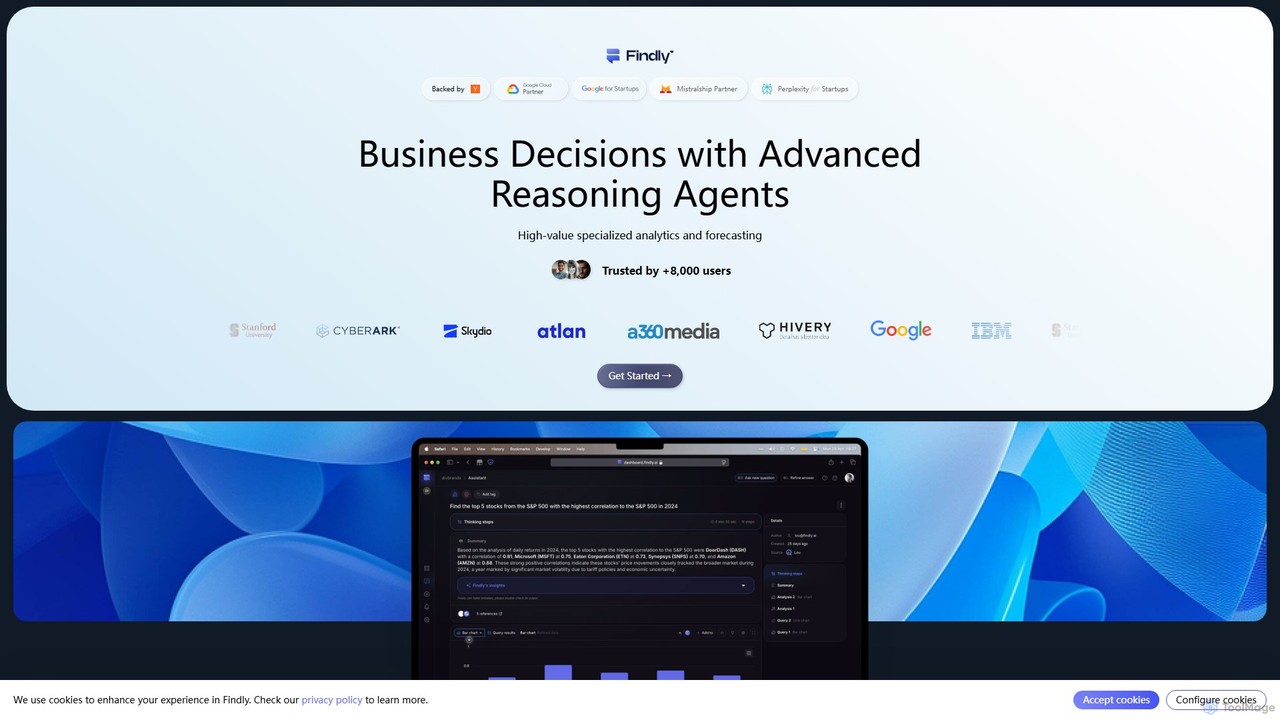
Findly
Findly is an AI-powered business intelligence (BI) platform that allows users to analyze data and get insights using natural language. It connects to various data sources, translates plain English questions into complex SQL queries, and provides interactive visualizations and reports. Designed for both technical and non-technical users, Findly simplifies data analysis, making it faster and more accessible for entire teams.
Business Intelligencevizbox
vizbox is an AI-powered data visualization platform that transforms raw data into insightful charts, graphs, and interactive dashboards. Users can simply upload data or use natural language prompts to generate compelling visuals, making data analysis accessible to everyone, regardless of technical skill.
No Code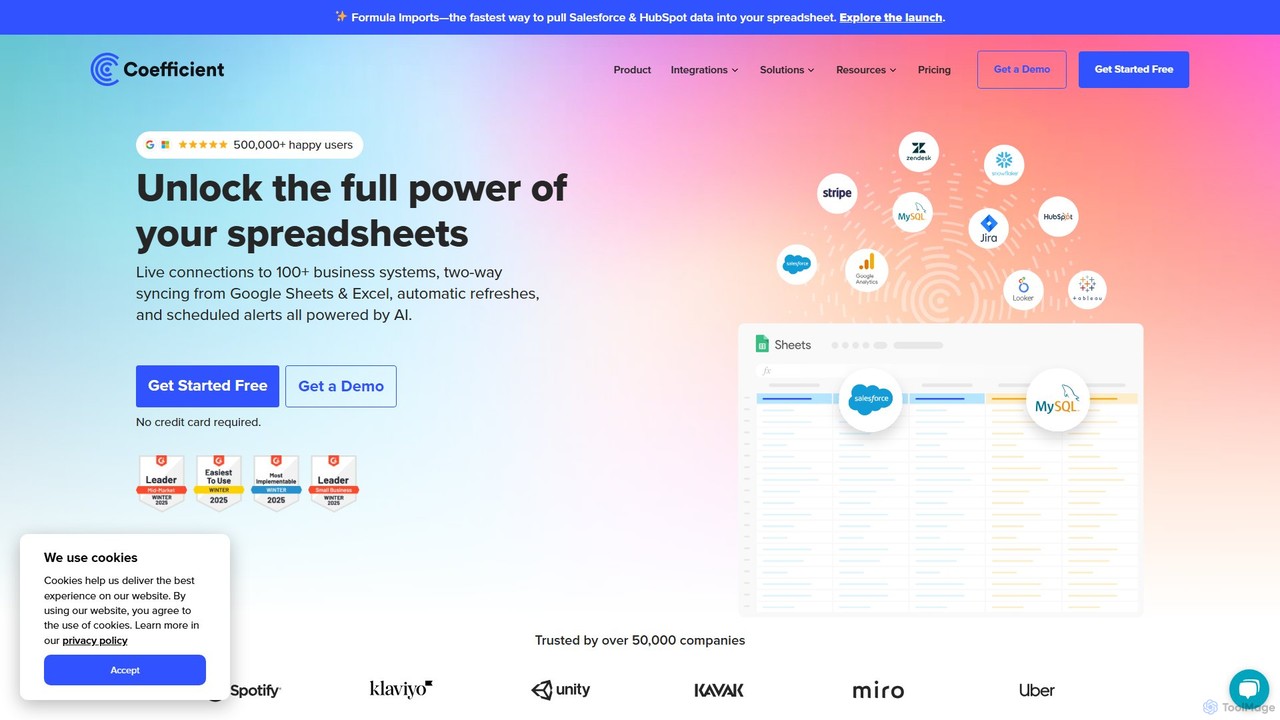
Coefficient
Coefficient is a data connector that links Google Sheets and Excel with over 100 business systems like Salesforce and HubSpot. It automates data imports, enables two-way syncing, and uses AI to help users build formulas, SQL queries, and charts, transforming static spreadsheets into dynamic, real-time dashboards.
Data Analysis
Sourcetable
Sourcetable is an AI-powered spreadsheet that combines the functionality of traditional spreadsheets with an AI data analyst. It allows users to connect to live data sources, ask questions in plain English, generate formulas, create charts, and automate reports. By integrating AI, Python, and SQL capabilities directly into the spreadsheet interface, Sourcetable empowers users of all skill levels to perform complex data analysis, cleaning, and visualization tasks effortlessly, turning raw data into actionable insights in seconds.
No Code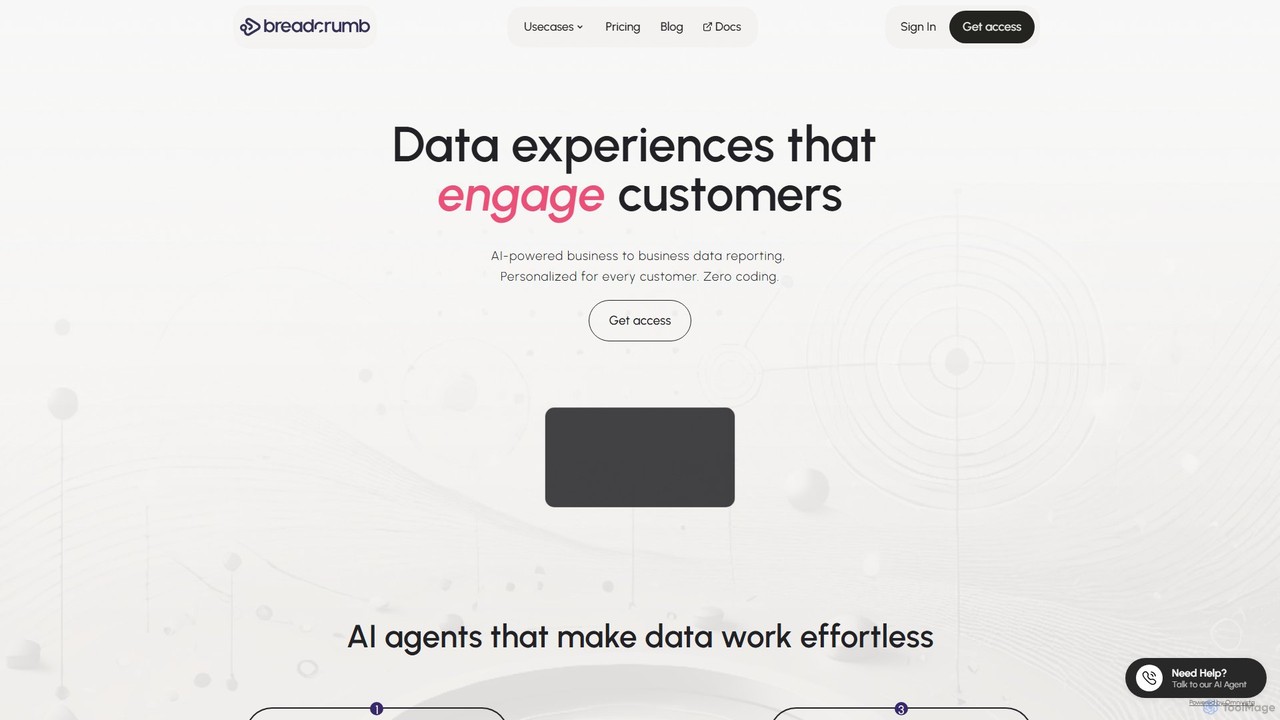
Breadcrumb.ai
Breadcrumb.ai is an AI-powered, no-code platform for scalable B2B data reporting. It automates the entire data workflow, from ingestion and cleaning to analysis and visualization. Users can ask questions in natural language to generate interactive, narrative-driven reports and embed them directly into websites or applications, empowering customers with self-serve insights.
Business Intelligence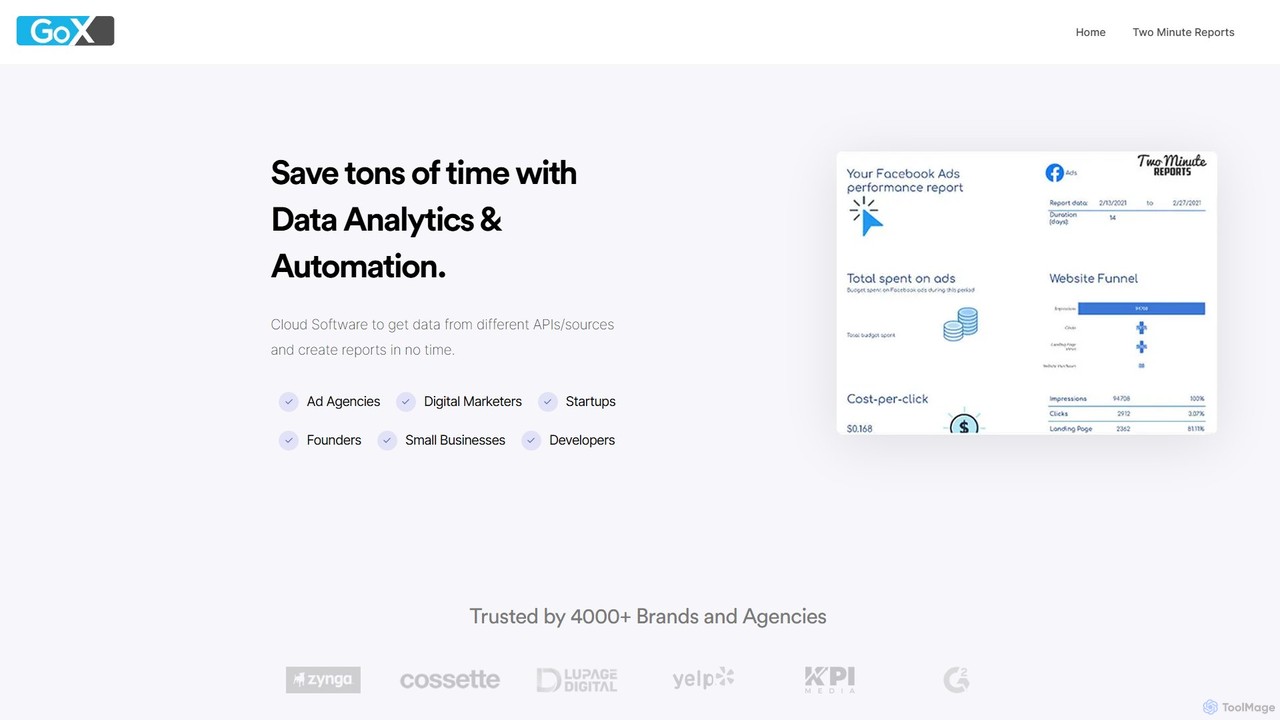
GoX
GoX is a data automation and analytics platform, delivered through its flagship product 'Two Minute Reports'. It helps marketers and agencies save time by connecting to various data sources (like Google Ads, Facebook Ads, SEO tools), consolidating data, and automating report generation directly within Google Sheets and Looker Studio. It's a no-code solution for creating beautiful, insightful reports in minutes.
Business Intelligence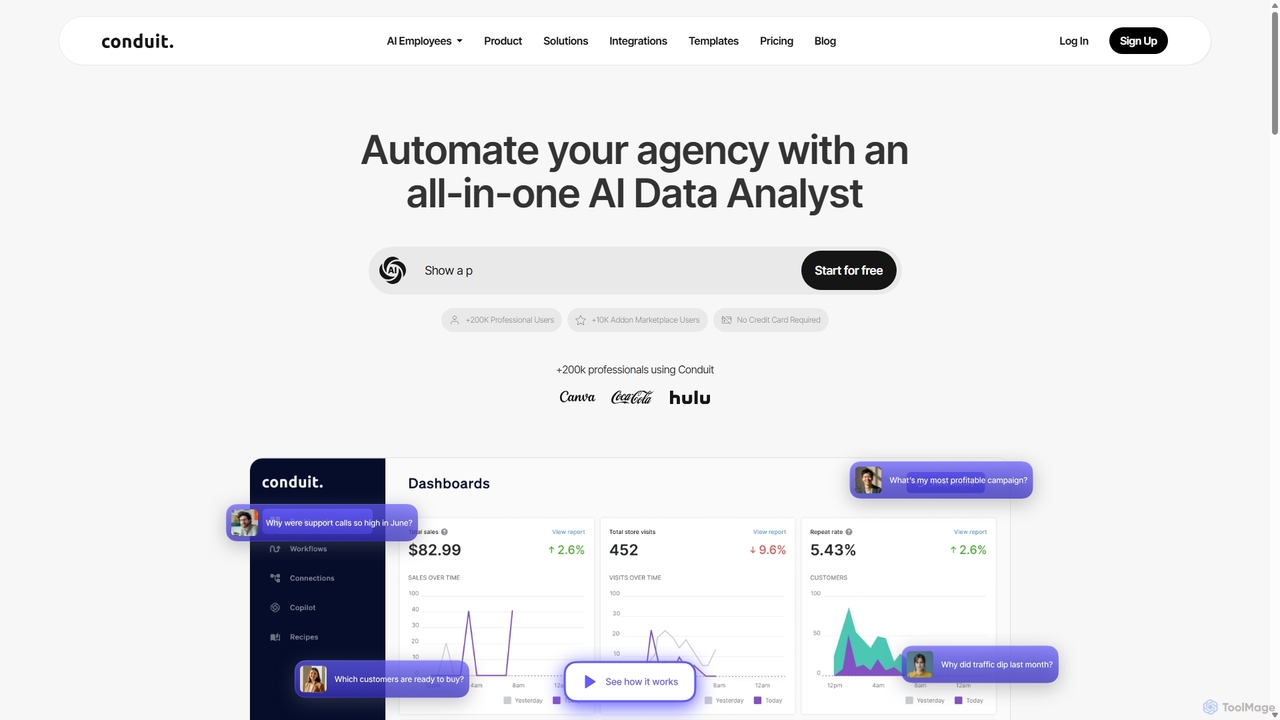
Conduit
Conduit is an all-in-one AI data analyst platform designed to automate agencies and businesses. It centralizes data from hundreds of sources like CRMs, ad platforms, and databases, enabling users to build automated workflows, create interactive dashboards, and query their data using a natural language AI copilot. It's built for marketing teams, data analysts, and developers to save time, improve accuracy, and make faster, data-driven decisions.
Business Intelligence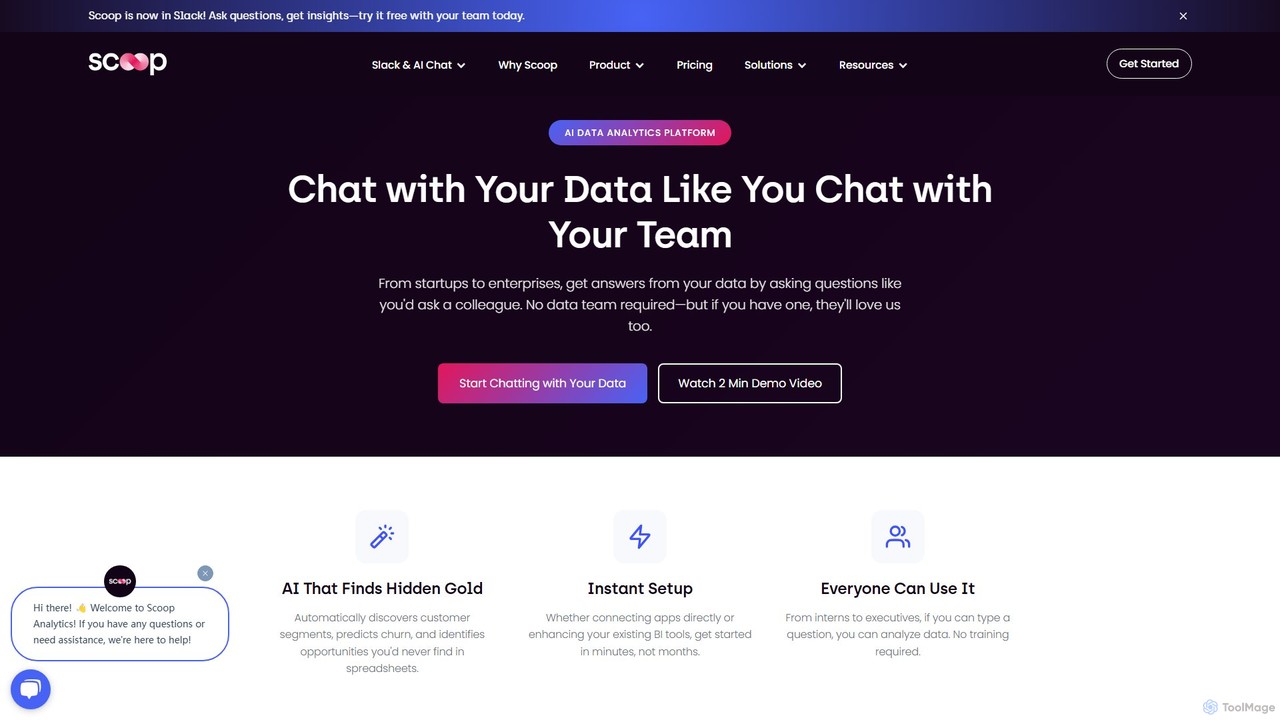
Scoop Analytics
Scoop Analytics is an AI-powered data platform that acts as your team's data analyst. It allows non-technical users to get complex insights from business data simply by asking questions in natural language. Integrated with Slack and over 100 data sources, it automates analysis, predicts outcomes like customer churn and sales wins, and uncovers hidden opportunities without requiring any SQL or coding knowledge.
Business Intelligence
ga4sql Comments (0)
Sign in to comment.
Sign inNo comments yet.