
helpmee.ai Overview
helpmee.ai is a revolutionary AI-driven technology support tool specifically created to empower senior citizens and bridge the digital divide. Born from a personal need to assist a family member with technology, this platform offers a patient, accessible, and always-available solution for computer-related challenges. It aims to unlock digital independence for the elderly, allowing them to confidently navigate the online world without constantly relying on family for help. By leveraging the latest advancements in artificial intelligence, including powerful visual recognition and natural language processing, helpmee.ai acts as a personal tech guide.
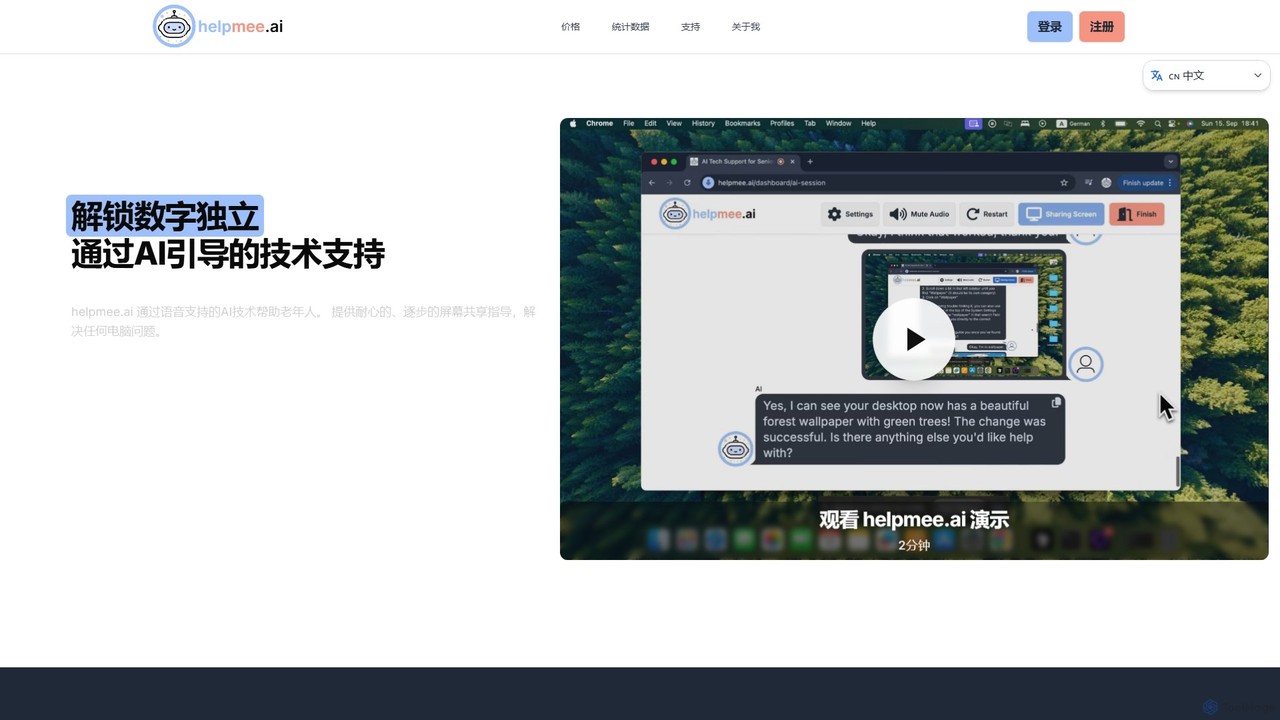
The platform is powered by Anthropic's state-of-the-art Claude 3.5 Sonnet model, which enables it to understand the user's screen visually and interpret their spoken requests with remarkable accuracy. This combination of screen sharing and voice conversation creates an intuitive and stress-free support experience. Whether it's setting up an email, troubleshooting a printer, or learning to use new software, helpmee.ai provides clear, step-by-step instructions in a calm and patient manner, available 24/7 in over 50 languages.
How to use helpmee.ai
Using helpmee.ai is designed to be incredibly simple and user-friendly, even for those with limited technical skills. The process involves a few straightforward steps:
- Start a Session: Visit the helpmee.ai website and start a free AI session. No complex sign-up is required to begin.
- Share Your Screen: With a single click, you can securely share your computer screen with the AI assistant. This allows the AI to see exactly what you see, providing context for your problem.
- Speak Your Problem: Simply use your computer's microphone to describe your issue in your natural language. You can ask questions like, "How do I attach a photo to an email?" or "Why can't I connect to my Wi-Fi?"
- Receive Step-by-Step Guidance: The AI will analyze your screen and your request, then provide clear, verbal, step-by-step instructions to guide you to a solution. It will wait for you to complete each step before moving on to the next, ensuring you never feel rushed.
- Solve and Learn: Follow the AI's guidance to resolve your technical issue. This interactive process not only solves the immediate problem but also helps build digital literacy and confidence for future tasks.
Core Features of helpmee.ai
- Advanced AI Vision: Powered by Claude 3.5 Sonnet, the AI can see and understand on-screen elements, providing highly accurate and relevant guidance.
- Natural Voice Conversation: Users can interact with the AI using natural speech, making the experience as simple as talking to a helpful friend.
- Interactive Screen Sharing: Secure, real-time screen sharing gives the AI the context it needs to provide effective, personalized support.
- Multilingual Support: The service is available in over 50 languages, making it accessible to a diverse global user base.
- 24/7 Availability: Unlike human support, the AI assistant is available around the clock, ready to help whenever a problem arises.
- Patient, Step-by-Step Instructions: The AI is designed to be infinitely patient, breaking down complex tasks into simple, easy-to-follow steps.
- Cross-Platform Compatibility: helpmee.ai works seamlessly on both macOS and Windows operating systems.
Use Cases for helpmee.ai
helpmee.ai is versatile and can assist with a wide range of everyday computer tasks, including:
- General Troubleshooting: Fixing common issues like a slow computer, printer connectivity problems, or Wi-Fi connection errors.
- Software Assistance: Learning to use essential applications such as email clients, web browsers, word processors, and video conferencing tools like Zoom or Skype.
- Online Navigation: Getting help with navigating websites, filling out online forms, online shopping, or accessing digital services.
- Account Management: Assistance with creating or managing online accounts, including password resets and security settings.
- Digital Literacy Building: Gradually building skills and confidence to handle various digital tasks independently.
Advantages of helpmee.ai
The primary advantage of helpmee.ai is its ability to foster digital independence and confidence among seniors. It reduces the burden on family members who often act as default tech support. The AI's 24/7 availability and infinite patience provide a stress-free learning environment. Furthermore, its use of cutting-edge AI ensures high-quality support, while the freemium model makes it accessible to everyone, regardless of their budget.
Pricing and Plans
helpmee.ai offers a flexible pricing structure to suit different needs, with all payments securely handled by Paddle.
- Free Plan: Perfect for trying out the service. It includes 30 minutes of free AI support every month, with no credit card required.
- Starter Plan: Designed for users with regular tech challenges. It offers 4 hours of AI support per month.
- Advanced Plan: A comprehensive solution for those who need extensive support. It provides 10 hours of AI support per month.
helpmee.ai Alternatives
Layla AI
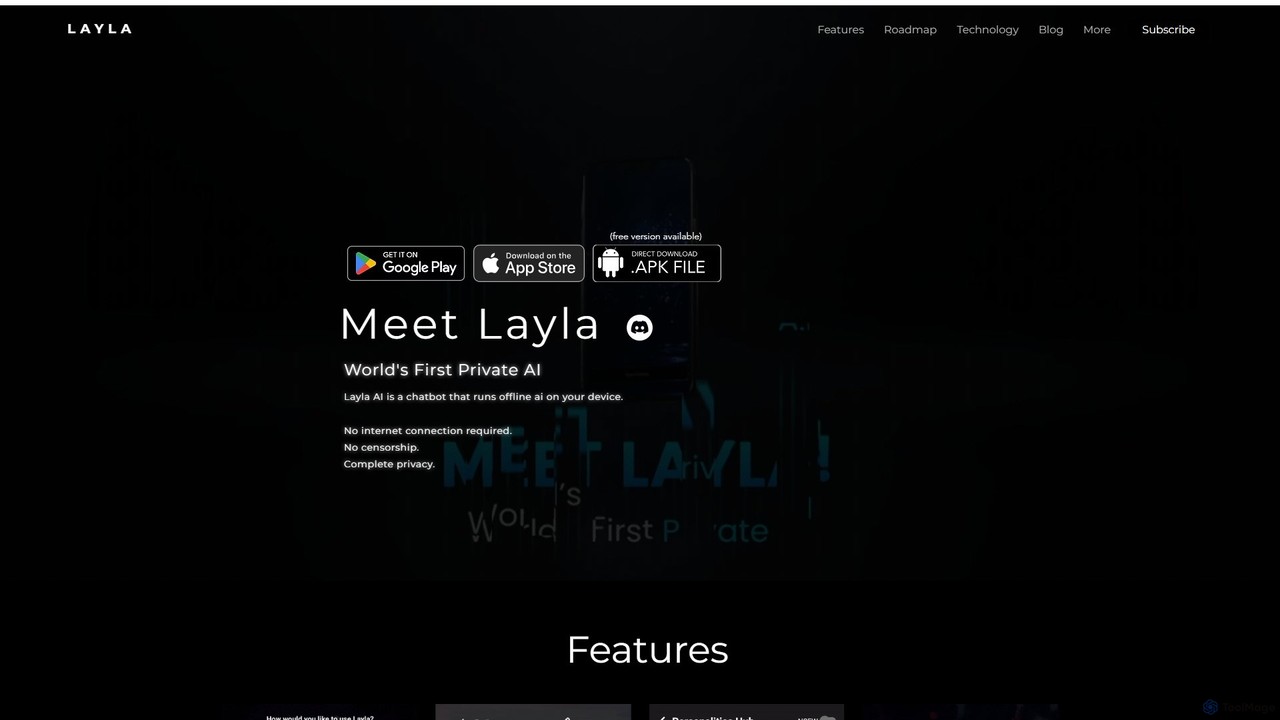
Layla AI is a revolutionary offline AI assistant that runs directly on your mobile device. It offers complete privacy, uncensored conversations, and powerful features like image generation and customizable personalities, all without needing an internet connection.
Ai Chatbot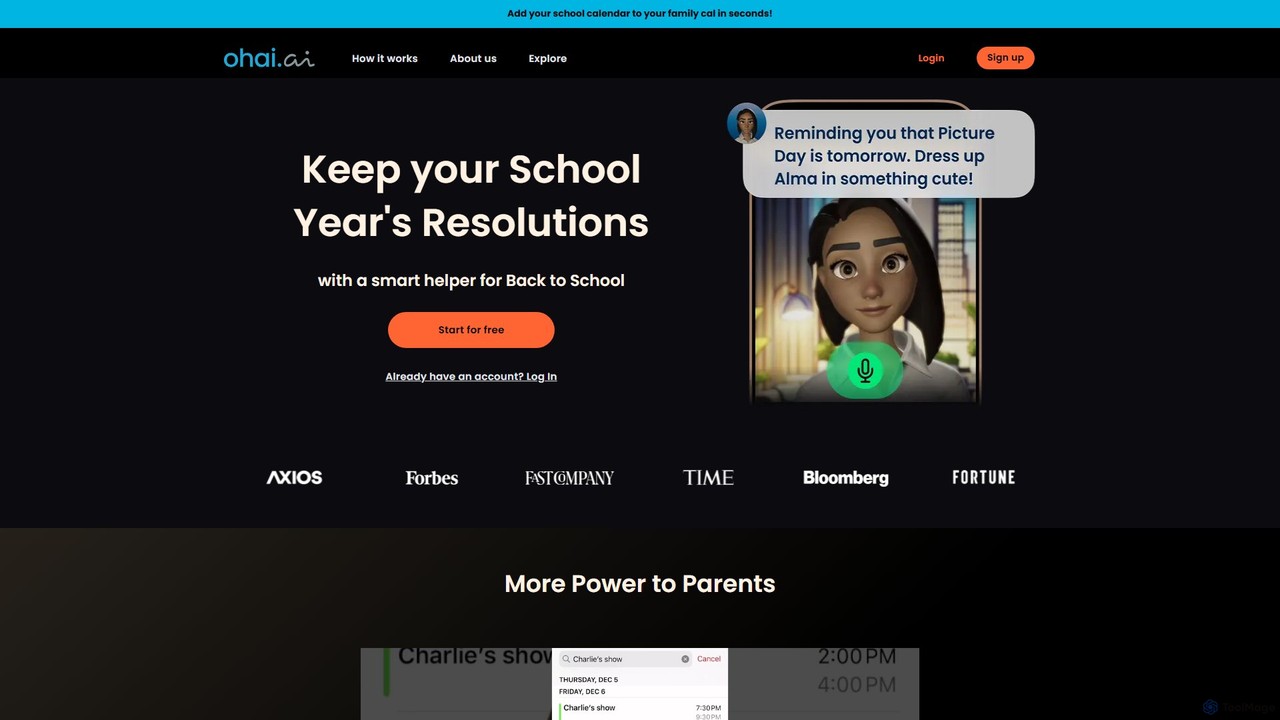
Ohai.ai
Ohai.ai is an AI-powered personal assistant designed to simplify family life and reduce the mental load for parents. It automates scheduling by syncing school and work calendars, manages to-do lists, plans meals, coordinates social events, and sends thoughtful reminders. By centralizing household management, Ohai helps families stay organized, connected, and on top of their busy lives, giving them more time to focus on what matters.
Family & Parenting
HP IQ
HP IQ is an advanced AI ecosystem, born from the acquisition of Humane, featuring the Ai Pin wearable and the intelligent CosmOS. It offers a screen-free, context-aware computing experience through voice, gestures, and a laser-projected display. Designed for both personal and enterprise use, it aims to enhance productivity and integrate AI seamlessly into daily life, prioritizing intuitive interaction and user privacy.
Workforce Collaboration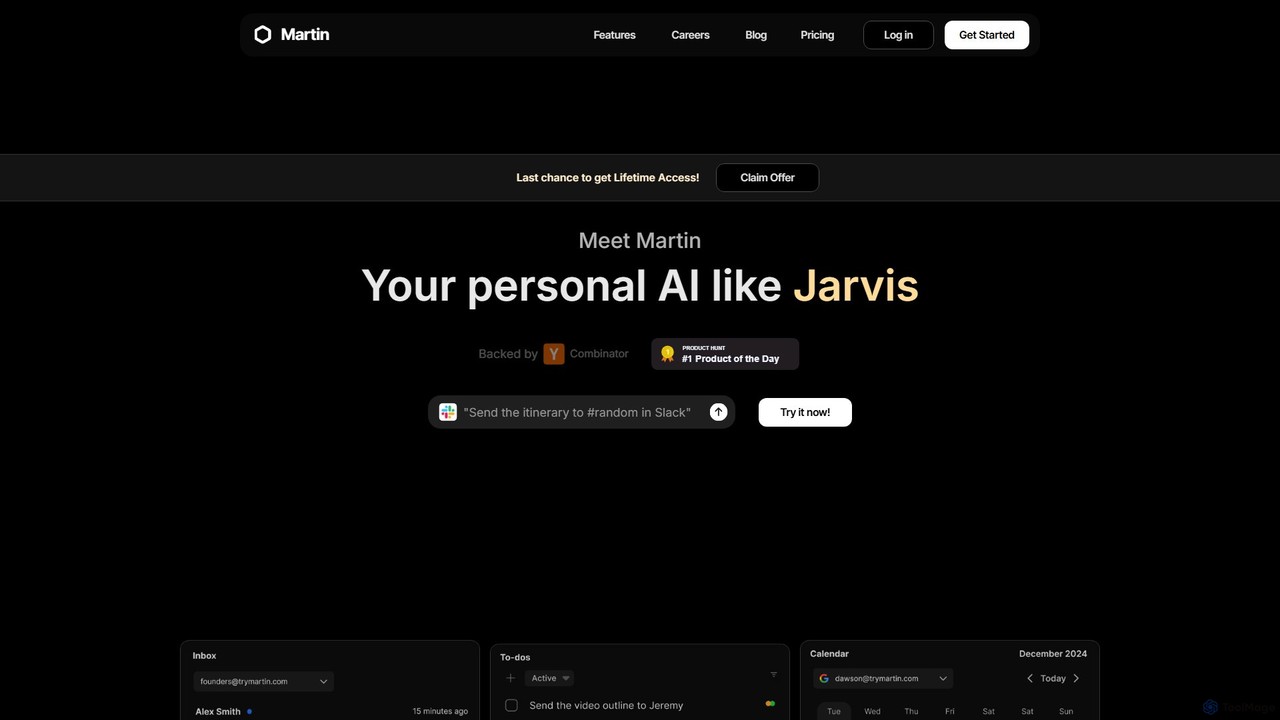
Martin
Martin is a personal AI assistant, like Jarvis, designed to streamline your life by managing tasks, communications, and schedules. Interact with Martin via text, call, email, or Slack to set reminders, send messages, manage your calendar, and automate daily workflows. It integrates seamlessly with your existing apps to boost your productivity.
Email Assistant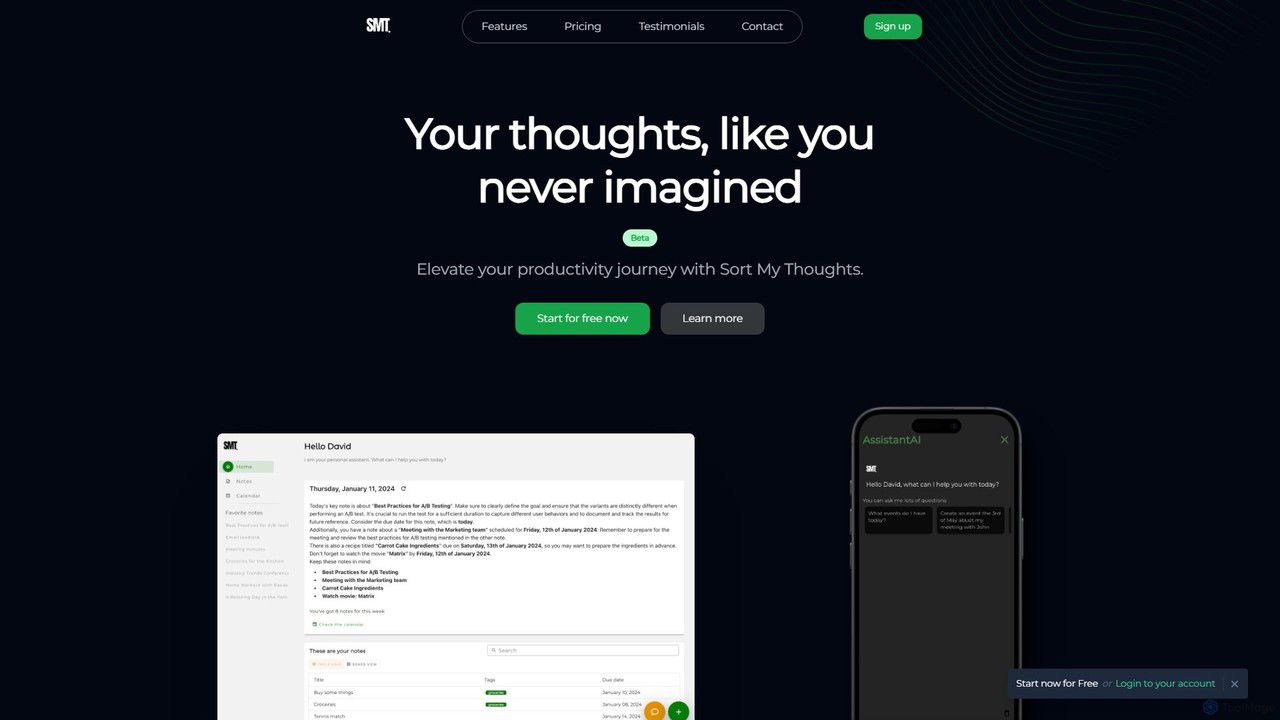
Sort My Thoughts
Sort My Thoughts is a personalized AI assistant designed to enhance productivity by organizing your thoughts, tasks, and schedule. It leverages AI to prioritize tasks, provide daily summaries, offer smart suggestions, and optimize your workflow. With seamless multi-device sync and a rich-text editor, it acts as a unified hub for your digital life, helping you stay organized and focused.
Note Takinghelpmee.ai Categories
helpmee.ai Embed Widget
Copy this embed code to place the badge on your blog, article, or product site and send readers directly to this ToolMage detail page.

Related AI tools
Layla AI
Layla AI is a revolutionary offline AI assistant that runs directly on your mobile device. It offers complete privacy, uncensored conversations, and powerful features like image generation and customizable personalities, all without needing an internet connection.
Ai ChatbotOhai.ai
Ohai.ai is an AI-powered personal assistant designed to simplify family life and reduce the mental load for parents. It automates scheduling by syncing school and work calendars, manages to-do lists, plans meals, coordinates social events, and sends thoughtful reminders. By centralizing household management, Ohai helps families stay organized, connected, and on top of their busy lives, giving them more time to focus on what matters.
Family & ParentingHP IQ
HP IQ is an advanced AI ecosystem, born from the acquisition of Humane, featuring the Ai Pin wearable and the intelligent CosmOS. It offers a screen-free, context-aware computing experience through voice, gestures, and a laser-projected display. Designed for both personal and enterprise use, it aims to enhance productivity and integrate AI seamlessly into daily life, prioritizing intuitive interaction and user privacy.
Workforce CollaborationMartin
Martin is a personal AI assistant, like Jarvis, designed to streamline your life by managing tasks, communications, and schedules. Interact with Martin via text, call, email, or Slack to set reminders, send messages, manage your calendar, and automate daily workflows. It integrates seamlessly with your existing apps to boost your productivity.
Email AssistantSort My Thoughts
Sort My Thoughts is a personalized AI assistant designed to enhance productivity by organizing your thoughts, tasks, and schedule. It leverages AI to prioritize tasks, provide daily summaries, offer smart suggestions, and optimize your workflow. With seamless multi-device sync and a rich-text editor, it acts as a unified hub for your digital life, helping you stay organized and focused.
Note Taking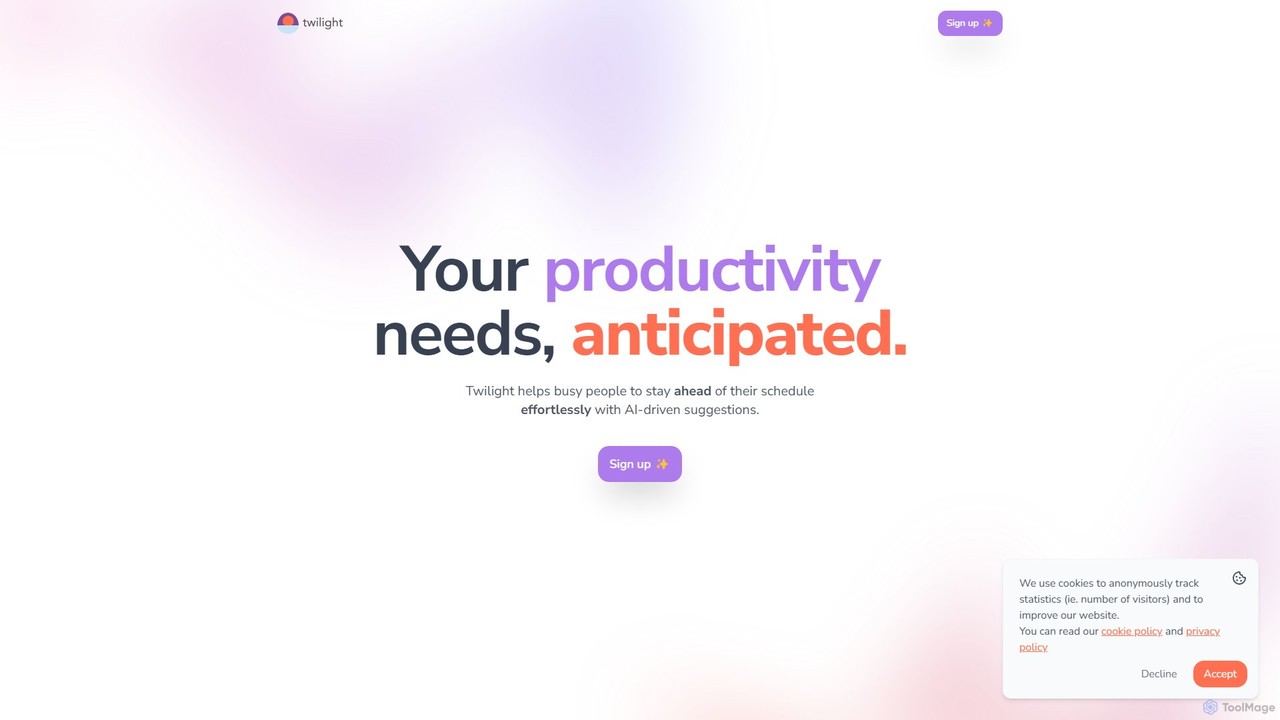
Twilight
Twilight is an AI-driven personal assistant that anticipates your productivity needs. It intelligently manages your schedule with proactive suggestions, automates rescheduling, prevents overbooking, and helps you focus on what truly matters by organizing your workflow.
Calendar Management
GPT Hotline
GPT Hotline integrates a powerful AI assistant directly into your WhatsApp. Chat about any topic, create and edit images with text commands, get personalized news updates, search for videos, and set reminders, all within your favorite messaging app. It's a versatile, multi-modal AI companion designed for ultimate convenience and productivity on the go.
Image Generation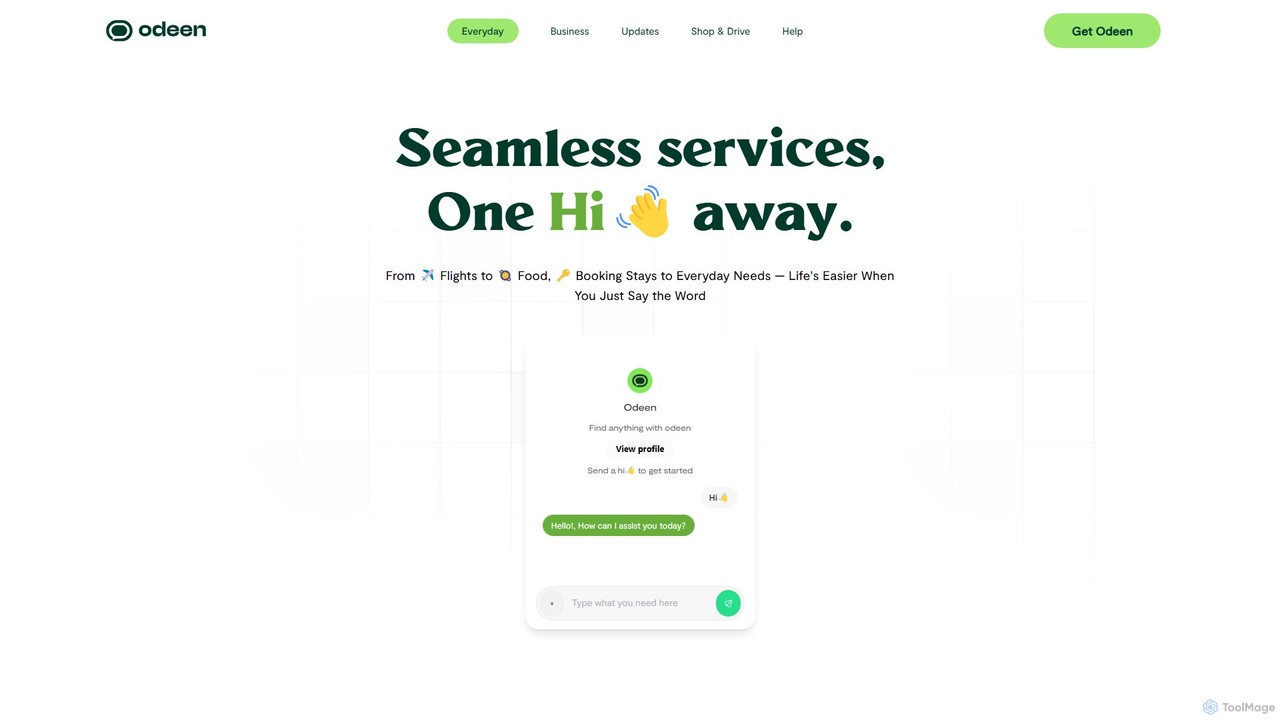
Odeen
Odeen is an all-in-one AI-powered super app that simplifies daily life by allowing users to order products and services through a single conversational interface. From booking flights and hotels to ordering food, finding jobs, and even doing laundry, Odeen consolidates numerous tasks into one chat. It also offers Odeen Studio, a platform for businesses to create their own custom AI sales and support bots.
Chatbot
Unmess
Unmess is a personal AI assistant designed to automate mundane life chores, starting with shopping. It intelligently creates lists, finds the best deals, and manages orders to save you time, money, and mental energy, aiming to declutter your daily life.
Expense Tracking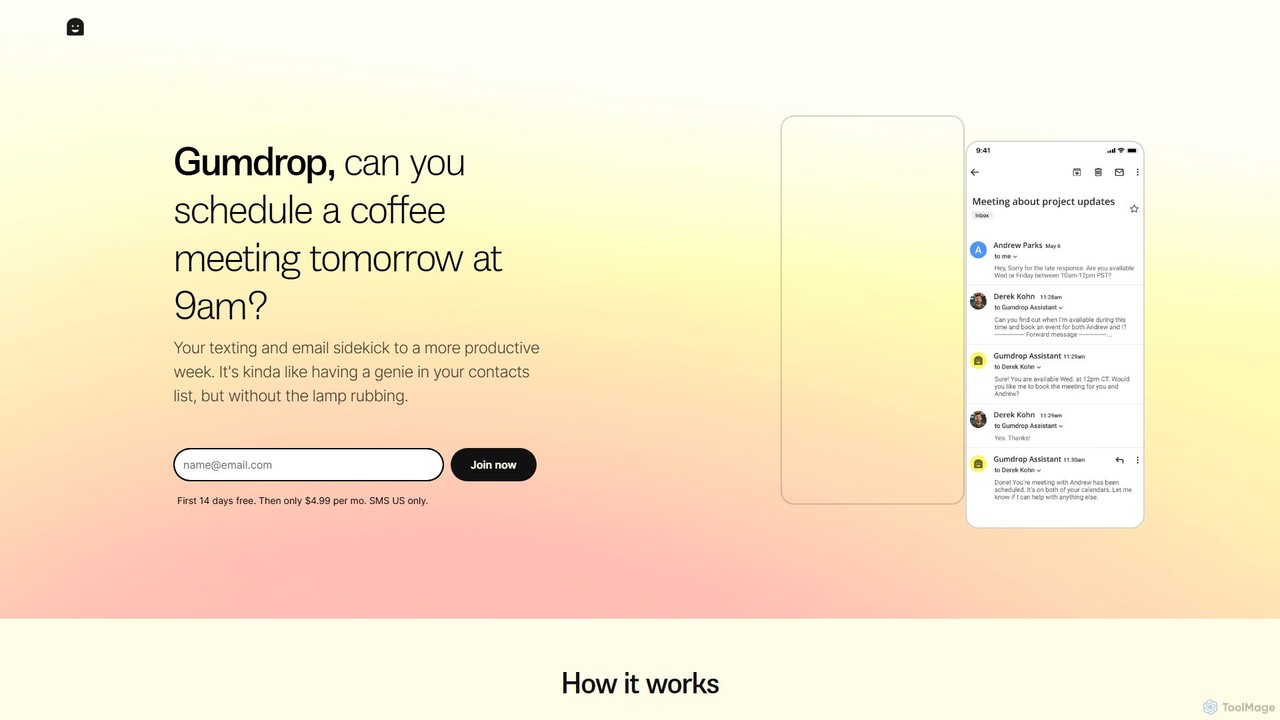
Gumdrop
Gumdrop is an AI-powered personal assistant that you can interact with via SMS and email. It helps you manage your schedule, book reservations, set reminders, and get information without needing a separate app. Simply text your requests and let Gumdrop handle the rest.
Automation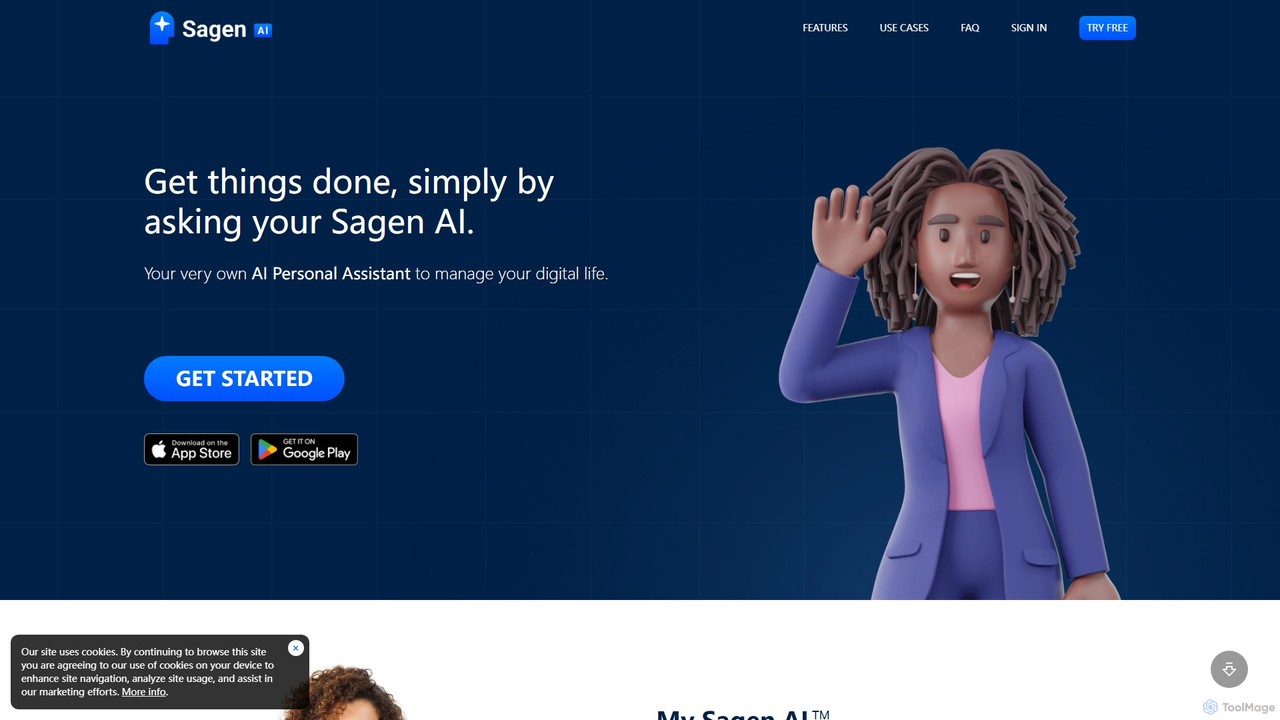
Sagen AI
Sagen AI is a versatile platform for creating your own personalized AI assistant. Customize its character and name, and interact with it conversationally to manage digital tasks, brainstorm ideas, learn new things, or even integrate it into your own website as a custom chatbot.
Chatbot
Telly
Telly is a revolutionary dual-screen smart TV offered completely free to consumers. It features a 55” 4K HDR main display and a secondary Smart Screen that shows ads and useful information. The device is subsidized by advertising, integrating features like an AI voice assistant, video calling, fitness tracking, and gaming.
Voice Control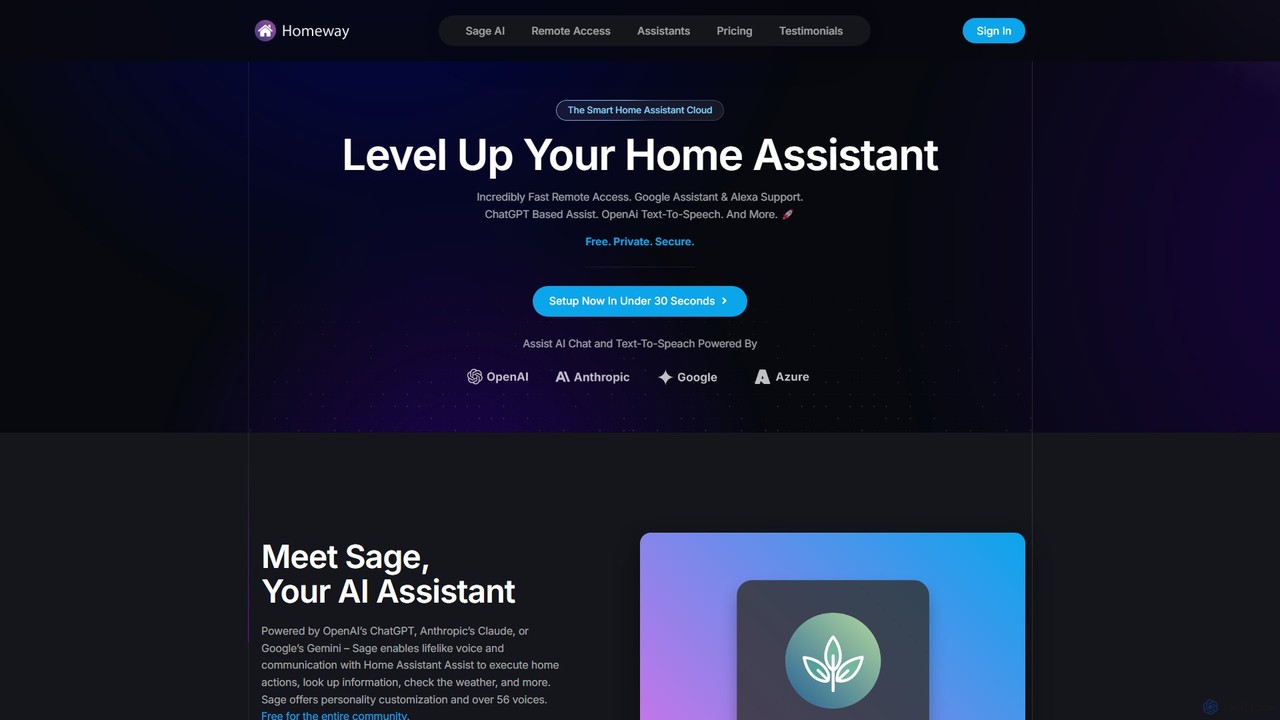
Homeway
Homeway enhances your Home Assistant experience with free, secure, and incredibly fast remote access. It features Sage, a powerful AI assistant powered by models like ChatGPT, Claude, and Gemini, enabling natural voice commands for home control, information retrieval, and more. With easy 30-second setup, Google Assistant/Alexa integration, and customizable text-to-speech voices, Homeway is the ultimate cloud upgrade for your smart home.
Voice Assistant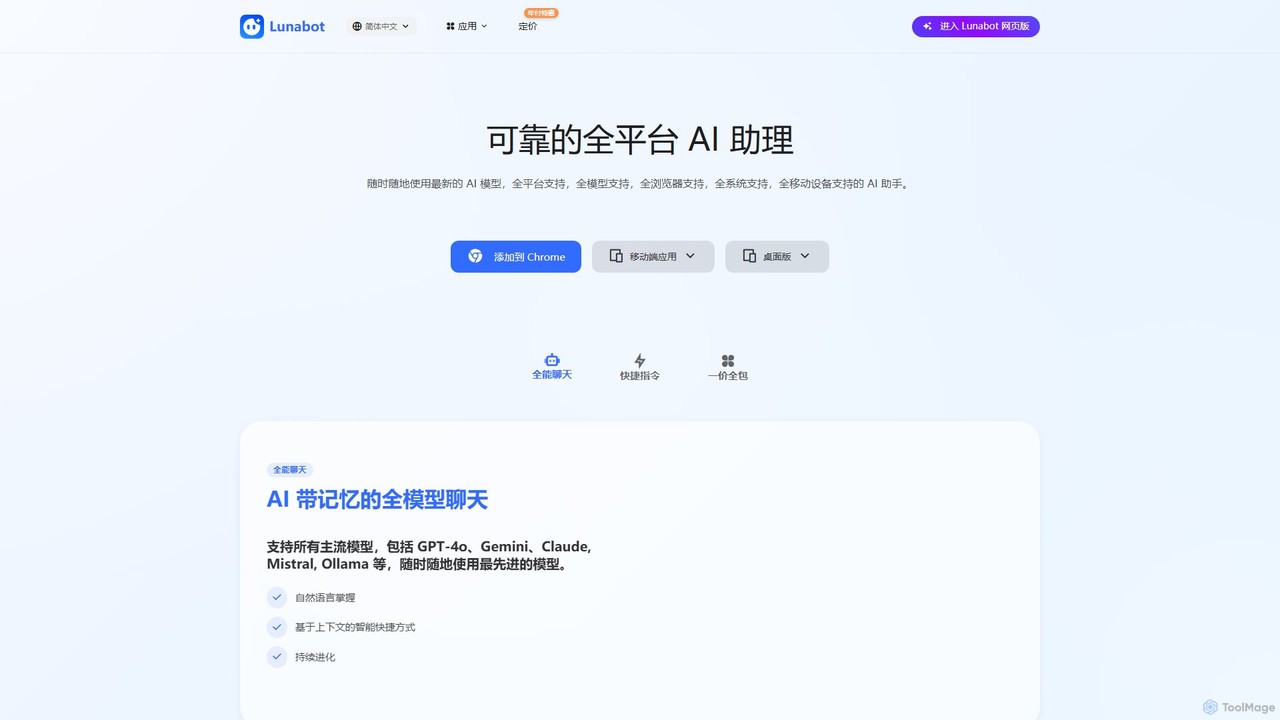
Lunabot
Lunabot is a versatile, all-in-one AI assistant that works across all your devices. It integrates leading AI models like GPT-4o, Gemini, and Claude into a seamless experience on your browser, desktop, and mobile. Boost your productivity with features like document chat, AI image generation, voice interaction, and customizable shortcut commands, all from a single, budget-friendly platform.
Chat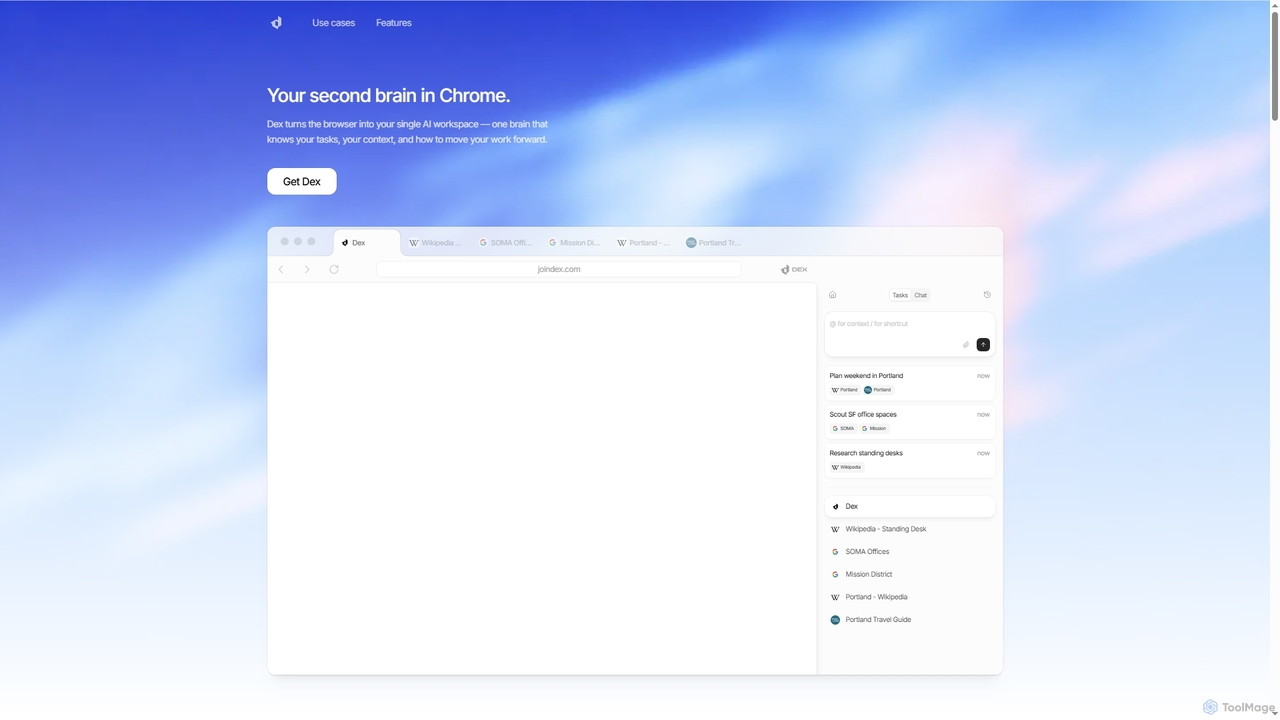
Dex
Dex is an AI-powered Chrome extension that transforms your browser into a smart, integrated workspace. It acts as your second brain, managing tasks, understanding context, and proactively moving your work forward by connecting with over 14 applications to eliminate context switching and boost productivity.
Workflow Automation
helpmee.ai Comments (0)
Sign in to comment.
Sign inNo comments yet.