
Horseman Overview
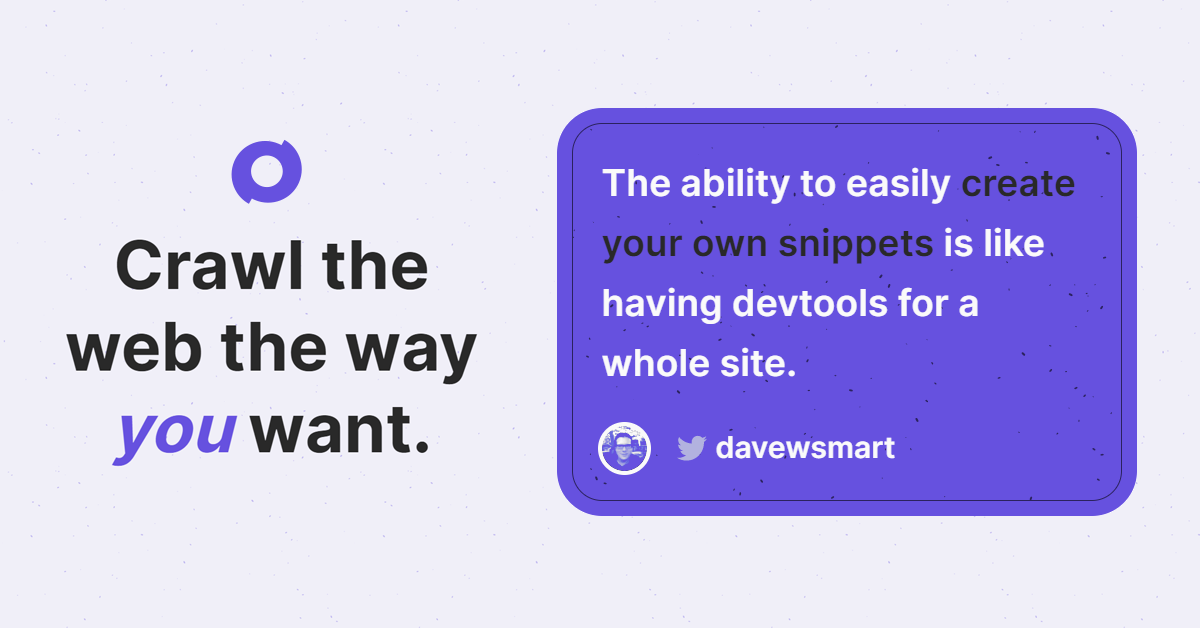
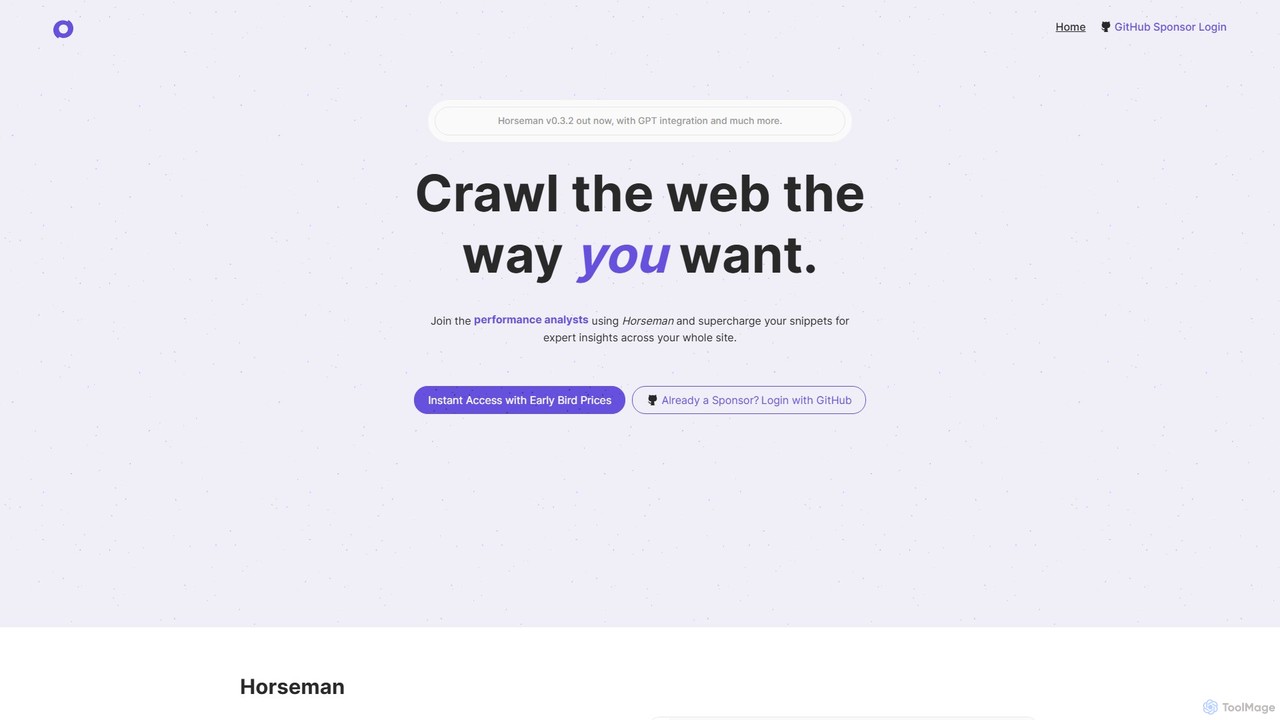
Horseman is a powerful and versatile desktop web crawling application designed for a wide range of professionals, including frontend developers, performance analysts, digital agencies, accessibility experts, and SEO specialists. It operates as your 'endlessly configurable crawling companion,' allowing you to crawl the web precisely the way you want. Available for Windows, macOS (Intel and M1/M2), and Linux, Horseman empowers users to gain expert insights across their entire website through a unique, snippet-powered system.
The core of Horseman's functionality lies in 'snippets'—small pieces of JavaScript code that interact with a website to return specific information. Anything you can do in Chrome's DevTools console, you can automate across thousands of pages with Horseman. This makes it an incredibly flexible tool for custom data extraction and analysis.
A standout feature is its deep integration with AI. Horseman incorporates GPT-3.5, allowing you to send page content, metadata, or any extracted data to the AI for analysis, summarization, or transformation. For those who are not proficient in JavaScript, Horseman offers an AI helper that can write the necessary snippets for you based on a simple description of the data you want to extract. This significantly lowers the barrier to entry for complex web crawling tasks.
How to use Horseman
Using Horseman is a straightforward process designed for efficiency. First, download and install the application on your supported operating system (Windows, macOS, or Linux). To begin a crawl, you simply enter a starting URL. The next step is to select the data you want to collect by choosing from over 120 built-in snippets or creating your own. If you don't know JavaScript, you can use the AI Snippet Helper: describe what you need (e.g., 'extract all H1 headings and their sentiment'), and the AI will generate the code. You can also directly use the GPT integration to perform tasks like summarizing content for meta descriptions. Once your snippets are configured, you run the crawl. Horseman will navigate the site and execute your snippets on each page. The results are presented in a clear, sortable table. For deeper analysis, the 'Insights' feature helps you drill down into specific issues and the pages they affect.
Core Features of Horseman
- AI-Powered Snippet Creation: Generate custom JavaScript snippets by describing your data needs in plain English, making the tool accessible to non-developers.
- GPT-3.5 Integration: Send entire pages or specific data points to GPT for advanced analysis, content summarization, sentiment analysis, and more.
- Extensive Snippet Library: Comes with over 120 pre-built snippets for common tasks related to SEO, performance, content, and accessibility.
- Fully Configurable Crawling: Use custom JavaScript to extract virtually any piece of information from a webpage, just like using the DevTools console.
- Deep Insights Feature: An analytics tool that aggregates crawl data to highlight site-wide issues and allows you to explore the specific pages affected.
- Cross-Platform Availability: A native application that runs on Windows, macOS (Intel & Apple Silicon), and Linux.
- Developer-Focused: Perfect for technical users who want to automate complex checks and data extraction tasks across entire websites.
Use Cases for Horseman
Horseman is a versatile tool applicable to many scenarios:
- Technical SEO Audits: Check for H1 sentiment, find pages with missing meta descriptions, audit schema markup, and analyze internal linking structures.
- Web Performance Analysis: Detect when the Largest Contentful Paint (LCP) image is loaded with a low priority, identify elements causing page overflow, and find render-blocking resources.
- Content Strategy and Auditing: Use Mozilla's readability.js for intelligent content extraction or leverage GPT to summarize articles and generate new, relevant meta descriptions at scale.
- Web Scraping and Data Extraction: Create custom scrapers to gather product information, pricing data, contact details, or any other structured data from websites.
- Accessibility Testing: Automate checks for common accessibility issues, such as missing alt text or incorrect ARIA roles, across an entire site.
Advantages of Horseman
Horseman stands out due to its unparalleled flexibility. While other crawlers offer a fixed set of checks, Horseman's snippet-based architecture means you are only limited by your imagination (and your JavaScript skills, which are augmented by AI). The integration of GPT-3.5 is a game-changer, turning a simple crawler into an intelligent analysis tool. It empowers users to not just collect data, but to interpret and act on it directly within the application. This makes it a 'skeleton key' for any technical toolbox, combining the power of a custom script with the ease of use of a GUI application.
Pricing and Plans
Horseman uses GitHub Sponsors for its payment gateway, offering early-bird pricing through a subscription model.
- Sponsor Plan: $5 per month. Includes a 1-device limit and bonus extras like a GitHub sponsor badge.
- Sponsor++ Plan (Most Popular): $10 per month. Includes a 3-device limit and all the bonus extras.
- Sponsor+++ Plan: Custom device limit. Users are encouraged to contact the developer for a custom plan tailored to their needs.
This sponsorship model allows users to support the ongoing development of the project while getting access to a powerful tool.
Horseman Alternatives
Apify
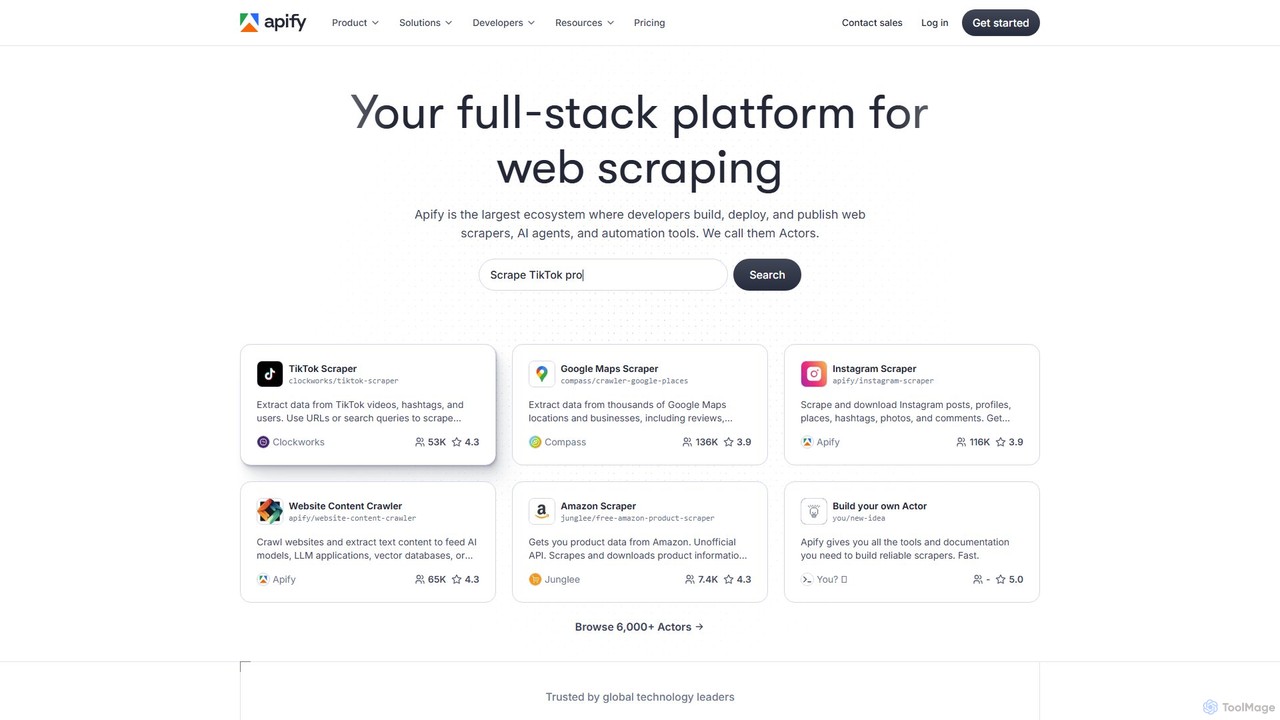
Apify is a full-stack web scraping and automation platform that enables developers to build, deploy, and publish data extraction tools, known as 'Actors'. It offers a vast marketplace of pre-built scrapers for popular websites like Google Maps, Instagram, and TikTok, alongside a robust cloud infrastructure for creating custom solutions. With support for Python and JavaScript, open-source libraries, and seamless integrations, Apify simplifies collecting web data at any scale.
Data Collection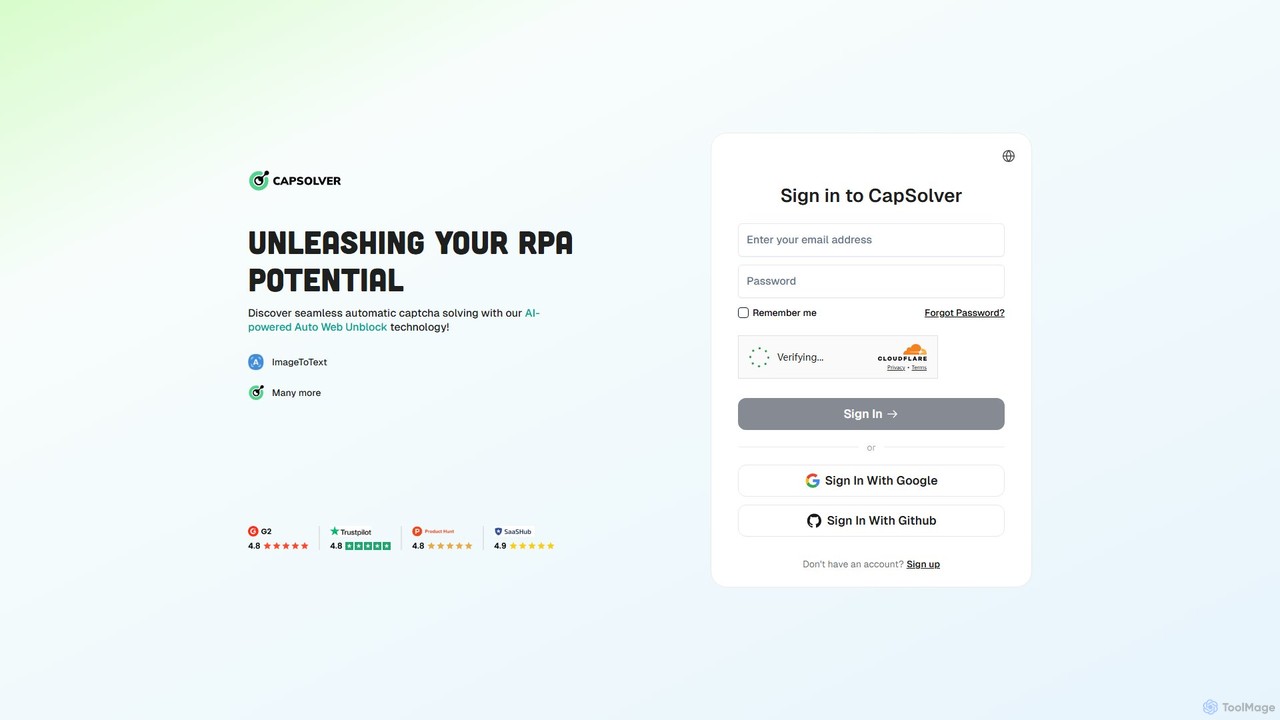
CapSolver
CapSolver is an AI-powered, automatic CAPTCHA solving service designed for developers and RPA professionals. It provides a high-accuracy, fast, and scalable solution to bypass various types of CAPTCHAs, including reCAPTCHA, hCaptcha, and FunCaptcha, facilitating seamless web scraping, data extraction, and process automation.
Data Extraction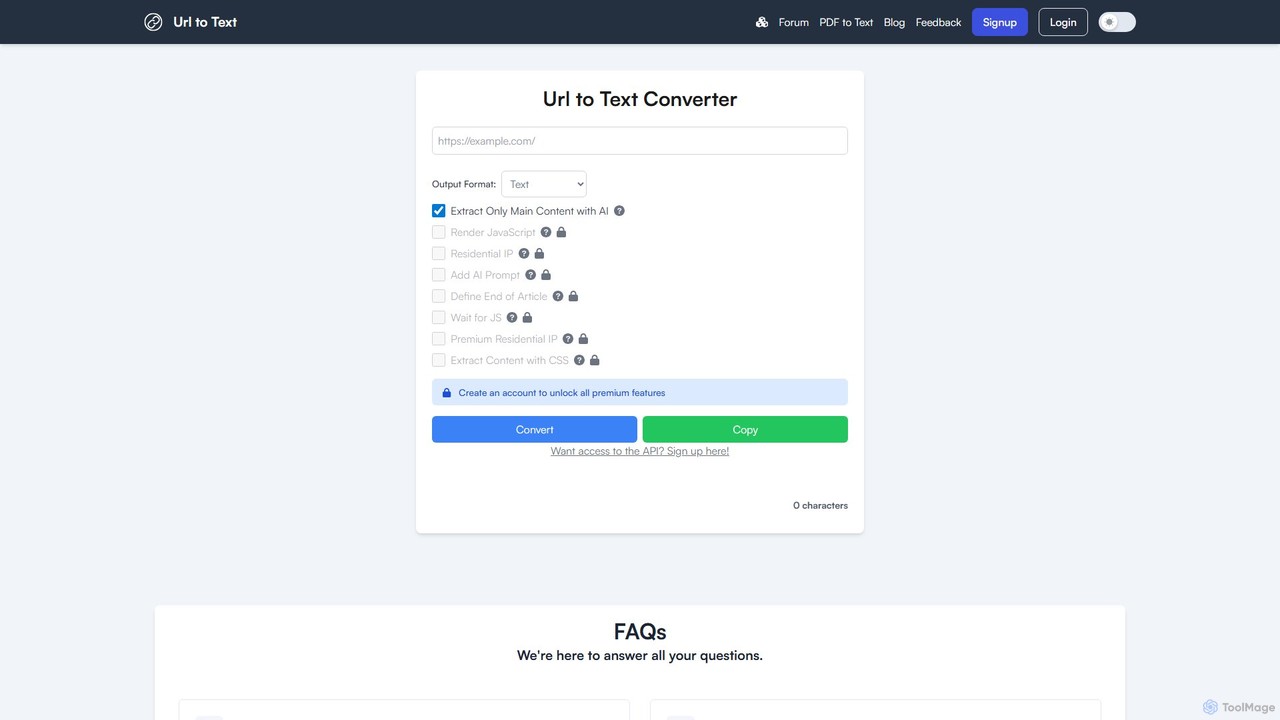
URLtoText
URLtoText is an AI-powered tool that extracts clean, structured text from any website or PDF. It intelligently removes ads, sidebars, and other clutter to provide only the main content. Featuring JavaScript rendering, residential IP proxies, and a developer API, it's designed for researchers, developers, and businesses needing reliable data extraction from both static and dynamic web pages.
Content Curation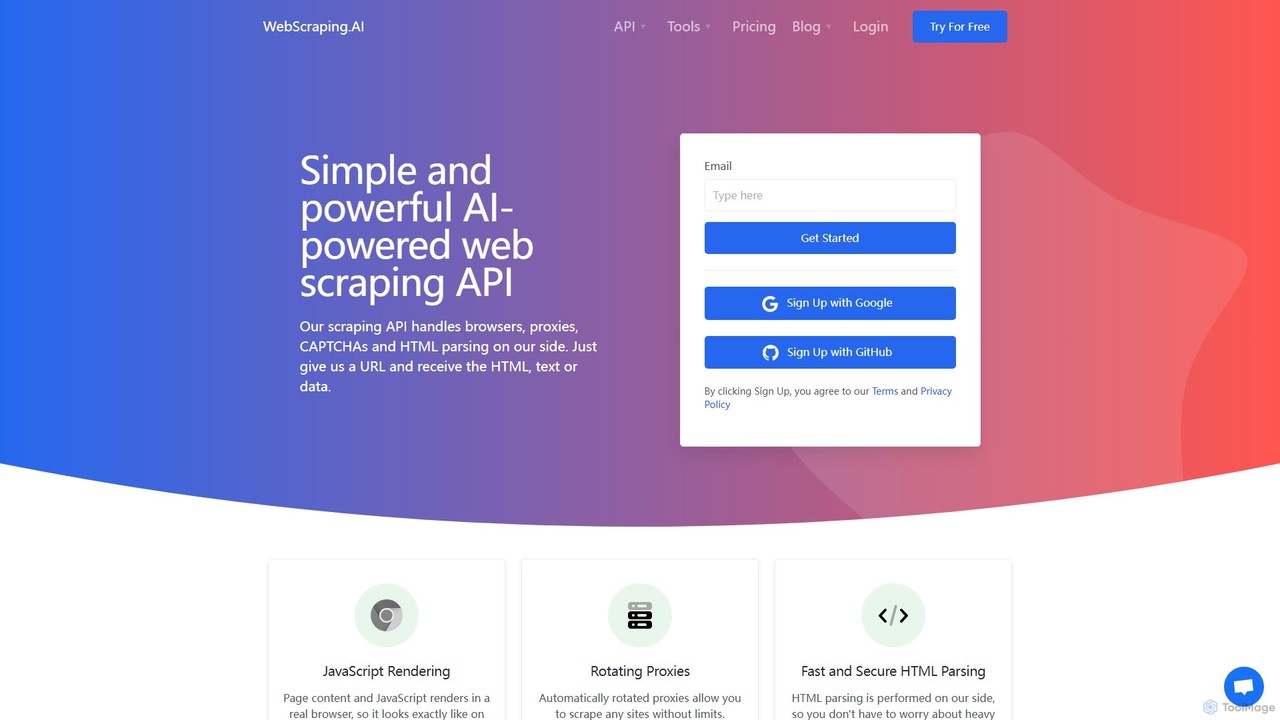
WebScraping.AI
WebScraping.AI is an advanced API for developers that simplifies web scraping using AI. It features rotating proxies, JavaScript rendering, and geotargeting to bypass blocks and access dynamic content. Its core strength lies in its LLM-powered tools, which can extract unstructured data, generate summaries, and answer questions directly from web pages, streamlining data collection for any project.
Data Extraction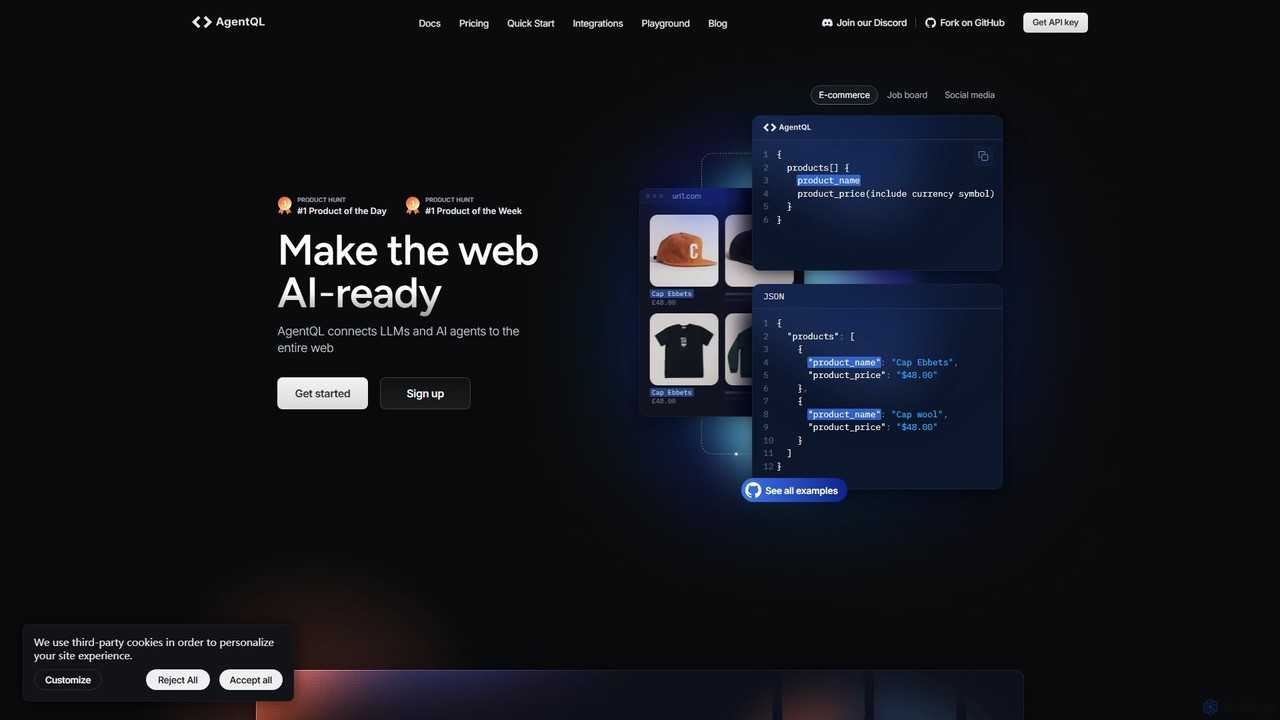
AgentQL
AgentQL is a developer toolset that connects LLMs and AI agents to the web. It uses an AI-powered query language to robustly extract structured data and automate web interactions, serving as a powerful, self-healing alternative to fragile XPath and CSS selectors.
LlmHorseman Categories
Horseman Embed Widget
Copy this embed code to place the badge on your blog, article, or product site and send readers directly to this ToolMage detail page.

Related AI tools
Apify
Apify is a full-stack web scraping and automation platform that enables developers to build, deploy, and publish data extraction tools, known as 'Actors'. It offers a vast marketplace of pre-built scrapers for popular websites like Google Maps, Instagram, and TikTok, alongside a robust cloud infrastructure for creating custom solutions. With support for Python and JavaScript, open-source libraries, and seamless integrations, Apify simplifies collecting web data at any scale.
Data Collection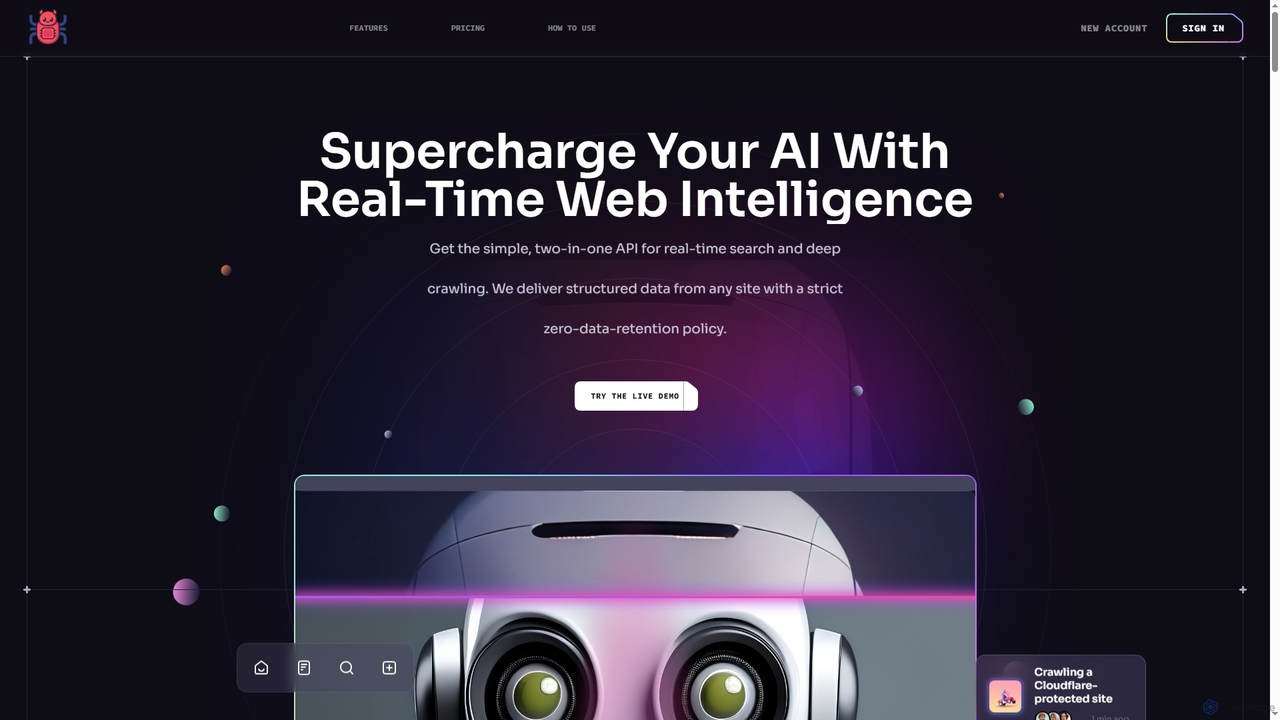
Crawleo
A powerful two-in-one API for AI systems, providing real-time web search and deep crawling. It delivers structured, AI-ready data (JSON, Markdown) from any website, bypassing anti-bot measures while ensuring privacy with a strict zero-data-retention policy. Designed for RAG pipelines, LLMs, and automation workflows.
Data RetrievalCapSolver
CapSolver is an AI-powered, automatic CAPTCHA solving service designed for developers and RPA professionals. It provides a high-accuracy, fast, and scalable solution to bypass various types of CAPTCHAs, including reCAPTCHA, hCaptcha, and FunCaptcha, facilitating seamless web scraping, data extraction, and process automation.
Data ExtractionURLtoText
URLtoText is an AI-powered tool that extracts clean, structured text from any website or PDF. It intelligently removes ads, sidebars, and other clutter to provide only the main content. Featuring JavaScript rendering, residential IP proxies, and a developer API, it's designed for researchers, developers, and businesses needing reliable data extraction from both static and dynamic web pages.
Content CurationWebScraping.AI
WebScraping.AI is an advanced API for developers that simplifies web scraping using AI. It features rotating proxies, JavaScript rendering, and geotargeting to bypass blocks and access dynamic content. Its core strength lies in its LLM-powered tools, which can extract unstructured data, generate summaries, and answer questions directly from web pages, streamlining data collection for any project.
Data ExtractionAgentQL
AgentQL is a developer toolset that connects LLMs and AI agents to the web. It uses an AI-powered query language to robustly extract structured data and automate web interactions, serving as a powerful, self-healing alternative to fragile XPath and CSS selectors.
Llm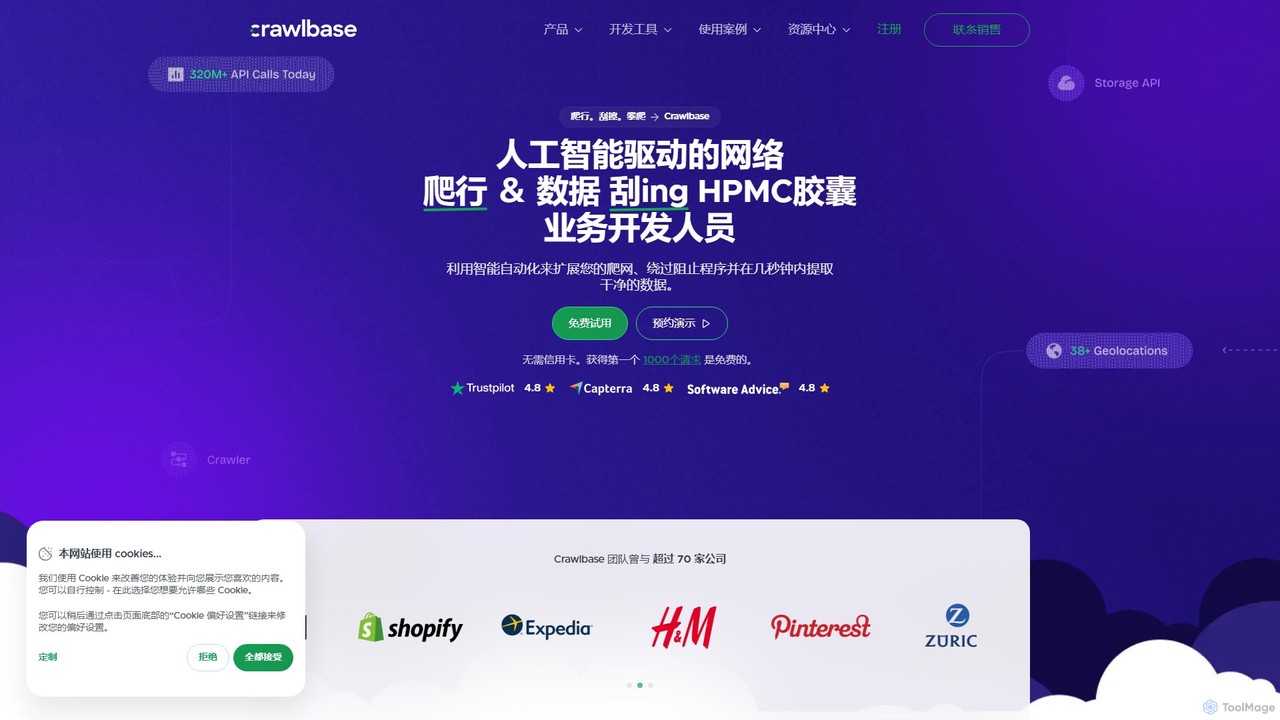
Crawlbase
Crawlbase is an AI-powered web scraping and crawling platform designed for developers and businesses. It simplifies data extraction by handling proxies, CAPTCHAs, and anti-bot systems, allowing you to anonymously crawl any website and retrieve clean, structured data at scale. It offers a suite of tools including a Crawling API, Smart Proxy, and Cloud Storage.
Data Collection
PageLlama
PageLlama is an AI-powered tool designed for developers and researchers. It effortlessly converts any web page content into clean, structured, and LLM-ready Markdown. By removing clutter like ads and navigation, it provides high-fidelity data, optimizing token usage and improving the accuracy of AI applications like RAG systems and data analysis models.
Data Extraction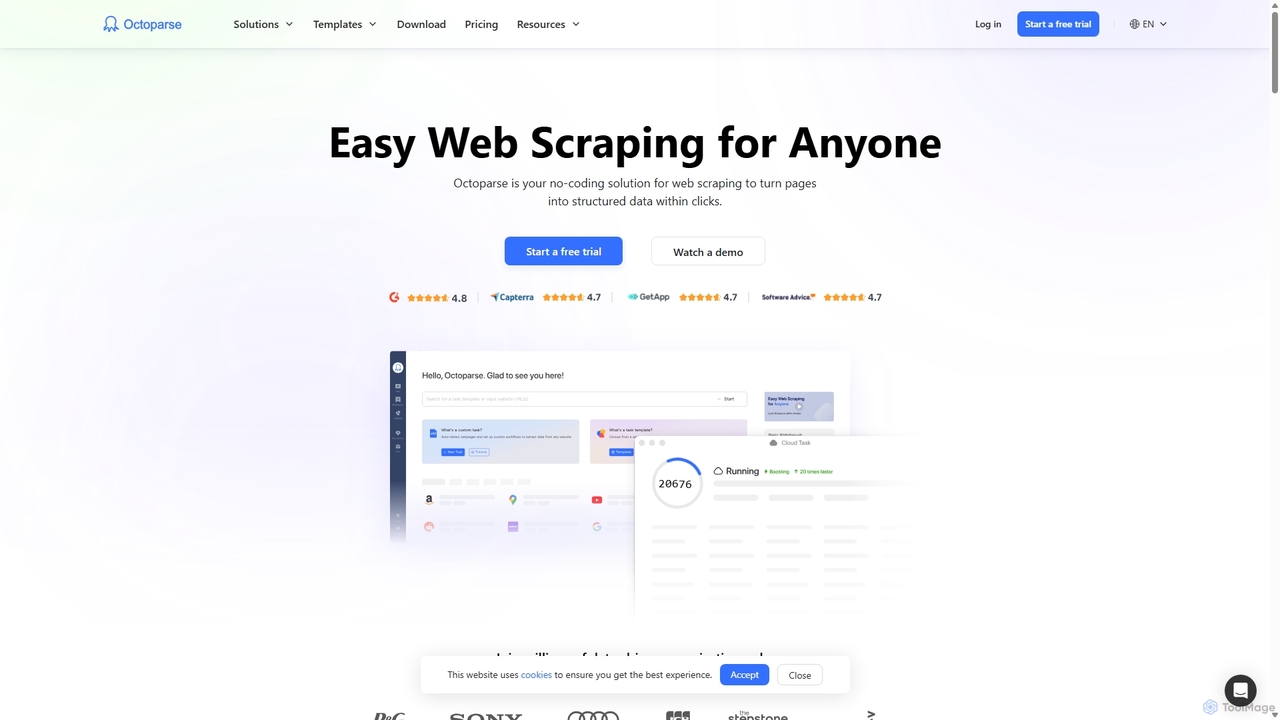
Octoparse
Octoparse is a powerful no-code web scraping tool that allows anyone to extract data from websites without programming. It features a visual workflow designer, an AI-powered assistant for easy setup, and hundreds of pre-built templates for popular sites. With cloud-based automation, IP rotation, and CAPTCHA solving, Octoparse handles complex scraping tasks efficiently, turning web pages into structured data for lead generation, market research, and more.
Web Scraping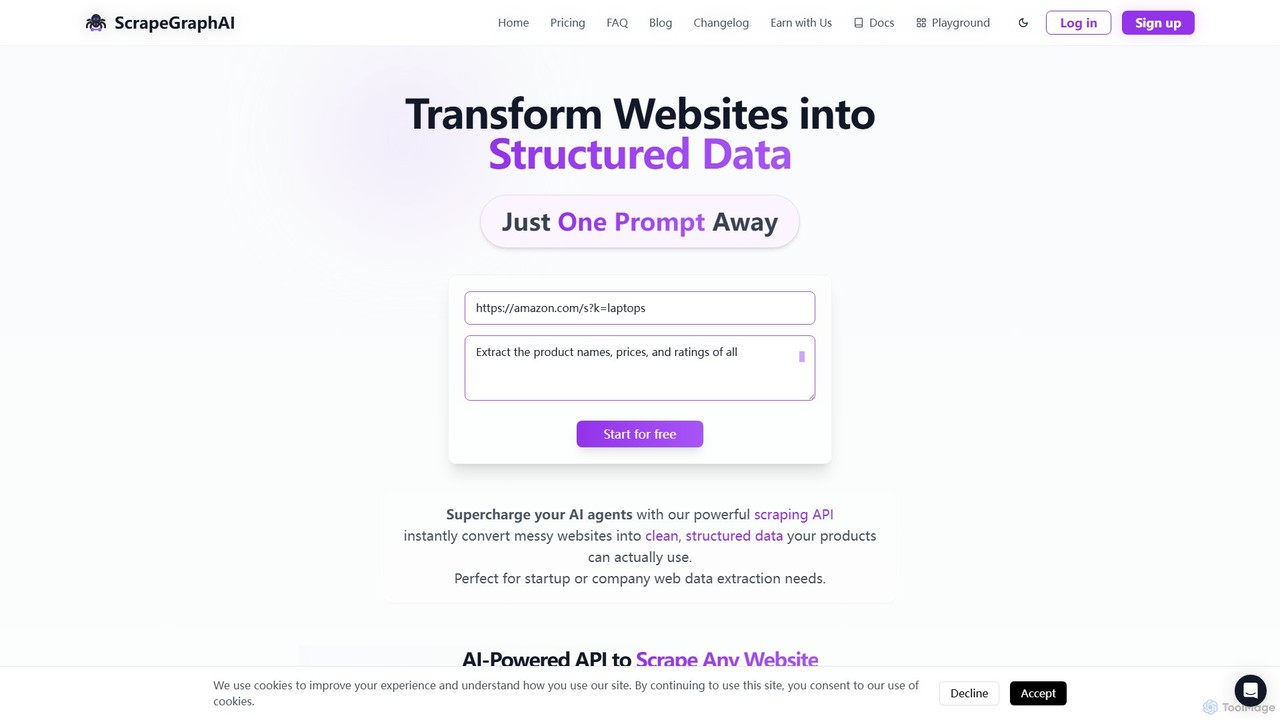
ScrapeGraphAI
ScrapeGraphAI is an AI-powered web scraping API that transforms unstructured websites into clean, structured JSON data using simple natural language prompts. Designed for developers, AI agents, and automated workflows, it simplifies data extraction without complex code.
Analytics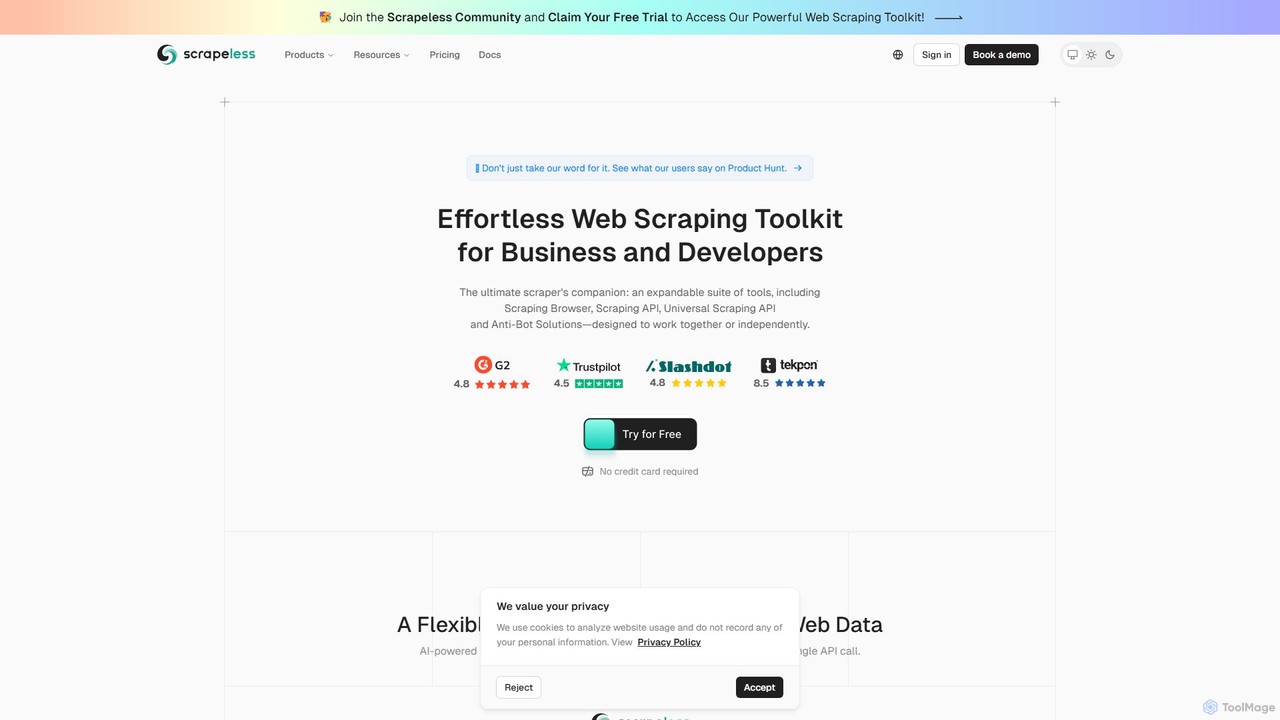
Scrapeless
An AI-powered web scraping toolkit for developers and businesses. It offers a suite of tools including a Scraping Browser, Universal Scraping API, and Deep SERP API to effortlessly extract public web data at scale. It specializes in bypassing anti-bot measures, providing structured data for e-commerce, market research, and AI model training, with a focus on reliability and ease of use.
Scraping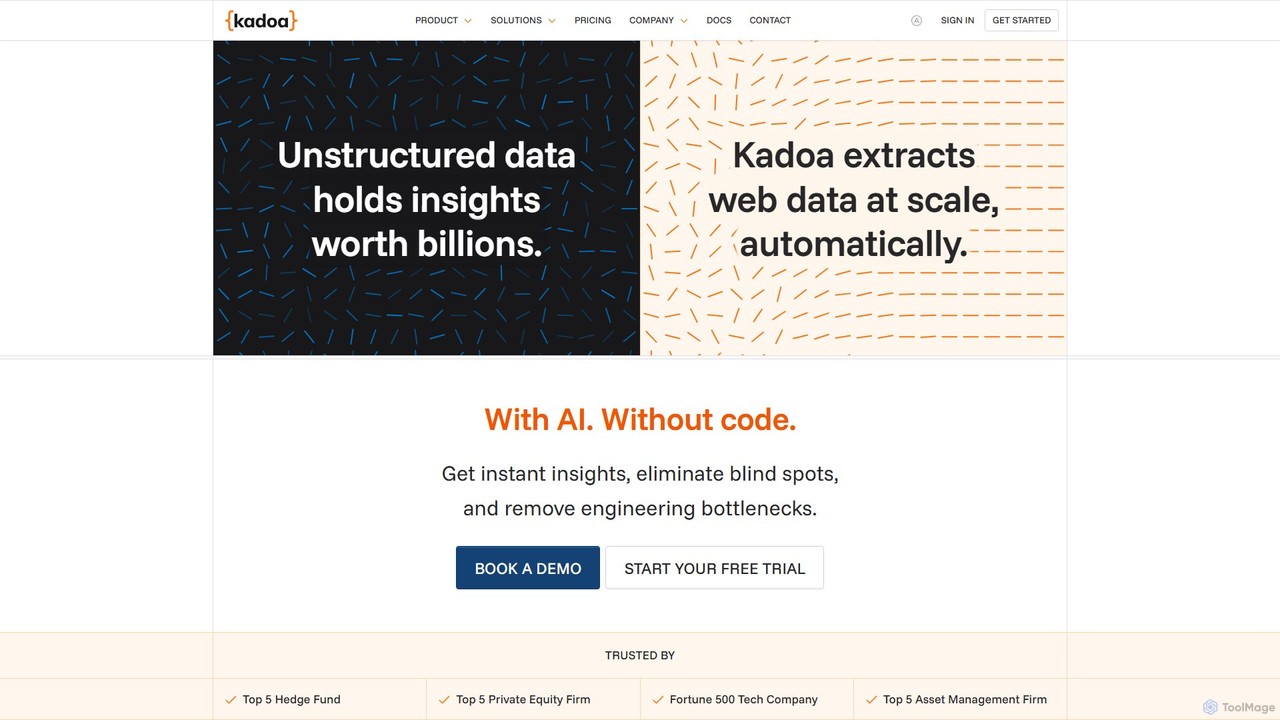
Kadoa
Kadoa is an AI-powered, no-code web scraping platform that automates data extraction from any website or document. It enables users to build scalable, self-healing data pipelines in minutes, eliminating engineering bottlenecks and providing real-time insights for finance, retail, and market intelligence.
Web Scraping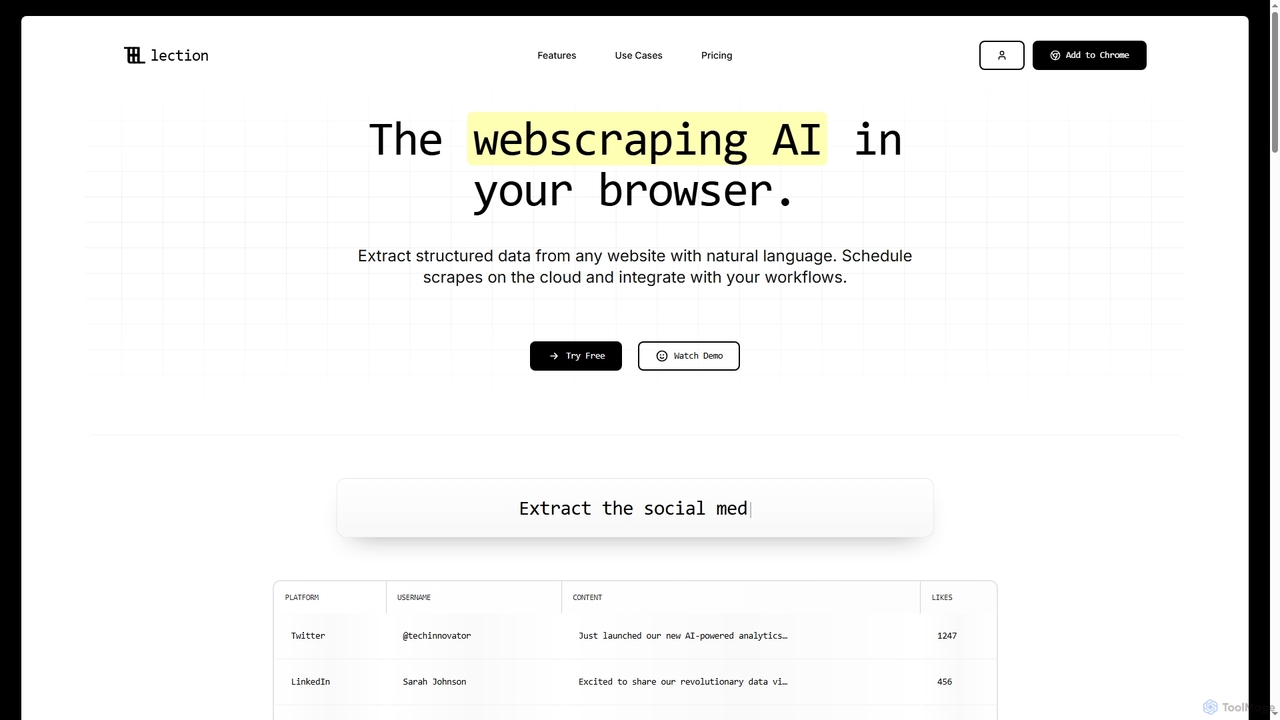
Lection
Lection is an AI-powered web scraping agent that allows users to extract structured data from any website using natural language. It automates data collection, integrates with popular workflows, and provides clean, validated data without requiring any coding expertise.
3D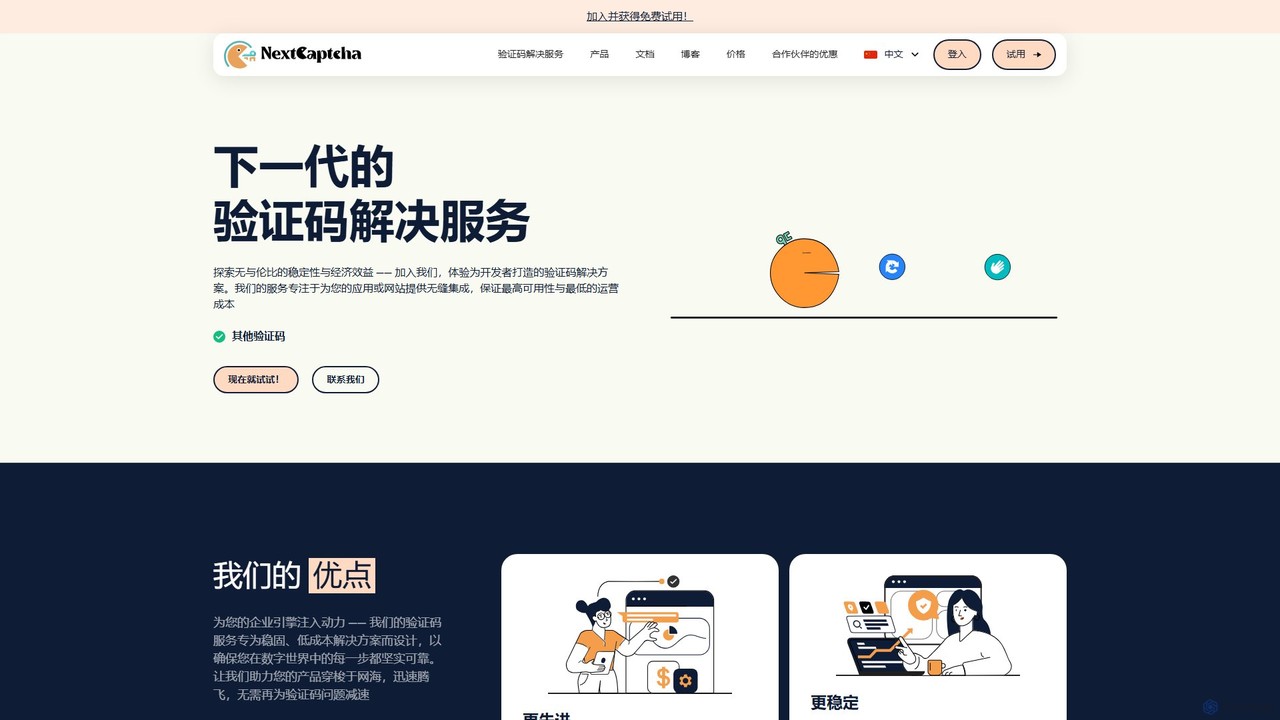
NextCaptcha
NextCaptcha is an AI-powered CAPTCHA solving service designed for developers and businesses. It offers a fast, stable, and affordable solution to bypass various CAPTCHAs, including Google's reCAPTCHA V2, V3, and Enterprise, with a 99% success rate. The service provides a simple API for seamless integration, supporting high-concurrency tasks for web scraping, data extraction, and automation.
Web Scraping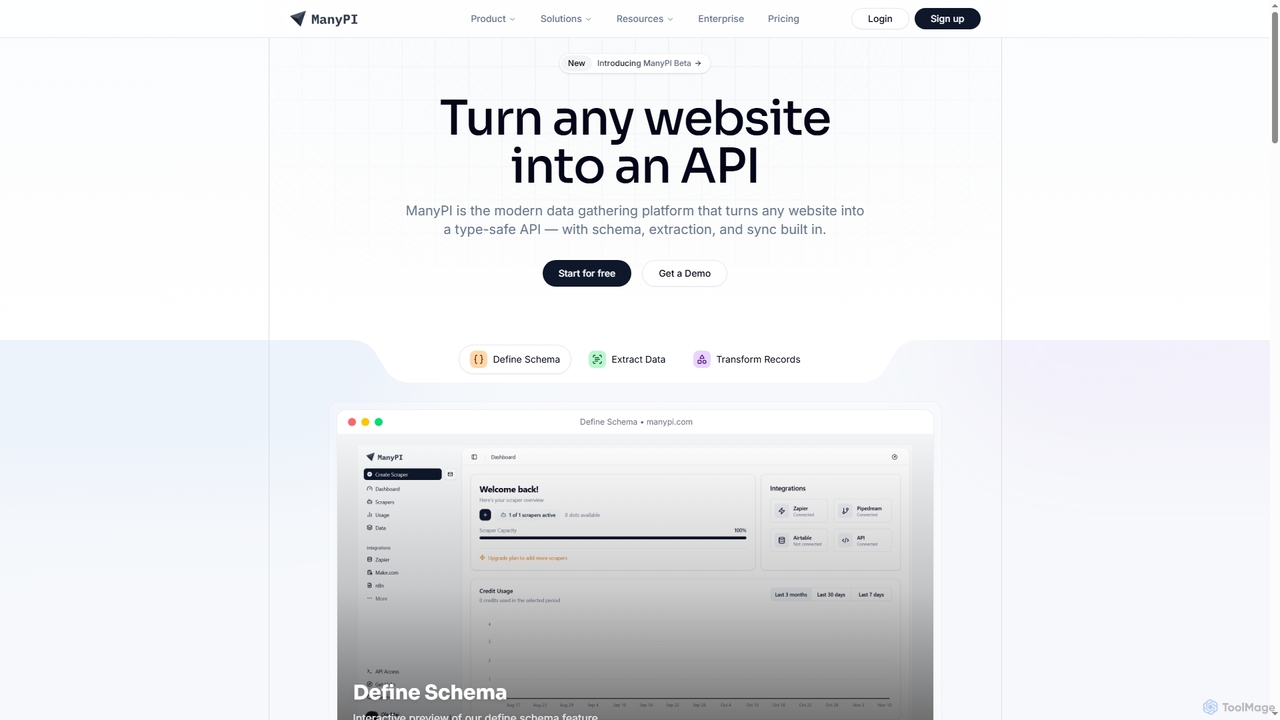
ManyPI
ManyPI is a modern data gathering platform that transforms any website into a type-safe API. It simplifies structured data extraction with built-in schema definition, data extraction, and record transformation, empowering developers and technical teams to reliably collect web data at scale.
3D
Horseman Comments (0)
Sign in to comment.
Sign inNo comments yet.