

Lyndium Overview
Lyndium is a comprehensive, AI-driven platform designed to empower creators and businesses by consolidating a wide array of content creation tools into a single, seamless interface. It represents the future of content creation, offering powerful capabilities for generating video, images, 3D models, and audio. The platform is built to streamline the creative process, from initial idea to final polished product, making it an ideal solution for marketers, content creators, developers, and artists.
At its core, Lyndium excels in multi-modal generation. Users can create stunning videos from simple text prompts or existing images, produce unique visuals in various styles (including a special Ghibli style), and even generate 3D models in GLB format from text or 2D images. This versatility allows for rapid prototyping and the creation of unique digital assets without extensive technical skill. Furthermore, the platform includes robust audio tools, such as text-to-speech with both male and female voices and a powerful speech translation feature that supports over 30 languages, helping creators reach a global audience effortlessly.
How to use Lyndium
Using Lyndium is designed to be intuitive. First, sign up for an account, choosing from a free plan to get started or a paid plan for more extensive features. Once logged in, you can navigate to the desired tool from the main dashboard:
- For Video/Image/3D Generation: Select the appropriate generator (e.g., 'Video Generation'). Enter a descriptive text prompt (like 'a cute puppy flying in the sky') or upload a source image. The AI will process your request and generate the content.
- For Video Translation: Upload your video file. Select the original language and the target language(s) from the available options (16+ languages). The platform will process the video and provide a translated version.
- For Speech Generation: Type or paste your text into the text-to-speech tool. Choose a voice and language. For translation, use the speech translation feature to convert the generated speech into one of over 30 languages.
- For Editing: After generating content, or by uploading your own media, you can use the integrated lightweight media editor. Simply drag the handles to trim video or audio clips, or merge different files to finalize your project without leaving the platform.
Core Features of Lyndium
- AI Video Generation: Create videos from text prompts or images using advanced AI models like Amazon Nova AI.
- AI Image Generation: Generate high-quality images from text descriptions, with support for unique styles like Ghibli.
- AI 3D Model Generation: Produce 3D models (GLB format) from either text prompts or 2D images.
- Video Translation: Automatically translate and dub videos into over 16 languages to expand your audience reach.
- Text-to-Speech (TTS) & Speech Translation: Generate natural-sounding speech in male and female voices and translate it into more than 30 languages.
- Integrated Media Editor: A simple yet effective editor to trim and merge audio and video files directly within the platform.
- Developer API: API access is available for businesses and developers who want to integrate Lyndium's capabilities into their own applications.
Use Cases for Lyndium
Lyndium is versatile enough for various professional and creative needs:
- Content Creators & YouTubers: Easily translate video content to engage a global audience, generate unique B-roll footage, and create custom intros or animations.
- Marketers & Businesses: Quickly produce promotional videos, social media content, and advertisements from text prompts. Generate multilingual voiceovers for marketing campaigns.
- Game Developers & 3D Artists: Rapidly prototype 3D assets and characters from simple text descriptions or concept art, speeding up the development workflow.
- Educators & Trainers: Create engaging, multilingual educational videos and tutorials to make learning more accessible.
Advantages of Lyndium
Lyndium stands out by offering an integrated, multi-functional environment. Its primary advantage is being an all-in-one solution, eliminating the need for multiple subscriptions to different AI tools. The strong focus on multilingual capabilities, particularly in video and speech translation, provides a significant edge for users aiming for a global presence. The flexible and transparent pricing, including a generous free tier, makes it accessible to everyone from hobbyists to large enterprises. Finally, the inclusion of unique features like 3D model generation and specialized image styles sets it apart from competitors.
Pricing and Plans
Lyndium offers a clear and flexible pricing structure to suit different usage levels:
- Free Plan: $0/month. Includes 10 mins of video translation, 24 image generations, 5 text-to-video generations, and other limited features.
- 7-Day Free Trial: A trial of a paid plan with higher limits, such as 50 mins of video translation and 150 image generations.
- Starter Plan: A$2/month. Offers significantly increased limits, including 500 mins of video translation and 1000 image generations.
- Beginner Plan: A$5/month. Further increases limits for more active users.
- Creator Plan: A$10/month. Designed for heavy users with substantial limits on all features.
- Premium Plans: Starting from $35-$50/month, these plans are credit-based and offer access to the highest quality AI models (e.g., Amazon Nova AI) for text-to-video and image-to-video generation.
- Developer Plan: Custom pricing for API access. Contact Lyndium for details.
Traffic
Latest traffic
Status
Monthly traffic trend
- 2025-8: 357
- 2025-9: 762
- 2026-2: 1.3K
- 2026-3: 0
- 2026-4: 15.2K
- 2026-5: 1.5K
Top keywords
| Keyword | Cost per click |
|---|---|
| aiwebdevelop | $0.00 |
| image generator | $0.68 |
| online video maker | $0.79 |
| pixelle video | $2.03 |
| text to video genratino ai free | $0.00 |
Lyndium Alternatives
Synthesys
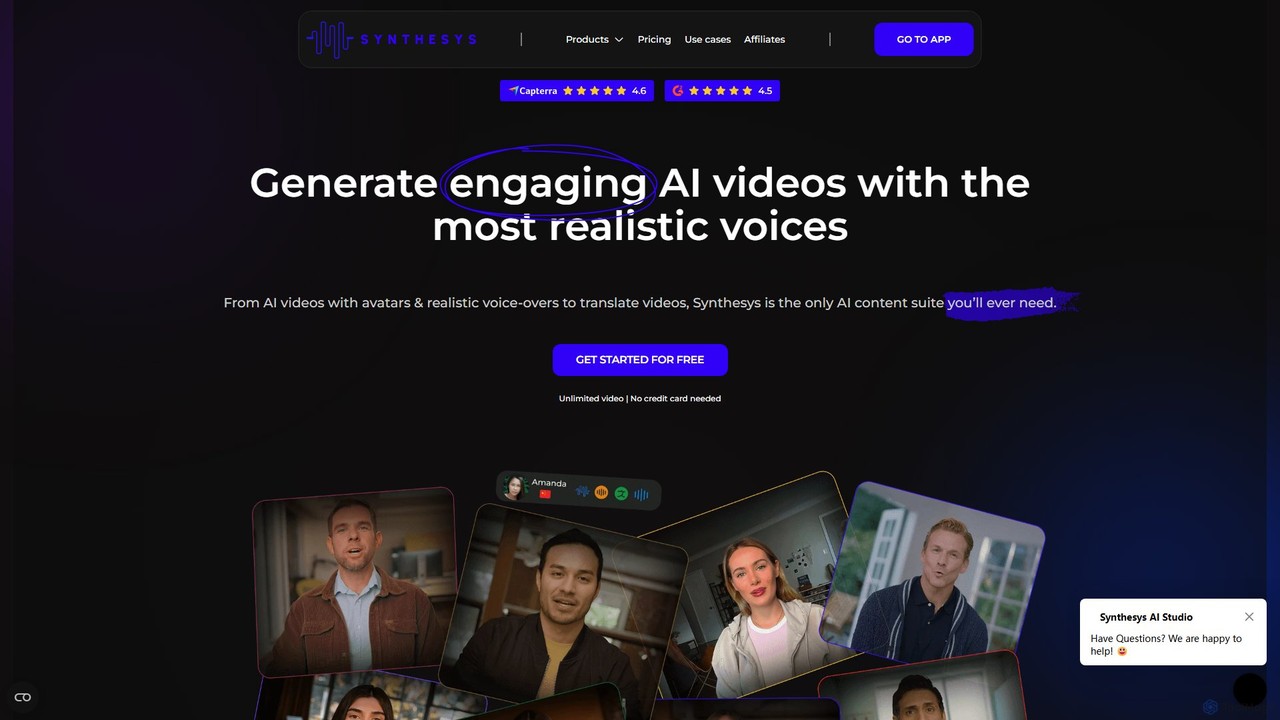
Synthesys is a comprehensive generative AI platform for creating professional content at scale. It features AI voice generation with text-to-speech in 140 languages, voice cloning, AI video creation with digital avatars, AI image generation, and multilingual translation. It's designed for businesses and creators to produce high-quality, personalized content efficiently, reducing time and costs associated with traditional production.
Text To Speech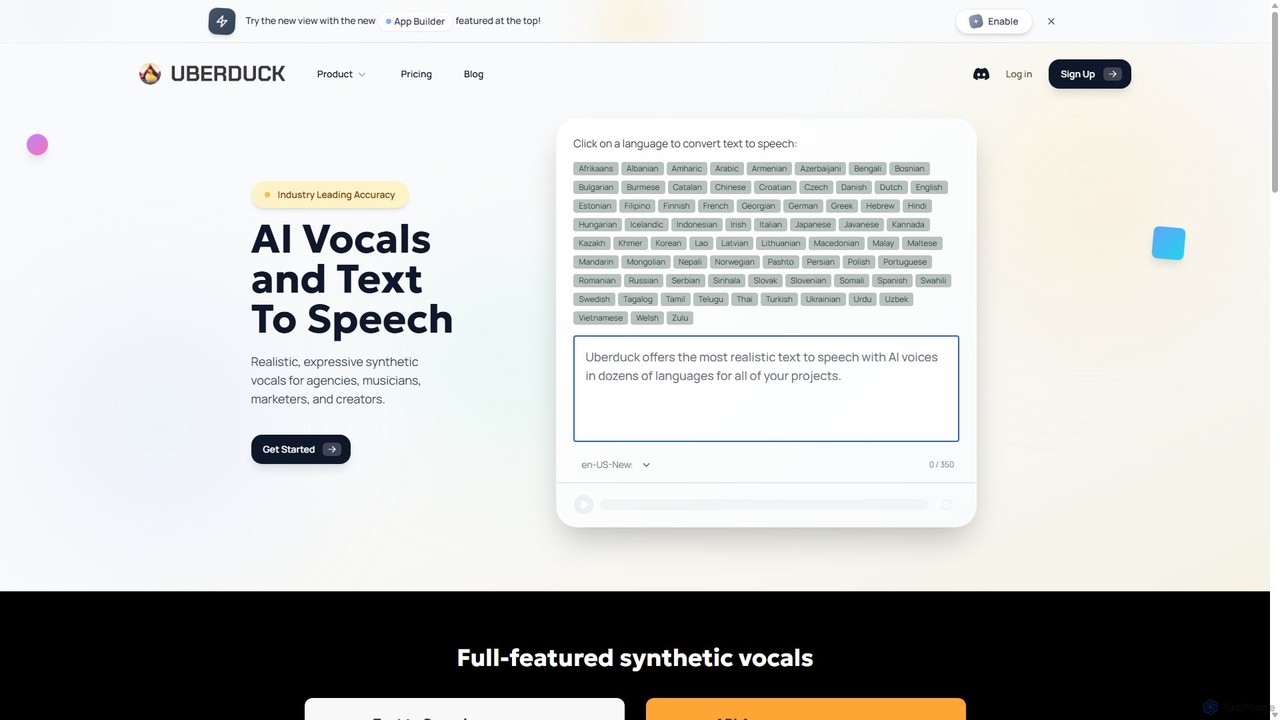
Uberduck
Uberduck is a versatile generative AI platform specializing in AI vocals, text-to-speech, voice cloning, and creative media generation. It enables users to create realistic speech, singing, and rapping from text, clone voices, and even generate AI images and videos, making it a comprehensive toolkit for musicians, creators, and developers.
Text To Speech
Dupdub
Dupdub is an all-in-one AI content creation platform that empowers users to effortlessly generate high-quality content. It features advanced tools like realistic text-to-speech with over 700 voices, AI voice cloning, talking photo avatars, and a comprehensive video editor. It's designed to streamline workflows for marketers, creators, and businesses, making professional content creation accessible to everyone.
Text To Speech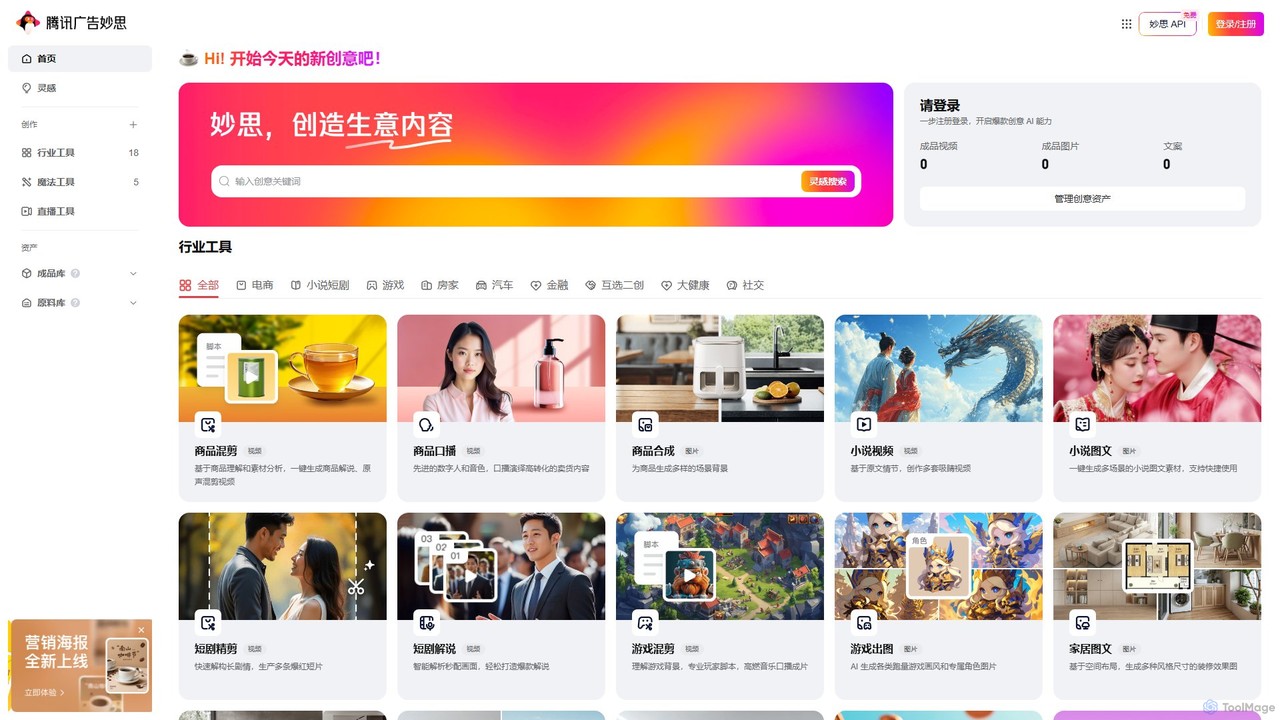
admuse
admuse, by Tencent Advertising, is an AIGC platform for commercial content creation. It offers a suite of tools for generating marketing videos, images, and copy across industries like e-commerce, gaming, and real estate. Features include text-to-video, digital human presenters, AI live streaming, and industry-specific content templates, designed to streamline and scale advertising production.
Image Generation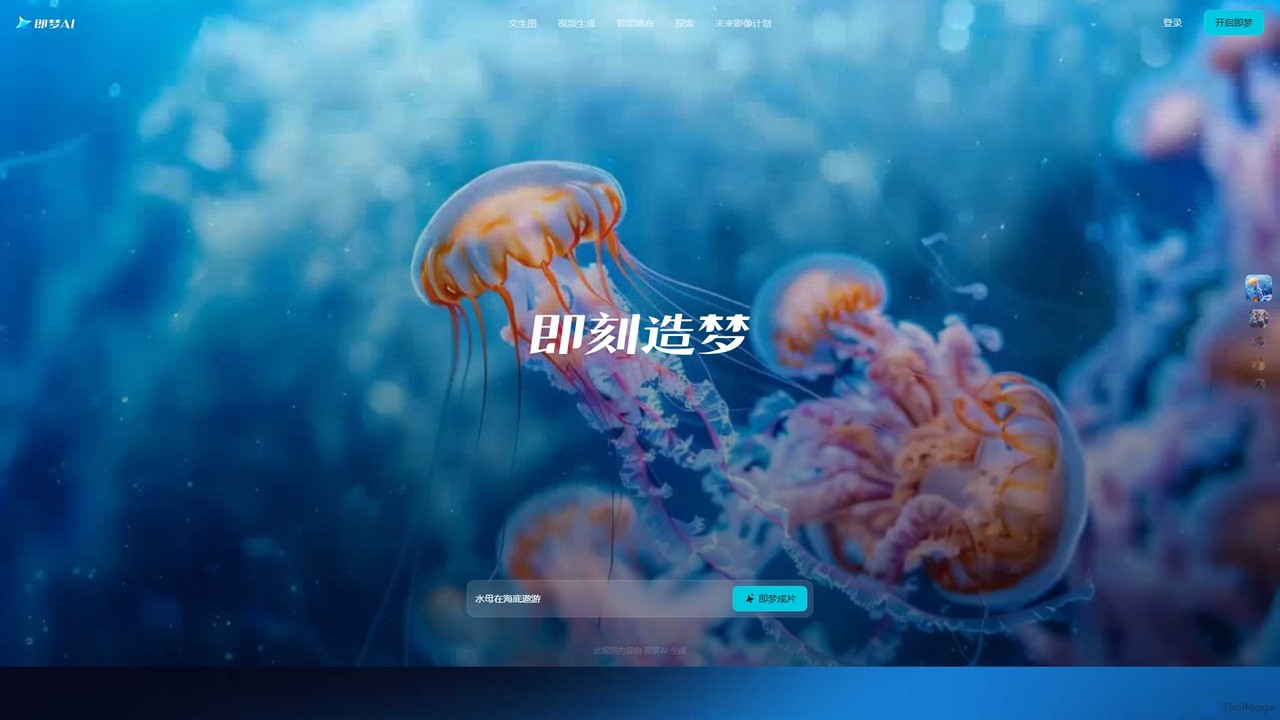
Jimeng
Jimeng is a one-stop AI creation platform by Bytedance (creator of Jianying/CapCut) for generating high-quality images and videos. It features text-to-video, text-to-image, an Intelligent Canvas for advanced editing, and strong support for Chinese language prompts, turning creative ideas into stunning visual content.
Generative ArtLyndium Categories
Lyndium Embed Widget
Copy this embed code to place the badge on your blog, article, or product site and send readers directly to this ToolMage detail page.

Related AI tools
Uberduck
Uberduck is a versatile generative AI platform specializing in AI vocals, text-to-speech, voice cloning, and creative media generation. It enables users to create realistic speech, singing, and rapping from text, clone voices, and even generate AI images and videos, making it a comprehensive toolkit for musicians, creators, and developers.
Text To SpeechDupdub
Dupdub is an all-in-one AI content creation platform that empowers users to effortlessly generate high-quality content. It features advanced tools like realistic text-to-speech with over 700 voices, AI voice cloning, talking photo avatars, and a comprehensive video editor. It's designed to streamline workflows for marketers, creators, and businesses, making professional content creation accessible to everyone.
Text To Speech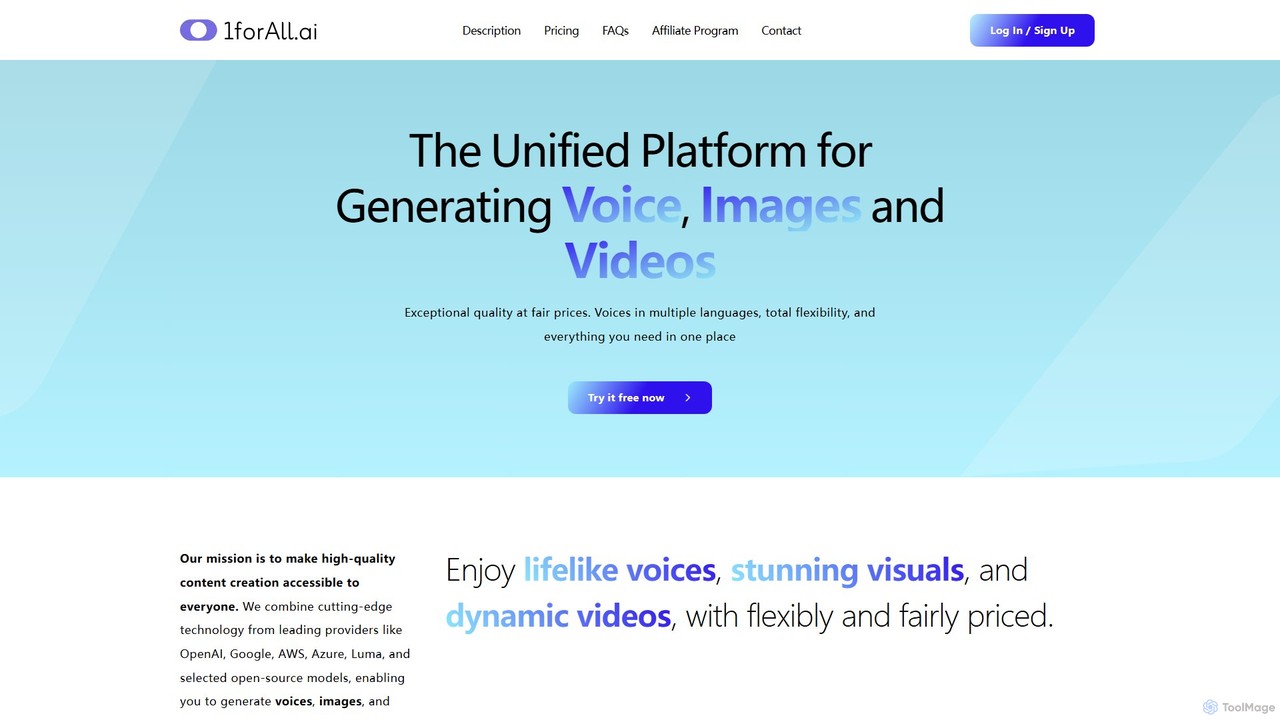
1forAll
1forAll is a unified AI content creation platform for generating high-quality voice, images, and videos. It integrates leading models from OpenAI, Google, and AWS, offering text-to-speech, voice cloning, and bulk generation. With a flexible pay-as-you-go model and no subscriptions, it provides exceptional quality at fair prices, making it accessible for creators and businesses of all sizes.
Text To Speech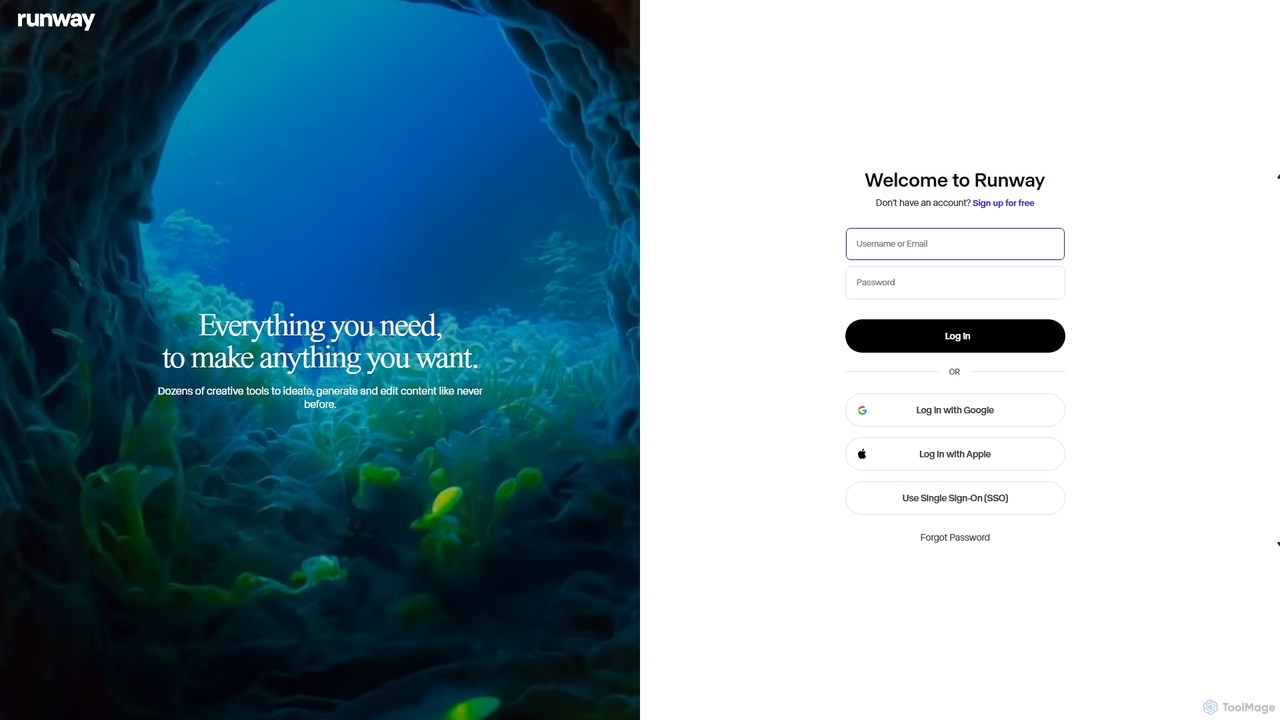
Runway
Runway is an advanced AI-powered creative suite for content creation. It offers a wide range of tools, including state-of-the-art text-to-video (Gen-2), video-to-video (Gen-1), image generation, AI-powered video editing, and more. It's designed for filmmakers, artists, and marketers to ideate, generate, and edit content like never before, streamlining complex creative workflows.
Image Generation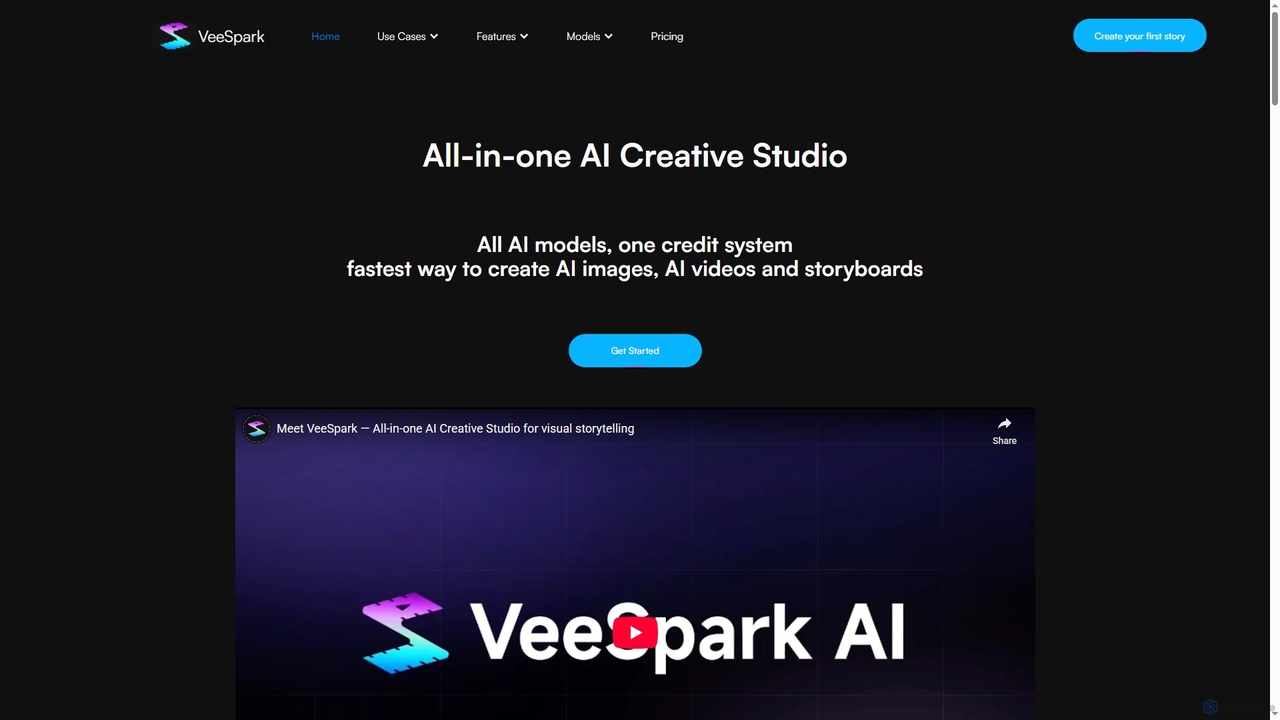
VeeSpark
VeeSpark is an all-in-one AI creative studio designed for visual storytelling, enabling users to transform ideas and scripts into dynamic storyboards, high-quality images, and consistent videos. It integrates multiple advanced AI models like Sora 2, Google Veo 3, and Nano Banana, offering a streamlined workflow for filmmakers, marketers, and content creators to produce compelling visual narratives efficiently.
Storyboardingadmuse
admuse, by Tencent Advertising, is an AIGC platform for commercial content creation. It offers a suite of tools for generating marketing videos, images, and copy across industries like e-commerce, gaming, and real estate. Features include text-to-video, digital human presenters, AI live streaming, and industry-specific content templates, designed to streamline and scale advertising production.
Image Generation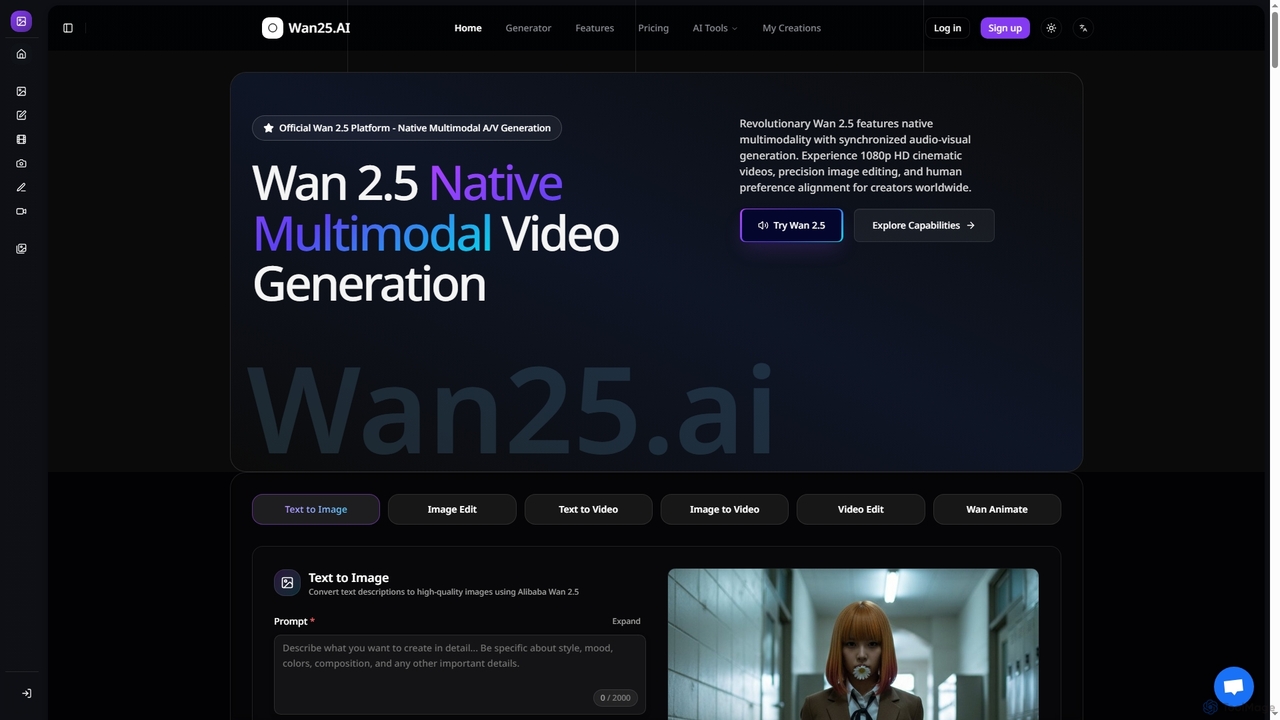
Wan25
Wan25 is a revolutionary native multimodal AI platform for synchronized audio-visual content generation. It creates 1080p HD cinematic videos, high-quality images, and offers advanced editing capabilities from text or images. Leveraging a unified architecture and RLHF, Wan25 delivers professional-grade results with high fidelity and human preference alignment for creators and researchers.
Ai Content Creation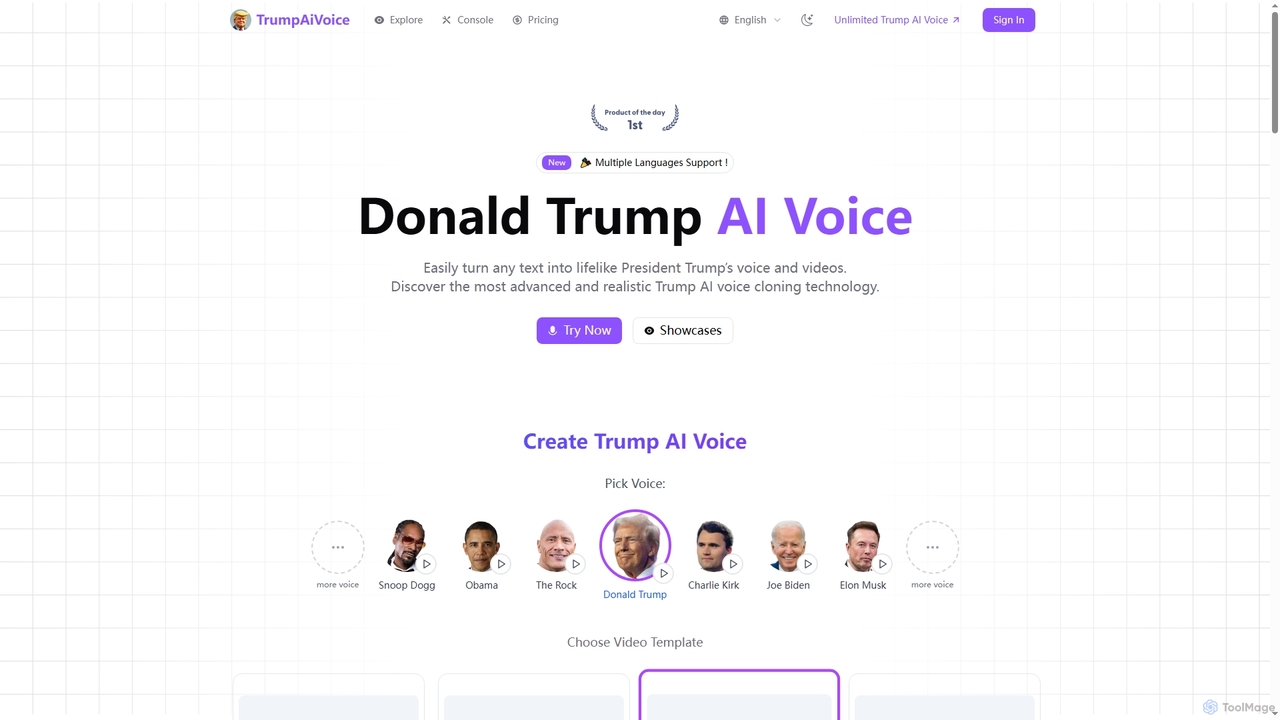
TrumpAiVoice
TrumpAiVoice is an advanced AI voice generator that transforms text into lifelike audio and video featuring Donald Trump and a diverse collection of other celebrity voices. It offers realistic voice cloning and synchronized video generation for various content creation needs.
Voice Generation
Jyek
Jyek is an AI agent platform that understands objectives, creates execution plans, uses tools, and delivers verifiable results for complex, multi-step tasks.
Automation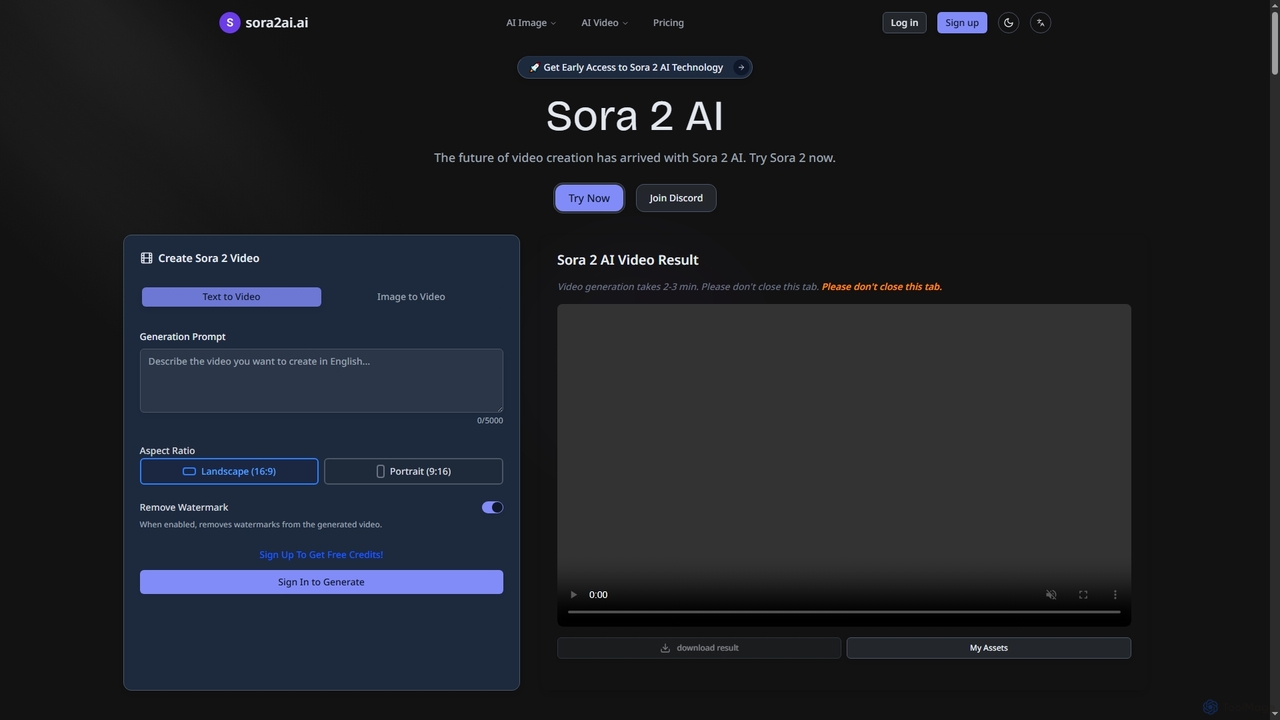
Sora2ai
Sora2ai is a comprehensive AI creative platform offering early access to advanced AI video and image generation. It integrates cutting-edge models like Sora 2 for 20-second continuous video generation with unique cameos and native audio, Google's Veo 3 for cinematic videos, and NanoBanana for powerful image editing, providing a unified workflow for diverse creative needs.
Content Creation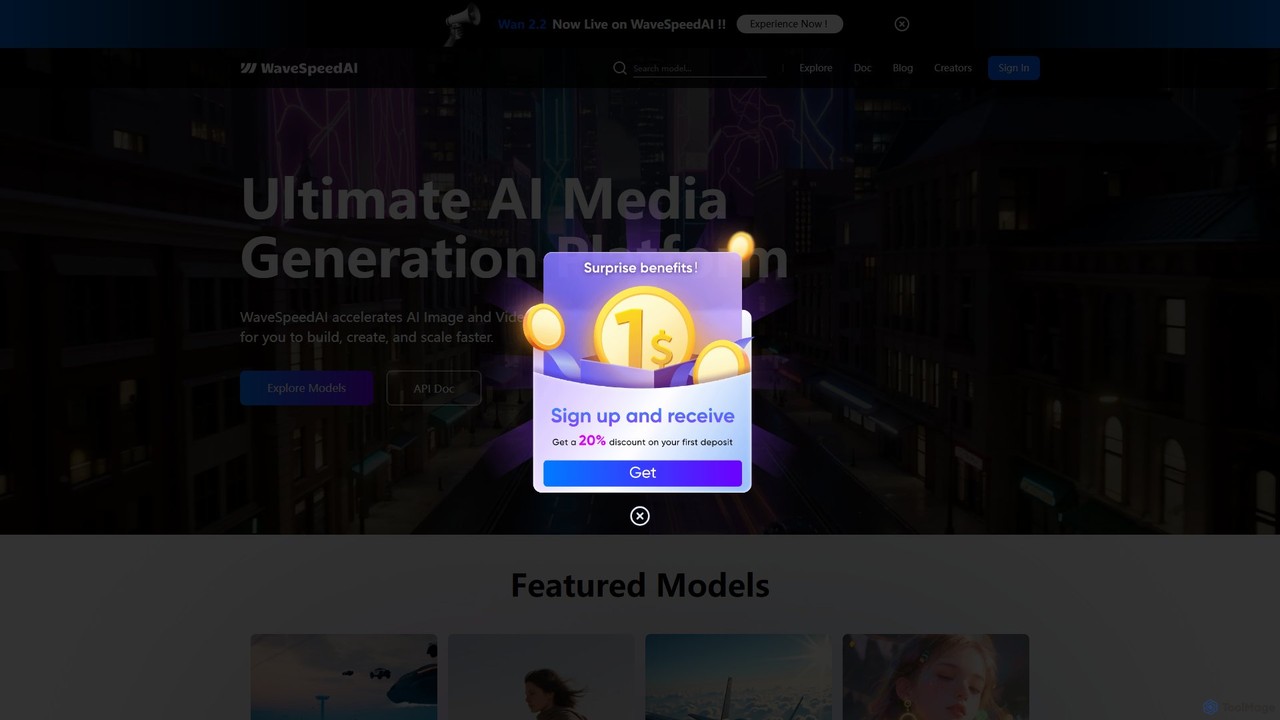
WaveSpeedAI
WaveSpeedAI is a high-performance, unified API platform designed to accelerate AI image, video, and audio generation. It provides developers and creators with a single point of access to a vast library of state-of-the-art models from providers like Google, ByteDance, and Kuaishou, enabling faster building, creation, and scaling of multimodal AI applications.
Speech Synthesis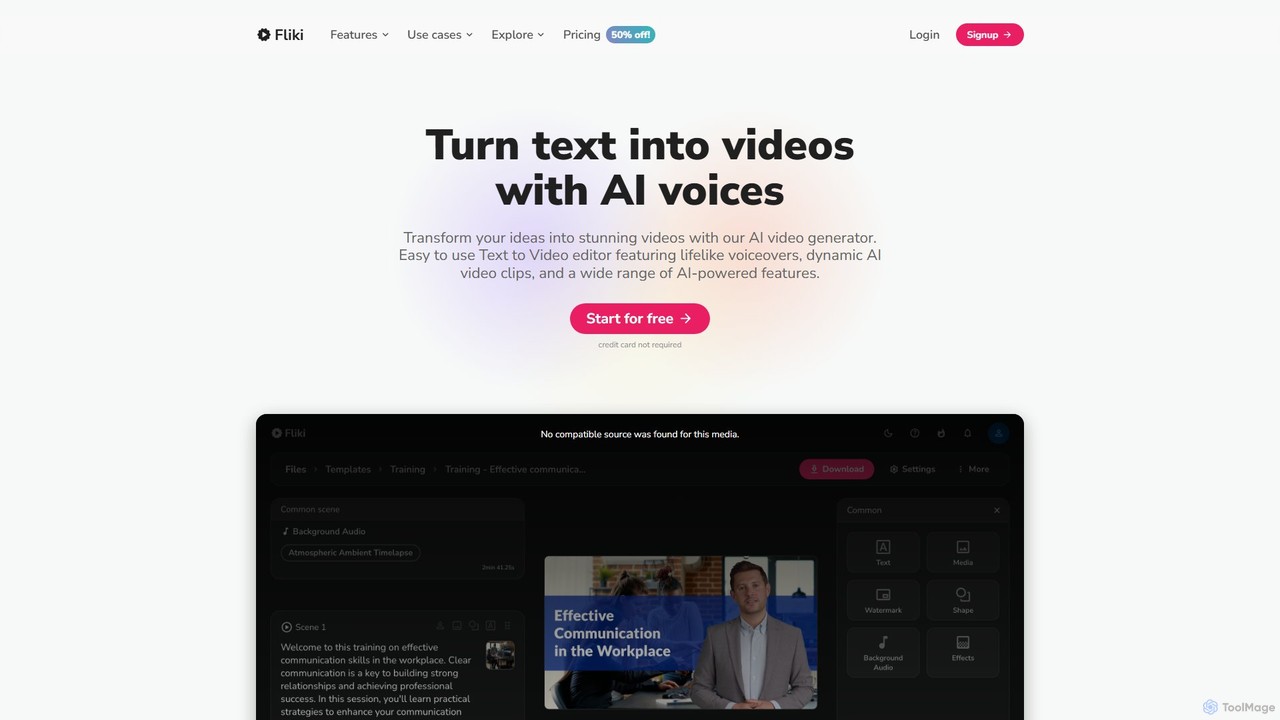
Fliki
Fliki is an AI-powered text-to-video and text-to-speech creator that transforms your text into stunning videos with lifelike AI voices and avatars. Easily convert blog posts, scripts, or ideas into engaging video content for social media, marketing, education, and training.
Text To Speech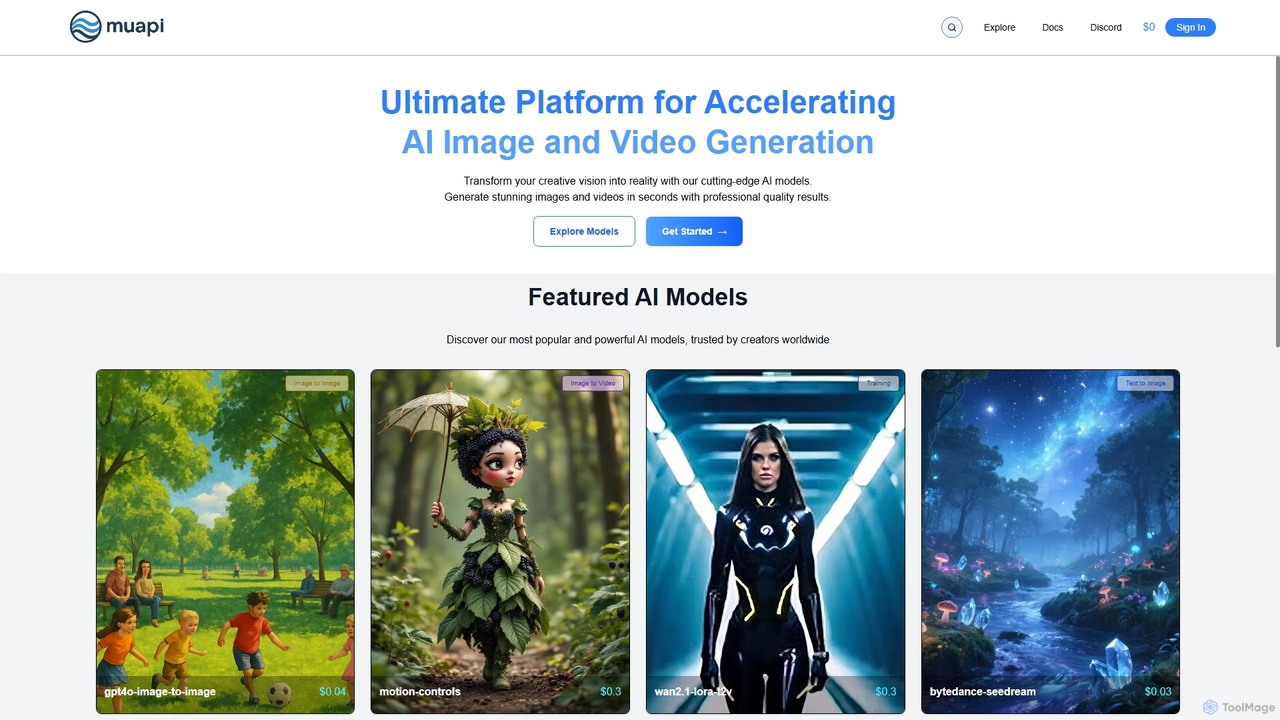
Muapi
Muapi is a powerful API platform designed to accelerate AI image and video generation. It provides developers and creators with unified access to a diverse range of cutting-edge AI models. With Muapi, you can easily integrate functionalities like text-to-video, image-to-video, consistent character generation, and style transfer into your applications. The platform simplifies the development process, offering a single API endpoint for multiple advanced generative AI tasks, backed by a clear, pay-as-you-go pricing structure.
Api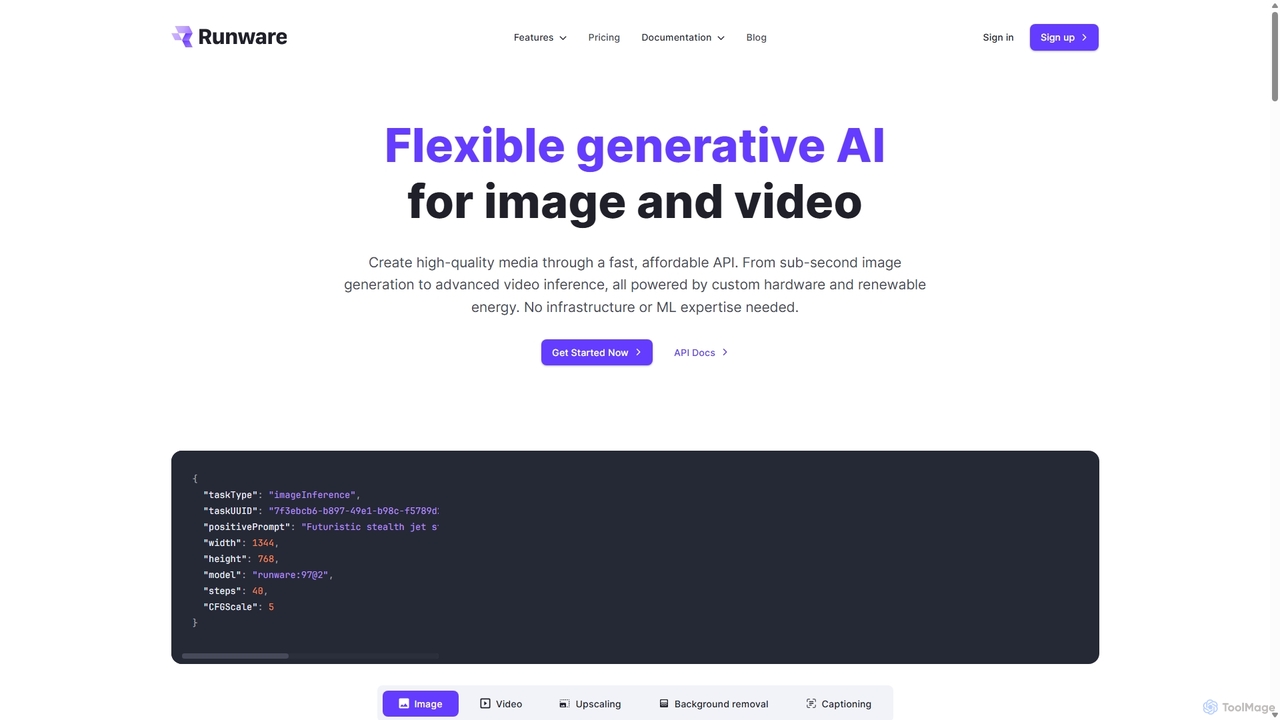
Runware
Runware provides a high-performance, low-cost API for developers to integrate generative AI for image and video creation. Leveraging custom hardware and renewable energy, it offers industry-leading inference speeds for over 300,000 models, including Stable Diffusion, FLUX.1, and Kling. It's a scalable, easy-to-use platform that requires no ML expertise, designed for building next-generation AI-native applications.
Api Platform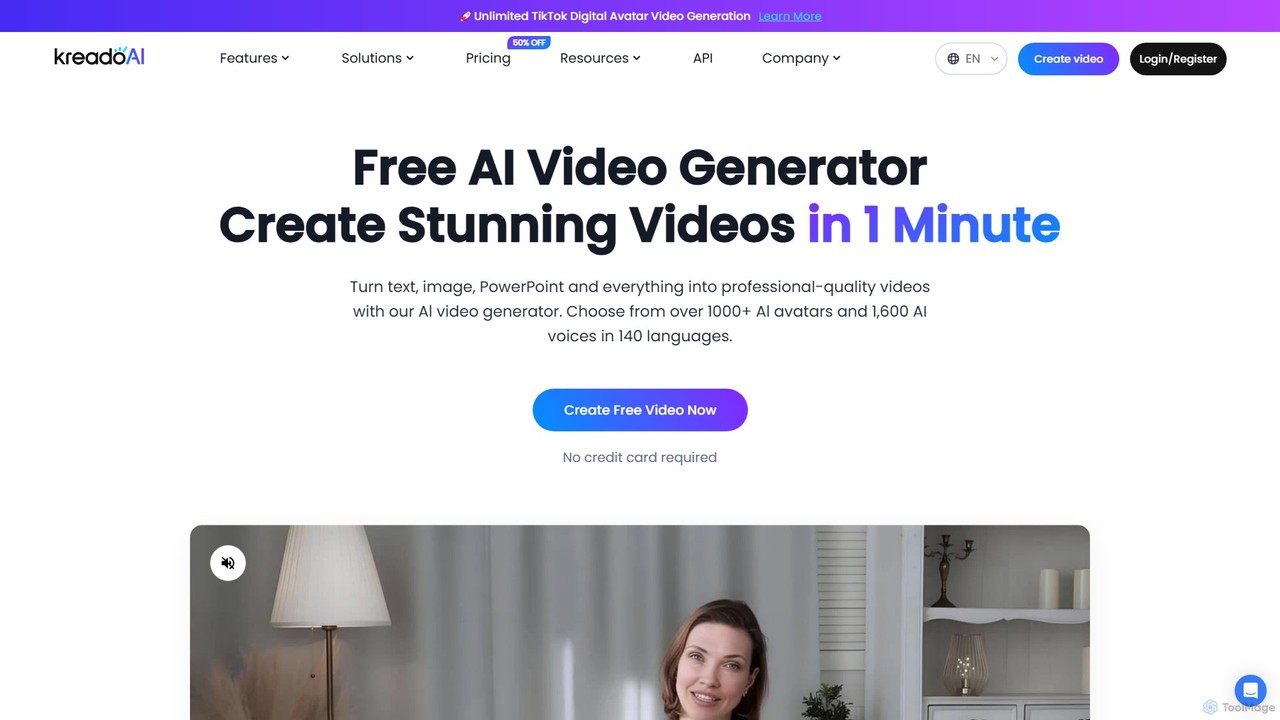
KreadoAI
KreadoAI is an all-in-one AI video generator that transforms text, images, and PowerPoints into professional videos with digital avatars. It offers over 1,000 AI avatars and 1,600 AI voices in 140+ languages, enabling users to create high-quality marketing, training, and educational content in minutes without any technical skills.
Text To Speech
Lyndium Comments (0)
Sign in to comment.
Sign inNo comments yet.