

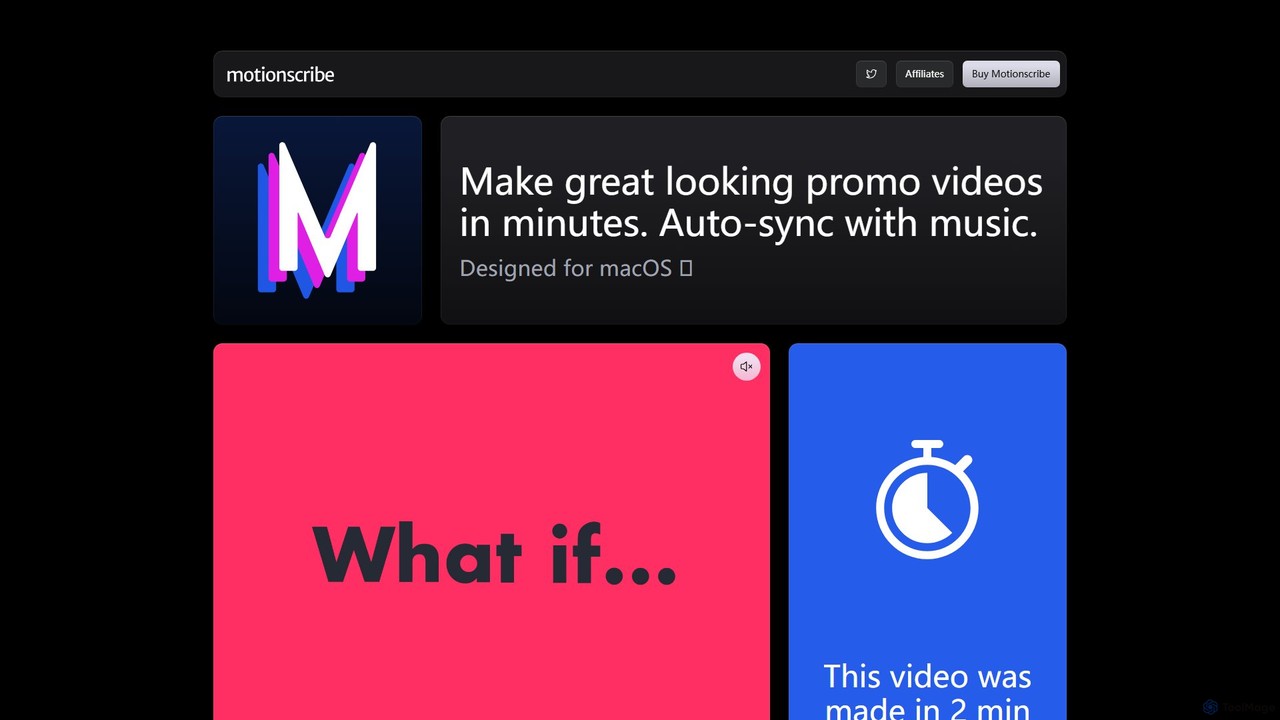
Motionscribe Overview
Motionscribe is a revolutionary desktop application designed specifically for macOS users, empowering them to create stunning, professional-grade promotional videos in a matter of minutes. It tackles one of the most time-consuming aspects of video editing—synchronizing visuals with music—by leveraging sophisticated AI technology. The app's standout feature is its real-time beat detection engine, which intelligently analyzes any audio track and automatically aligns scene transitions, text animations, and image displays to the music's rhythm. This eliminates the need for tedious manual timeline adjustments, making dynamic video creation accessible to users of all skill levels, from beginners to seasoned marketers.
The workflow is designed for maximum simplicity and efficiency. Users can start by writing a script or pasting text, which Motionscribe then breaks down into scenes. They can then populate these scenes with their own images and video clips, or simply let the text take center stage. The final step is to select a music track, either from the included library or by uploading a custom song. With a single click, Motionscribe processes the inputs and generates a perfectly synced, ready-to-share video. This streamlined process makes it an ideal tool for creating high-impact content on the fly.
How to use Motionscribe
Using Motionscribe is an intuitive, three-step process designed for speed and ease of use:
- Write Your Script: Begin by typing or pasting your text content directly into the application. Motionscribe will use this text to structure the video's narrative and timing. You can also add your own video clips and images to complement the text in each scene.
- Select a Style and Music: Choose from a variety of pre-designed visual styles to define the look and feel of your video. Then, select a soundtrack. You can either use one of the royalty-free tracks included with the app or upload your own music file to match your brand's tone.
- Press Play and Export: Once your content and music are set, simply press the play button. The AI-powered beat detection engine will instantly get to work, synchronizing all your visual elements to the music's beat. You can preview the result in real-time and, once satisfied, export the final video in various aspect ratios (wide, tall, or square) suitable for any platform.
Core Features of Motionscribe
- AI-Powered Beat Detection: Automatically syncs video transitions, text, and media to the rhythm of any song in real-time.
- Simple Script-to-Video Creation: Effortlessly transforms your written script into a dynamic video sequence.
- Custom Media Support: Easily add your own text, images, and video clips to create a personalized and branded video.
- Flexible Music Options: Comes with a built-in library of soundtracks and allows you to use your own music files.
- Multiple Aspect Ratios: Create videos in wide (16:9), tall (9:16), and square (1:1) formats, perfect for YouTube, TikTok, Instagram, and other social media platforms.
- One-Time Purchase: A single payment provides lifetime access to the app, including all features and future updates for one year.
- Unlimited Projects and Exports: Create and export as many videos as you need without any restrictions or watermarks.
Use Cases for Motionscribe
Motionscribe is a versatile tool for a wide range of users:
- Social Media Managers: Quickly generate engaging video content, ads, and stories for platforms like Instagram, Facebook, and TikTok.
- Small Business Owners: Create professional product promos, service announcements, and brand videos without a large budget or technical expertise.
- Content Creators & YouTubers: Produce eye-catching trailers, intros, outros, and short-form video content to grow their audience.
- Marketers: Develop high-impact video campaigns for digital advertising, email marketing, and landing pages.
- Educators and Trainers: Turn lesson summaries or key points into dynamic, easy-to-digest video presentations.
Advantages of Motionscribe
The primary advantage of Motionscribe is its incredible efficiency. It condenses what would typically be hours of meticulous video editing into a simple, minutes-long process. Its one-time payment model is a significant benefit, offering a cost-effective alternative to the recurring monthly fees of most subscription-based video software. Furthermore, its user-friendly interface makes professional video creation accessible to everyone, regardless of their technical background. The final output is consistently high-quality, with dynamic, rhythm-synced visuals that capture and hold viewer attention.
Pricing and Plans
Motionscribe offers a straightforward and transparent pricing model:
- One-Time Purchase: $89
- What's Included:
- Full lifetime access to the Motionscribe for macOS application.
- All current and future features.
- One year of software updates.
- Unlimited projects and unlimited video exports.
- 14-day money-back guarantee.
There are no subscriptions, hidden fees, or usage limits, making it a valuable long-term investment for consistent video creation.
Motionscribe Alternatives

augxlabs
Augie is an AI-powered video studio that enables creators, marketers, and brands to produce scroll-stopping social media videos in minutes. It automates the editing process, transforming long-form content like podcasts or streams into engaging short clips for platforms like TikTok, Reels, and YouTube Shorts, with no complex editing skills required.
Social Media Marketing
FlexClip
A powerful yet easy-to-use online video maker that combines traditional editing tools with a suite of AI features. Create professional videos for marketing, social media, or personal use with a vast library of templates, stock media, and intelligent tools like AI video generation, auto-subtitling, and text-to-speech.
Social Media
krumzi
Krumzi is an intuitive online design platform for creating custom marketing images and videos for social media. It empowers marketers, creators, and businesses to produce engaging, on-brand visuals quickly and affordably, without needing prior design experience. Key features include a versatile image and video editor, brand kits for consistency, and automation tools to streamline content creation.
Graphic Design
Clipchamp
Clipchamp is a user-friendly, AI-powered online video editor from Microsoft. It enables everyone, from beginners to professionals, to create stunning videos with features like AI-driven text-to-speech, automatic subtitles, and smart editing tools. Available on browsers, Windows, and iOS, it's an all-in-one solution for content creators, businesses, and educators.
Text To Speech
Animoto
Animoto is an intuitive online video maker that enables users to create professional-quality videos with ease. Using a drag-and-drop interface, you can combine photos, video clips, and screen recordings. It offers a vast library of templates, licensed music, and stock media from Getty Images, making it ideal for marketing, business communications, and personal projects without requiring any prior editing experience.
Corporate CommunicationsMotionscribe Categories
Motionscribe Embed Widget
Copy this embed code to place the badge on your blog, article, or product site and send readers directly to this ToolMage detail page.

Related AI tools
FlexClip
A powerful yet easy-to-use online video maker that combines traditional editing tools with a suite of AI features. Create professional videos for marketing, social media, or personal use with a vast library of templates, stock media, and intelligent tools like AI video generation, auto-subtitling, and text-to-speech.
Social Mediakrumzi
Krumzi is an intuitive online design platform for creating custom marketing images and videos for social media. It empowers marketers, creators, and businesses to produce engaging, on-brand visuals quickly and affordably, without needing prior design experience. Key features include a versatile image and video editor, brand kits for consistency, and automation tools to streamline content creation.
Graphic Design
magicroll.ai
magicroll.ai is an AI-powered video editing platform that automates complex tasks. With one click, it generates contextual B-rolls, swaps video backdrops, and adds accurate, multi-language subtitles. It's designed for content creators, marketers, and businesses to produce professional-grade videos in minutes, without any prior editing experience, saving hours of manual work.
Social Media Video
Gemoo
Gemoo is an AI-powered video editor that transforms any video into viral-worthy short clips in minutes. It automates tedious tasks like adding subtitles, inserting relevant B-roll footage, applying effects, and generating social media-optimized titles and descriptions. Ideal for creators, marketers, and educators looking to produce high-quality, engaging content efficiently.
Video Marketing
Vidnami
Vidnami is an AI-powered video creation platform that rapidly transforms text scripts into professional marketing videos. It automates scene creation, sources visuals from a vast stock library, and offers various voiceover options, including high-quality AI voices. Ideal for marketers and content creators, it simplifies video production, requiring no technical skills.
Text To Video
Explainium
Explainium is an AI-powered video creation platform that effortlessly transforms text into engaging kinetic typography videos. Ideal for marketers, content creators, and businesses, it allows you to create professional promo videos, explainers, and announcements in minutes, with no video editing experience required.
Social Media
RenderFit
RenderFit is an AI-powered video editing platform that automates and accelerates video creation. It enables users to generate eye-catching subtitles, automatically cut silences, add dynamic B-rolls and music, and create engaging social media content in minutes, without requiring professional editing skills. Ideal for content creators, marketing teams, and agencies.
Video Marketing
Unreel
Unreel is an AI influencer creator tool designed to generate complete, ready-to-post 60-second TikTok videos. It automates the entire video production process, including scripts, hooks, voice, face, and captions, enabling businesses to promote products daily without extensive editing or hiring human creators. It offers a fast, scalable solution for social media marketing.
Digital Content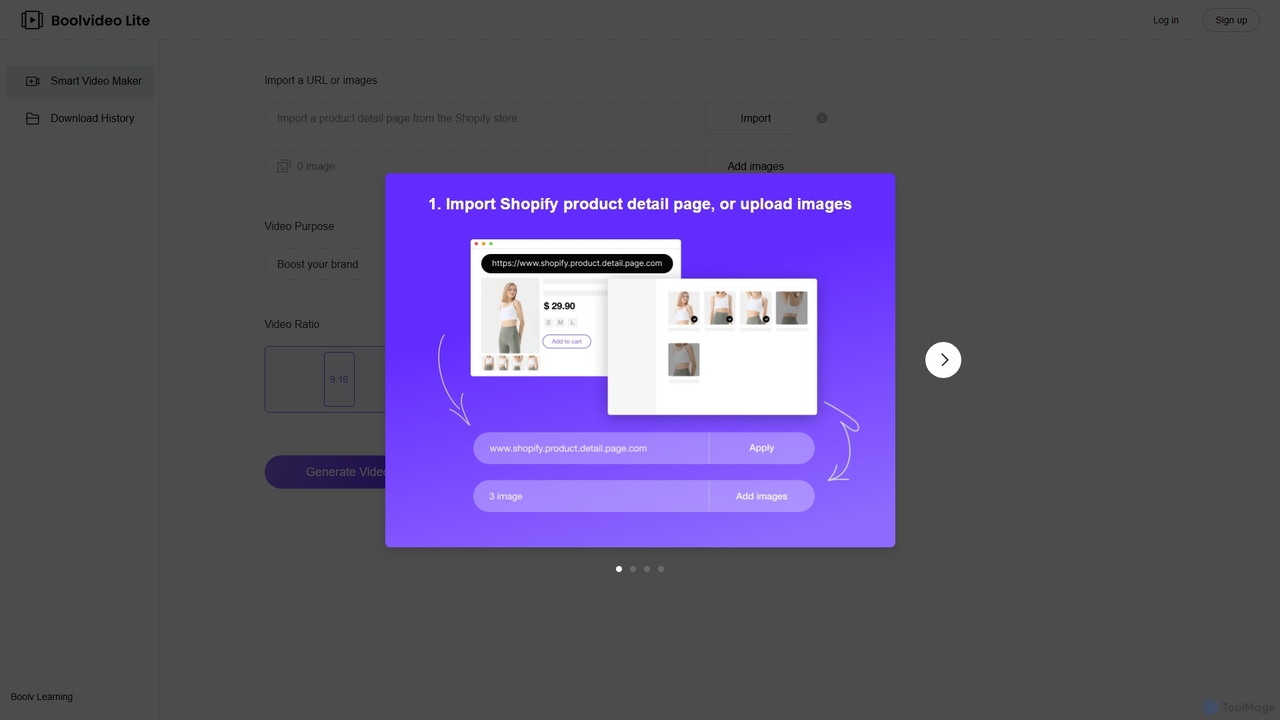
BOOLV
BOOLV is an AI-powered smart video maker designed for e-commerce and marketing. It effortlessly transforms product URLs (especially from Shopify) or images into engaging, professional-quality videos for social media and brand promotion. Perfect for marketers and store owners with no video editing skills.
Product Videos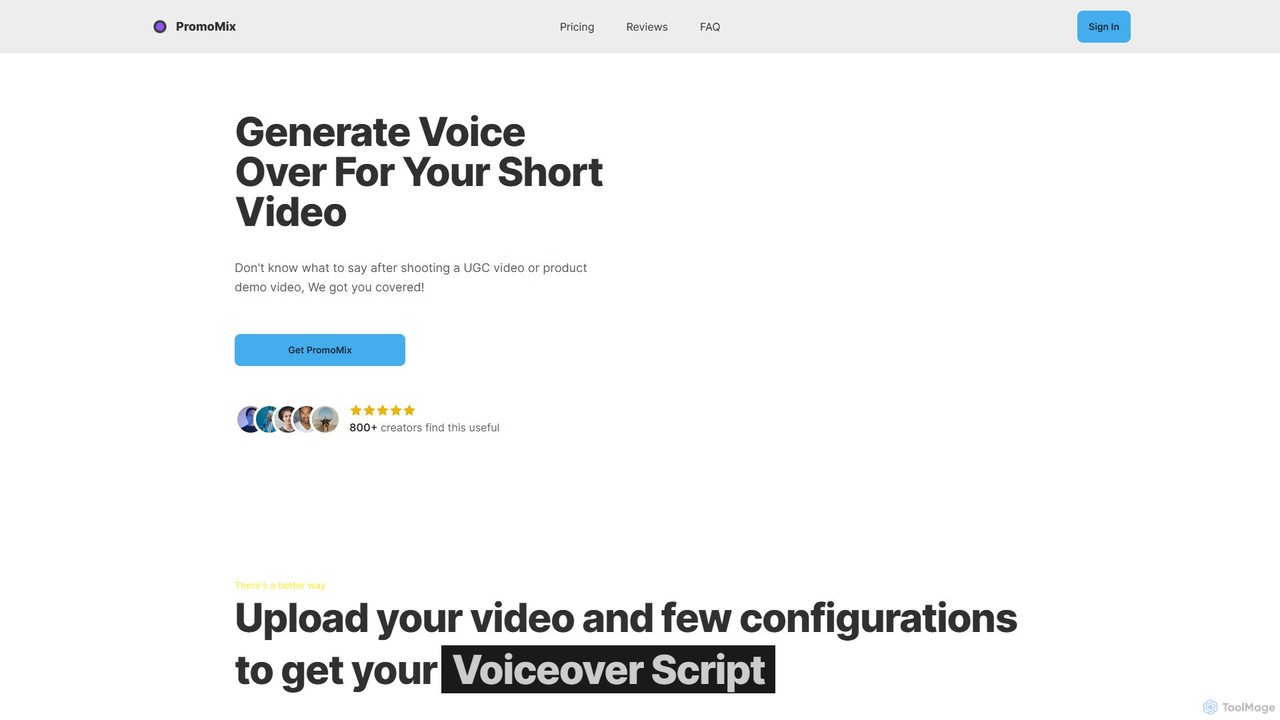
PromoMix
PromoMix is an AI-powered platform that automatically generates professional voiceovers and scripts for your short videos. Simply upload your UGC, product demo, or social media video, and the AI creates a compelling script and a realistic voiceover. It's perfect for creators and marketers looking to save time and costs while reaching a global audience with engaging, multi-language video content.
Text To Speech
videolulu
videolulu is an AI-powered video creation platform that transforms text into professional videos. Ideal for marketers and content creators, it automates video generation, adds subtitles, and repurposes long-form content into engaging short clips for social media, streamlining the entire video production workflow.
Social Media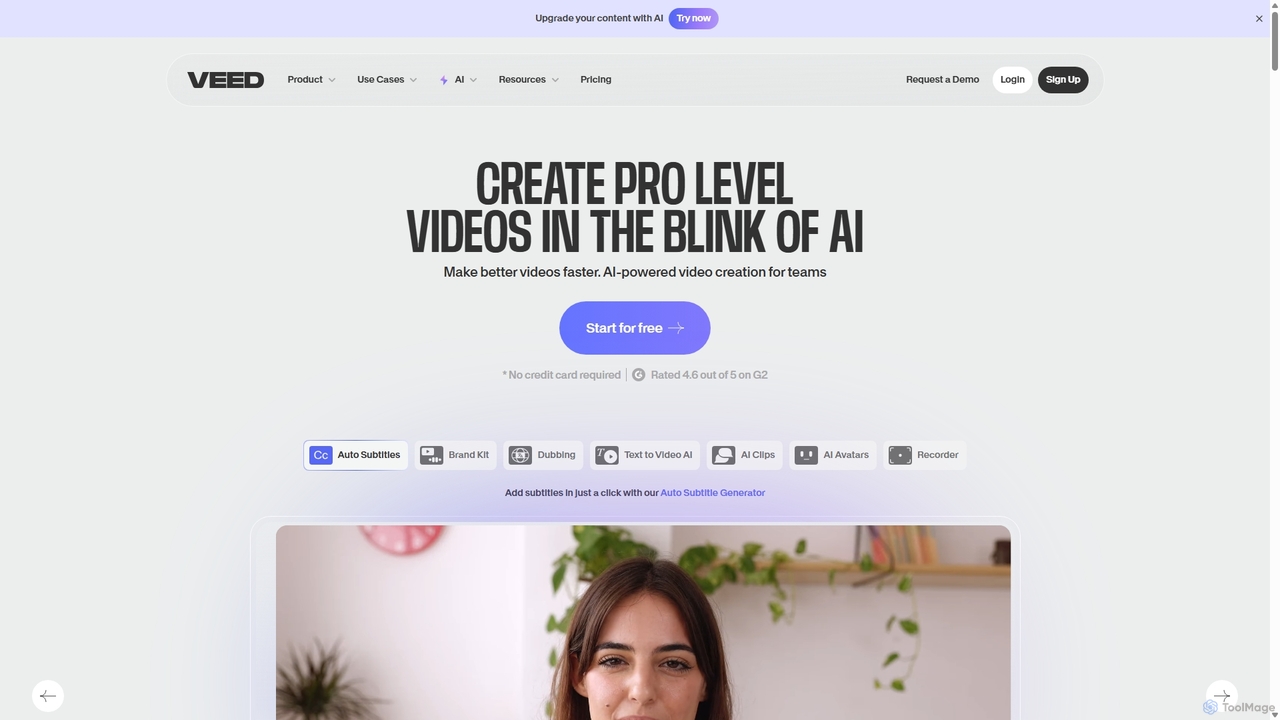
VEED.IO
VEED.IO is a powerful, AI-driven online video editor designed for teams and creators. It simplifies professional video creation with a suite of intuitive tools, including auto-subtitling, text-to-video, AI avatars, and collaborative workspaces. Create, edit, and share high-quality videos directly from your browser, no complex software required.
Social Media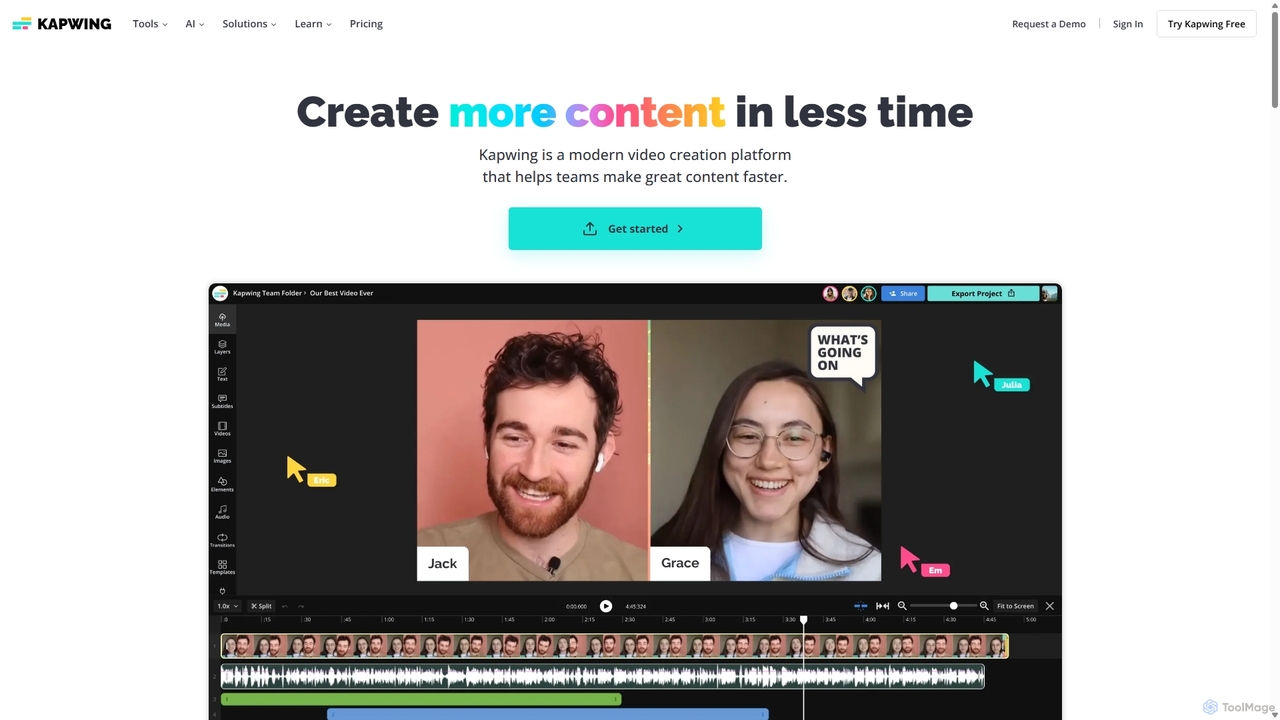
Kapwing
Kapwing is an AI-powered online video editor designed for teams and creators to produce high-quality content faster. It combines a full suite of editing tools with intelligent AI features like text-to-video, automatic subtitling, and background removal in a collaborative, browser-based platform, making video creation accessible to everyone.
Video Marketing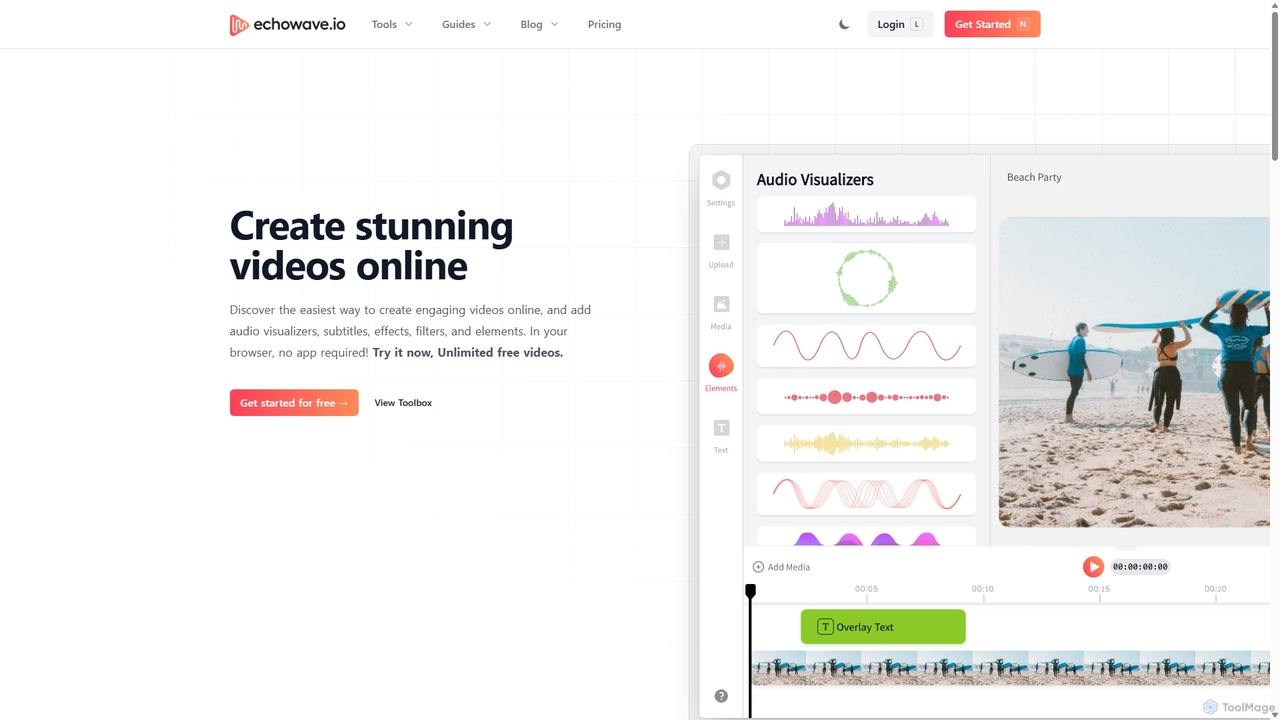
Echowave
Echowave is a free and simple online video editor designed for creators to easily convert audio files into engaging videos. It specializes in adding audio visualizers, automatic subtitles, and effects, making it perfect for podcasters, musicians, and social media managers to repurpose content for platforms like Instagram, YouTube, and Facebook.
Content Creation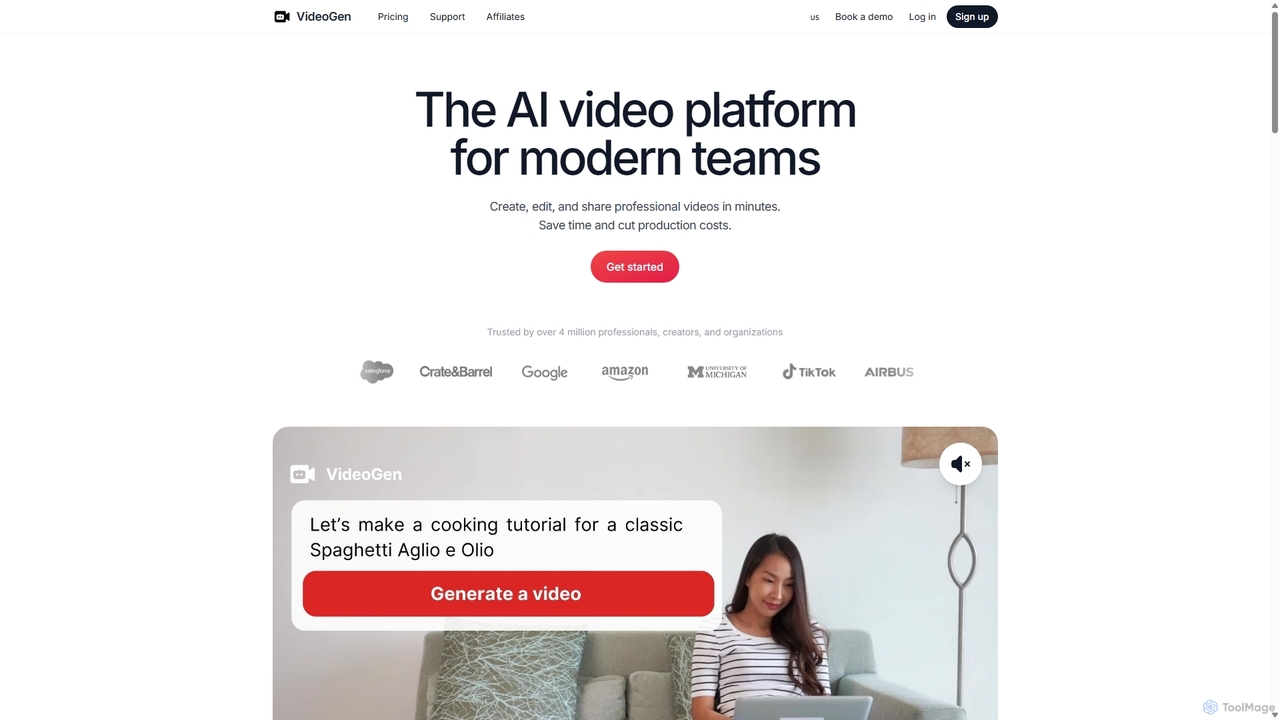
VideoGen
VideoGen is an AI-powered video generation platform designed for modern teams, creators, and marketers. It transforms text, blog posts, or simple ideas into professional-quality videos in minutes, complete with AI voiceovers, stock media, and collaborative editing tools, drastically reducing production time and costs.
Content Creation
Motionscribe Comments (0)
Sign in to comment.
Sign inNo comments yet.