

oria Overview
Oria is a revolutionary AI copilot designed to streamline your digital workspace and centralize your team's collective knowledge. In today's fast-paced work environment, information is often scattered across dozens of different applications, leading to wasted time and fragmented workflows. Oria solves this problem by acting as a single, intelligent layer on top of all your tools, including Google Workspace, Slack, Notion, Jira, Figma, and more. It securely connects to these platforms, creating a unified knowledge base that you can query in natural language.
Instead of manually searching through different apps, you can simply ask Oria questions like "What were the key takeaways from the Q3 marketing meeting?" or "Find the latest design spec for the mobile app." Oria's advanced AI will instantly scan all relevant sources and provide a concise, synthesized answer with links to the original documents. This not only saves countless hours but also uncovers insights that might have otherwise remained hidden in silos.
How to use oria
Getting started with Oria is a straightforward process designed for quick adoption:
- Sign Up & Install: Create an account on the Oria website and download the desktop application or browser extension.
- Connect Your Apps: Securely authorize Oria to connect with your company's applications. The integration process is user-friendly and supports a wide range of popular workplace tools. Oria will then begin indexing your data in a secure and private manner.
- Ask Anything: Use the Oria command bar (accessible via a simple shortcut) to ask questions, search for files, or issue commands in plain English.
- Receive Instant Results: Oria processes your request and delivers answers, summaries, or generated content directly within its interface, complete with source citations.
- Automate & Create: Use Oria to draft emails, generate reports, summarize long conversation threads, or even automate simple, repetitive tasks, all without leaving your current window.
Core Features of oria
- Unified Enterprise Search: Search across all your connected apps—documents, messages, tickets, and projects—from one search bar.
- AI-Powered Q&A: Ask complex questions in natural language and receive accurate, context-aware answers synthesized from your entire knowledge base.
- Intelligent Summarization: Instantly get summaries of long documents, email threads, Slack channels, or meeting transcripts.
- Content Generation: Draft emails, blog posts, reports, and other documents based on the context of your existing company information.
- Seamless Integrations: Native support for dozens of tools like Google Drive, Notion, Slack, Jira, Confluence, Figma, and more.
- Enterprise-Grade Security: Built with a security-first approach, ensuring your data is encrypted, private, and compliant with industry standards.
- Workflow Automation: Automate repetitive information retrieval and reporting tasks to free up valuable time.
Use Cases for oria
Oria is versatile and provides value across various roles and departments:
- Product Managers: Instantly find product requirements, user feedback from Slack, and related engineering tickets from Jira without switching contexts.
- Engineers: Quickly locate technical documentation, find code snippets discussed in team chats, and get up to speed on project histories.
- Sales & Account Managers: Prepare for client calls by asking Oria to summarize all previous interactions, support tickets, and notes related to a specific account.
- Marketing Teams: Generate campaign briefs by pulling data from past performance reports, creative assets from Drive, and project plans from Notion.
- New Employee Onboarding: New hires can ask Oria questions about company processes, policies, and project details, enabling them to become productive faster.
Advantages of oria
Oria offers a significant competitive edge by transforming how teams interact with information:
- Drastic Productivity Boost: Reduces the time spent searching for information by up to 80%, allowing teams to focus on high-value work.
- Eliminates Context Switching: Keeps you in your creative and productive flow by providing information without needing to open new tabs or apps.
- Single Source of Truth: Creates a reliable, centralized intelligence hub from your scattered data, ensuring everyone is working with the most up-to-date information.
- Enhanced Collaboration: Breaks down information silos between departments, fostering better cross-functional collaboration.
- Secure by Design: Gives organizations peace of mind with robust security protocols and data privacy controls.
Pricing and Plans
Oria offers a flexible pricing model to suit different needs, typically including a freemium structure:
- Free Plan: Ideal for individuals or small teams getting started, offering a limited number of integrations and basic features.
- Pro Plan: Designed for growing teams, this plan includes more integrations, advanced AI features, and collaborative capabilities.
- Enterprise Plan: A custom solution for large organizations requiring advanced security, custom integrations, dedicated support, and full administrative controls.
For the most accurate and up-to-date pricing information, please visit the official oria.tech website.
oria Alternatives

Gems
Gems is an AI knowledge assistant that connects to all your apps like Notion, Slack, and Gmail. It allows you to ask questions in natural language and receive instant, synthesized answers from your entire knowledge base, eliminating the need for manual organization and endless searching.
Knowledge Management
Findr
Findr is an AI-powered second brain for personal and enterprise knowledge management. It unifies all your information—from apps like Google Drive, Notion, and Slack, to documents, notes, and bookmarks—into a single, searchable workspace. Ask questions in natural language to get context-aware answers from your own data, streamline research, and never lose an idea again.
Knowledge Management
Allganize
Allganize is an enterprise AI platform that enables businesses to build custom Large Language Model (LLM) applications. It specializes in secure, accurate knowledge retrieval from internal data using its advanced Agentic RAG technology. With a no-code app builder, 100+ data integrations, and flexible deployment options (cloud/on-premise), Allganize helps companies automate workflows, boost productivity, and unlock the value of their proprietary information without hallucinations.
Knowledge Management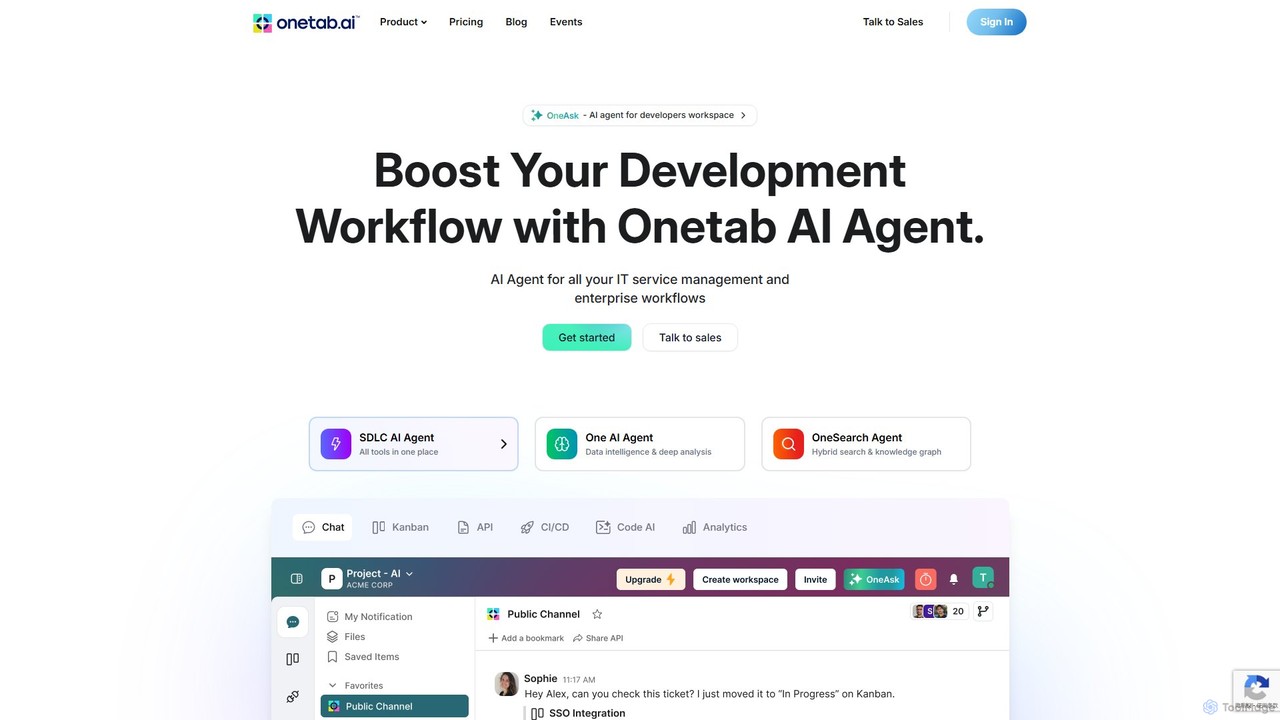
Onetab AI
Onetab AI is an all-in-one AI agent platform designed for developers and enterprises. It centralizes tools, automates workflows across the software development lifecycle (SDLC) and IT service management, and acts as a single source of truth to boost team productivity and efficiency.
Knowledge Management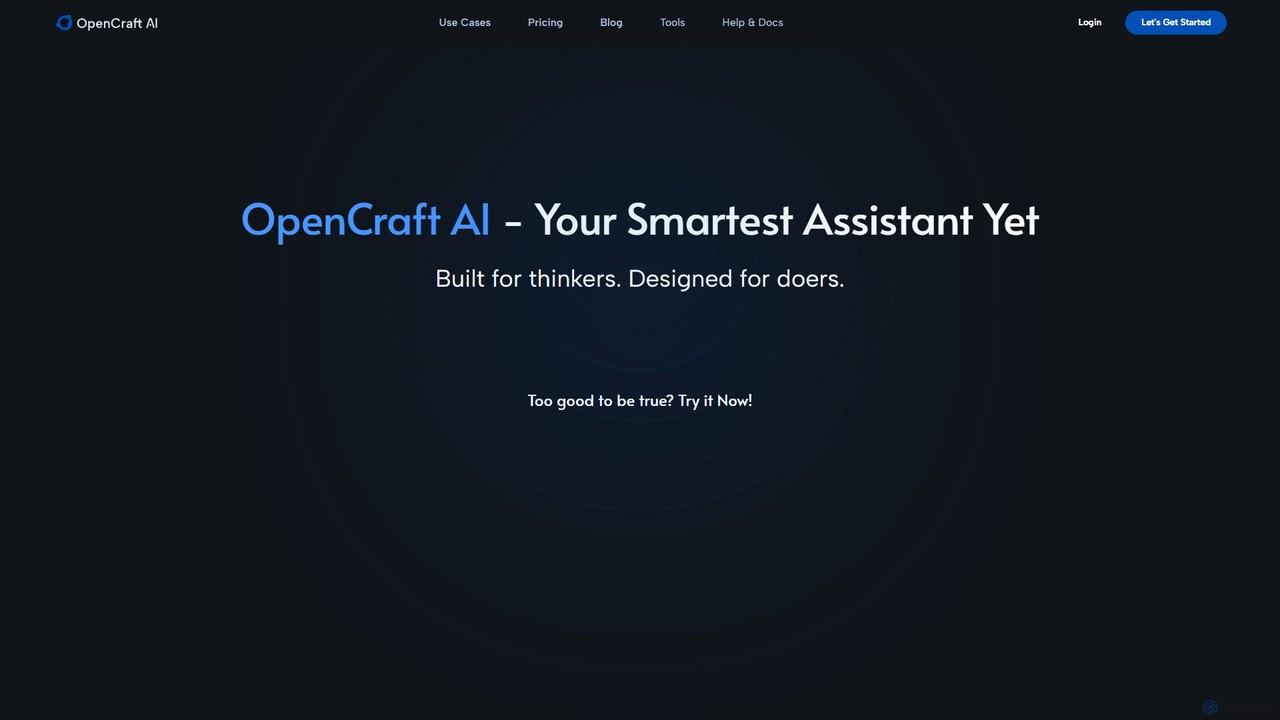
OpenCraft AI
OpenCraft AI is an all-in-one AI workspace for professionals, integrating multiple AI models like GPT and Gemini with a unified file hub. It offers deep reasoning, real-time document editing, and context-aware responses to streamline research, content creation, and complex workflows.
Document Managementoria Categories
oria Embed Widget
Copy this embed code to place the badge on your blog, article, or product site and send readers directly to this ToolMage detail page.

Related AI tools
Gems
Gems is an AI knowledge assistant that connects to all your apps like Notion, Slack, and Gmail. It allows you to ask questions in natural language and receive instant, synthesized answers from your entire knowledge base, eliminating the need for manual organization and endless searching.
Knowledge ManagementFindr
Findr is an AI-powered second brain for personal and enterprise knowledge management. It unifies all your information—from apps like Google Drive, Notion, and Slack, to documents, notes, and bookmarks—into a single, searchable workspace. Ask questions in natural language to get context-aware answers from your own data, streamline research, and never lose an idea again.
Knowledge Management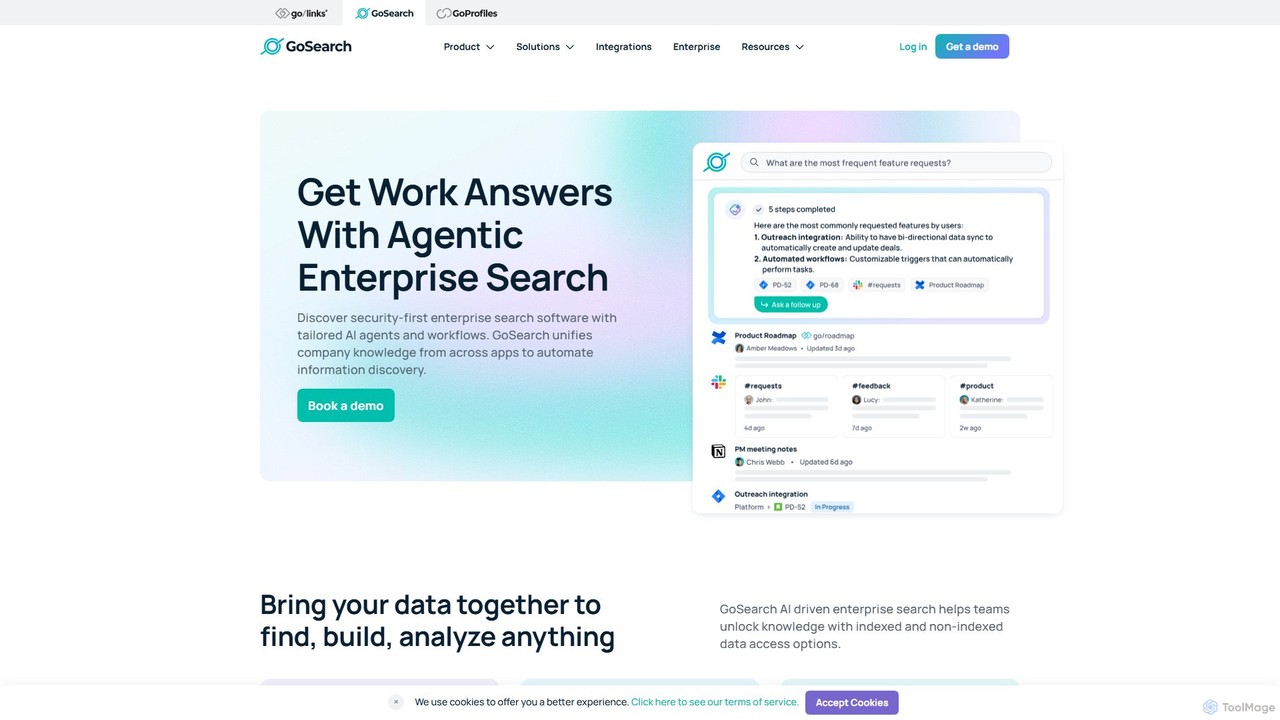
GoSearch
GoSearch is an AI-powered enterprise search platform designed for modern teams. It unifies knowledge from over 100+ applications, allowing users to find information using natural language. With its unique security-first approach and no-code AI agents, GoSearch automates workflows, provides instant answers, and enhances productivity while ensuring data remains secure and compliant. It's built to break down information silos and empower every department, from engineering to HR.
Enterprise Search
Super
Super is an AI platform that transforms your company's scattered data into a unified, searchable knowledge base. It connects with tools like Slack, Google Drive, and Notion to provide instant answers, automate workflows, and deploy ready-to-use AI assistants, boosting team productivity and efficiency.
Enterprise Search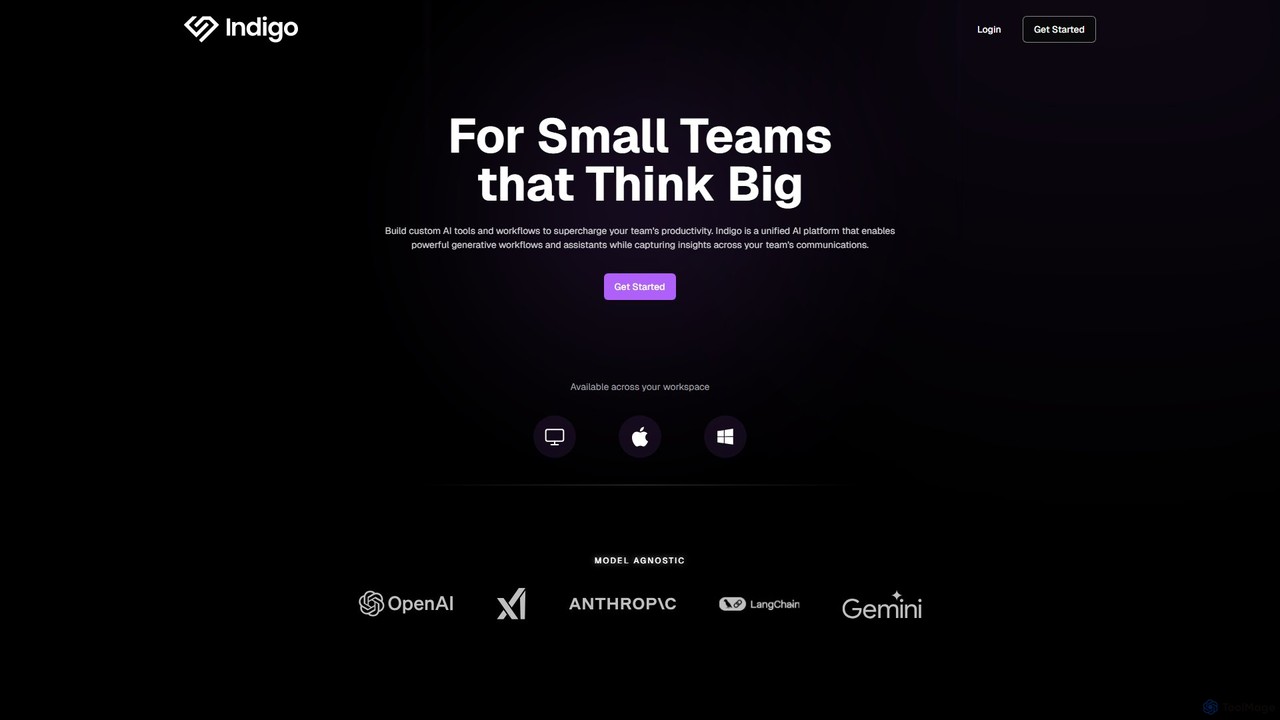
getindigo
Indigo is a unified AI copilot platform designed for high-performance teams. It enables the creation of custom, no-code AI workflows and specialized assistants trained on your team's data. By integrating with your workspace, Indigo automates tasks, analyzes meetings, and turns scattered communications into a structured, searchable team memory, significantly boosting productivity and providing actionable insights.
No Code Platform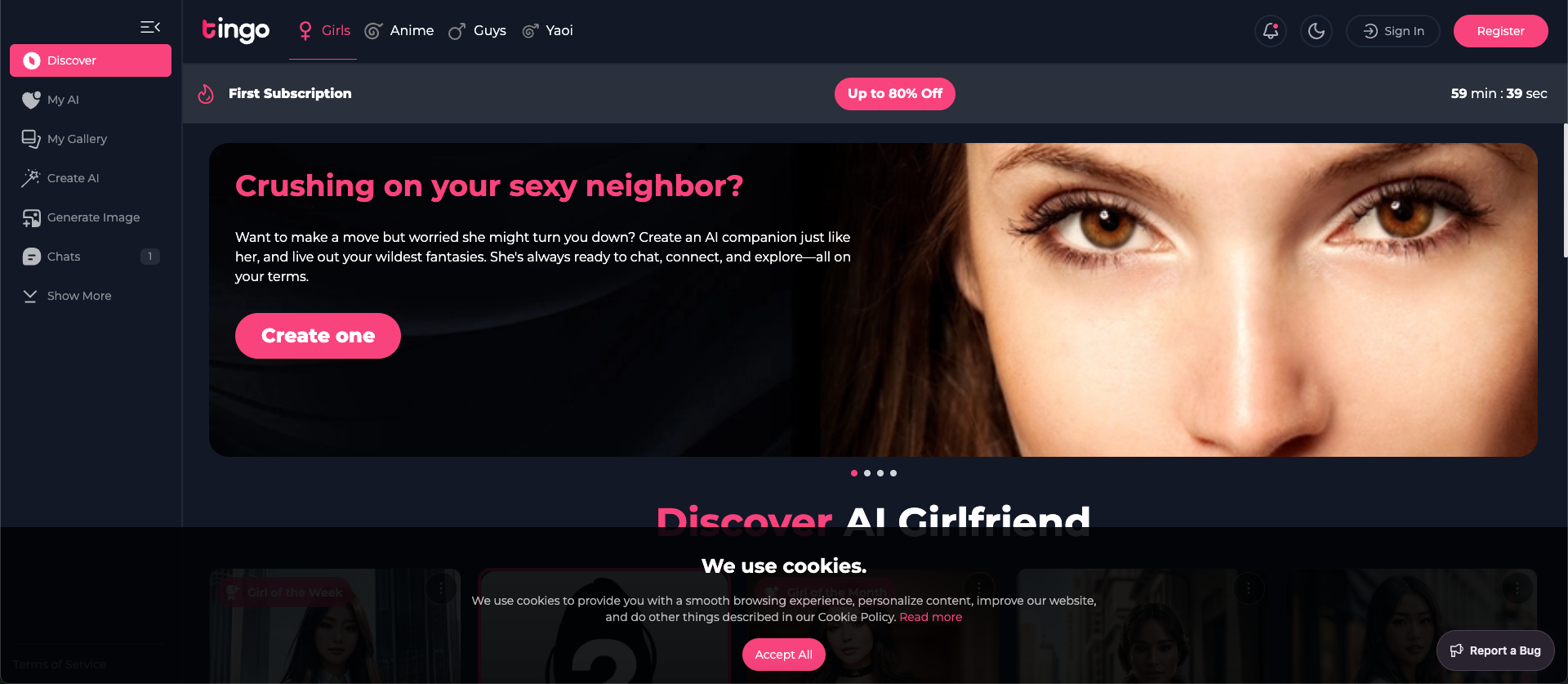
Tingo.ai
Tingo.ai is an AI-powered productivity and workflow automation platform designed for modern teams. It integrates with your existing tools like Slack and Jira to automate meeting summaries, task management, and knowledge base creation, helping your team stay aligned and focus on what matters most.
Project Management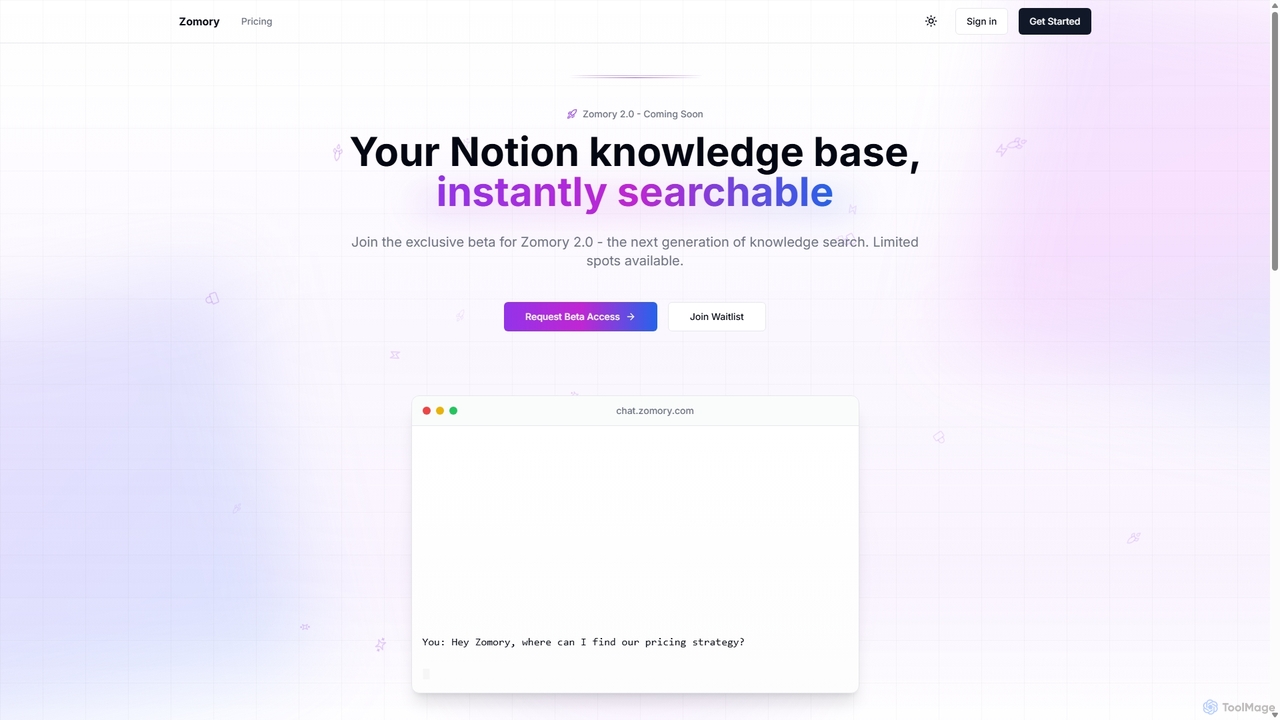
Zomory
Zomory is an AI-powered search tool that transforms your Notion knowledge base into an instantly searchable resource. Integrated directly with Slack, it allows teams to find information using natural language, ask follow-up questions, and get answers in milliseconds without switching context.
Collaboration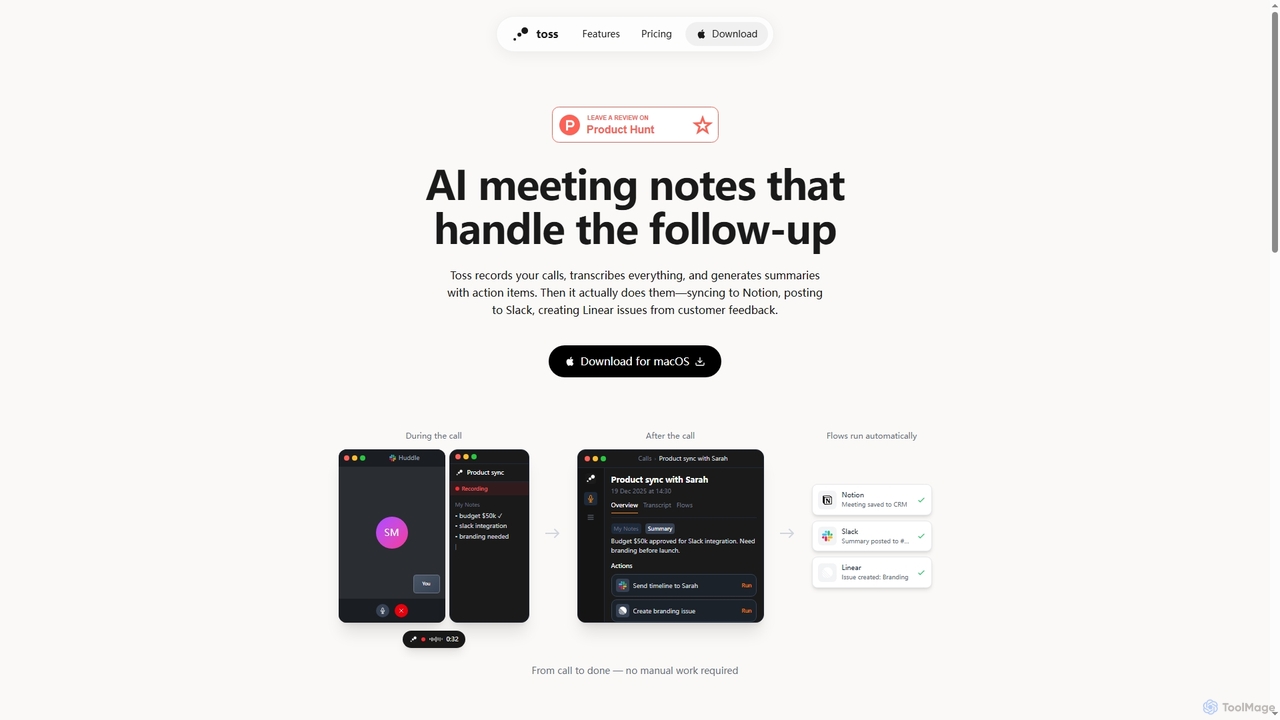
Toss
Toss is an AI-powered macOS application designed to automate meeting notes and follow-up actions. It records calls, transcribes discussions in real-time, generates summaries with actionable items, and automatically executes post-meeting tasks like syncing to Notion, posting to Slack, and creating issues in Linear, streamlining workflows and enhancing productivity for teams.
Dictation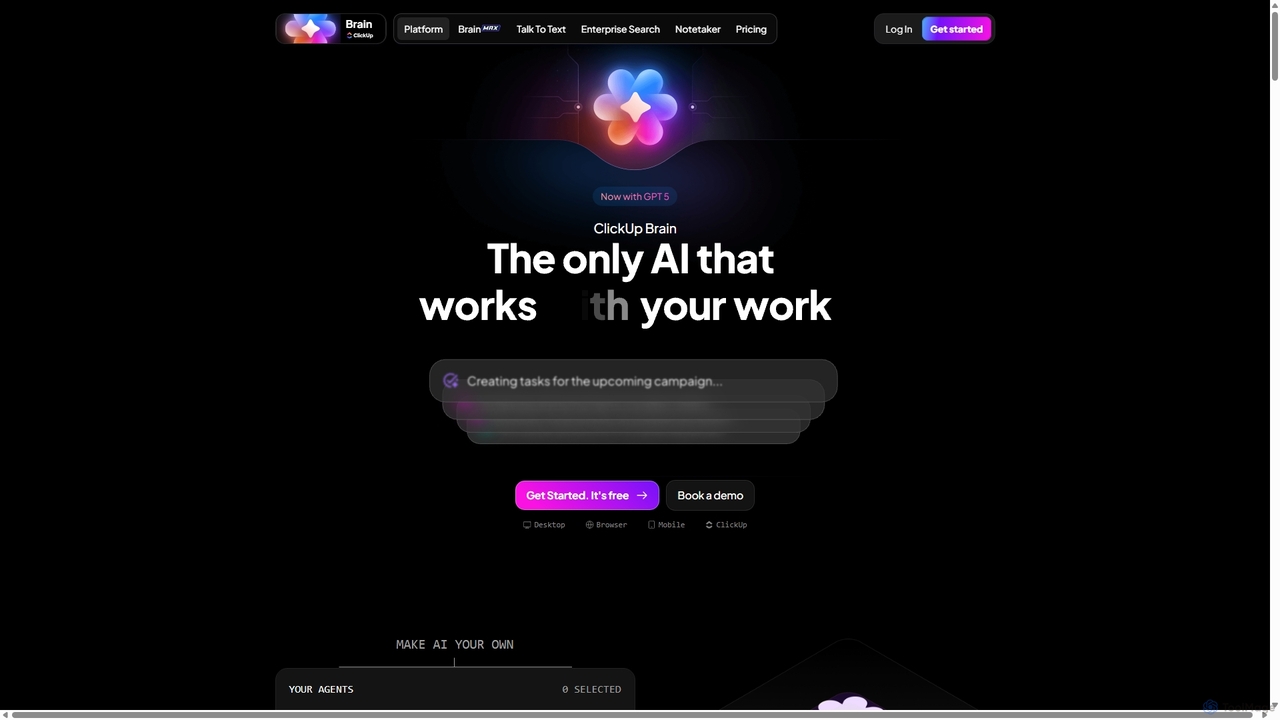
Qatalog
Qatalog is an intelligent work hub that unifies your teams, tools, and knowledge. It uses AI to create a central source of truth, enabling seamless search across all applications, clear visibility into projects and goals, and contextual understanding of who is working on what. By connecting disparate systems like Slack, Jira, and Google Drive, Qatalog reduces context switching and boosts productivity.
Enterprise Search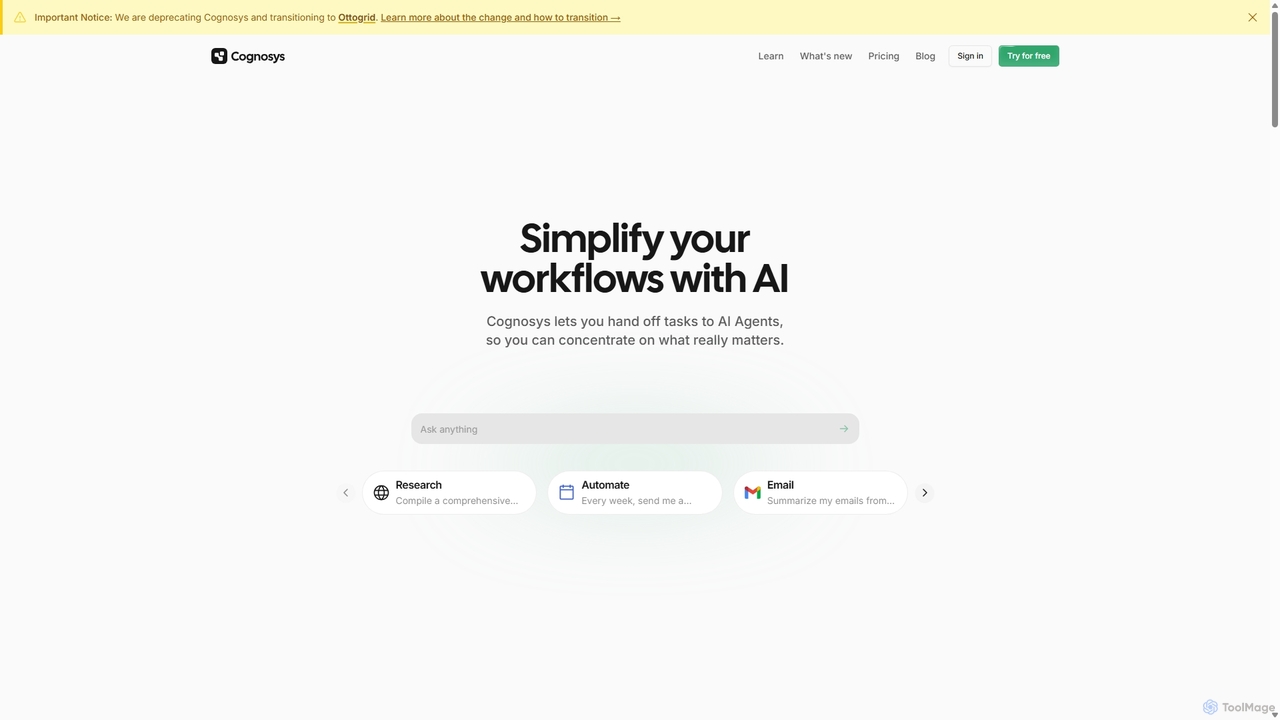
Cognosys
Cognosys is an AI-powered automation platform that simplifies complex workflows. By giving objectives to AI agents, users can automate tasks like in-depth research, email management, and data analysis. It integrates with popular apps like Google Suite and Notion to act as a central hub for productivity, allowing you to focus on strategic work while AI handles the execution.
Email Marketing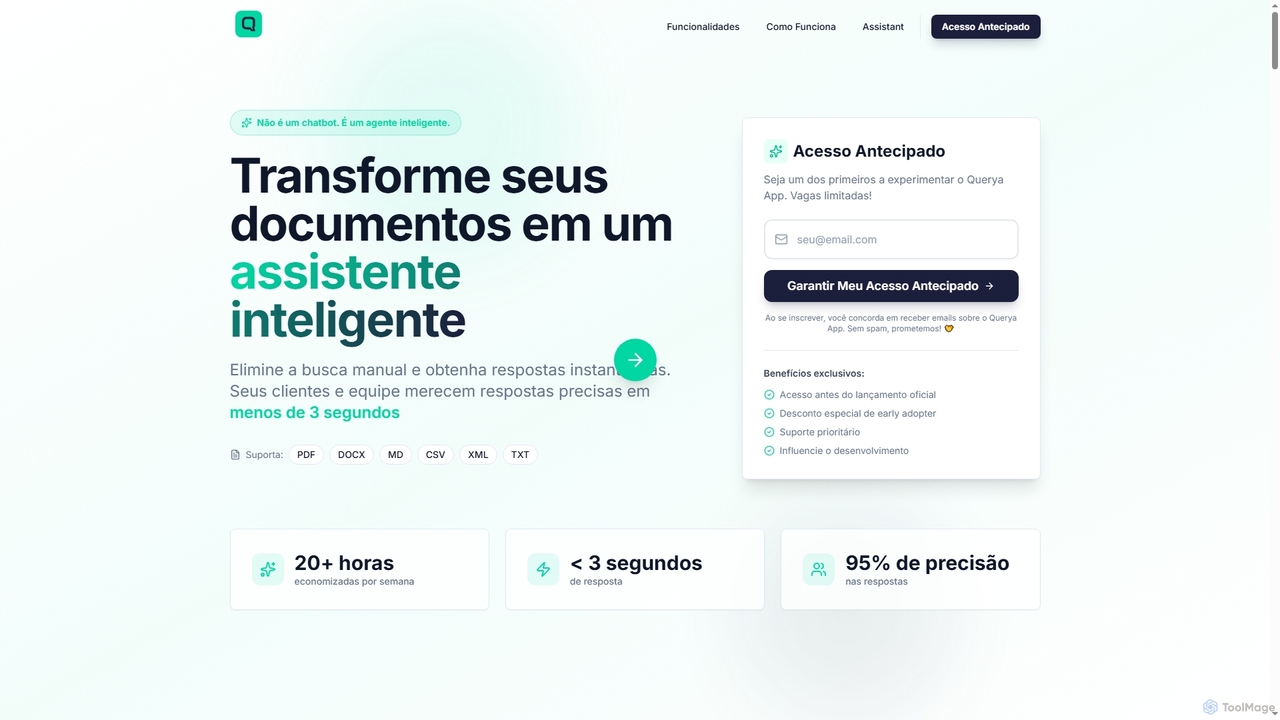
Querya
Querya is an intelligent agent that transforms your business documents into an instant knowledge assistant. It eliminates manual searches, providing precise answers from PDFs, DOCX, CSV, and more in under 3 seconds, boosting productivity and customer satisfaction.
ChatbotAllganize
Allganize is an enterprise AI platform that enables businesses to build custom Large Language Model (LLM) applications. It specializes in secure, accurate knowledge retrieval from internal data using its advanced Agentic RAG technology. With a no-code app builder, 100+ data integrations, and flexible deployment options (cloud/on-premise), Allganize helps companies automate workflows, boost productivity, and unlock the value of their proprietary information without hallucinations.
Knowledge Management
Jyek
Jyek is an AI agent platform that understands objectives, creates execution plans, uses tools, and delivers verifiable results for complex, multi-step tasks.
AutomationOnetab AI
Onetab AI is an all-in-one AI agent platform designed for developers and enterprises. It centralizes tools, automates workflows across the software development lifecycle (SDLC) and IT service management, and acts as a single source of truth to boost team productivity and efficiency.
Knowledge ManagementOpenCraft AI
OpenCraft AI is an all-in-one AI workspace for professionals, integrating multiple AI models like GPT and Gemini with a unified file hub. It offers deep reasoning, real-time document editing, and context-aware responses to streamline research, content creation, and complex workflows.
Document Management
oria Comments (0)
Sign in to comment.
Sign inNo comments yet.