

Physician UX Overview
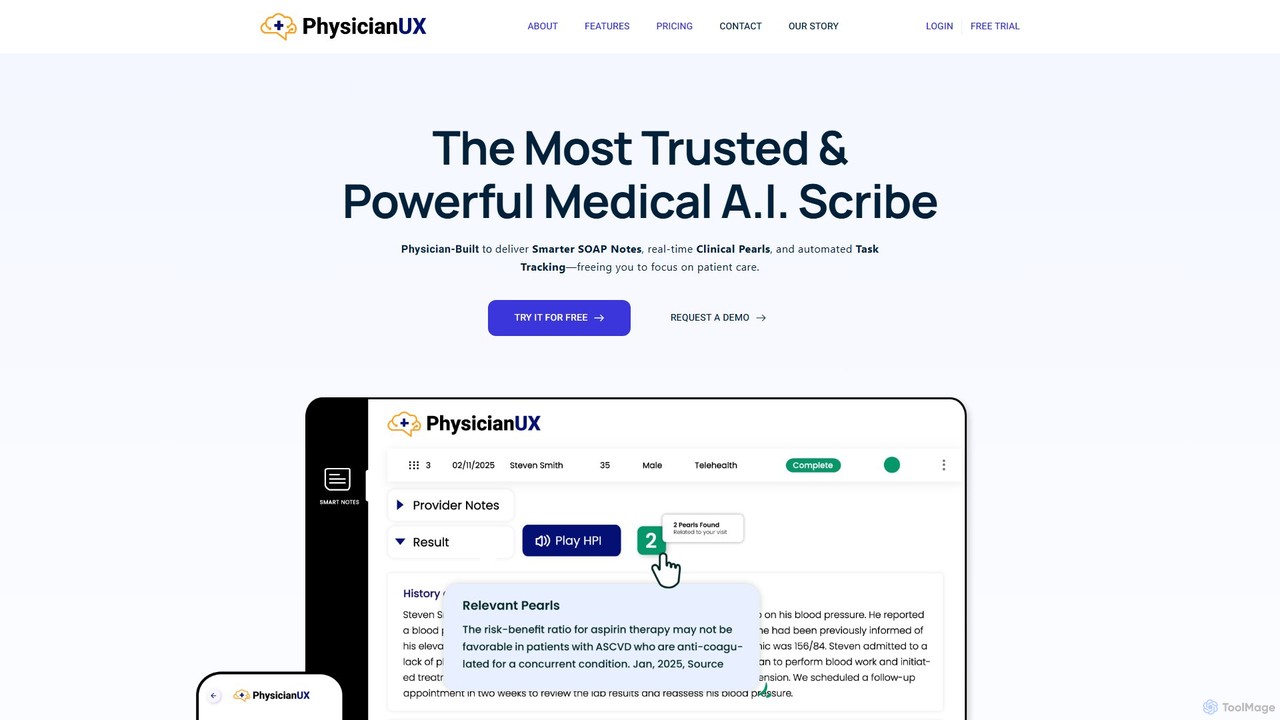
Physician UX is a sophisticated AI-powered platform designed to revolutionize clinical documentation and alleviate physician burnout. Created by a practicing physician who understands the daily frustrations of modern healthcare, this tool is more than just an AI scribe; it's a comprehensive clinical assistant. It addresses the core problem of inefficient, cumbersome Electronic Medical Record (EMR) systems that were built for billing and compliance rather than for patient care. Physician UX aims to restore the human element to medicine by creating accurate, narrative-driven notes that reflect the true patient encounter, thereby rebuilding trust in clinical documentation.
The platform operates on the principle that clinicians deserve tools that enhance their workflow, not hinder it. It tackles the systemic issues leading to burnout by reducing administrative burdens, minimizing clicks, and freeing up valuable time. By remaining independent from EMRs, Physician UX guarantees consistent performance, avoids EMR-related downtime, and allows for the rapid implementation of cutting-edge AI advancements, ensuring users always have access to the best technology available.
How to use Physician UX
Physician UX is designed for seamless integration into any clinical workflow without requiring complex EMR integration. Its plug-and-play nature means you can start immediately.
- Sign Up & Start Trial: Begin with a 14-day, no-credit-card-required free trial to get full access to all features. During sign-up, you can review and electronically sign the HIPAA-compliant Business Associate Agreement (BAA).
- Record the Encounter: During a patient visit, use the platform on your computer, tablet, or phone to record the conversation. The trial allows for 5-minute recordings, while a full subscription extends this to 30 minutes or more.
- Generate Notes: The AI processes the audio and automatically generates a structured, accurate SOAP note or other clinical document.
- Review & Refine: Use the built-in tools like the ICD-10 Helper and Adaptive Clinical Pearls to refine the note. The Smart Spelling Dictionary automatically corrects common medical misspellings.
- Transfer to EMR: Once the note is finalized, simply copy and paste it into your EMR. The platform is designed to work efficiently in a split-screen view or by switching between browser tabs, ensuring a smooth process.
Core Features of Physician UX
- AI-Powered Scribe: Automatically transcribes patient encounters into detailed and accurate SOAP notes, saving hours of documentation time.
- Adaptive Clinical Pearls: Provides real-time, context-aware clinical insights and best practices based on the conversation, helping with decision-making and documentation.
- ICD-10 Helper: An AI-assisted coding feature that suggests relevant ICD-10 codes, reducing the time spent searching for the correct diagnosis.
- Smart Spelling Dictionary: An intelligent dictionary that understands medical terminology, corrects common misspellings, and learns from your preferences.
- Click Reduction Workflow: A streamlined interface designed to minimize unnecessary actions and speed up the entire documentation process.
- HIPAA Compliance: Ensures the highest level of data security and privacy with end-to-end encryption and a signed BAA.
- EMR Independence: Functions as a standalone application, ensuring it's always fast, reliable, and accessible, even if your EMR is slow or down.
- Smart Inbox (Coming Dec 2025): A future feature designed to help clinicians draft clear, personalized patient messages for lab results, refills, and portal questions.
Use Cases for Physician UX
Physician UX is ideal for busy clinicians across various specialties who want to reclaim their time and reduce documentation-related stress. It is used by primary care physicians, specialists, and other healthcare providers to document patient visits, consultations, and follow-ups. By automating note creation, it allows providers to give their full attention to the patient during the visit. Post-visit, it transforms the tedious task of charting into a quick review and refinement process. It's also a valuable tool for ensuring documentation is thorough and defensible for insurance, legal, and peer reviews, as it captures the nuance of the patient's story rather than relying on generic templates.
Advantages of Physician UX
The primary advantage of Physician UX is that it is built from a clinician's perspective. This physician-led design ensures that every feature is tailored to solve real-world problems in clinical practice. Its independence from EMRs is a significant strength, preventing the performance lags, high costs, and slow update cycles associated with integrated systems. This allows Physician UX to be agile and constantly evolving. Furthermore, it promotes higher quality care by facilitating more accurate, human-centered notes and freeing up physicians to focus on what matters most: their patients.
Pricing and Plans
Physician UX offers a risk-free 14-day free trial that does not require a credit card. The trial provides full access to all features, with a recording limit of 5 minutes per session to allow users to experience the platform's capabilities. After the trial period, users must subscribe to a paid plan to continue creating new notes. Subscribed users benefit from an extended recording time of 30 minutes or more per session. The platform operates on a subscription model, and specific pricing details are available on the website or by requesting a demo. Due to the comprehensive trial, there is no refund policy after a subscription is purchased.
Traffic
Latest traffic
Status
Monthly traffic trend
- 2025-8: 79
- 2025-9: 372
- 2026-3: 0
- 2026-4: 0
- 2026-5: 450
Geography
Top 5 countries / regions
- 🇺🇸United States100.0%
Top keywords
| Keyword | Cost per click |
|---|---|
| ai browser overlay | $0.00 |
| doctrux | $0.00 |
| does mens health use bad ai writing | $0.00 |
| normal pulmonary scribing ntoe | $0.00 |
| physicianux | $0.00 |
Physician UX Alternatives
NoteMD
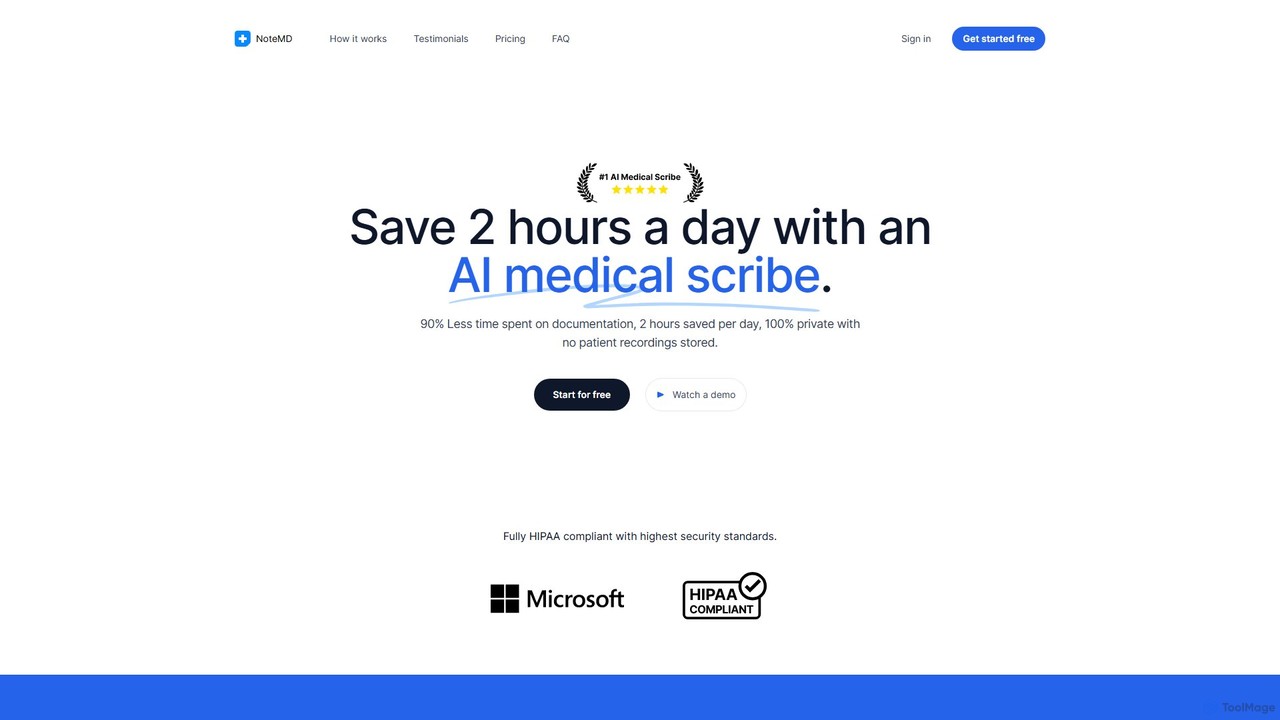
NoteMD is an AI-powered medical scribe designed for clinicians to reduce documentation time significantly. It transcribes patient visits and automatically generates structured SOAP notes, allowing healthcare professionals to save up to 2 hours daily. The platform is fully HIPAA compliant, secure, and accessible on any device, helping doctors focus more on patient care and less on paperwork.
Clinical Assistance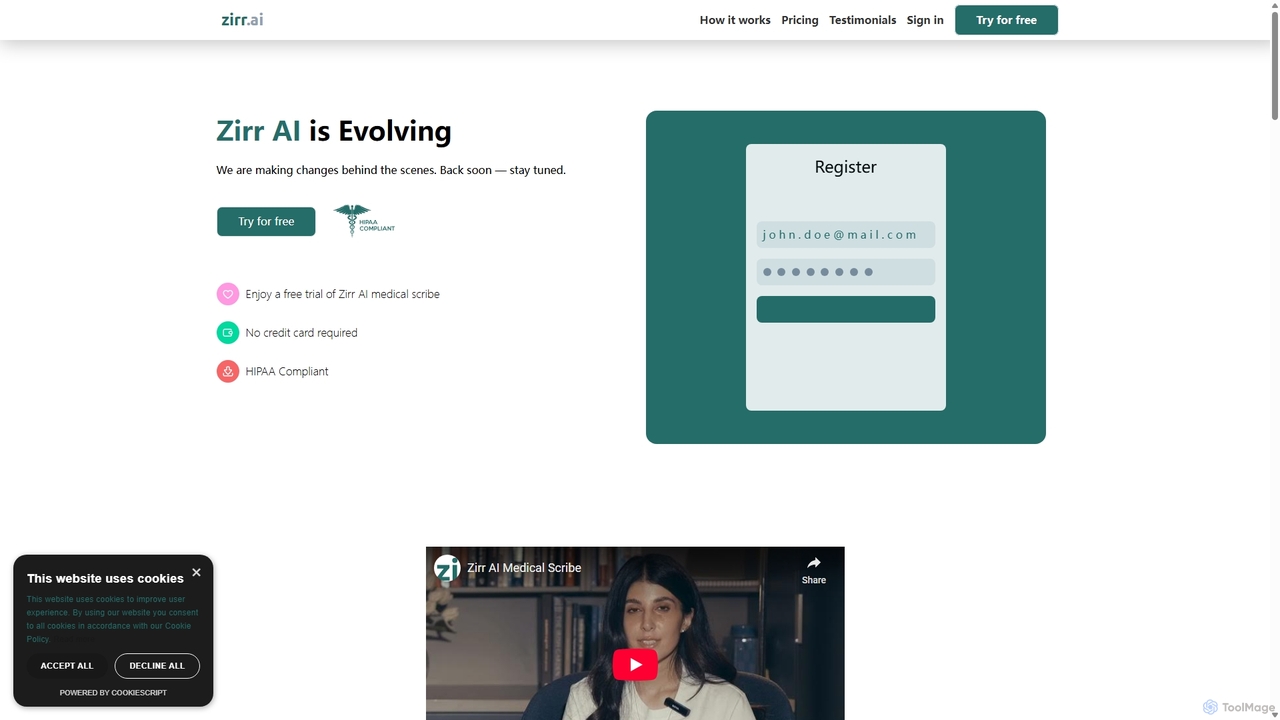
Zirr AI Medical Scribe
Zirr AI Medical Scribe is a HIPAA-compliant tool that automates clinical documentation. It records clinician-patient conversations and uses AI to generate accurate, structured SOAP notes. This saves healthcare professionals hours of administrative work, reduces burnout, and allows them to focus more on patient care. The platform is secure, easy to use, and designed to improve both efficiency and the quality of patient interactions.
Speech To Text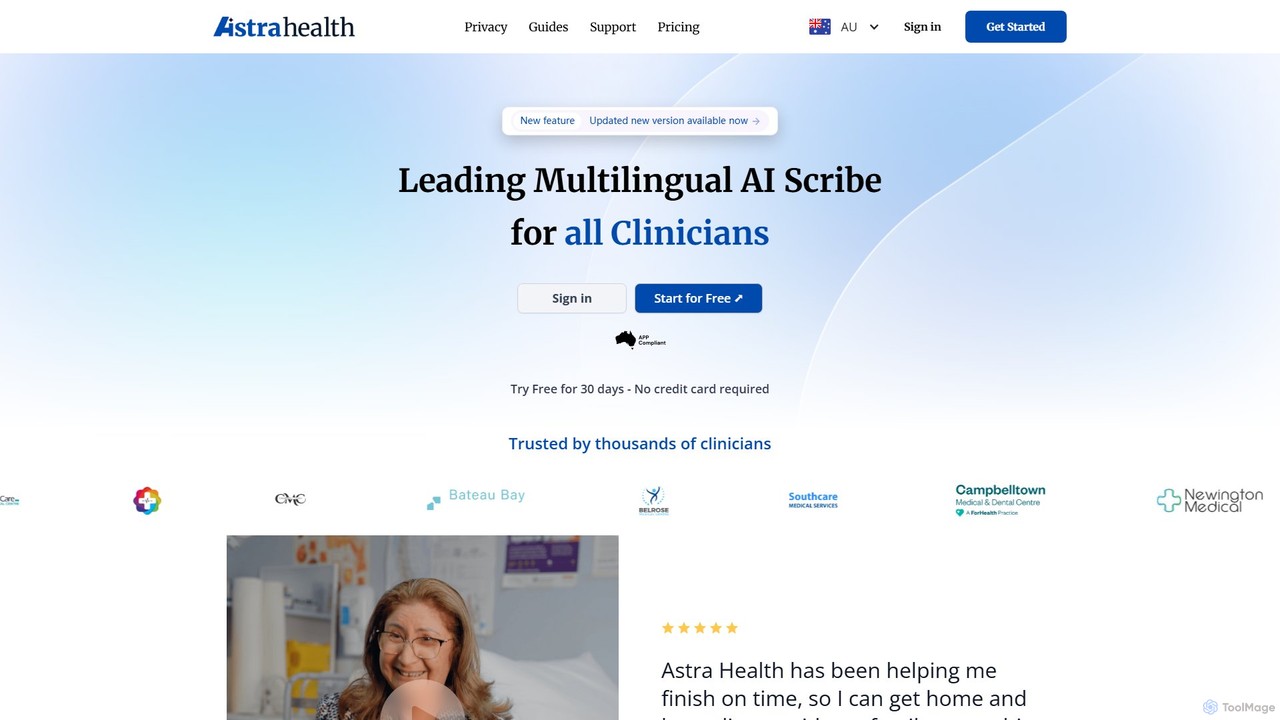
Astra Health AI
Astra Health AI is an advanced, multilingual AI medical scribe designed for clinicians. It automates clinical documentation by transcribing patient consultations in real-time and instantly generating structured notes. This allows healthcare professionals to save hours on administrative tasks, focus more on patient interaction, and improve the quality of their medical records. It supports over 35 languages and prioritizes data security and privacy.
Clinical Assistance
Apollo Health AI
Apollo Health AI is a HIPAA-compliant, AI-powered medical scribe designed for healthcare professionals. It automates the creation of clinical notes, such as SOAP notes, by transcribing and structuring patient encounters. This allows clinicians to reduce administrative burdens, combat burnout, and focus more on direct patient care, improving both efficiency and the quality of medical documentation.
Clinical Documentation
Heidi Health
Heidi Health is an advanced AI medical scribe designed for clinicians to automate clinical documentation. It transcribes patient consultations in real-time, generates structured notes, referral letters, and summaries, significantly reducing administrative burden. This allows healthcare professionals to focus more on patient care, reduce burnout, and improve work-life balance.
Medical DocumentationPhysician UX Categories
Physician UX Embed Widget
Copy this embed code to place the badge on your blog, article, or product site and send readers directly to this ToolMage detail page.

Related AI tools
Zirr AI Medical Scribe
Zirr AI Medical Scribe is a HIPAA-compliant tool that automates clinical documentation. It records clinician-patient conversations and uses AI to generate accurate, structured SOAP notes. This saves healthcare professionals hours of administrative work, reduces burnout, and allows them to focus more on patient care. The platform is secure, easy to use, and designed to improve both efficiency and the quality of patient interactions.
Speech To TextApollo Health AI
Apollo Health AI is a HIPAA-compliant, AI-powered medical scribe designed for healthcare professionals. It automates the creation of clinical notes, such as SOAP notes, by transcribing and structuring patient encounters. This allows clinicians to reduce administrative burdens, combat burnout, and focus more on direct patient care, improving both efficiency and the quality of medical documentation.
Clinical Documentation
Sunoh.ai
Sunoh.ai is an advanced AI medical scribe that listens to patient-provider conversations and automatically generates accurate clinical notes. Designed for physicians, it streamlines documentation, integrates with EHR systems, and is HIPAA compliant, saving doctors hours daily and reducing burnout.
Clinical DocumentationNoteMD
NoteMD is an AI-powered medical scribe designed for clinicians to reduce documentation time significantly. It transcribes patient visits and automatically generates structured SOAP notes, allowing healthcare professionals to save up to 2 hours daily. The platform is fully HIPAA compliant, secure, and accessible on any device, helping doctors focus more on patient care and less on paperwork.
Clinical AssistanceAstra Health AI
Astra Health AI is an advanced, multilingual AI medical scribe designed for clinicians. It automates clinical documentation by transcribing patient consultations in real-time and instantly generating structured notes. This allows healthcare professionals to save hours on administrative tasks, focus more on patient interaction, and improve the quality of their medical records. It supports over 35 languages and prioritizes data security and privacy.
Clinical AssistanceHeidi Health
Heidi Health is an advanced AI medical scribe designed for clinicians to automate clinical documentation. It transcribes patient consultations in real-time, generates structured notes, referral letters, and summaries, significantly reducing administrative burden. This allows healthcare professionals to focus more on patient care, reduce burnout, and improve work-life balance.
Medical Documentation
ScribeMD
ScribeMD is a HIPAA-compliant AI medical scribe designed for healthcare professionals. It automates clinical note-taking by listening to patient interactions, transcribing them, and generating structured documentation. This allows doctors to reduce administrative workload, save significant time per patient, and focus more on patient care.
Medical Documentation
Dorascribe
Dorascribe is an AI-powered medical scribe designed for healthcare professionals. It records and transcribes patient consultations in real-time, converting conversations into accurate, structured clinical notes like SOAP notes. This streamlines documentation, reduces administrative burden, and allows doctors to focus more on patient care, ultimately helping to combat physician burnout.
Speech To Text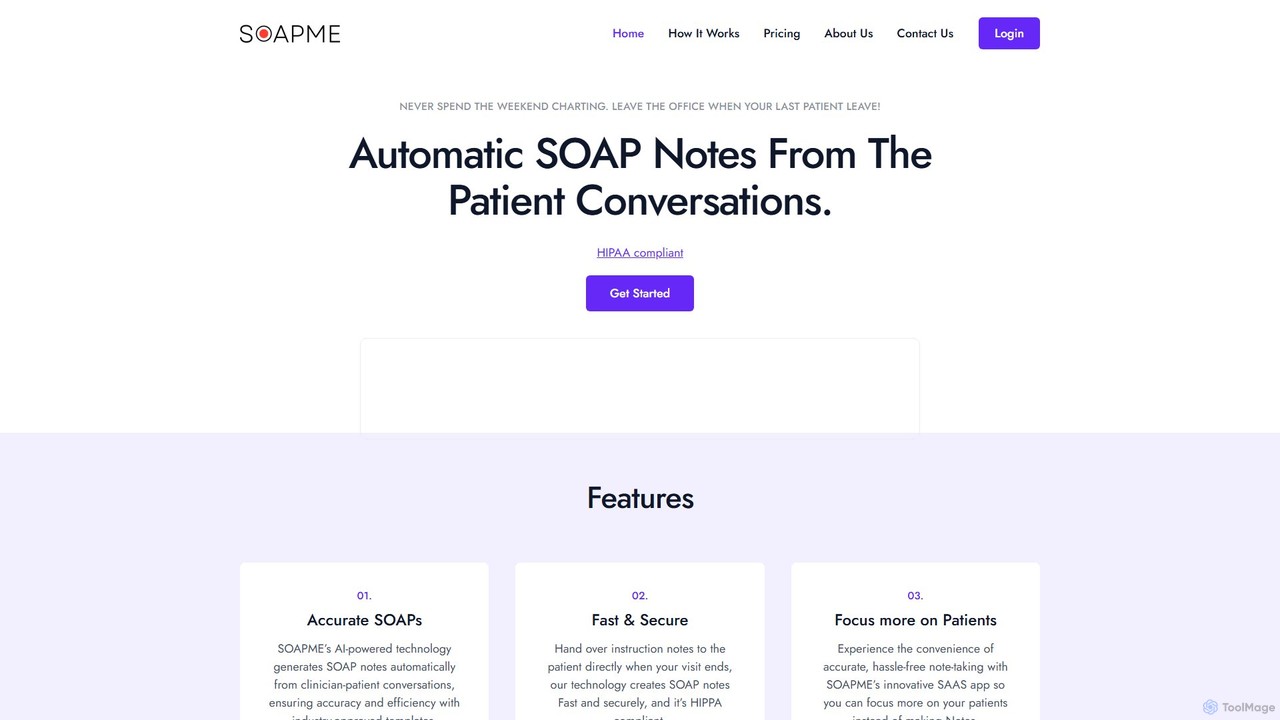
SOAPME.AI
SOAPME.AI is an AI-powered platform designed for clinicians to automatically generate accurate SOAP notes from patient conversations. By simply recording the consultation, the tool transcribes, summarizes, and structures the information into industry-approved templates. This HIPAA-compliant solution saves significant time on documentation, reduces administrative burnout, and allows healthcare professionals to focus more on patient care. It offers a user-friendly web app with voice editing capabilities for seamless integration into any clinical workflow.
Speech To Text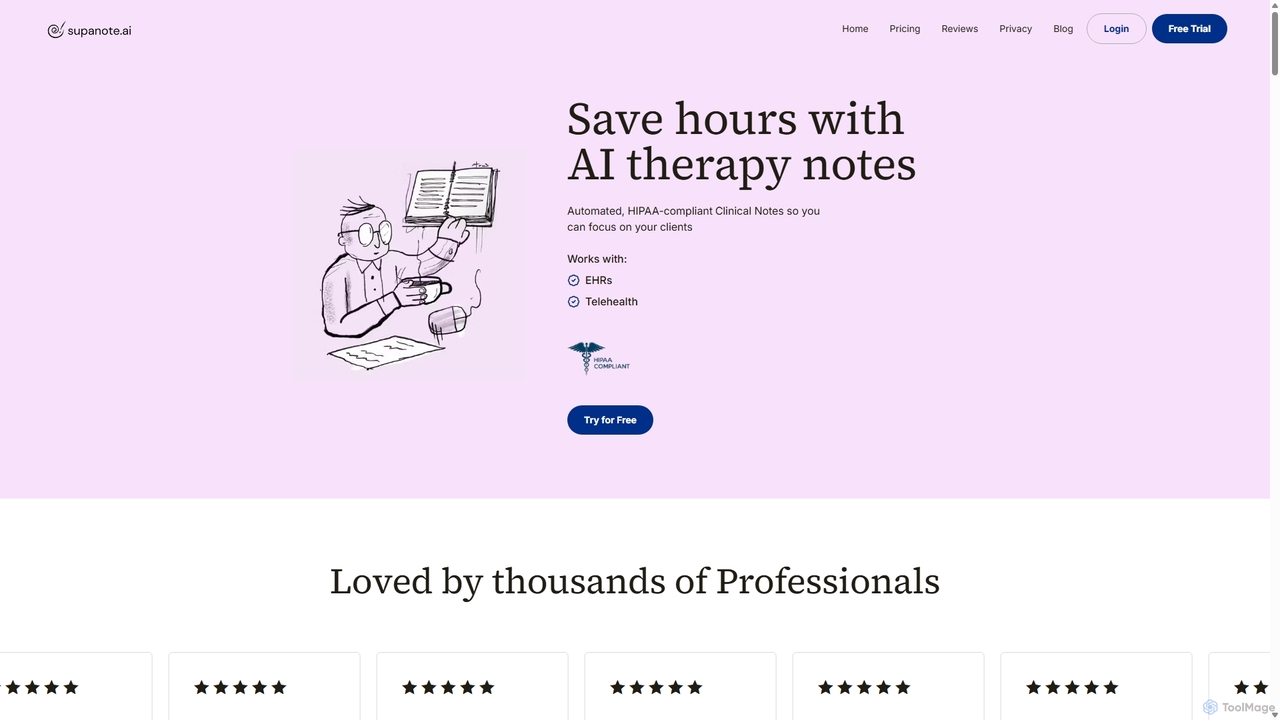
Supanote
Supanote is a HIPAA-compliant AI scribe designed for mental health professionals. It automates the creation of clinical therapy notes from session recordings, dictation, or uploads, saving practitioners hours on documentation. It supports various note formats (SOAP, DAP, etc.) and integrates with EHRs, allowing therapists to focus more on their clients.
Medical Documentation
Jyek
Jyek is an AI agent platform that understands objectives, creates execution plans, uses tools, and delivers verifiable results for complex, multi-step tasks.
Automation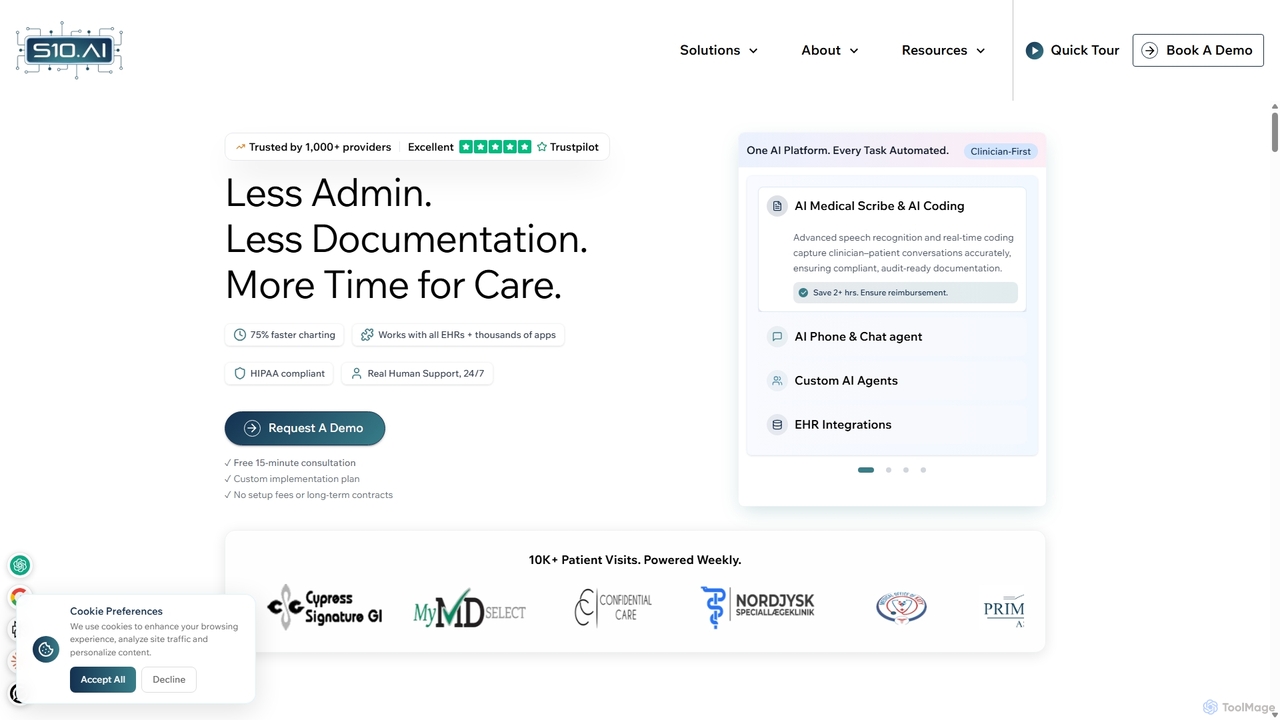
S10.AI
S10.AI is an advanced ambient AI platform for healthcare, featuring an AI medical scribe and automated virtual agents. It captures patient-clinician conversations to generate accurate clinical notes, SOAP notes, and medical codes in real-time. By automating documentation, scheduling, and patient engagement, S10.AI helps reduce clinician burnout, increase efficiency, and improve patient care. It seamlessly integrates with any EHR and supports over 50 medical specialties.
Virtual Assistant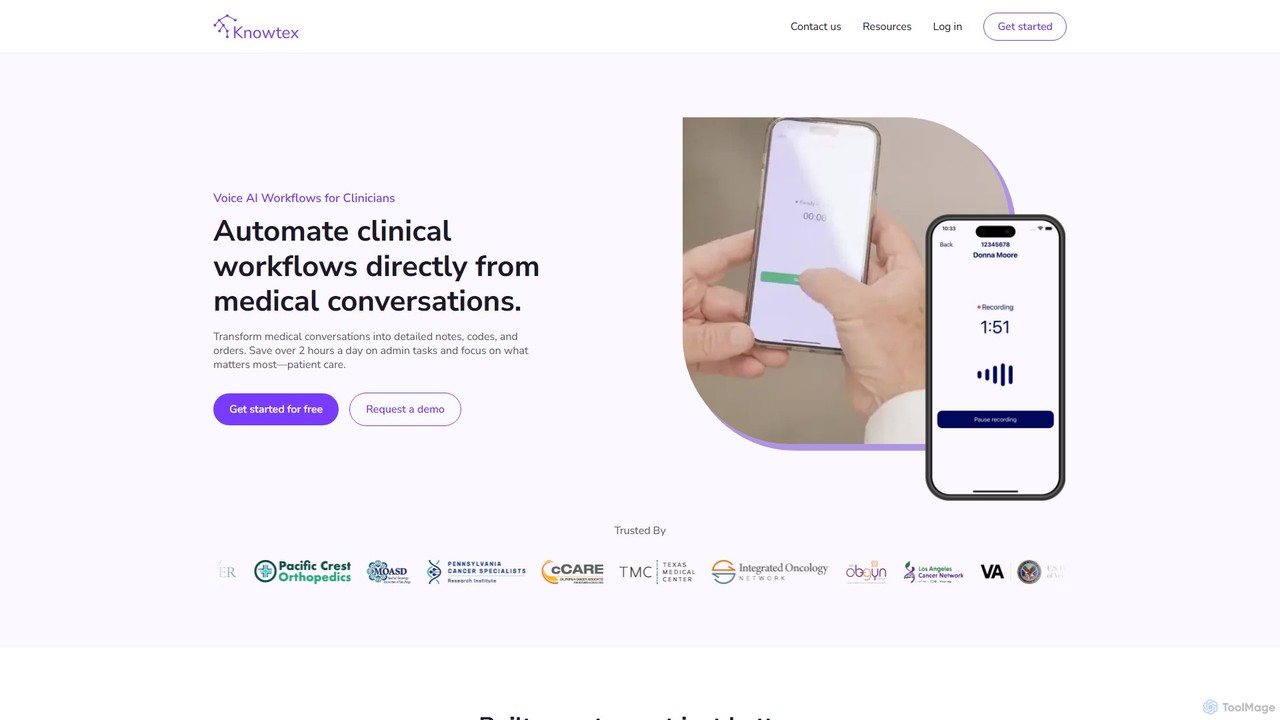
Knowtex
Knowtex is an advanced AI-powered clinical documentation tool for healthcare professionals. It uses voice recognition to automatically transform natural patient-doctor conversations into structured, detailed clinical notes, complete with accurate billing codes (ICD-10, CPT, E&M). By automating administrative tasks, Knowtex saves clinicians over two hours daily, reducing burnout and allowing them to focus on patient care. It supports over 99 languages, integrates with most EHR systems, and adapts to individual clinical styles.
Medical Scribe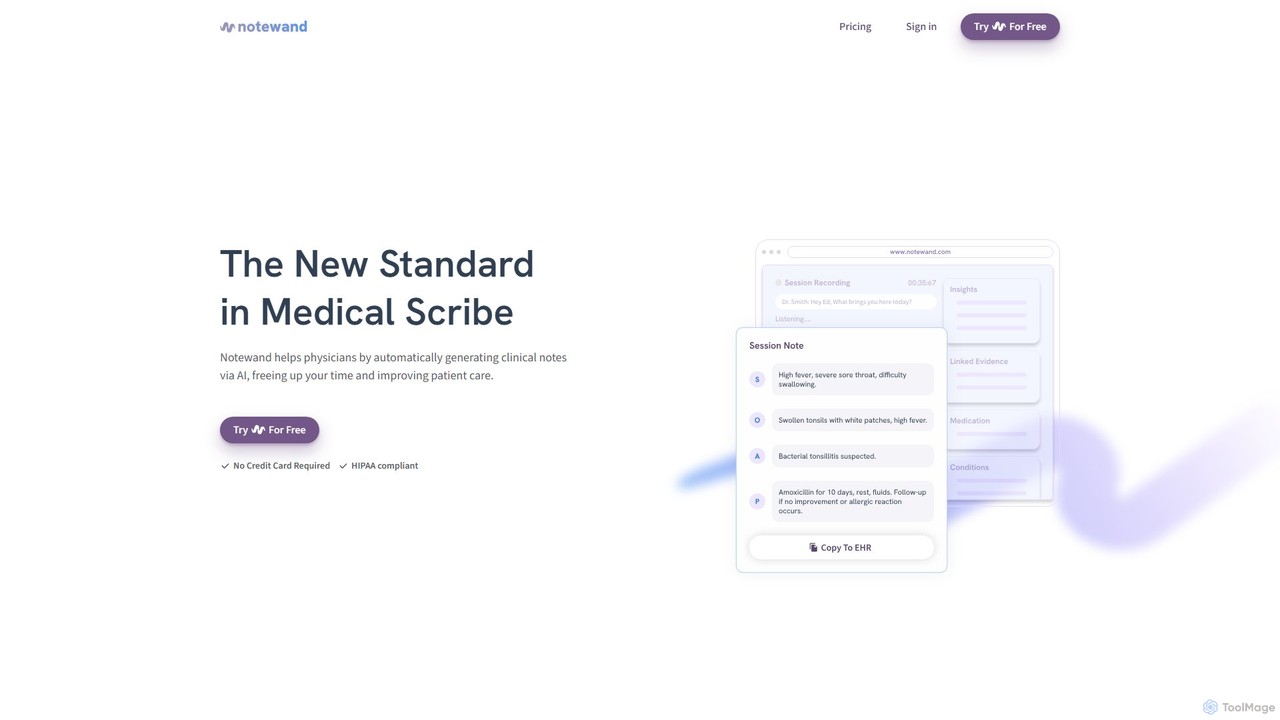
Notewand
Notewand is an AI-powered medical scribe that listens to doctor-patient conversations and automatically generates structured clinical notes in real-time. Designed for physicians, it helps reduce documentation time, minimize burnout, and improve the quality of patient care. The platform is HIPAA and GDPR compliant, ensuring the highest level of data security for sensitive patient information.
Clinical Documentation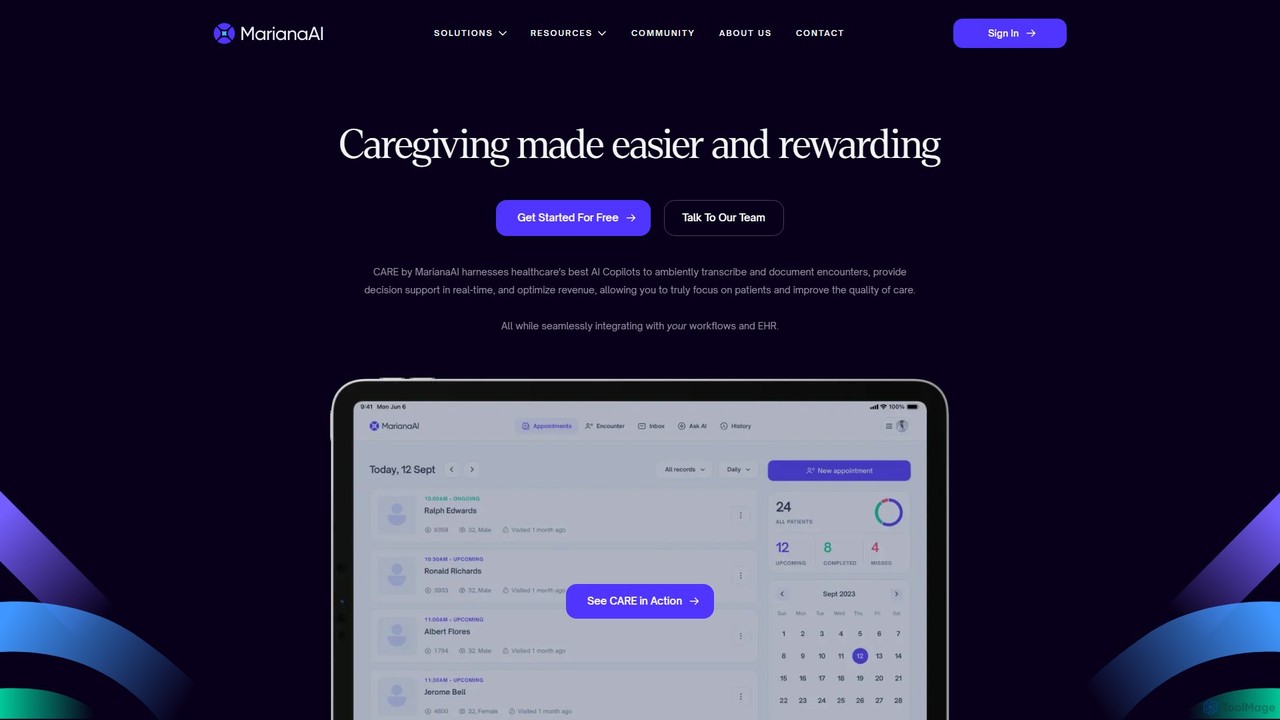
MarianaAI
MarianaAI is an all-in-one AI-powered clinical automation platform designed for healthcare providers. It features a multilingual medical scribe, autonomous coding, and clinical decision support to reduce administrative burnout, enhance revenue, and improve patient care by seamlessly integrating with existing EHR systems.
Clinical Documentation
Physician UX Comments (0)
Sign in to comment.
Sign inNo comments yet.