ToolMage
Sign in

Best 3 Speech To Text AI tools for Ai Tools

Popular Speech To Text AI tools in Ai Tools include EasyDictation, SOAPME.AI, and Zirr AI Medical Scribe, helping you work more efficiently.

Zirr AI Medical Scribe
Freemium

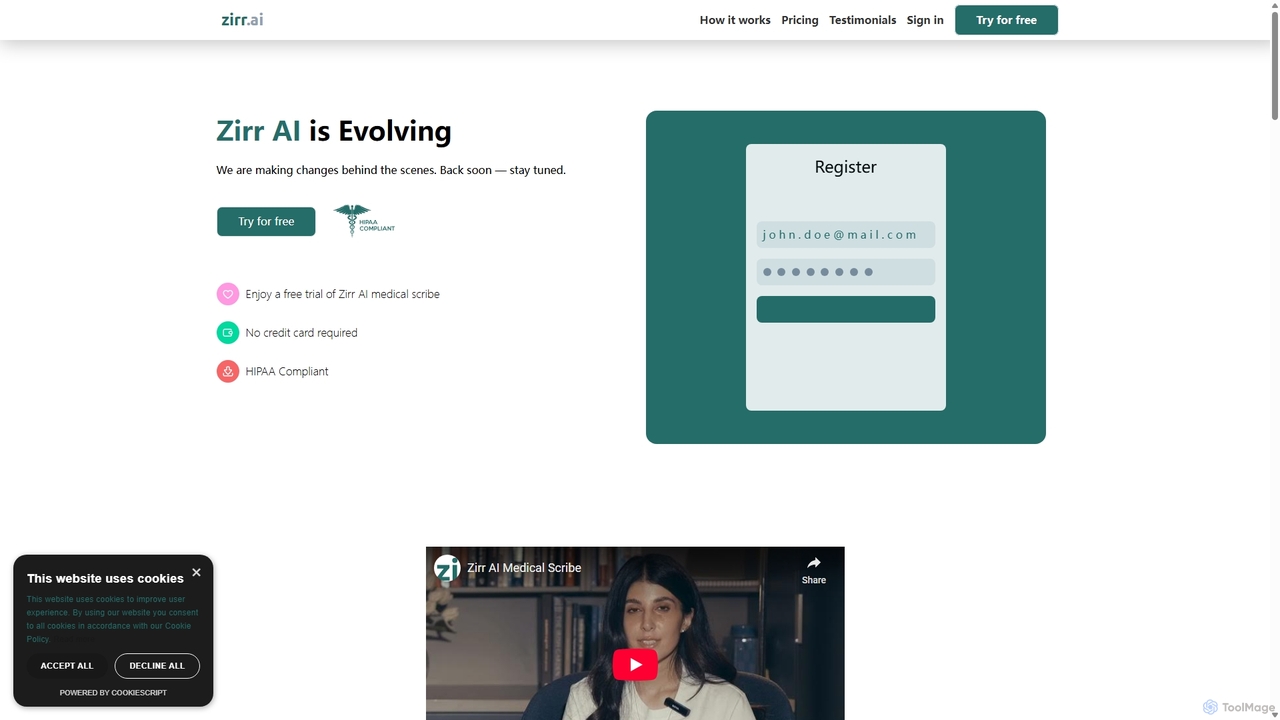
Zirr AI Medical Scribe

Zirr AI Medical Scribe is a HIPAA-compliant tool that automates clinical documentation. It records clinician-patient conversations and uses AI to generate accurate, structured SOAP notes. This saves healthcare professionals hours of administrative work, reduces burnout, and allows them to focus more on patient care. The platform is secure, easy to use, and designed to improve both efficiency and the quality of patient interactions.

Speech To Text
Visits 5.5KFavorites 162Likes 144
SOAPME.AI
Freemium

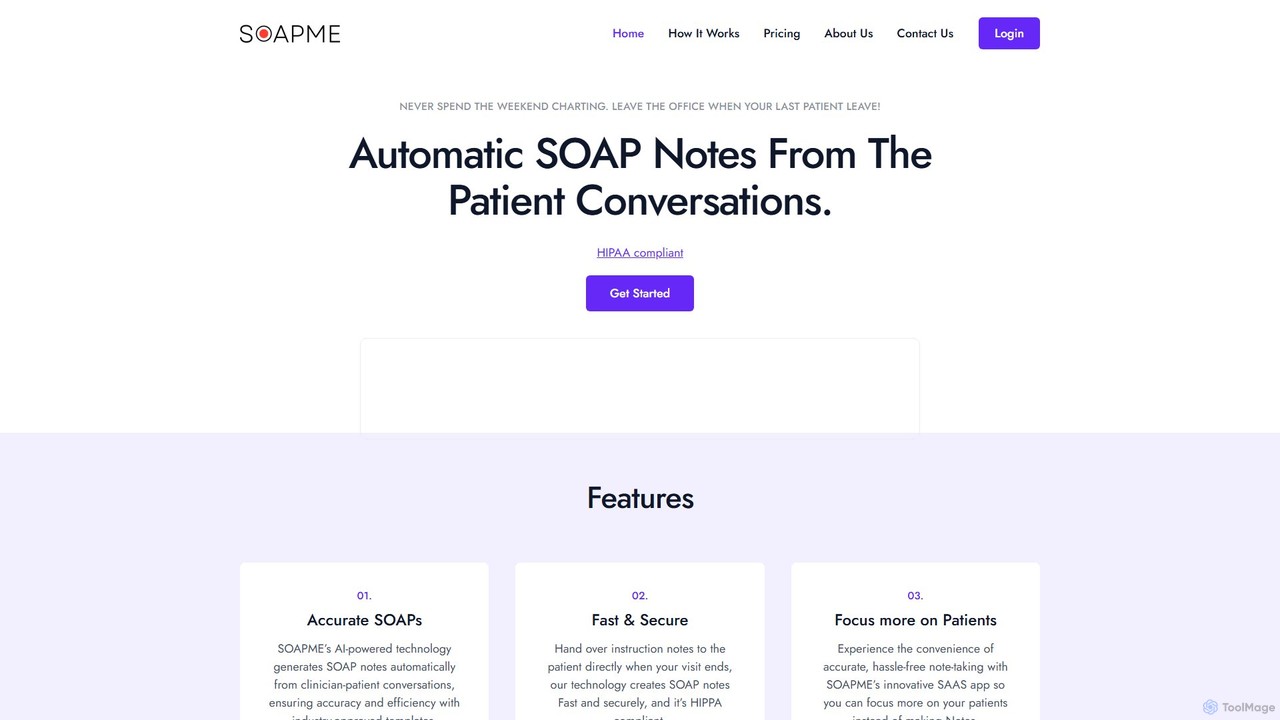
SOAPME.AI

SOAPME.AI is an AI-powered platform designed for clinicians to automatically generate accurate SOAP notes from patient conversations. By simply recording the consultation, the tool transcribes, summarizes, and structures the information into industry-approved templates. This HIPAA-compliant solution saves significant time on documentation, reduces administrative burnout, and allows healthcare professionals to focus more on patient care. It offers a user-friendly web app with voice editing capabilities for seamless integration into any clinical workflow.

Speech To Text
Visits 5.6KFavorites 135Likes 128
EasyDictation
Freemium

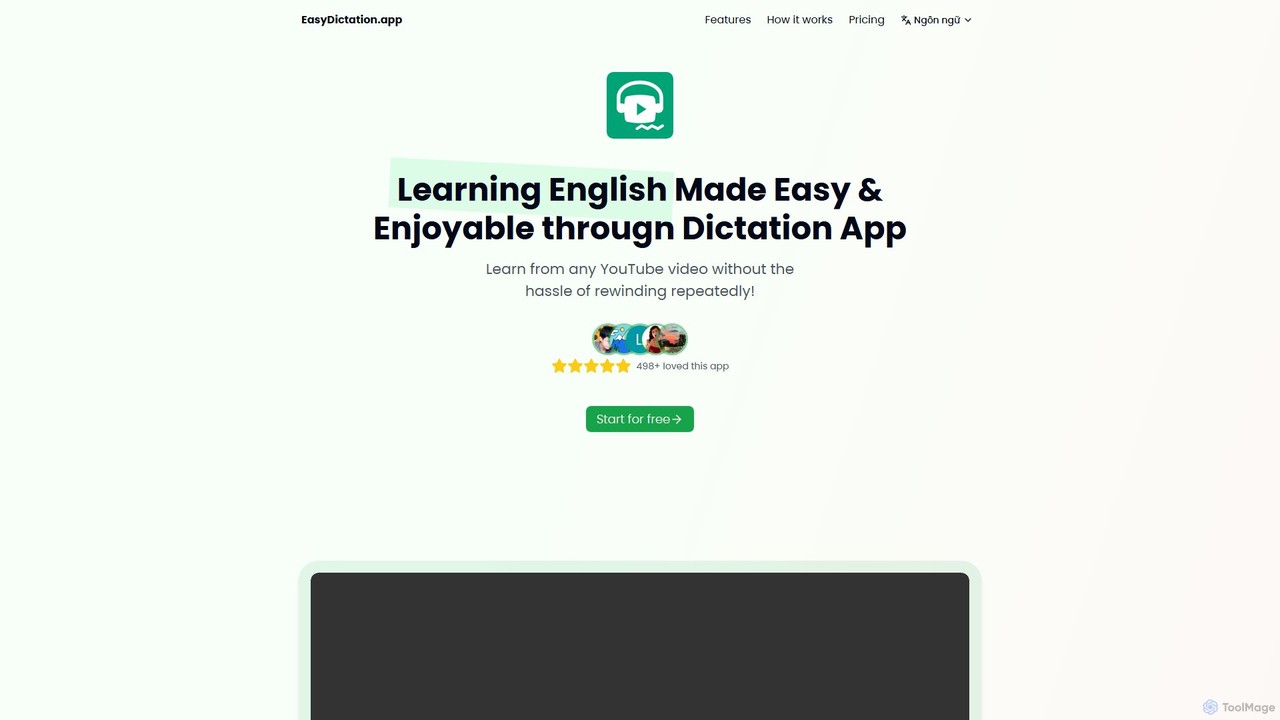
EasyDictation

EasyDictation is an AI-powered language learning platform that enhances English listening and speaking skills through dictation practice. It transforms any YouTube video into an interactive lesson, featuring automatic sentence pausing, accuracy checks, AI-powered speaking feedback, and progress tracking to make learning engaging and effective.

Speech To Text
Visits 6.9KFavorites 122Likes 135

About Speech To Text

Speech To Text tools are a class of AI software that automatically converts spoken language from audio or video into written text. These tools leverage advanced Automatic Speech Recognition (ASR) models to accurately identify words, punctuation, and even different speakers. Their primary value lies in making audio content searchable, accessible, and easy to analyze, significantly speeding up workflows for professionals across various industries. Many platforms also offer features like timestamping and custom vocabulary to enhance precision for specialized content.

Core Features

  • High-Accuracy Transcription: Converts audio to text with high precision, often handling various accents and dialects.
  • Speaker Diarization: Automatically identifies and labels different speakers in a conversation.
  • Timestamping: Aligns each word or phrase with its corresponding timestamp in the audio source.
  • Custom Vocabulary: Allows users to add specific terms, names, or jargon to improve recognition accuracy.
  • Multi-Language Support: Transcribes audio content from a wide range of global languages.

Use Cases

These tools are widely used by journalists for transcribing interviews, content creators for generating subtitles, and businesses for creating meeting minutes. They are also essential in the legal and medical fields for documentation and in software development for building voice-enabled applications.

How to Choose

When selecting a Speech To Text tool, consider its accuracy rate for your specific audio type, the range of languages it supports, and its ability to perform speaker diarization. Also evaluate the availability of an API for integration, the pricing model (per-minute vs. subscription), and data security policies.

Speech To Text use cases

1

Automated Transcription for Journalists and Researchers

Journalists and academic researchers frequently conduct hours of interviews that must be transcribed for analysis. Using an AI Speech To Text tool, they can upload audio recordings and receive a full, time-stamped transcript within minutes. This allows them to quickly search for key phrases, identify important quotes, and organize their findings efficiently. The speaker diarization feature helps distinguish between the interviewer and the interviewee, ensuring clarity and accuracy in the final report or article.

2

Generating Subtitles for Video Content Creators

Podcasters and YouTubers need to make their content accessible to a wider audience, including those who are deaf or hard of hearing, and improve their SEO. A Speech To Text tool can automatically generate a transcript from their video or audio file. This transcript can then be easily converted into subtitle formats (like .srt or .vtt) and uploaded alongside their content. This not only enhances accessibility but also allows search engines to index the spoken content, potentially increasing visibility and viewership.

3

Creating Searchable Meeting Minutes for Businesses

In a corporate setting, project managers and team leads can record virtual or in-person meetings. By processing the recording through a Speech To Text service, they obtain an accurate, searchable transcript. This document serves as an official record, eliminating disputes over what was said. Team members can quickly search for action items, decisions, and key discussion points without having to re-listen to the entire meeting. This streamlines post-meeting follow-ups and enhances overall team productivity.

4

Documentation for Legal and Medical Professionals

Paralegals, lawyers, and medical practitioners rely on accurate documentation. They can use Speech To Text tools to transcribe client depositions, court proceedings, or patient dictations. By using a service with a custom vocabulary feature, they can add specific legal or medical terminology to ensure higher accuracy. This process significantly reduces the time and cost associated with manual transcription services, while creating a digital, easily archivable record of important conversations.

5

Integrating Voice Commands into Applications

Developers can use Speech To Text APIs to build voice-enabled features into their software and devices. For example, a smart home application could use an STT API to interpret user commands like "turn on the living room lights." Similarly, a customer service chatbot can transcribe a user's spoken query in real-time to understand their intent and provide a relevant response. This creates a more natural and accessible user interface, improving the overall user experience.

6

Converting Lectures and Study Notes for Students

Students and educators can record lectures, seminars, or study group discussions. By transcribing these recordings, students can create searchable text-based notes, making it easier to review key concepts and prepare for exams. This is particularly beneficial for students with learning disabilities or for those who prefer reading over listening. It allows them to engage with the material in a different format and quickly locate specific information without re-watching entire lecture videos.

Speech To Text FAQ

What are Speech To Text tools?

Speech To Text (STT) tools are applications that use artificial intelligence, specifically Automatic Speech Recognition (ASR) technology, to convert spoken words into written text. They analyze audio signals and match them to words in a vast database. Key features often include:

  • Speaker identification: Differentiating between multiple speakers in a recording.
  • Timestamping: Marking the exact time a word was spoken.
  • Multi-language transcription: Processing audio in various languages.
These tools are used to make audio/video content searchable, create subtitles, and automate documentation.

How do I choose the right Speech To Text tool?

To choose the right tool, evaluate these factors based on your needs:

  • Accuracy: Check reviews or test the tool with your specific type of audio (e.g., clear interviews vs. noisy meetings).
  • Language and Dialect Support: Ensure it supports the languages and regional accents present in your audio.
  • Speaker Diarization: If you need to know who said what, choose a tool that can distinguish between speakers.
  • API Access: For developers, a well-documented and reliable API is crucial for integration.
  • Pricing Model: Compare costs, whether it's a per-minute fee, a monthly subscription, or a one-time purchase, and see what fits your usage volume.

What is the difference between AI Speech To Text and human transcription?

The main differences are speed, cost, and nuance. AI Speech To Text is significantly faster and more cost-effective, capable of transcribing hours of audio in minutes. It's ideal for bulk tasks and quick turnarounds. Human transcription, while slower and more expensive, can offer higher accuracy for complex audio with heavy accents, poor quality, or overlapping speech. Humans are also better at interpreting context, nuance, and non-verbal cues that AI might miss.

How accurate are AI Speech To Text tools?

The accuracy of modern AI Speech To Text tools can be very high, often reaching 90-99% under ideal conditions. However, accuracy is highly dependent on several factors:

  • Audio Quality: Clear audio with minimal background noise yields the best results.
  • Speaker Clarity: A clear, consistent speaking voice is easier to transcribe than mumbling or fast speech.
  • Accents and Dialects: While many tools support various accents, strong or uncommon ones can reduce accuracy.
  • Specialized Terminology: Without a custom vocabulary feature, tools may misinterpret industry-specific jargon, names, or acronyms.
It's always a good practice to test a tool with a sample of your own audio to gauge its performance for your specific use case.

Who can benefit from using Speech To Text software?

A wide range of professionals and individuals can benefit from Speech To Text software. This includes:

  • Content Creators: For creating subtitles, show notes, and blog posts from video or audio content.
  • Journalists & Researchers: To quickly transcribe interviews and analyze qualitative data.
  • Business Professionals: For documenting meetings, conference calls, and creating searchable archives.
  • Students & Educators: To convert lectures into text for easier studying and accessibility.
  • Developers: To integrate voice recognition capabilities into their applications and services.
  • Legal and Medical Staff: For accurate and efficient documentation of dictations and proceedings.