

ReadPal.ai Overview
ReadPal.ai is a sophisticated AI sidekick designed to supercharge your online activities. Functioning as a lightweight yet powerful Chrome extension, it integrates directly into your browsing experience, offering contextual assistance on any webpage you visit. Whether you are a student tackling dense academic papers, a professional conducting research, or simply a curious individual exploring the web, ReadPal.ai aims to make your reading more efficient and insightful. It works seamlessly across various content types, including standard web articles, online PDFs, and even Google Docs, making it a versatile tool for a wide range of users.
The core philosophy behind ReadPal.ai is to provide non-disruptive, on-demand assistance. It avoids cluttering your screen and instead offers its powerful features through intuitive interactions like context menus and keyboard shortcuts. By highlighting a piece of text, you can instantly summon the AI to summarize complex paragraphs, explain difficult terminology, or provide deeper analysis. This streamlined process ensures that you can maintain your focus and workflow without needing to switch between multiple tabs or applications to look up information.
How to use ReadPal.ai
Getting started with ReadPal.ai is designed to be simple and straightforward. Follow these steps to integrate your AI reading assistant:
- Installation: Visit the Chrome Web Store, search for "ReadPal.ai," and click "Add to Chrome." The extension will be installed in your browser in seconds.
- Activation: Once installed, the ReadPal.ai icon will appear in your browser's toolbar. No complex setup is required.
- Usage on a Webpage: Navigate to any article, blog post, PDF, or Google Doc you want to read.
- Select and Act: Highlight any text, from a single word to multiple paragraphs. A small ReadPal.ai pop-up or a right-click context menu option will appear.
- Get Insights: Choose from a list of actions such as "Summarize," "Explain," "Simplify," or ask a custom question about the selected content. The AI will process your request and provide a concise, easy-to-understand response in an overlay window.
- Keyboard Shortcuts: For even faster access, you can utilize configurable keyboard shortcuts to trigger your most-used functions.
Core Features of ReadPal.ai
- Smart Summarization: Instantly condenses long articles, reports, and documents into key bullet points or a short paragraph, saving you valuable time.
- Instant Explanations: Get clear and concise definitions for complex terms, jargon, and acronyms without leaving the page.
- Deeper Insights & Analysis: Go beyond the surface level. Ask the AI to analyze the author's tone, identify main arguments, or find supporting evidence within the text.
- Adaptive Companion: The tool intelligently adapts to your activity, whether you're researching for an essay, comparing products, or reading the news, offering relevant assistance.
- Seamless Integration: Designed to be unobtrusive, it works through context menus and simple shortcuts, blending perfectly into your natural browsing habits.
- Broad Compatibility: Functions effectively across a vast array of web content, including dynamic web pages, PDFs opened in Chrome, and collaborative platforms like Google Docs.
Use Cases for ReadPal.ai
ReadPal.ai is a versatile tool that benefits various users:
- Students and Academics: Quickly digest dense research papers, summarize study materials for revision, and get instant explanations for technical terminology to improve learning efficiency.
- Professionals and Analysts: Stay on top of industry news, analyze market reports, and quickly extract key information from business documents to make informed decisions faster.
- Content Creators and Writers: Conduct research more effectively by rapidly summarizing source materials and gathering key points to support their writing.
- Casual Readers: Enhance understanding of complex news articles, long-form blog posts, or any online content by simplifying language and summarizing main ideas.
- Online Shoppers: Summarize lengthy product reviews to quickly gauge customer sentiment and make better purchasing decisions.
Advantages of ReadPal.ai
The primary advantage of ReadPal.ai is its ability to significantly boost productivity and comprehension. By providing instant AI-powered assistance directly on the page, it eliminates the constant need for context-switching, which is a major drain on focus and time. Its user-friendly and non-intrusive design ensures that the technology serves the user, rather than distracting them. The tool's versatility across different types of content makes it an all-in-one solution for anyone who consumes information online. Furthermore, its freemium model allows users to experience its core benefits without any initial financial commitment.
Pricing and Plans
ReadPal.ai operates on a freemium model, making its core features accessible to everyone.
- Free Plan: Users can get started for free without providing a credit card. This plan typically includes a generous but limited number of AI queries per day or month, allowing you to use the summarization and explanation features for casual use.
- Premium Plan: For heavy users like researchers, students, and professionals, a paid premium plan is available. This plan usually offers unlimited AI queries, access to more advanced AI models for higher-quality insights, priority support, and potentially other exclusive features. Details on pricing are available on the official website.
ReadPal.ai Alternatives

Recap
Recap is a free, open-source Chrome extension that uses ChatGPT to intelligently summarize web content. Its unique "Smart Split" feature breaks down long articles into manageable passages, allowing users to summarize entire pages, specific sections, or selected text with high precision.
Chrome Extensions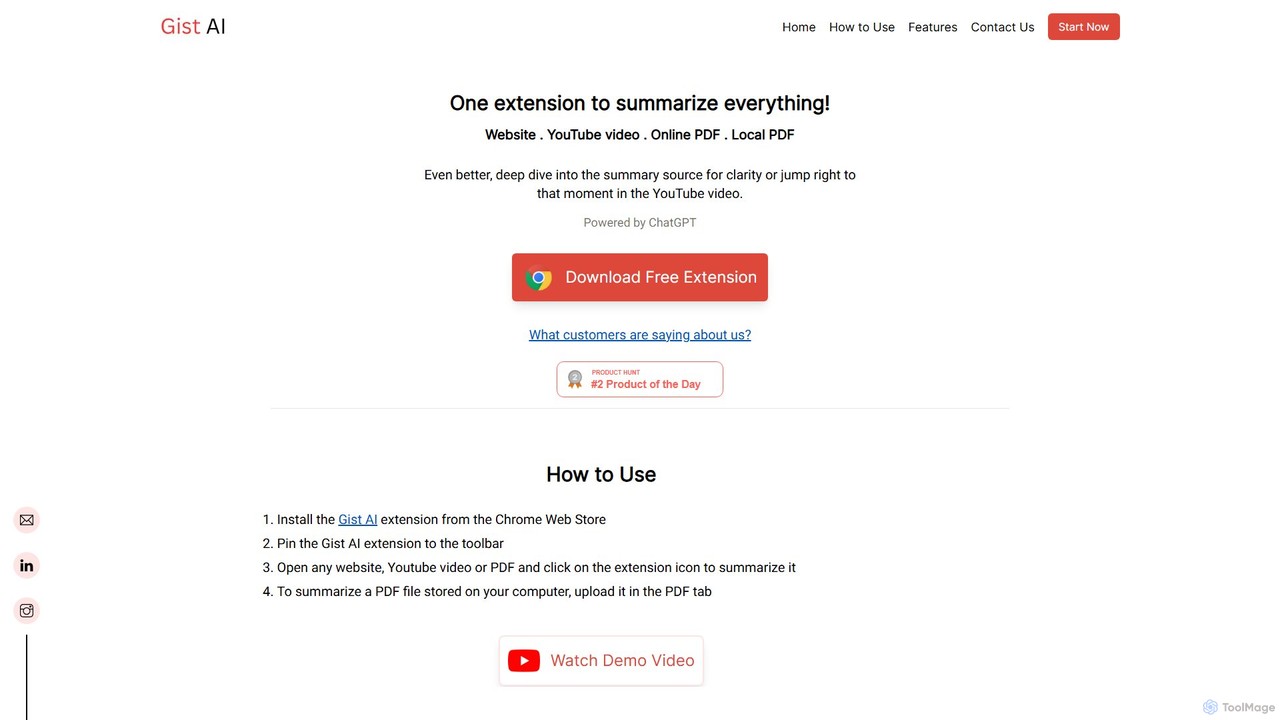
Gist AI
Gist AI is a free, ChatGPT-powered Chrome extension that instantly summarizes websites, YouTube videos, and both online and local PDFs. It helps you save time, improve comprehension, and quickly access the most important information from long-form content with a single click.
Chrome Extensions
chrome_ai
An all-in-one AI assistant integrated into your Chrome browser. Summarize web pages and YouTube videos, enhance your writing, explain complex topics, and chat with advanced AI models without leaving your current tab. Boost your productivity with seamless AI power.
Chrome Extensions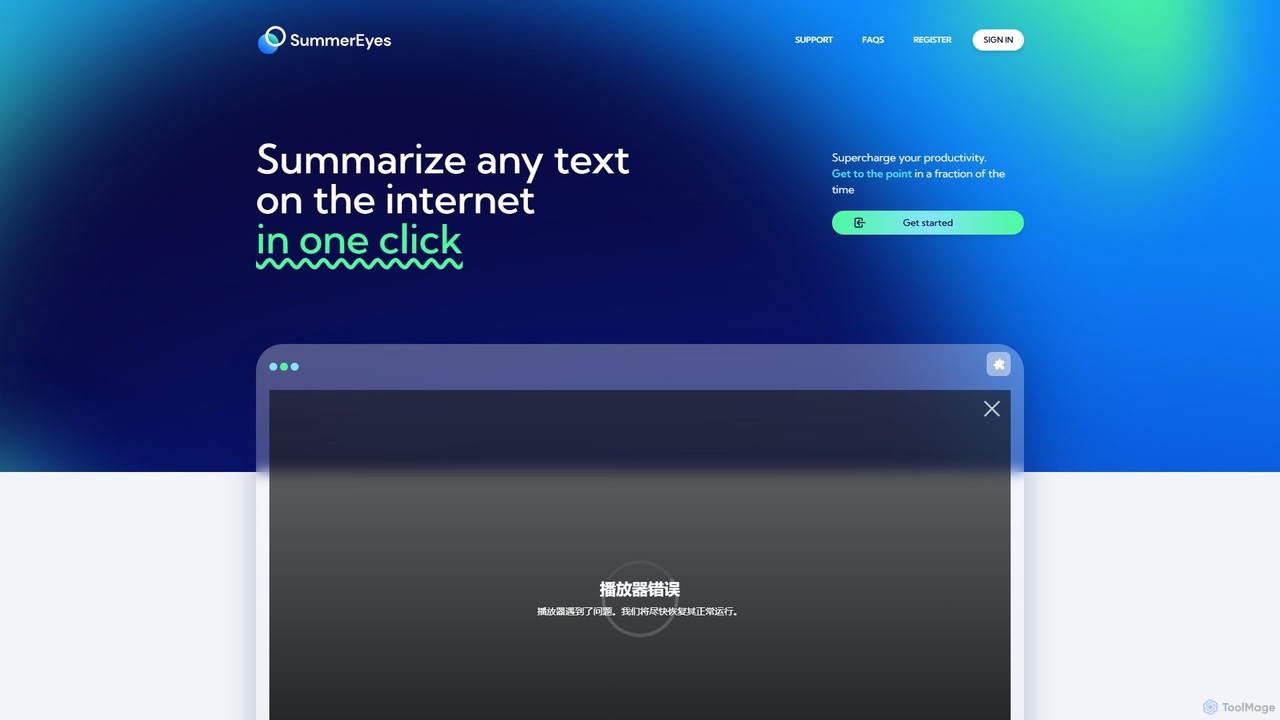
SummerEyes
SummerEyes is an AI-powered browser extension that summarizes any online text in a single click. It helps users quickly grasp the main points of articles, emails, and reports, significantly boosting reading speed and productivity. By integrating directly into your browser, it eliminates the need for copy-pasting, offering a seamless way to combat information overload.
Chrome Extensions
aireads.co
aireads.co is an AI-powered reading assistant that transforms how you interact with text. It summarizes long articles, PDFs, and documents, allows you to ask questions directly to your files, and converts text into natural-sounding audio. Ideal for students, researchers, and professionals looking to accelerate their learning and research process.
ResearchReadPal.ai Categories
ReadPal.ai Embed Widget
Copy this embed code to place the badge on your blog, article, or product site and send readers directly to this ToolMage detail page.

Related AI tools
Recap
Recap is a free, open-source Chrome extension that uses ChatGPT to intelligently summarize web content. Its unique "Smart Split" feature breaks down long articles into manageable passages, allowing users to summarize entire pages, specific sections, or selected text with high precision.
Chrome ExtensionsGist AI
Gist AI is a free, ChatGPT-powered Chrome extension that instantly summarizes websites, YouTube videos, and both online and local PDFs. It helps you save time, improve comprehension, and quickly access the most important information from long-form content with a single click.
Chrome Extensionschrome_ai
An all-in-one AI assistant integrated into your Chrome browser. Summarize web pages and YouTube videos, enhance your writing, explain complex topics, and chat with advanced AI models without leaving your current tab. Boost your productivity with seamless AI power.
Chrome ExtensionsSummerEyes
SummerEyes is an AI-powered browser extension that summarizes any online text in a single click. It helps users quickly grasp the main points of articles, emails, and reports, significantly boosting reading speed and productivity. By integrating directly into your browser, it eliminates the need for copy-pasting, offering a seamless way to combat information overload.
Chrome Extensionsaireads.co
aireads.co is an AI-powered reading assistant that transforms how you interact with text. It summarizes long articles, PDFs, and documents, allows you to ask questions directly to your files, and converts text into natural-sounding audio. Ideal for students, researchers, and professionals looking to accelerate their learning and research process.
Research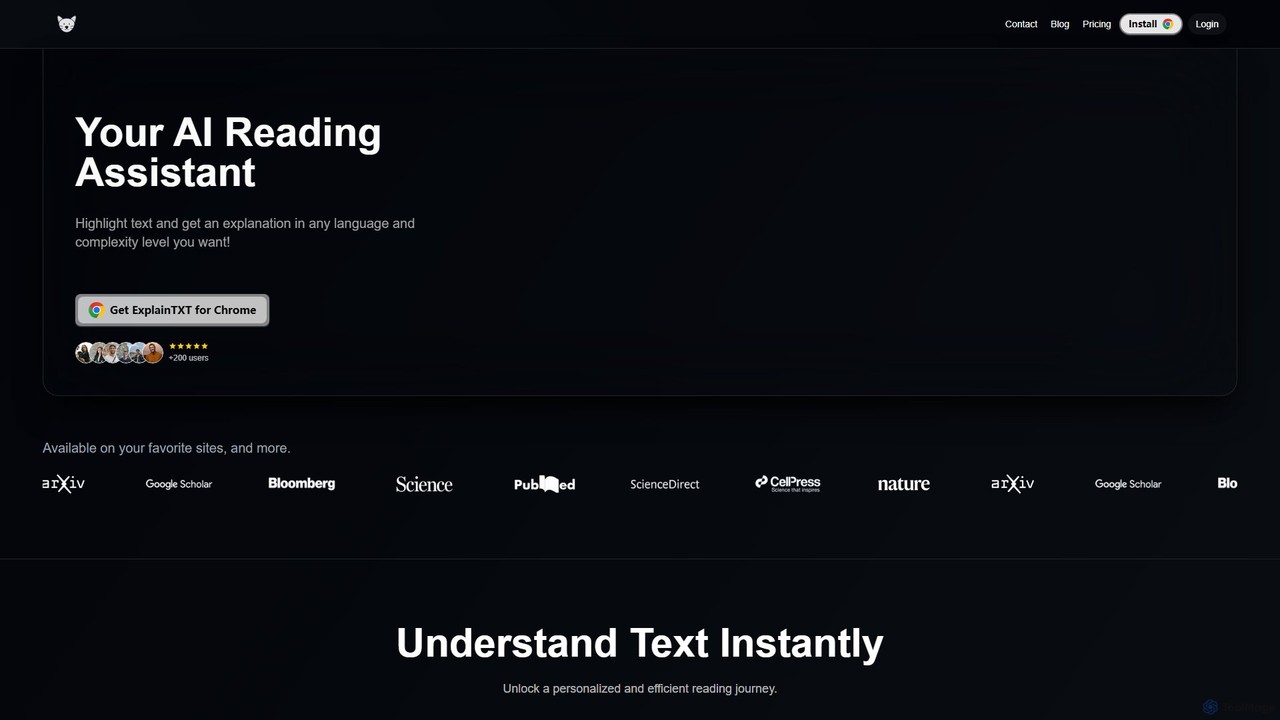
ExplainTXT
ExplainTXT is an AI-powered Chrome extension that acts as your personal reading assistant. Simply highlight any text online to get instant, clear explanations, translations into any language, and the ability to save key quotes. It's designed to make complex articles, technical documents, and academic papers easier to understand for students, professionals, and lifelong learners.
Chrome Extensions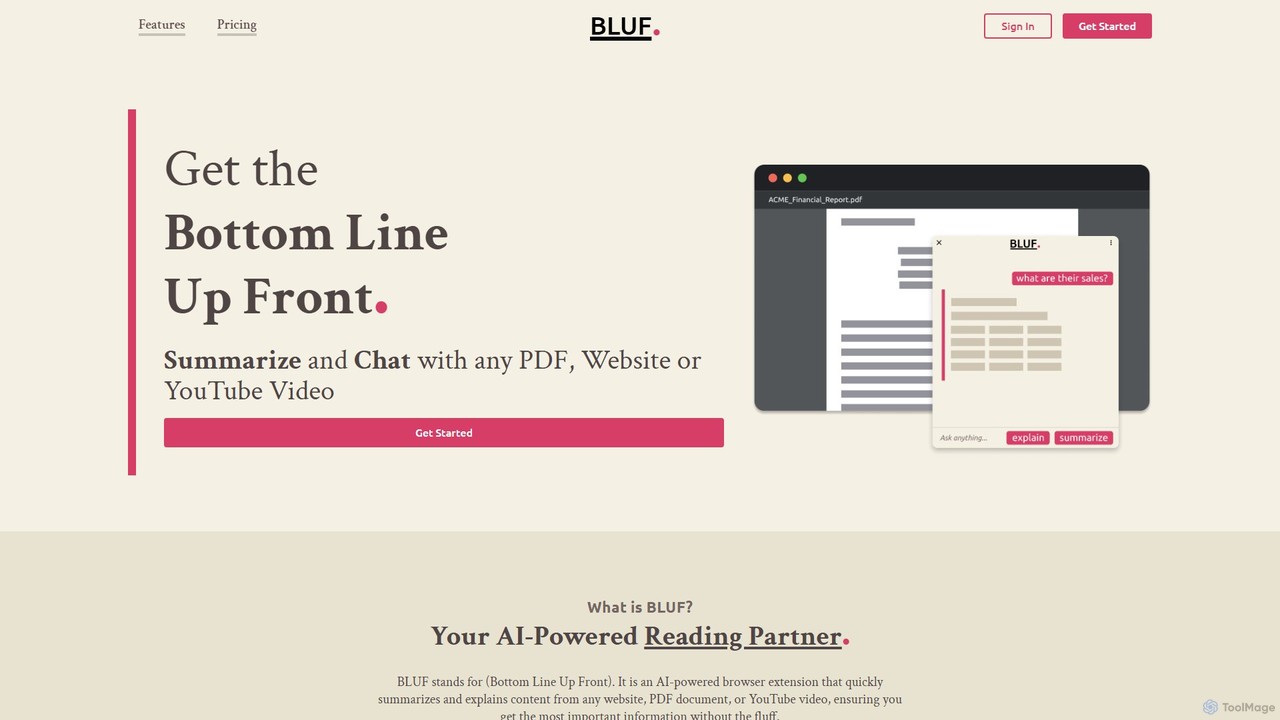
BLUF
BLUF is an AI-powered browser extension that instantly summarizes and explains content from any website, PDF, or YouTube video. Get the main points, understand complex topics, and ask follow-up questions to save time and boost your comprehension.
Reading Assistant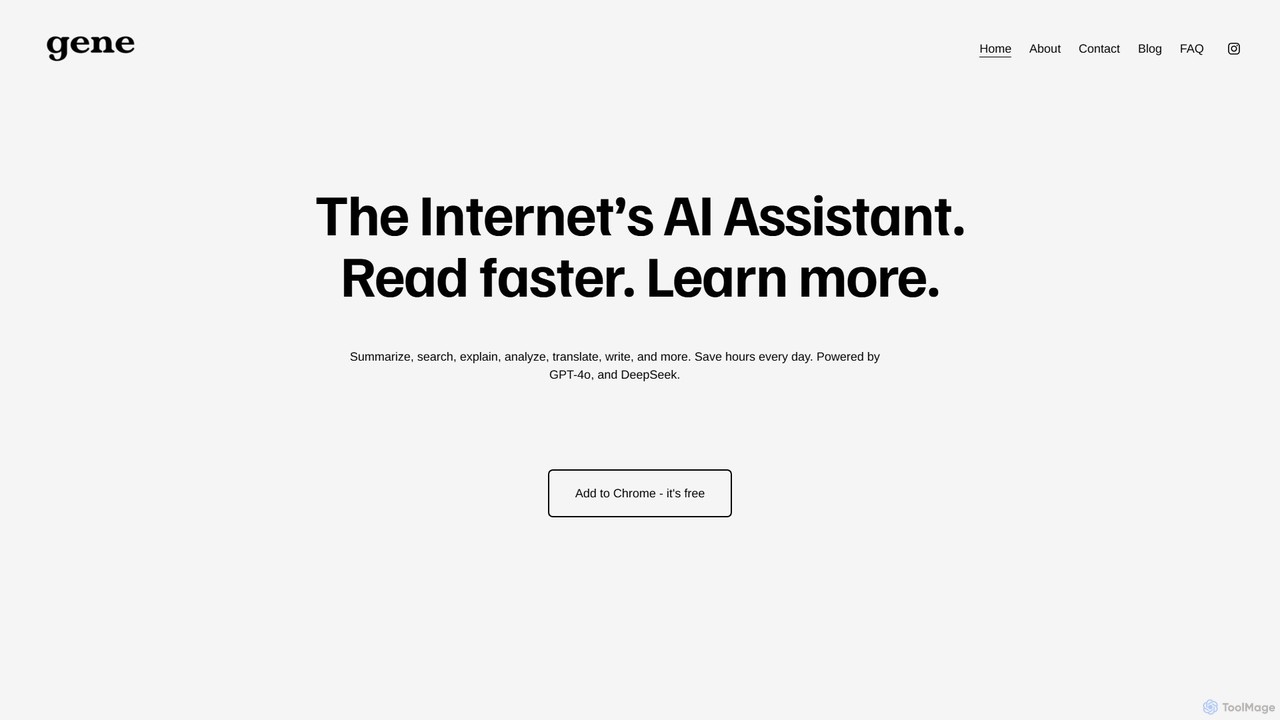
Ask Gene
Ask Gene is a free AI-powered Chrome extension that acts as your personal internet assistant. Powered by GPT-4o and DeepSeek, it allows you to summarize webpages and PDFs, chat with AI without leaving your tab, explain complex text, translate, and assist with writing, all seamlessly integrated into your browser.
Research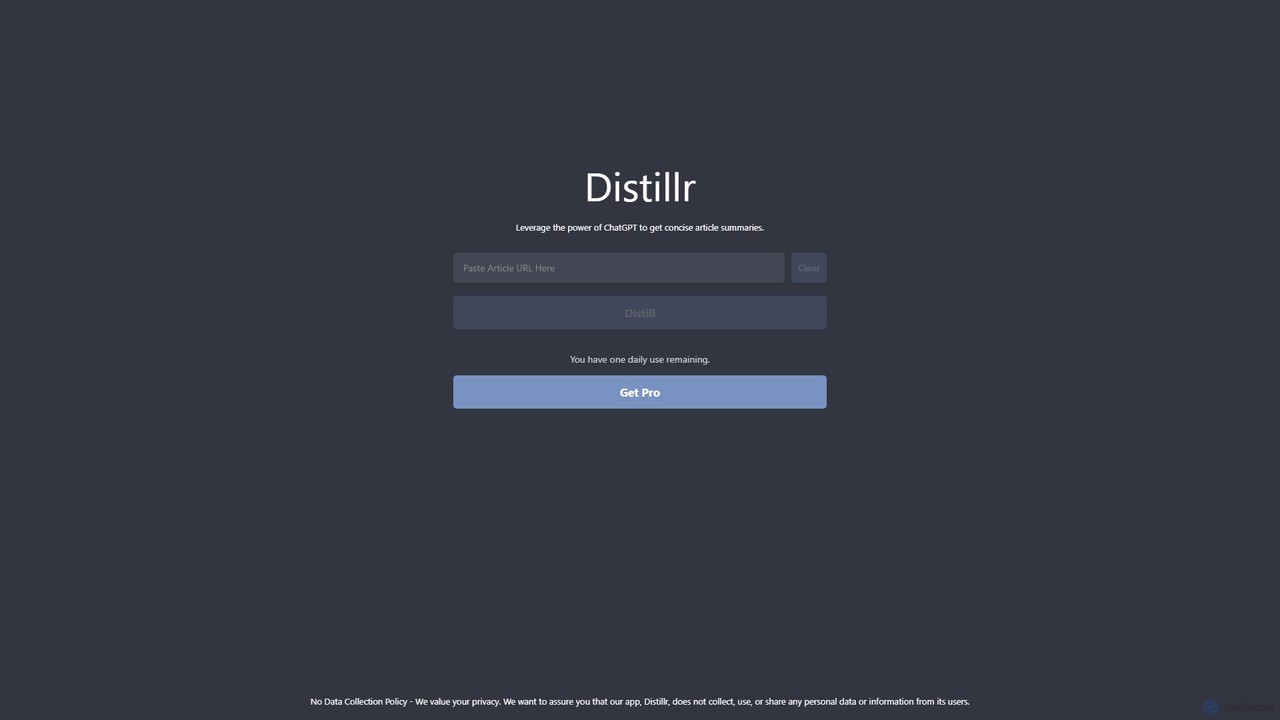
Distillr
Distillr is a privacy-focused AI tool that leverages the power of ChatGPT to generate concise and accurate summaries of articles and long texts. Simply paste text or a URL to quickly extract key insights, saving you valuable reading time and boosting productivity. It offers a free daily usage tier and a Pro plan for unlimited access.
Research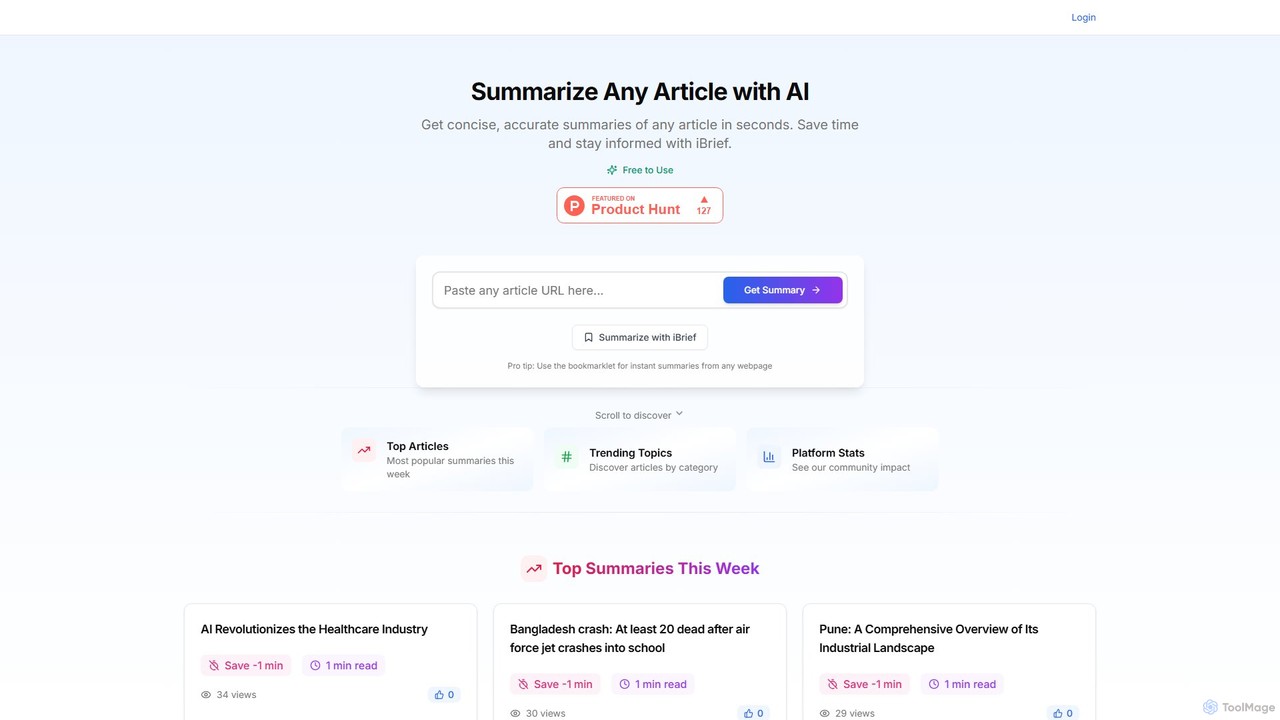
iBrief
iBrief is an AI-powered tool that generates concise and accurate summaries of any online article in seconds. It helps users save significant reading time, stay informed on various topics, and overcome information overload. With a simple interface and a convenient browser bookmarklet, iBrief makes absorbing information fast and efficient.
Research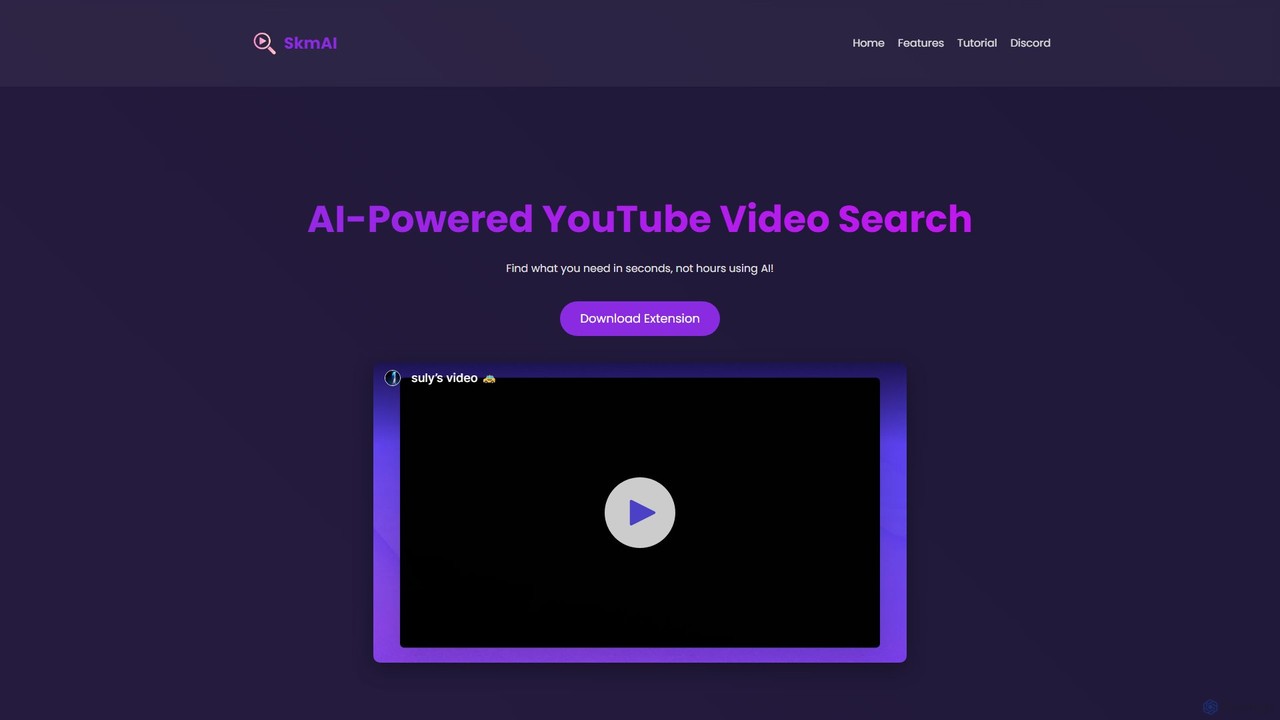
SkmAI
SkmAI is a free AI-powered Chrome extension that allows you to search within YouTube videos. Instantly find specific content, topics, or moments in long videos using natural language queries. It supports multilingual search and provides clickable timestamps to jump directly to the relevant part, saving you time and boosting productivity.
Chrome Extensions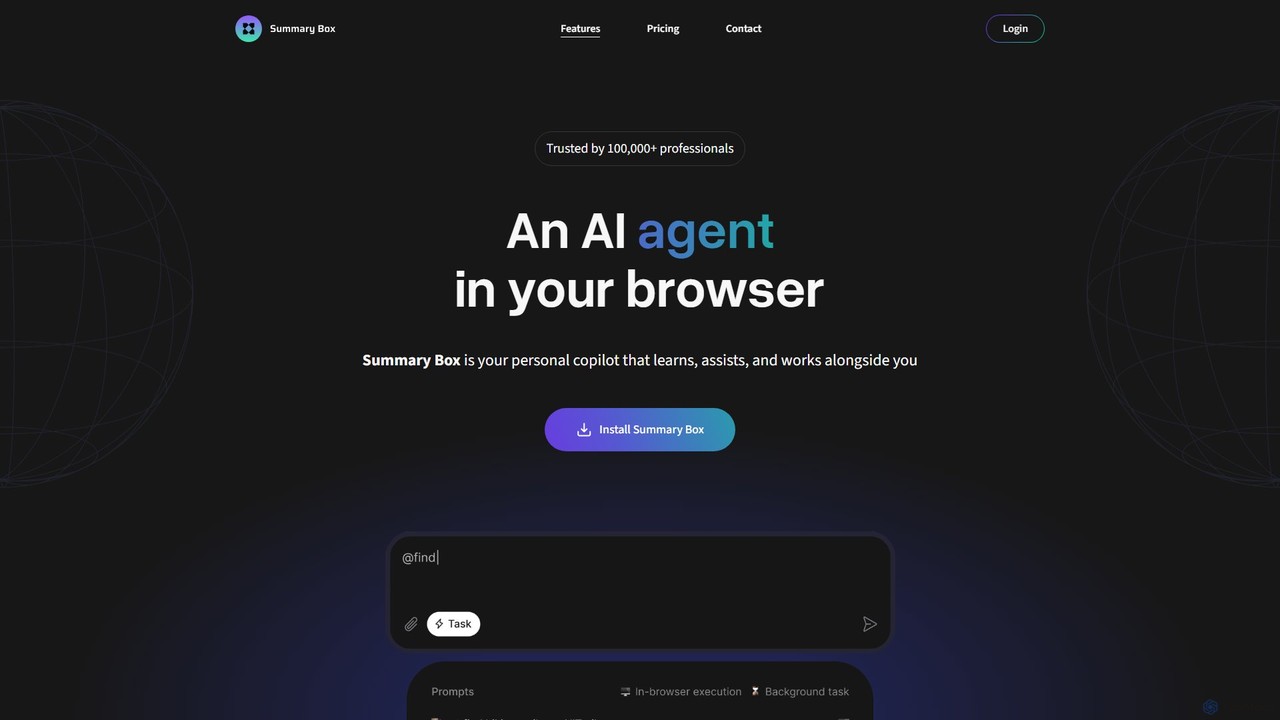
Summary Box
Summary Box is an AI-powered browser extension that acts as your personal copilot for the web. It generates high-quality, abstractive summaries of articles, PDFs, Google Docs, YouTube videos, and even audio. It's designed to save you time, enhance comprehension, and boost productivity by distilling long content into concise, key points.
Chrome Extensions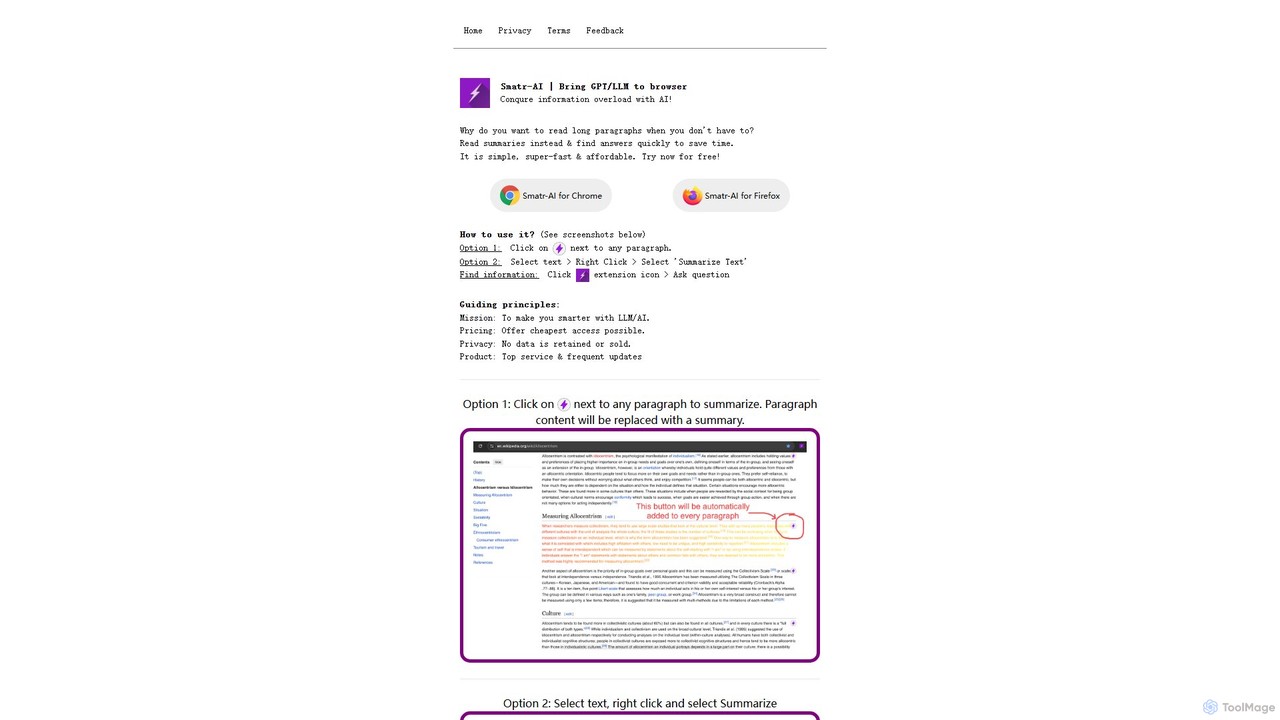
Smatr-AI
Smatr-AI is a browser extension for Chrome and Firefox that uses GPT/LLM technology to summarize web pages and text. It helps users quickly understand long articles, find answers within the text, and overcome information overload, boosting reading productivity.
Summarizer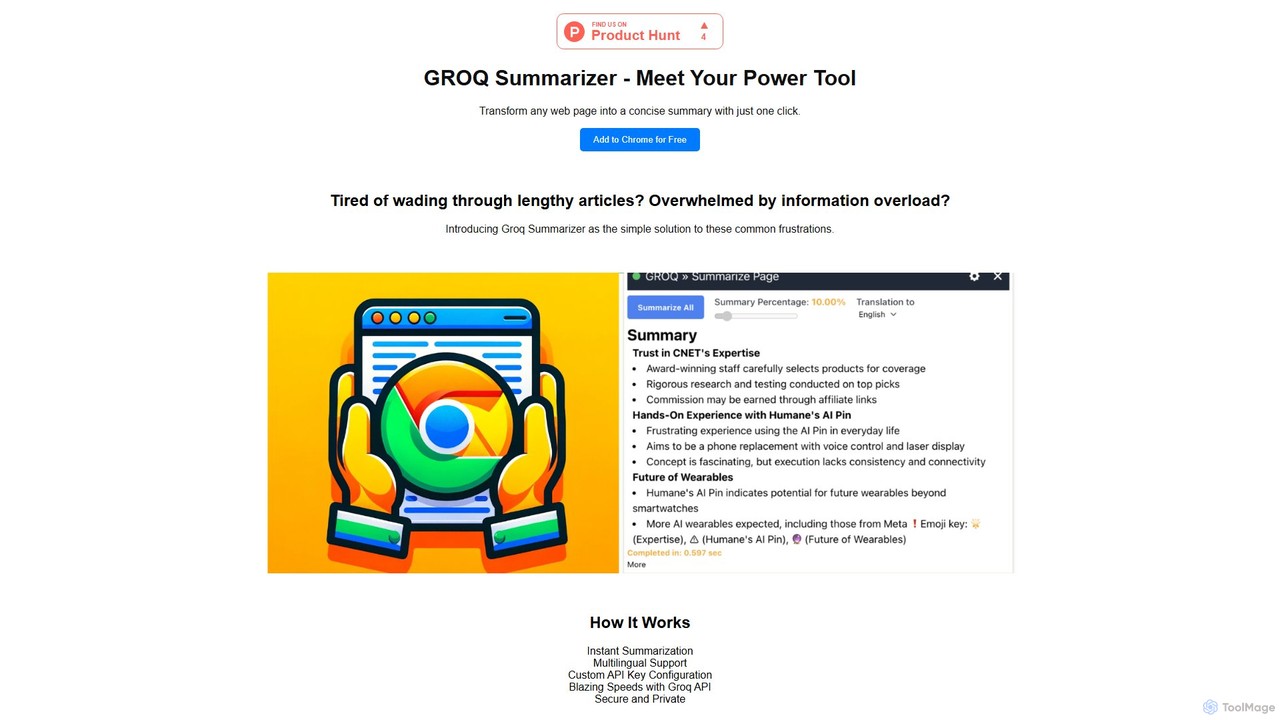
groqsummarizer
A lightning-fast Chrome extension that summarizes web pages and articles in seconds. Powered by the Groq API, it offers instant, multilingual summaries, allowing you to quickly grasp key information and overcome information overload. It operates on a Bring-Your-Own-Key (BYOK) model for enhanced privacy and control.
Chrome Extensions
WisdomRead
WisdomRead is an AI-powered reading assistant designed to help users comprehend complex texts faster. It intelligently summarizes articles, research papers, and documents, extracts key insights, and allows you to ask questions directly to your content. Transform your reading from a passive activity into an active, insightful learning experience.
Research
ReadPal.ai Comments (0)
Sign in to comment.
Sign inNo comments yet.