ToolMage
Sign in

Best 7 Reading Assistant for Productivity

Popular Reading Assistant in Productivity include Elmo Chat, Smatr-AI, aireads.co, WisdomRead, ReadPal.ai, Serendpt AI, and ExplainTXT, helping you work more efficiently.

Serendpt AI
Freemium

Serendpt AI

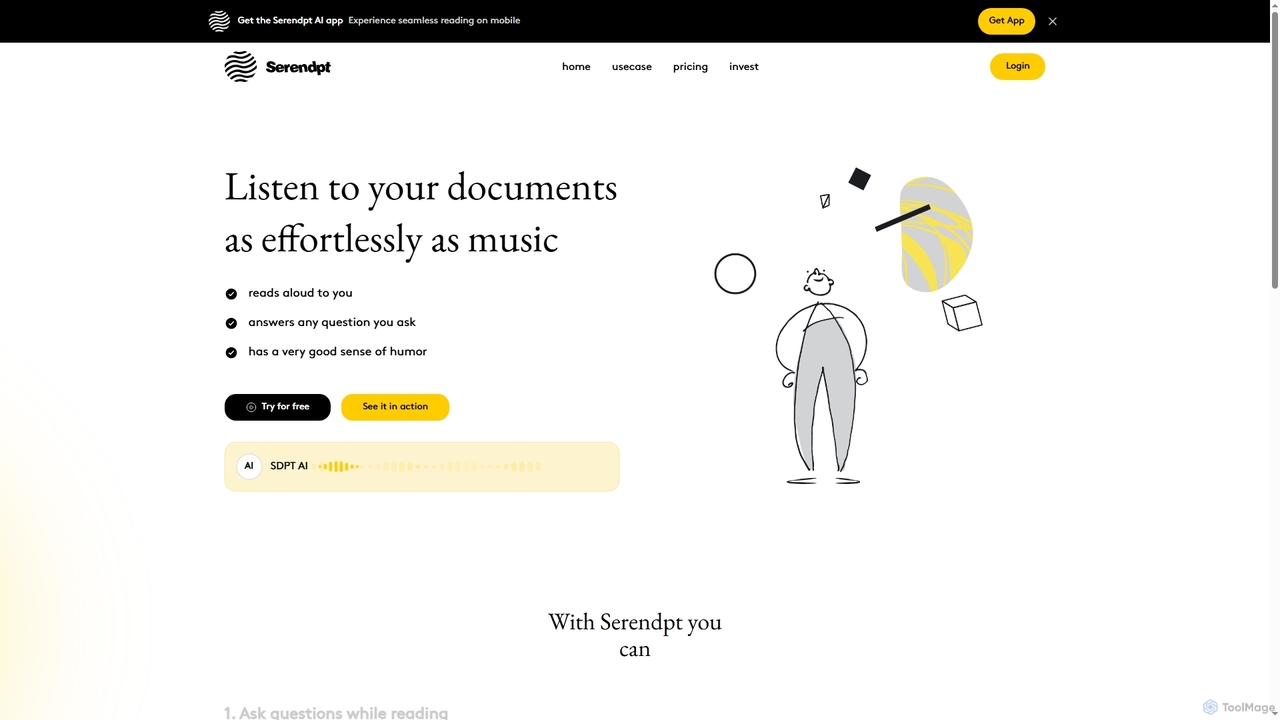
Serendpt AI is an intelligent reading companion that transforms documents and books into interactive experiences. It reads content aloud, answers questions instantly, and offers a personalized tutor mode, all accessible via a mobile app.

Conversational Ai
Visits 4.3KFavorites 119Likes 122
Elmo Chat
Freemium

Elmo Chat

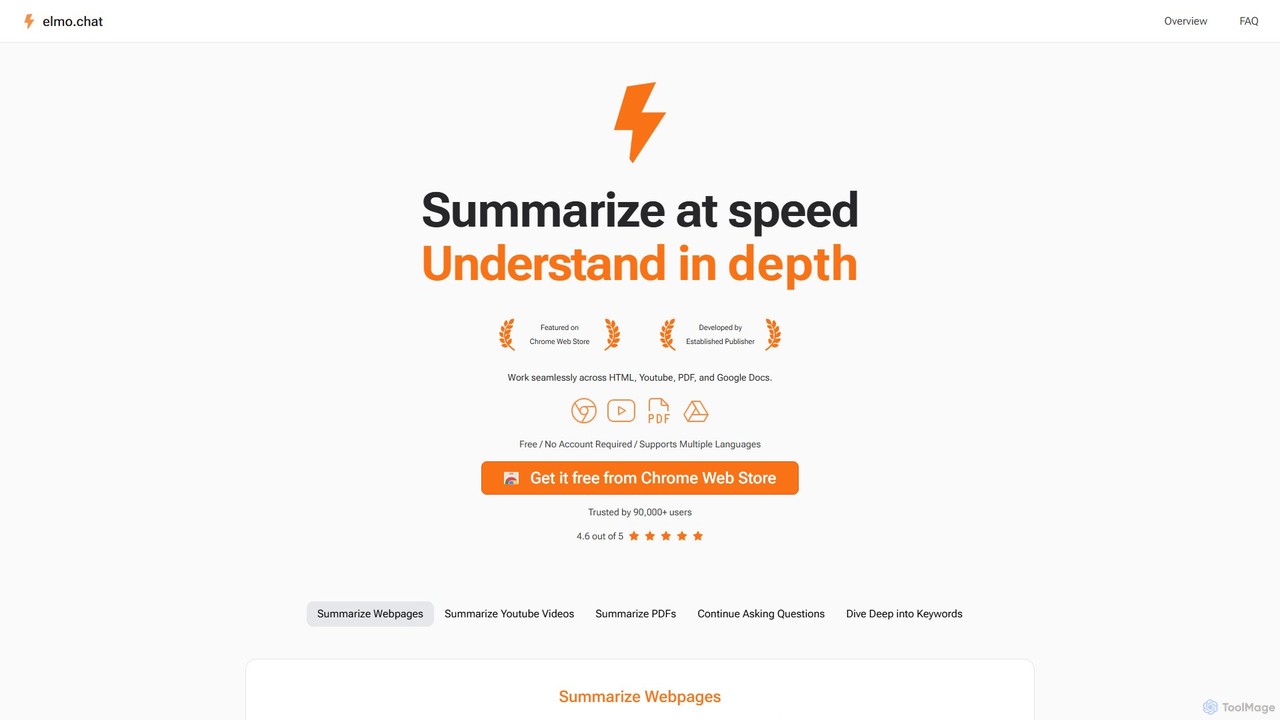
Elmo Chat is a powerful AI-powered Chrome extension that acts as your digital reading companion. It instantly summarizes webpages, YouTube videos, PDFs, and Google Docs. Ask questions directly to the content, explore keywords for deeper insights, and translate text, all seamlessly within your browser. No account or payment required.

Learning
Visits 8.3KFavorites 122Likes 101
aireads.co
Freemium

aireads.co

aireads.co is an AI-powered reading assistant that transforms how you interact with text. It summarizes long articles, PDFs, and documents, allows you to ask questions directly to your files, and converts text into natural-sounding audio. Ideal for students, researchers, and professionals looking to accelerate their learning and research process.

Research
Visits 4.3KFavorites 121Likes 144
ExplainTXT
Freemium

ExplainTXT

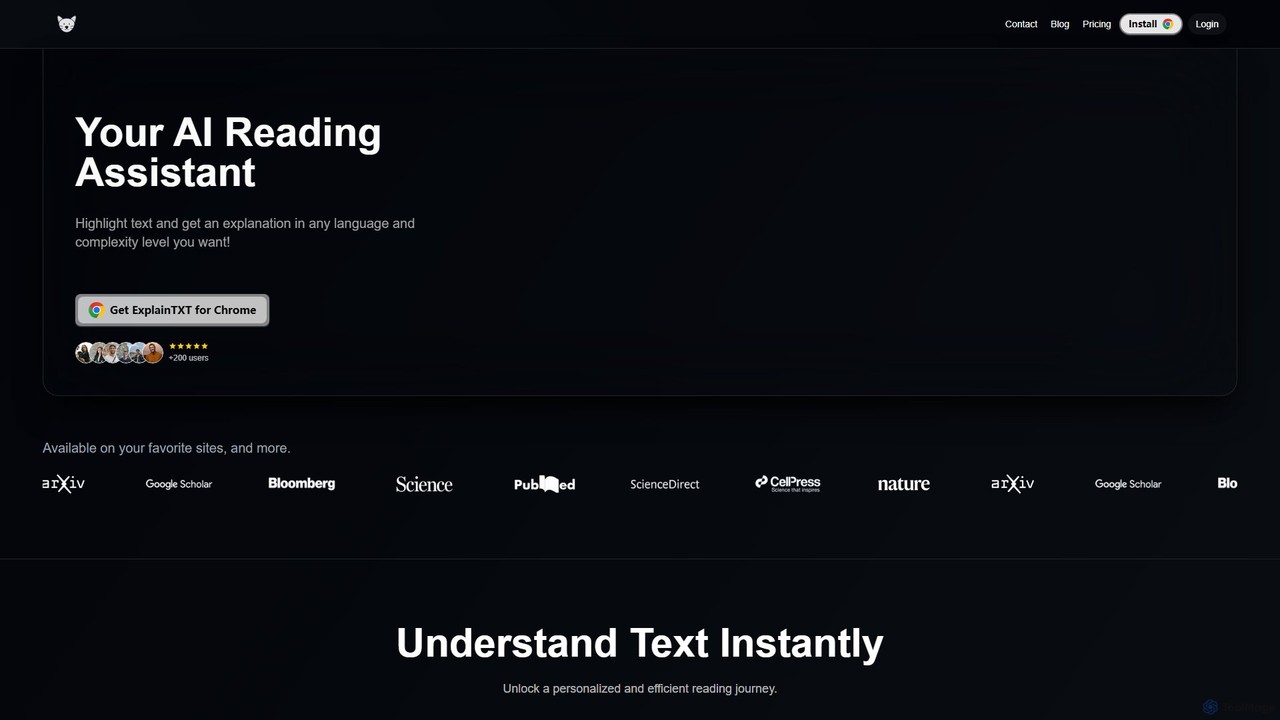
ExplainTXT is an AI-powered Chrome extension that acts as your personal reading assistant. Simply highlight any text online to get instant, clear explanations, translations into any language, and the ability to save key quotes. It's designed to make complex articles, technical documents, and academic papers easier to understand for students, professionals, and lifelong learners.

Chrome Extensions
Visits 4.3KFavorites 132Likes 136
WisdomRead
Freemium

WisdomRead

WisdomRead is an AI-powered reading assistant designed to help users comprehend complex texts faster. It intelligently summarizes articles, research papers, and documents, extracts key insights, and allows you to ask questions directly to your content. Transform your reading from a passive activity into an active, insightful learning experience.

Research
Visits 4.3KFavorites 136Likes 132
Smatr-AI
Freemium

Smatr-AI

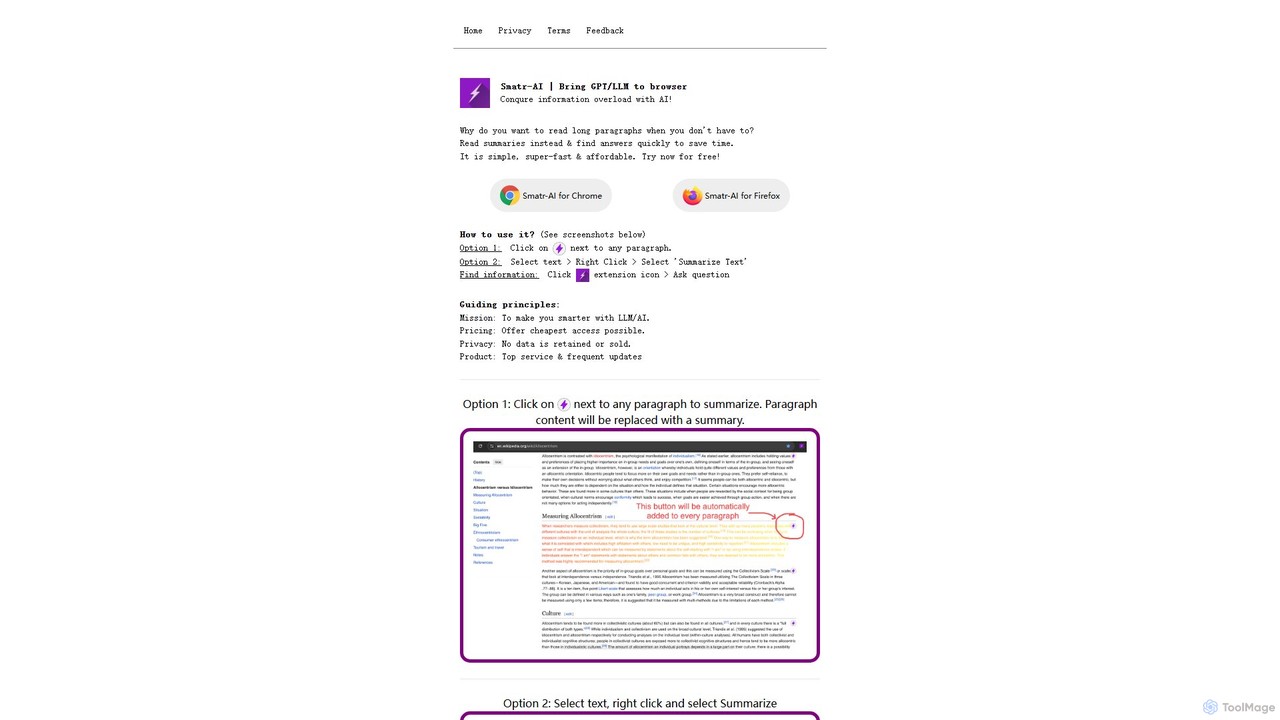
Smatr-AI is a browser extension for Chrome and Firefox that uses GPT/LLM technology to summarize web pages and text. It helps users quickly understand long articles, find answers within the text, and overcome information overload, boosting reading productivity.

Summarizer
Visits 4.7KFavorites 119Likes 129
ReadPal.ai
Freemium

ReadPal.ai

ReadPal.ai is an AI-powered Chrome extension that acts as your personal reading assistant. It seamlessly integrates into your browser to provide instant summaries, explanations, and insights on any webpage, including PDFs and Google Docs. Enhance your productivity and comprehension while learning, researching, or shopping online.

Chrome Extensions
Visits 4.3KFavorites 148Likes 135

About Reading Assistant

AI Reading Assistants are tools designed to enhance text comprehension and efficiency. They leverage natural language processing (NLP) to summarize long documents, answer questions about the content, and explain complex concepts. This allows users to quickly grasp key information from articles, reports, and books, significantly reducing reading time while improving understanding. These assistants act as an interactive layer on top of static text, transforming passive reading into an active learning experience.

Core Features

  • AI Summarization: Generates concise summaries of articles, PDFs, and web pages in various lengths.
  • Interactive Q&A: Allows users to ask specific questions about the text and receive contextual answers.
  • Concept Explanation: Defines technical terms and explains complex ideas directly within the document.
  • Enhanced Text-to-Speech: Reads text aloud with synchronized highlighting for better focus and accessibility.
  • Multi-format Support: Processes various file types including PDF, DOCX, EPUB, and web links.

Use Cases

These tools are valuable for students and researchers digesting academic papers, business professionals analyzing dense reports, and anyone looking to efficiently process large volumes of information. They are also frequently used as assistive technology for individuals with reading difficulties, helping to break down barriers to information access.

How to Choose

When selecting a Reading Assistant, consider the supported document formats (PDF, web), the quality and customizability of summaries, and integration capabilities like browser extensions. Also, evaluate the accuracy of the Q&A feature and the platform's privacy policy, especially when handling sensitive or confidential documents.

Featured tool rankings

Reading Assistant use cases

1

Accelerating Academic Research

For students and researchers, AI Reading Assistants are instrumental in navigating vast amounts of literature. Instead of spending hours reading entire papers, a user can upload a dozen PDFs on a topic. The tool can generate concise summaries for each, allowing for rapid initial screening. The user can then use the Q&A feature to ask specific questions like 'What was the sample size in this study?' or 'Explain the methodology used.' This process reduces research time from days to hours, enabling a more focused and efficient literature review.

2

Efficiently Analyzing Business Reports

A business analyst receives a 100-page market research report. Using a Reading Assistant, they can instantly get an executive summary and a list of key findings. They can then ask direct questions like 'What are the projected growth rates for the APAC region?' or 'Summarize the competitive landscape section.' This allows the analyst to extract critical business intelligence quickly without getting bogged down in dense text, enabling faster decision-making and report preparation for stakeholders.

3

Simplifying Complex Legal Documents

Legal professionals and their clients often face dense, jargon-filled contracts or case files. A Reading Assistant can be used to simplify this language. A user can upload a contract and ask the tool to 'Explain the indemnification clause in simple terms' or 'List all obligations for Party A.' This not only speeds up the review process but also enhances comprehension for non-lawyers, facilitating better communication and understanding between legal experts and their clients.

4

Assisting Language Learning and Comprehension

A language learner can use a Reading Assistant to tackle authentic materials like news articles or short stories in a foreign language. They can listen to the text with the text-to-speech feature to improve pronunciation and listening skills. When they encounter an unknown word or a complex grammatical structure, they can ask the assistant for a definition or an explanation in their native language. This creates an immersive and supportive learning environment, making challenging texts more accessible.

5

Enhancing Accessibility for Readers with Dyslexia

For individuals with dyslexia or other reading difficulties, a wall of text can be daunting. An AI Reading Assistant serves as a powerful accessibility tool. The text-to-speech function with synchronized word highlighting helps track the text, improving focus and decoding. The summarization feature can break down long passages into manageable bullet points. Users can also adjust font sizes and spacing, creating a personalized and less stressful reading experience that caters to their specific needs.

6

Quickly Digesting Daily News and Articles

For busy professionals or anyone wanting to stay informed, keeping up with daily news and long-form articles is a challenge. A Reading Assistant with a browser extension can summarize a web article with a single click. During a commute, a user can queue up several articles to be read aloud via the text-to-speech feature. This transforms idle time into productive learning time, allowing users to consume more information and stay current on topics that matter to them without dedicating specific blocks of time to reading.

Reading Assistant FAQ

What is an AI Reading Assistant?

An AI Reading Assistant is a software tool that uses artificial intelligence, particularly natural language processing (NLP), to help users read and comprehend text more effectively. Unlike simple text-to-speech readers, these assistants offer interactive features. Key functions include generating summaries of long documents, answering specific questions based on the text, defining terms, and explaining complex concepts. They essentially act as an intelligent partner that helps you digest and interact with written information faster and with deeper understanding.

How do I choose the right AI Reading Assistant?

To choose the right tool, consider these factors:

  • Supported Formats: Ensure it can handle the file types you use most, such as PDFs, web pages, EPUBs, or Word documents.
  • Feature Set: Do you need advanced Q&A, multi-language translation, or simple summarization? Match the features to your primary use case.
  • Integration: Look for browser extensions or app integrations (like with Notion or Zotero) that fit your workflow.
  • Accuracy and Quality: Test the tool with a sample document to evaluate the quality of its summaries and the accuracy of its answers.
  • Privacy: Review the privacy policy to understand how your documents and data are handled, especially for sensitive information.
What's the difference between an AI Reading Assistant and a simple text summarizer?

The main difference is interactivity and scope. A simple text summarizer has one primary function: to shorten a piece of text. An AI Reading Assistant is a more comprehensive tool. While it includes summarization, it also allows you to actively engage with the content. You can ask follow-up questions, request definitions for specific terms, and explore concepts within the document. In essence, a summarizer gives you a static output, whereas a reading assistant provides a dynamic and interactive environment for deeper comprehension.

Who can benefit from using an AI Reading Assistant?

A wide range of users can benefit from these tools. This includes:

  • Students and Researchers: To quickly review academic papers and source materials.
  • Business Professionals: To analyze long reports, legal documents, and market analyses efficiently.
  • Content Creators: To speed up research by summarizing multiple sources.
  • Individuals with Reading Disabilities: To use as an assistive technology for better accessibility.
  • Lifelong Learners: To stay informed by consuming more articles, books, and news in less time.
Are my uploaded documents secure when using an AI Reading Assistant?

Security is a critical consideration. Reputable AI Reading Assistants use encryption to protect your data both in transit and at rest. However, policies can vary significantly between providers. It is essential to read the privacy policy and terms of service for any tool you consider. For highly sensitive or confidential documents, it is advisable to use services that offer on-premise solutions or have explicit, strong data privacy guarantees and comply with regulations like GDPR or HIPAA where applicable.