
ExplainTXT Overview
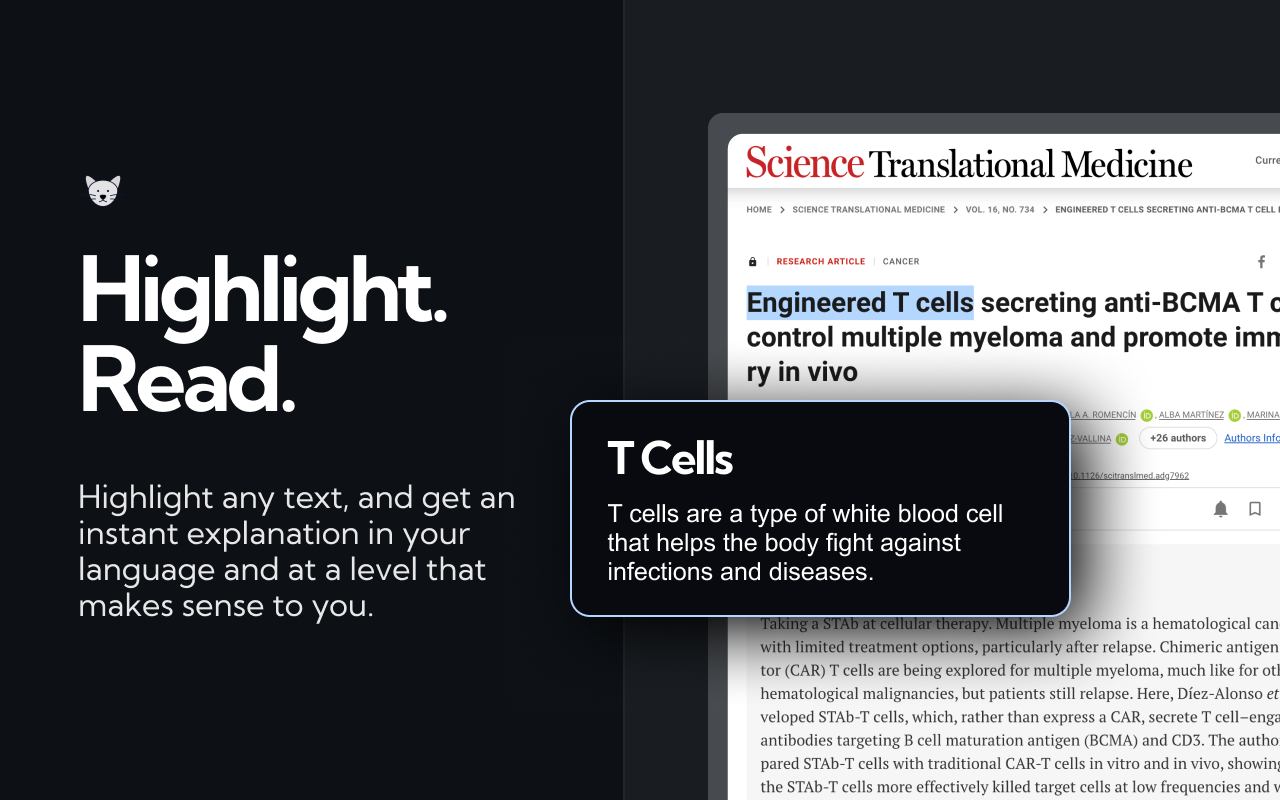
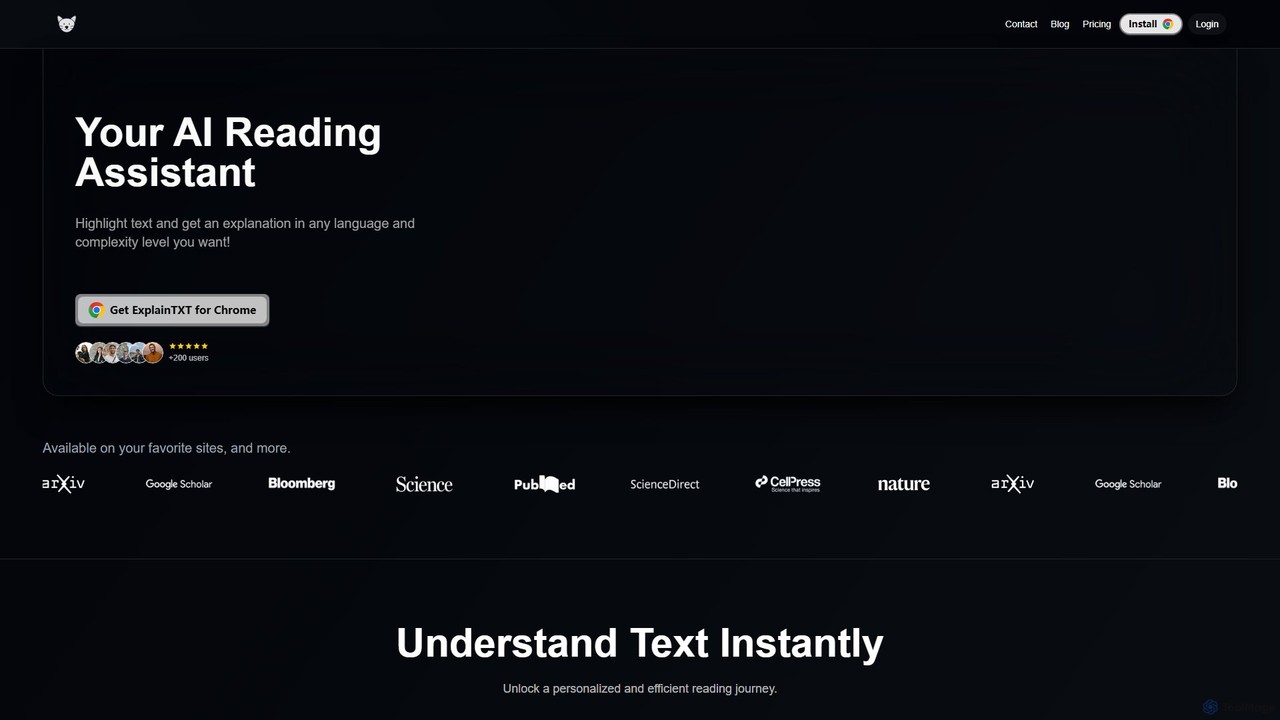
ExplainTXT is a powerful AI reading assistant designed to revolutionize how you interact with online text. As a seamless Chrome extension, it integrates directly into your browsing experience, allowing you to instantly understand complex concepts, technical jargon, and unfamiliar terms without ever leaving the page. Whether you're a student tackling dense academic papers, a professional deciphering technical documentation, or simply a curious reader exploring new topics, ExplainTXT empowers you to read with greater clarity, speed, and comprehension. It breaks down barriers to knowledge by providing tailored explanations, translations, and summaries on demand.
How to use ExplainTXT
Getting started with ExplainTXT is incredibly simple and designed for maximum efficiency. Follow these easy steps to transform your reading experience:
- Install the Extension: Visit the Chrome Web Store and add the ExplainTXT extension to your browser with a single click.
- Browse the Web: Navigate to any website containing the text you want to understand, such as a news article, a scientific study, a blog post, or technical documentation.
- Highlight Text: Use your mouse to select the word, phrase, or paragraph that you find confusing or want to learn more about.
- Get Instant Insights: A small ExplainTXT pop-up will instantly appear. From here, you can choose to 'Explain' the text for a simplified breakdown, 'Translate' it into your desired language, or 'Save' the quote for future reference.
- Customize Your Experience: You can also adjust the complexity level of the explanations to match your current understanding, ensuring the information is perfectly tailored to your needs.
Core Features of ExplainTXT
- AI-Powered Explanations: Highlight any text to receive clear, concise explanations generated by advanced AI. It simplifies complex sentences, defines jargon, and provides context to help you grasp the core meaning instantly.
- Multi-Language Translation: Seamlessly translate selected text into virtually any language. This feature is perfect for language learners, researchers working with international sources, and users browsing foreign websites.
- Customizable Complexity Levels: Tailor the depth of the explanations to your needs. Choose from different complexity levels (e.g., simple, intermediate, expert) to get an explanation that's just right for you, whether you're a beginner or an expert in the field.
- Save and Organize Quotes: Found an insightful sentence or important data point? Save it directly from the page with a single click. All your saved quotes are stored for easy access, helping you build a personal knowledge base and reference them for essays, reports, or projects.
Use Cases for ExplainTXT
ExplainTXT is a versatile tool that benefits a wide range of users:
- For Students and Academics: Quickly understand complex theories in academic journals, decipher dense textbook passages, and gather key information while writing a thesis or research paper. As testified by a PhD in Biochemistry and a medical student, it's invaluable for clarifying concepts.
- For Professionals and Developers: Speed up the process of reading technical documentation, industry reports, and complex project briefs. An Algorithm Developer noted using it daily to get through technical docs faster.
- For Language Learners: Enhance language acquisition by getting instant translations and explanations of unfamiliar words and phrases in their target language, as highlighted in the ExplainTXT blog.
- For Lifelong Learners: Explore any topic of interest online without getting bogged down by difficult terminology. Make reading long-form articles on complex subjects like science, finance, or philosophy more accessible and enjoyable.
Advantages of ExplainTXT
ExplainTXT offers a significant edge in a world of information overload:
- Boosts Productivity: Saves you valuable time by eliminating the need to switch tabs and search for definitions or translations. Get the information you need directly on the page.
- Enhances Comprehension: Goes beyond simple definitions to provide contextual explanations, ensuring you truly understand the material.
- Personalized Learning: The adjustable complexity level creates a customized learning journey that adapts to your knowledge level.
- Seamless Integration: As a lightweight Chrome extension, it works on your favorite sites without slowing down your browser.
- User-Friendly Interface: The tool is designed to be intuitive and super easy to use, allowing you to focus on reading, not on learning how to use the tool.
Pricing and Plans
ExplainTXT offers a flexible pricing structure to suit different needs, including a generous free plan. You can cancel your subscription at any time.
- Free Plan: Perfect for getting started. This plan includes 30 free explanations per month at no cost.
- Monthly Plan: For regular users who need more. For $4.99 per month, you get unlimited explanations and all premium features.
- Annual Plan (Most Popular): The best value for dedicated users. For $2.99 per month (billed annually at $35.88), you get a 50% discount and unlimited explanations.
You can get started for free and upgrade to a premium plan to unlock your full reading potential.
ExplainTXT Alternatives
Elmo Chat
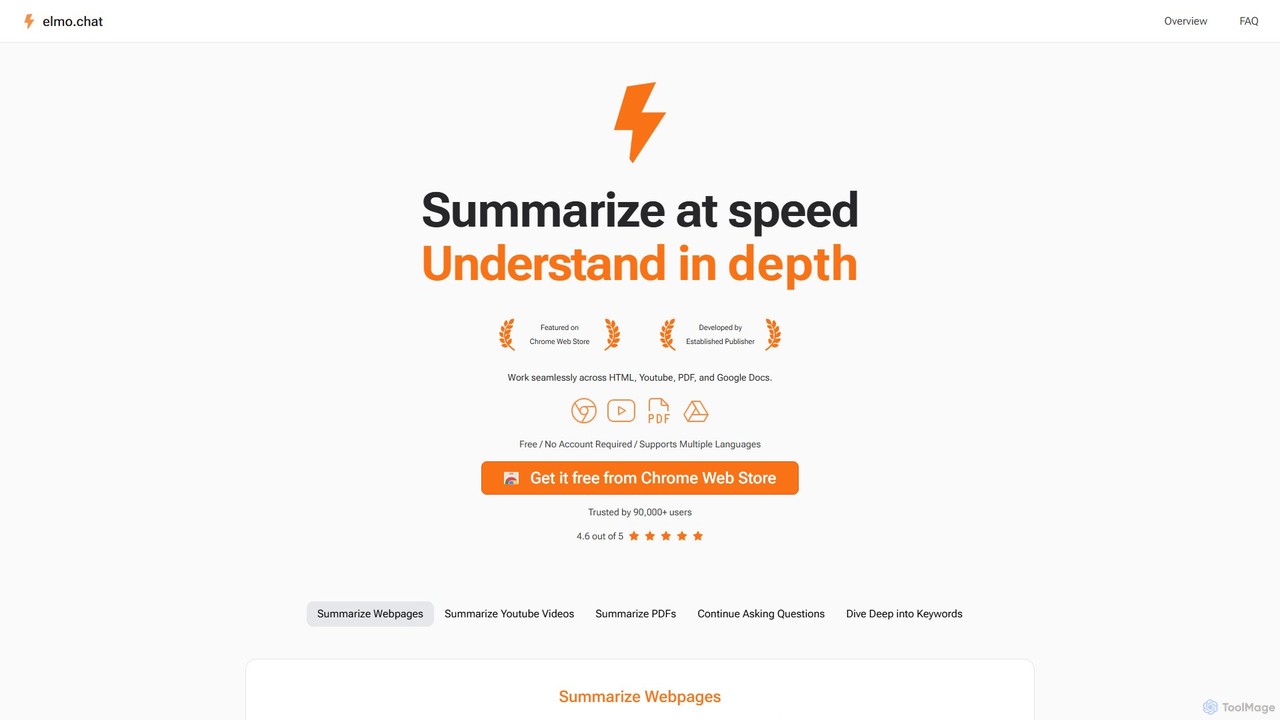
Elmo Chat is a powerful AI-powered Chrome extension that acts as your digital reading companion. It instantly summarizes webpages, YouTube videos, PDFs, and Google Docs. Ask questions directly to the content, explore keywords for deeper insights, and translate text, all seamlessly within your browser. No account or payment required.
Learning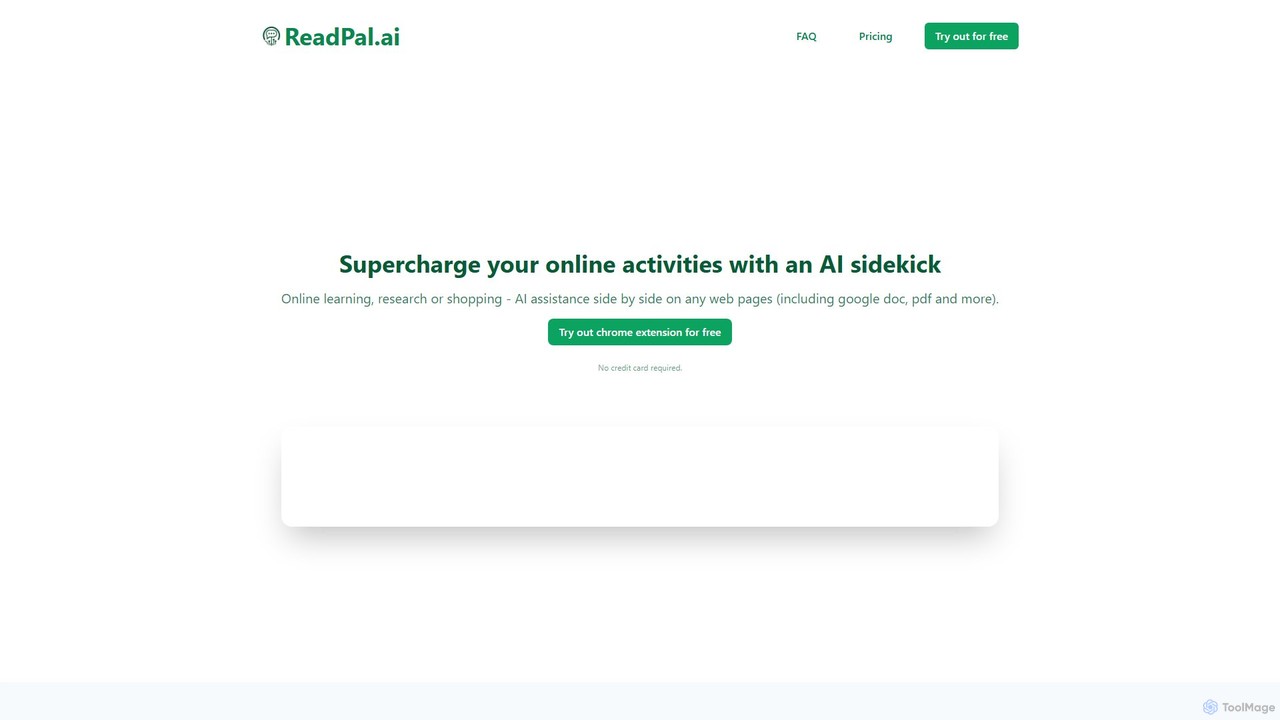
ReadPal.ai
ReadPal.ai is an AI-powered Chrome extension that acts as your personal reading assistant. It seamlessly integrates into your browser to provide instant summaries, explanations, and insights on any webpage, including PDFs and Google Docs. Enhance your productivity and comprehension while learning, researching, or shopping online.
Chrome Extensions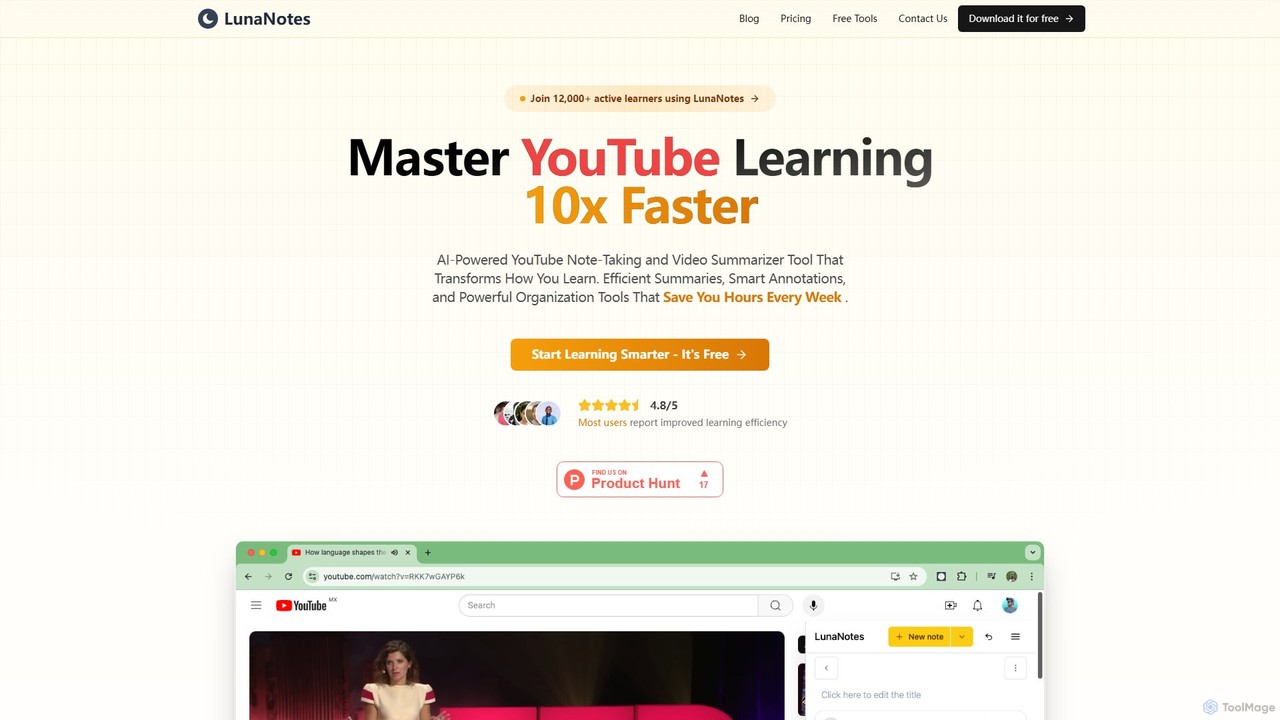
LunaNotes
LunaNotes is an AI-powered note-taking tool and video summarizer for YouTube. It enhances video learning by allowing users to take time-stamped notes, generate AI summaries, and organize content efficiently. Available as a Chrome extension and web app, it's designed for students, educators, and professionals to learn 10x faster from video content.
Chrome Extensions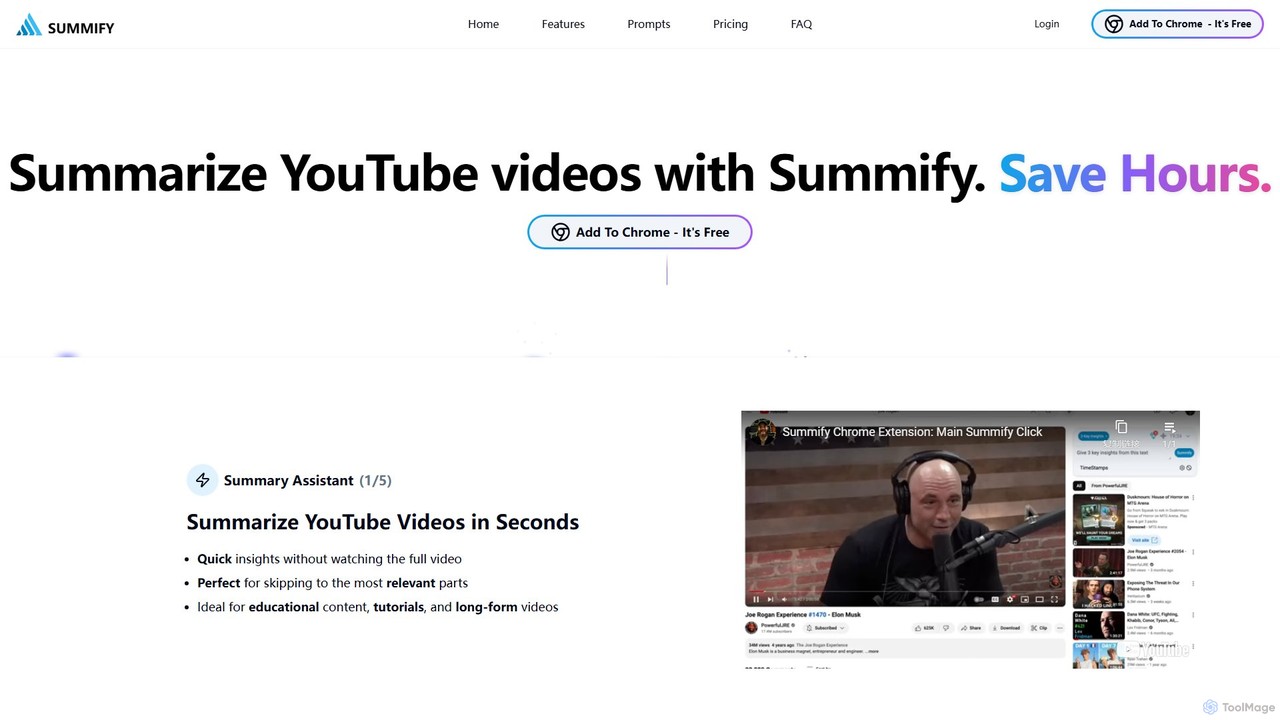
SummifyAI
SummifyAI is a powerful Chrome extension that uses AI to summarize YouTube videos in seconds. It helps users save time by providing quick insights, summarizing specific timestamps, and allowing custom questions about the video content. Ideal for students, professionals, and researchers, it transforms videos into a searchable knowledge base.
Chrome Extensions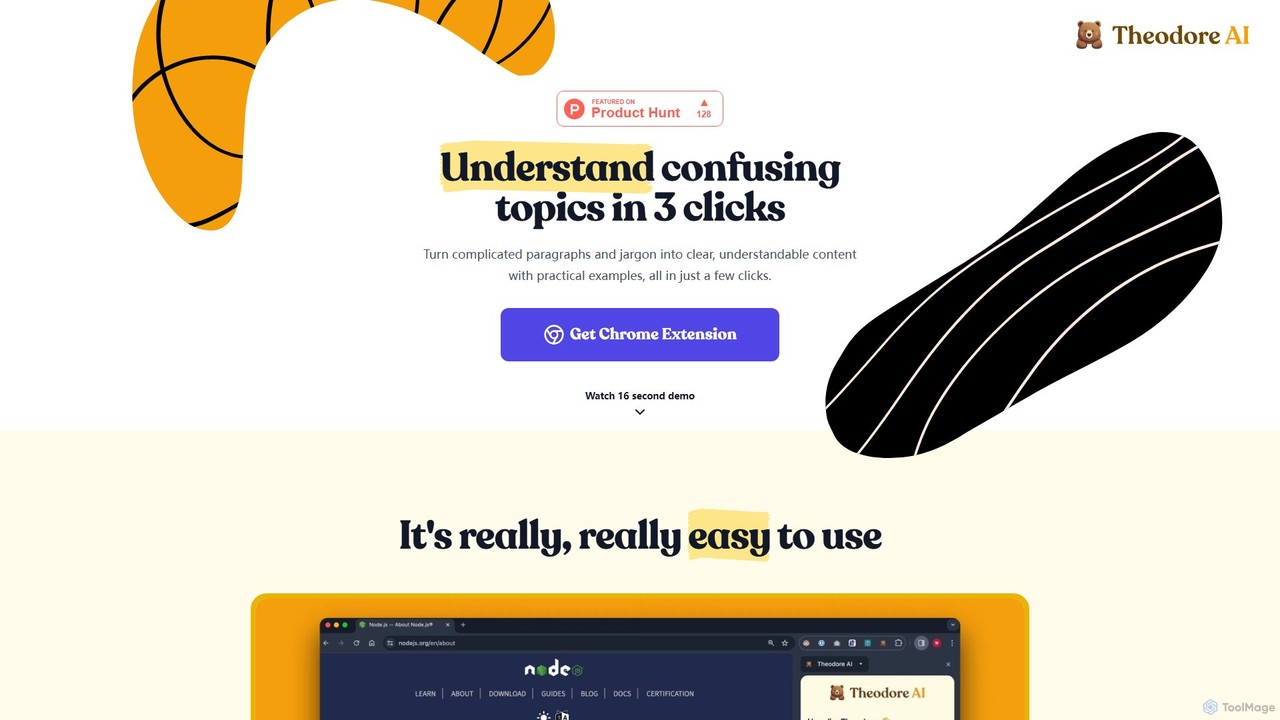
Theodore AI
Theodore AI is a Chrome extension that simplifies complex text, paragraphs, and jargon in just a few clicks. It transforms confusing content into clear, understandable explanations with practical examples, making it ideal for students, professionals, and lifelong learners.
Chrome ExtensionsExplainTXT Categories
ExplainTXT Embed Widget
Copy this embed code to place the badge on your blog, article, or product site and send readers directly to this ToolMage detail page.

Related AI tools

Recap
Recap is a free, open-source Chrome extension that uses ChatGPT to intelligently summarize web content. Its unique "Smart Split" feature breaks down long articles into manageable passages, allowing users to summarize entire pages, specific sections, or selected text with high precision.
Chrome ExtensionsElmo Chat
Elmo Chat is a powerful AI-powered Chrome extension that acts as your digital reading companion. It instantly summarizes webpages, YouTube videos, PDFs, and Google Docs. Ask questions directly to the content, explore keywords for deeper insights, and translate text, all seamlessly within your browser. No account or payment required.
LearningReadPal.ai
ReadPal.ai is an AI-powered Chrome extension that acts as your personal reading assistant. It seamlessly integrates into your browser to provide instant summaries, explanations, and insights on any webpage, including PDFs and Google Docs. Enhance your productivity and comprehension while learning, researching, or shopping online.
Chrome Extensions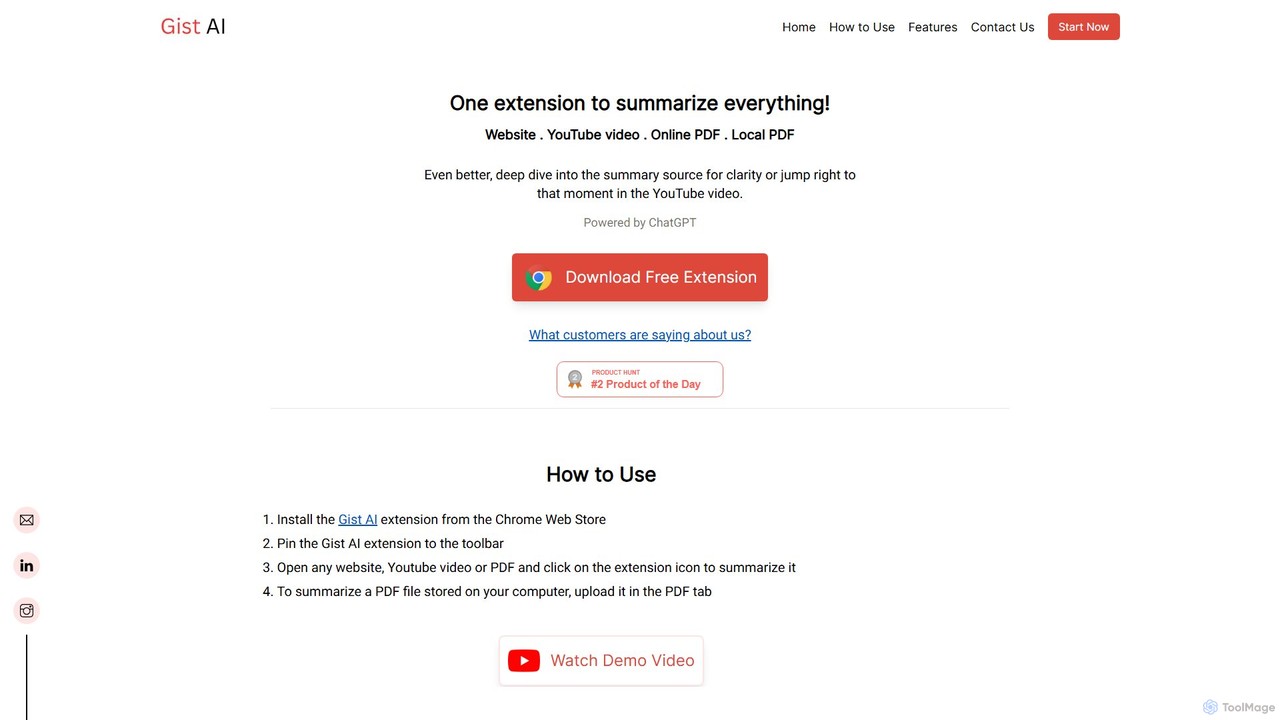
Gist AI
Gist AI is a free, ChatGPT-powered Chrome extension that instantly summarizes websites, YouTube videos, and both online and local PDFs. It helps you save time, improve comprehension, and quickly access the most important information from long-form content with a single click.
Chrome Extensions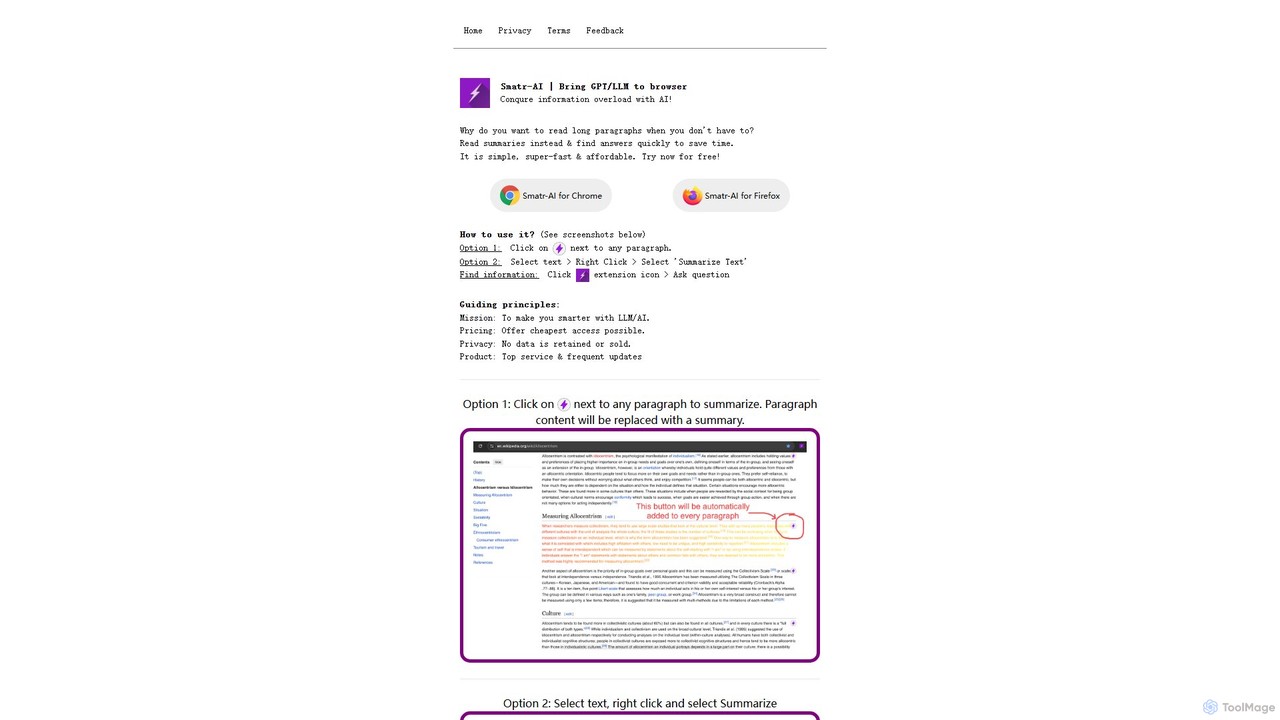
Smatr-AI
Smatr-AI is a browser extension for Chrome and Firefox that uses GPT/LLM technology to summarize web pages and text. It helps users quickly understand long articles, find answers within the text, and overcome information overload, boosting reading productivity.
Summarizer
chrome_ai
An all-in-one AI assistant integrated into your Chrome browser. Summarize web pages and YouTube videos, enhance your writing, explain complex topics, and chat with advanced AI models without leaving your current tab. Boost your productivity with seamless AI power.
Chrome Extensions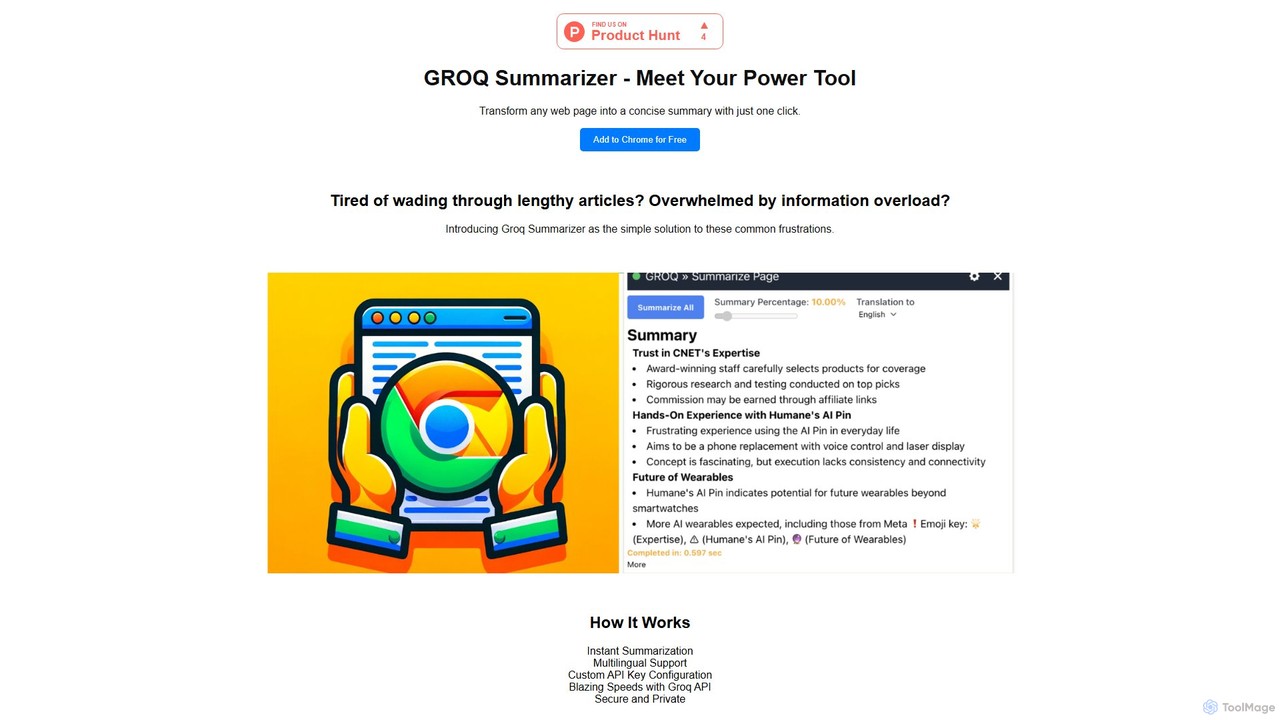
groqsummarizer
A lightning-fast Chrome extension that summarizes web pages and articles in seconds. Powered by the Groq API, it offers instant, multilingual summaries, allowing you to quickly grasp key information and overcome information overload. It operates on a Bring-Your-Own-Key (BYOK) model for enhanced privacy and control.
Chrome Extensions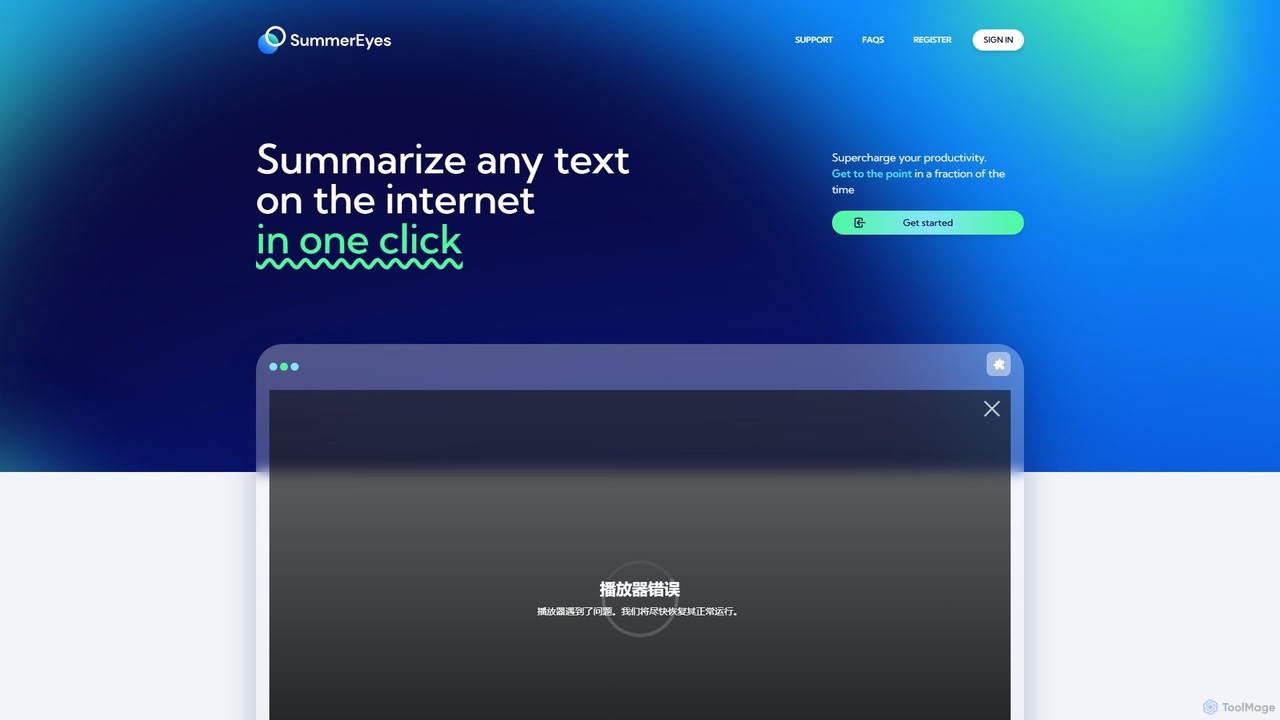
SummerEyes
SummerEyes is an AI-powered browser extension that summarizes any online text in a single click. It helps users quickly grasp the main points of articles, emails, and reports, significantly boosting reading speed and productivity. By integrating directly into your browser, it eliminates the need for copy-pasting, offering a seamless way to combat information overload.
Chrome Extensions
aireads.co
aireads.co is an AI-powered reading assistant that transforms how you interact with text. It summarizes long articles, PDFs, and documents, allows you to ask questions directly to your files, and converts text into natural-sounding audio. Ideal for students, researchers, and professionals looking to accelerate their learning and research process.
Research
Merlin AI
Merlin is an all-in-one AI assistant, available as a browser extension and app, that integrates top AI models like GPT-4, Claude 3, and Gemini. It allows you to research, write, summarize content, generate images, and code with a single click on any website, streamlining your workflow and boosting productivity without switching tabs.
Chrome Extensions
WisdomRead
WisdomRead is an AI-powered reading assistant designed to help users comprehend complex texts faster. It intelligently summarizes articles, research papers, and documents, extracts key insights, and allows you to ask questions directly to your content. Transform your reading from a passive activity into an active, insightful learning experience.
Research
Clearly Reader
Clearly Reader is an AI-powered reading assistant that transforms cluttered web pages into a clean, customizable reading view. It removes ads and distractions, offers text-to-speech, AI-driven summaries, and translation. Users can clip articles, export to various formats (PDF, Word, Markdown), and sync with tools like Obsidian, Pocket, and Instapaper. It's designed to enhance focus, comprehension, and productivity for students, professionals, and casual readers.
Research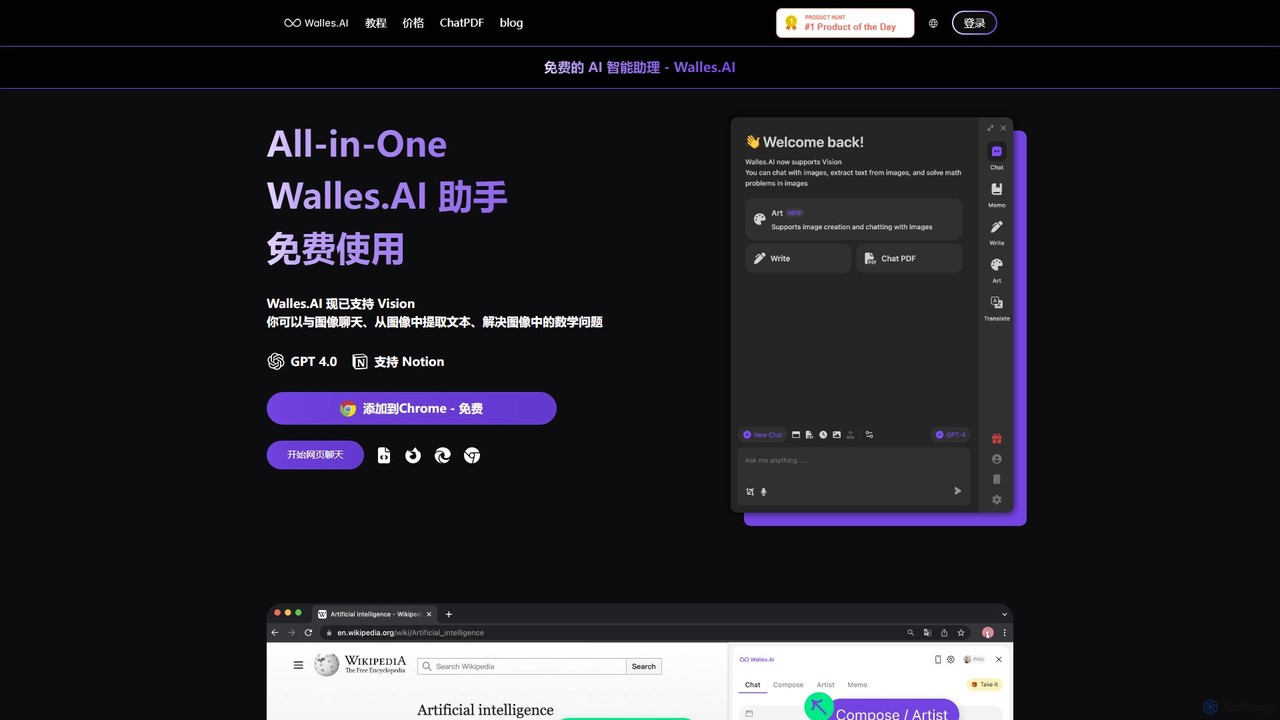
Walles.AI
Walles.AI is an all-in-one AI assistant integrated as a Chrome extension. Powered by GPT-4, it allows you to chat with webpages, PDFs, YouTube videos, and even images. Boost your productivity with instant summarization, translation, text analysis, and seamless integration with Notion.
Study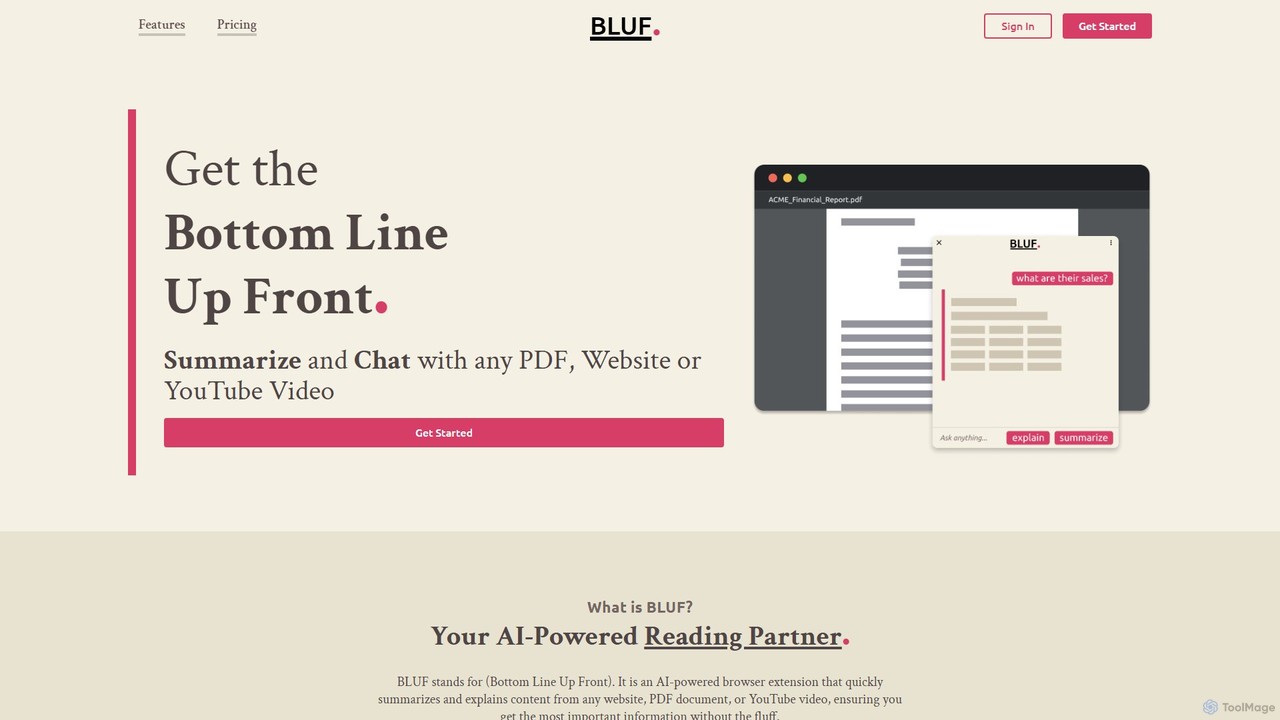
BLUF
BLUF is an AI-powered browser extension that instantly summarizes and explains content from any website, PDF, or YouTube video. Get the main points, understand complex topics, and ask follow-up questions to save time and boost your comprehension.
Reading Assistant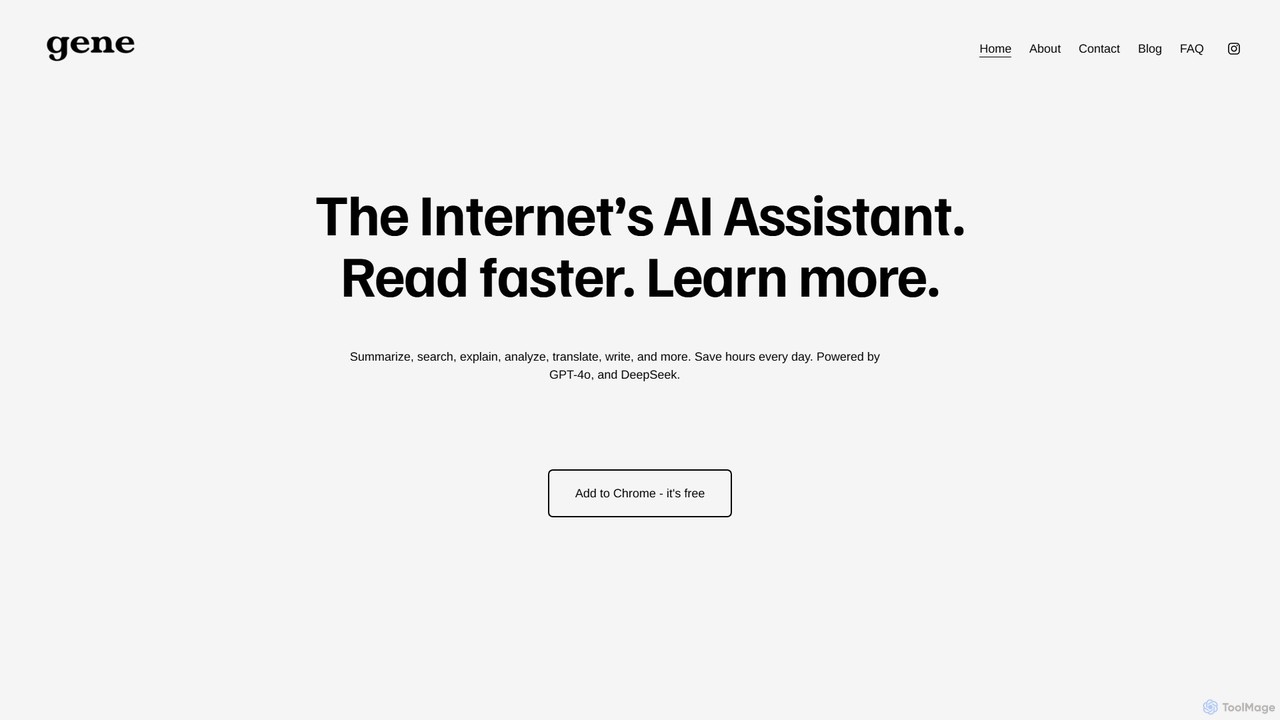
Ask Gene
Ask Gene is a free AI-powered Chrome extension that acts as your personal internet assistant. Powered by GPT-4o and DeepSeek, it allows you to summarize webpages and PDFs, chat with AI without leaving your tab, explain complex text, translate, and assist with writing, all seamlessly integrated into your browser.
Research
ExplainTXT Comments (0)
Sign in to comment.
Sign inNo comments yet.