

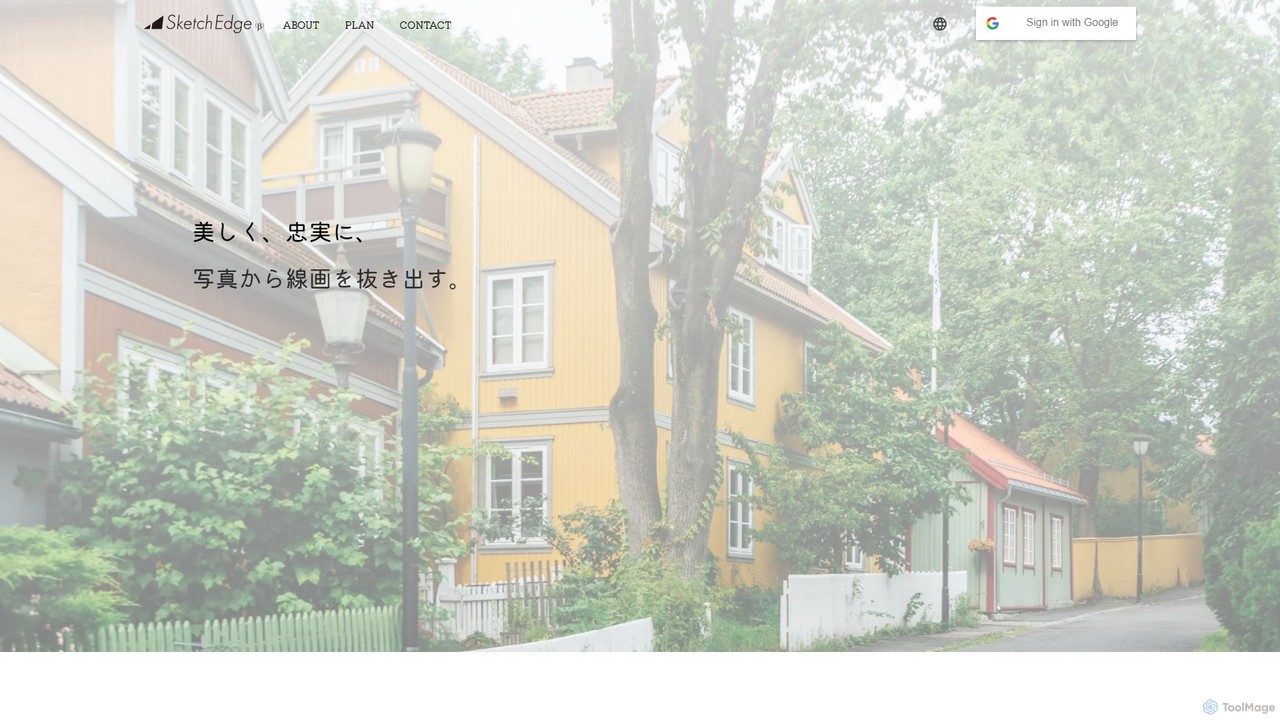
SketchEdge Overview
SketchEdge is a sophisticated AI-driven platform designed to meticulously extract beautiful and faithful line art from photographs and images. Leveraging advanced artificial intelligence, this tool goes beyond traditional, robotic edge-detection filters. Instead, it captures the precise contours of a subject while rendering lines with a soft, organic, and human-like quality. This unique approach provides an experience that is a world apart from conventional photorealistic line art extraction, offering results that are both accurate and artistically expressive.
The primary goal of SketchEdge is to serve the creative community by providing a powerful yet easy-to-use solution for generating high-quality line art. The resulting sketches are perfect for a wide range of applications, from professional design projects and detailed manga backgrounds to reference materials for illustrations and presentations. It empowers artists and designers to save countless hours of manual tracing, allowing them to focus on the creative aspects of their work.
How to use SketchEdge
Using SketchEdge is designed to be a simple and intuitive process, accessible to users of all skill levels:
- Upload Your Image: Begin by visiting the SketchEdge website and uploading the photo or image you wish to convert. The platform supports various common image formats.
- AI Processing: Once uploaded, the powerful AI engine analyzes your image. It identifies key contours, shapes, and details to create the foundation for the line art.
- Customize the Output (Optional): While the AI provides a high-quality default conversion, users may have options to fine-tune the results. This could include adjusting line weight, level of detail, or selecting different artistic styles to better suit the project's needs.
- Preview and Download: After processing, a preview of the generated line art is displayed. If you are satisfied with the result, you can download the final image in a high-resolution format (such as PNG or SVG), ready for immediate use in your creative projects.
Core Features of SketchEdge
- Advanced AI Line Art Extraction: Utilizes a sophisticated AI model to intelligently identify and extract meaningful lines, not just edges.
- Natural, Hand-Drawn Style: The key feature is its ability to produce lines that are soft, fluid, and resemble those drawn by a human hand, adding an artistic touch.
- High-Fidelity Conversion: Faithfully preserves the details and contours of the original image, ensuring the output is an accurate representation.
- High-Resolution Output: Provides high-resolution downloads suitable for professional print and digital work, ensuring clarity and quality.
- User-Friendly Interface: A simple upload-and-download process makes the tool accessible to everyone, regardless of technical skill.
- Versatile Application: The output is optimized for various uses, including graphic design, comic and manga creation, architectural visualization, and more.
Use Cases for SketchEdge
SketchEdge is a versatile tool that can be integrated into numerous creative workflows:
- Manga and Comic Artists: Quickly generate complex backgrounds from photographs of cityscapes, interiors, or nature, saving hours of drawing time.
- Graphic Designers: Create unique stylized assets, icons, or design elements from stock photos or client images.
- Illustrators: Use it as a starting point for digital paintings or as a tracing guide for character art and concept designs.
- Architects and Interior Designers: Convert photos of buildings or rooms into clean line drawings for presentations or conceptual sketches.
- Hobbyists and Crafters: Create stencils, coloring pages, or patterns from personal photos for various DIY projects.
Advantages of SketchEdge
The primary advantage of SketchEdge lies in its unique combination of precision and artistry. Unlike basic 'sketch filters' that produce noisy or overly simplistic results, SketchEdge delivers clean, elegant, and usable line art. It saves a significant amount of time and effort compared to manual tracing, boosts productivity, and provides a consistent artistic style across multiple images. Its accessibility makes professional-quality line art generation available to a broader audience, from seasoned professionals to aspiring creators.
Pricing and Plans
SketchEdge likely operates on a freemium model to allow users to experience its capabilities before committing to a paid plan.
- Free Plan: Users can typically process a limited number of images per month. The output might be at a standard resolution and may include a watermark. This is ideal for testing the service or for occasional personal use.
- Paid Plans (e.g., Pro/Premium): For professionals and frequent users, paid plans would offer benefits such as a higher number of (or unlimited) conversions, access to the highest resolution downloads, watermark-free outputs, priority processing, and potentially advanced features like batch processing or API access for workflow integration.
For the most current and detailed pricing information, please visit the official SketchEdge website.
Traffic
Latest traffic
Status
Monthly traffic trend
- 2025-9: 4.9K
- 2026-1: 2.4K
- 2026-2: 1.5K
- 2026-3: 1.8K
- 2026-4: 1.6K
- 2026-5: 2.0K
Geography
Top 5 countries / regions
- 🇯🇵Japan100.0%
Traffic sources
| Source type | Percentage |
|---|---|
Direct | 81.3% |
Referral | 18.7% |
Top keywords
| Keyword | Cost per click |
|---|---|
| ai 線画作成 | $0.00 |
| design extractor from image | $0.00 |
| 写真を線画にするサイト | $0.00 |
| 写真 線画にする | $0.00 |
| 線画 webサイト | $0.00 |
SketchEdge Alternatives
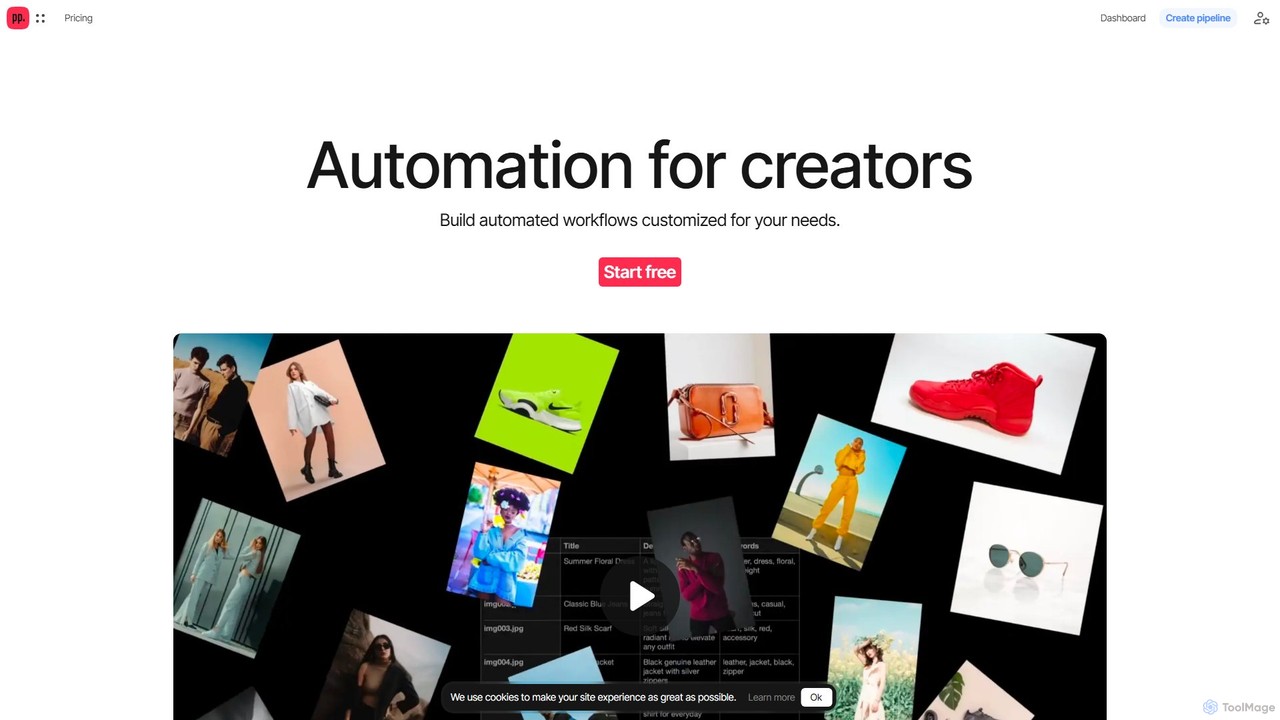
Ceacle Pipeline
Ceacle Pipeline is an AI-powered automation platform for creators. It enables the creation of custom workflows to automate repetitive tasks in image processing, content generation, and design. Build pipelines using natural language or templates to save time and boost productivity.
Graphics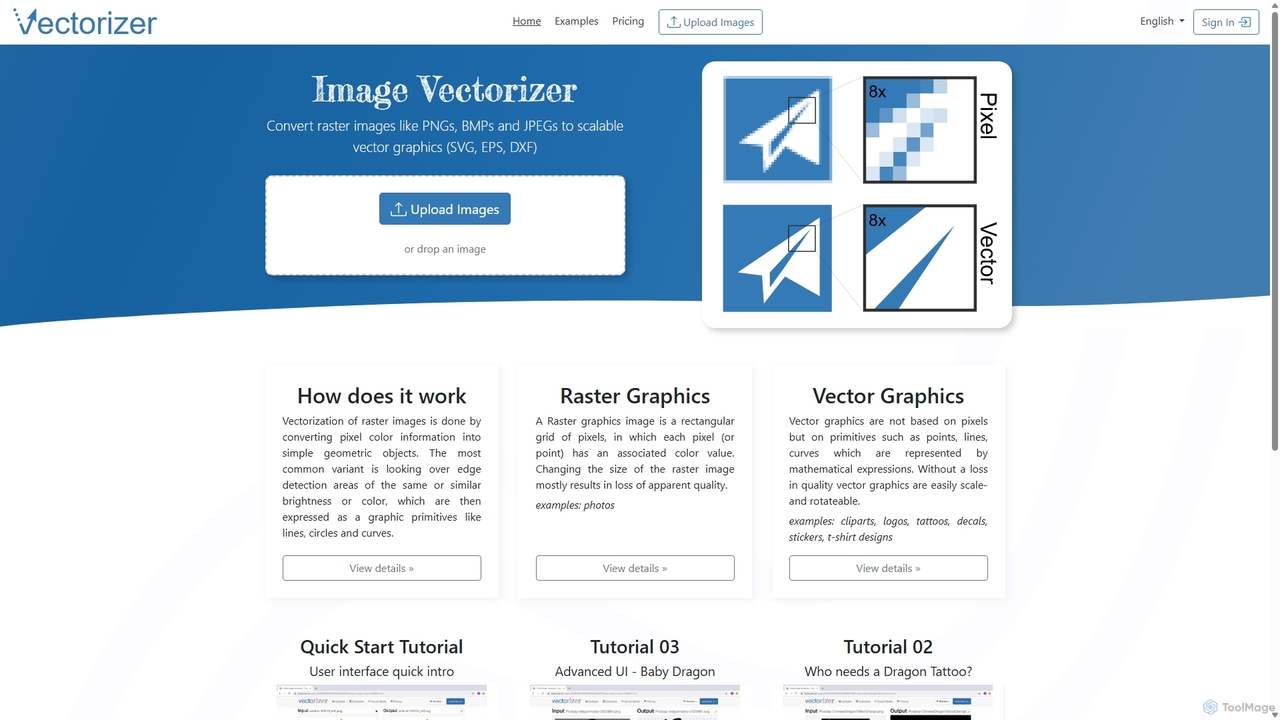
Vectorizer
Vectorizer is an AI-powered online tool that converts raster images like JPEGs and PNGs into high-quality, scalable vector graphics (SVG, EPS, PDF). It automates the image tracing process, making it ideal for designers, marketers, and creators who need clean, resizable graphics for logos, T-shirts, and large-format printing.
Graphics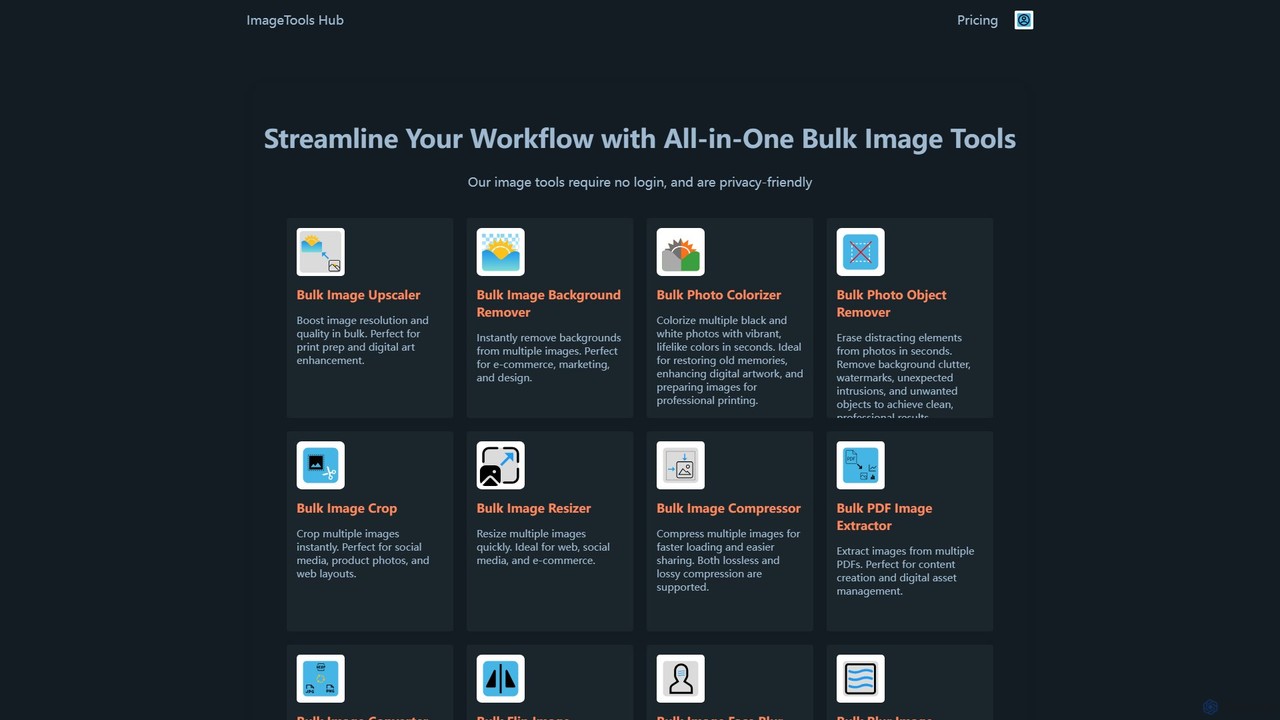
ImageToolsHub
ImageToolsHub is an all-in-one, privacy-focused suite of online image editing tools designed for efficiency. It offers powerful bulk processing capabilities, including AI-powered background removal, image upscaling, photo colorization, and object removal. With no login required for many tools and a strong emphasis on browser-based processing, it provides a fast, secure, and convenient solution for professionals in e-commerce, marketing, and web development to streamline their image workflows.
Graphics
Image Boost AI
Image Boost AI is a powerful AI-driven tool designed to automatically enhance and upscale your images. Effortlessly increase resolution, sharpen details, correct colors, and remove noise to transform your photos into professional-quality visuals. Ideal for photographers, designers, and marketers seeking stunning results with minimal effort.
Graphics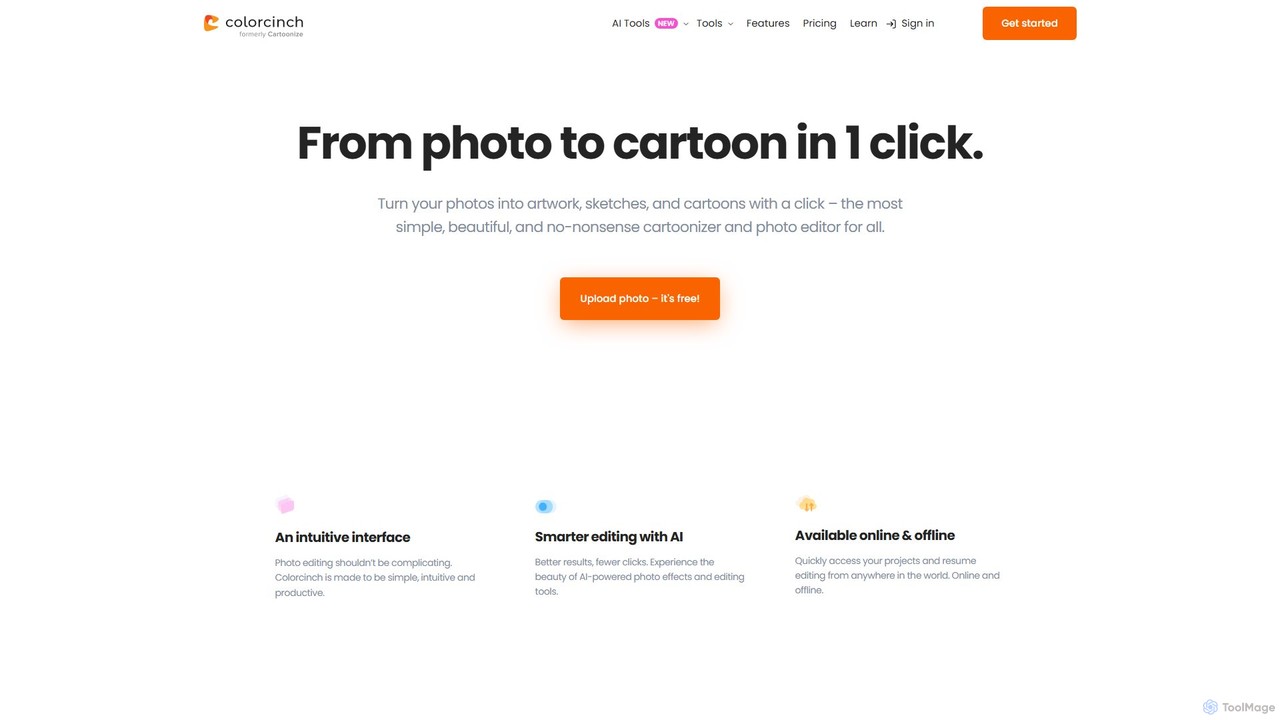
Colorcinch
Colorcinch is a user-friendly, AI-powered online photo editor that allows you to transform your photos into cartoons, sketches, and unique artwork with a single click. It combines powerful AI features like a cartoonizer and background remover with a comprehensive suite of traditional editing tools, making professional-quality photo editing accessible to everyone, regardless of experience.
GraphicsSketchEdge Categories
SketchEdge Embed Widget
Copy this embed code to place the badge on your blog, article, or product site and send readers directly to this ToolMage detail page.

Related AI tools
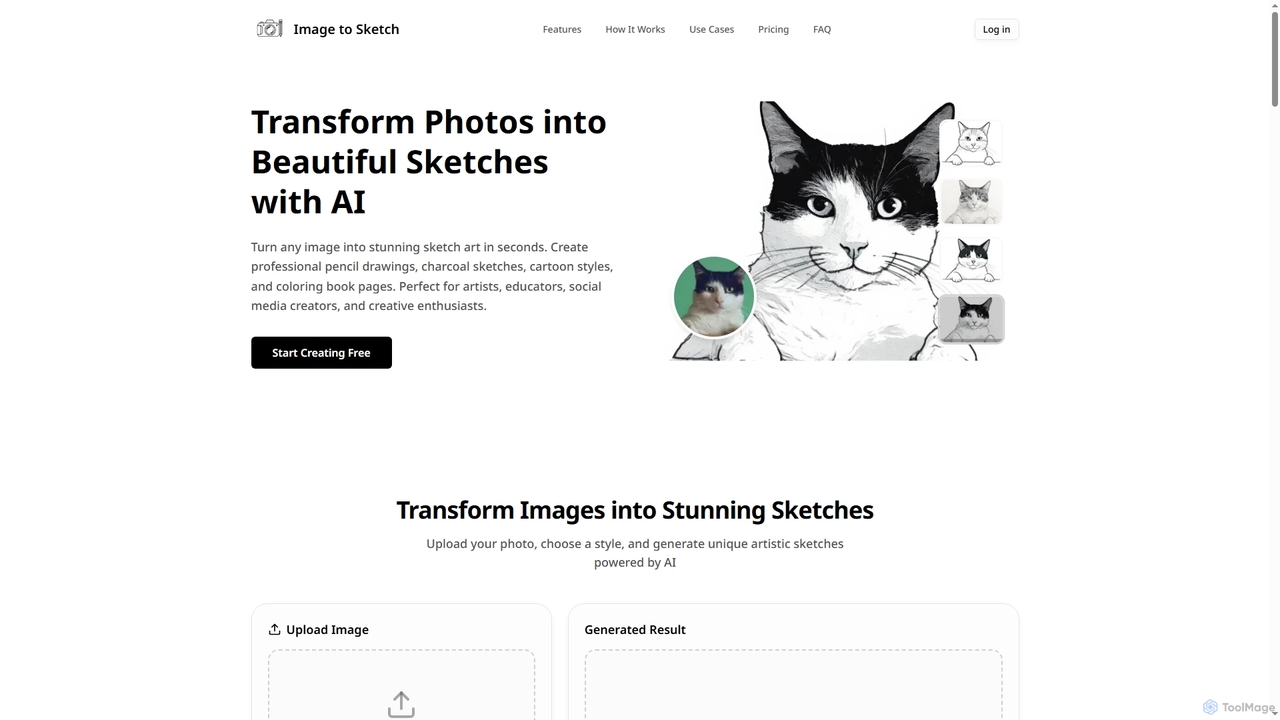
Imagetosketch
Imagetosketch is an AI-powered online tool that transforms any photo into various artistic sketch styles, including pencil, charcoal, and cartoon. It offers fast, high-quality conversions, making it ideal for artists, social media creators, and anyone seeking to create unique digital art without requiring artistic skills.
Digital Art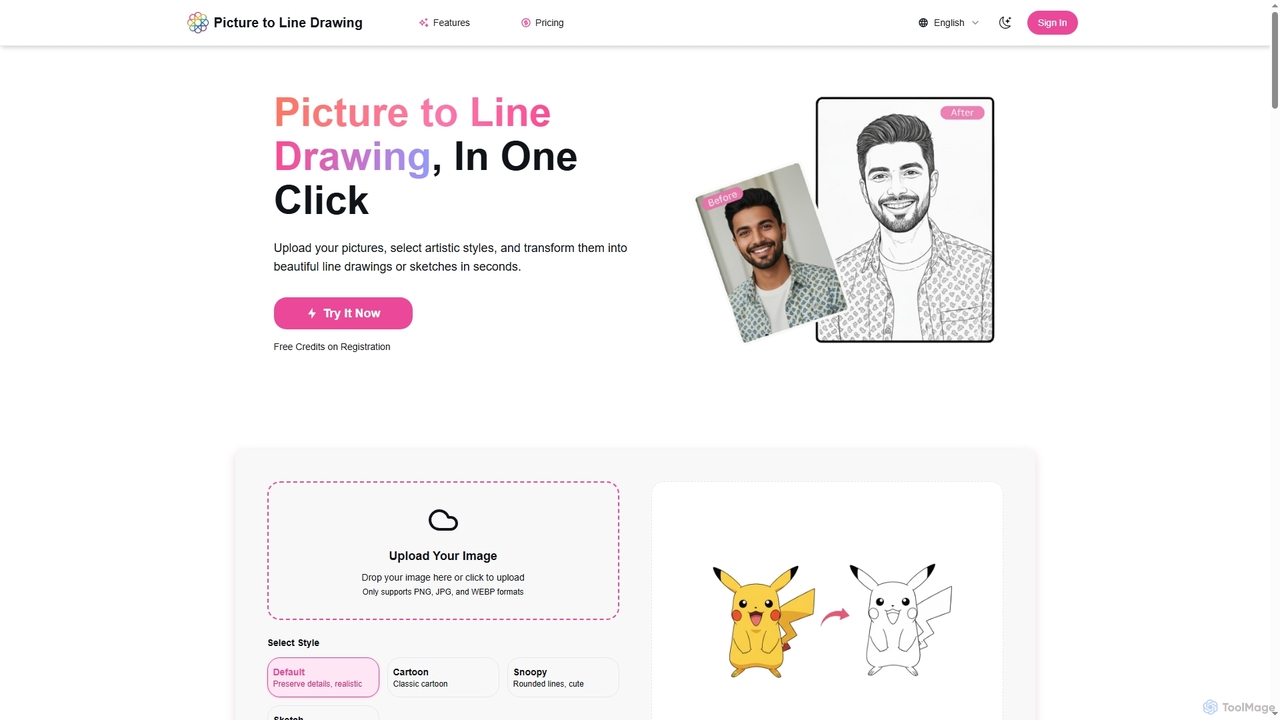
Picture to Line Drawing
Picture to Line Drawing is an AI-powered online converter that transforms photos into beautiful line drawings or sketches in seconds. It offers multiple artistic styles like Default, Cartoon, Snoopy, and Sketch, making it easy for anyone to create unique artworks with a single click.
Generative ArtCeacle Pipeline
Ceacle Pipeline is an AI-powered automation platform for creators. It enables the creation of custom workflows to automate repetitive tasks in image processing, content generation, and design. Build pipelines using natural language or templates to save time and boost productivity.
Graphics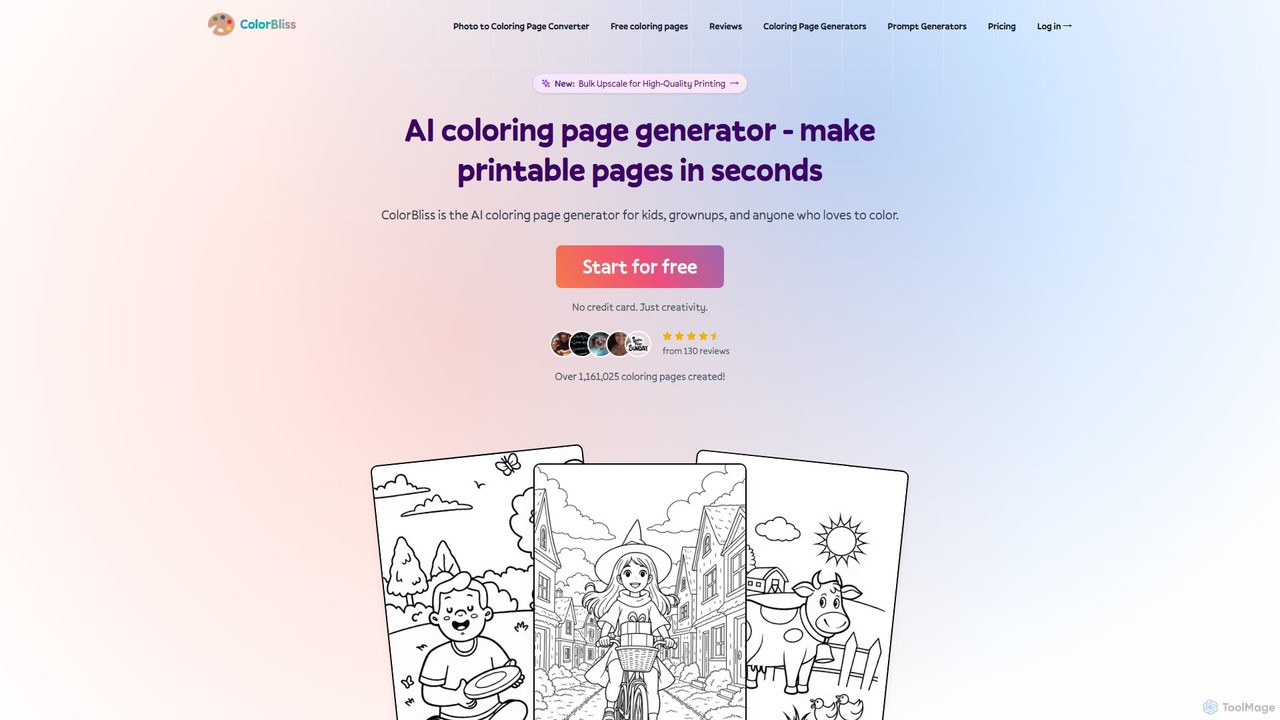
ColorBliss
ColorBliss is a leading AI-powered coloring page generator that allows users to create unique, printable coloring sheets in seconds. Turn text prompts, photos, or even simple sketches into detailed line art. Perfect for parents, teachers, artists, and anyone who loves to color.
Image Generation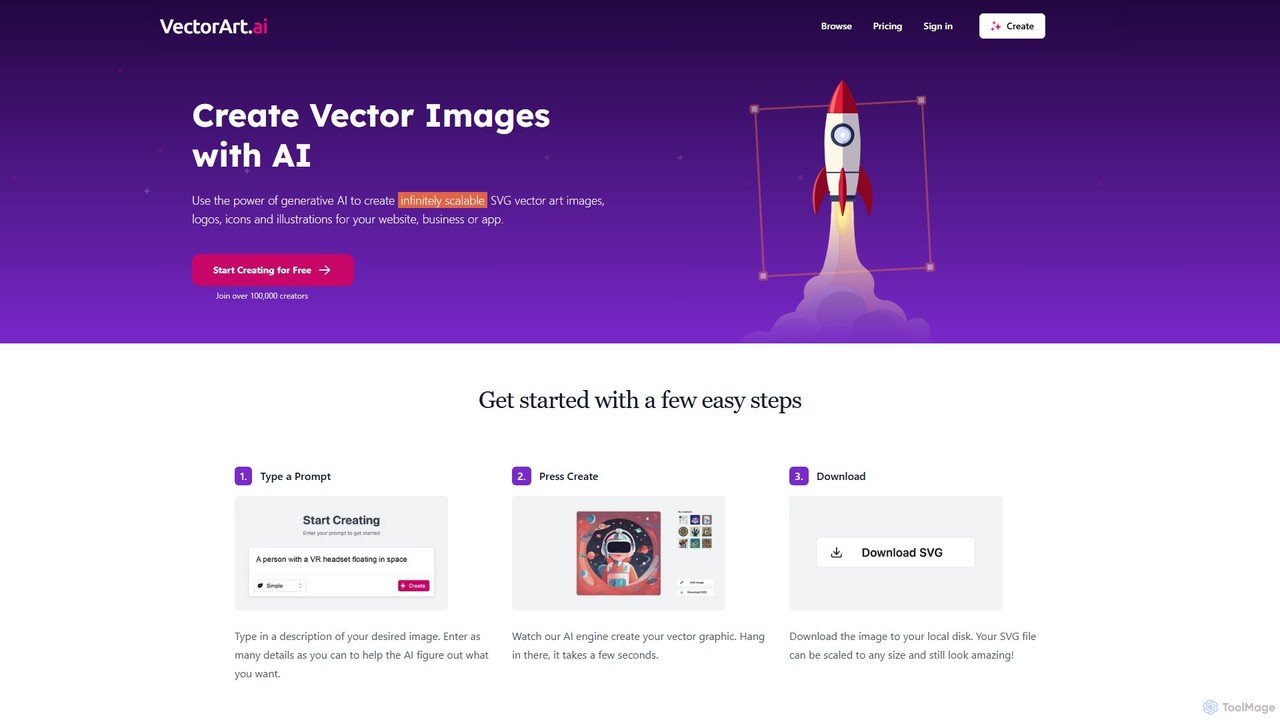
VectorArt.ai
VectorArt.ai is an AI-powered platform that generates high-quality, infinitely scalable SVG vector images, logos, icons, and illustrations from simple text prompts. It's designed for creators, marketers, and developers to produce professional graphics quickly and easily, without needing advanced design skills.
Illustration
BestColoringPages AI
A powerful AI platform that turns photos and text prompts into unique, printable coloring pages in seconds. It also offers an AI art colorizer, a sketch enhancement tool, and a vast library of over 2,000 free coloring pages for all ages.
Image Generation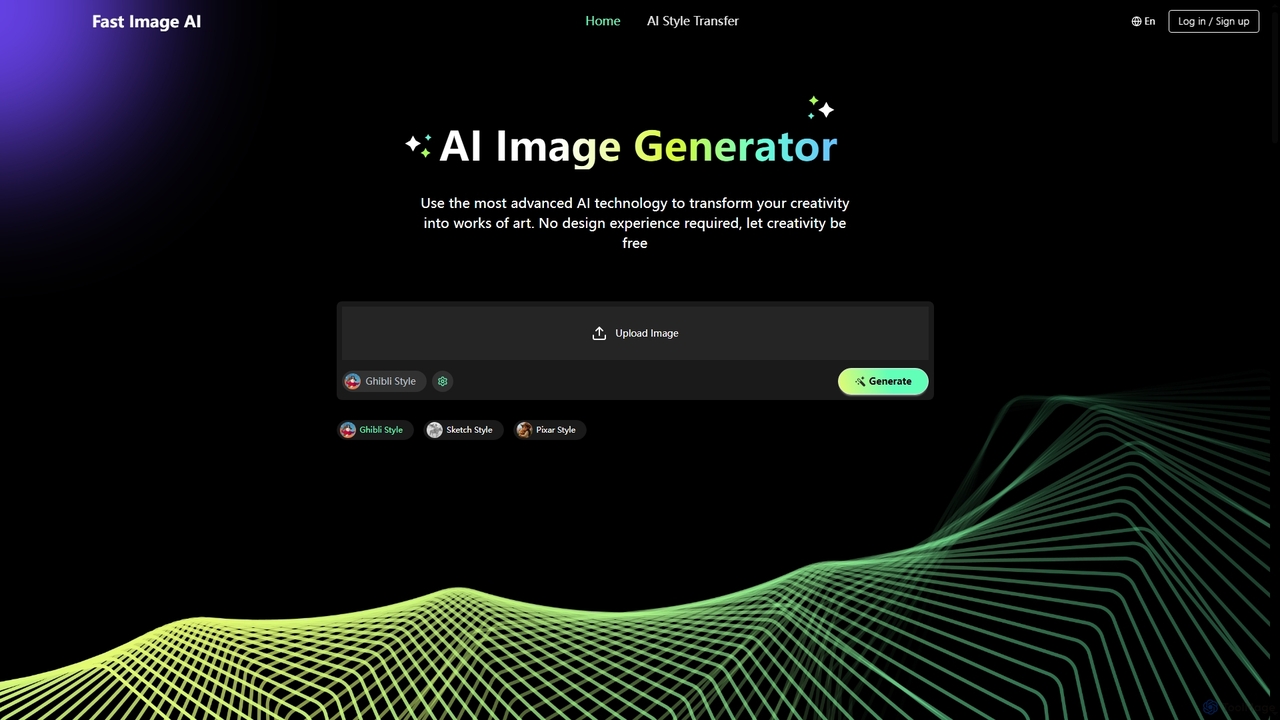
Fast Image
Fast Image is an intuitive online AI image generator that transforms your creativity into stunning artwork. It allows users to convert photos into various artistic styles like Ghibli, Sketch, and Pixar, or generate unique images from text descriptions. With a user-friendly interface and no design experience required, Fast Image makes AI art creation accessible and fast, operating directly in your browser.
Digital Art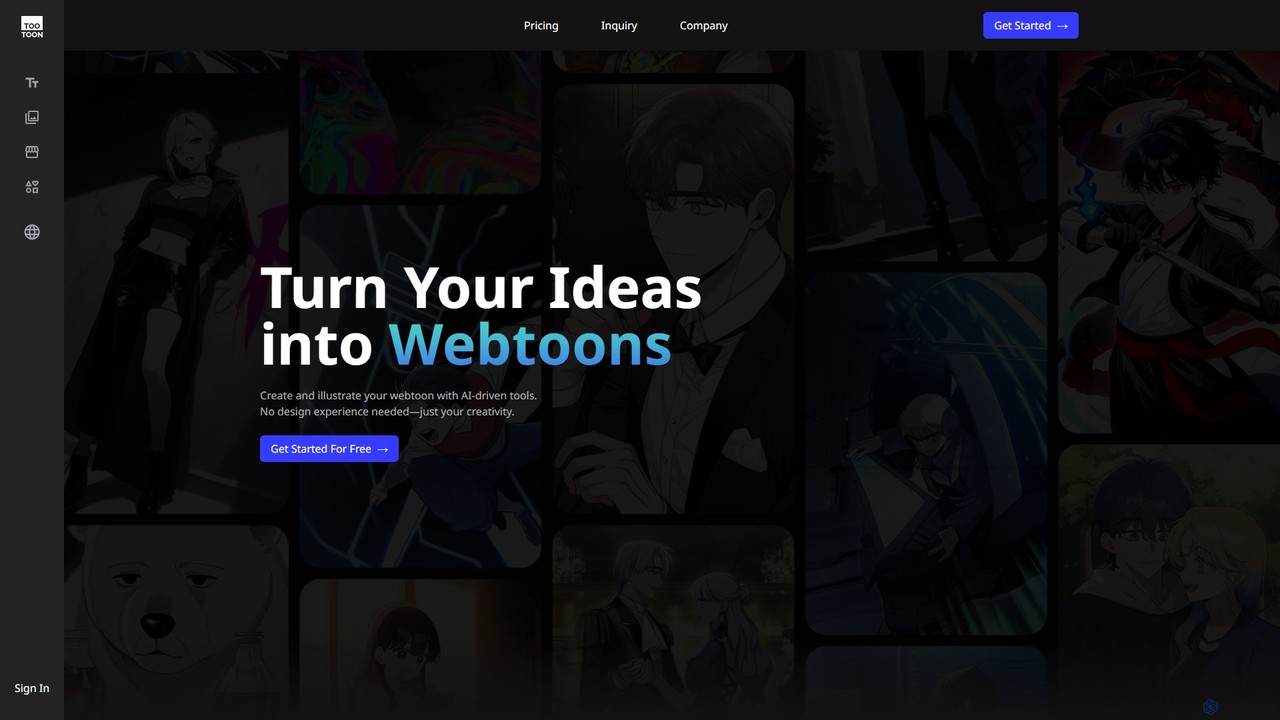
tootoon
tootoon is an AI-powered suite designed for creating webtoons and comics. It offers a set of integrated tools that assist in every stage of creation, from generating story ideas and scripts with 'Fabulator' to producing full-color artwork with 'Anima'. It's built for both novice creators without design experience and professionals looking to accelerate their workflow, enabling anyone to turn their ideas into visual stories.
Comic Generation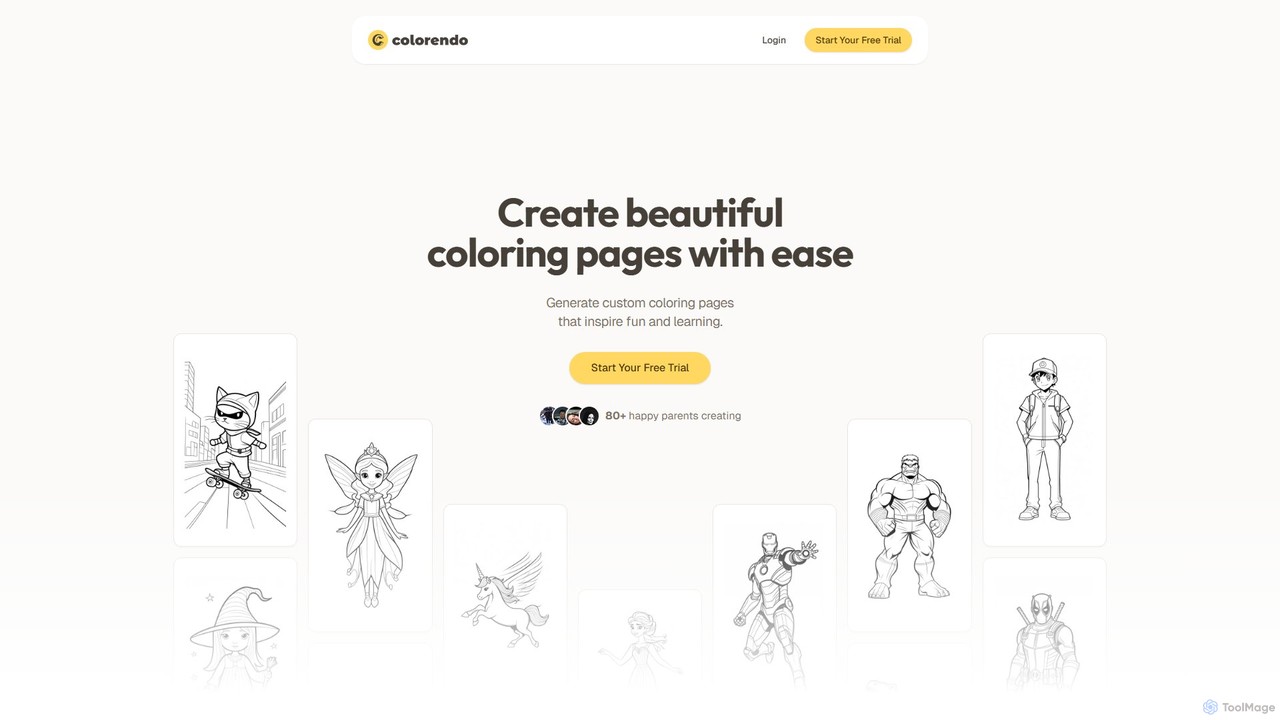
Colorendo
Colorendo is an AI-powered coloring page generator that transforms text descriptions into unique, printable coloring sheets. Designed for parents, educators, and children, it requires no design skills. Simply describe any idea, and the AI instantly creates a custom coloring page, providing endless creative entertainment for kids.
Image Generation
Jyek
Jyek is an AI agent platform that understands objectives, creates execution plans, uses tools, and delivers verifiable results for complex, multi-step tasks.
AutomationColorcinch
Colorcinch is a user-friendly, AI-powered online photo editor that allows you to transform your photos into cartoons, sketches, and unique artwork with a single click. It combines powerful AI features like a cartoonizer and background remover with a comprehensive suite of traditional editing tools, making professional-quality photo editing accessible to everyone, regardless of experience.
Graphics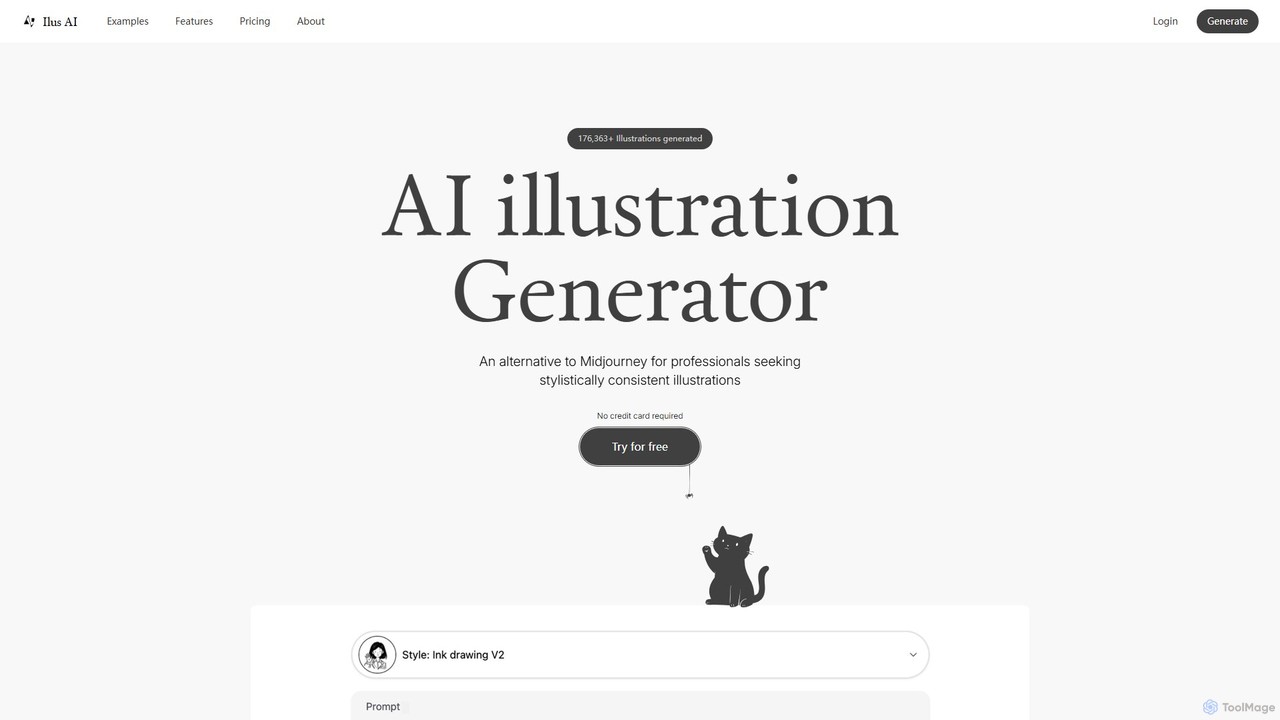
ilus
Ilus is an AI illustration generator designed for professionals seeking stylistically consistent visuals. It serves as a powerful alternative to mainstream tools by allowing users to fine-tune a unique art style using their own images. With features like prompt-based creation, built-in editing tools, and crucial SVG export, Ilus is perfect for designers, marketers, and founders. Its flexible pay-as-you-go pricing model, with no subscriptions and non-expiring credits, makes professional-grade illustration accessible to all.
Illustration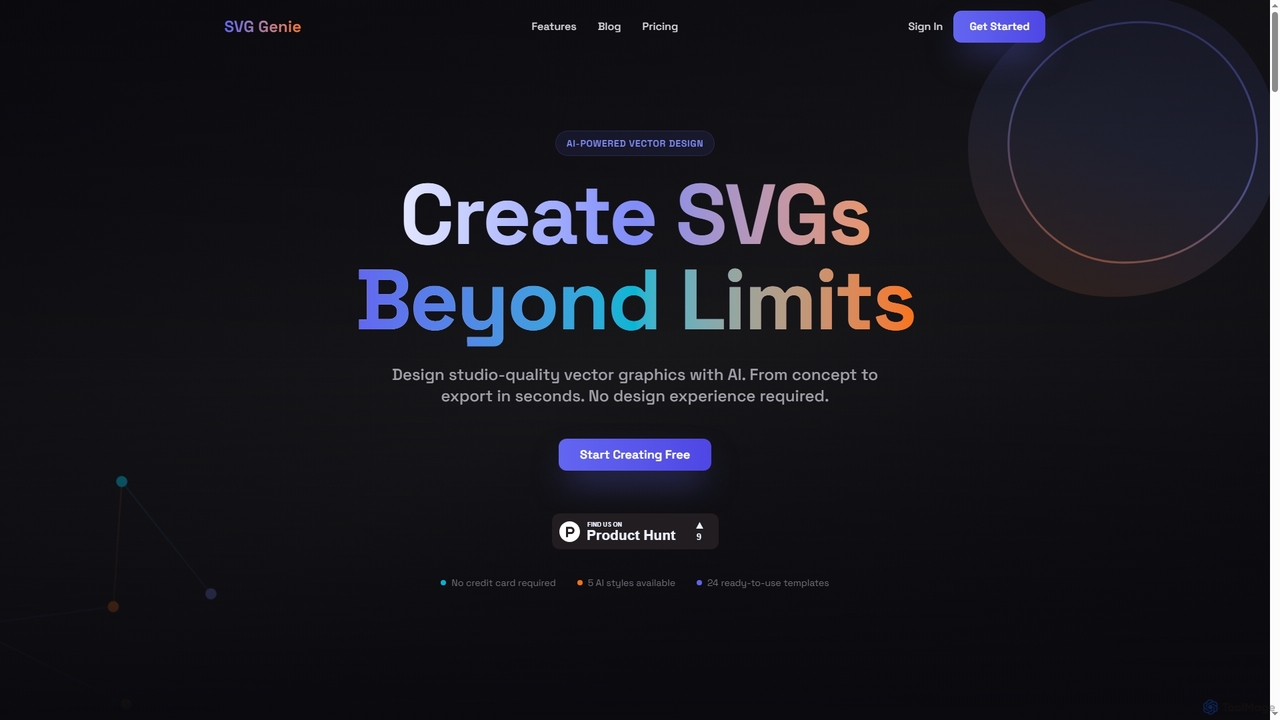
SVG Genie
SVG Genie is an AI-powered platform that transforms text descriptions into high-quality, infinitely scalable vector graphics (SVGs). Designed for users of all skill levels, it generates studio-quality logos, icons, and illustrations in seconds across five unique artistic styles, requiring no design experience.
Illustration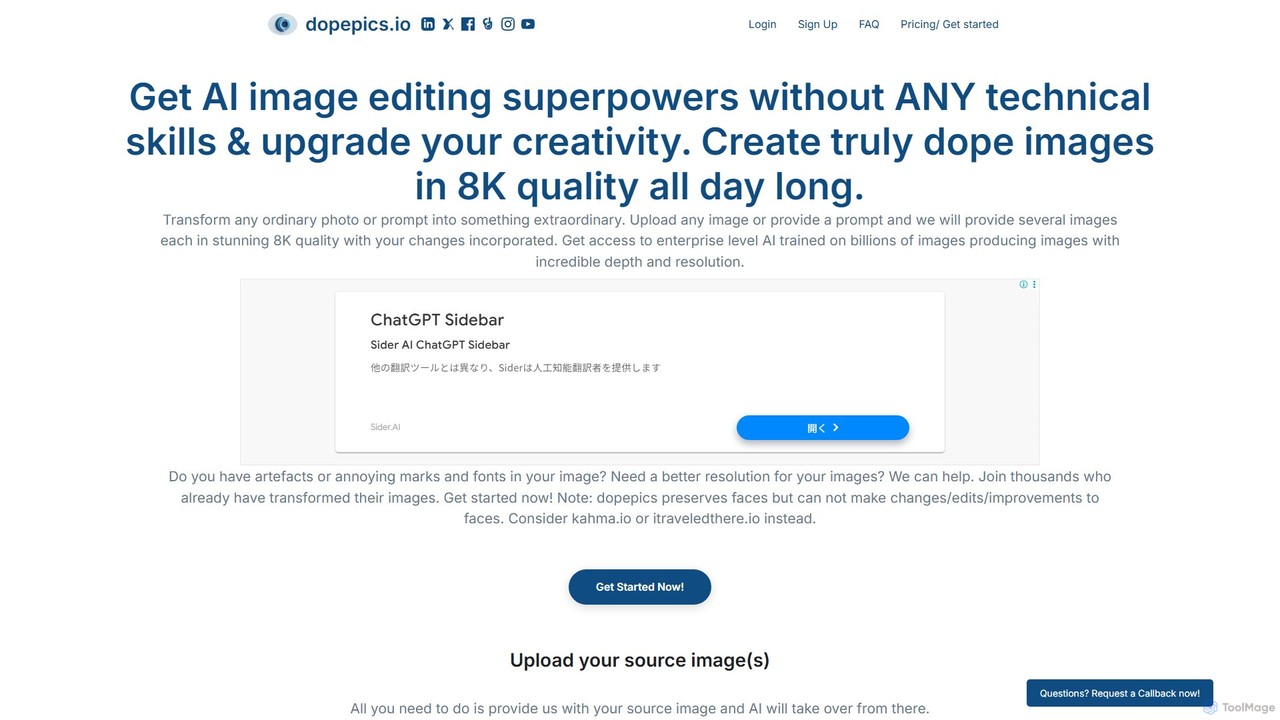
dopepics
dopepics is an AI-powered image editing and generation tool that transforms ordinary photos and text prompts into extraordinary 8K quality images. It requires no technical skills, offering features like image upscaling, artifact removal, and multiple creative variations. Ideal for professionals and creators, it provides royalty-free images with a strong focus on user privacy.
Graphics
Artimator
Artimator is a versatile, all-in-one AI art and image generator. It leverages powerful models like Stable Diffusion 3, SDXL, and Leonardo Diffusion to transform text prompts into unique, high-resolution images. It offers free generation, photo-to-sketch conversion, AI-powered object removal, and full commercial rights for all created artwork, making it ideal for artists, marketers, and creators.
Generative Art
SketchEdge Comments (0)
Sign in to comment.
Sign inNo comments yet.