
Sprite Fusion Overview
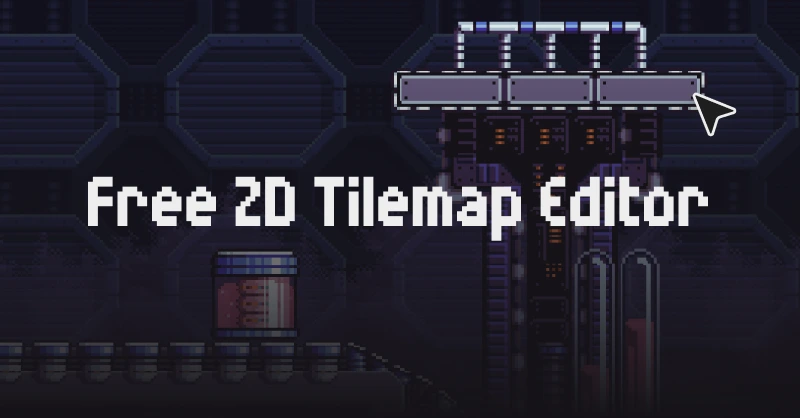
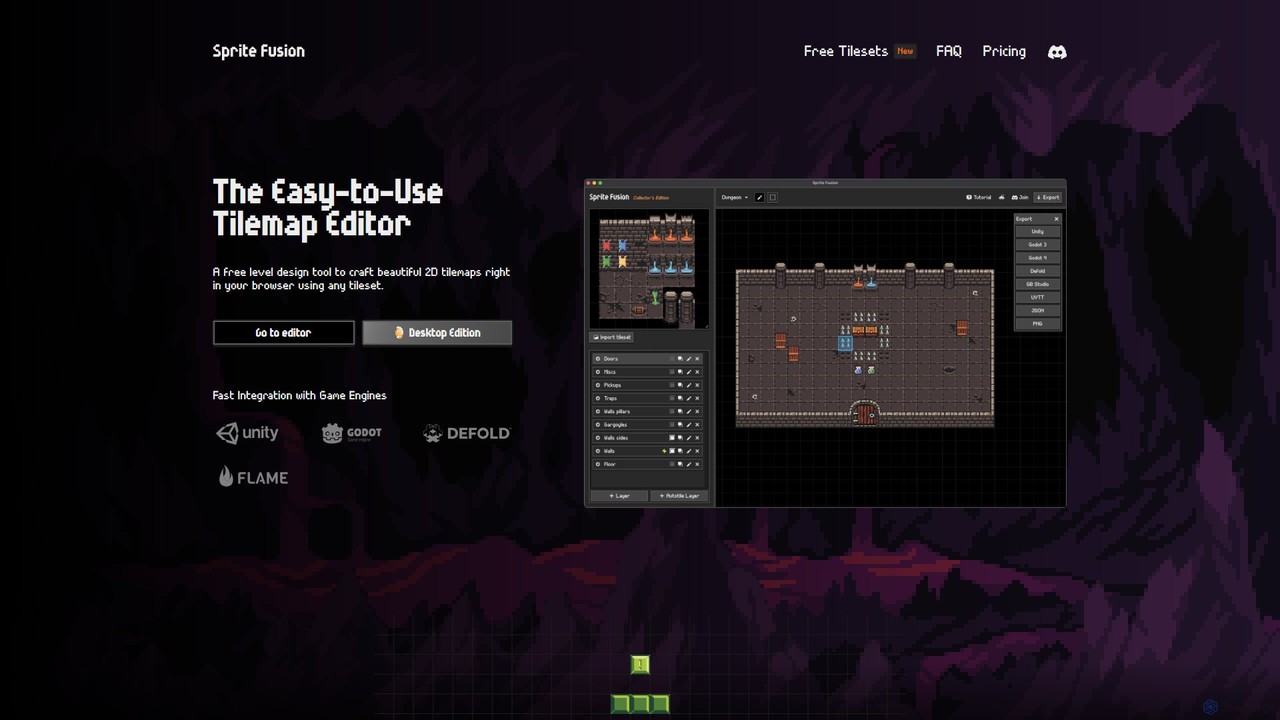
Sprite Fusion is a powerful yet intuitive tilemap editor designed to streamline the level design process for 2D game developers. It operates directly in your web browser, eliminating the need for installation and allowing you to start creating immediately. The platform is built with a focus on simplicity and a user-friendly interface, making it accessible to both beginners and experienced designers. You can import any tileset with a simple drag-and-drop or by pasting from the clipboard, and begin crafting your game worlds with an array of intuitive tools.
The tool provides a collection of high-quality free tilesets to help users get started, covering various genres like RPG, platformer, and adventure. This allows developers to quickly prototype ideas or find assets for their projects without an initial investment. Sprite Fusion is particularly well-suited for creating retro-style games, and even includes built-in helpers for engines like GB Studio, which is used for making Game Boy games.
How to use Sprite Fusion
Using Sprite Fusion is a straightforward process designed for efficiency:
- Start Creating: Navigate to the Sprite Fusion website and open the editor. No account or login is required for the free web version.
- Import Your Assets: Import your custom tileset by dragging the image file into the editor window or by copying and pasting it. Alternatively, you can start with one of the many free tilesets provided on the site.
- Design Your Map: Use the intuitive drawing tools to paint tiles onto the canvas. You can work with multiple layers to organize different elements of your map, such as ground, buildings, and interactive objects. Select single or multiple tiles to speed up your workflow.
- Leverage Auto-Tiling: For terrain like paths, walls, or coastlines, use the auto-tiling feature. This smart system automatically places the correct tile based on its neighbors, dramatically speeding up the process of creating natural-looking environments.
- Define Collisions: Designate specific layers as collision layers. When you export your map, this information is preserved, simplifying the process of setting up physics and boundaries within your game engine.
- Export Your Creation: Once your map is complete, export it with a single click. Sprite Fusion offers native export options for Unity (as a .unitypackage), Godot (as a .tscn scene), and Defold. You can also export as a generic JSON file for use in any other game engine or as a UVTT file for virtual tabletop software like Foundry VTT and Roll20.
Core Features of Sprite Fusion
- Web-Based Editor: Instantly accessible from any modern browser on desktop devices with no installation needed.
- Intuitive Interface: Simple drag-and-drop and clipboard support for importing tilesets, plus easy-to-use drawing tools.
- Auto-Tiling System: A smart, built-in feature that automatically arranges tiles to create seamless terrain, saving significant design time.
- Collision Layer Support: Easily define which parts of your map are solid, with collision data included in the export.
- Seamless Game Engine Integration: One-click native exports for Unity, Godot, and Defold, requiring no custom code to import.
- Virtual Tabletop (VTT) Support: Export maps as Universal VTT (UVTT) files, compatible with platforms like Foundry VTT, Roll20, and D&D Beyond.
- Free Tileset Library: A curated collection of free-to-use tilesets for various game genres, all available for commercial use.
- Offline Desktop Version: A paid 'Collector's Edition' is available for offline use on Windows, macOS, and Linux, offering faster performance and no map size limits.
Use Cases for Sprite Fusion
Sprite Fusion is a versatile tool suitable for a wide range of projects:
- Indie Game Development: Solo developers and small teams can rapidly prototype and build levels for their 2D games.
- Retro Game Creation: Its simplicity and pixel-art-friendly workflow make it perfect for creating games with a retro aesthetic, including for platforms like the Game Boy via GB Studio.
- Mobile Game Design: Create lightweight and optimized maps for mobile games, with native support for the Defold engine.
- Game Jams: Quickly design and export game levels under tight deadlines.
- Virtual Tabletop RPGs: Dungeon Masters can design custom battle maps for their Dungeons & Dragons, Pathfinder, or other TTRPG campaigns and use them in their favorite VTT software.
- Educational Purposes: An excellent tool for teaching the fundamentals of level design and 2D game art.
Advantages of Sprite Fusion
Sprite Fusion stands out with several key advantages. Its primary benefit is accessibility; the free, no-login web version lowers the barrier to entry for aspiring game developers. The focus on a streamlined, simple workflow allows users to focus on creativity rather than battling complex software. The seamless, native exports to major game engines are a massive time-saver, eliminating the tedious process of manually reassembling tilemaps and setting up collisions. Furthermore, its support for both commercial game development and virtual tabletops makes it a highly flexible tool for different creative endeavors.
Pricing and Plans
Sprite Fusion offers a simple and accessible pricing structure:
- Web Edition (Free): This version is completely free and available directly on the web. It includes personal and commercial use rights, unlimited projects, and requires no login. The only limitation is a map export size limit of 4.5MB.
- Collector's Edition ($11.99): This is a one-time purchase that provides a downloadable desktop application for Windows, macOS, and Linux. It includes all the features of the web version plus 100% offline access, faster map exports, no limit on map export size, and free lifetime updates.
Traffic
Latest traffic
Status
Monthly traffic trend
- 2025-9: 29.6K
- 2026-1: 55.0K
- 2026-2: 44.0K
- 2026-3: 49.6K
- 2026-4: 50.7K
- 2026-5: 86.4K
Geography
Top 5 countries / regions
- 🇺🇸United States47.2%
- 🇯🇵Japan25.0%
- 🇧🇷Brazil19.6%
- 🇻🇳Vietnam4.6%
- 🇹🇷Türkiye3.5%
Traffic sources
| Source type | Percentage |
|---|---|
Direct | 62.1% |
Referral | 37.8% |
Email | 0.1% |
Top keywords
| Keyword | Cost per click |
|---|---|
| pixel art map dungeon | $0.00 |
| pixel snapper | $0.00 |
| sprite fusion | $0.00 |
| sprite fusion pixel snapper | $0.00 |
| tileset maker | $1.78 |
Sprite Fusion Alternatives
rblxai
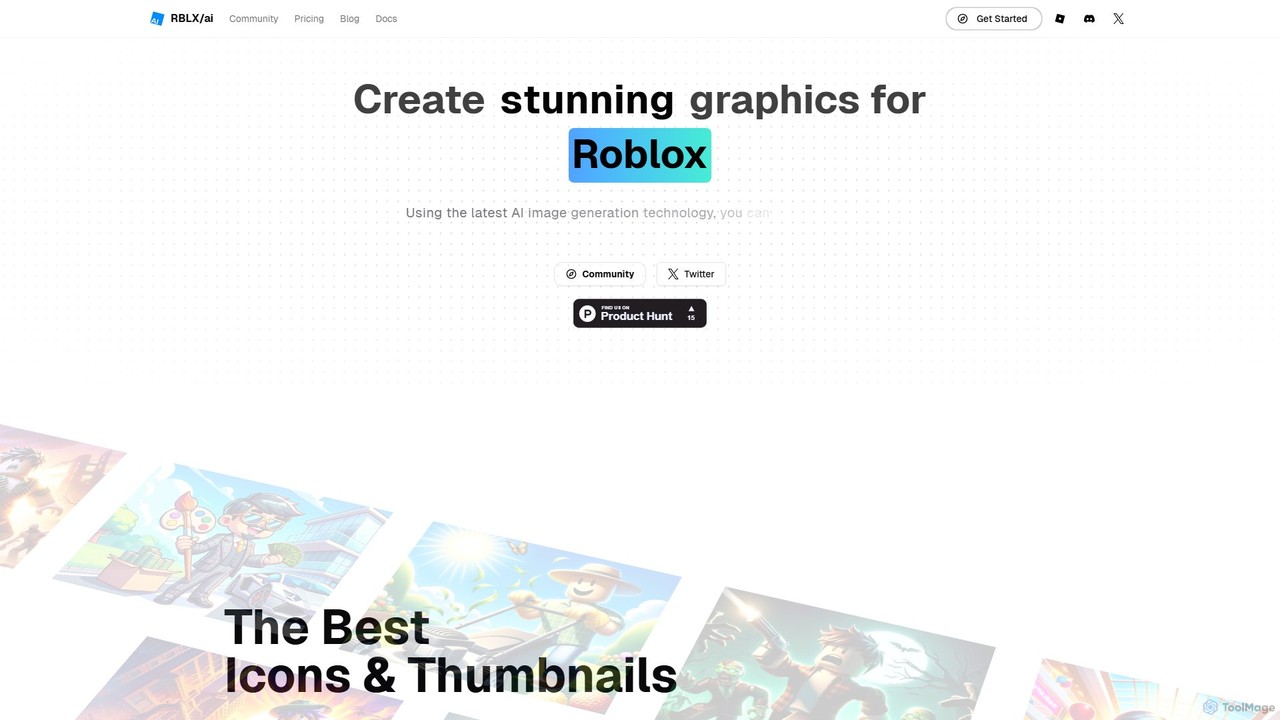
rblxai is a specialized AI image generator designed to create high-quality, captivating graphics for the Roblox platform. It's fine-tuned to produce icons, thumbnails, and other visuals in the distinct Roblox style, helping game developers and content creators boost their projects' visibility and click-through rates (CTR) with ease.
Graphics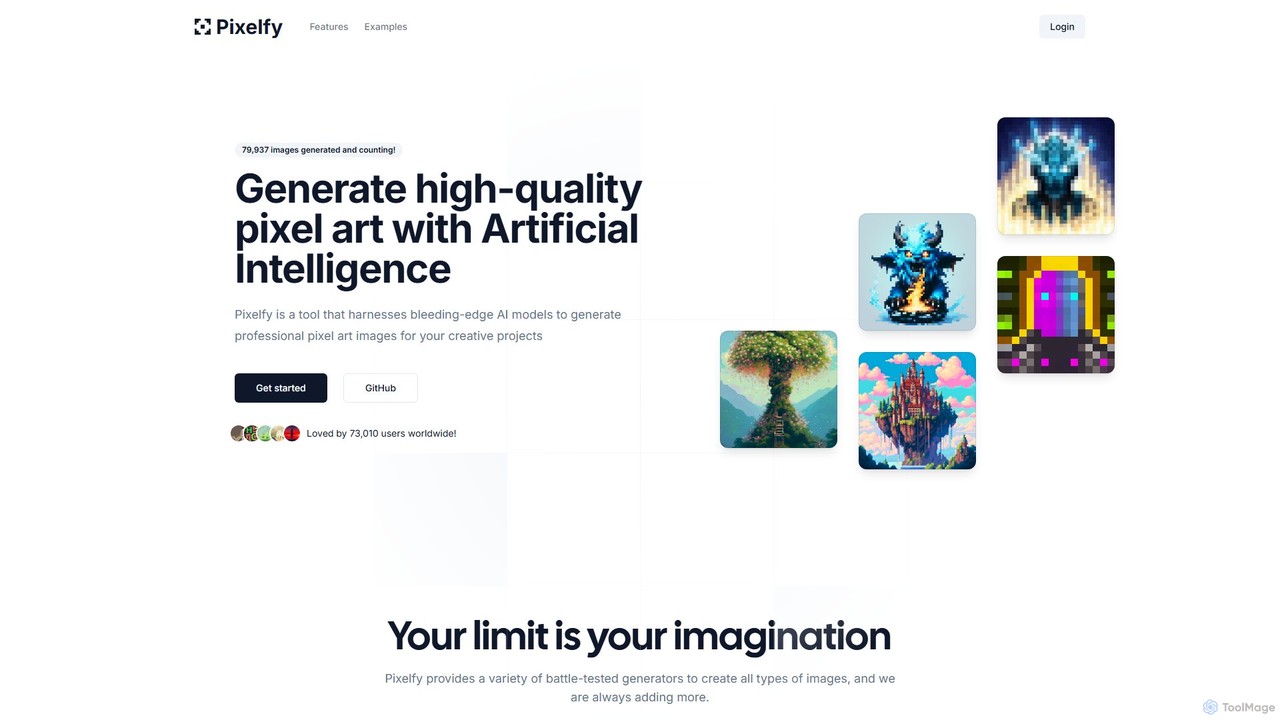
Pixelfy
Pixelfy is an open-source AI tool that generates high-quality, professional pixel art. It features an AI-powered prompt builder, multiple grid sizes, advanced tuning options, and a wide variety of styles. Ideal for game developers, artists, and hobbyists to create unique sprites, backgrounds, and assets with ease.
Graphics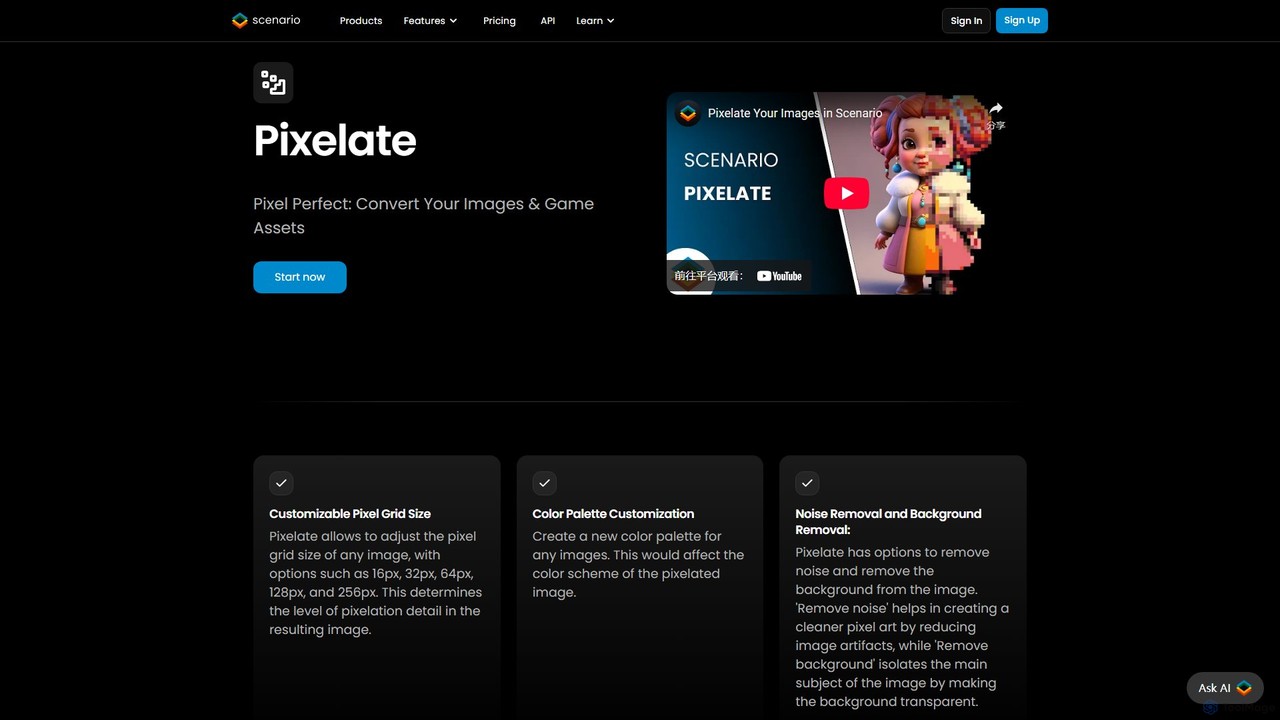
Pixelicious
Pixelicious is an AI-powered tool that effortlessly converts any image into high-quality, retro-style pixel art. Ideal for game developers, digital artists, and creators, it simplifies the process of generating pixelated graphics for games, art projects, and social media avatars.
Generative Art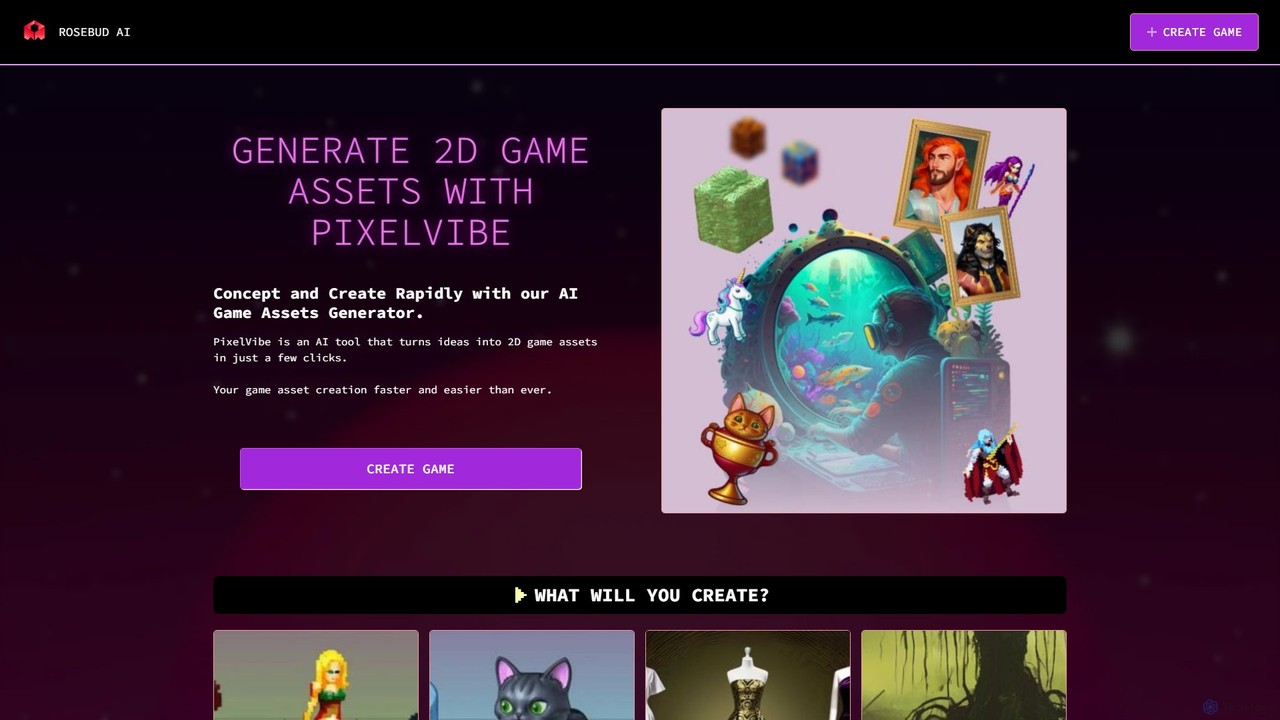
PixelVibe
PixelVibe by Rosebud AI is an advanced AI-powered platform for generating high-quality 2D and 3D game assets. It enables game developers to rapidly create character sprites, environments, props, isometric tiles, and more from simple text prompts. Designed to accelerate the creative process, it supports various art styles, making it an essential tool for both indie developers and established studios.
Game Development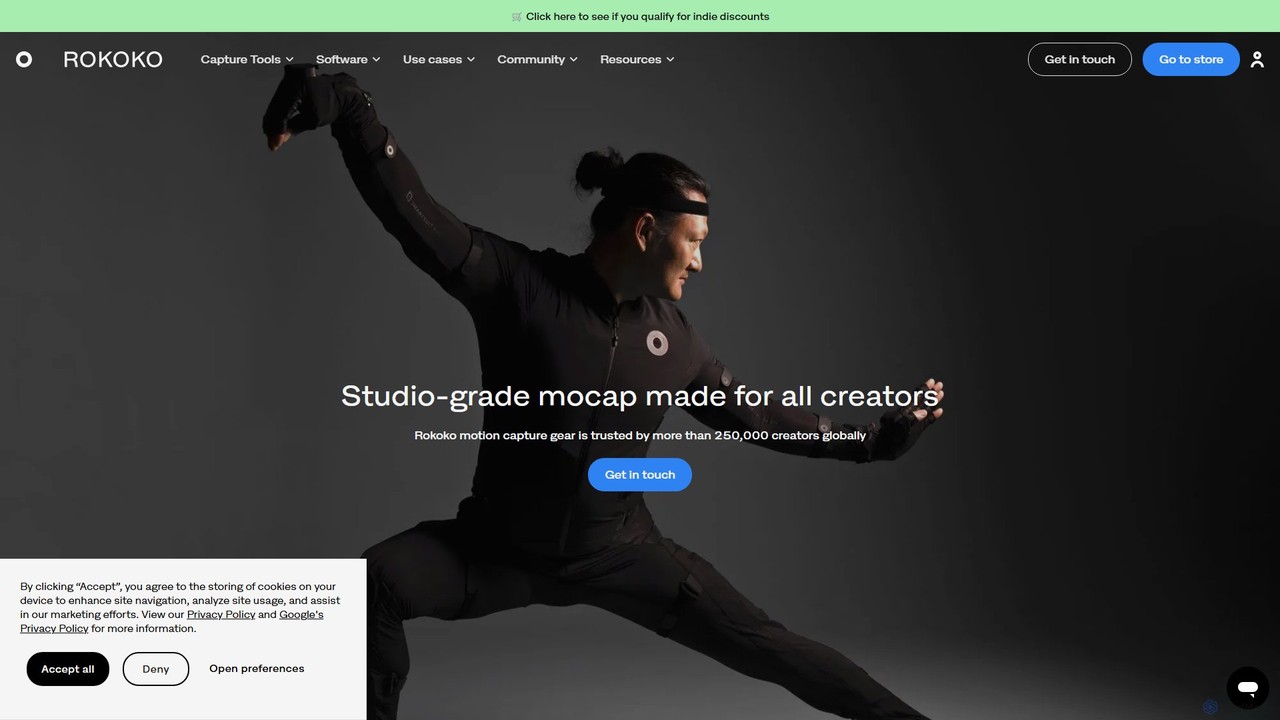
Rokoko
Rokoko offers a complete ecosystem of motion capture tools, including hardware suits and AI-powered software, designed to make character animation accessible and affordable for all creators. Capture body, finger, and facial movements in real-time and integrate them seamlessly into your 3D workflow.
Motion CaptureSprite Fusion Categories
Sprite Fusion Embed Widget
Copy this embed code to place the badge on your blog, article, or product site and send readers directly to this ToolMage detail page.

Related AI tools
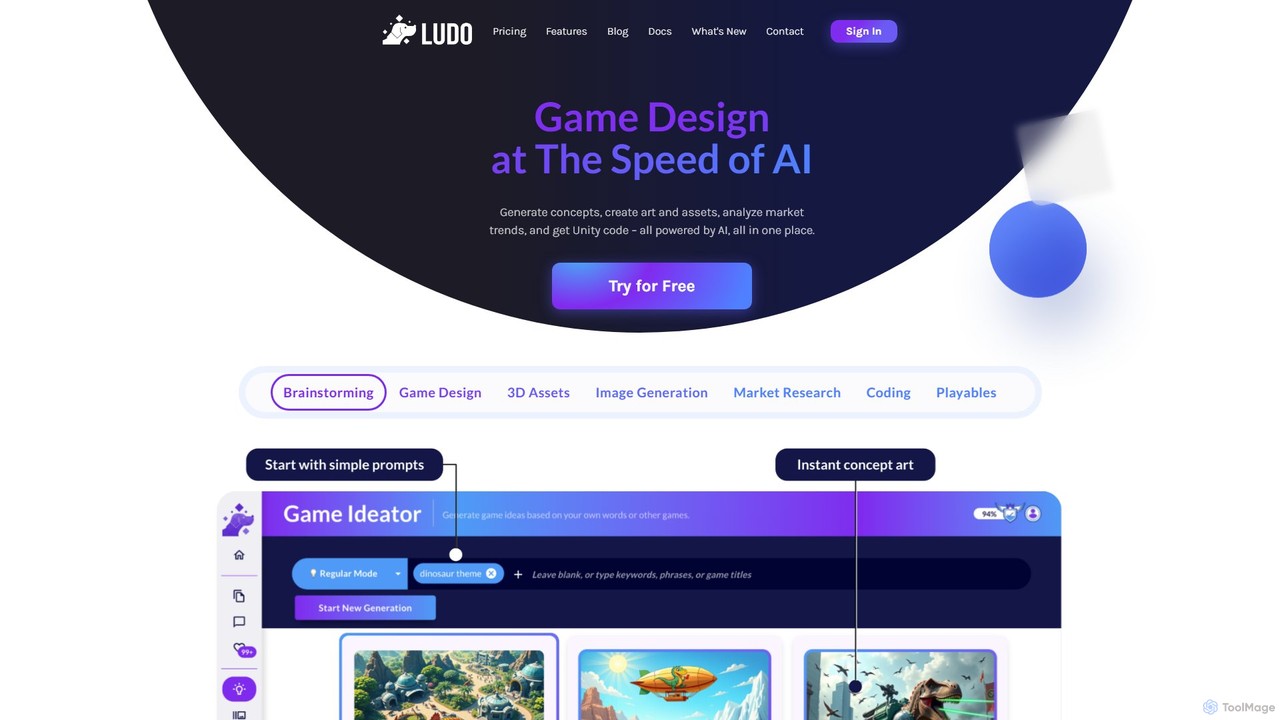
Ludo.ai
Ludo.ai is an all-in-one AI-powered platform designed to accelerate the game development process. It assists creators from initial brainstorming and concept generation to creating 2D/3D assets, market research, and even generating playable prototypes and code snippets. It's a unified ecosystem for game developers to build hit games faster.
Code GenerationPixelicious
Pixelicious is an AI-powered tool that effortlessly converts any image into high-quality, retro-style pixel art. Ideal for game developers, digital artists, and creators, it simplifies the process of generating pixelated graphics for games, art projects, and social media avatars.
Generative ArtPixelVibe
PixelVibe by Rosebud AI is an advanced AI-powered platform for generating high-quality 2D and 3D game assets. It enables game developers to rapidly create character sprites, environments, props, isometric tiles, and more from simple text prompts. Designed to accelerate the creative process, it supports various art styles, making it an essential tool for both indie developers and established studios.
Game DevelopmentRokoko
Rokoko offers a complete ecosystem of motion capture tools, including hardware suits and AI-powered software, designed to make character animation accessible and affordable for all creators. Capture body, finger, and facial movements in real-time and integrate them seamlessly into your 3D workflow.
Motion Capture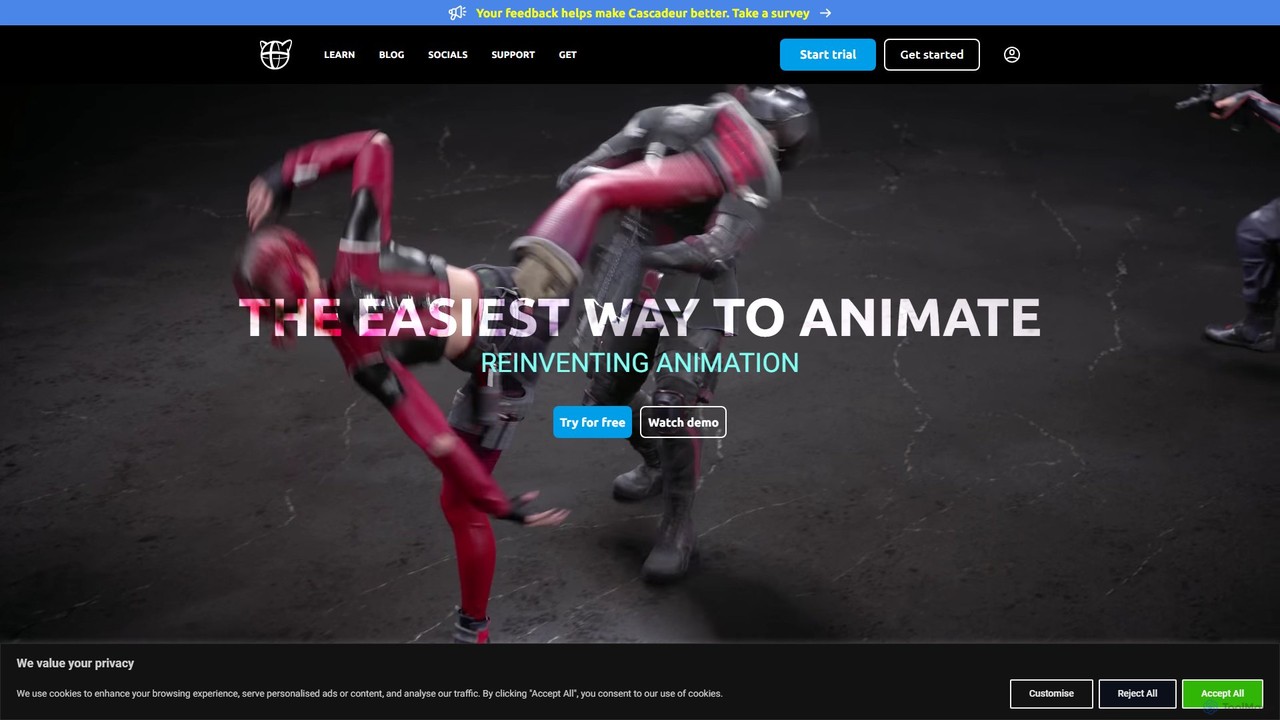
Cascadeur
Cascadeur is an AI-assisted 3D animation software that leverages physics and deep learning tools to create realistic keyframe animations for characters and creatures. It simplifies and accelerates the animation process, making it ideal for game developers, animators, and VFX artists.
Character Design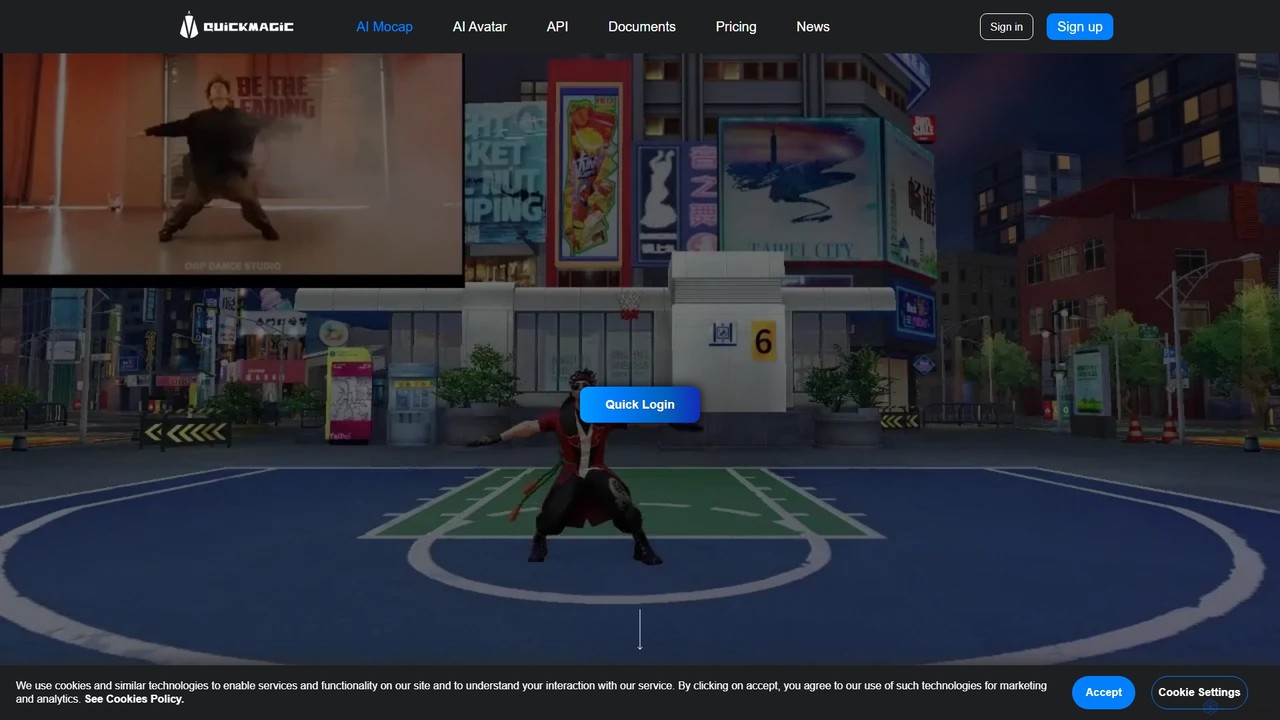
QuickMagic
QuickMagic is an AI-powered motion capture tool that converts single-camera videos into high-quality 3D animations. It's designed for animators, game developers, and content creators to generate realistic character movements quickly and easily, supporting major 3D software and formats.
Motion Capture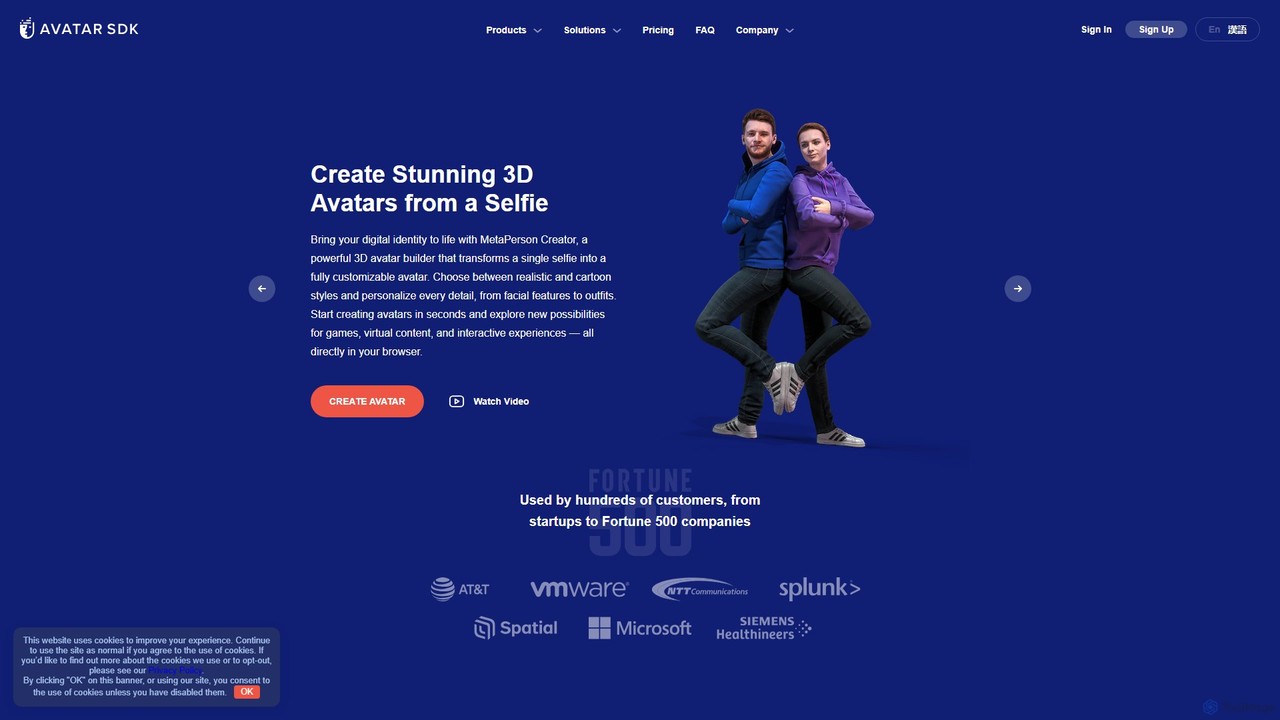
Avatar SDK
An advanced AI-powered Software Development Kit (SDK) for creating realistic and customizable 3D avatars from a single 2D photo. Ideal for games, metaverses, and virtual communication applications.
Avatar Generation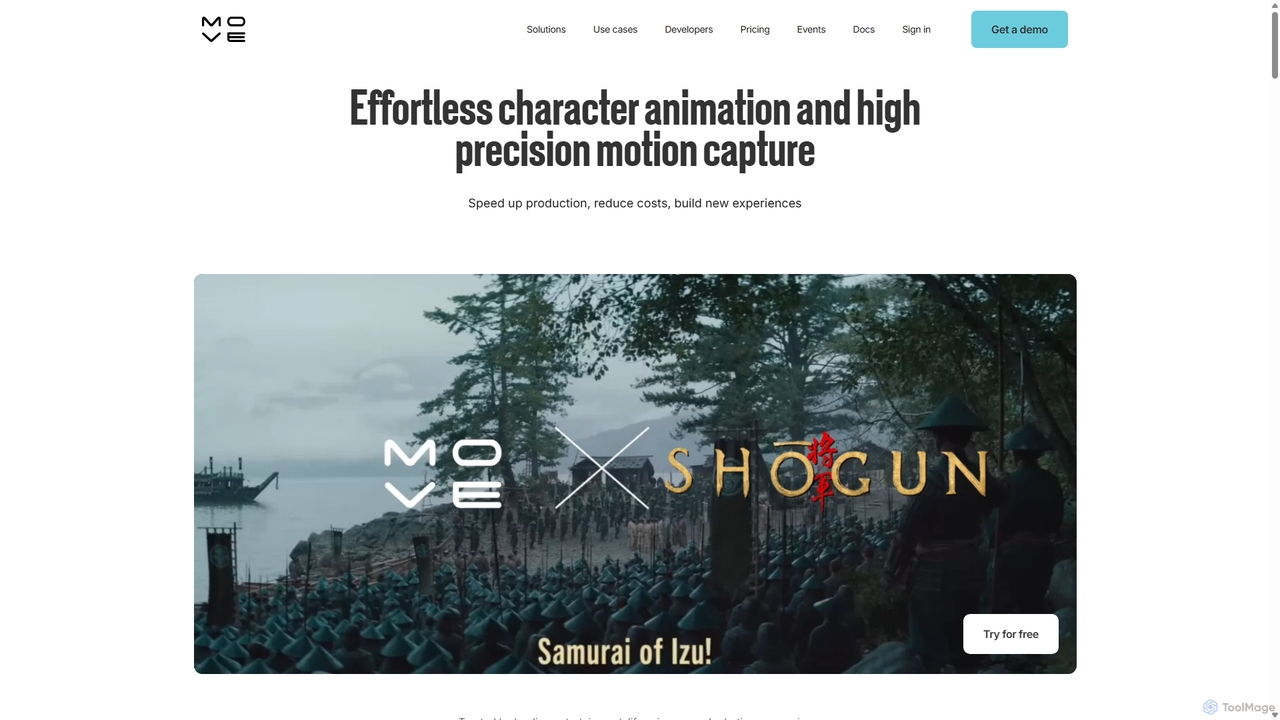
Move AI
Move AI is an advanced markerless motion capture platform that uses AI to transform video from any camera, including iPhones and GoPros, into high-fidelity 3D character animation. It democratizes mocap technology, making it accessible and affordable for creators in gaming, film, VFX, and research, drastically speeding up production workflows and reducing costs.
Motion Capture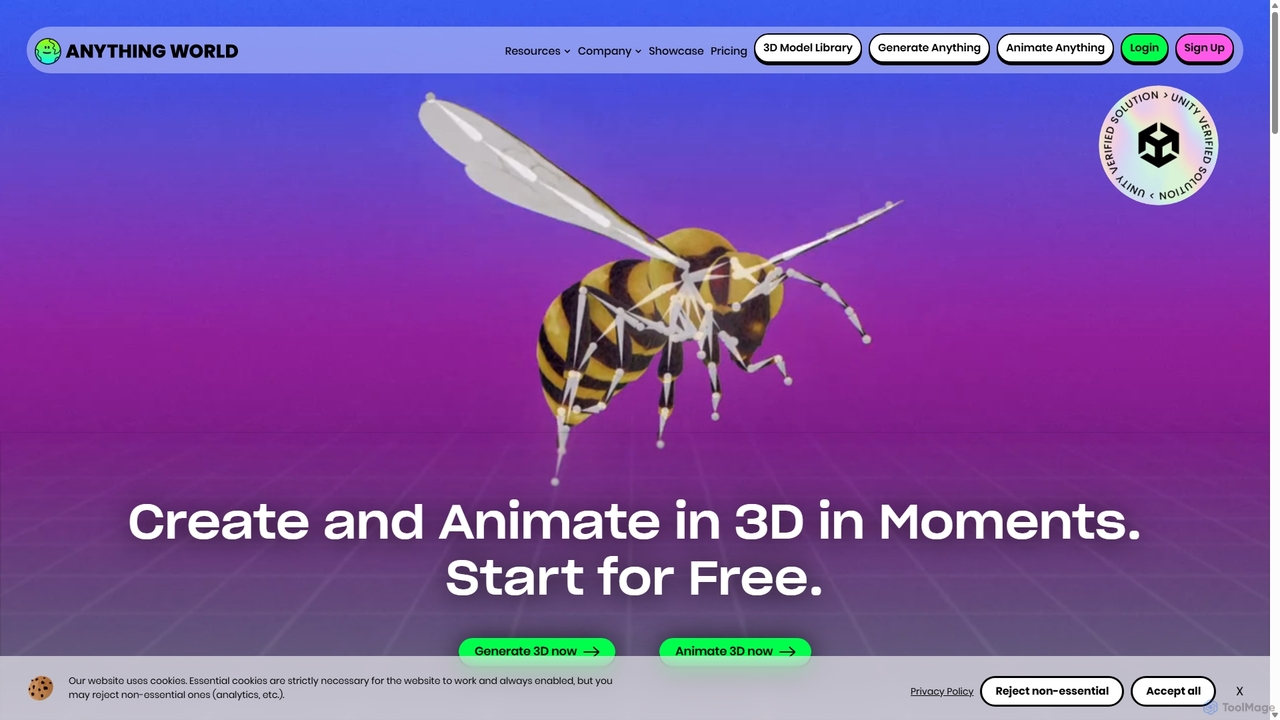
Anything World
Anything World is an AI-powered platform that revolutionizes 3D content creation with automated rigging and animation. It provides game-ready SDKs for Unity and Unreal Engine, enabling developers and artists to rapidly generate and control animated 3D models and entire virtual worlds using simple text or voice commands.
3D
radicalmotion
RADiCAL is a browser-based AI platform for real-time motion capture and 3D content creation. It enables users to generate 3D animations from single 2D videos or live camera feeds without special hardware or suits. It features two core products: RADiCAL Motion for mocap and RADiCAL Canvas for 3D scene design, making 3D creation accessible to everyone.
3D
Ready Player Me
Ready Player Me is a cross-game avatar platform for developers, providing SDKs and tools to integrate a highly customizable 3D avatar system into games and metaverse applications. It leverages AI for avatar creation and offers monetization opportunities through a shared cosmetic economy.
3D Generation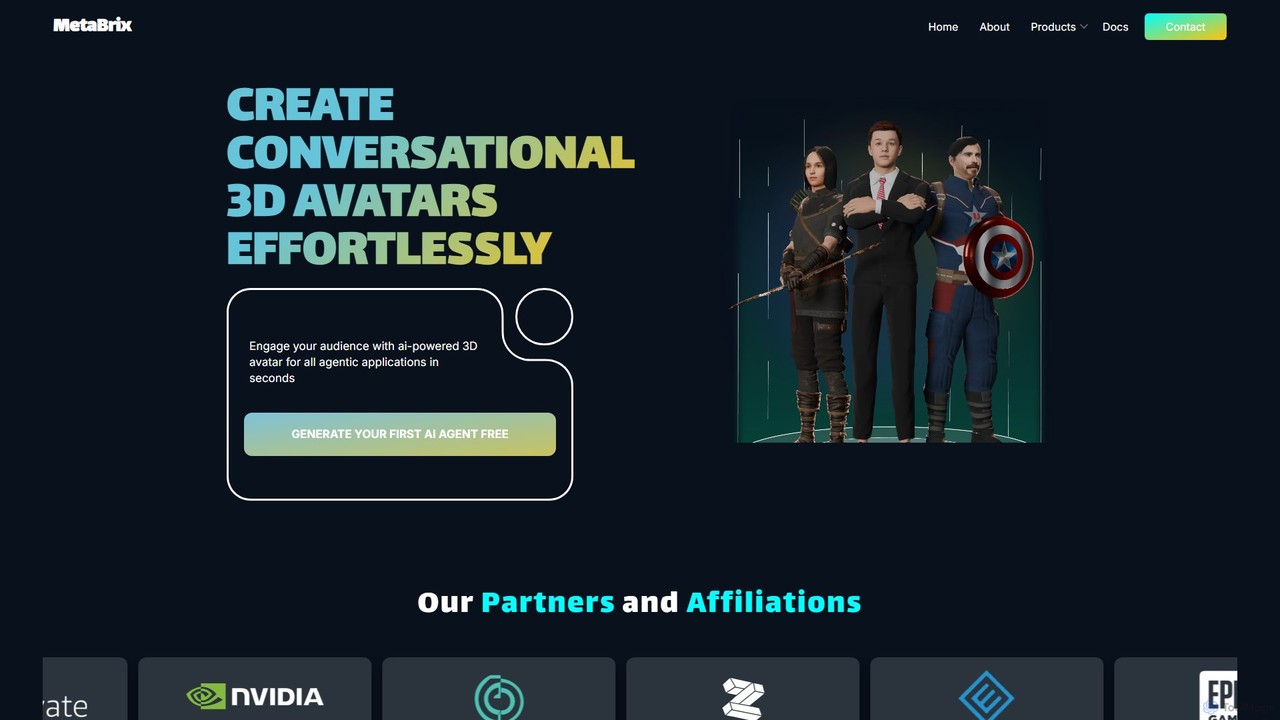
MetaBrix
MetaBrix is a Gen-AI powered platform for effortlessly creating conversational 3D avatars. It enables users to generate fully-rigged, emotionally expressive characters from text or images in seconds. Designed for gaming, healthcare, and enterprise applications, it offers seamless integration with major engines like Unity and Unreal via API and SDK.
Character Generation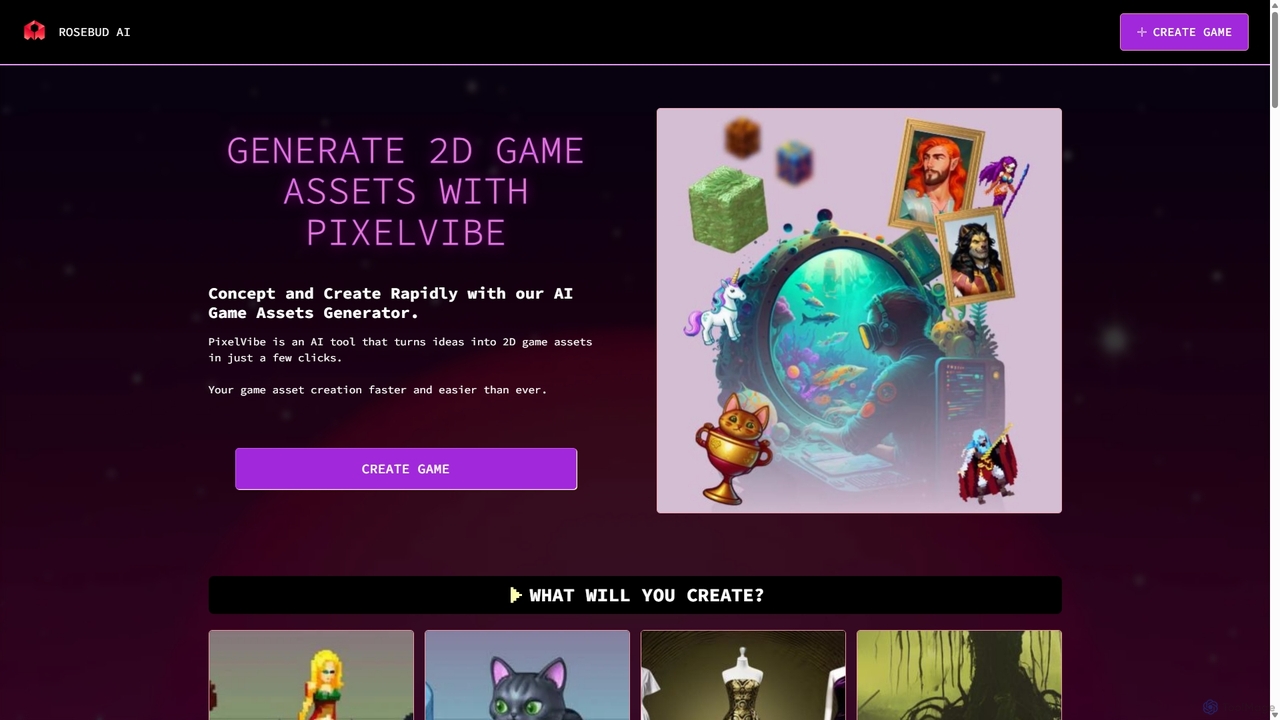
PixelVibe
PixelVibe is an AI-powered game asset generator by Rosebud AI that transforms text prompts into high-quality 2D and 3D game assets. It offers a wide range of styles, from pixel art to cartoony, enabling game developers and creators to rapidly concept and produce character sprites, environments, props, and more, significantly speeding up the creative workflow.
3D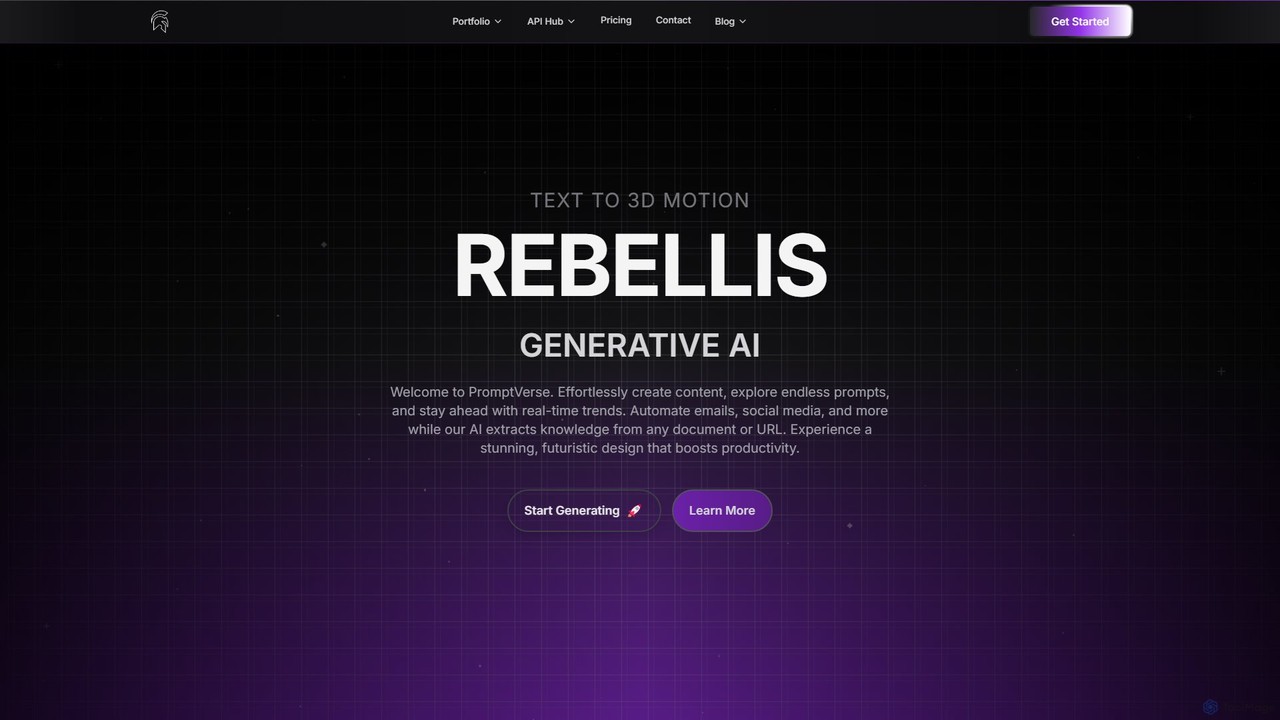
Rebellis AI
Rebellis AI is a generative AI platform that transforms simple text prompts into high-quality 3D character animations in seconds. Designed for game developers and animators, it streamlines the creative process by offering seamless integration with major platforms like Unity, Blender, and Roblox. Users can customize animations and export them in various standard formats, making it an accessible yet powerful tool for bringing characters to life.
3D Animation
Alter AI
Alter AI is a powerful developer platform that generates realistic and customizable 3D avatars from a single 2D photo. It provides SDKs and APIs to seamlessly integrate cross-platform avatars into games, metaverses, and applications.
Avatar Generation
Sprite Fusion Comments (0)
Sign in to comment.
Sign inNo comments yet.