

typeng Overview
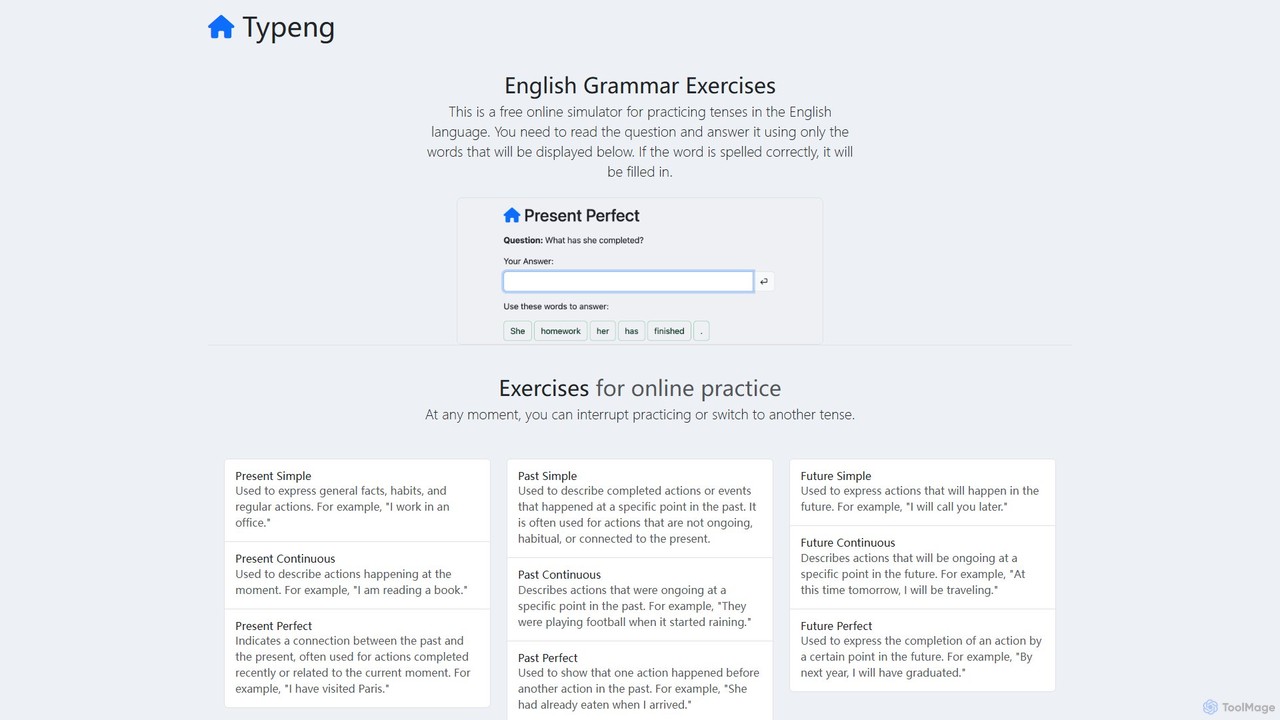
typeng is a dedicated online platform designed to help users practice and master English grammar through an innovative and interactive approach. It functions as a free grammar simulator, moving beyond traditional multiple-choice questions to a more hands-on method. The core philosophy of the site is to embed correct grammatical structures into the user's subconscious through repetitive, active practice. This makes it an excellent tool for English language learners, students, and anyone looking to refresh their grammar skills.
The platform covers an extensive list of grammatical topics. Users can find exercises for all major English tenses, including Present, Past, and Future in their Simple, Continuous, and Perfect forms. Beyond tenses, the curriculum extends to fundamental concepts like adjectives, adverbs, articles, nouns, pronouns, prepositions, and conjunctions. It also delves into more complex areas such as phrasal verbs, passive voice, conditional clauses, reported speech, and gerunds vs. infinitives. This comprehensive coverage ensures that learners at all stages can find relevant material to work on.
How to use typeng
Using typeng is straightforward and designed for immediate access without any barriers. The process is as follows:
- Navigate to the typeng.com website. No registration or login is required.
- From the homepage or navigation menu, select the specific grammar topic you wish to practice (e.g., 'Past Simple', 'Adjectives', 'Phrasal Verbs').
- You will be presented with a question or a prompt. Below it, a set of words will be displayed.
- Your task is to construct the grammatically correct answer by clicking on the words in the correct sequence.
- As you select a word, it gets added to the answer field. The system provides implicit, real-time feedback; only correctly spelled and placed words will be accepted, guiding you towards the right sentence structure.
- For offline practice, you can browse the 'Worksheets' section, select a topic, choose your English proficiency level (from A1 to C1), and download a free PDF worksheet with exercises and answers.
Core Features of typeng
- Interactive Grammar Simulator: Actively construct sentences from word blocks instead of passively selecting answers.
- Comprehensive Topic Coverage: Includes a vast array of grammar points, from basic tenses to advanced structures like subjunctives and passive voice.
- Downloadable PDF Worksheets: Offers free, printable PDF exercises for every major grammar topic, tailored for different CEFR levels (A1-C1).
- No Registration Needed: Fully accessible for free without the need to create an account or provide personal information.
- Immediate Feedback Mechanism: The interactive exercise format naturally guides users to the correct answer.
- Repetitive Learning Method: Designed to reinforce grammar rules through repeated practice, aiding long-term memory retention.
- Clean and Simple Interface: A user-friendly, ad-free environment focused solely on learning.
Use Cases for typeng
typeng is a versatile tool suitable for a variety of users:
- ESL/EFL Students: Learners of English as a Second or Foreign Language can use the platform for targeted practice on grammar points they struggle with.
- Self-Learners: Individuals studying English independently can use typeng as a primary tool for grammar drills and reinforcement.
- Test Preparation: Students preparing for English proficiency exams like TOEFL, IELTS, TOEIC, or Cambridge assessments can use the exercises to solidify their grammar knowledge.
- Teachers and Tutors: Educators can use the online simulator in the classroom or assign the downloadable PDF worksheets as homework to supplement their teaching.
- Writers and Professionals: Anyone who wants to brush up on their English grammar to improve their writing clarity and professionalism.
Advantages of typeng
The main advantage of typeng is its effective, practice-based learning model combined with complete accessibility. Being entirely free and requiring no registration removes all barriers to entry. The hands-on, sentence-building approach is more engaging and effective for retention than traditional exercises. The availability of structured PDF worksheets for all levels (A1-C1) makes it a valuable resource for both structured and unstructured learning paths. Its focus on repetition is a sound pedagogical strategy for mastering complex rules.
Pricing and Plans
typeng is a completely free resource. All interactive exercises and downloadable PDF worksheets are available to all users at no cost. There are no subscription plans, hidden fees, or premium versions. The platform is supported by the creator's vision to provide a free, high-quality educational tool for English learners worldwide.
typeng Alternatives
BoldSpeak
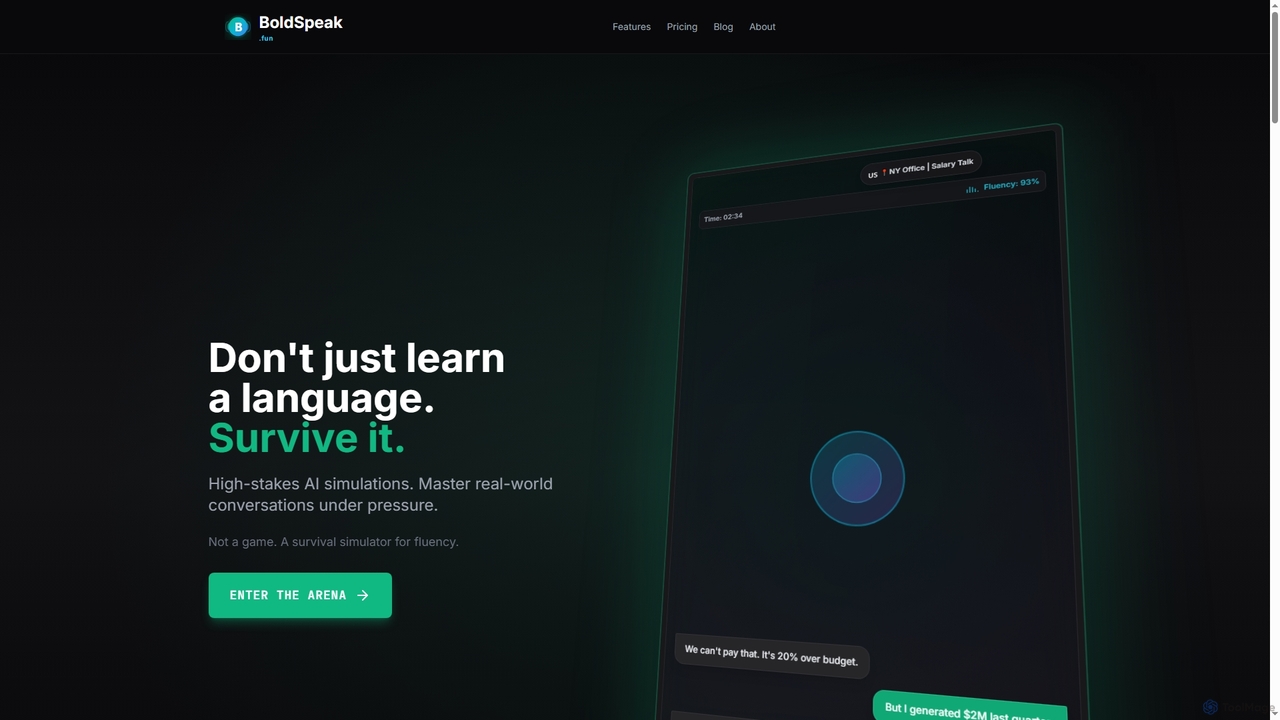
BoldSpeak is an AI-powered language survival simulator designed to help users master real-world conversations through high-stakes, pressure-based scenarios. It moves beyond traditional learning by using an adaptive AI that challenges users in realistic situations like negotiations and emergencies.
Virtual Assistant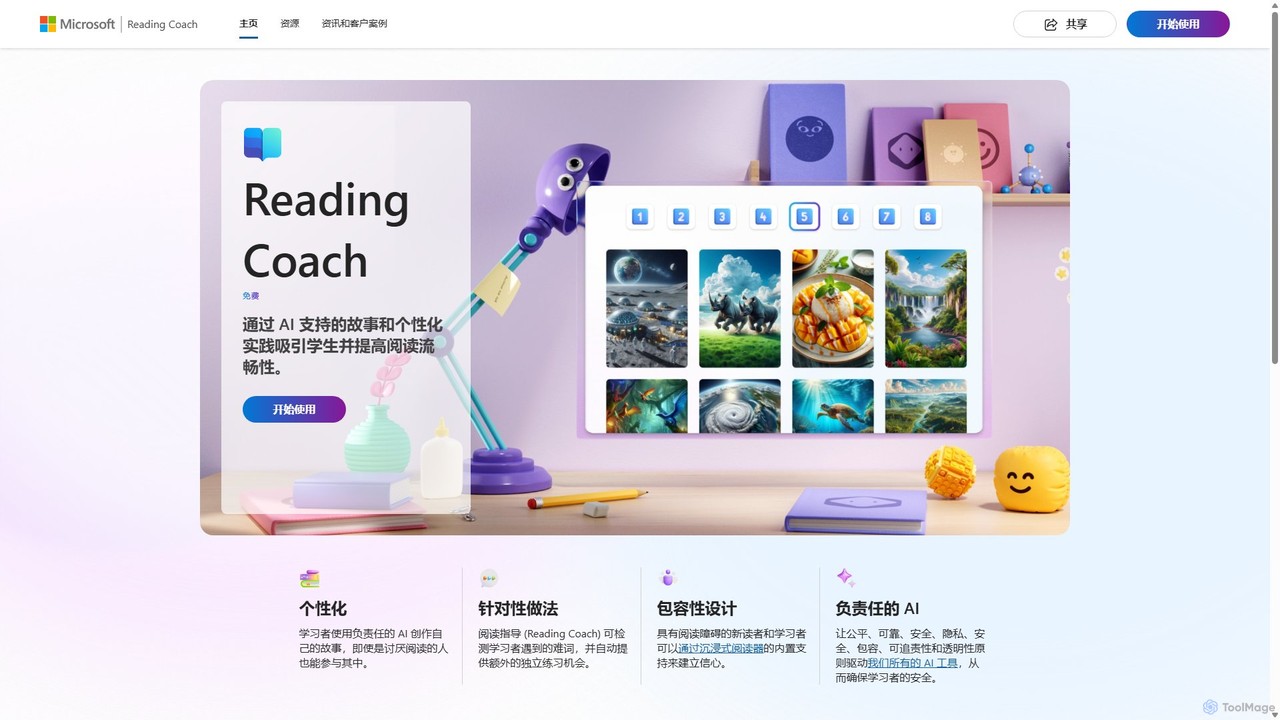
Reading Coach
Reading Coach is a free AI-powered tool from Microsoft designed to improve reading fluency and confidence. It engages learners through personalized, AI-generated stories and provides real-time feedback on pronunciation. With targeted practice for challenging words and integration with Immersive Reader, it offers an inclusive and motivating learning experience for students, teachers, and parents.
Accessibility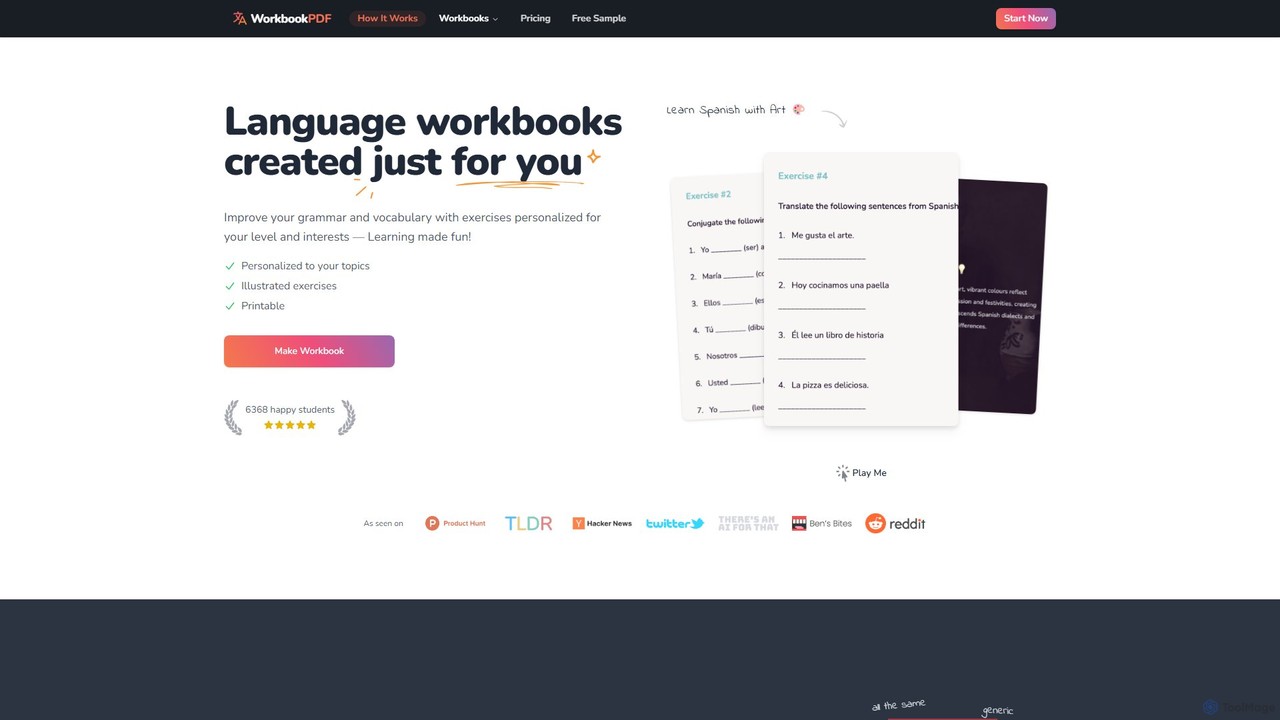
WorkbookPDF
WorkbookPDF is an AI-powered platform that generates personalized language learning workbooks. It creates custom PDF exercises based on your proficiency level (A1-C2) and personal interests. Supporting over 23 languages, it offers a variety of fun exercises like fill-in-the-blanks, multiple choice, and translation to make grammar and vocabulary practice engaging and effective.
Personalized Learning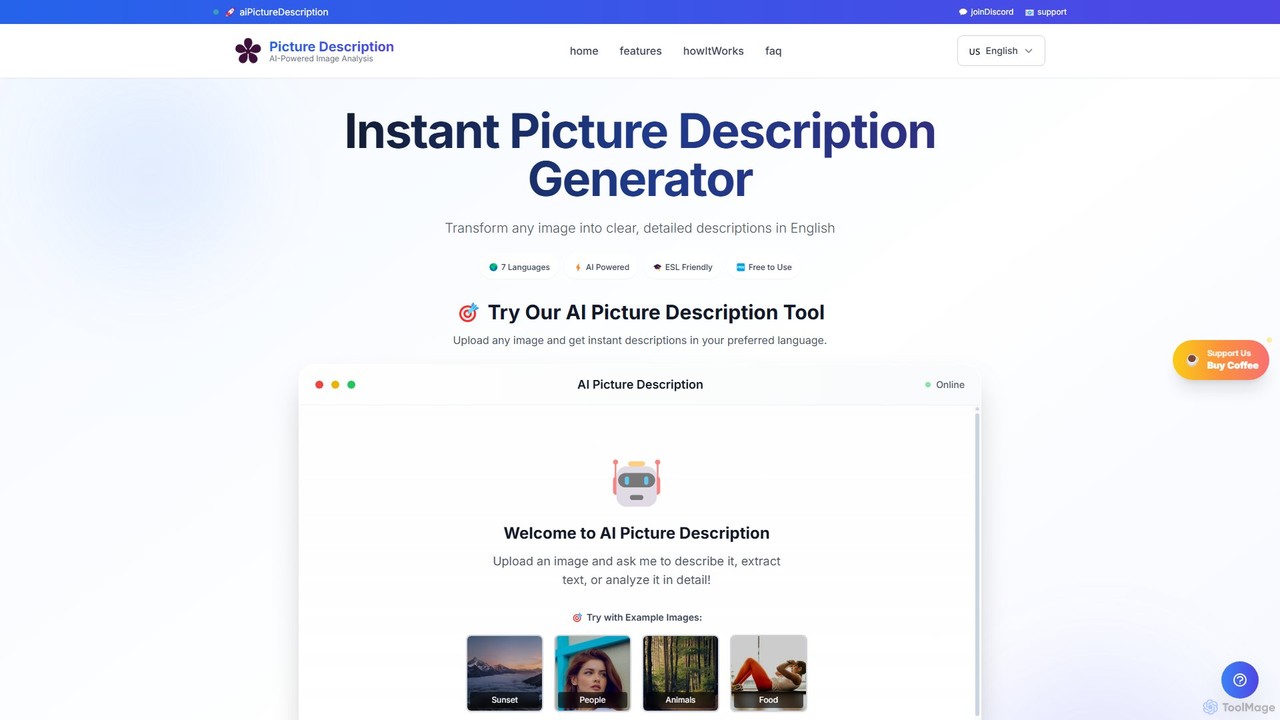
PictureDescription
PictureDescription is an AI-powered tool designed for ESL learners, educators, and content creators. It instantly generates detailed, accurate image descriptions in multiple languages and for various proficiency levels (A1-C1). It's perfect for speaking practice, exam preparation (like PET), vocabulary building, and creating accessible content.
Language Learning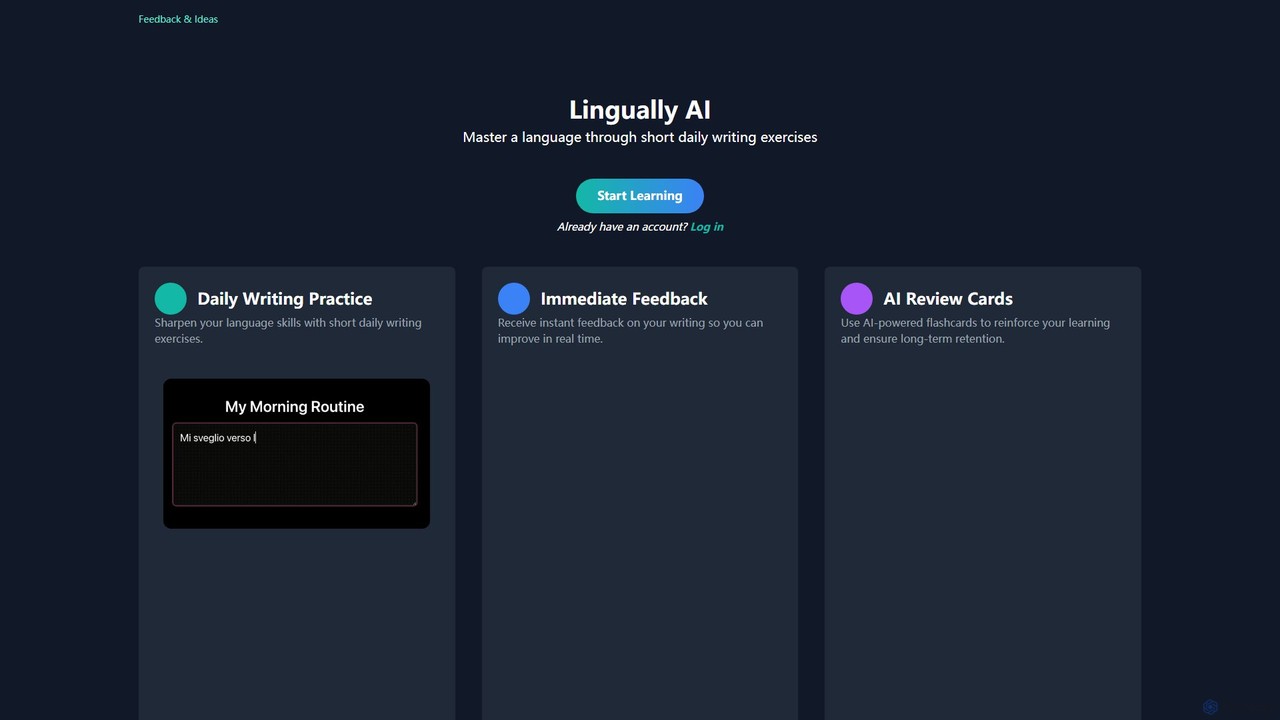
Lingually AI
Lingually AI is an AI-powered language learning platform that helps you master a new language through short, daily writing exercises. Get instant feedback on your grammar, syntax, and vocabulary, and reinforce your learning with personalized AI-powered flashcards. It's a practical and effective way to improve your writing skills and build confidence in a foreign language.
Personalized Learningtypeng Categories
typeng Embed Widget
Copy this embed code to place the badge on your blog, article, or product site and send readers directly to this ToolMage detail page.

Related AI tools
Reading Coach
Reading Coach is a free AI-powered tool from Microsoft designed to improve reading fluency and confidence. It engages learners through personalized, AI-generated stories and provides real-time feedback on pronunciation. With targeted practice for challenging words and integration with Immersive Reader, it offers an inclusive and motivating learning experience for students, teachers, and parents.
AccessibilityWorkbookPDF
WorkbookPDF is an AI-powered platform that generates personalized language learning workbooks. It creates custom PDF exercises based on your proficiency level (A1-C2) and personal interests. Supporting over 23 languages, it offers a variety of fun exercises like fill-in-the-blanks, multiple choice, and translation to make grammar and vocabulary practice engaging and effective.
Personalized LearningPictureDescription
PictureDescription is an AI-powered tool designed for ESL learners, educators, and content creators. It instantly generates detailed, accurate image descriptions in multiple languages and for various proficiency levels (A1-C1). It's perfect for speaking practice, exam preparation (like PET), vocabulary building, and creating accessible content.
Language LearningLingually AI
Lingually AI is an AI-powered language learning platform that helps you master a new language through short, daily writing exercises. Get instant feedback on your grammar, syntax, and vocabulary, and reinforce your learning with personalized AI-powered flashcards. It's a practical and effective way to improve your writing skills and build confidence in a foreign language.
Personalized Learning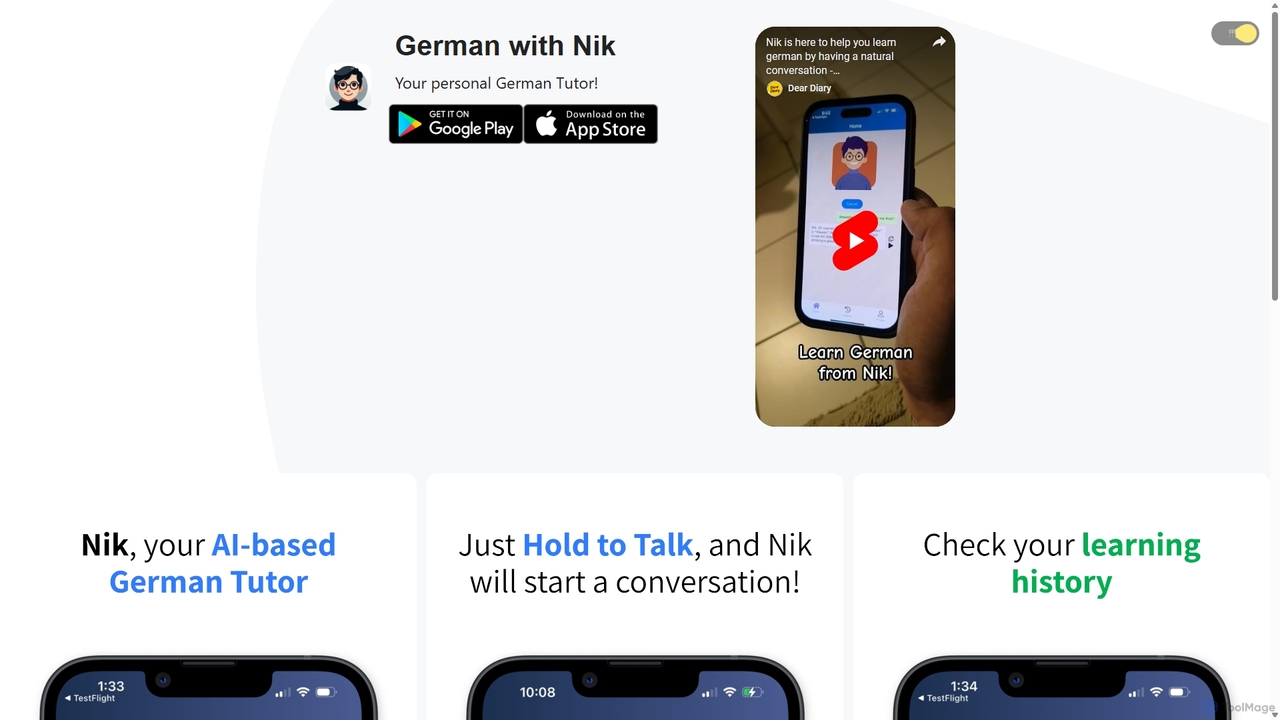
German with Nik
German with Nik is an AI-powered language learning tool designed for practicing conversational German. Engage in realistic dialogues with an AI tutor named Nik, receive instant feedback and corrections, and build fluency in a stress-free, interactive environment. Perfect for learners of all levels.
Tutor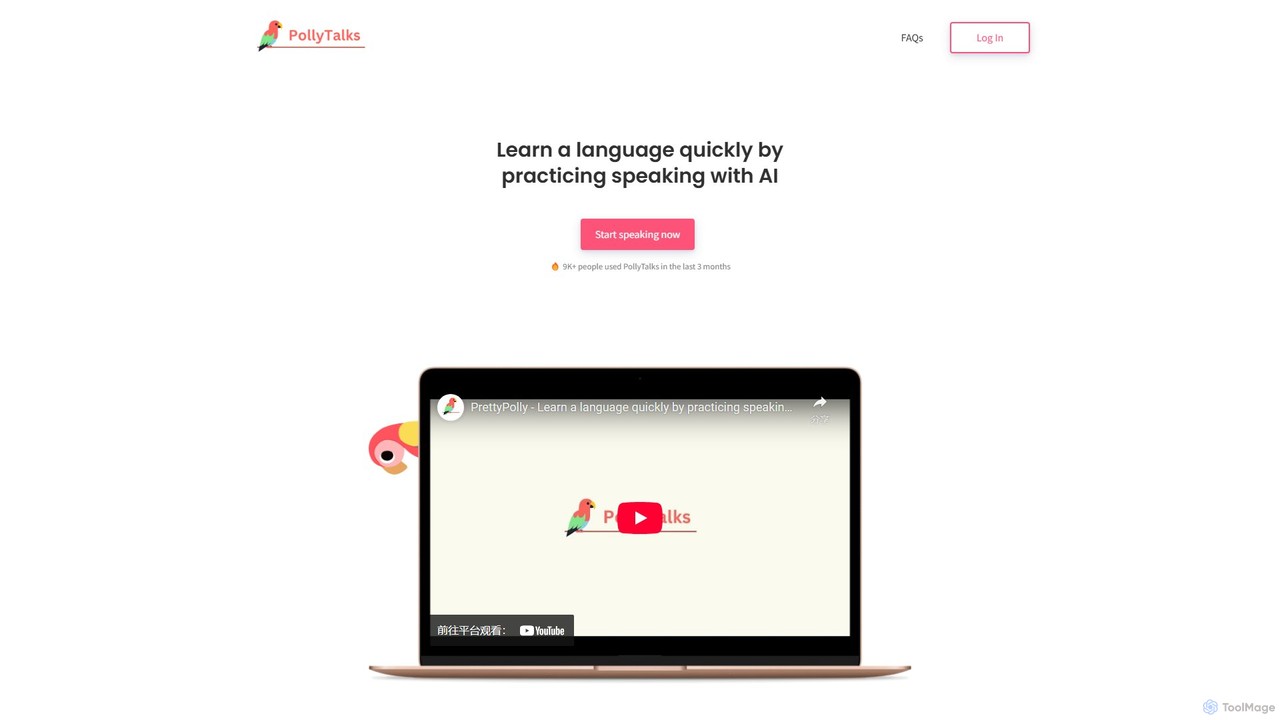
PollyTalks
PollyTalks is an AI-powered language learning platform designed to help you learn languages quickly by practicing speaking. Engage in realistic conversations with an AI partner in over 36 languages, get instant feedback, and build confidence in a pressure-free environment. Create custom scenarios to tailor your learning experience.
Speech To Text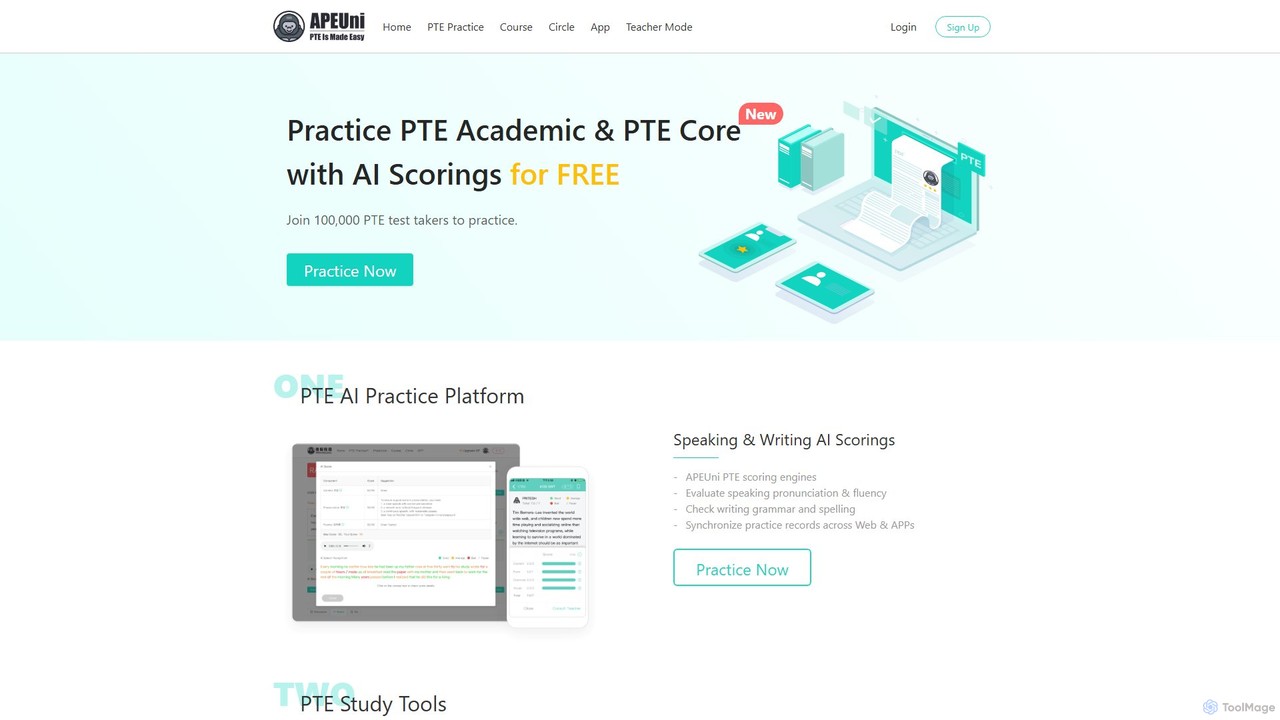
apeuni
apeuni is an AI-powered platform for PTE (Pearson Test of English) preparation. It offers comprehensive practice for all sections of the PTE Academic and PTE Core exams, featuring AI-driven scoring for speaking and writing tasks. With a vast question bank, mock tests, and detailed performance analysis, apeuni helps test-takers improve their skills and achieve their desired scores.
Language Learning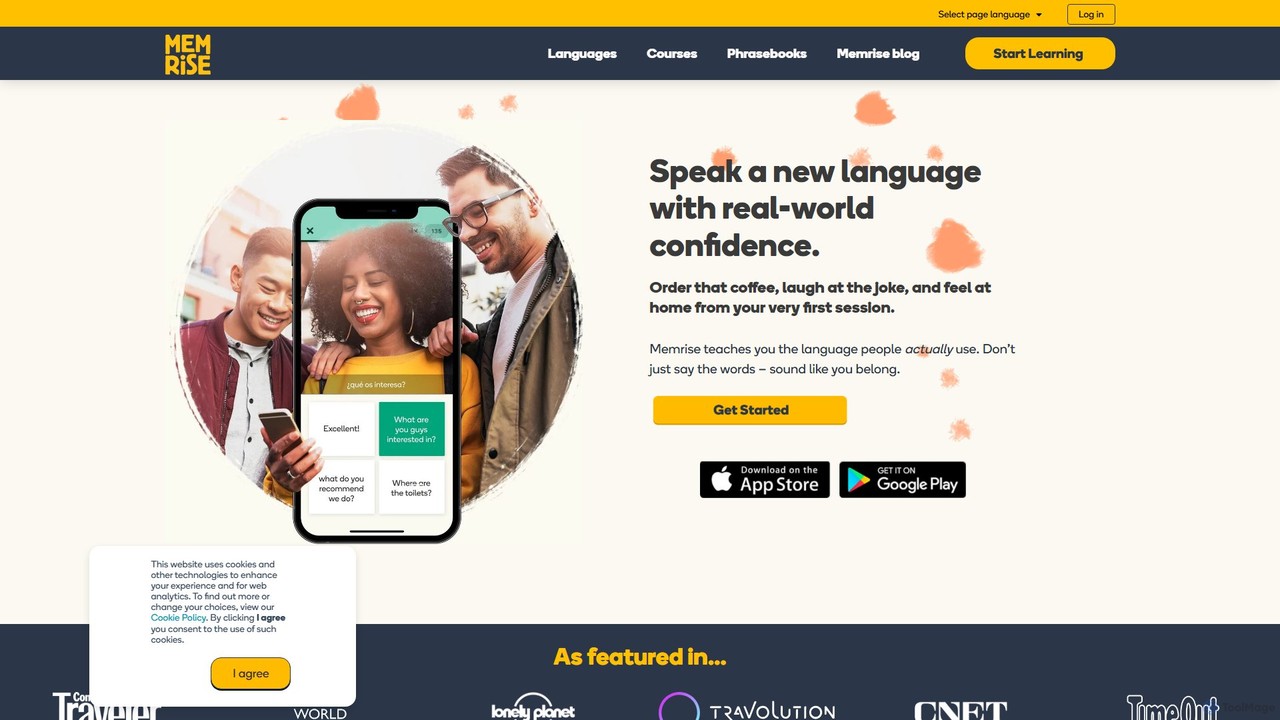
Memrise
Memrise is an AI-powered language learning platform designed to teach real-world language skills. It uses native speaker videos, smart spaced repetition, and a personalized AI coach to help you learn vocabulary, improve pronunciation, and speak with confidence. Ideal for travelers, professionals, and lifelong learners.
Language Learning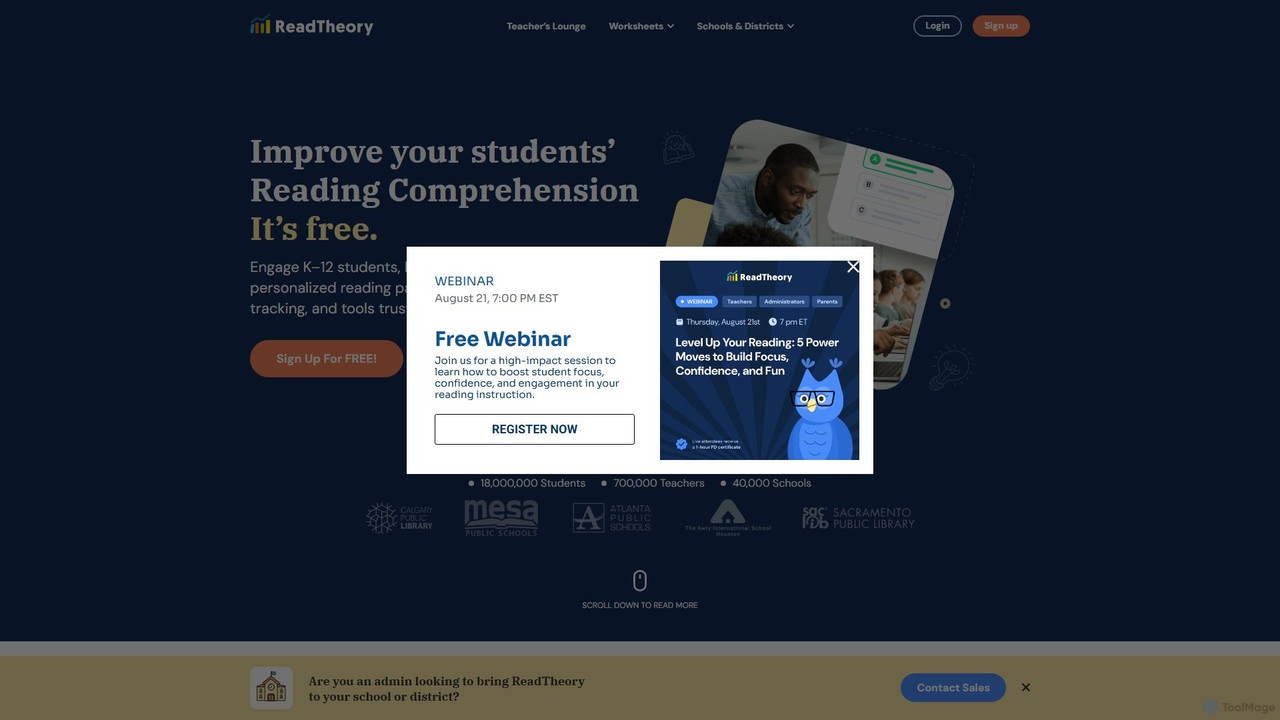
ReadTheory
ReadTheory is an AI-powered adaptive learning platform offering personalized reading comprehension exercises for K-12 and ESL students. It assesses each student's reading level and provides tailored texts and questions to improve literacy skills, while offering teachers powerful data and classroom management tools.
Language Learning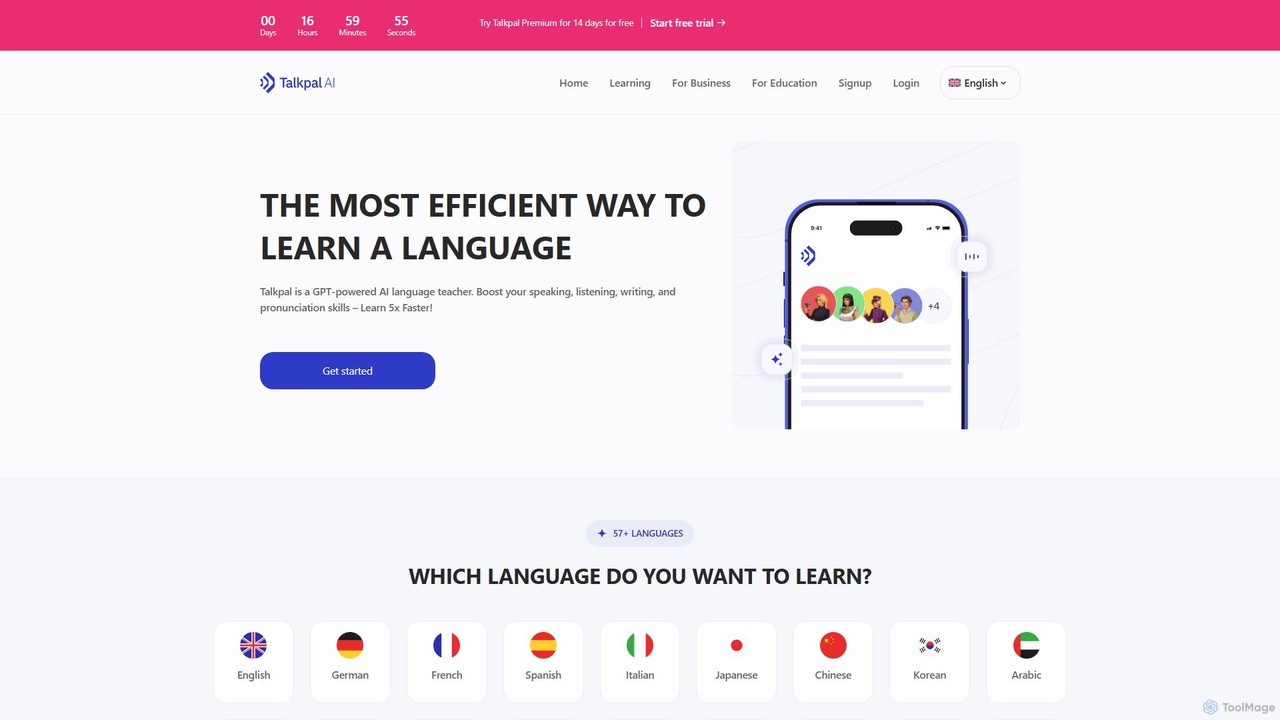
Talkpal
Talkpal is a GPT-powered AI language tutor designed to accelerate fluency. It offers an immersive learning experience through interactive conversations, roleplays, and real-time feedback. Supporting over 57 languages, Talkpal helps users improve speaking, listening, writing, and pronunciation skills up to 5x faster. Personalized learning paths and various practice modes make it suitable for learners of all levels, from beginners to advanced students.
Ai Chatbots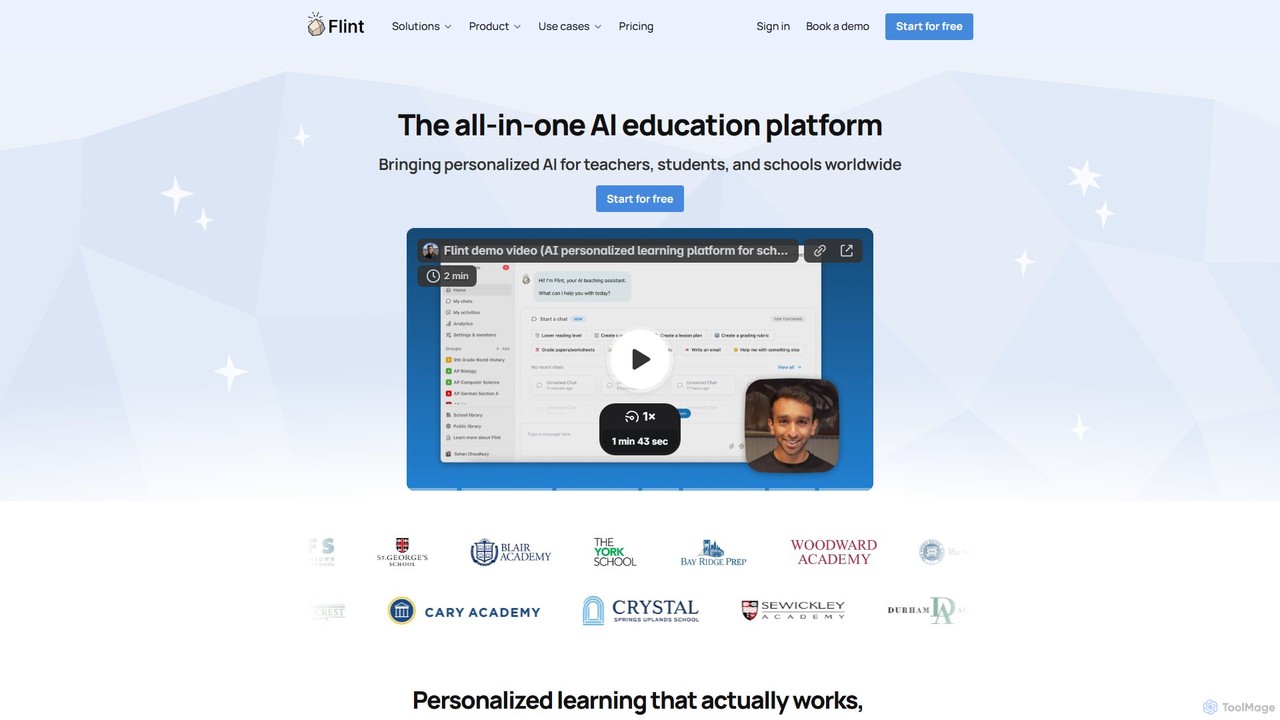
flintk12
Flint is an all-in-one AI education platform designed for K-12 schools. It provides personalized AI tutors for students across all subjects, helping with everything from math problem-solving to language practice. For teachers, its AI assistant, Sparky, automates the creation of lesson plans, rubrics, and activities, while offering powerful tools for grading and real-time analytics. Flint prioritizes data privacy and seamless school-wide integration, making it a safe and effective partner for modern education.
Language Learning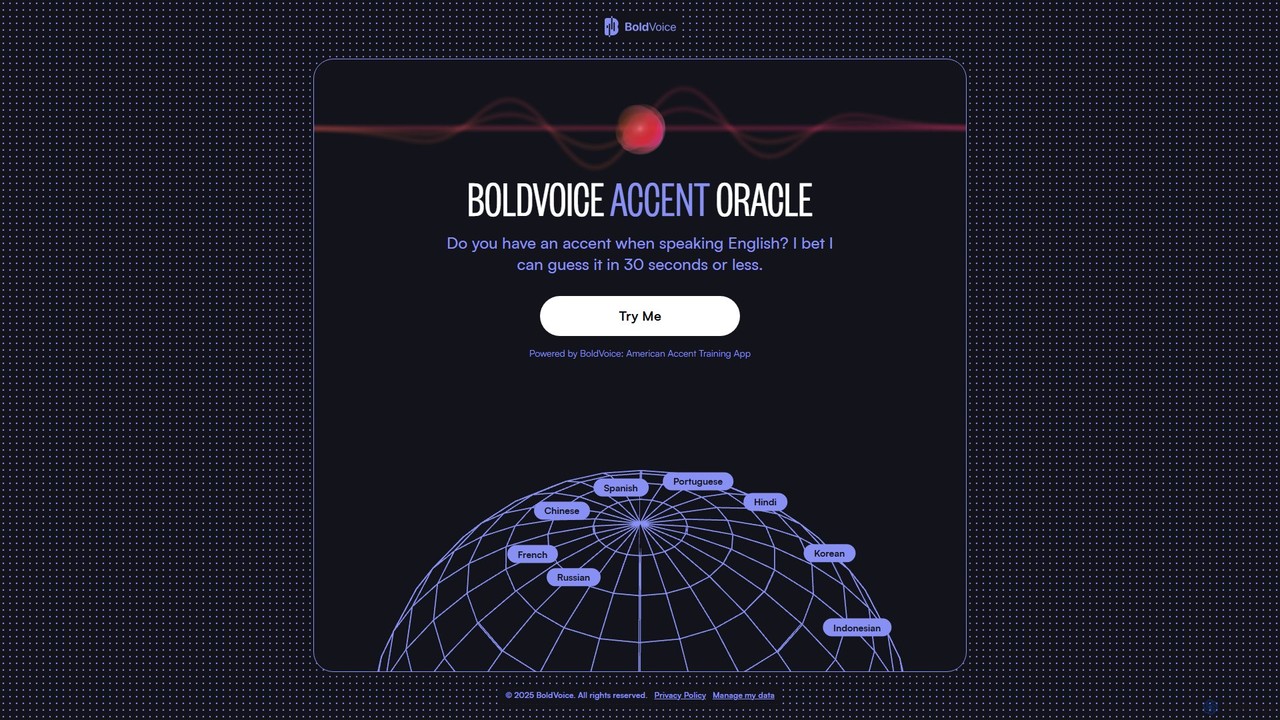
Accent Oracle
Accent Oracle is a free AI-powered tool by BoldVoice that analyzes your spoken English to guess your native language accent in under 30 seconds. Simply record your voice, and the AI will identify key phonetic patterns to provide an instant analysis. It's a fun and insightful way to understand your accent and serves as an introduction to BoldVoice's comprehensive American accent training app.
Speech Recognition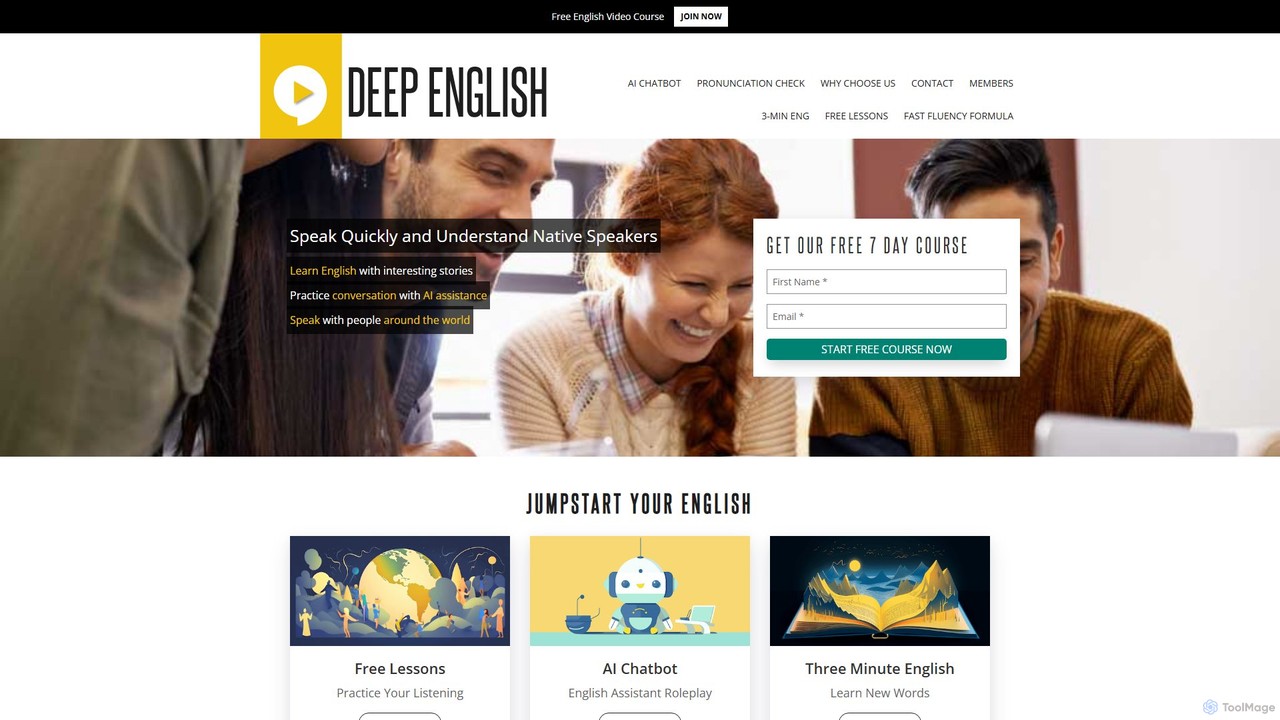
Deep English
Deep English is an AI-powered platform designed to help users achieve English fluency through engaging, story-based lessons. It combines AI conversation practice, pronunciation tools, and live speaking sessions to build confidence and improve listening and speaking skills naturally.
Tutor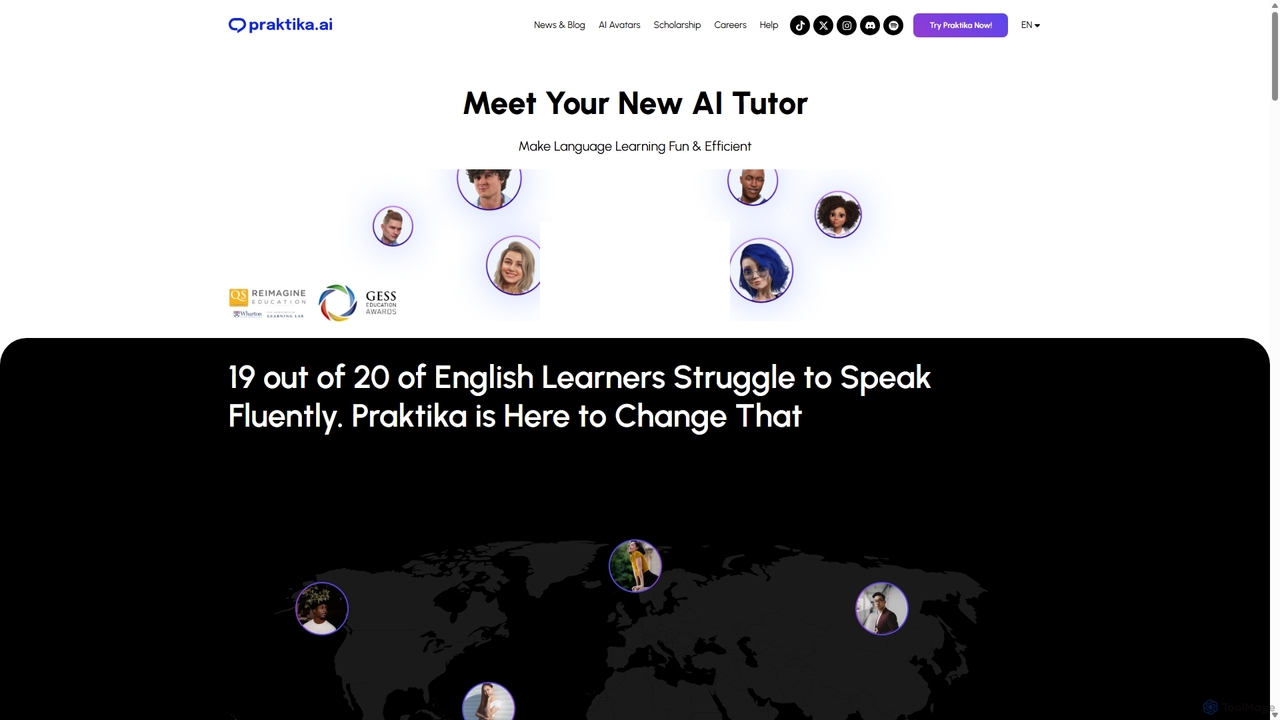
Praktika
Praktika is an AI-powered language learning app that helps you master English and other languages through conversation with ultra-realistic AI avatars. It offers personalized lessons, real-time feedback, and a pressure-free environment to improve fluency, pronunciation, and confidence 24/7.
Language Learning
Deeptranslate
Deeptranslate is a free AI-powered browser extension that provides instant, high-quality bilingual webpage translations. It integrates multiple leading translation engines like GPT, Claude, and Google Translate, allowing users to view original and translated text side-by-side for enhanced comprehension and learning.
Chrome Extensions
typeng Comments (0)
Sign in to comment.
Sign inNo comments yet.